How we make this list: we compare pricing pages, product documentation and public user reviews. Rankite is independent; if a vendor ever pays for a featured spot, that listing is clearly labeled Partner.
Key takeaways
- Kling's free tier is the most generous in the category, with daily login credits that reset every 24 hours, making it usable long-term without paying.
- Pika gives free users 80 monthly video credits, which is enough for a steady trickle of social clips and creative effects tests.
- Runway's free plan is a one-time 125-credit allowance with watermarks, so it works for evaluation but not ongoing production.
- Magic Hour stands out by letting you try core tools before signing up, with 400 signup credits and no card required.
- Free outputs are almost always watermarked and for personal use only, so budget for a paid tier the moment client work enters the picture.
Quick comparison
| Tool | Best for | Starting price | Free plan |
|---|
 Kling AI Kling AI | Realistic motion and camera movement on a free tier | $10 per month (Standard) | Yes (daily login credits, reset every 24 hours) |
 Pika Pika | Social clips and playful creative effects | $10 per month (Standard) | Yes (80 monthly video credits) |
 Runway Runway | Testing cinematic-quality generation before committing | $15 per month ($12 per month billed annually) | Yes (125 one-time credits) |
 Luma Luma | Fast prototyping with natural motion | $9.99 per month (Lite) | Yes (limited draft videos, watermarked, personal use) |
 Magic Hour Magic Hour | Trying many animation tools without signing up | $19 per month ($12 per month billed annually) | Yes (400 signup credits, watermarked, personal use) |
 Hailuo AI Hailuo AI | Fast, affordable image-to-video animation | $14.99 per month (Standard) | Yes (daily bonus credits, watermarked) |
 Animaker Animaker | Animated explainers and character-driven videos | $15 per month (Basic) | Yes (watermarked exports, limited premium assets) |
 Canva Canva | Non-technical creators who live in Canva already | $15 per month (Pro) | Yes (limited Magic Media video allowance) |
Is your product missing or out of date?
We review this list regularly. Vendors can request a listing, send updated pricing or ask about featured placement.
The best free AI animation software
A two-person marketing team at a regional fitness chain needed animated social clips for a new membership drive but had no budget for a motion designer. One of them typed a product description into a free AI video tool, got a usable 5-second clip back in a minute, and repeated the process across a dozen prompts. The result was a week of Instagram and TikTok posts built entirely on free-tier credits. That workflow, quick animated clips from text or images without paying, is exactly what this guide covers.
#1
Kling AI
Best for: Realistic motion and camera movement on a free tier
Visit kling.ai
Starting price$10 per month (Standard)
Free planYes (daily login credits, reset every 24 hours)
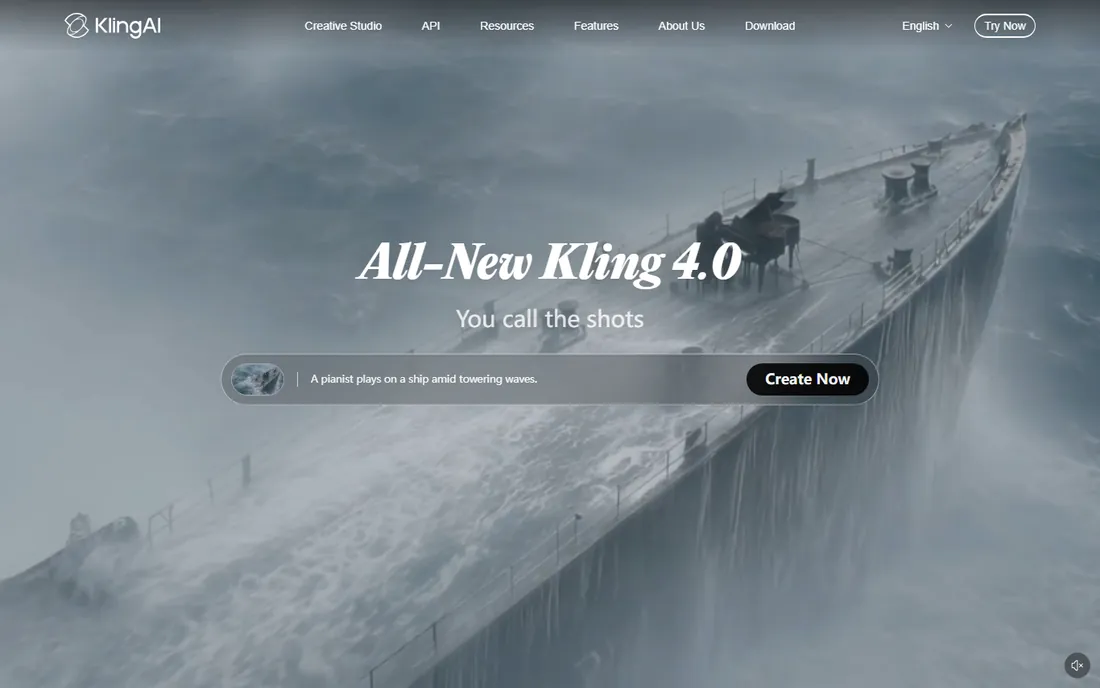
Kling's free plan is the rare one that keeps working month after month. Every registered user gets login credits each day (widely reported at 66 credits, resetting at midnight), with no credit card required, and failed generations get refunded. That makes it a genuine testing ground for realistic animation: product shots, human movement, camera pans and tilts. It is the tool people compare everything else against for motion quality.
The entry paid tier is Standard at $10 per month with 660 monthly credits, adding 1080p output, watermark removal and commercial use rights. Higher tiers (Pro at $37, Premier at $92, Ultra at $180) scale credits and add features like native audio and longer clips.
The catch is that the free tier caps you at 720p with a watermark and no commercial rights, so client-facing work needs a subscription. Also note Kling's consumer app and API are billed separately. For a small business testing whether AI animation fits its content workflow, though, Kling is the best free starting point available.
What we like- Generous ongoing free tier with daily credits
- Strong motion coherence and physics
- Text-to-video and image-to-video in one app
Watch out for- Free outputs are watermarked at 720p
- Credits expire daily with no rollover
#2
Pika
Best for: Social clips and playful creative effects
Visit pika.art
Starting price$10 per month (Standard)
Free planYes (80 monthly video credits)
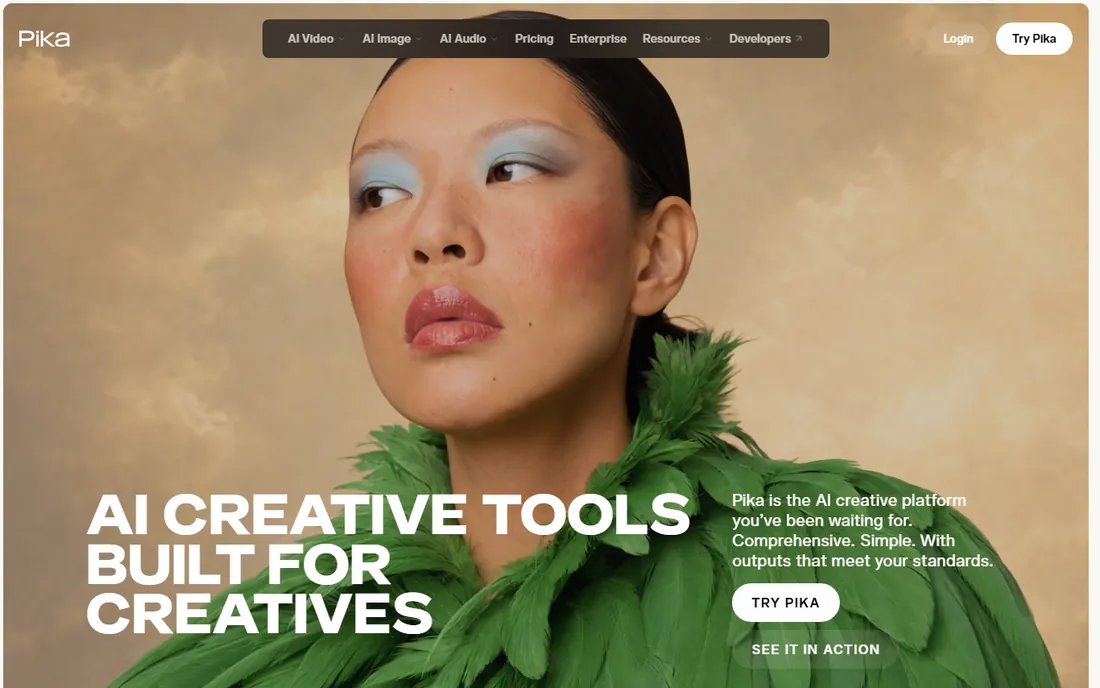
Pika leans into the fun side of AI animation. Its signature Pikaffects turn a still photo into a melting, exploding or cartoonish clip, and the lip-sync tool animates talking heads from audio. For social content where energy matters more than realism, that creative toolbox stands out. The free plan hands out 80 monthly video credits, enough for several short clips a month without paying.
Standard costs $10 per month for 700 monthly credits, with Pro at $35 and Fancy at $95 above it. Pika publishes a detailed credit table, so you can model costs in advance: a 5-second text-to-video clip runs about 12 credits at 480p, 20 at 720p or 40 at 1080p.
The trade-off is output style. Pika excels at stylized, effects-driven animation and trails Kling on photorealistic human motion. But for a small business making Reels or TikToks with a distinctive look, the free tier is one of the most practical in this roundup.
What we like- Free credits renew monthly, not one-time
- Pikaffects and lip sync are genuinely fun
- Clear published credit table for planning
Watch out for- Credits burn faster at higher resolutions
- Stylized output rather than photorealistic
#3
Runway
Best for: Testing cinematic-quality generation before committing
Visit runwayml.com
Starting price$15 per month ($12 per month billed annually)
Free planYes (125 one-time credits)
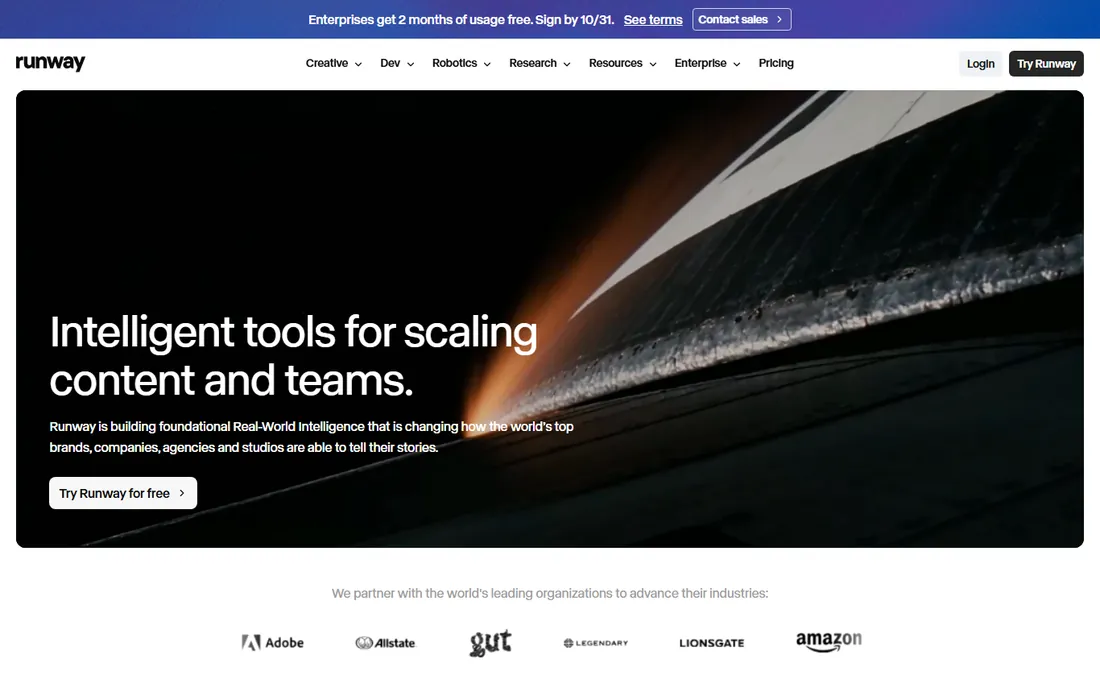
Runway is the professional's pick, and its free plan is really a trial: 125 one-time credits with watermarked output, enough to test Gen-4 Turbo video and see the interface. That evaluation value is real, since Runway's Gen-4.5 model is widely considered the most visually polished available, with camera controls and strong character consistency for hero shots.
Standard starts at $15 per month ($12 billed annually) with 625 monthly credits, all models including Gen-4.5, 4K upscaling and no watermarks. Pro ($35) and Max ($95) scale credits for regular production.
The honest downside is that 625 credits translates to roughly 52 seconds of Gen-4.5 video per month, so even paid plans demand careful prompt planning. For a small business, Runway makes sense when one or two high-quality clips per month justify the cost; for daily content, a cheaper daily-credit tool is the better fit.
What we like- Gen-4.5 sets the quality bar for the category
- Full creative suite with editing tools
- Transparent per-second credit pricing
Watch out for- Free credits are one-time and never renew
- Flagship model requires a paid plan
Starting price$9.99 per month (Lite)
Free planYes (limited draft videos, watermarked, personal use)
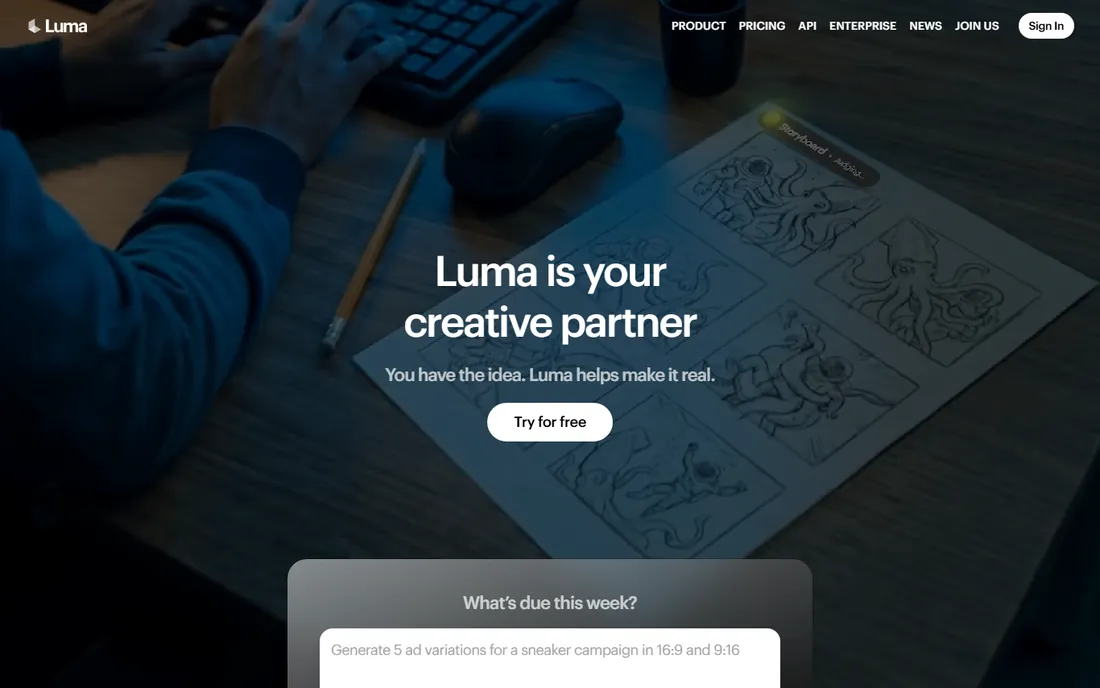
Luma built its reputation on motion that looks natural rather than glitchy, and its free tier reflects a testing-first philosophy. Free users get a limited daily allowance of draft generations at 720p with a watermark and personal-use-only licensing. It is enough to evaluate the model and produce rough concept clips.
Lite at $9.99 per month brings 3,200 monthly credits and removes the watermark (though output stays non-commercial), while Plus at $29.99 adds 10,000 credits, 1080p output and commercial rights. The Luma Agents tiers ($30-$300) bundle multiple models for heavier production.
Note that Luma has reorganized its product lineup, folding Dream Machine into a broader creative app, so older tutorials may not match the current interface. For quick concept work where motion realism matters and budgets are tight, the free allowance is a solid deal.
What we like- Free daily allowance renews regularly
- Historically strong natural motion quality
- Clean, approachable interface
Watch out for- Free output is watermarked, silent and 720p
- Paid tiers are pricier than most rivals
Starting price$19 per month ($12 per month billed annually)
Free planYes (400 signup credits, watermarked, personal use)
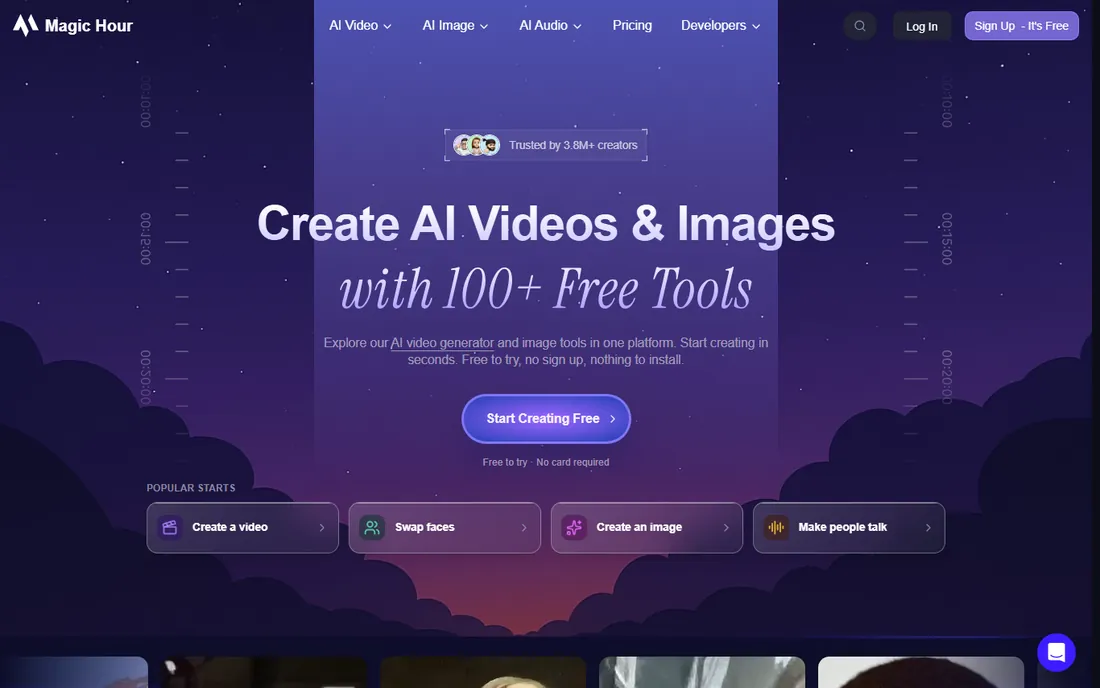
Magic Hour takes a different approach: it bundles text-to-video, image-to-video, lip sync, talking photos, face swap, subtitle generation and dozens more tools into one studio. You can try supported tools without creating an account at all, and signing up adds 400 free credits with no expiration date, a welcome change from daily-expiry systems.
Paid plans start at Creator, $19 per month ($12 billed annually) with 12,000 monthly credits, watermark-free exports and commercial rights. Pro ($39) and Business ($99) raise credit pools and resolution. Credits roll over, which suits bursty production schedules.
The downside is predictability: credit consumption varies by tool, model, length and resolution, so budgeting takes a little learning. But for a marketer who wants to animate portraits, dub clips and generate videos from one account, the free tier is the most generous entry point here.
What we like- Core tools work without an account
- 400 free credits with no expiry
- Broadest toolset including lip sync and face swap
Watch out for- Free exports are watermarked and low resolution
- Credit costs vary by tool and can be hard to predict
Starting price$14.99 per month (Standard)
Free planYes (daily bonus credits, watermarked)
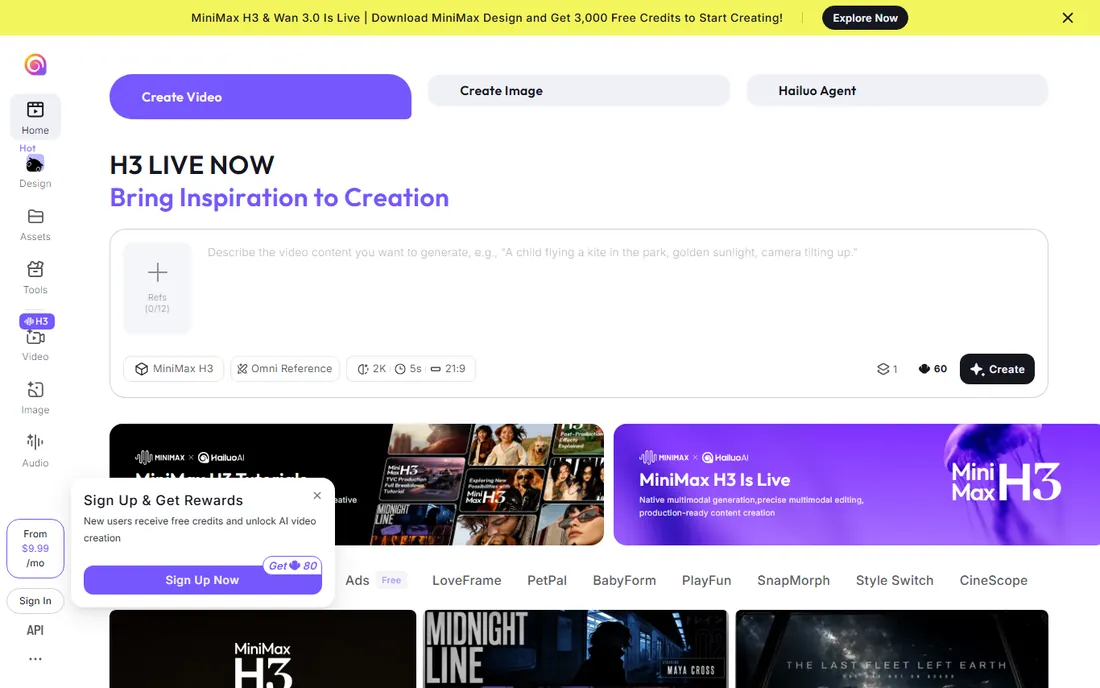
Hailuo AI, from MiniMax, has become a favorite for one job: turning still images into moving video quickly and cheaply. Its current models handle body movement, facial expressions and stylized looks (anime, ink wash, game CG) particularly well, and reviewers consistently note its speed. The free tier provides daily bonus credits good for roughly two to three short videos a day at 720p with a watermark.
The Standard plan lists at $14.99 per month with about 1,000 credits (promotions often lower it), with Pro and higher tiers scaling for volume. At roughly $0.30 for a 10-second 1080p clip, per-clip costs undercut Runway significantly.
The limits are real: clips cap at 10 seconds, so longer content means stitching generations together, and the credit system rewards careful prompting since failed generations can still consume credits. For social teams animating product photos or illustrations on a budget, Hailuo is hard to beat.
What we like- Strong physics and character animation at low cost
- Good anime and stylized aesthetics
- Fast generation
Watch out for- Clips capped at 10 seconds
- Free tier output is watermarked at 720p
Starting price$15 per month (Basic)
Free planYes (watermarked exports, limited premium assets)
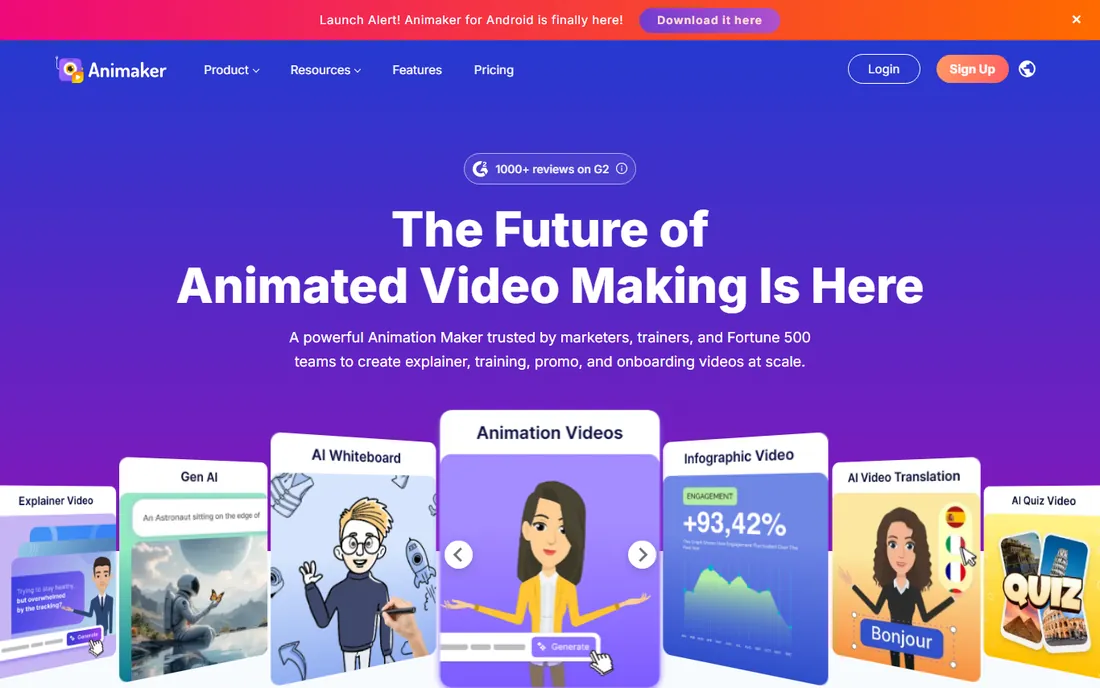
Animaker is the outlier here: instead of generating clips from prompts, it is a full animation platform with a timeline editor, a character builder, 100M+ stock assets, AI voiceovers in 180+ languages and auto-subtitles. Type your idea as a prompt and it assembles scenes, characters, voiceover and transitions, which you can then refine in advanced edit mode.
The free plan lets you create and download animated videos with watermarked exports and limited premium assets. Basic at $15 per month removes the watermark; Starter (~$19 annual) and Pro (~$49 annual) add Full HD exports, more assets and commercial rights.
The learning curve is steeper than a text-to-video box, but the payoff is control: explainer videos, training content and branded character work that pure generation cannot do. For a small business that needs actual animated videos rather than abstract clips, Animaker's free tier is the right place to start.
What we like- Real animation editor with characters and templates, not just generation
- AI voiceovers and subtitles built in
- Free plan genuinely usable for learning
Watch out for- Free exports carry a large watermark
- AI features are metered even on paid plans
#8
Canva
Best for: Non-technical creators who live in Canva already
Visit canva.com
Starting price$15 per month (Pro)
Free planYes (limited Magic Media video allowance)
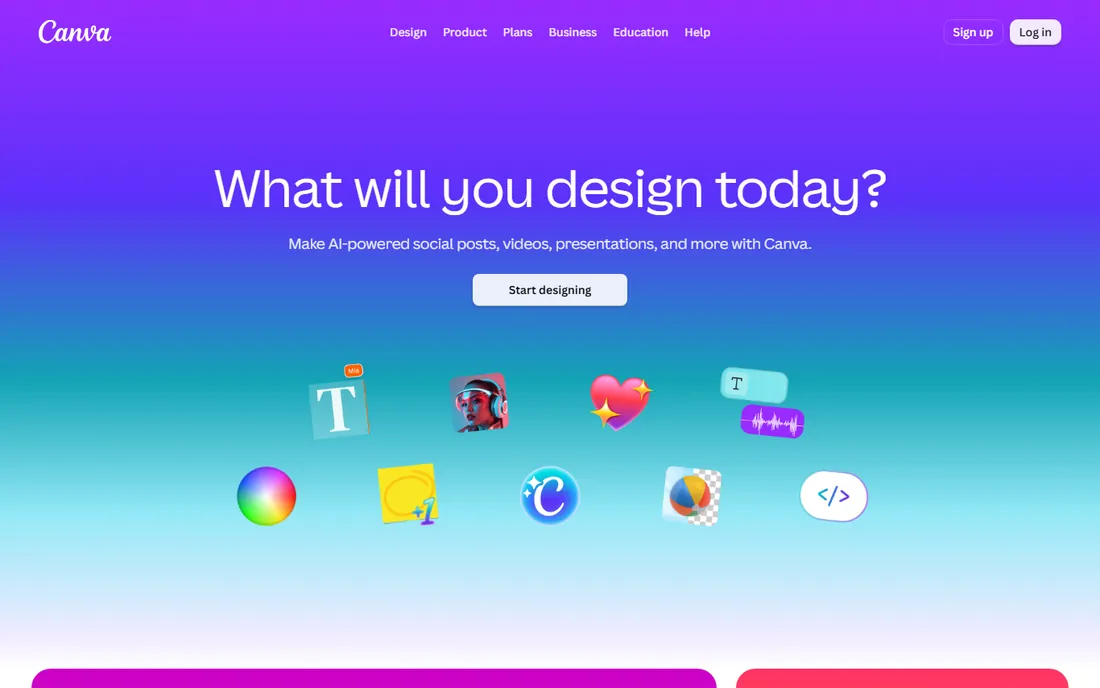
If your team already designs in Canva, its Magic Media text-to-video is the path of least resistance. Describe a clip and drop it into a social post, presentation or ad layout without leaving the editor. Free accounts get a small lifetime allowance of video credits, roughly five clips, enough to test the workflow.
Canva Pro at around $15 per month opens up monthly AI credits shared across Magic Studio tools, the Veo 3-based Create a Video Clip feature, higher quality output and watermark-free downloads. The credit pool is shared, so heavy AI image and video use draws from the same bucket.
This is not a tool for producing AI video at scale; it is for teams that want an occasional animated element inside content they are already building. For that job, the free allowance plus the familiar editor makes Canva a sensible eighth pick.
What we like- Zero new tools to learn
- Generated clips drop straight into designs and social templates
- Free plan exists for trying
Watch out for- Free video allowance is tiny (about five lifetime clips)
- Heavy AI features sit behind Pro
How we chose
We screened each vendor's own pricing and feature pages to confirm a genuinely free tier, checking credit allowances, watermarks, resolution caps and commercial-use terms, and opened every homepage to verify the tool is live under its current name. We then compared those claims against 2026 reviews from outlets like TechRadar, Digital Trends and specialist AI reviewers, plus community discussion on Reddit, focusing on how far a free tier actually goes in practice. We favored tools whose free plans keep working over time rather than one-off trials, and made sure the list covers different jobs: realistic generation, social effects, cinematic clips, full animation editing and design-tool integration.
Getting the most out of free AI video credits
Free tiers are small by design, so a little planning goes a long way.
Draft where credits are cheapest
Use tools with generous or non-expiring free allowances (Kling's daily credits, Magic Hour's 400 no-expiry credits) for experiments and rough drafts. Save one-shot credits like Runway's 125 allowance for final-quality tests.
Write tight prompts
Vague prompts burn credits on unusable outputs. Describe the subject, action, camera movement and style in one clear sentence before generating. Preview at low resolution where the tool allows it, and only regenerate the shots worth polishing.
Respect the licensing
Free outputs are almost universally watermarked and licensed for personal use only. The moment a clip goes into a client deliverable, an ad or a monetized post, you need the paid tier's commercial rights. This is the most common surprise in the category, so check each tool's terms before publishing.
Expect 5 to 10 seconds per clip
Most of these tools generate short clips, and longer content means stitching generations together in an editor like CapCut or Canva. Plan your content as a series of short beats rather than one continuous scene.
Why free AI animation beats hiring (sometimes)
There is a real economic argument here. A freelance motion designer charges hundreds of dollars for a short animated clip; a free tier produces one in a minute. For social content that needs volume, like daily TikToks or product teasers, AI animation at free or near-free prices is simply out of reach of traditional production economics. The trade-off is control and polish: AI cannot match a designer for brand-precise work, nuanced storytelling or consistent characters across scenes. The smart play for a small business is a hybrid: AI animation for high-volume social content, and human designers for hero pieces where quality defines the brand.
Frequently asked questions
Is free AI animation software actually free?
Most tools offer a free tier with credit limits, watermarks and personal-use-only licensing, not unlimited free generation. Kling and Pika renew credits regularly, while Runway's free allowance is one-time. For occasional use the free tiers are genuinely useful; for regular production you will hit a paid tier.
Can I use free AI-generated videos for my business?
Generally no on free plans. Nearly every tool restricts free outputs to personal, non-commercial use and requires a paid subscription for commercial rights. Check the license terms of the specific tool before using any clip in ads, client work or monetized content.
Which free AI animation tool gives the most credits?
Kling's daily login credits are the most generous ongoing allowance, since they reset every day and never require payment. Magic Hour's 400 signup credits with no expiry are the most flexible one-time grant. Pika's 80 monthly credits sit in the middle.
How long are the videos these tools make?
Most free tiers produce clips of 5 to 10 seconds. Hailuo caps at 10 seconds, Luma's free drafts are 5 seconds, and longer content requires stitching clips together in a video editor. Animaker is the exception: it builds full-length animated videos with scenes and narration.
Do I need design skills to use these tools?
No. Text-to-video tools need only a written prompt, and Canva integrates generation into its familiar editor. Animaker has more of a learning curve because it is a real animation editor, but its templates and AI-assisted workflow keep it accessible.
Will free AI animation videos have watermarks?
Yes, almost always. Kling, Pika, Luma, Magic Hour, Hailuo and Runway all watermark free-tier output. Paid plans remove watermarks along with granting commercial rights, so budget for at least the entry tier when watermark-free output matters.
Sources we checked (20)
- https://kling.ai/
- https://pika.art/
- https://runwayml.com/
- https://lumalabs.ai/
- https://magichour.ai/
- https://hailuoai.video/
- https://animaker.com/
- https://canva.com/
- https://app.animaker.com/pricing
- https://www.eesel.ai/blog/kling-ai-pricing
- https://www.pickveo.com/reviews/kling-ai-membership-review
- https://www.therundown.ai/tools/runway
- https://multilogin.com/blog/runway-ai-review/
- https://www.flowjam.com/blog/luma-dream-machine-review-2026
- https://www.eesel.ai/blog/luma-ai-pricing
- https://www.therundown.ai/tools/magic-hour
- https://dupple.com/learn/hailuo-vs-kling
- https://theplanettools.ai/tools/minimax-hailuo-2-3
- https://felloai.com/canva-ai-video-generator/
- https://www.newstoday.co.uk/2026/03/the-7-best-free-ai-video-generator-tools-of-2026/
Is your product missing or out of date?
We review this list regularly. Vendors can request a listing, send updated pricing or ask about featured placement.

Shihab Mia · Founder, Rankite
Shihab has spent more than a decade helping SaaS and e-commerce brands grow through search. He writes Rankite's software buying guides from pricing pages, documentation and public user reviews. More about Shihab.