How we make this list: we compare pricing pages, product documentation and public user reviews. Rankite is independent; if a vendor ever pays for a featured spot, that listing is clearly labeled Partner.
Key takeaways
- Text-to-video models like Pika and Kling produce cinematic clips from a prompt, ideal for ads and social content.
- Avatar generators like Elai, D-ID, and DeepBrain AI Studios excel at training videos, explainers, and localized content.
- Fliki and Vidnoz offer genuinely usable free tiers, making them good starting points for budget-conscious teams.
- VEED bridges generation and editing, so AI clips can be finished into publish-ready videos in one workflow.
A marketing agency in Austin needed a 30-second product ad but had no videographer on staff and a client deadline in two days. The team typed a detailed prompt into an AI video generator, got a usable cinematic clip in minutes, polished it in an online editor, and delivered on time. A small HR team did something similar with avatar video, turning a written onboarding script into a narrated training video without a camera. This article covers the best AI video generator platform options across both approaches, so you can pick the style that fits your work.
Quick comparison
| Tool | Best for | Starting price | Free plan |
|---|
 Pika Pika | creatives making stylized clips from text or images | See website | Yes (free credits) |
 Kling Kling | realistic AI video with strong motion quality | See website | Yes (free credits) |
 Fliki Fliki | turning scripts and blogs into narrated videos | See website | Yes (free plan) |
 Vidnoz Vidnoz | free avatar videos with a huge template library | See website | Yes (free plan) |
 Elai Elai | corporate training and L&D video at scale | See website | Yes (free plan) |
 D-ID D-ID | talking avatars, agents and API-driven video | See website | Free trial |
 DeepBrain AI DeepBrain AI | enterprise avatar video with deep localization | See website | Free trial |
 VEED VEED | marketers who want generation and editing together | See website | Yes (free plan) |
Is your product missing or out of date?
We review this list regularly. Vendors can request a listing, send updated pricing or ask about featured placement.
#1
Pika
Best for: creatives making stylized clips from text or images
Visit pika.art
Starting priceSee website
Free planYes (free credits)
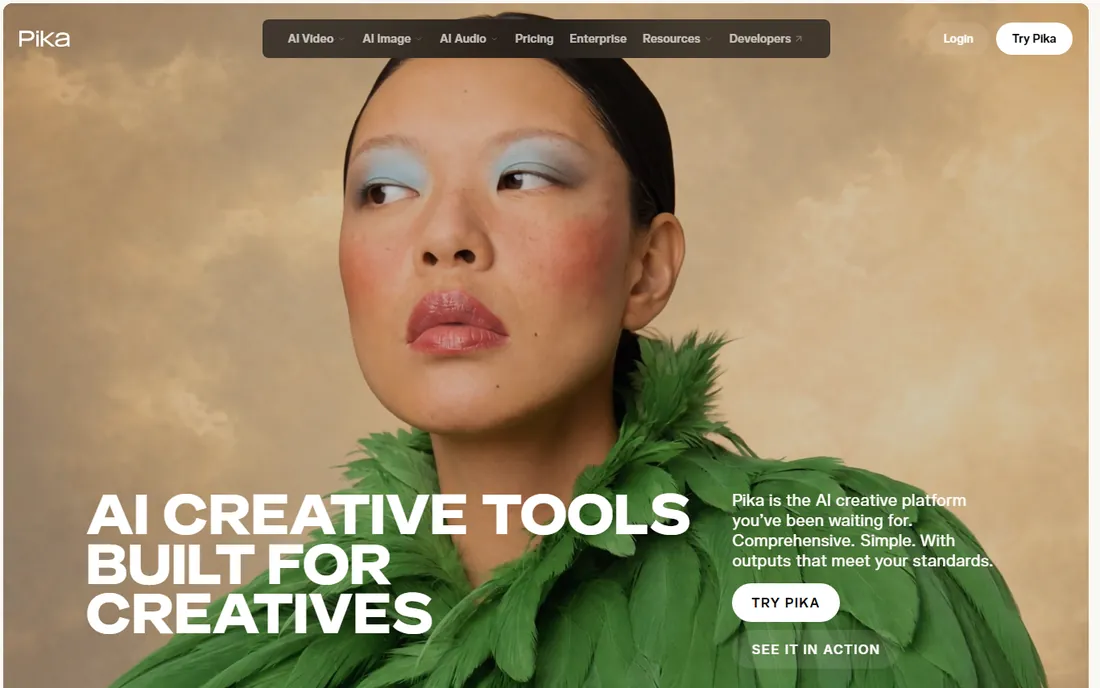
Pika is one of the names most associated with AI video generation, and its output quality is the reason. You describe a scene or upload an image, and Pika returns a short animated clip with impressive style range, from cinematic to anime. Pikaffects add signature effects that have powered a lot of viral social content. The platform has grown into a creative suite covering video, image, and sound generation.
New accounts get free credits to start, with daily check-ins topping them up. Paid plans add more credits and commercial rights. For marketing teams and creators who need eye-catching short clips for ads and social feeds, Pika is among the easiest tools to get results from. Plan around the credit system if you produce video in volume.
What we like- Strong text-to-video and image-to-video quality
- Pikaffects for playful effects
- API for developers
Watch out for- Clips are short by nature
- Free credits run out quickly on heavy use
#2
Kling
Best for: realistic AI video with strong motion quality
Visit kling.ai
Starting priceSee website
Free planYes (free credits)
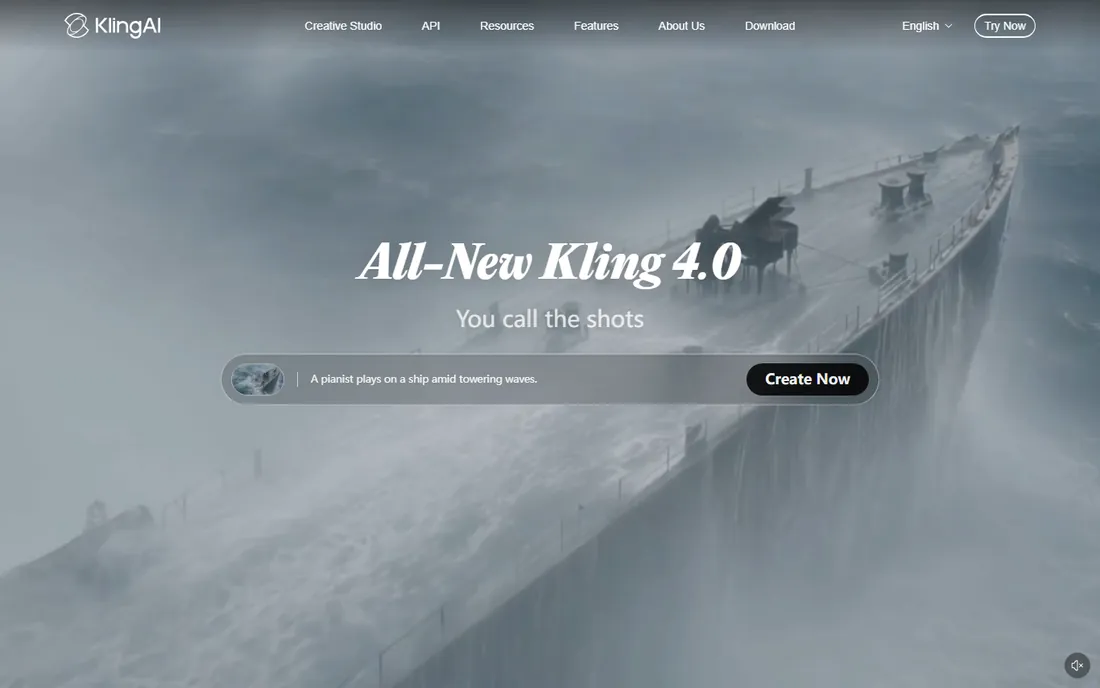
Kling, from Kuaishou, has become one of the most respected AI video models, with its clips used in award-winning ads and even a fully AI-generated feature film. Its strength is motion: dynamic action, camera moves, and physical realism that most competitors struggle with. Features like multi-shot generation and element binding help maintain consistency across longer sequences.
The free tier grants daily credits, which makes Kling one of the more generous options for experimentation. Paid plans add more credits and higher resolution. If photorealism and believable motion matter most, for product demos, ads, or creative projects, Kling deserves a top spot on your shortlist.
What we like- Impressive motion dynamics and realism
- Up to 10-second clips
- Multi-shot and character consistency features
Watch out for- Generation takes time at peak hours
- Best quality needs paid credits
#3
Fliki
Best for: turning scripts and blogs into narrated videos
Visit fliki.ai
Starting priceSee website
Free planYes (free plan)
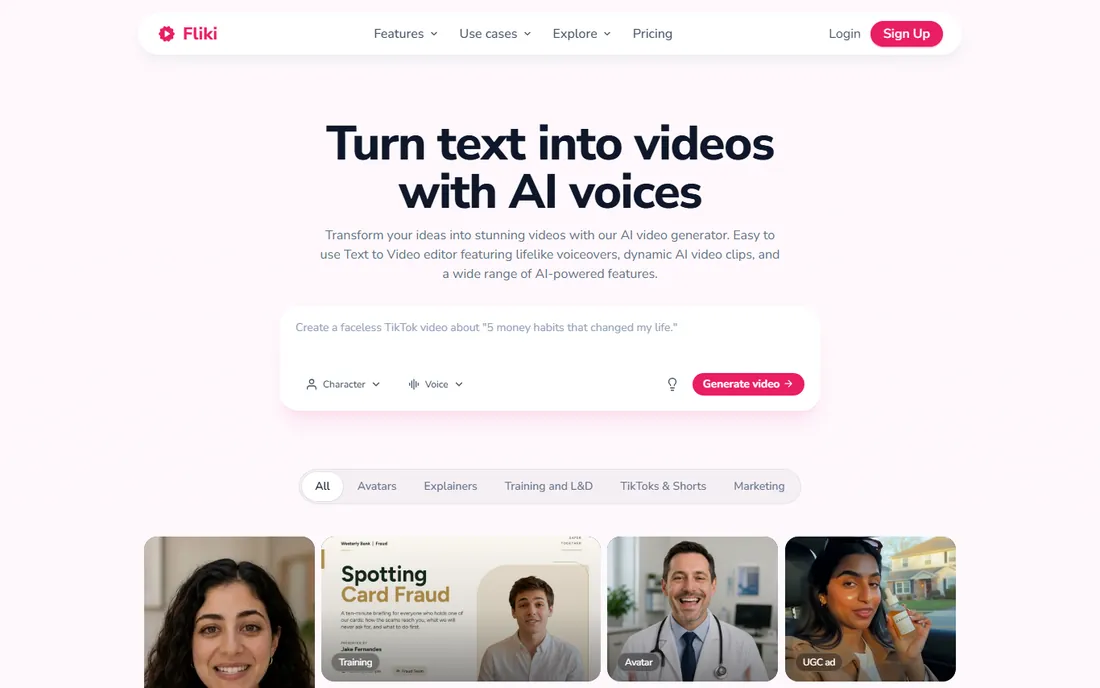
Fliki takes a different path: instead of generating imagery from prompts, it turns your text into complete videos with AI voiceover, stock footage, music, and subtitles. Paste a script, a blog post, or a one-line idea, and Fliki assembles a publish-ready video in minutes. The voice library is enormous, and voice cloning keeps your own voice consistent across videos.
The free plan needs no credit card, and paid plans add commercial rights and more minutes. Fliki also integrates leading video models, so you can generate AI visuals alongside voiceovers. It is a natural fit for YouTube creators, marketers, and educators who publish narrated content regularly and want to skip the recording and editing grind.
What we like- 2,000+ AI voices in 80+ languages
- Blog-to-video and idea-to-video workflows
- Digital twin avatars
Watch out for- Stock visuals can feel generic
- Heavy use needs a paid plan
#4
Vidnoz
Best for: free avatar videos with a huge template library
Visit vidnoz.com
Starting priceSee website
Free planYes (free plan)
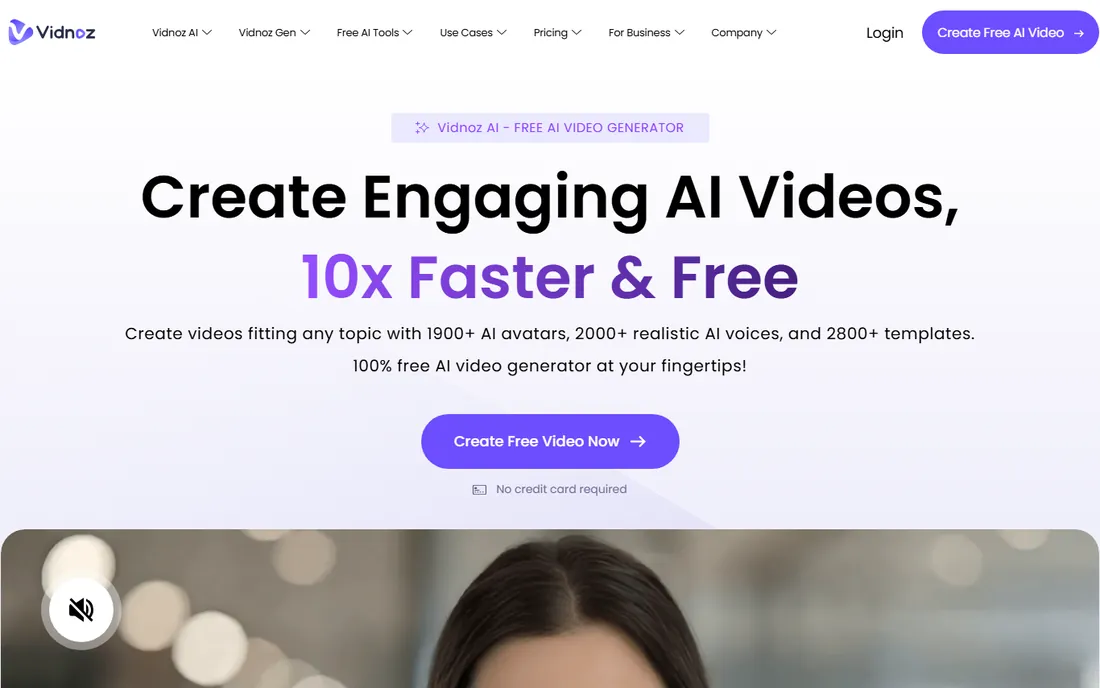
Vidnoz stands out for how much it gives away. The free tier includes daily AI video minutes, access to thousands of avatars and voices, and a template library organized by use case, from explainers to sales videos. Video translation with lip syncing across 140+ languages is a highlight for teams with global audiences.
Premium plans start at a low per-minute price for more features and higher quality. The interface is template-driven, which speeds things up but means your videos can look similar to everyone else's unless you customize. For startups, educators, and small teams with no video budget, Vidnoz is one of the best free entries in the space.
What we like- Generous free tier with daily minutes
- 2,800+ templates
- Video translation with lip sync
Watch out for- Branding on free exports
- Template-heavy output can look uniform
#5
Elai
Best for: corporate training and L&D video at scale
Visit elai.io
Starting priceSee website
Free planYes (free plan)
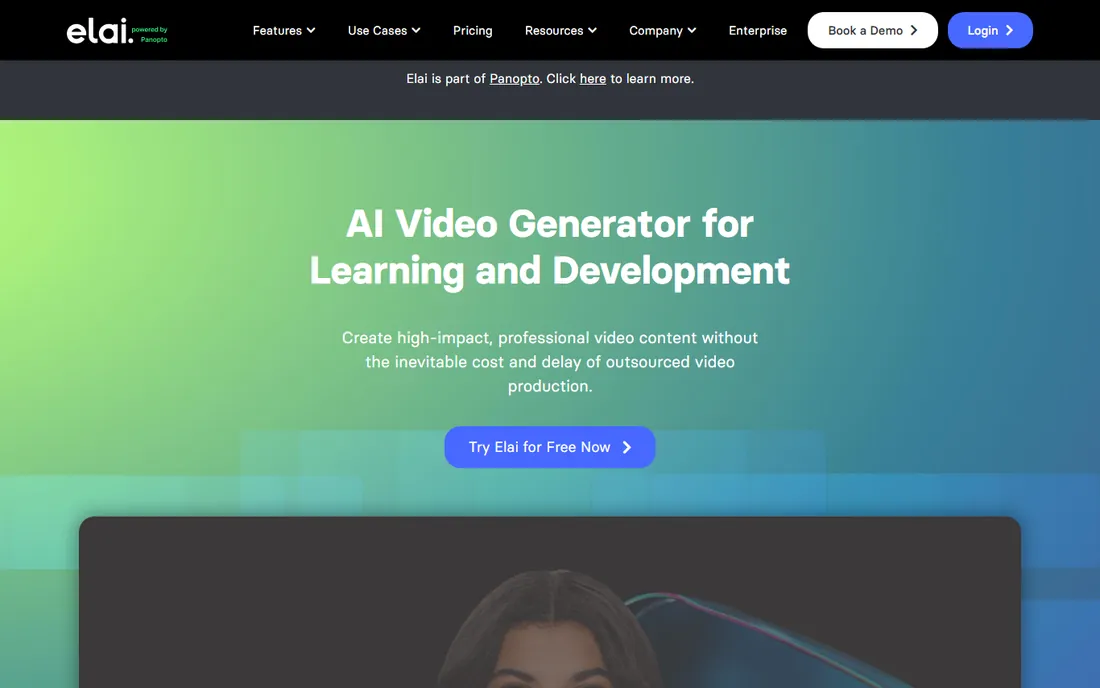
Elai, now part of Panopto, is built for learning and development teams. You type a script or upload a PowerPoint, pick an avatar, and get a narrated training video. Features like avatar dialogs, AI storyboarding, and automated translation address real corporate training needs, such as scenario-based learning and multilingual course libraries. The free plan lets you render a short video to test it.
Paid plans scale up minutes and add 4K output and premium voices. Elai is less of a creative tool and more of a production line for organizations that need dozens of training videos updated regularly. If your use case is onboarding, compliance, or product training, Elai fits better than the cinematic generators.
What we like- PPTX-to-video conversion
- Avatar dialogs for scenario training
- 75+ languages with voice cloning
Watch out for- Free plan limited to short renders
- Design is functional rather than flashy
#6
D-ID
Best for: talking avatars, agents and API-driven video
Visit d-id.com
Starting priceSee website
Free planFree trial
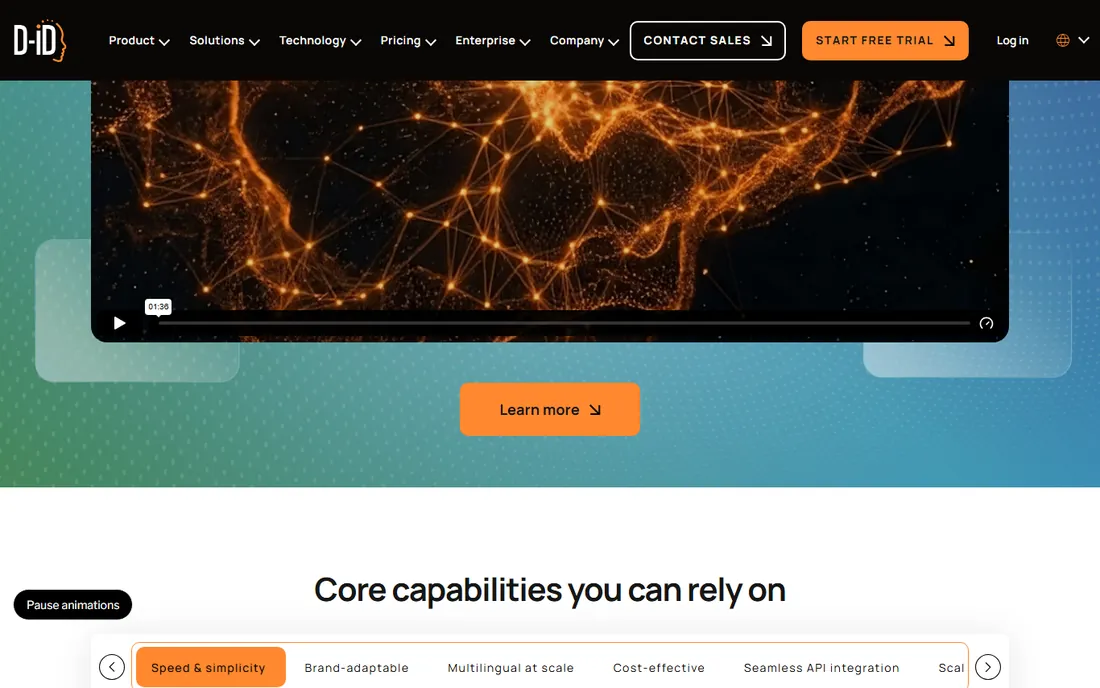
D-ID pioneered turning still photos into talking portraits, and it has grown into a full digital human platform. Creative Reality Studio generates multi-scene avatar videos from scripts, while the real-time API powers conversational agents that talk back. The 2025 acquisition of simpleshow expanded its corporate training and explainer video footprint.
Pricing is credit-based with a free trial to start; there is no permanent free tier. D-ID suits companies building interactive experiences or embedding avatars in products, as well as teams making localized training content at scale. If you need general text-to-video generation, pair it with a model like Kling or Pika.
What we like- Mature avatar animation technology
- Real-time streaming API
- Acquired simpleshow for explainer video
Watch out for- No free plan, only trial
- Avatar-focused, not a general text-to-video tool
Starting priceSee website
Free planFree trial
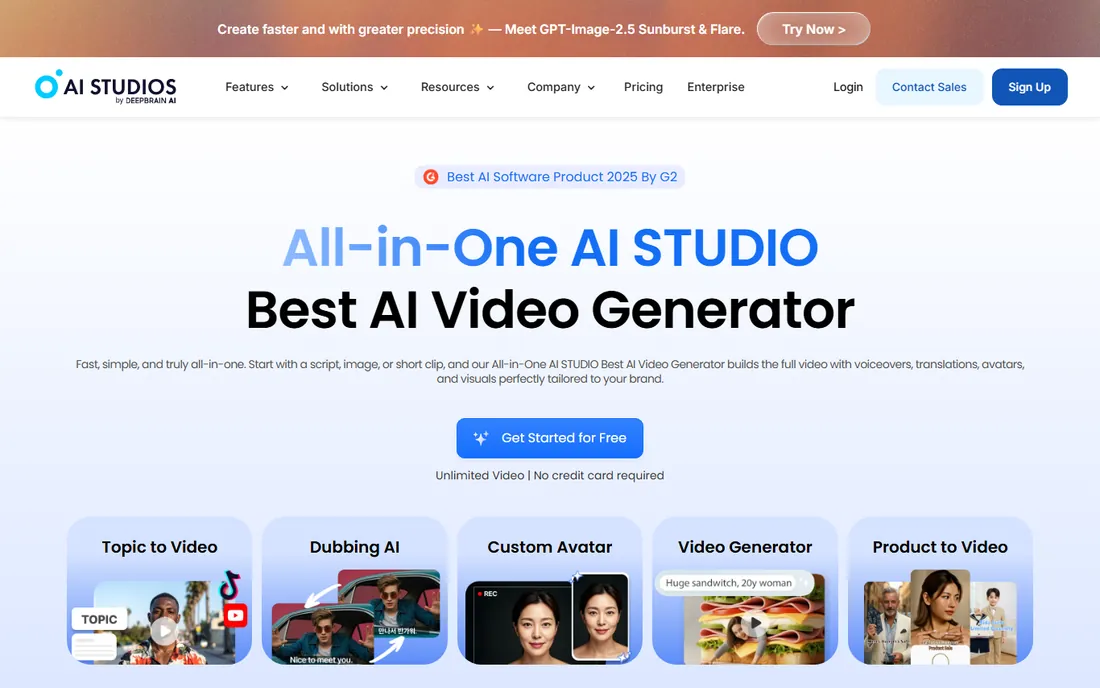
DeepBrain AI's AI Studios platform is aimed squarely at businesses. The avatar library is huge, dubbing and translation cover 150+ languages with automatic lip sync, and interactive avatars can hold real-time conversations for customer service or sales. Course builders with SCORM export make it a fit for enterprise training departments.
The platform is free to start without a credit card, with paid tiers for heavier use. DeepBrain AI also integrates leading generative models for B-roll and backgrounds, so avatar videos do not have to look static. It is the most enterprise-flavored option here, best for organizations that need scale, security certifications, and dedicated support.
What we like- 2,000+ avatars and 150+ languages
- Real-time interactive avatars
- SCORM support for training
Watch out for- Enterprise-leaning pricing
- Overkill for casual creators
#8
VEED
Best for: marketers who want generation and editing together
Visit veed.io
Starting priceSee website
Free planYes (free plan)
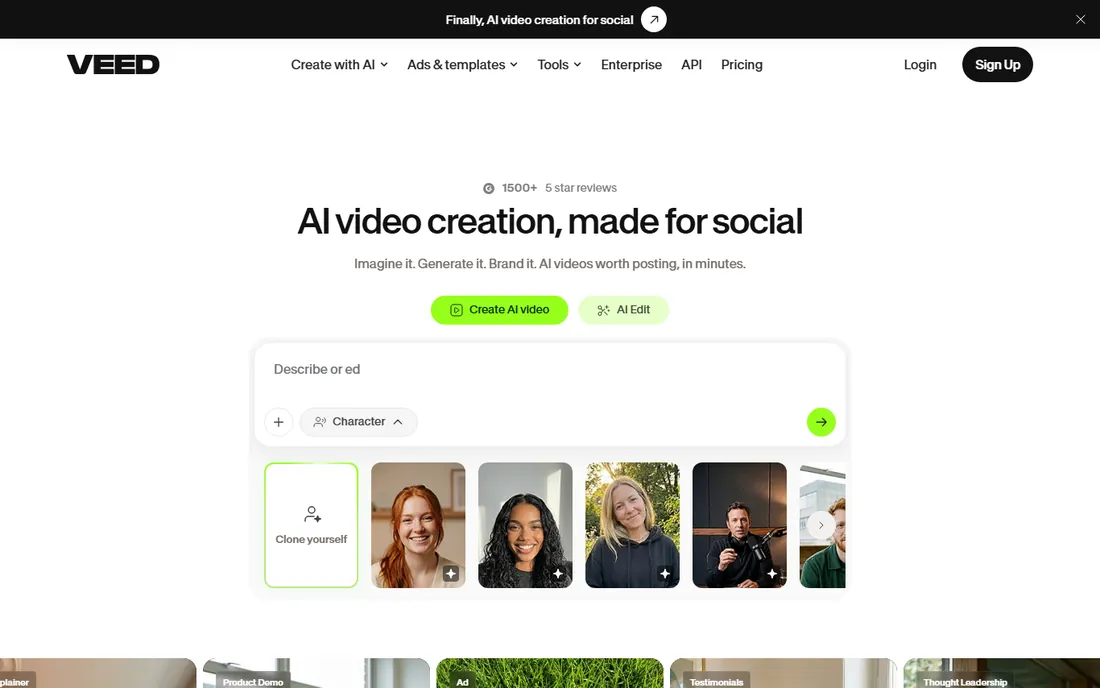
VEED's pitch is the workflow: generate AI video with models like Veo, Kling, Sora, and Hailuo, then edit, caption, brand, and export without leaving the app. Raw AI clips are rarely publish-ready, and VEED closes that gap with subtitles, transitions, music, eye-contact correction, and translation. It is one of the few tools here that treats AI generation as step one rather than the whole product.
The free tier covers basic editing with a watermark; paid plans add credits and higher exports. For social media teams and solopreneurs who produce finished videos weekly, VEED saves the constant exporting between tools. Use it as your finishing layer on top of any generator.
What we like- Multiple AI models inside one workflow
- Full editor with subtitles and branding
- Strong free entry point
Watch out for- Generation runs on credits
- Advanced features need paid plans
We reviewed each vendor's homepage and documentation, checked pricing and free tiers, and read feedback from creators and marketing teams on G2, Capterra, Reddit, and YouTube. We compared output quality, ease of use, language support, free-tier generosity, and fit for small and mid-size companies. Pricing reflects current published information. We did not test these tools hands-on; findings come from published sources and user reviews.
Matching the generator to your job
The market splits into two styles. Text-to-video models like Pika and Kling create visuals from nothing, which is magic for ads, social clips, and creative work, but the results need direction and sometimes many attempts. Avatar and script-to-video tools like Elai, D-ID, Fliki, and Vidnoz are more predictable: you control the script and the presenter, and you get a finished narrated video.
Budget realities
Free tiers are generous enough to learn on. Fliki, Vidnoz, and Kling all let you make real videos without paying. Paid plans mostly sell more minutes, higher resolution, and commercial rights. Before upgrading, check what counts against your quota: some tools charge per generation, others per minute of output.
Quality control
AI video still needs a human eye. Watch every export before it goes public, check for artifacts like extra fingers or garbled text, and keep brand guidelines handy for voice and visuals. The tools that include editing, like VEED, make this pass faster.
What to watch out for with AI-generated video
Disclosure matters. Many platforms and regulators expect AI-generated content to be labeled, and audiences are increasingly sensitive to undisclosed synthetic media. Voice cloning and digital twins raise consent questions: only clone voices you have the rights to use. Watermarks on free tiers are a practical reminder to check licensing before publishing anything commercial. Treat these tools like stock footage with a brain: powerful, but your responsibility does not end at generation.
Frequently asked questions
Which AI video generator is best for beginners?
Fliki and Vidnoz are the easiest starts, with free tiers and template-driven workflows. Pika is also approachable if you want text-to-video rather than narrated videos. Pick based on whether you need narration or pure visuals.
Can I use AI-generated videos for commercial purposes?
Usually yes on paid plans, which typically grant commercial rights. Free tiers often include watermarks or restrict commercial use. Check the terms of the specific tool and plan before running ads or client work.
How long are AI-generated video clips?
Most text-to-video models generate clips of 5 to 10 seconds per generation. Avatar and script-to-video tools can produce multi-minute videos. You assemble short clips into longer videos with an editor.
Do AI video generators include voiceovers?
Avatar and script-to-video tools like Fliki, Elai, Vidnoz, and D-ID include AI voiceovers with many voices and languages. Text-to-video models like Pika and Kling focus on visuals; you add audio separately, though Pika now offers sound generation.
Which is better: Pika or Kling?
They serve slightly different needs. Kling tends to produce more realistic motion and physical accuracy. Pika offers more stylized output and creative effects. Both have free credits, so the honest answer is to try both on your actual content.
Can AI video generators translate my videos?
Yes. Vidnoz, Elai, DeepBrain AI, D-ID, and VEED all offer video translation with varying quality of lip sync. This is one of the strongest business use cases: record once, publish in many languages.
Sources we checked (8)
- https://pika.art
- https://kling.ai/
- https://fliki.ai/
- https://vidnoz.com/
- https://elai.io/
- https://d-id.com/
- https://aistudios.com/
- https://veed.io/
Is your product missing or out of date?
We review this list regularly. Vendors can request a listing, send updated pricing or ask about featured placement.

Shihab Mia · Founder, Rankite
Shihab has spent more than a decade helping SaaS and e-commerce brands grow through search. He writes Rankite's software buying guides from pricing pages, documentation and public user reviews. More about Shihab.