How we make this list: we compare pricing pages, product documentation and public user reviews. Rankite is independent; if a vendor ever pays for a featured spot, that listing is clearly labeled Partner.
Key takeaways
- SketchUp Free is the most capable free 3D modeler here, but you build everything from scratch, so it suits patient DIYers, not quick planners.
- Planner 5D, HomeByMe and RoomSketcher give you drag-and-drop yards with 3D walkthroughs in minutes, with free tiers that cover a single project well.
- iScape is the only pick that designs in augmented reality on your actual yard through your phone camera, ideal for seeing plants at true scale.
- DreamPlan and Gardena myGarden are the simplest free options for pure garden planning, with no account or payment needed to start.
Quick comparison
| Tool | Best for | Starting price | Free plan |
|---|
 SketchUp Free SketchUp Free | DIYers who want complete 3D modeling freedom | Free (web version) | Yes |
 Planner 5D Planner 5D | Designing house and yard together in one afternoon | Free (free tier) | Yes |
 HomeByMe HomeByMe | Simple yard plans with photorealistic renders | Free (free tier) | Yes |
 DreamPlan DreamPlan | Free desktop software with no account required | Free (non-commercial use) | Yes |
 iScape iScape | Seeing plants and patios at real scale through your phone | Free (app with paid upgrades) | Yes |
 Gardena myGarden Gardena myGarden | Quick, free garden layouts from a trusted garden brand | Free | Yes |
 RoomSketcher RoomSketcher | Homeowners planning house and outdoor space together | Free (up to 2 projects) | Yes |
 Live Home 3D Live Home 3D | Detailed 3D design across Mac, Windows, iOS and visionOS | Free (free version) | Yes |
Is your product missing or out of date?
We review this list regularly. Vendors can request a listing, send updated pricing or ask about featured placement.
The best free 3D yard and garden design software
Starting priceFree (web version)
Free planYes
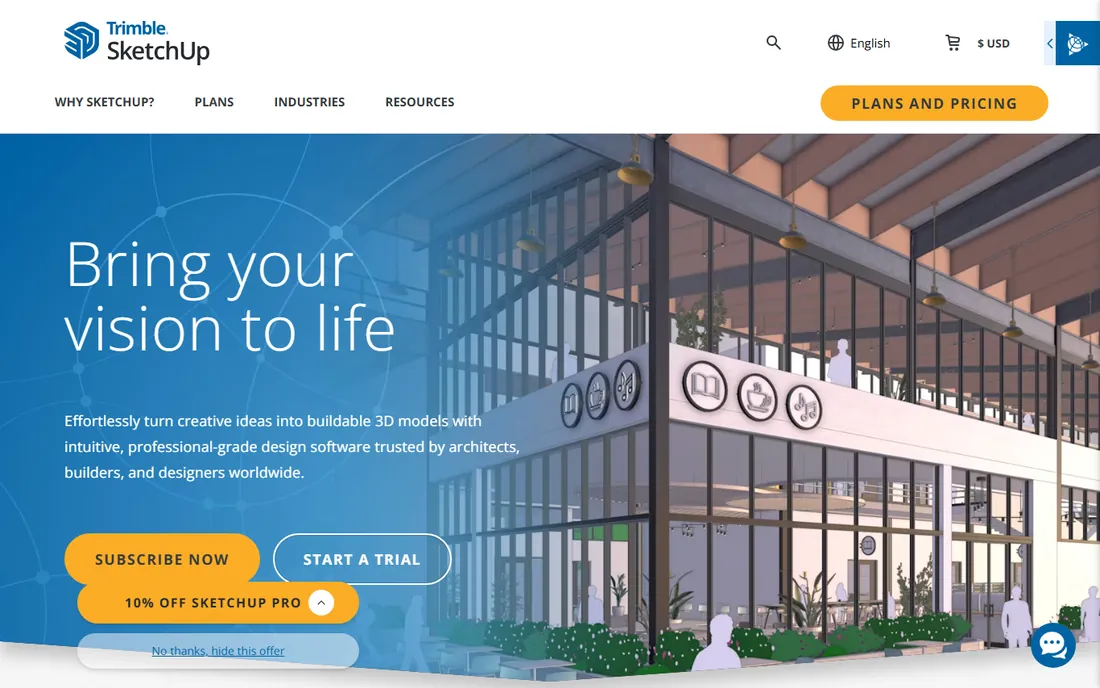
SketchUp Free is the heavyweight of this list hiding in a free web app. It is a real 3D modeler, not a garden wizard: you draw your lot to scale, pull trees, shrubs, pergolas and patio furniture from the 3D Warehouse library of millions of free models, and orbit around the result in full 3D. For a homeowner willing to spend a weekend learning, no free tool produces more convincing "after" views.
The tradeoff is effort. There is no "add flower bed" button; you place and scale every object yourself, and terrain shaping takes practice. The free web version also omits some desktop-only features and advanced export options. But the learning investment pays off across every future project, and the tutorial library on YouTube is enormous. If you want precision and you have patience, start here.
What we like- Genuinely powerful 3D modeler at no cost
- 3D Warehouse offers millions of free plants, fences and furniture
- Huge tutorial community
Watch out for- You model everything yourself, nothing is drag-and-drop
- Web version lacks some desktop features
- Garden-specific tools need extensions
Starting priceFree (free tier)
Free planYes
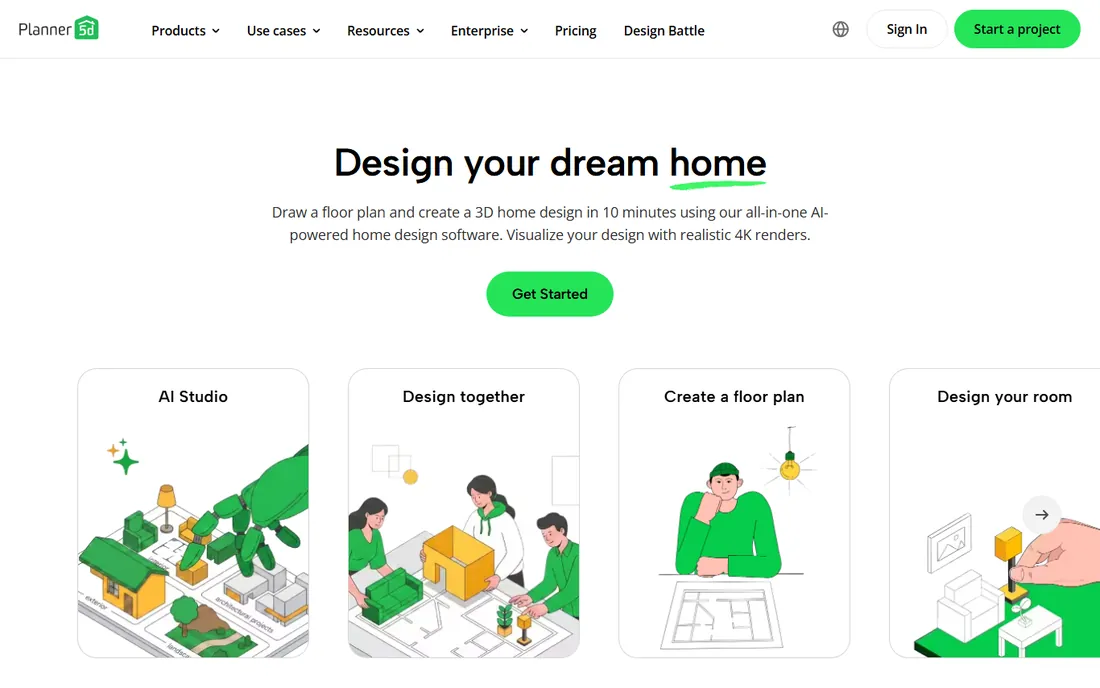
Planner 5D is the fastest route from "blank lot" to a 3D yard you can walk through. You sketch the property lines, drag in a patio, lawn, trees and garden beds from a catalog of more than 8,000 items, and switch to 3D to stroll around the result. The whole thing runs in the browser or on your phone, and an AR mode drops the design onto your real yard through the camera.
The free tier covers the basics well enough for planning a real project, but the catch is the catalog split: many of the nicest plants, materials and high-resolution renders require the paid plan. The outdoor and garden selection is also smaller than the interior furniture range, since the product's heart is home design. Still, for visualizing a patio-and-planting project before you buy a single bag of mulch, the free tier does the job.
What we like- Very easy drag-and-drop editor
- 8,000+ item catalog
- Works on web, iOS, Android and Windows with AR view
Watch out for- Best plants and HD renders sit behind the paid tier
- Outdoor catalog is thinner than the interior one
#3
HomeByMe
Best for: Simple yard plans with photorealistic renders
Visit home.by.me
Starting priceFree (free tier)
Free planYes
HomeByMe takes the opposite approach from SketchUp: draw a simple 2D plan of your yard, and the software builds the 3D version for you. You furnish the space from a catalog of real branded products, adjust colors and materials, and generate 4K images that look close to photographs. Sharing the project with family for opinions takes one link.
The free tier is genuinely usable, but it rations projects and high-resolution renders, so plan your design before you start clicking. Planting design is also fairly basic compared with dedicated garden tools; you get beds, lawns and decorative trees rather than a horticultural database. For a homeowner who wants to show a contractor "build this," the renders alone make HomeByMe worth trying.
What we like- Intuitive 2D plan that converts to 3D automatically
- 4K rendered images
- Catalog of branded real-world products
Watch out for- Free tier limits projects and high-res images
- Garden-specific planting tools are basic
Starting priceFree (non-commercial use)
Free planYes
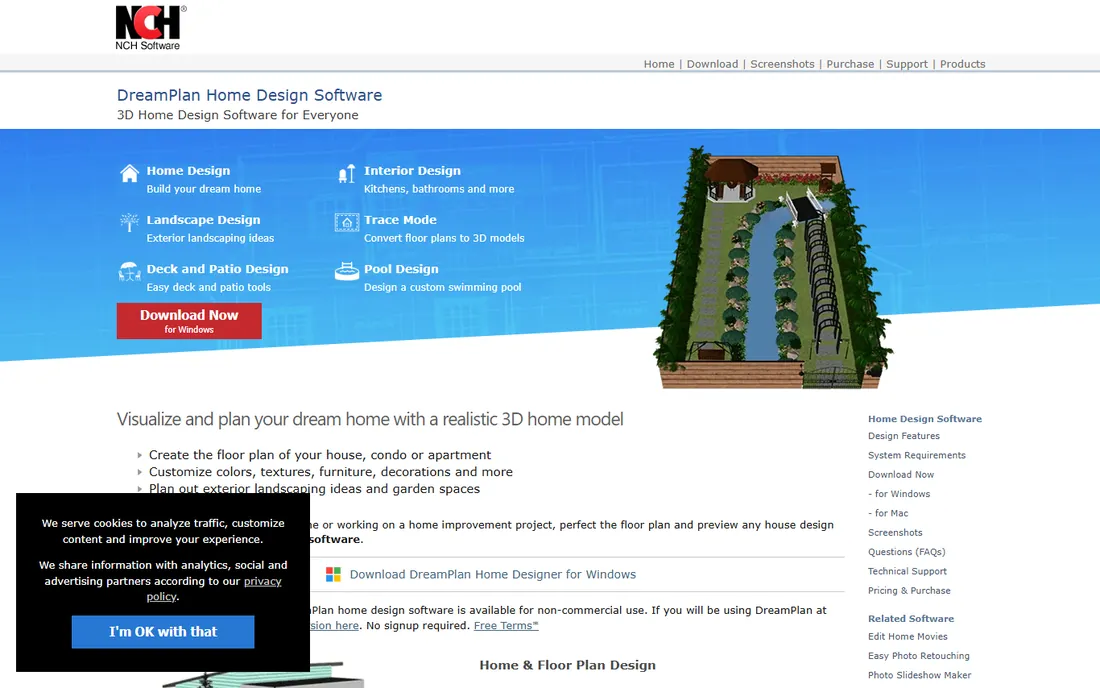
DreamPlan is refreshingly old-fashioned: download it, open it, design. No account, no subscription screen, no credit card. The free version for non-commercial use covers floor plans plus outdoor design, with terrain reshaping, trees, shrubs, flower gardens, pools and the ability to import 3D models. You can switch between 3D, rendered 2D and blueprint views, and export images or 3D files.
The honest catch is polish. The interface and the 3D output look like desktop software from a decade ago, and the renders will not impress anyone next to Planner 5D's. The free license also excludes commercial use, so contractors need the paid version. But for a homeowner who just wants to lay out beds and a patio on a Windows or Mac machine without signing up for anything, DreamPlan remains one of the simplest free options available.
What we like- Free version with no signup
- Includes terrain reshaping and a plant library
- Exports to JPG, PNG and 3D formats
Watch out for- Interface looks dated
- 3D visuals are less polished than web rivals
- Free license covers non-commercial use only
#5
iScape
Best for: Seeing plants and patios at real scale through your phone
Visit iscapeit.com
Starting priceFree (app with paid upgrades)
Free planYes
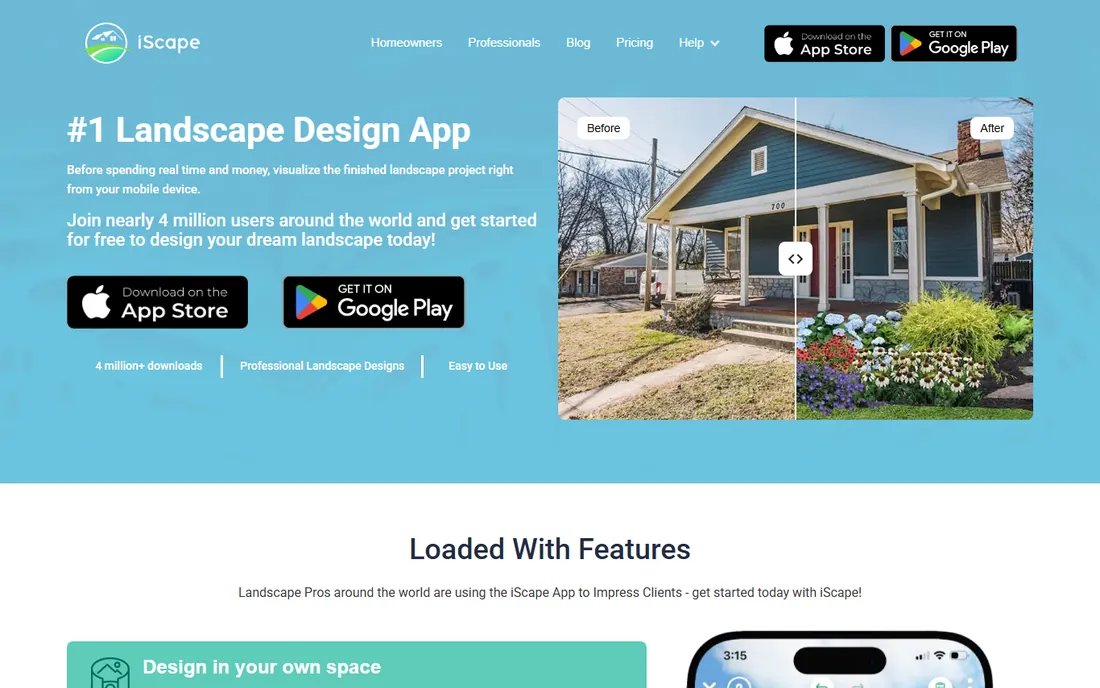
iScape does something none of the desktop tools can: you point your phone at your yard, and it overlays the design onto the real space in augmented reality. Take a photo of the back garden, drop in a maple tree, a stone patio and a row of hydrangeas at true scale, and see exactly how they will look from your kitchen window. The catalog covers thousands of real-world plants, pavers and furniture with photorealistic detail.
The free version handles personal projects well; the Pro subscription adds contractor features like material inventories and branded PDF proposals. The limitation is the form factor: designing a whole property on a phone screen gets fiddly, and it is iOS and Android only. For the specific job of answering "will that tree overwhelm the yard," though, nothing else on this list shows you the answer in your actual space.
What we like- Augmented reality designs on photos of your actual yard
- Thousands of real plants and hardscape materials
- Shareable photorealistic visuals
Watch out for- Mobile-only
- Advanced features like PDF proposals need the Pro subscription
- Small screens limit complex designs
#6
Gardena myGarden
Best for: Quick, free garden layouts from a trusted garden brand
Visit gardena.com
Starting priceFree
Free planYes

Gardena myGarden is the quiet, dependable option. It is a free online planner from Gardena, the German garden brand founded in 1961, focused entirely on garden design rather than whole-home modeling. You lay out beds, lawns, paths and watering zones, place plants, and view the result in 3D. There is no free tier with limits because there is no paid tier at all.
The tradeoff is sophistication. The 3D view is simpler than Planner 5D or SketchUp, the plant library leans toward what Gardena sells, and collaboration features are minimal. But for a first-time gardener planning raised beds and a sprinkler layout, the focus is a feature: no house-modeling tools getting in the way, no upsell screens, just the garden. It is the lowest-friction start on this list.
What we like- Completely free with no paywall
- Focused purely on gardens, not whole houses
- From a 60-year-old garden brand
Watch out for- Simpler 3D than dedicated design tools
- Plant database skews toward Gardena's product world
- Fewer sharing options
Starting priceFree (up to 2 projects)
Free planYes
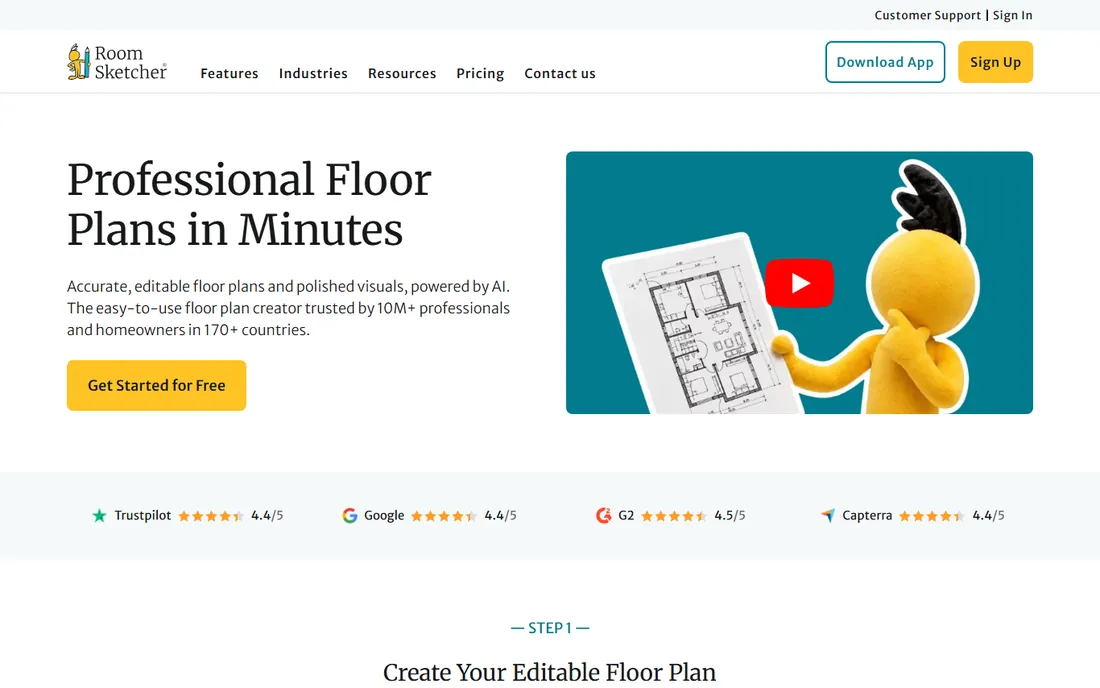
RoomSketcher is known for floor plans, but its free tier covers outdoor areas too, which earns it a place here. Draw your home and lot to scale, furnish the interior, then lay out the patio, deck and garden in the same project and view it all in 3D. The plans are accurate enough to hand to a contractor, and the free account requires no credit card.
The free tier allows up to 2 projects with basic 3D viewing and low-resolution snapshots, which is enough for one home-and-yard project done carefully. Landscaping tools are clearly secondary to the interior features, and the polished visuals, high-quality floor plans and walkthroughs need a paid upgrade. If your project is really "the whole property, inside and out," RoomSketcher's free tier is a practical single workspace.
What we like- Free account with no credit card
- Accurate to-scale plans
- 3D viewing included on the free tier
Watch out for- Free tier caps at 2 projects
- Outdoor design is secondary to interiors
- High-quality visuals need paid upgrades
#8
Live Home 3D
Best for: Detailed 3D design across Mac, Windows, iOS and visionOS
Visit livehome3d.com
Starting priceFree (free version)
Free planYes
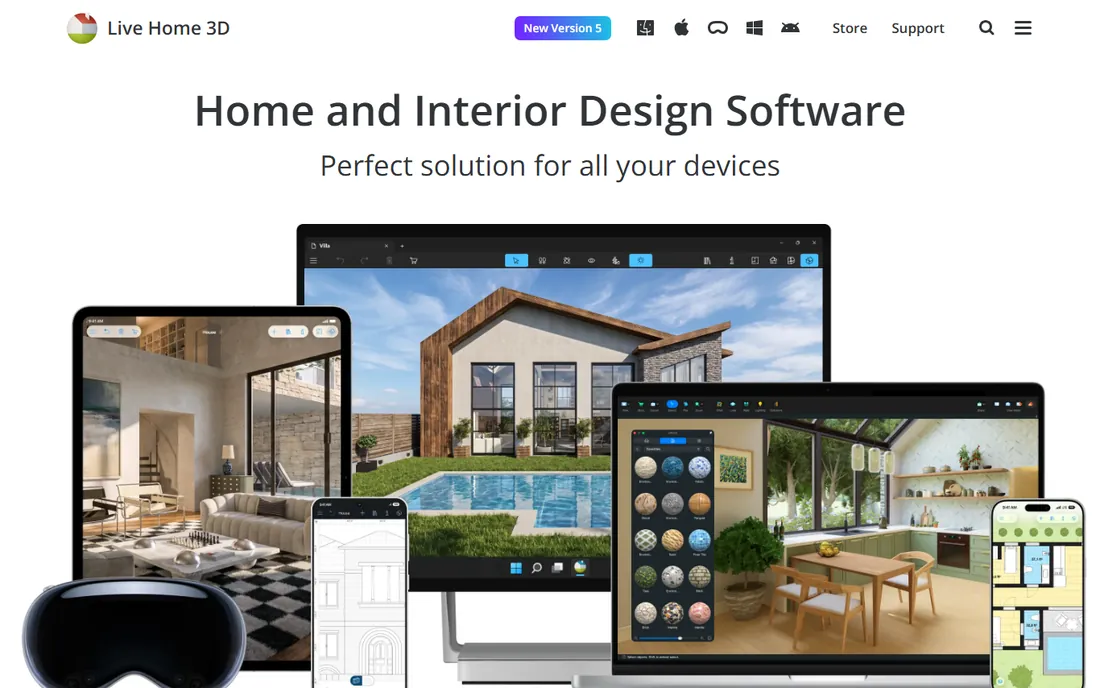
Live Home 3D is a polished multi-platform designer that runs natively on Mac, Windows, iPhone, iPad and even Apple Vision Pro. You draw floor plans, model the house exterior, adjust the terrain for sloped lots, and furnish everything in 3D with walkthroughs. The interface is modern and precise, with real measurements throughout, so the design you make is buildable, not just pretty.
The free version lets you design with some limits on export and advanced features; the full experience needs the Pro edition. Like most home-first tools, the plant and garden library is thinner than the interior catalog. But for Apple-household homeowners who want a native app rather than a browser tab, Live Home 3D's free version is the smoothest yard-design experience on this list.
What we like- Native apps for every Apple and Windows device
- Terrain editing for sloped yards
- Precise measurements and 3D walkthroughs
Watch out for- Free version limits export and project features
- Garden plant library is smaller than interior catalog
- Paid Pro needed for full use
How we chose
We only considered tools with a genuinely free tier or free version available today, not free trials that expire. For each tool we opened the vendor's homepage to confirm the product is active and the free tier still exists, checked what the free tier actually includes versus paywalls, and read user reviews on G2, Capterra and the app stores for real-world experience with yard and garden projects. We weighted factors that matter to homeowners: how quickly a first 3D yard view can be produced, whether plants and outdoor materials are included free, export and sharing options, and honest limits like project caps. We did not test-plant a real garden; our method reflects pricing pages, documentation, public reviews and feature lists.
Frequently asked questions
Can free software really design a whole yard?
Yes, for planning purposes. The free tools on this list handle lot layout, patios, planting beds, terrain and 3D views well enough to plan a real project and brief a contractor. What free tiers usually withhold is unlimited projects, photorealistic renders and huge plant libraries. For a single backyard project, the free tier of most tools here is enough.
Will these tools tell me which plants grow in my area?
Mostly no. These are design tools, not horticultural advisors. iScape and Gardena myGarden include real plant data, but none replace checking your USDA hardiness zone and sun exposure before buying. Design the layout in the software, then verify plant choices with a local nursery or your cooperative extension service.
Can I share my design with a contractor or spouse?
Yes. All eight tools offer some form of sharing, from links and exported images to 3D walkthroughs. HomeByMe and Planner 5D make sharing easiest with web links; SketchUp Free and DreamPlan rely on exported images and files. If contractor handoff matters, check that your plan includes real measurements, which RoomSketcher and Live Home 3D handle best.
Do I need a powerful computer for 3D yard design?
Not for most of these. Planner 5D, HomeByMe, Gardena myGarden and RoomSketcher run in the browser or on a phone. SketchUp Free also runs in the browser. Only DreamPlan and the desktop version of Live Home 3D need a real computer, and even modest modern machines handle typical yard projects fine.
What is the catch with free tiers?
Free tiers limit something: number of projects, catalog size, render quality or export options. That is the business model. The practical move is to finish your design within the free limits, export everything you need, and only pay if you start a second project or need presentation-quality renders. Never enter payment details until you have hit an actual limit.
Sources we checked (8)
- https://sketchup.com/
- https://planner5d.com/
- https://home.by.me/
- https://www.nchsoftware.com/design/index.html
- https://iscapeit.com/
- https://gardena.com/
- https://www.roomsketcher.com
- https://www.livehome3d.com
Is your product missing or out of date?
We review this list regularly. Vendors can request a listing, send updated pricing or ask about featured placement.

Shihab Mia · Founder, Rankite
Shihab has spent more than a decade helping SaaS and e-commerce brands grow through search. He writes Rankite's software buying guides from pricing pages, documentation and public user reviews. More about Shihab.