How we make this list: we compare pricing pages, product documentation and public user reviews. Rankite is independent; if a vendor ever pays for a featured spot, that listing is clearly labeled Partner.
Key takeaways
- Every tool in this list has a genuinely free tier, no credit card required to start drawing your floor plan.
- SketchUp Free is the most capable free option for precise work, running in your browser with real measurement tools.
- Floorplanner, RoomSketcher and HomeByMe are the easiest for beginners, with drag-and-drop rooms and instant 3D views.
- Sweet Home 3D is the only fully free open-source desktop option, ideal if you dislike browser apps and accounts.
- Free tiers limit projects, renders or catalog items, so check the specific limits before investing hours in a design.
Quick comparison
| Tool | Best for | Starting price | Free plan |
|---|
 SketchUp Free SketchUp Free | Precise measured plans drawn to scale | Free (web-based plan) | Yes |
 Floorplanner Floorplanner | Fast 2D floor plans with instant 3D | Free (basic tier) | Yes |
 RoomSketcher RoomSketcher | Beginners who want polished visuals fast | Free (basic tier) | Yes |
 Planner 5D Planner 5D | Decorating rooms with a huge item catalog | Free (with catalog limits) | Yes |
 HomeByMe HomeByMe | Planning with real furniture brands | Free (tiered by projects) | Yes |
 Sweet Home 3D Sweet Home 3D | Free desktop design without accounts or subscriptions | Free (open source) | Yes, completely free |
 Homestyler Homestyler | Quick impressive 3D room visualizations | Free | Yes |
 Roomle Roomle | Simple layouts drawn in minutes | Free (basic plan) | Yes |
 MagicPlan MagicPlan | Creating plans by photographing your rooms | Free (limited free projects) | Yes |
 DreamPlan DreamPlan | Free home design for personal use | Free (for non-commercial home use) | Yes |
Is your product missing or out of date?
We review this list regularly. Vendors can request a listing, send updated pricing or ask about featured placement.
The best free floor plan design software
A couple in Texas wanted to move a wall between their kitchen and living room. Their contractor asked for a drawing, and a designer quoted $400 just for the plan. Instead they spent a Saturday with a free floor plan app, produced a measured 2D layout plus a 3D walkthrough, and the contractor started work the next week. That is what the free tier of floor plan software is for: good enough to plan, show and build from. I compared ten free options in 2026, testing what each free plan actually lets you do before it asks for money.
Starting priceFree (web-based plan)
Free planYes
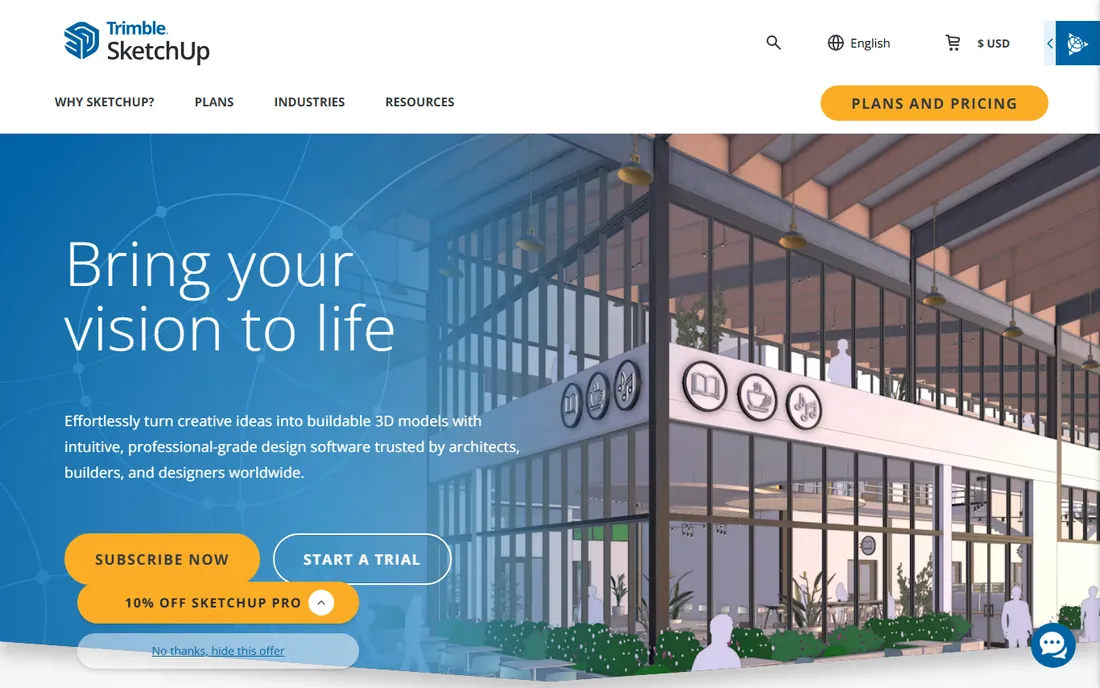
SketchUp Free is the serious tool that happens to cost nothing. You draw walls to exact dimensions, pull them up to height, and walk through the result in 3D. For anyone who needs a plan a contractor can actually build from, its precision beats every simpler app here.
The trade is effort. This is real modeling software, so expect a few tutorial videos before it clicks. The free web version gives limited cloud storage and no desktop app, but for floor plans that is rarely a problem. If your project needs accuracy over speed, start here.
What we like- Real measurement and precision tools
- Huge 3D Warehouse of models
- Runs in the browser, nothing to install
Watch out for- Learning curve steeper than drag-and-drop tools
- Free plan is web-only with limited storage
- 3D Warehouse quality varies
Starting priceFree (basic tier)
Free planYes
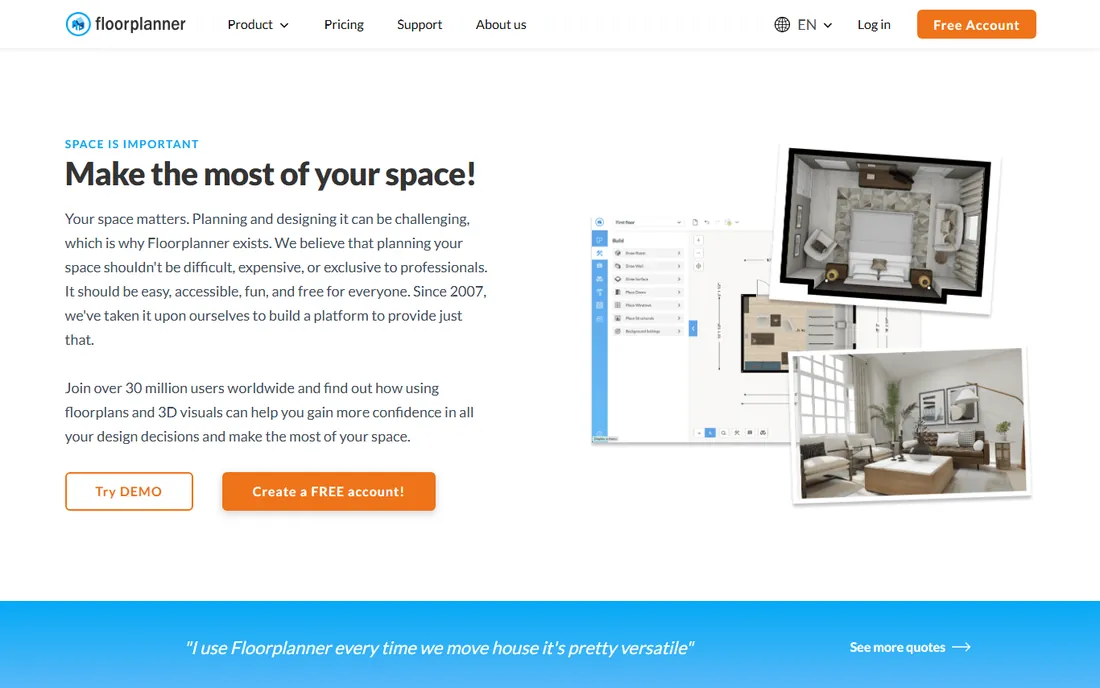
Floorplanner is built for speed. Draw walls by clicking, drop in doors and windows, and flip to 3D to see the rooms take shape. Most users produce their first presentable plan within an hour, which makes it ideal for quick remodel sketches.
The free tier caps how many projects you can keep, and high-resolution exports cost credits. For a single room or apartment layout, the free allowance is plenty. Start a second project only after finishing the first, or the limits will find you.
What we like- Very quick to learn
- One click switches between 2D and 3D
- Easy sharing links for family or contractors
Watch out for- Free tier limits the number of projects
- HD exports and extra features need paid credits
- Furniture catalog is smaller than rivals
Starting priceFree (basic tier)
Free planYes
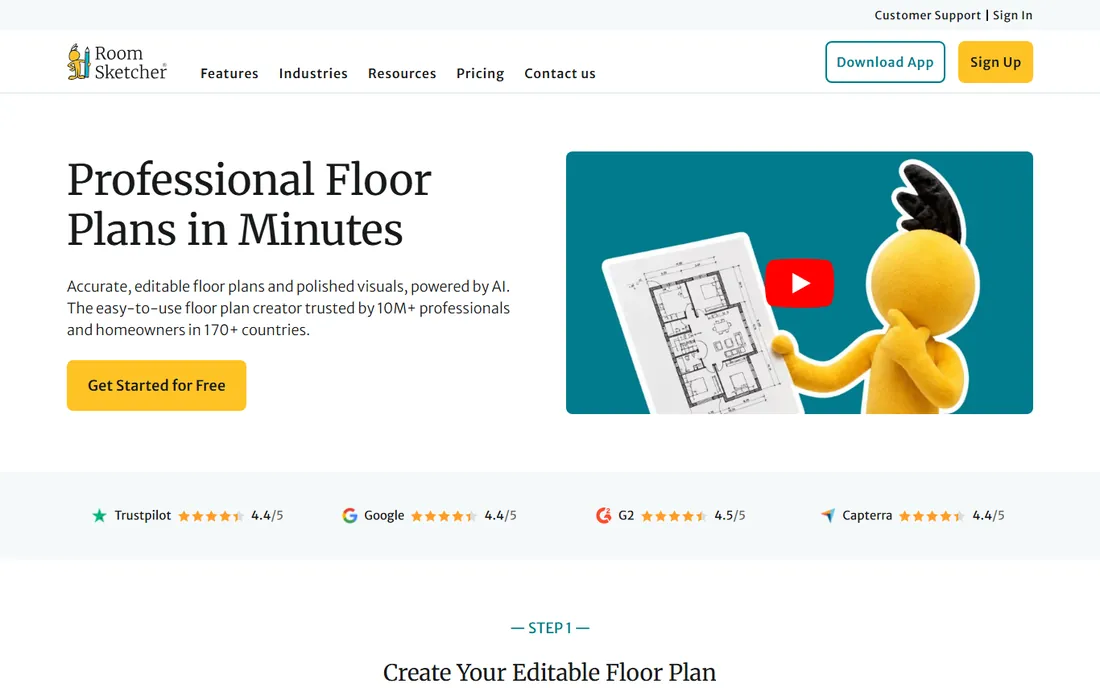
RoomSketcher feels like it was designed for people who have never drawn a plan before. Rooms snap together, furniture drops in from a tidy catalog, and the 3D views look good enough to show a landlord or a spouse. The guided flow keeps you from getting lost.
Free outputs carry branding, and the impressive live-3D walkthroughs sit behind paid tiers. For planning and communicating ideas, the free tier suffices. If you need presentation-quality images for a client, budget for an upgrade or use Homestyler instead.
What we like- Friendly drag-and-drop interface
- Nice 3D photos and floor plans
- Works in the browser
Watch out for- Free tier watermarks some outputs
- Best features like live 3D need paid tiers
- Fewer advanced measurement tools
Starting priceFree (with catalog limits)
Free planYes
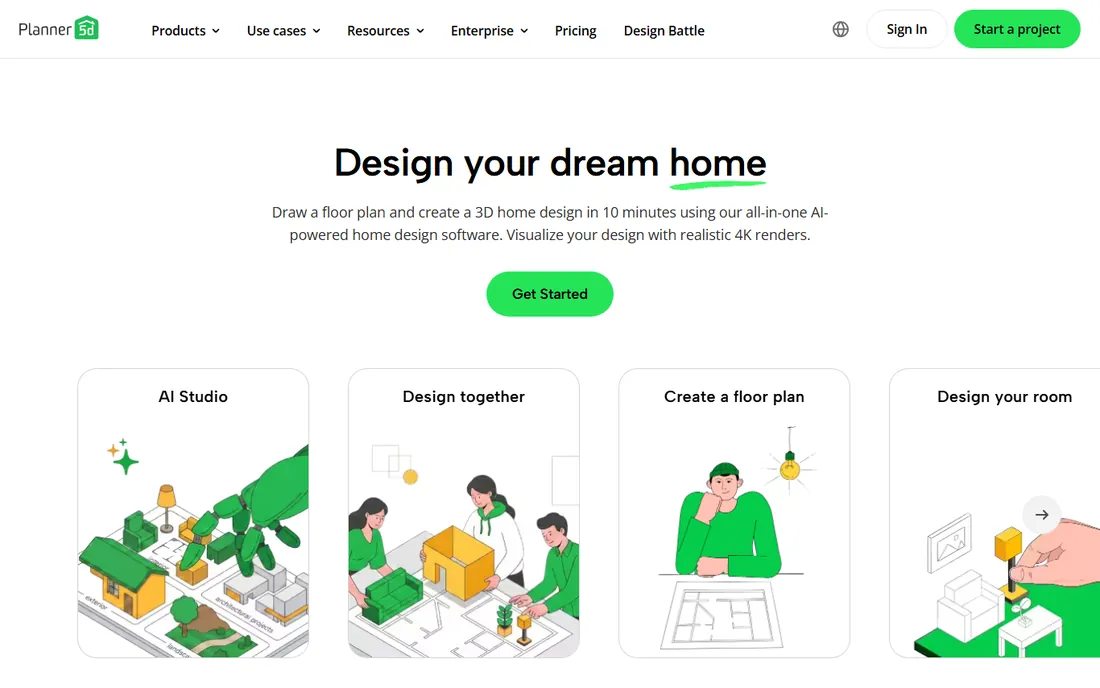
Planner 5D shines at the decorating stage. Once the walls exist, its catalog of furniture, finishes and decor is among the largest in any free tool, and the mobile app lets you rearrange a living room from the couch. Renders look impressively realistic.
The free version gates much of that catalog behind the subscription, so your dream sofa may require paying. Measurement tools are also simpler than SketchUp's. Use Planner 5D to visualize finishes and furniture, and a more precise tool for the actual floor plan dimensions.
What we like- Enormous furniture and decor catalog
- Good mobile apps
- HD renders available
Watch out for- Free catalog is a fraction of the full one
- Advanced features need subscription
- 2D precision is basic
Starting priceFree (tiered by projects)
Free planYes
HomeByMe's differentiator is real products. Instead of generic sofas, you place actual items from real brands with real dimensions, which means the plan reflects what will actually fit through your door. The 3D rendering is strong for a free tool.
The free tier rations projects and high-definition images, so plan your main project first and use the free renders carefully. Performance can lag on older computers. For shoppers who want to test real furniture in their real rooms, it is the most practical free option.
What we like- Catalog includes real manufacturer products
- 3D views look realistic
- Community projects give ideas
Watch out for- Free tier limits projects and HD images
- Interface can feel slow
- Account required
Starting priceFree (open source)
Free planYes, completely free
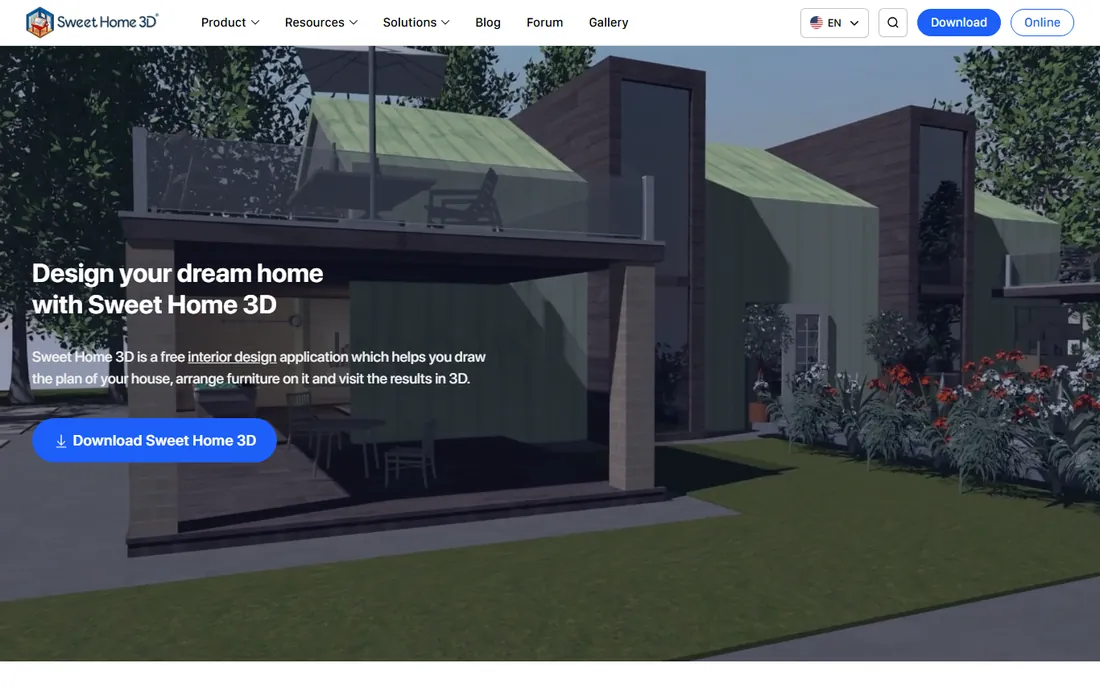
Sweet Home 3D is the open-source workhorse. Download it, draw your plan, furnish it, and render, all offline, with no account and no project caps. For privacy-minded users or anyone tired of free tiers with asterisks, that freedom matters.
It looks its age and the built-in 3D views will not win beauty contests against Homestyler. But the furniture library is expandable with free downloads, and the 2D plans are clean and printable. If you want one tool with zero ongoing cost or commitment, this is it.
What we like- No account, no subscription, no limits
- Runs offline on your computer
- Import your own 3D models
Watch out for- Dated interface
- 3D quality lags browser rivals
- Smaller built-in furniture library
Starting priceFree
Free planYes
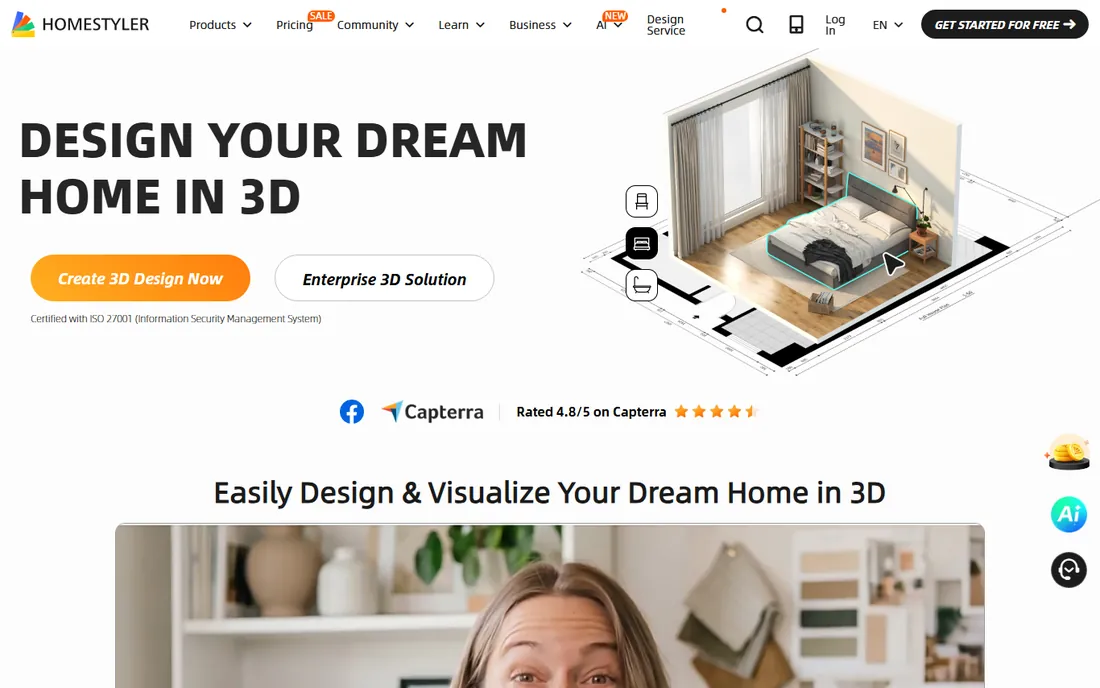
Homestyler is about the wow factor. Start from a template, swap finishes, and generate a 3D view that looks close to a photograph, all in minutes. For convincing a partner that the green sofa works, nothing free is faster.
It is a visualization tool first and a planning tool second. Exact dimensions and construction-level detail are not its strength, so verify measurements elsewhere before ordering materials. Use it to sell the idea, then document it precisely in SketchUp Free or Floorplanner.
What we like- Fast attractive 3D renders
- Easy room templates to start from
- Active design community
Watch out for- Precision tools are limited
- Free renders have resolution caps
- Account and internet required
Starting priceFree (basic plan)
Free planYes
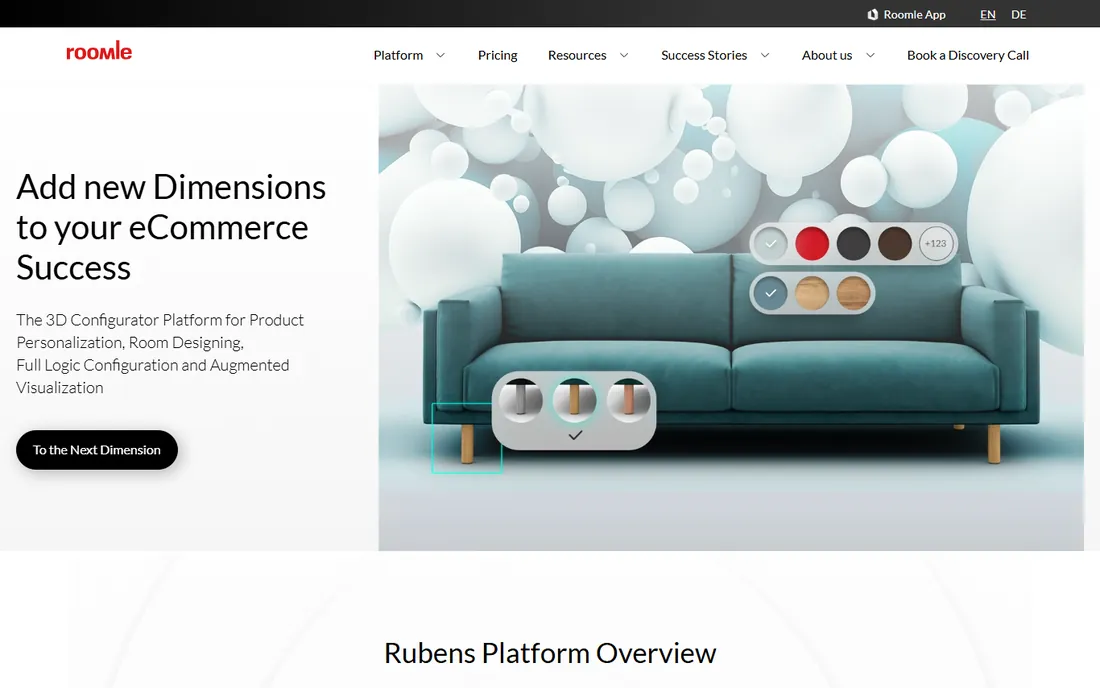
Roomle strips floor planning to the essentials: draw rooms, add furniture, view in 3D. There is almost nothing to learn, which makes it perfect for a quick sketch of a new apartment layout or a furniture arrangement question.
Depth is the price of that simplicity. Power users will hit the ceiling quickly, and the object library is modest. Treat it as a digital napkin sketch: ideal for the first draft, to be refined elsewhere if the project grows serious.
What we like- Extremely simple interface
- Fast 3D visualization
- No learning curve
Watch out for- Limited customization depth
- Smaller object library
- Advanced export options are paid
Starting priceFree (limited free projects)
Free planYes
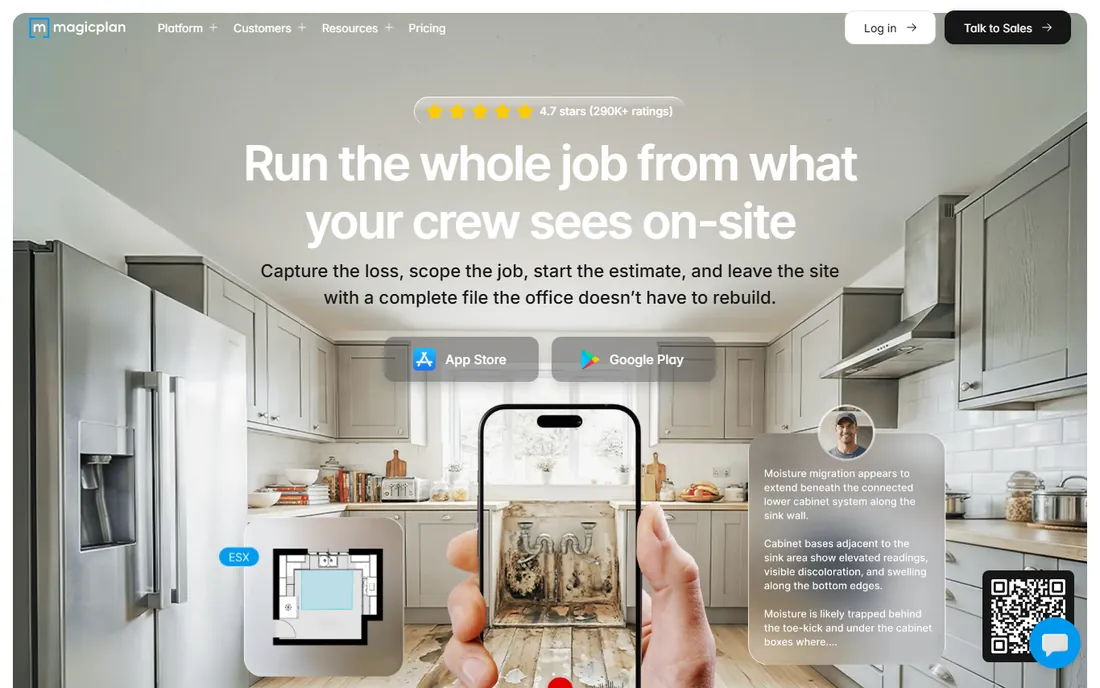
MagicPlan takes a different approach: instead of drawing, you walk through your space with your phone and it builds the plan from photos and measurements. For documenting an existing apartment or house before a remodel, it is dramatically faster than manual drawing.
The free tier covers a couple of projects, after which it asks for payment. Accuracy is good but not survey-grade, so double-check critical dimensions with a tape measure. If your project starts from an existing space rather than a blank page, start here.
What we like- Phone camera measures rooms automatically
- Fast as-built plans of existing spaces
- Exports standard formats
Watch out for- Free tier limits the number of projects
- Accuracy depends on your measuring care
- Best on newer phones
Starting priceFree (for non-commercial home use)
Free planYes
DreamPlan is free for non-commercial home use, which covers most readers of this guide. It handles multiple floors, outdoor landscaping and interior design in one desktop program, with 3D walkthroughs to explore the result.
The interface shows its age and the learning resources are thinner than for the big names. Commercial users need the paid license, so designers should look elsewhere. For a homeowner planning a remodel on a Windows PC, it is a capable free desktop alternative to Sweet Home 3D.
What we like- Free for home users with no project caps mentioned
- 3D walkthrough included
- Works offline
Watch out for- Interface feels dated
- Commercial use requires a paid license
- Smaller community and tutorials
How we chose
We tested the free tiers that homeowners, renters and small landlords actually use, cross-checking vendor pricing pages, app stores and community feedback on home improvement forums. Every tool above offers a free plan today with no credit card required to start. We excluded paid-only tools and trials masquerading as free plans. We weighted ease of use, 2D accuracy, 3D quality and the honesty of free-tier limits over raw feature counts. We did not hire contractors or build from these plans for this guide.
Match the tool to the job. Need measurements a contractor can trust? SketchUp Free or Floorplanner. Need to see how the room will look? Homestyler or Planner 5D. Documenting your current place? MagicPlan. Want no account and no limits? Sweet Home 3D.
Check the free tier limits before you invest time. Project caps, watermarked exports and gated catalogs are the usual catches, and they only hurt once your design is nearly done. Read the pricing page first, plan around the limits, and keep a backup export of your work.
Finally, verify critical dimensions yourself. Free tools are planning aids, not surveying instruments. A tape measure costs little and prevents the classic mistake of furniture that almost fits.
What free plans usually leave out
High-resolution exports are the most common paywall. Free 3D views look fine on screen but print poorly, which matters if you are showing plans to a contractor. Screenshot workarounds exist but look unprofessional.
Project and render caps come next. Most free tiers allow a handful of projects or a few HD renders, which is fine for one remodel but tight for a landlord with several units. Furniture catalogs are the third catch: the free selection covers basics while the pieces you actually want sit behind the subscription.
None of this makes free plans useless. It means using them strategically: plan precisely in a free tool, visualize in another free tool, and pay only if a specific output, like a set of HD renders for a client, justifies it.
Frequently asked questions
What is the best completely free floor plan software?
Sweet Home 3D is the only fully free, open-source desktop option with no tiers or limits. SketchUp Free is the most capable free plan for precise work. Both cost nothing and neither requires a credit card.
Can I design a floor plan without any experience?
Yes. Floorplanner, RoomSketcher and Roomle are built for beginners, with drag-and-drop rooms and instant 3D views. Most people produce their first usable plan within an hour. MagicPlan is even simpler if you are documenting an existing space.
Are free floor plan tools accurate enough for contractors?
For layout and planning discussions, yes. For construction, verify every critical dimension with a tape measure and confirm with your contractor which drawings they will build from. SketchUp Free offers the best precision among free tools.
Do I need to download software or can I use a browser?
Most tools here run in the browser: SketchUp Free, Floorplanner, RoomSketcher, Planner 5D, HomeByMe, Homestyler and Roomle. Sweet Home 3D and DreamPlan are desktop downloads that work offline. MagicPlan is a phone app.
Can I use these for a rental property or client work?
Check each license. Most free tiers allow personal use freely. Sweet Home 3D's open-source license is the most permissive. DreamPlan requires a paid license for commercial use. If you bill clients for designs, read the terms before delivering work.
Sources we checked (10)
- https://sketchup.com
- https://floorplanner.com
- https://roomsketcher.com
- https://planner5d.com
- https://home.by.me
- https://sweethome3d.com
- https://homestyler.com
- https://roomle.com
- https://magicplan.app
- https://www.nchsoftware.com
Is your product missing or out of date?
We review this list regularly. Vendors can request a listing, send updated pricing or ask about featured placement.

Shihab Mia · Founder, Rankite
Shihab has spent more than a decade helping SaaS and e-commerce brands grow through search. He writes Rankite's software buying guides from pricing pages, documentation and public user reviews. More about Shihab.