How we make this list: we compare pricing pages, product documentation and public user reviews. Rankite is independent; if a vendor ever pays for a featured spot, that listing is clearly labeled Partner.
Key takeaways
- Canva and Adobe Express are the default picks: generous free plans, thousands of flyer templates, and print ordering built in.
- PosterMyWall ($13/month Premium) is the flyer specialist: templates tuned for events, churches, restaurants and real estate, plus email and social scheduling.
- DesignCap's Basic plan is $4.99/month and Visme's Starter is $12.25/month billed annually, both verified on their vendor pricing pages.
- If you make flyers rarely, free plans from Canva, Adobe Express, VistaCreate, Snappa and DesignCap cover occasional jobs without paying.
- PicMonkey is the odd one out: no free plan, subscription only, but a 7-day trial lets you test it first.
Quick comparison
| Tool | Best for | Starting price | Free plan |
|---|
 Canva Canva | Anyone who wants the biggest template library and built-in print ordering | See website | Yes |
 Adobe Express Adobe Express | Polished flyers with Adobe's design quality and stock assets | See website | Yes |
 PosterMyWall PosterMyWall | Event, church, restaurant and real estate flyers with marketing tools | $13/month (Premium) | Yes |
 VistaCreate VistaCreate | Social and print flyers on a budget Pro plan | $10/month (Pro) | Yes |
 Visme Visme | Branded flyers with charts, data and interactive elements | $12.25/month (Starter, billed annually) | Yes |
 Snappa Snappa | Non-designers who want a flyer done in minutes | See website | Yes (Starter plan, 3 downloads/month) |
 DesignCap DesignCap | Budget-conscious users who want simple poster and flyer templates | $4.99/month (Basic) | Yes |
 PicMonkey PicMonkey | Photo-heavy flyers with touch-up and effects | See website | No (7-day free trial) |
Is your product missing or out of date?
We review this list regularly. Vendors can request a listing, send updated pricing or ask about featured placement.
The best flyer maker software
A flyer has one job: make someone stop, read and act. The software behind it matters less than the offer on the page, but the right tool removes the friction between idea and print. Some of these are general design platforms with deep template libraries. Others are flyer specialists built for events, churches and local businesses. All eight can produce a flyer worth printing, and most of them are free to start.
#1
Canva
Best for: Anyone who wants the biggest template library and built-in print ordering
Visit canva.com
Starting priceSee website
Free planYes
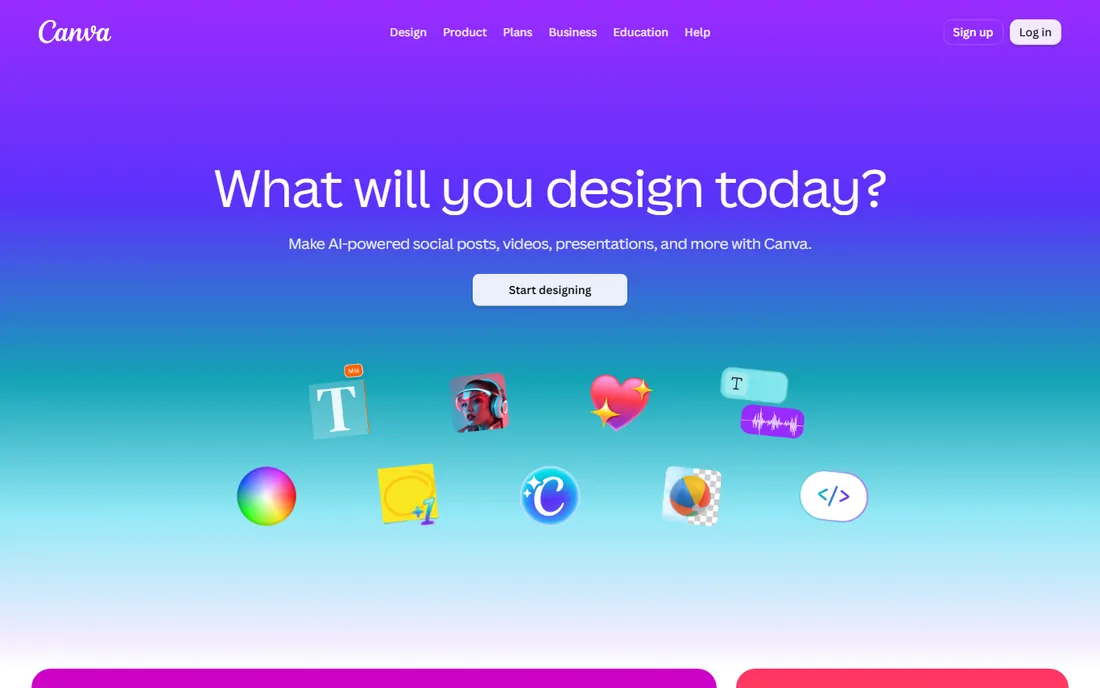
Canva is the default answer for a reason. Its flyer templates number in the thousands, covering events, sales, real estate, church bulletins, restaurant specials and more, and the drag-and-drop editor is the easiest here for a non-designer. The free plan covers most flyer work: templates, stock photos, fonts and exports. Canva Print goes further by printing and shipping your flyers, which closes the loop for small businesses.
The risk is sameness: free templates get used everywhere, so customize colors, fonts and photos to avoid looking like everyone else. Paid Canva plans add brand kits, background removal and premium content. For most SMB flyer needs, the free plan plus one print order is all you need.
What we like- Enormous flyer template collection
- Free plan is genuinely usable
- Canva Print delivers finished flyers to your door
Watch out for- Free templates repeat across the internet
- Brand controls need the paid plan
#2
Adobe Express
Best for: Polished flyers with Adobe's design quality and stock assets
Visit adobe.com
Starting priceSee website
Free planYes
Adobe Express is Adobe's answer to Canva, and for flyers it punches above its free plan. Templates carry Adobe's design polish, Adobe Fonts are included, and Firefly-powered generative AI can create custom imagery for your flyer when stock photos fall short. The free plan handles basic flyer creation, and the Premium plan adds the full Adobe Stock photo collection and advanced AI features.
Businesses already paying for Creative Cloud get Premium included, which makes this an easy win. Everyone else should weigh it against Canva: Express wins on typography and AI imagery, Canva wins on template volume and print services. Try both free plans with the same flyer and keep the one that looked better.
What we like- Beautiful templates with Adobe Fonts and stock assets
- Free plan included
- Firefly AI image generation built in
Watch out for- Template library smaller than Canva's
- Best features need the Premium plan
#3
PosterMyWall
Best for: Event, church, restaurant and real estate flyers with marketing tools
Visit postermywall.com
Starting price$13/month (Premium)
Free planYes
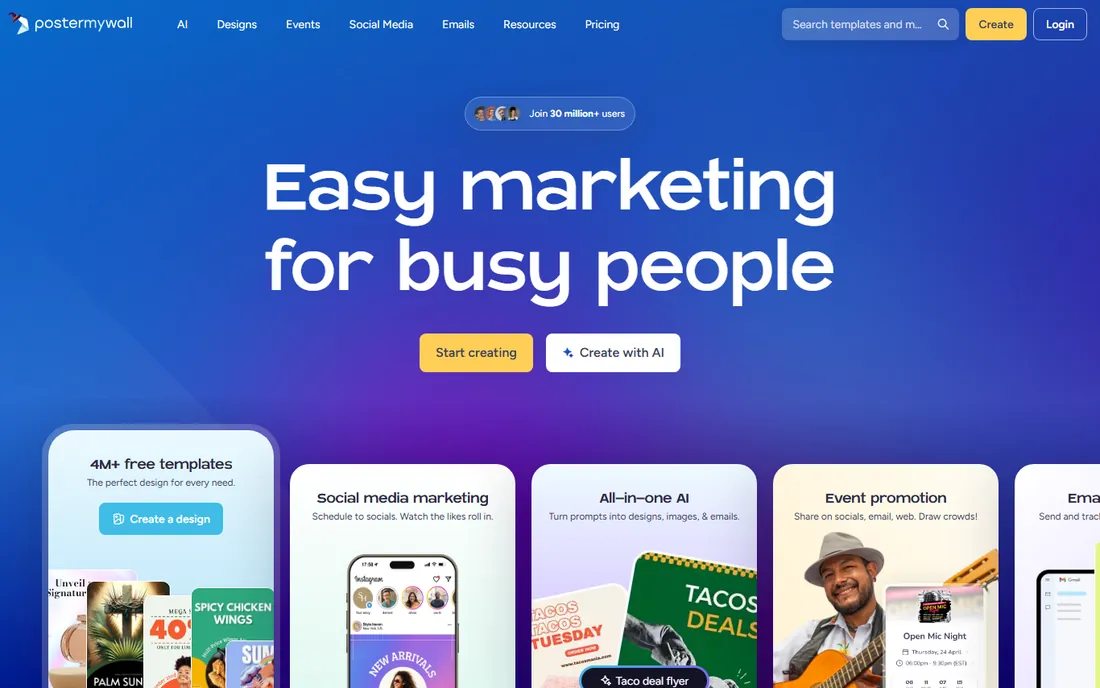
PosterMyWall is built for exactly this job. Its templates are organized around real flyer use cases: events, church services, restaurant specials, real estate listings, sales and holidays. Beyond design, it bundles email marketing, social media scheduling, event pages and even ticket sales, which makes it a small marketing platform rather than just an editor.
Pricing is transparent on its own FAQ: Premium is $13/month with unlimited high-res downloads and no watermark, or $109/year. Free accounts can design and download with per-file fees starting at $5.99 for images. If flyers are a weekly activity for your business, Premium pays for itself quickly; occasional users can stay free and pay per download.
What we like- Flyer-first template library tuned for local marketing
- Email campaigns and social scheduling built in
- Free plan exists with pay-per-download options
Watch out for- Free downloads cost per file (from $5.99 for images)
- Interface is busier than Canva
Starting price$10/month (Pro)
Free planYes
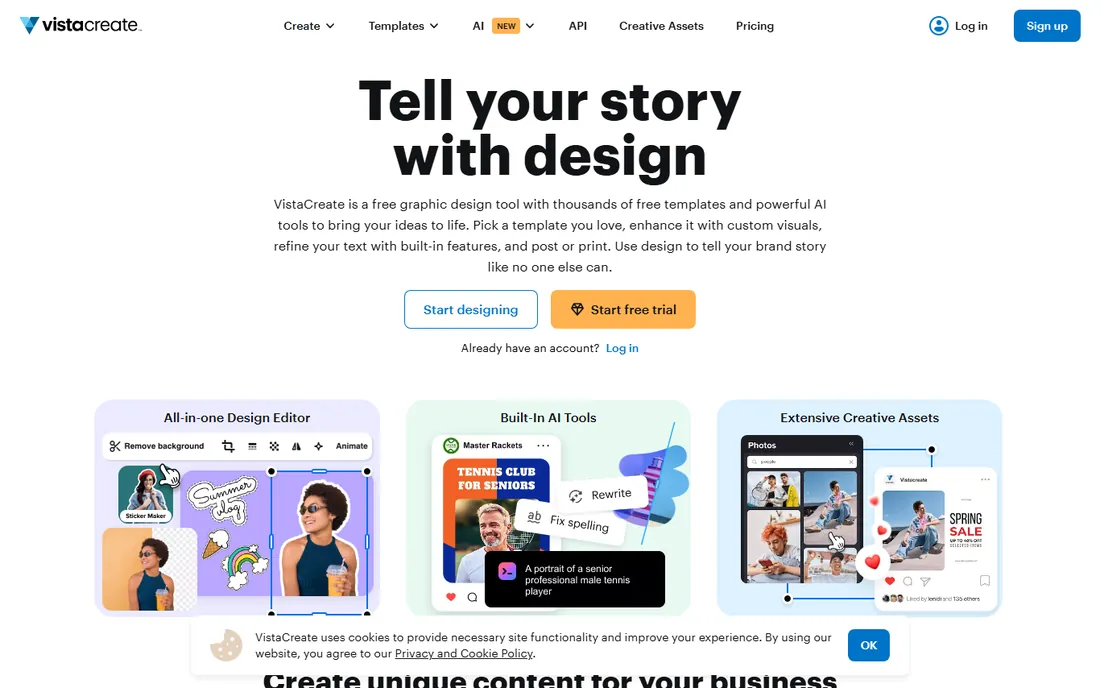
VistaCreate (formerly Crello) is the value alternative to Canva. Its template library covers flyers, social posts and print, the editor is straightforward, and the free plan handles casual use. The Pro plan at $10/month adds the full stock library, background removal, unlimited brand kits and team features, which is less than comparable plans elsewhere.
For a small business making flyers regularly, that $10 price point is the story. The tool itself is solid: drag-and-drop editing, good typography controls, and exports for print and social. If Canva's pricing or ubiquity bothers you, VistaCreate delivers 90 percent of the experience for less.
What we like- Large template and stock library
- Pro plan at $10/month undercuts most rivals
- Background removal and brand kit included in Pro
Watch out for- Smaller community and tutorial base than Canva
- Brand recognition lower with collaborators
#5
Visme
Best for: Branded flyers with charts, data and interactive elements
Visit visme.co
Starting price$12.25/month (Starter, billed annually)
Free planYes
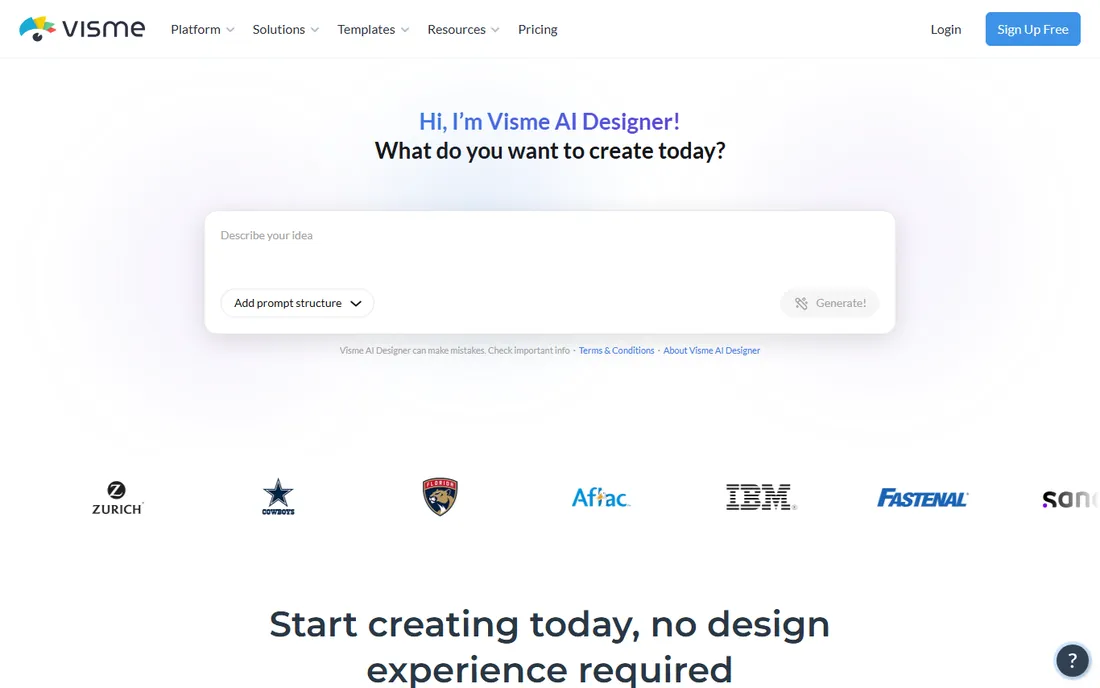
Visme is a visual content platform that handles flyers alongside presentations, infographics and documents. Its strength for flyers is data: charts, graphs and data visualizations that look professional, which matters for report-style flyers, real estate market updates and nonprofit appeals. Per Visme's own FAQ, paid plans start at $12.25/month for Starter billed annually, and the free Basic plan needs no credit card.
It is heavier than a simple flyer maker, and the free plan has limits on downloads and assets. Choose Visme when your flyers need to communicate numbers or stay strictly on brand across a team; choose a simpler tool when you just need a fast event flyer.
What we like- Strong for data-driven flyers with charts and infographics
- Brand kits and analytics on paid plans
- Free Basic plan with no credit card
Watch out for- More complex than pure flyer tools
- Free plan watermarks some exports
#6
Snappa
Best for: Non-designers who want a flyer done in minutes
Visit snappa.com
Starting priceSee website
Free planYes (Starter plan, 3 downloads/month)
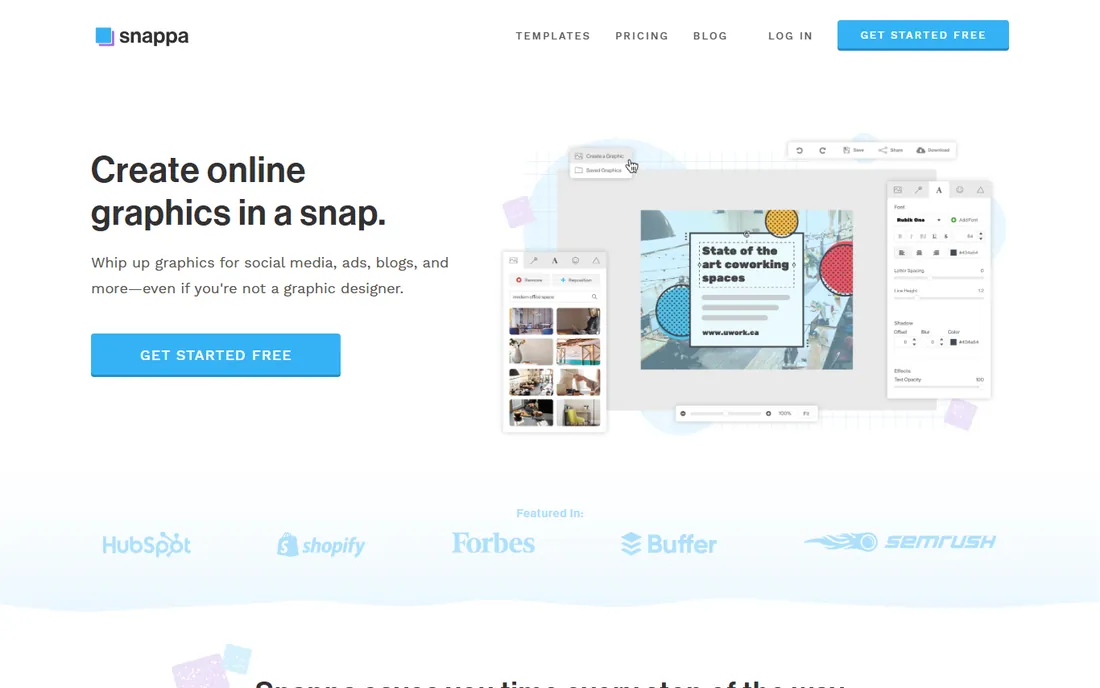
Snappa optimizes for speed. Pick a flyer template, swap the text and photo, download. The free Starter plan includes access to all templates and HD stock photos, limited to 3 downloads per month, which is enough for the occasional flyer. Paid plans add unlimited downloads, background removal, custom fonts and social integrations.
It will not replace a real design tool for complex layouts, and there is no mobile app. But for a business owner who needs a decent flyer before lunch, Snappa's simplicity is the feature. Check current pricing on snappa.com; the Pro tier has historically been the step up for regular users.
What we like- Extremely simple editor with perfect preset dimensions
- Free Starter includes all templates and HD photos
- One-click resizing for social versions
Watch out for- Free plan limited to 3 downloads a month
- No mobile app
- Advanced editing is thin
#7
DesignCap
Best for: Budget-conscious users who want simple poster and flyer templates
Visit designcap.com
Starting price$4.99/month (Basic)
Free planYes
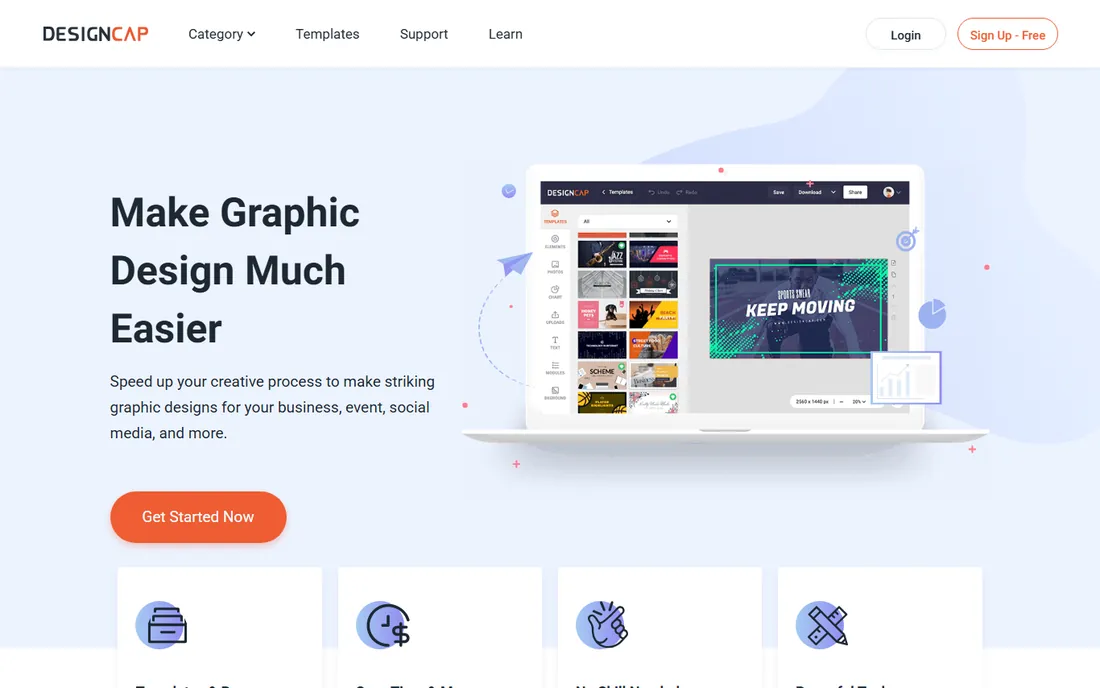
DesignCap is a straightforward online poster and flyer maker from PearlMountain. Its pricing page is refreshingly cheap: a free plan, Basic at $4.99/month, and Plus at $5.99/month, with annual billing cutting those further. Basic adds unlimited templates, unlimited stock icons, high-res PNG and PDF exports, 100 image uploads and 100 saved designs.
The free plan is tight: limited templates, 5 image uploads, 5 saved designs, JPG exports only. But as a paid tool it is the cheapest way to get unlimited flyer templates with print-quality exports. It lacks the marketing extras of PosterMyWall and the polish of Canva, but at this price it does not need them.
What we like- Cheapest paid tier here at $4.99/month Basic
- Poster and flyer focused templates
- Simple three-step workflow
Watch out for- Free plan is limited (5 saved designs, JPG exports)
- Smaller library than the big platforms
Starting priceSee website
Free planNo (7-day free trial)
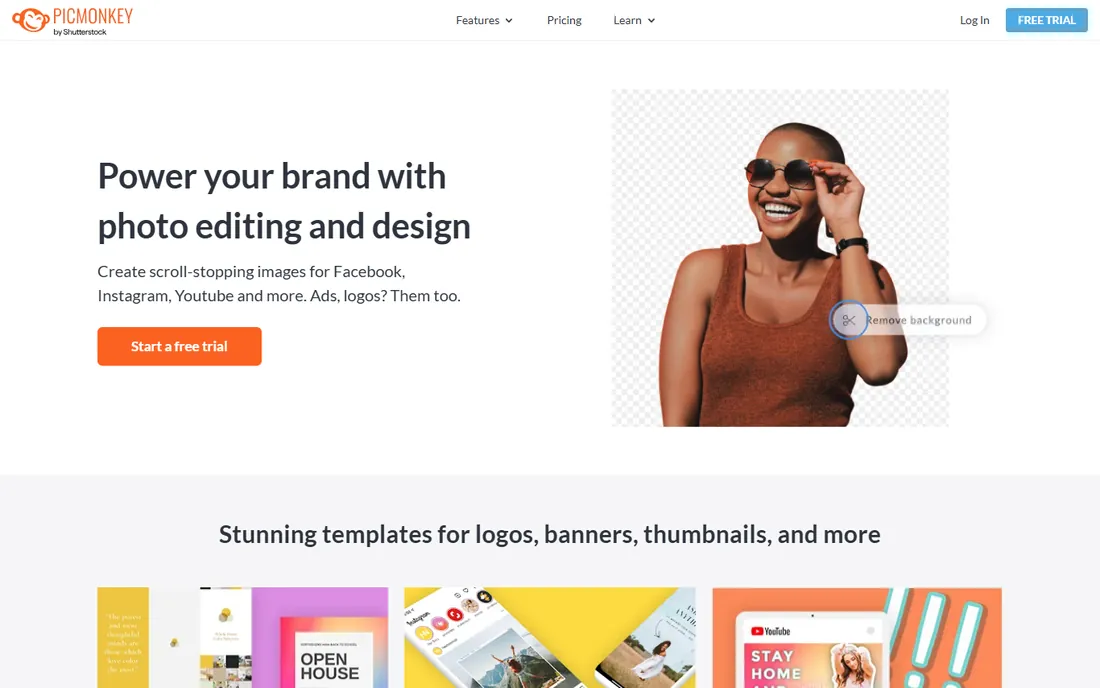
PicMonkey comes from photo editing rather than design, and it shows in the flyer's favor: touch-up tools, effects, and photo adjustments are deeper than any template tool here. If your flyers lead with photography, like salon work, real estate, food or fitness, PicMonkey's editing makes those photos sell harder.
The catch is cost: there is no free plan, only a 7-day trial, and it is subscription-only. Third-party pricing trackers put plans around $7.99/month and up, but verify on picmonkey.com since only the vendor's page counts. Choose it when photo quality is the flyer; otherwise a free tool does the layout just as well.
What we like- Strong photo editing and touch-up tools
- Good templates and fonts
- Brand kit and background remover on Pro
Watch out for- No free plan, subscription only
- Overkill if you never edit photos
Flyers live two lives: printed and posted online. For print, your tool must export high-resolution PDF or PNG with proper bleed settings, and ideally offer CMYK-friendly output. Canva Print, PosterMyWall's high-res downloads and DesignCap's PDF exports cover this. For digital flyers on Instagram or Facebook, you need one-click resizing to square and story formats, which Canva, Snappa and Adobe Express handle well.
Resolution is where free plans bite: several limit exports to JPG or add watermarks. If the flyer is going to a professional printer, pay for one month of a plan with high-res PDF export rather than fighting free-tier limits. For social-only flyers, free plans are fine.
How we chose
We picked tools with dedicated flyer or poster templates and real free or trial access, covering general design platforms and flyer specialists. We verified pricing on vendor pages where available: PosterMyWall's $13/month Premium from its own FAQ and help center, DesignCap's $4.99/month Basic from its pricing page, Visme's $12.25/month Starter from its FAQ, and VistaCreate's $10/month Pro from its pricing page. Prices marked "See website" were not published on the vendor's own page at check time. No hands-on testing was involved.
Frequently asked questions
What is the best free flyer maker?
Canva's free plan is the best all-rounder: thousands of flyer templates, stock photos and usable exports at no cost. Adobe Express and VistaCreate are strong free alternatives, and PosterMyWall's free plan works if you only need an occasional flyer.
Can I print flyers directly from these tools?
Canva offers Canva Print with delivery. The others export print-ready files (PDF or high-res PNG) that you take to any local or online printer. Check that your plan includes high-resolution exports before designing for print.
What size should a flyer be?
The standard US flyer is 8.5 x 11 inches (letter) or 5.5 x 8.5 inches (half page). All the tools here include preset flyer dimensions, and most offer one-click resizing for social media versions.
Do I need design skills to make a good flyer?
No. Start from a template in your industry, change the text, swap in your own photo, and keep it to one headline, one offer and one call to action. The tools handle layout, fonts and spacing.
Which flyer maker is best for events?
PosterMyWall: its template library is organized around events, and it adds event pages, ticket sales, email invites and social scheduling in the same subscription.
Sources we checked (5)
- https://www.postermywall.com/index.php/info/faq
- https://support.postermywall.com/hc/en-us/articles/360021586572-What-do-I-get-from-the-PosterMyWall-Premium-Subscription
- http://www.designcap.com/pricing.html
- https://www.visme.co/faq/
- https://www.visme.co/pricing/
Is your product missing or out of date?
We review this list regularly. Vendors can request a listing, send updated pricing or ask about featured placement.

Shihab Mia · Founder, Rankite
Shihab has spent more than a decade helping SaaS and e-commerce brands grow through search. He writes Rankite's software buying guides from pricing pages, documentation and public user reviews. More about Shihab.