How we make this list: we compare pricing pages, product documentation and public user reviews. Rankite is independent; if a vendor ever pays for a featured spot, that listing is clearly labeled Partner.
Key takeaways
- Business file sharing splits into three jobs: internal collaboration and sync (Drive, OneDrive, Dropbox), compliance-heavy content management (Box, Egnyte), and secure external sharing (ShareFile, Tresorit).
- Google Drive and OneDrive win by ecosystem: if your team lives in Workspace or Microsoft 365, the file sharing is already paid for.
- Dropbox Business remains the sync specialist with the smoothest cross-platform experience and strong external sharing.
- Box and Egnyte serve regulated industries and enterprises that need governance, retention and compliance certifications.
- ShareFile and Tresorit handle the sensitive external sharing: encrypted client portals, virtual data rooms and zero-knowledge privacy.
Quick comparison
| Tool | Best for | Starting price | Free plan |
|---|
 Google Drive Google Drive | teams already running on Google Workspace | See website | Yes (15 GB) |
 Dropbox Business Dropbox Business | teams that need the smoothest sync and sharing experience | See website | Yes (2 GB) |
 Box Box | regulated industries needing compliance-grade content management | See website | Yes (limited) |
 OneDrive OneDrive | file sharing inside a Microsoft 365 company | See website | Yes (5 GB) |
 ShareFile ShareFile | secure client document sharing with compliance | See website | No |
 Tresorit Tresorit | teams that need zero-knowledge encrypted sharing | See website | No |
 Egnyte Egnyte | enterprises needing governance across cloud and on-prem files | See website | No |
 WeTransfer WeTransfer | quick one-off large file transfers | See website | Yes |
Is your product missing or out of date?
We review this list regularly. Vendors can request a listing, send updated pricing or ask about featured placement.
The best file sharing software for business
Starting priceSee website
Free planYes (15 GB)
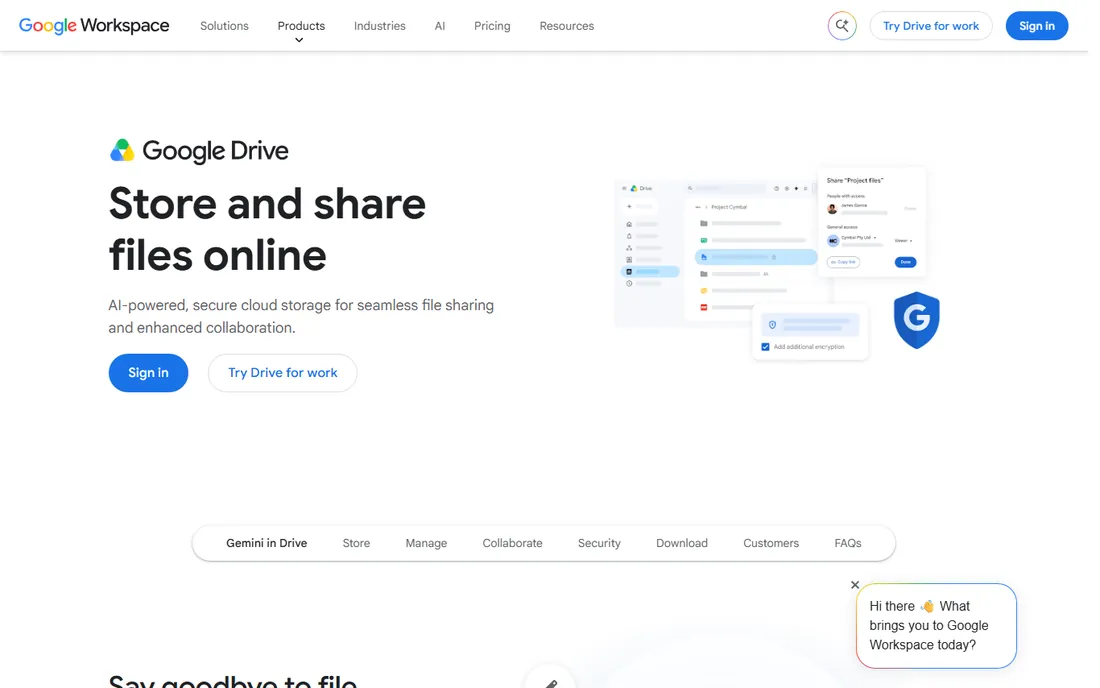
For a team on Google Workspace, Drive is not a choice; it is the default. Documents, spreadsheets and presentations collaborate in real time with version history, comments and sharing links built in. The 15 GB free tier covers individuals, and business storage comes with Workspace plans.
External sharing controls are less granular than compliance-focused tools, and the desktop sync client trails Dropbox. But the ecosystem argument wins for most small and midsize businesses: the file sharing is already paid for, already integrated, and already familiar.
What we like- Smooth Docs, Sheets and Slides collaboration
- 15 GB free
- Everyone already knows it
Watch out for- Sharing controls less granular than Box
- Sync client weaker than Dropbox
#2
Dropbox Business
Best for: teams that need the smoothest sync and sharing experience
Visit dropbox.com
Starting priceSee website
Free planYes (2 GB)
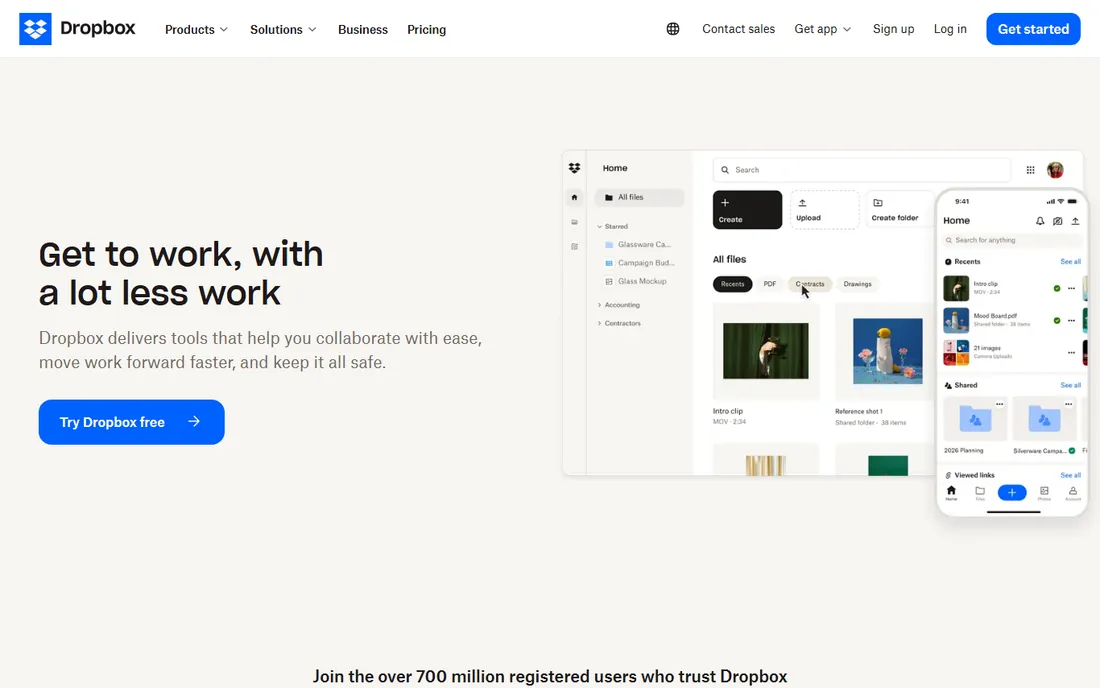
Dropbox invented consumer file sync and still does it best. Files sync across Windows, Mac, Linux, iOS and Android faster and more reliably than any competitor, with selective sync, version history and password-protected links. Dropbox Transfer sends huge files to people without accounts. Integrations with Office, Google Docs and Slack are mature.
The free tier is only 2 GB, and business pricing is published per user. It is not the cheapest option for large teams. But for businesses where files must simply be everywhere and current, Dropbox remains the reliability standard.
What we like- Fastest, most reliable sync
- Excellent external sharing
- Deep integrations
Watch out for- 2 GB free tier is small
- Not the cheapest at scale
#3
Box
Best for: regulated industries needing compliance-grade content management
Visit box.com
Starting priceSee website
Free planYes (limited)

Box is file sharing for companies where compliance is not optional. Healthcare, finance and government use it because the certifications (HIPAA, FedRAMP, FINRA) and governance features (retention policies, legal holds, granular permissions) satisfy auditors. Content workflows and e-signatures extend it beyond storage.
Enterprise pricing is quote-based and the platform is heavier than Dropbox or Drive. A limited free personal tier exists. For regulated industries, Box is the safe choice. For everyone else, it is more governance than needed.
What we like- HIPAA, FedRAMP and FINRA compliance
- Strong governance and retention
- Enterprise content workflows
Watch out for- Quote-based enterprise pricing
- More complex than sync tools
Starting priceSee website
Free planYes (5 GB)
Like Drive for Google shops, OneDrive is the default for Microsoft 365 companies. Every business plan includes 1 TB of storage per user, with deep Office integration and SharePoint for team document libraries. The value is bundled: you are already paying for it.
The sharing experience confuses users more than Drive or Dropbox, with permission links that surprise people. Outside the Microsoft ecosystem, the value drops. For a company standardized on Microsoft 365, OneDrive plus SharePoint covers file sharing completely.
What we like- 1 TB included with Microsoft 365
- Deep Office integration
- SharePoint for team sites
Watch out for- Sharing UX confuses users
- Best inside the Microsoft ecosystem
Starting priceSee website
Free planNo
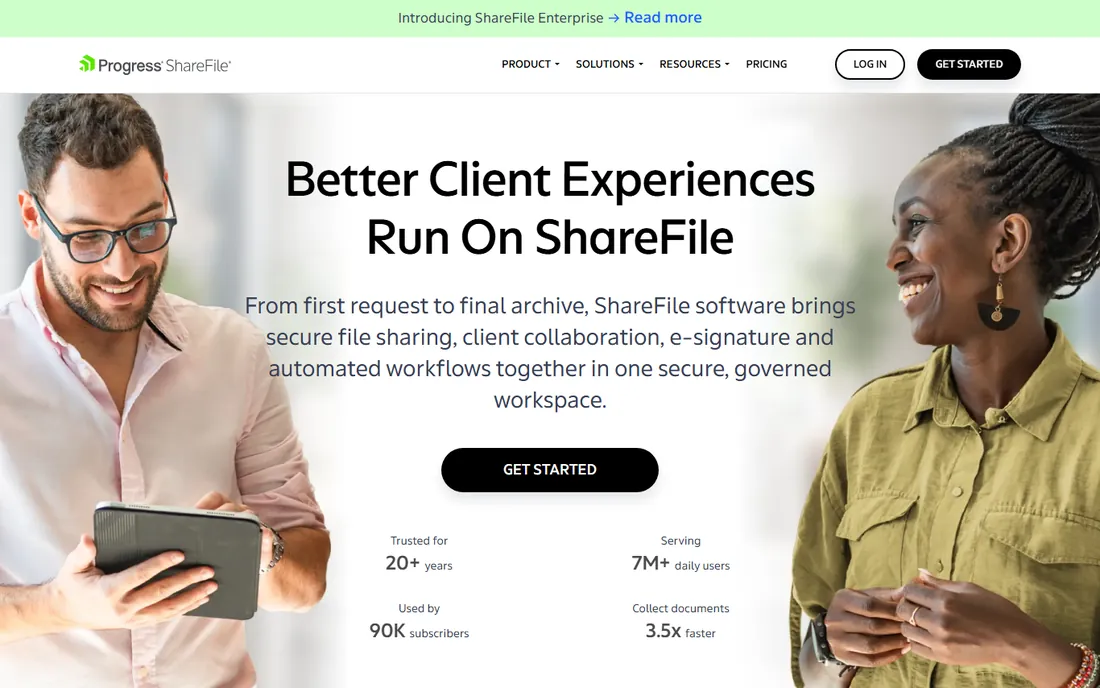
ShareFile (from Progress, formerly Citrix) is built for sharing sensitive documents with clients: encrypted portals, e-signatures, and virtual data rooms for due diligence. Accounting firms, law firms and financial services use it where client confidentiality is the business.
There is no free tier, only trials, and it is narrower than a full collaboration suite. Pricing is published with per-user plans. For professional services firms that send sensitive documents to clients daily, ShareFile is purpose-built.
What we like- Encrypted client portals
- Virtual data rooms
- Strong for accounting and legal workflows
Watch out for- No free tier
- Narrower than full collaboration suites
Starting priceSee website
Free planNo
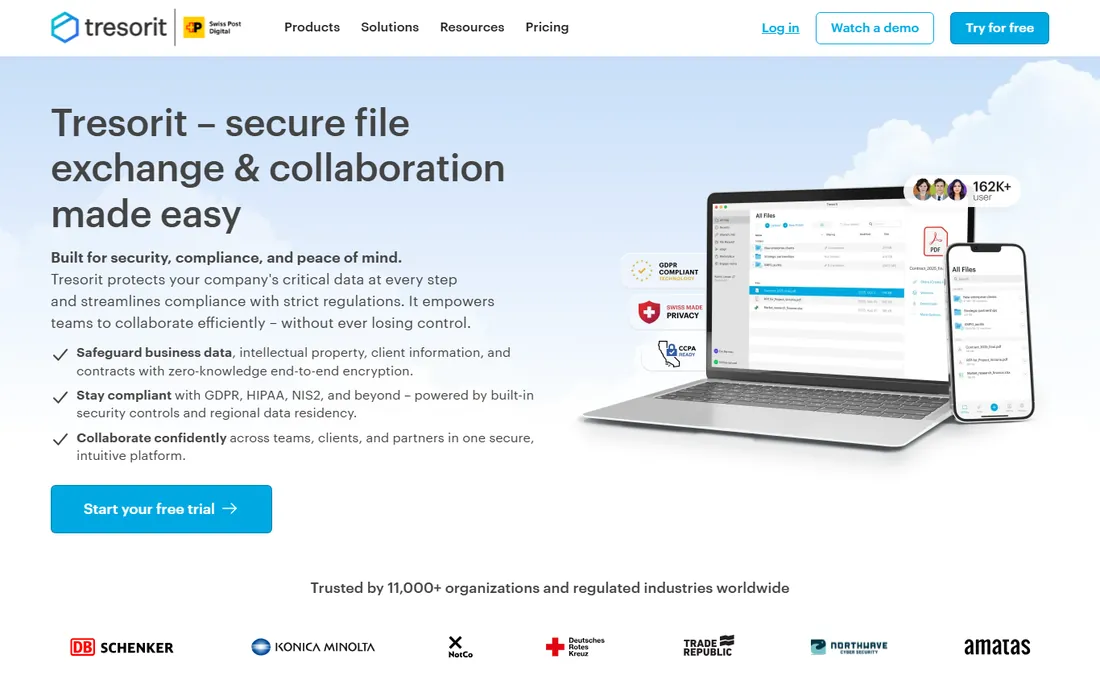
Tresorit's pitch is privacy architecture: zero-knowledge end-to-end encryption means even Tresorit cannot read your files. Based in Switzerland, it appeals to European companies and anyone whose threat model includes the provider itself. Secure sharing adds access controls, expiry and activity tracking on top of the encryption.
Pricing is premium with no free tier. The ecosystem is smaller than the giants. For businesses where confidentiality is existential rather than nice-to-have, the zero-knowledge design is the differentiator.
What we like- End-to-end zero-knowledge encryption
- Swiss privacy jurisdiction
- Secure sharing with tracking
Watch out for- No free tier
- Premium pricing
- Smaller ecosystem
#7
Egnyte
Best for: enterprises needing governance across cloud and on-prem files
Visit egnyte.com
Starting priceSee website
Free planNo
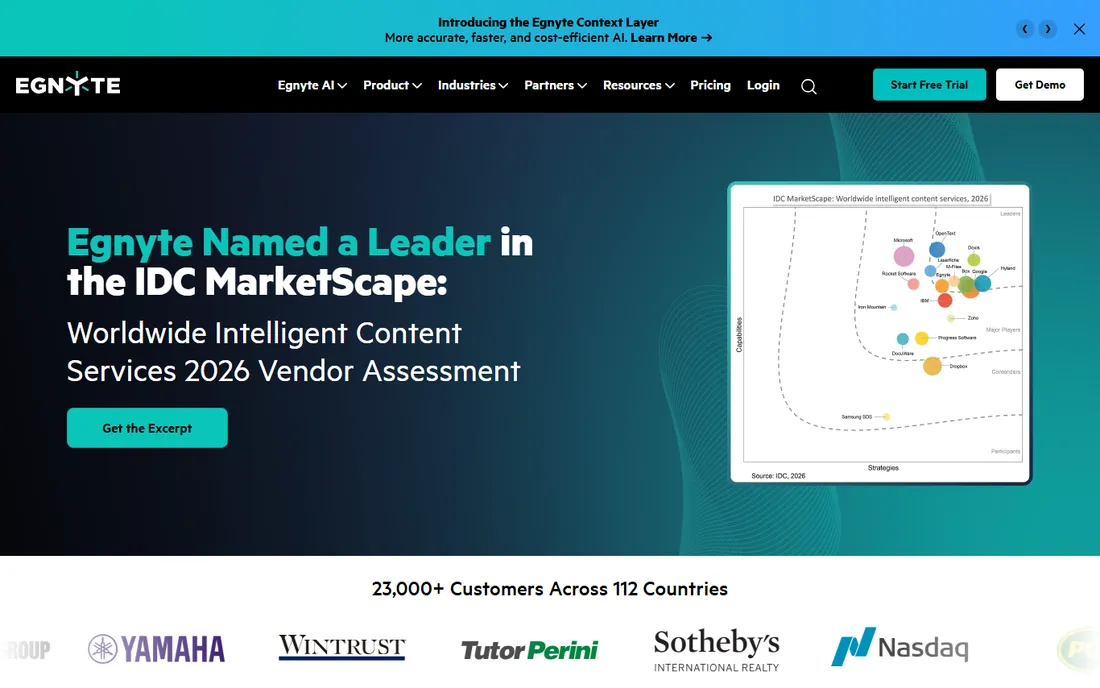
Egnyte bridges the hybrid world: it governs files whether they live in the cloud or on company servers, which matters for enterprises with legacy file shares they cannot abandon. Governance, compliance and ransomware protection run across both. Construction, life sciences and financial services are strong verticals.
Pricing is quote-based and the platform expects IT involvement. There is no free tier. For enterprises with hybrid infrastructure and real governance requirements, Egnyte unifies what Dropbox and Drive cannot reach.
What we like- Unifies cloud and on-premises files
- Strong governance and compliance
- Good for hybrid IT
Watch out for- Quote-based pricing
- Complexity needs IT involvement
Starting priceSee website
Free planYes

WeTransfer is the simplest tool here: drag files, get a link, send it. No account needed for basic transfers, which makes it the default for photographers, designers and video teams sending large files to clients. The Pro tier adds bigger transfers, password protection and custom branding.
It is a transfer tool, not storage or collaboration: files expire, there is no sync, no versioning, no workspace. Use it for sending, not for keeping. For the one-off large file that email cannot handle, nothing is faster.
What we like- No account needed for basic sends
- Simple drag-and-drop
- Good for creatives
Watch out for- Not a storage or collaboration tool
- Free tier has size limits
What to check before you buy
First, separate internal from external sharing. Internal collaboration wants sync, real-time editing and integrations. External sharing wants access controls, expiry, watermarks and audit logs. Many businesses need two tools: Drive or OneDrive inside, something like ShareFile or Tresorit for what leaves the building.
Second, check the compliance requirements. Regulated industries need specific certifications and features: HIPAA, FINRA, GDPR data residency, retention policies. Verify the exact certifications on the vendor's trust page, not the marketing page.
Third, test sync performance with your real files. Sync reliability varies with file sizes, counts and network conditions. A trial with your actual workload exposes problems that spec sheets hide. Pay attention to selective sync, conflict handling and offline access.
Fourth, audit the sharing defaults. The most common file-sharing security failure is a link shared too broadly. Check what the default link permissions are, whether admins can restrict external sharing, and whether you get alerts on unusual access. The secure default matters more than the secure feature.
Migration without the mess
Switching file sharing tools is really a migration project. The files move easily; the permissions do not. Shared links break, folder structures change, and users keep working in the old tool for months. Plan the migration around three things: an inventory of what lives where, a mapping of old permissions to new ones, and a cutoff date with real enforcement.
Move in phases by team, not all at once. Keep the old tool read-only for ninety days so nothing gets lost, then shut it down. The companies that struggle are the ones that run two systems indefinitely. Pick the date, communicate it, and enforce it. One source of truth beats two almost-truths. The migration pain lasts a quarter; the clarity lasts for years.
How we chose
We selected file sharing tools that exist today and cover real business jobs: collaboration, compliance, secure external sharing and large transfers. Pricing facts come from vendor pages and documentation checked in October 2026; vendors that do not publish business pricing are listed as See website. Confirm live pricing with each vendor.
Most businesses should run two file sharing tools, not one. The internal tool (Drive, OneDrive or Dropbox) handles daily collaboration where convenience wins. The external tool (ShareFile, Tresorit, or a data room) handles client and investor documents where control wins.
One tool for both jobs compromises both: the convenient tool leaks sensitive documents, and the secure tool annoys everyone for daily work. The dual strategy costs more in licenses and saves more in risk. With the average data breach now costing millions, the external sharing tool is cheap insurance.
Frequently asked questions
What is the best file sharing software for small business?
Google Drive or OneDrive if you are already on Workspace or Microsoft 365, since the storage is bundled. Dropbox Business if sync reliability matters most. WeTransfer covers one-off large transfers for free. Most small businesses need nothing more.
How much does business file sharing cost?
Bundled options (Drive with Workspace, OneDrive with Microsoft 365) add no marginal cost. Standalone business plans are typically per user per month. Enterprise and compliance tools are quote-based. Always model storage growth, not just the starting tier.
Is Google Drive safe for business?
For general business use, yes, with proper sharing settings and admin controls. For regulated industries or highly sensitive documents, compliance-focused tools like Box or zero-knowledge tools like Tresorit provide stronger guarantees. Match the tool to the sensitivity.
What is a virtual data room?
A secure, controlled environment for sharing sensitive documents with external parties during fundraising, M&A due diligence or legal proceedings. It adds access logs, permissions, watermarks and instant shutdown on top of file sharing. ShareFile offers data room plans.
Can I track who views my shared files?
Only with tools built for it. ShareFile and Tresorit provide access logs and view tracking. Google Drive and Dropbox show limited activity. Dedicated document-sharing tools provide page-level analytics for sensitive external documents.
What is zero-knowledge encryption?
Encryption where only you hold the keys, so the service provider cannot read your files even if compelled. Tresorit is the main business file sharing tool built on it. It protects against provider breaches and insider access at the cost of some convenience features.
Sources we checked (7)
- https://www.peony.ink/blog/top-10-file-sharing-solutions-for-enterprises
- https://www.papermark.com/blog/best-file-sharing-software
- https://www.techradar.com/best/best-business-cloud-storage-service
- https://kurums.com/best-file-sharing-software-2026-comparison/
- https://www.scmgalaxy.com/tutorials/top-10-file-transfer-tools-in-2025-features-pros-cons-comparison/
- https://www.wbcomdesigns.com/best-software-for-file-sharing/
- https://www.ellty.com/blog/best-secure-file-sharing-software
Is your product missing or out of date?
We review this list regularly. Vendors can request a listing, send updated pricing or ask about featured placement.

Shihab Mia · Founder, Rankite
Shihab has spent more than a decade helping SaaS and e-commerce brands grow through search. He writes Rankite's software buying guides from pricing pages, documentation and public user reviews. More about Shihab.