How we make this list: we compare pricing pages, product documentation and public user reviews. Rankite is independent; if a vendor ever pays for a featured spot, that listing is clearly labeled Partner.
Key takeaways
- Wondershare Repairit ($69.99 for a 1-month license) is the most versatile paid repair tool, covering videos, photos, documents, audio and email in one package.
- Stellar's Repair for Video ($49.99) and Repair for Photo ($39.99) are the specialists: buy them when one file type matters and you want focused tools.
- The free options are genuinely useful: DiskInternals ZIP Repair and Digital Video Repair both cost nothing and handle common corruption for free.
- Always try the free trial first. Every reputable vendor here lets you preview what can be repaired before you pay, so never buy blind.
Quick comparison
| Tool | Best for | Starting price | Free plan |
|---|
 Wondershare Repairit Wondershare Repairit | Repairing videos, photos, documents, audio and email in a single toolkit | $69.99 (1-month license; 1-year and perpetual licenses on the vendor store) | Free trial (free preview of repaired files) |
 Stellar Repair for Video Stellar Repair for Video | Fixing corrupt, unplayable or truncated video files on Windows or Mac | $49.99 (Standard edition) | Free trial (previews repaired files up to 20% of video size) |
 Stellar Repair for Photo Stellar Repair for Photo | Repairing corrupt JPEGs and RAW camera files from DSLRs and phones | $39.99 (Standard edition) | Free trial (evaluation only; shows preview of repaired photos) |
 DiskInternals ZIP Repair DiskInternals ZIP Repair | Repairing corrupt ZIP archives at zero cost | Free | Yes |
 Remo Repair Remo Repair | Repairing specific file types (video, Word, PSD, RAR) with dedicated tools | See website | Free trial |
 DataNumen DataNumen | Repairing specific formats (Office files, archives, databases, email) with dedicated tools | See website | Free trial |
 Tenorshare 4DDiG File Repair Tenorshare 4DDiG File Repair | Repairing videos, photos, documents and audio in one modern app | See website | Free trial |
 Digital Video Repair Digital Video Repair | Free repair of broken AVI, MP4 and MOV video files on Windows | Free | Yes |
Is your product missing or out of date?
We review this list regularly. Vendors can request a listing, send updated pricing or ask about featured placement.
The best file repair software
Here is the uncomfortable truth about the best file repair software: none of it can work miracles. If the data is gone, it is gone. What these tools actually do is rebuild damaged file structures, headers and indexes around the data that survived, which works often enough to be worth trying. The honest ones let you preview the result before paying. This list favors those honest ones, plus the two free tools that fix common problems without asking for a cent.
Starting price$69.99 (1-month license; 1-year and perpetual licenses on the vendor store)
Free planFree trial (free preview of repaired files)
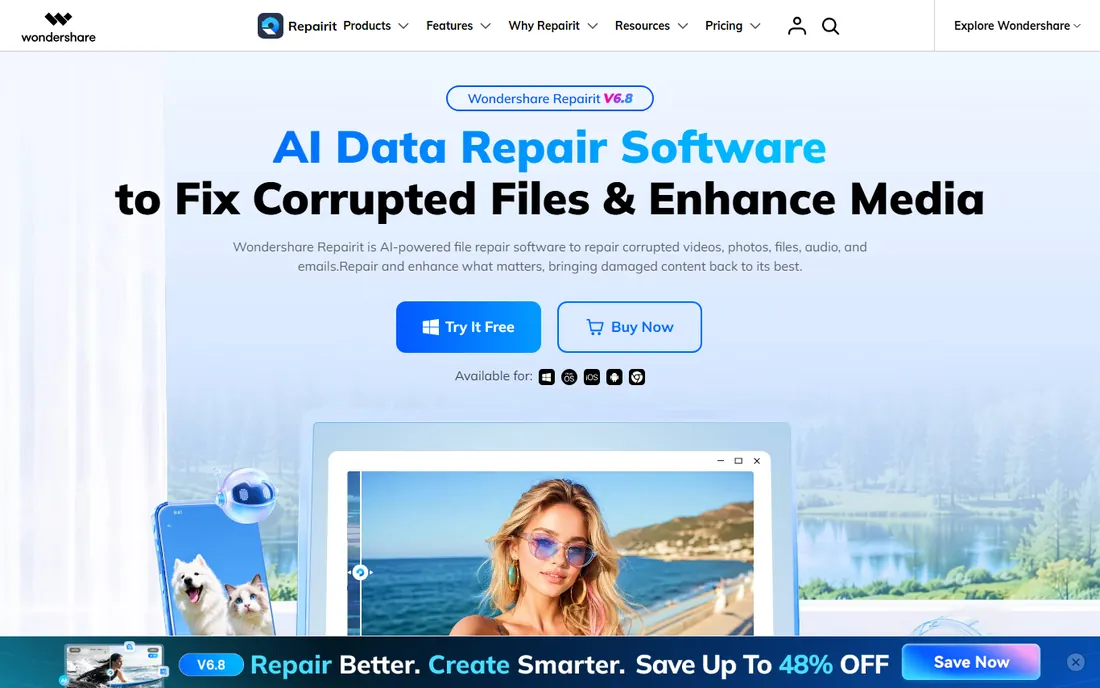
Wondershare Repairit is the broadest repair toolkit on this list. The vendor's own site positions it as AI data repair software for corrupted videos, photos, files, audio and emails, and the format support is genuinely wide: 100+ formats from cameras, phones, drones and office apps. The workflow is three steps (add, repair, preview), and the free preview means you see what the repair recovered before spending anything.
The pricing takes some reading. The vendor's official store lists a 1-month license at $69.99, a 1-year license at $79.99 and a perpetual license at $99.99, though promotions move these around. The monthly license is the cheapest way to test a real project, while the perpetual license makes sense if corruption is a recurring problem in your work. There is also a browser-based online repair sold per file, which suits one-off fixes without installing anything.
What we like- Covers 100+ formats across video, photo, file, audio and email repair
- Batch repair with free preview before you buy
- Desktop apps for Windows and Mac plus an online per-file repair option
Watch out for- Subscription-heavy pricing means the cheapest entry is a monthly license
- AI enhancement features are upsold extras rather than core repair
Starting price$49.99 (Standard edition)
Free planFree trial (previews repaired files up to 20% of video size)
Stellar has been in the data business since 1993, and Repair for Video is its focused answer to corrupted footage. It handles the damage videographers actually see: videos corrupted during shooting, interrupted transfers, editing crashes, header damage, grainy or frozen playback. The Advanced Repair feature is the standout: give it a working sample file from the same device, and it uses that reference to rebuild severely damaged files.
Pricing is refreshingly public on the vendor's own page: Standard at $49.99, Professional at $59.99 (adds photo repair), Premium at $69.99 (adds deleted-file recovery). For pure video repair, Standard is the honest buy; the higher tiers only make sense if you also need photo repair. The free download repairs and previews up to 20% of the video, which is enough to confirm whether the tool can fix your file before you pay.
What we like- Repairs 20+ video formats including MP4, MOV, AVI, MKV and 4K files
- Advanced Repair mode uses a sample file to fix severe corruption
- Batch repair of unlimited files
Watch out for- The trial only previews 20% of the video, so judging full quality requires buying
- Professional and Premium editions add photo repair you may not need
Starting price$39.99 (Standard edition)
Free planFree trial (evaluation only; shows preview of repaired photos)
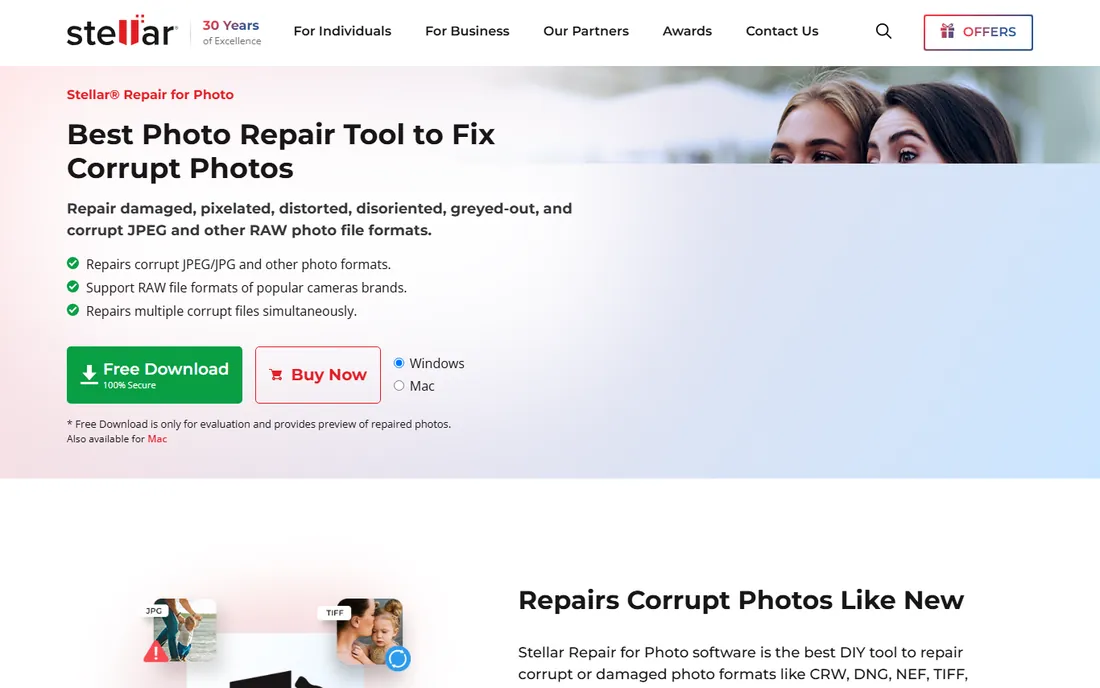
Photographers lose images to corrupt memory cards more often than anyone admits, and Stellar Repair for Photo exists for exactly that moment. It repairs JPEG, TIFF, HEIC and RAW formats from Nikon, Canon, Sony, Fujifilm and the rest, handling distortion, greyed-out areas, pixelation and invalid file structures. When a file is too damaged for full repair, it extracts the embedded thumbnail so you recover something rather than nothing.
The vendor publishes its pricing openly: Standard at $39.99, Professional at $59.99 (adds deleted-photo recovery), Premium at $69.99 (adds video repair). The trial is evaluation-only, meaning it previews repaired photos without saving, which is standard practice in this category. One honest limitation to know: previewing very large files can be restricted in the trial, so test with representative files.
What we like- Repairs JPEG, TIFF, HEIC and RAW formats from all major camera brands
- Extracts thumbnails from severely corrupt images
- Batch repair with an intuitive interface
Watch out for- Windows-focused (a Mac version exists but the product page centers Windows)
- The free download previews only and cannot save
Starting priceFree
Free planYes
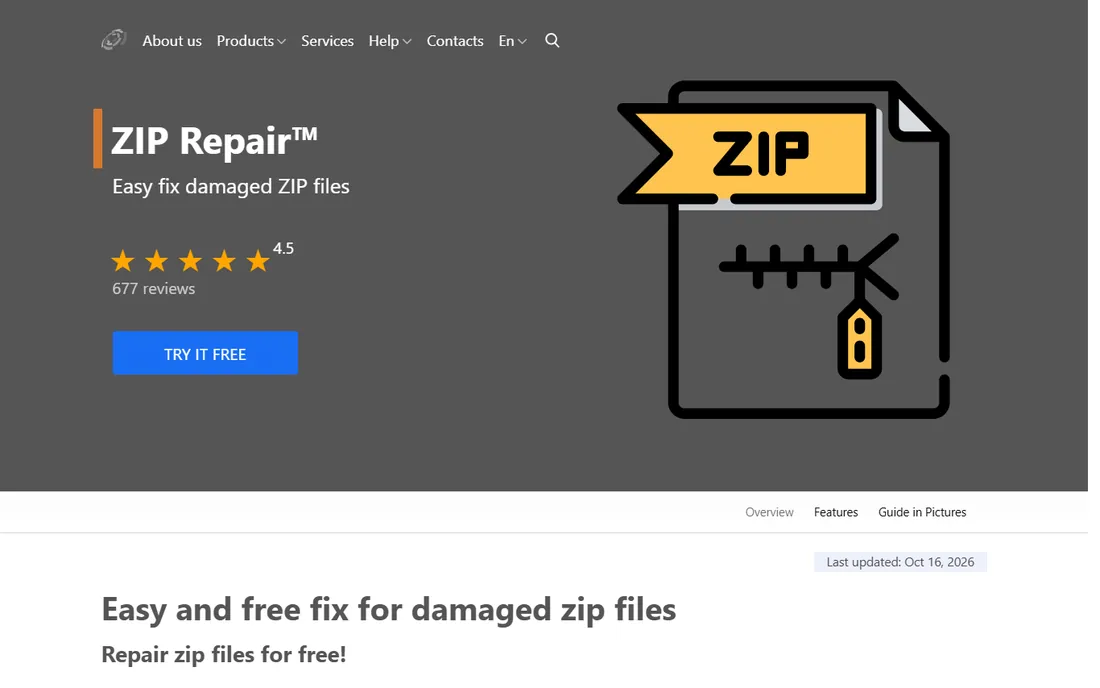
DiskInternals ZIP Repair does one job and does it for free. Corrupt ZIP archives are common: a download interrupted mid-transfer, a backup written to flaky media, and suddenly standard tools refuse to extract anything because CRC checks fail. This tool scans the damaged archive, salvages the intact files and moves them into a new archive through a simple wizard. The vendor's own page states the price plainly: 0 USD.
The trade-offs are scope and age. It repairs ZIP archives and nothing else, so a corrupt RAR or video needs another tool. The software is version 1.1 and looks it. But ZIP corruption is a solved problem, and a free solved problem beats a $50 one. If your corrupted file is a ZIP, start here before spending money anywhere else.
What we like- Completely free with no paid tier
- Wizard-style interface that extracts intact files into a new archive
- Handles archives of any size on Windows 95 through 11
Watch out for- Repairs ZIP files only, nothing else
- The interface and version (1.1) show the tool's age
#5
Remo Repair
Best for: Repairing specific file types (video, Word, PSD, RAR) with dedicated tools
Visit remosoftware.com
Starting priceSee website
Free planFree trial
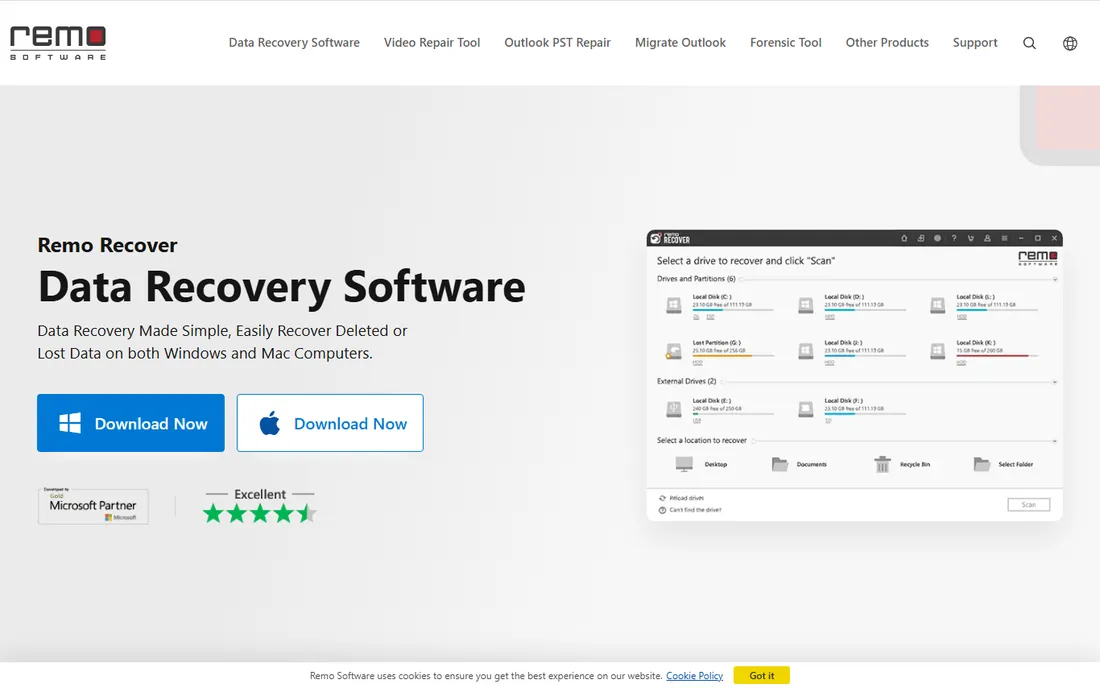
Remo takes the specialist approach: instead of one tool that repairs everything, it sells dedicated repair products for AVI, MOV, Word, PSD, ZIP, RAR and Outlook PST files. The logic is sound, since video container damage and Word document damage are different engineering problems. Each tool offers a free demo download so you can verify the repair works on your file before buying.
The downside of the specialist model is shopping complexity. Prices and license terms differ per product (the vendor's press materials cite $69 for Remo Repair PSD as one example), so you need to check the store page for the specific tool you need. Remo also sells a subscription suite bundling its tools, which can be better value if you face multiple file types. Start with the free demo of the exact product matching your corrupt file.
What we like- Dedicated tools for AVI, MOV, Word, PSD, ZIP and RAR instead of one generic engine
- Windows and Mac versions
- Long-established vendor with 24/7 support
Watch out for- The repair line is split across per-format products, so pricing and trials vary by tool
- The main site foregrounds data recovery over repair
#6
DataNumen
Best for: Repairing specific formats (Office files, archives, databases, email) with dedicated tools
Visit datanumen.com
Starting priceSee website
Free planFree trial
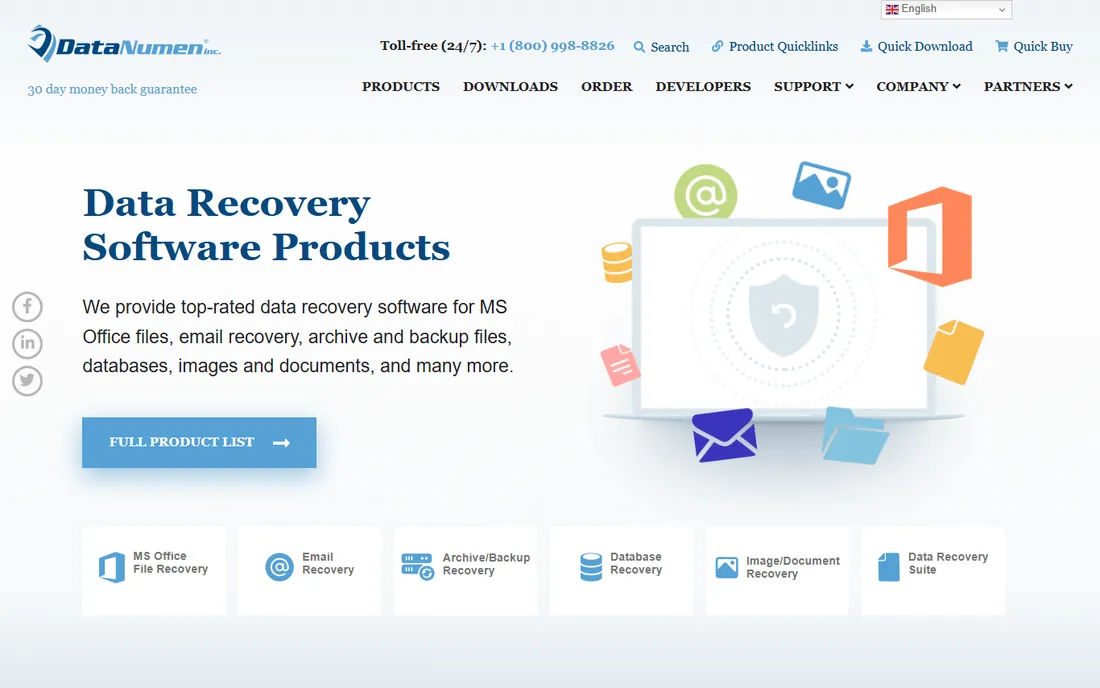
DataNumen is the catalog play in file repair: dozens of dedicated tools for Excel, Word, Access, Outlook, RAR, ZIP, PSD, DBF and more, each engineered for one format's failure modes. If you have a corrupted Access database or a damaged DBF file, a generic repair tool will not help; DataNumen probably has a product built for exactly that format. The tools support batch repair and run on media as damaged as floppy disks and scratched CD-ROMs.
The catch is the buying model. Each product is priced separately (RAR Repair lists at $49.95 for a single license, for example, with volume discounts), so fixing three different file types means three purchases. Check the vendor's order page for the specific product you need, and always run the free demo first. For common formats like video and photos, the all-in-one tools above are simpler; DataNumen earns its place for the obscure and business-critical formats.
What we like- An enormous catalog of per-format repair tools covering Office, archives, databases, email and images
- Batch repair and forensic-friendly features
- Free demos for evaluation
Watch out for- Per-product pricing adds up fast if you need several tools
- The catalog's size makes it hard to pick the right product
#7
Tenorshare 4DDiG File Repair
Best for: Repairing videos, photos, documents and audio in one modern app
Visit 4ddig.tenorshare.com
Starting priceSee website
Free planFree trial
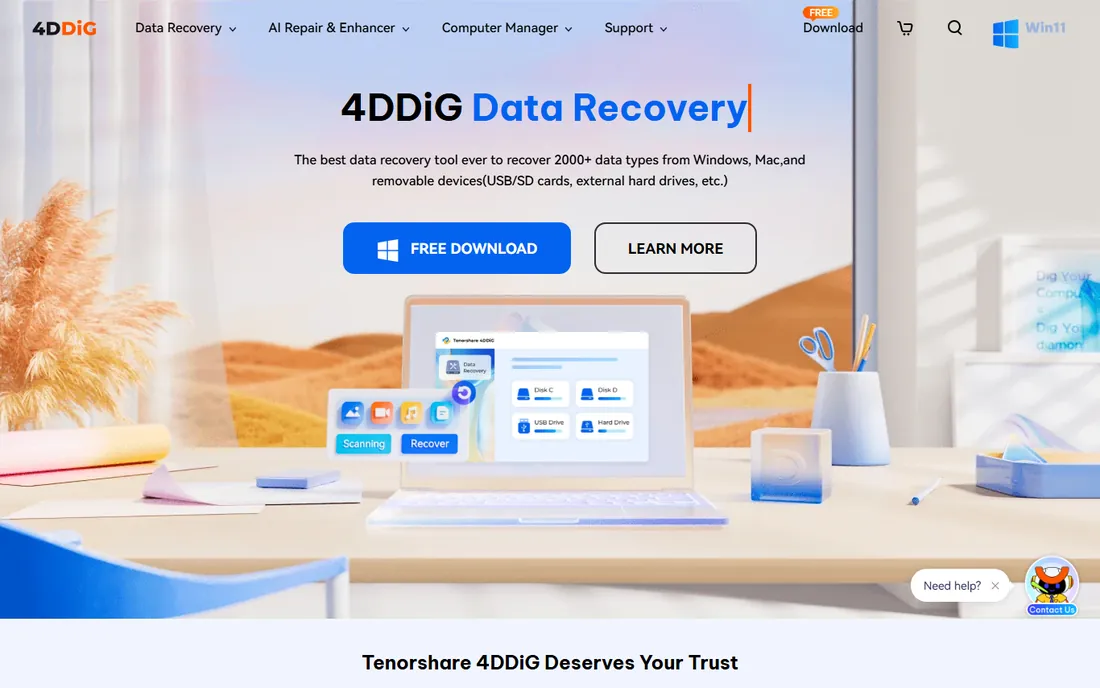
4DDiG File Repair is Tenorshare's entry in the all-in-one repair race, and it mirrors Repairit's playbook: one app, four repair modules (video, photo, document, audio), plus AI-powered enhancement for photos and videos. The interface is modern and the three-step process needs no technical background. It supports camera footage from GoPro, Canon and DJI alongside everyday formats like MP4, JPG and Word documents.
Like most vendors here, Tenorshare sells through its own store with rotating discounts, so check the current price before buying and compare it against Repairit's published $69.99 monthly license. The free trial lets you test the repair on your files. The AI enhancement tab is a nice bonus but a separate concern from repair; judge the tool on whether it fixes your corrupted files, not on how it upscales them.
What we like- Covers video, photo, document and audio repair plus AI enhancement in a single interface
- Three-step workflow with batch repair
- Windows and Mac versions
Watch out for- Pricing is only shown in the vendor's store and moves with promotions
- The AI enhancement features blur the line between repair and editing
Starting priceFree
Free planYes
Digital Video Repair by Rising Research is the free answer to the most common video corruption: broken AVI indexes, frozen playback, files that stop after a few seconds, and partially downloaded videos. It detects corrupt data, rebuilds indexes, re-encodes bad segments where needed and always writes a new copy, leaving your original untouched. The vendor updated it to version 3.7.1.2 in January 2026, so it is actively maintained despite its age.
Two honest caveats. First, the codec support is narrow by design: it targets AVI, MP4 and MOV files in specific codecs, and files in exotic codecs may not repair. Second, the installer bundles the RelevantKnowledge research tool, which you can and should decline or uninstall. With those understood, it is a capable free first attempt for broken video files, and it costs nothing to try.
What we like- Completely free
- Repairs broken indexes, fixes frozen playback and rebuilds partial downloads
- Works non-destructively, always creating a new copy of the file
Watch out for- Supports a limited codec set (Xvid, DivX, MPEG4, 3ivx, Angel Potion and H.264/H.265)
- The installer bundles an optional research tool you should decline
Paid repair software justifies its price with breadth and severe-damage features like sample-file reconstruction. But a surprising share of corruption is simple: a broken ZIP structure, a damaged AVI index, a truncated download. DiskInternals ZIP Repair and Digital Video Repair fix those specific problems completely free, and they fix them as well as any paid tool would. The sensible order of operations is: try the free specialist first, then the free trials of the paid tools, and only then buy. Never pay for a repair you have not previewed, because no tool can recover data that no longer exists.
How we chose
We started with the tools buyers actually search for: file repair software, video repair software, photo repair software and zip repair software. For each candidate we opened the vendor's own site, confirmed the product is still sold and maintained, and took pricing only from the vendor's own pages. Where vendors publish no stable price we wrote "See website" rather than quoting discount sites. Two tools made the cut specifically because they are free and maintained: DiskInternals ZIP Repair and Digital Video Repair.
What to check before you buy
First, match the tool to the file type. Video corruption, photo corruption and document corruption are different problems, and a tool built for one may do nothing for another. Second, always run the trial and preview the repair. Every paid tool on this list offers one, and the preview is the only honest measure of whether your file is recoverable. Third, work on copies. Repair tools generally do not overwrite originals, but keep your own backup of the corrupt file anyway, since a failed repair attempt can complicate a second try.
Then the money questions. Check whether you need one format or many: specialists like Stellar's per-type tools and DataNumen's catalog suit single-format problems, while Repairit and 4DDiG suit mixed damage. Prefer vendors with published prices over store-only pricing when comparison shopping. And set expectations honestly: repair software rebuilds structure around surviving data. If a file is truncated to half its size, the best tool in the world can only give you that half back.
Frequently asked questions
Can file repair software recover any corrupted file?
No. Repair tools rebuild damaged file structures, headers and indexes around data that survived. If the actual content is overwritten or missing, no software can recreate it. Always preview the repair result before paying.
Should I try free tools before buying repair software?
Yes. DiskInternals ZIP Repair fixes corrupt ZIP archives for free, and Digital Video Repair fixes common AVI, MP4 and MOV problems for free. Many paid tools also offer free trials with preview. Start free, then buy only if the free options fail.
What is the difference between file repair and data recovery?
File repair fixes corrupted files that exist but will not open or play. Data recovery finds deleted or lost files on a drive. Some vendors sell both, but they are different jobs; make sure you are buying the right one.
Will repairing a file damage the original?
Reputable tools work non-destructively: Stellar previews before saving, and Digital Video Repair always writes a new copy. Still, keep your own backup copy of the corrupt file before running any repair, in case a later attempt needs the untouched original.
Why do some repair tools ask for a sample file?
For severe video and photo corruption, tools like Stellar's Advanced Repair use a working file from the same device and format as a reference to rebuild damaged structures. A sample shot on the same camera in the same mode gives the best results.
Is it safe to upload corrupted files to online repair tools?
It depends on the file's sensitivity. Online tools from established vendors process uploads on their servers, which means your file leaves your machine. For personal or business-sensitive files, prefer desktop software that repairs locally.
Sources we checked (8)
- https://repairit.wondershare.com/
- https://stellardata-recovery.com/video-repair.php
- https://www.stellardata-recovery.com/jpeg-repair-win.php
- https://www.diskinternals.com/zip-repair/
- http://remosoftware.com/
- https://www.datanumen.com/
- https://4ddig.tenorshare.com/
- http://risingresearch.com/en/dvr/
Is your product missing or out of date?
We review this list regularly. Vendors can request a listing, send updated pricing or ask about featured placement.

Shihab Mia · Founder, Rankite
Shihab has spent more than a decade helping SaaS and e-commerce brands grow through search. He writes Rankite's software buying guides from pricing pages, documentation and public user reviews. More about Shihab.