How we make this list: we compare pricing pages, product documentation and public user reviews. Rankite is independent; if a vendor ever pays for a featured spot, that listing is clearly labeled Partner.
Key takeaways
- Disk Drill Pro ($89/year, lifetime $149) is the best all-rounder for Mac and Windows with one license covering both platforms.
- EaseUS offers the most generous free tier at 2GB of recovery; Pro starts at $69.95/month.
- Recuva is the best truly free option for Windows, and PhotoRec/TestDisk are free and open source for all platforms.
- R-Studio ($49.99 one-time) is the technician-grade choice for RAID, network, and forensic recovery.
Quick comparison
| Tool | Best for | Starting price | Free plan |
|---|
 Disk Drill Disk Drill | all-round file recovery on Mac and Windows | $89/year (Pro); $149 lifetime | Free scan, preview, and limited recovery |
 EaseUS Data Recovery Wizard EaseUS Data Recovery Wizard | the most generous free recovery tier | $69.95/month (Pro) | Yes, up to 2GB |
 Recuva Recuva | free undeletion on Windows | Free; Professional $19.95 | Yes |
 Stellar Data Recovery Stellar Data Recovery | simple recovery plus file repair | $59.99/year (Standard) | Yes, up to 1GB |
 R-Studio R-Studio | technician-grade RAID and forensic recovery | $49.99 one-time | Free demo (scan and preview) |
 Wondershare Recoverit Wondershare Recoverit | photo and video recovery with repair | $69.99/year (Essential) | Yes, up to 100MB |
 PhotoRec and TestDisk PhotoRec and TestDisk | free open-source recovery for all platforms | Free | Yes |
Is your product missing or out of date?
We review this list regularly. Vendors can request a listing, send updated pricing or ask about featured placement.
The best file recovery software
Starting price$89/year (Pro); $149 lifetime
Free planFree scan, preview, and limited recovery
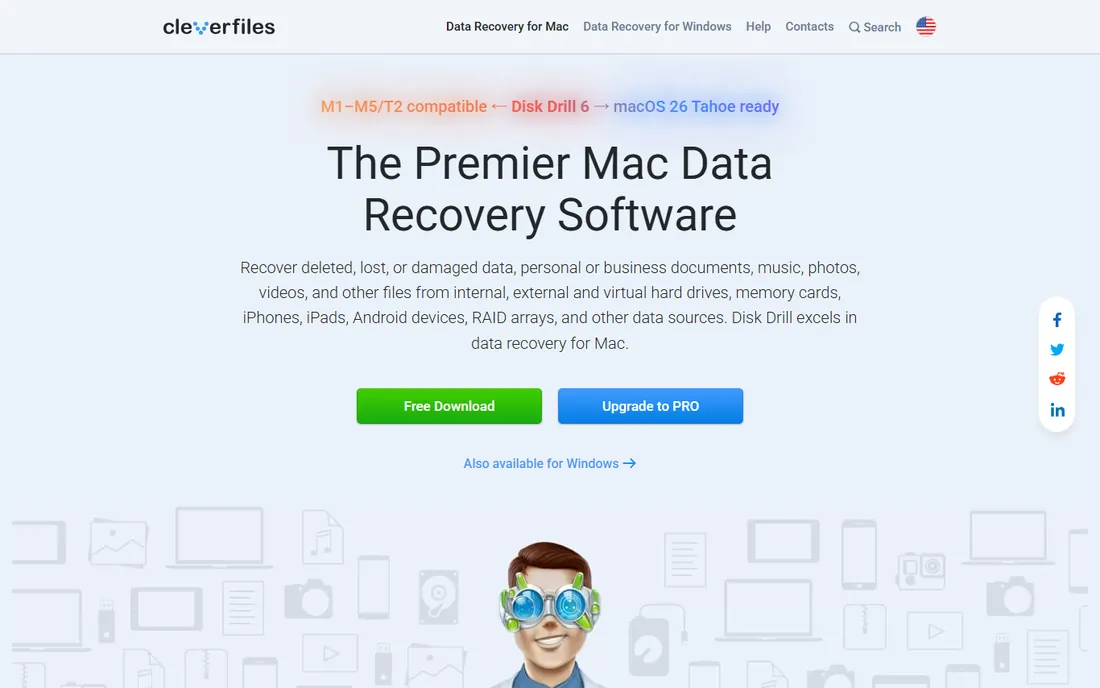
Disk Drill from CleverFiles is the most recommended consumer recovery tool for good reason: it scans over 400 file formats across internal drives, external drives, SD cards, and USB sticks, previews recoverable files before you pay, and bundles disk health monitoring and byte-to-byte backup tools. Pro at $89 a year or $149 lifetime covers one user on up to three devices across both macOS and Windows.
The Recovery Vault and Guaranteed Recovery features set it apart: install Disk Drill before disaster strikes and it keeps metadata about deleted files, making later recovery faster and more complete. The interface walks non-technical users through scanning without jargon.
The honest catch: the free tier only covers limited recovery, so real jobs need Pro, and CleverFiles states purchases are generally non-refundable, which is why the free preview step matters. Scan first, verify your files are there, then pay with confidence.
What we like- One license covers Mac and Windows
- Clean interface
- Data protection tools included
Watch out for- Purchases are generally non-refundable
- Free recovery amount is limited
#2
EaseUS Data Recovery Wizard
Best for: the most generous free recovery tier
Visit easeus.com
Starting price$69.95/month (Pro)
Free planYes, up to 2GB
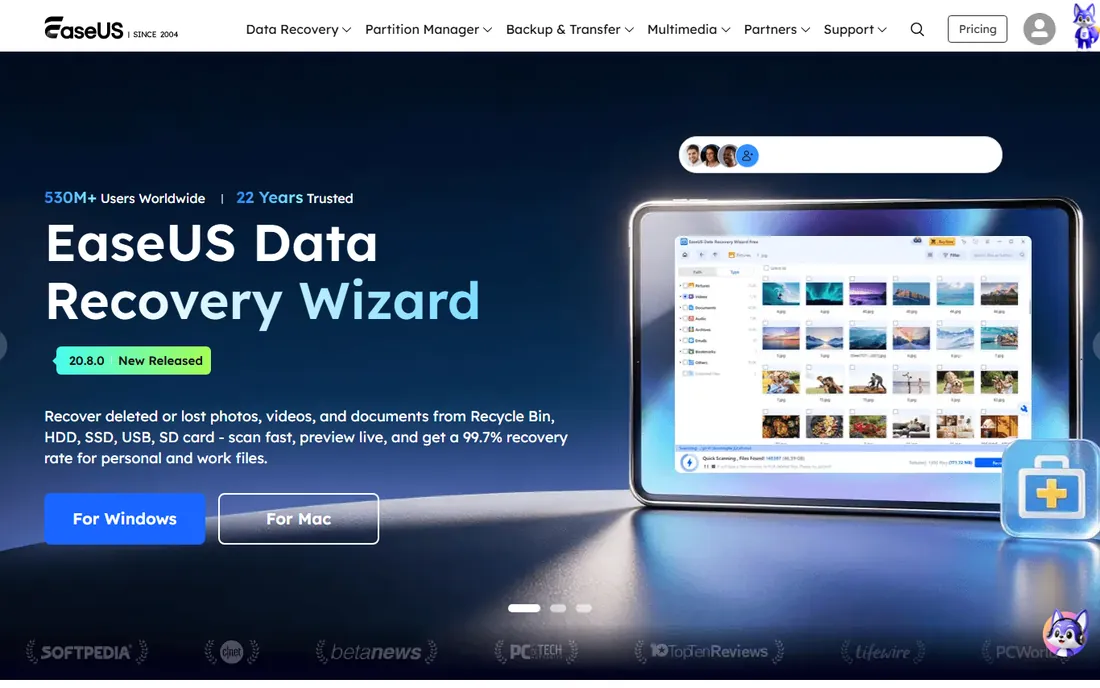
EaseUS Data Recovery Wizard lets you recover up to 2GB of data free, more than any other commercial tool on this list, which makes it the first thing to try after accidental deletion. The Pro version at $69.95 a month (or $99.95 a year, $149.95 lifetime) opens up unlimited recovery with support for deleted files, formatted drives, lost partitions, and corrupted storage across Windows and Mac.
The interface is a straightforward wizard: pick a drive, scan, preview, recover. It also repairs corrupted JPG, PNG, MP4, and MOV files, which matters for photographers and videographers. A 30-day money-back guarantee covers purchases with the usual condition that successfully recovered data is not refundable.
The catch is licensing: each license covers one PC, so recovering from multiple machines multiplies the cost. The upsell prompts during free use can also annoy. For a one-time recovery emergency, the 2GB free tier may solve the whole problem at no cost.
What we like- 2GB free recovery, the most in its class
- Easy wizard interface
- Handles partition loss and formatting
Watch out for- Paid plans are per-PC
- Frequent upsell prompts
Starting priceFree; Professional $19.95
Free planYes
Recuva, from the makers of CCleaner, is the classic free Windows recovery tool: it undeletes files from hard drives, USB sticks, memory cards, and media players across FAT, exFAT, NTFS, and ext file systems. The free version handles most recovery jobs; Professional at $19.95 adds virtual hard drive support, automatic updates, and premium support.
A simple wizard guides beginners to the right scan, while advanced mode offers deep scan for formatted or damaged drives and shows thumbnail previews of recoverable photos. At 4.2MB it is the lightest tool on this list, which matters when you are trying not to write to the damaged drive.
The catches: it is Windows-only, the interface has not changed much in years, and deep scans take time on large drives. For a quick, free, no-risk attempt at recovering deleted files on Windows, Recuva is still the first stop.
What we like- Completely free core recovery
- Tiny download
- Deep scan mode for tough cases
Watch out for- Windows only
- Interface shows its age
- Deep scan is slow
Starting price$59.99/year (Standard)
Free planYes, up to 1GB
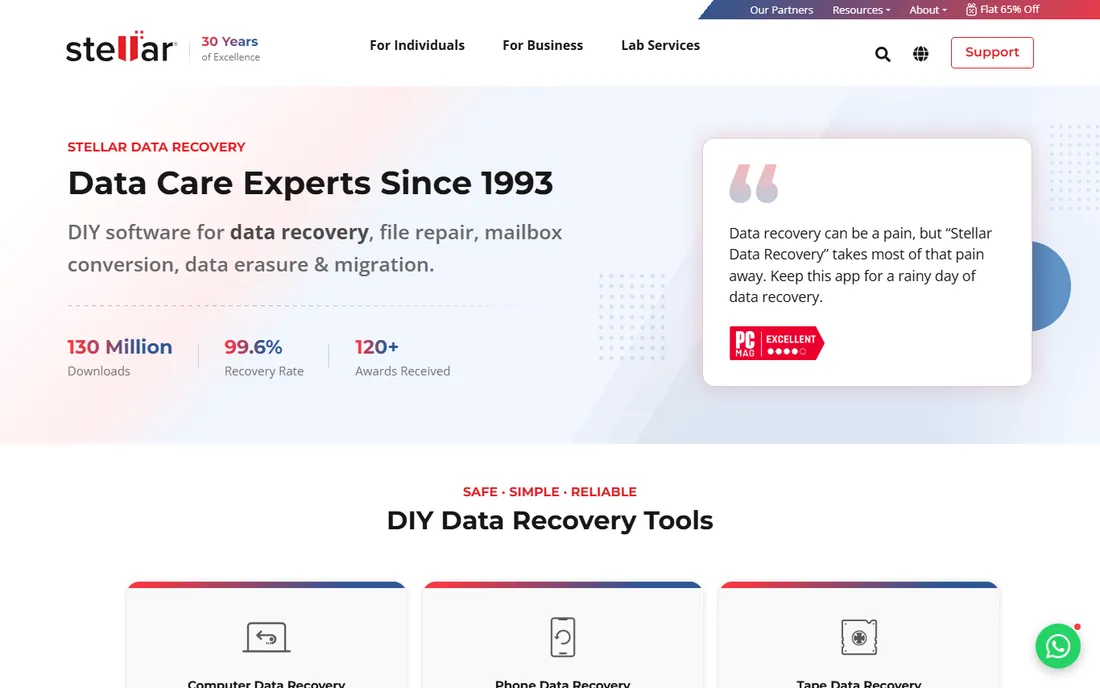
Stellar has been in data recovery since 1993, and its DIY software covers documents, emails, photos, videos, and audio from PCs, Macs, and all common storage media. The free version recovers up to 1GB; Standard at $59.99 a year covers unlimited recovery, Professional at $89.99 adds lost partition and unbootable system recovery, and Premium at $99.99 adds photo and video repair.
The repair tools distinguish it: Premium fixes corrupt photos and videos rather than just recovering intact files, which matters when recovered media will not open. Drive Monitor watches disk health attributes to warn of impending failure, and the Technician edition handles RAID recovery.
The catch is that Mac and Windows versions are sold separately, and the features you need may sit a tier above Standard. A 30-day money-back guarantee with no usage conditions makes it a low-risk purchase compared with rivals.
What we like- 1GB free recovery
- Repairs corrupt photos and videos
- Recovers from crashed systems
Watch out for- Mac and Windows sold separately
- Higher tiers needed for advanced features
Starting price$49.99 one-time
Free planFree demo (scan and preview)
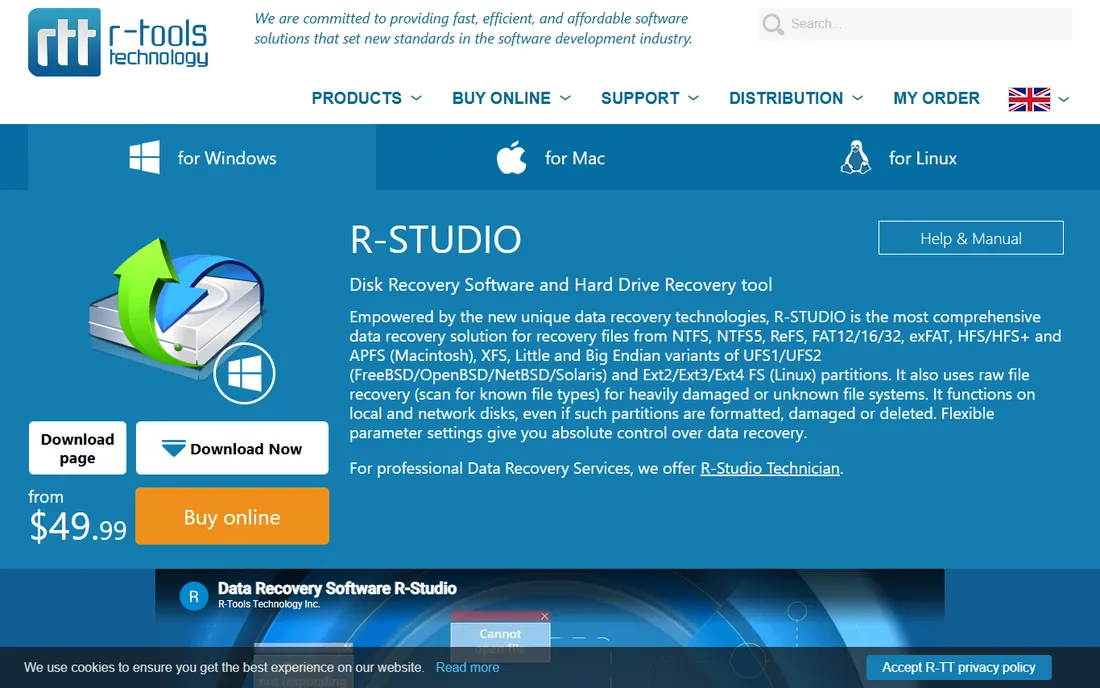
R-Studio is the tool data recovery professionals reach for when consumer tools fail: sector-by-sector recovery, virtual RAID reconstruction, disk imaging, network recovery, and a built-in hex editor for forensic work. Licenses are permanent one-time purchases: FAT at $49.99, Standard at $79.99 covering all major file systems, Network at $179.99, and Technician at $899 for commercial use. The free demo scans and previews everything but only recovers files under 1MB.
The RAID support is the reason it exists: few consumer tools touch broken RAID arrays, and R-Studio auto-detects RAID parameters that would otherwise require a lab. It runs on Windows, Mac, and Linux, and S.M.A.R.T. monitoring watches drive health.
The catch is the learning curve: this is not a wizard-driven consumer app, and there is no free recovery tier, only the limited demo. For IT teams, MSPs, and serious cases involving RAID or damaged media, R-Studio is the gold standard at a fair permanent price.
What we like- Permanent licenses, no subscription
- RAID reconstruction and hex editor
- Windows, Mac, and Linux
Watch out for- Interface is technical
- No true free tier
Starting price$69.99/year (Essential)
Free planYes, up to 100MB
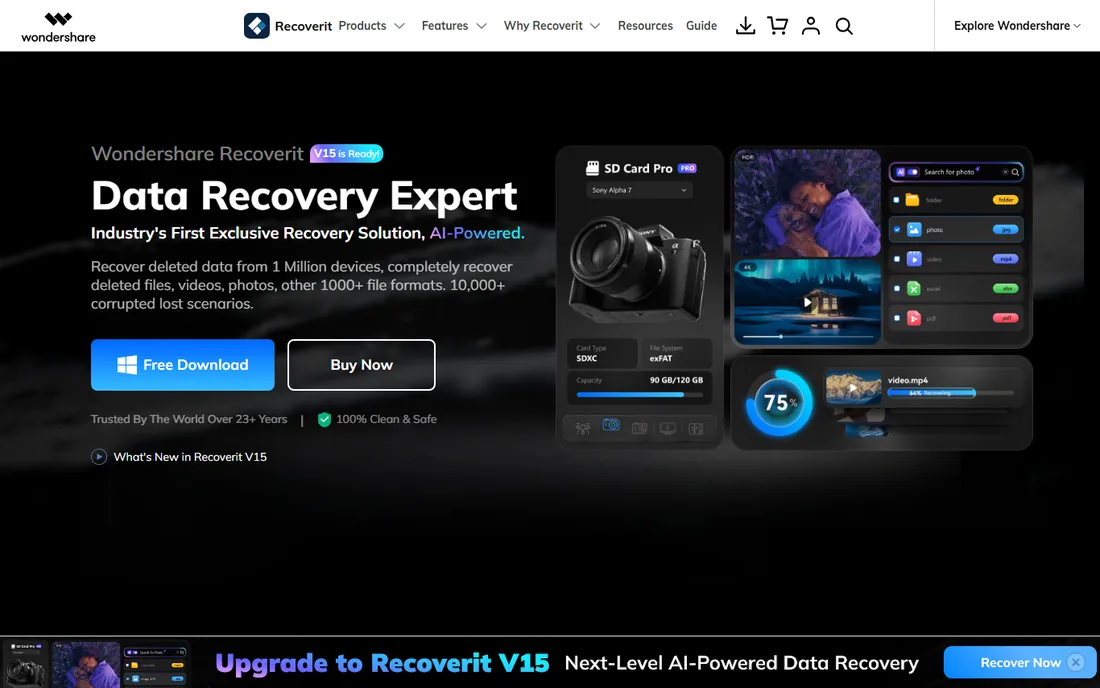
Wondershare Recoverit recovers over 1,000 file formats from virtually any storage device, with particular strength in photos and videos. The free version covers 100MB; Essential at $69.99 a year for one PC opens up unlimited recovery, Standard at $79.99 adds a bootable toolkit for crashed systems, and Premium at $99.99 a year adds advanced video recovery and repair plus a second PC license.
The video repair tools are the standout: Premium can repair corrupt video files and merge fragments, which matters for creators whose footage is the business. The interface is polished and guides users through deep scans with file previews.
The catch is the stingy free tier: 100MB barely covers a few photos, and TechRadar's testing found the free version hits paywalls quickly. Pricing also sits at the high end. For photo and video recovery specifically, it is strong; for general recovery, the free tier will push you to paid fast.
What we like- Strong photo and video recovery
- Advanced video repair on Premium
- Bootable media for crashed PCs
Watch out for- Free tier only 100MB
- Pricier than rivals at the top end
Starting priceFree
Free planYes
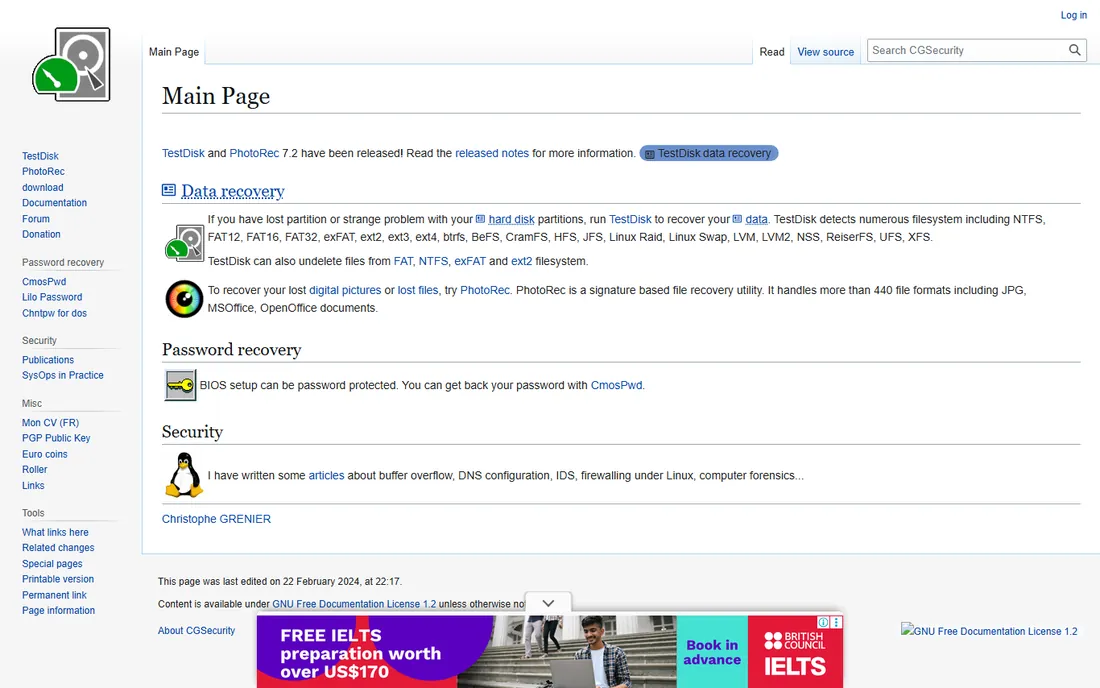
PhotoRec and its companion TestDisk are free, open-source recovery utilities that have saved countless drives: TestDisk recovers lost partitions, repairs boot sectors, and makes non-booting disks bootable, while PhotoRec carves over 480 file formats from damaged or formatted media by reading raw data and ignoring broken file systems. They run on Windows, Mac, Linux, and even DOS.
The price is unbeatable: free forever, no limits, no upsells, GPL licensed. PhotoRec works when file systems are destroyed because it does not need them, scanning the raw disk surface for file signatures. TestDisk's partition recovery has rescued drives that every commercial tool declared dead.
The catch is the interface: both are command-line tools with text menus that intimidate non-technical users, though step-by-step guides walk through every screen. PhotoRec also recovers files without original names, so sorting through results takes patience. For technical users and tight budgets, this is the most powerful free option available.
What we like- Completely free with no limits
- Recovers 480+ file formats
- Repairs partition tables and boot sectors
Watch out for- Command-line interface intimidates beginners
- Recovered files lose original names
How we chose
We compared file recovery software using vendor pricing pages and official documentation, alongside reviews on TechRadar, PCMag, and data recovery communities. We weighed recovery capability, file system and device support, free tier generosity, pricing model, and fit for both consumers and IT professionals. We covered consumer tools, professional software, and free open-source options. We did not perform hands-on testing.
What to do in the first five minutes after data loss
Stop using the affected drive immediately. Every write risks overwriting the deleted data. Do not install recovery software on that drive; install it on another drive or a USB stick. If the drive is failing with clicking or grinding sounds, stop and consider a professional lab instead of software.
Then scan before you buy: every tool on this list offers free scanning or a free tier, so verify your files are recoverable before paying. Recover to a different drive than the source, and check the recovered files open correctly before reformatting anything.
When software is not enough
Recovery software handles deleted files, formatted drives, and logical corruption. It cannot fix physically dead drives, severe mechanical failure, or heavy platter damage: those need a cleanroom lab with donor parts, which costs hundreds to thousands of dollars. If the drive makes unusual noises, is not detected by the BIOS at all, or software scans find nothing, stop trying and call a lab.
For RAID failures, R-Studio is the software line before the lab, but degraded arrays with multiple failed drives usually need professional help. Backups remain the only real solution: set up automated backups after recovery so this never happens again.
Frequently asked questions
Can deleted files really be recovered?
Often, yes. Deleting a file usually just marks its space as free without erasing the data, so recovery software can restore it if nothing has overwritten it yet. Act quickly and stop using the drive to maximize your chances.
Which file recovery software is actually free?
Recuva's core recovery is free on Windows, and PhotoRec with TestDisk are completely free and open source on all platforms. Commercial tools offer free tiers: EaseUS up to 2GB, Stellar up to 1GB, Recoverit up to 100MB.
How much does Disk Drill cost?
Disk Drill Pro costs $89 a year or $149 for a lifetime license, covering one user on up to three devices across Mac and Windows. The free Basic version scans and previews with limited recovery.
Should I use free or paid recovery software?
Try free first: scan with Recuva, PhotoRec, or a commercial free tier to see if your files are recoverable. Pay when the free options cannot find your files or their limits are too small. Never pay before confirming your files appear in a scan preview.
Can recovery software fix a corrupted hard drive?
It can recover data from logically corrupted drives, bad partitions, and damaged file systems. It cannot repair physical hardware failure. If the drive is not detected by your computer or makes clicking sounds, use a professional data recovery lab.
Does file recovery work on SSDs?
Sometimes, but SSDs are harder: the TRIM command can permanently erase deleted data within minutes on modern SSDs. Recovery chances are best on HDDs, USB drives, and memory cards. Act immediately with SSDs and set realistic expectations.
Sources we checked (8)
- https://www.cleverfiles.com/pro.html
- https://www.easeus.com/datarecoverywizard/
- https://www.ccleaner.com/recuva
- https://www.stellarinfo.com
- https://www.r-studio.com
- https://recoverit.wondershare.com
- https://www.cgsecurity.org
- https://www.topconsumerreviews.com/best-data-recovery-products/reviews/stellar.php
Is your product missing or out of date?
We review this list regularly. Vendors can request a listing, send updated pricing or ask about featured placement.

Shihab Mia · Founder, Rankite
Shihab has spent more than a decade helping SaaS and e-commerce brands grow through search. He writes Rankite's software buying guides from pricing pages, documentation and public user reviews. More about Shihab.