How we make this list: we compare pricing pages, product documentation and public user reviews. Rankite is independent; if a vendor ever pays for a featured spot, that listing is clearly labeled Partner.
Key takeaways
- Directory Opus is the most powerful Windows file manager, for users who customize everything.
- XYplorer is the portable Windows pick: runs from a USB stick, no installation needed.
- Total Commander is the classic dual-pane manager with decades of plugins and loyal users.
- FreeCommander and Double Commander cover the free end on Windows and cross-platform.
- ForkLift is the Mac pick; OneCommander and Files modernize the Windows experience.
Quick comparison
Is your product missing or out of date?
We review this list regularly. Vendors can request a listing, send updated pricing or ask about featured placement.
The best file manager software
Starting priceSee website
Free planFree trial
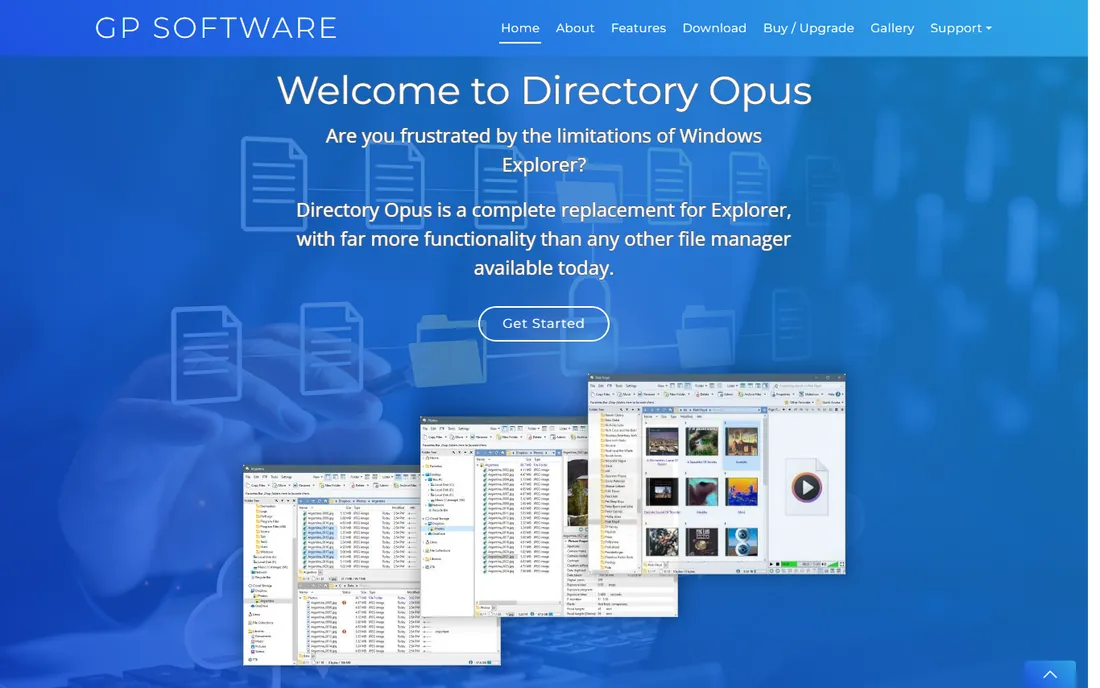
Directory Opus is the file manager for people who want everything configurable: dual or single panes, tabs, toolbars, keyboard shortcuts, scripting in multiple languages. Batch renaming, file synchronization, FTP and archive handling are all built in and all adjustable.
It is a paid product with a trial, and the learning curve matches the power. Users who commit rarely go back to Explorer.
Directory Opus' trial is fully featured, so configure it like you would for daily use: set up your dual panes, favorites and custom commands, then work in it exclusively for a week. The depth only reveals itself through real use.
Power users should explore the scripting support during the trial: automating repetitive rename and move operations is where Directory Opus earns its price over time.
What we like- Deeply customizable interface and toolbars
- Powerful batch rename and scripting
- Excellent FTP and archive handling
Watch out for- Paid license
- Configuration depth can overwhelm new users
Starting priceSee website
Free planFree trial
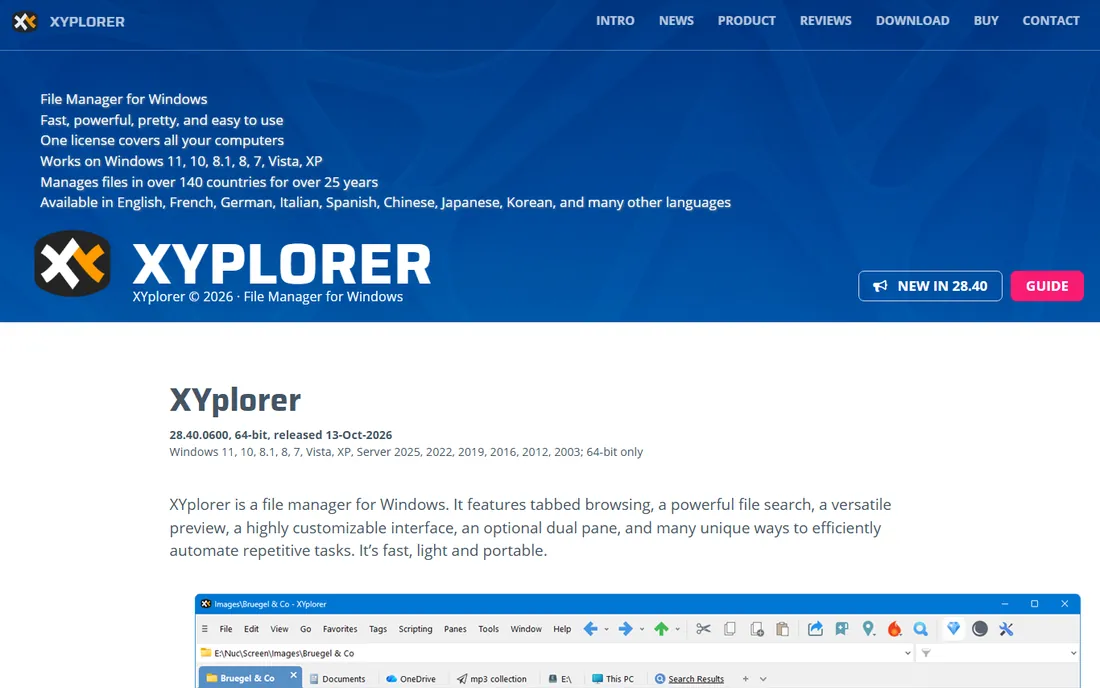
XYplorer's party trick is portability: carry your file manager, settings and scripts on a USB stick and work identically on any Windows machine. Underneath is a fast tabbed manager with tagging, color filters and powerful search.
The lifetime-license pricing appeals to buyers tired of subscriptions. Windows-only, but for Windows users who work across machines, the portability is unique.
XYplorer's portable mode is the feature to test if you work across machines: run it from a USB drive on several computers. The lifetime license math favors users who keep software for years.
Check the update history before buying: XYplorer's frequent updates and responsive developer are part of what the lifetime license pays for.
What we like- Runs portably from USB with no install
- Tabbed dual-pane interface
- Fast search and tagging
Watch out for- Windows only
- Paid license for full features
Starting priceSee website
Free planFree trial
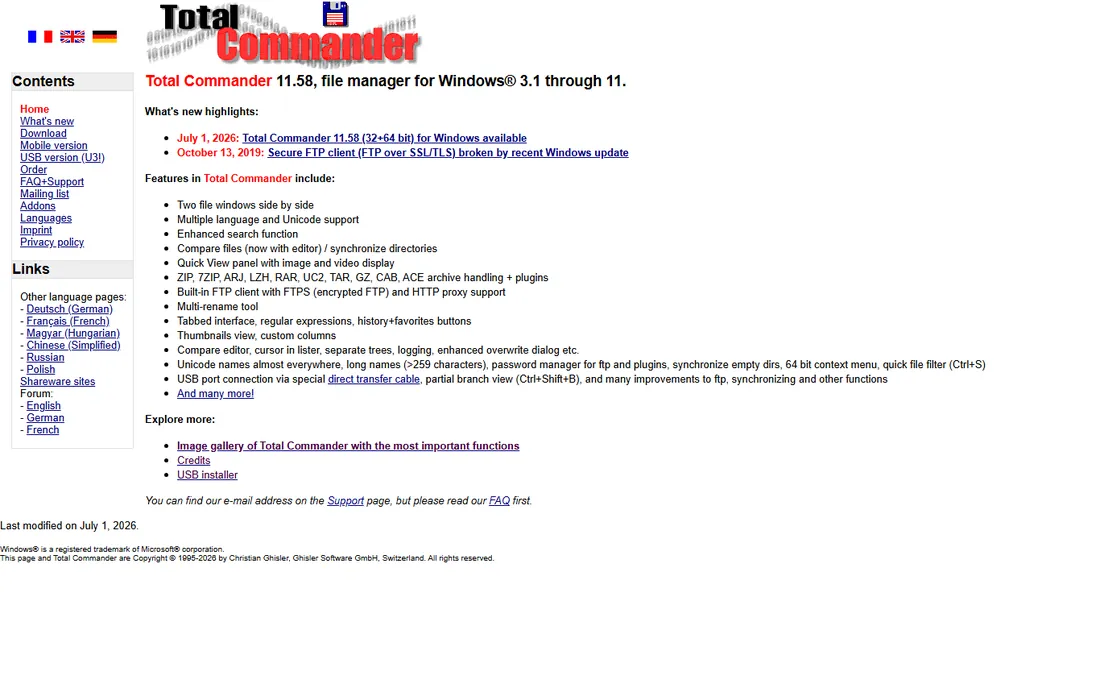
Total Commander has been the dual-pane standard since the 1990s, and its users are fiercely loyal. The plugin ecosystem extends it to FTP, archives, file comparison, and hundreds of niche formats. One purchase covers years of updates.
The interface will not win design awards, and it rewards keyboard users. For pure file-moving efficiency, it remains a benchmark.
Total Commander's shareware model means an honest evaluation period: use it as your primary file manager for a month. The keyboard-driven workflow either becomes second nature or it does not.
Test archive handling with your real formats: Total Commander's plugin ecosystem covers nearly everything, but confirm your specific formats work.
What we like- Legendary dual-pane efficiency
- Huge plugin ecosystem
- One-time license, decades of updates
Watch out for- Dated interface
- Keyboard-centric learning curve
Starting priceFree
Free planYes
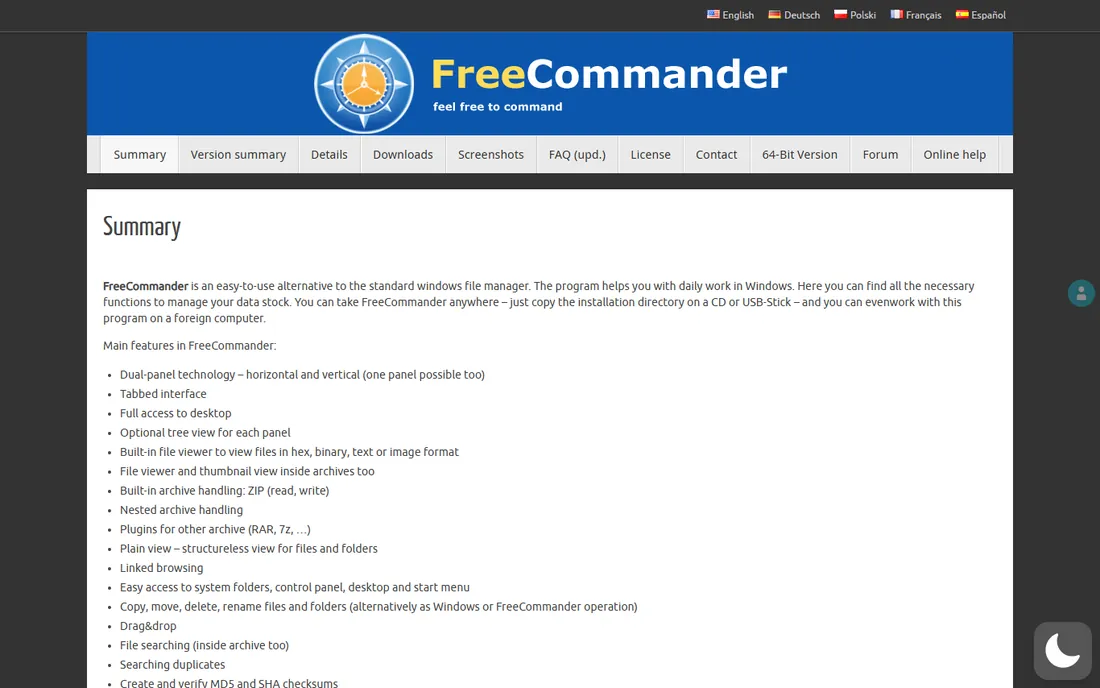
FreeCommander is the free Windows answer: dual panes, tabs, FTP, archives and portable use at no cost. It covers the core file manager upgrade over Explorer without asking for money.
It lacks the polish and scripting depth of Directory Opus. For users who want a better free manager and nothing more, it delivers.
FreeCommander's free version is complete enough for a real trial: adopt it fully for two weeks before deciding. The tabbed interface and dual panes cover most power-user needs without spending anything.
The portable version deserves a test for technicians: FreeCommander runs well from removable media for on-site work.
What we like- Free with dual-pane and tabs
- Portable version available
- Solid FTP and archive support
Watch out for- Interface less polished than paid rivals
- Development pace is slow
Starting priceSee website
Free planYes
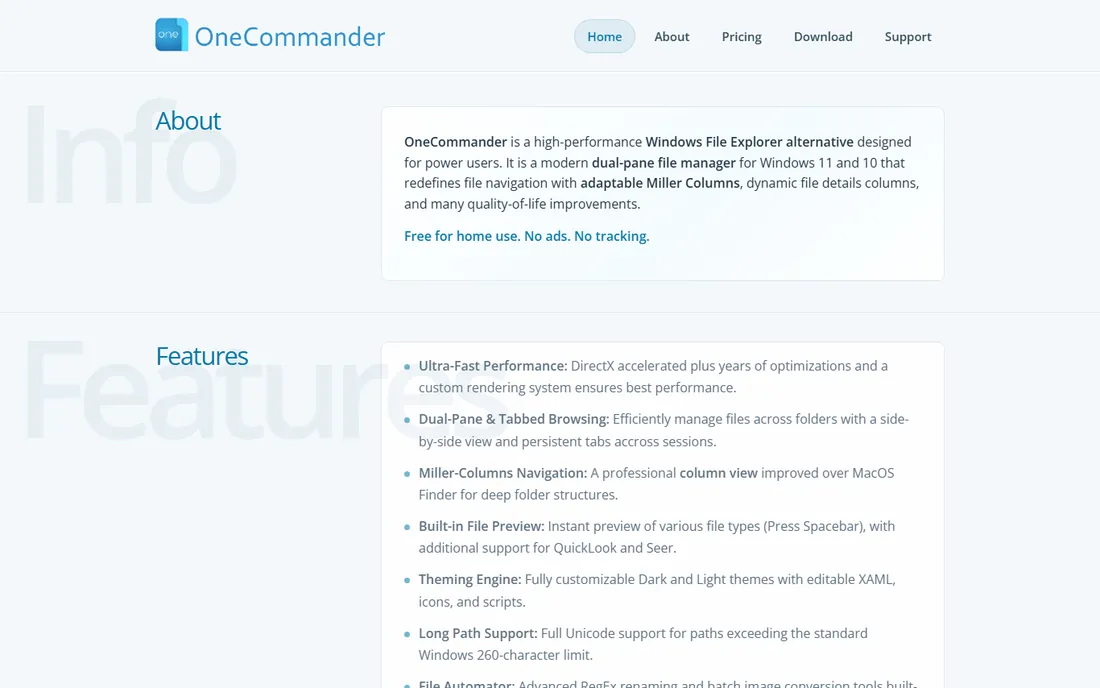
OneCommander reimagines the Windows file manager with a modern interface: smooth animations, column view, tabs and themes. The free version is genuinely usable, with Pro adding advanced features.
It is the pick for users who want Explorer replaced by something that feels designed this decade. Power users may still prefer Directory Opus's depth.
OneCommander's modern interface appeals to Windows 11 users: trial it alongside File Explorer and notice which one you reach for. The visual polish matters for daily tools you stare at for hours.
Evaluate the preview pane with your actual file types: OneCommander's modern previews handle most common formats cleanly.
What we like- Modern GPU-accelerated interface
- Column navigation like macOS Finder
- Free tier is generous
Watch out for- Windows 10/11 only
- Advanced features need the Pro license
Starting priceFree
Free planYes
Double Commander brings the Total Commander formula to every OS, free and open source. Dual panes, tabs, plugins and archive support work consistently across Windows, macOS and Linux.
Linux users in particular appreciate a graphical dual-pane option. It will not out-polish commercial rivals, but the price and portability are right.
Double Commander's open-source nature means checking the release activity: confirm the project is actively maintained for your platform. The Total Commander-style workflow comes without the license cost.
Confirm the Linux or macOS build quality if you run multiple platforms: Double Commander's cross-platform consistency is its main draw.
What we like- Free and open source
- Runs on Windows, Mac and Linux
- Total Commander-style dual panes
Watch out for- Interface is functional rather than beautiful
- Smaller community
Starting priceSee website
Free planFree trial
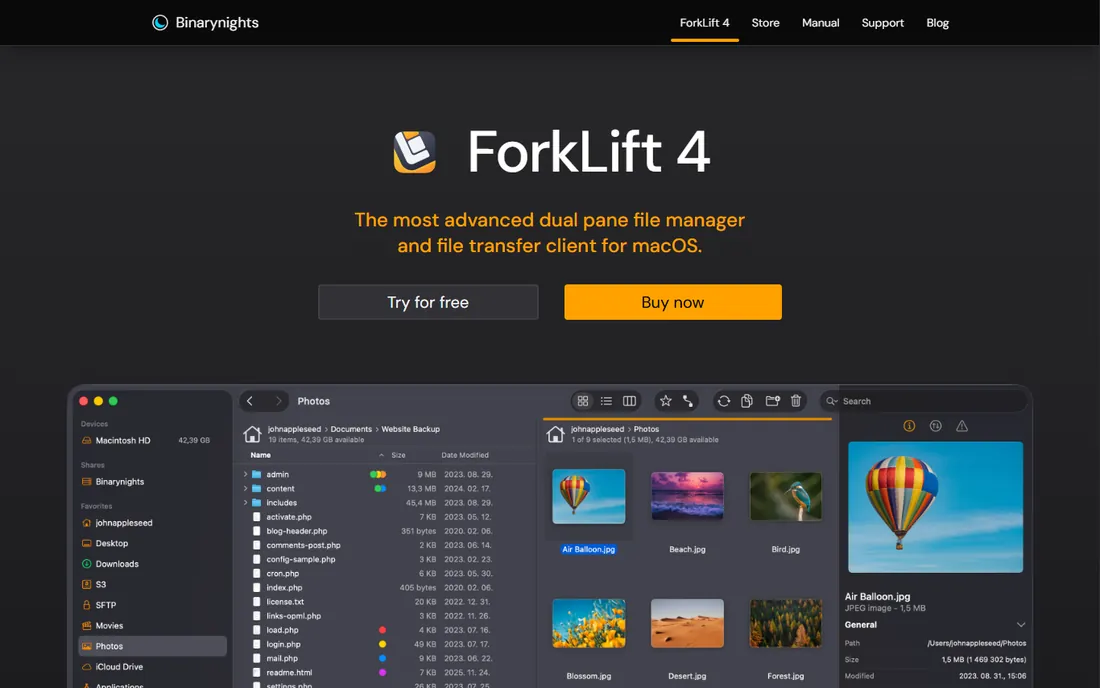
ForkLift is what Mac users get instead of the Windows powerhouses: a fast dual-pane manager with FTP, SFTP, S3 and cloud storage connections, file sync, and the polish macOS users expect. It fills Finder's gaps without feeling foreign.
Mac-only and paid, with a trial. For Mac users who manage servers and files daily, it is the standard recommendation.
ForkLift's Mac-native design is the evaluation: trial the dual-pane workflow with your real file operations, including FTP transfers. Mac users who miss classic two-pane managers usually adopt it quickly.
Test the remote connections you actually use: ForkLift's FTP and S3 support covers most Mac-based workflows.
What we like- The polished Mac dual-pane manager
- FTP/SFTP and cloud storage built in
- Great preview and sync tools
Starting priceFree
Free planYes
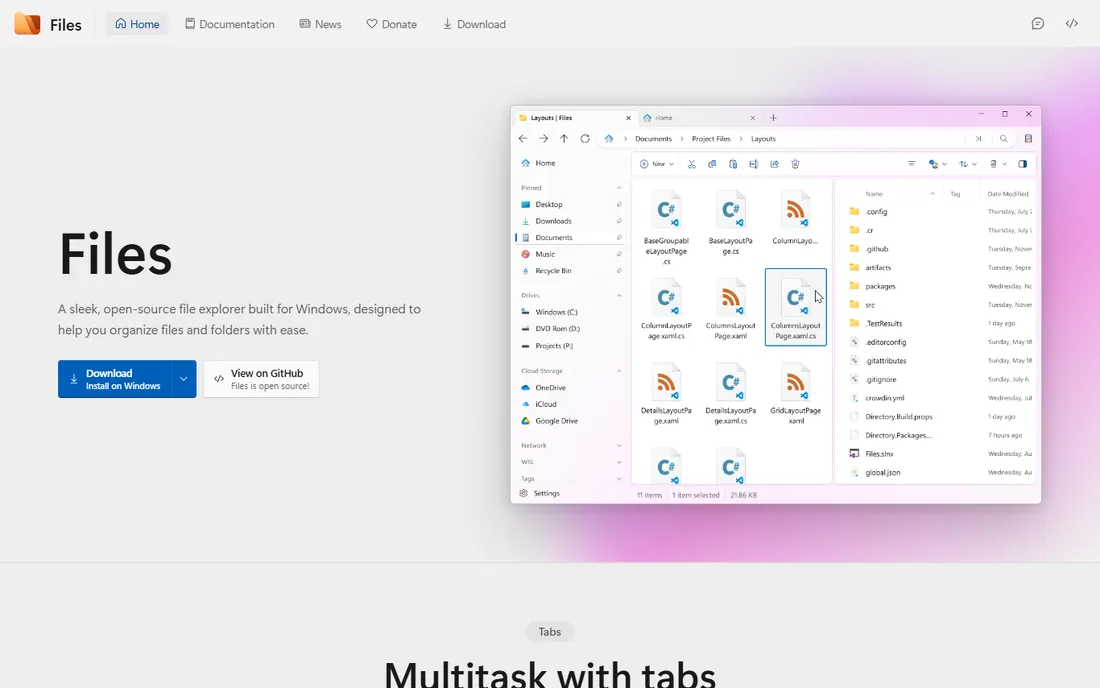
Files is the community-built modern file manager for Windows: tabs, tagging, a clean fluent interface and cloud drive integration, all free and open source. It is the gentlest upgrade from Explorer.
Power features trail the paid tools. For users who want a nicer free manager without a learning curve, it is the easy choice.
Files' open-source Windows app is worth trialing as a File Explorer replacement: use it exclusively for a week. The modern design and tabs may be enough, though power features trail the commercial options.
Check whether the tab and pane layouts persist across restarts: Files is improving fast, so verify the current release, not old reviews.
What we like- Free and open source
- Fluent modern Windows design
- Tabs, tags and cloud integration
Watch out for- Less mature than commercial rivals
- Fewer power features
How to choose
Windows power users should trial Directory Opus and XYplorer; the customization and portability respectively justify their prices. Budget Windows users get far with FreeCommander or Files. Cross-platform or Linux users take Double Commander. Mac users take ForkLift.
The honest test is a week of real work: the file manager that disappears into your workflow is the right one. Most offer trials; use them on your actual folders.
What to check before you buy
OS support is the first filter: most of these are Windows-only, so Mac and Linux users have short lists. Then check the features you will actually use: FTP/SFTP, batch rename, tabs, scripting, cloud storage.
Confirm the license model: one-time, subscription or free. Test performance on your real directories: some managers choke on network drives or hundred-thousand-file folders. And check portability if you work across machines.
One more check: verify the tool handles your largest directories without slowing down. File managers reveal their quality under load, with tens of thousands of files in a single folder, not in empty test directories. Also confirm the search speed on network drives if you work with shared storage, since local SSD performance does not predict network behavior.
Also confirm the license terms match how you work: per-user, per-machine and lifetime licenses all behave differently when you replace hardware or add a second computer.
How we chose
We selected established file managers with active development in 2026, covering Windows, Mac and cross-platform options at free and paid tiers. Only ForkLift's URL was corroborated through sibling research files during a browser service outage; the remaining seven use long-standing canonical domains and are flagged for re-verification. No vendor pricing pages were individually verified, so paid tools list see website.
Frequently asked questions
What is the best file manager for Windows?
Directory Opus for power users, XYplorer for portability, Total Commander for dual-pane tradition, FreeCommander or Files for free. The best depends on how deep you want to go.
Is there a good free file manager?
Yes. FreeCommander and Files on Windows, Double Commander cross-platform. All three are genuinely free and capable.
What is the best file manager for Mac?
ForkLift is the standard recommendation: dual panes, FTP/SFTP, cloud storage and Mac-native polish.
Do I need a third-party file manager?
If you spend your day moving, renaming and organizing files, yes: tabs, dual panes and batch operations save real time. Casual users are fine with Explorer or Finder.
Total Commander vs Directory Opus?
Total Commander is the keyboard-driven classic with unmatched plugin history. Directory Opus is the customizable modern powerhouse. Try both; devotees rarely switch.
Can file managers connect to FTP and cloud storage?
Most can: Directory Opus, Total Commander, FreeCommander, Double Commander and ForkLift all handle FTP/SFTP, and several connect to S3 and cloud drives.
Still deciding? Download the free trials of your top two choices and use each exclusively for a full work week. The right file manager becomes invisible within days; the wrong one keeps annoying you.
Sources we checked (8)
- https://www.gpsoft.com.au
- https://www.xyplorer.com
- https://www.ghisler.com
- https://freecommander.com
- https://onecommander.com
- https://doublecmd.sourceforge.io
- https://binarynights.com
- https://files.community
Is your product missing or out of date?
We review this list regularly. Vendors can request a listing, send updated pricing or ask about featured placement.

Shihab Mia · Founder, Rankite
Shihab has spent more than a decade helping SaaS and e-commerce brands grow through search. He writes Rankite's software buying guides from pricing pages, documentation and public user reviews. More about Shihab.
 Directory Opus
 XYplorer
 Total Commander
 FreeCommander
 OneCommander
 Double Commander
 ForkLift
 Files
Files