How we make this list: we compare pricing pages, product documentation and public user reviews. Rankite is independent; if a vendor ever pays for a featured spot, that listing is clearly labeled Partner.
Key takeaways
- Cozi remains the default shared family calendar, and its $39 per year Gold plan now matters more because the free calendar is limited to a 30-day window.
- TimeTree is the strongest free option for families who mainly need a shared calendar, with a $44.99 per year Premium tier that removes ads.
- Life360 is the pick for families with teen drivers, thanks to crash detection and driving reports, while FamiSafe and Google Family Link cover screen time and online safety.
- OurHome is completely free with no ads and centers on chores and rewards, though the app sees infrequent updates.
- Apple Family Sharing costs nothing extra for iPhone households and handles purchase sharing, location and parental controls, but it only works inside Apple's ecosystem.
Quick comparison
| Tool | Best for | Starting price | Free plan |
|---|
 Cozi Cozi | shared family calendar with lists and meal planning | $39/year (Cozi Gold, covers the whole household) | Yes (with ads, calendar limited to a 30-day window) |
 TimeTree TimeTree | free shared calendar with per-event chat | $44.99/year (Premium) | Yes (with ads, up to 20 shared calendars) |
 Life360 Life360 | real-time location sharing and teen driver safety | $9.99/month (Silver, billed monthly) | Yes (2 days of location history, 2 place alerts) |
 FamilyWall FamilyWall | families who want calendar, messaging and location in one app | $4.99/month (Premium) or $44.99/year | Yes (with ads, 100 MB shared storage) |
 OurHome OurHome | motivating kids to do chores with rewards | Free | Yes (fully free, no ads) |
 FamCal FamCal | shared calendar plus shared trip expenses | $39.99/year (Premium) | Yes (with ads) |
 FamiSafe FamiSafe | parental controls across phones, tablets and computers | $9.99/month (monthly plan, up to 5 devices) | 3-day free trial (no permanent free tier) |
 Google Family Link Google Family Link | free parental controls in Android households | Free | Yes (fully free) |
 Apple Family Sharing Apple Family Sharing | iPhone households sharing purchases, storage and location | Free (included with an Apple Account) | Yes (fully free) |
 Daeken Daeken | a simple shared calendar for iPhone-only families | See website | Yes (premium features via in-app purchase) |
Is your product missing or out of date?
We review this list regularly. Vendors can request a listing, send updated pricing or ask about featured placement.
The best family management app
#1
Cozi
Best for: shared family calendar with lists and meal planning
Visit cozi.com
Starting price$39/year (Cozi Gold, covers the whole household)
Free planYes (with ads, calendar limited to a 30-day window)
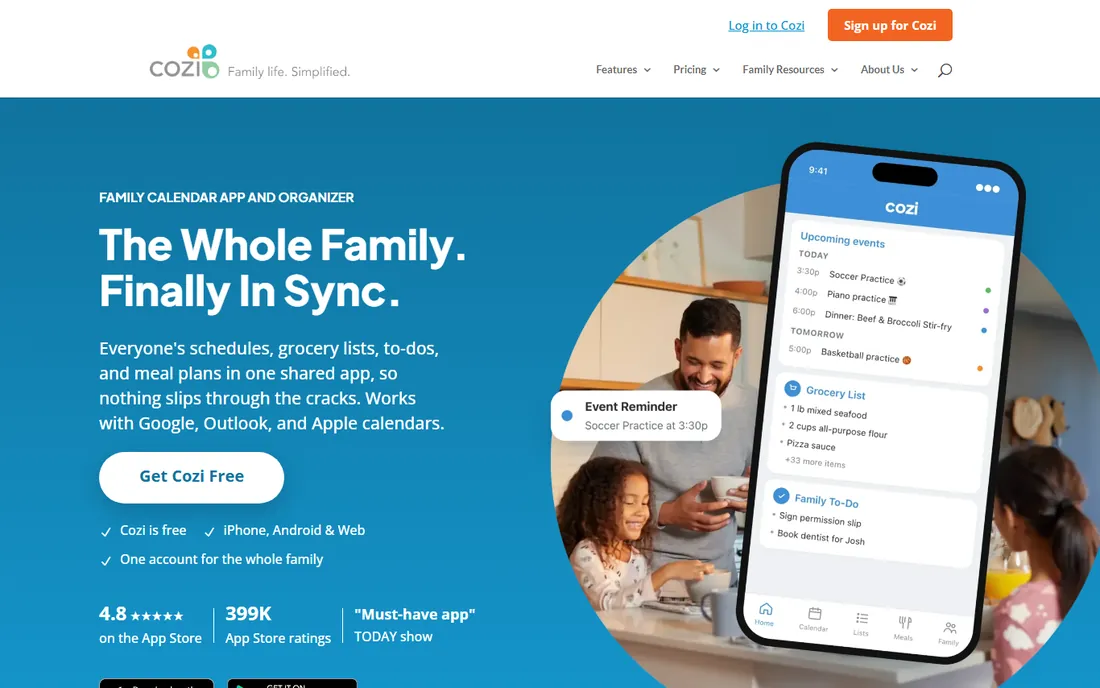
If your family runs on a shared calendar, Cozi is still the name most people know. One account holds the color-coded calendar, shopping lists, to-do lists and a recipe box, and everyone in the house sees the same picture on iOS, Android or the web. Setup takes minutes: create the family, invite members by email, and start adding events.
The catch in 2026 is the paywall shape. Since 2024, free users can only see events inside a 30-day window, which makes planning holidays or sports seasons impossible without Gold. At $39 per year for the entire household, Gold is cheap compared with per-seat software, and it removes ads while adding month view on mobile, calendar search and extra reminders. Families who live in the calendar will feel the upgrade every day. Families who mainly want meal planning or chores should look elsewhere, because Gold adds little there.
What we like- Color-coded calendar for up to 12 people
- Shared shopping and to-do lists plus a recipe box
- One subscription covers everyone, no per-seat pricing
Watch out for- Free calendar now limited to 30 days ahead
- Calendar sync with Google and Apple is one-way only
- Interface looks dated next to newer apps
Starting price$44.99/year (Premium)
Free planYes (with ads, up to 20 shared calendars)
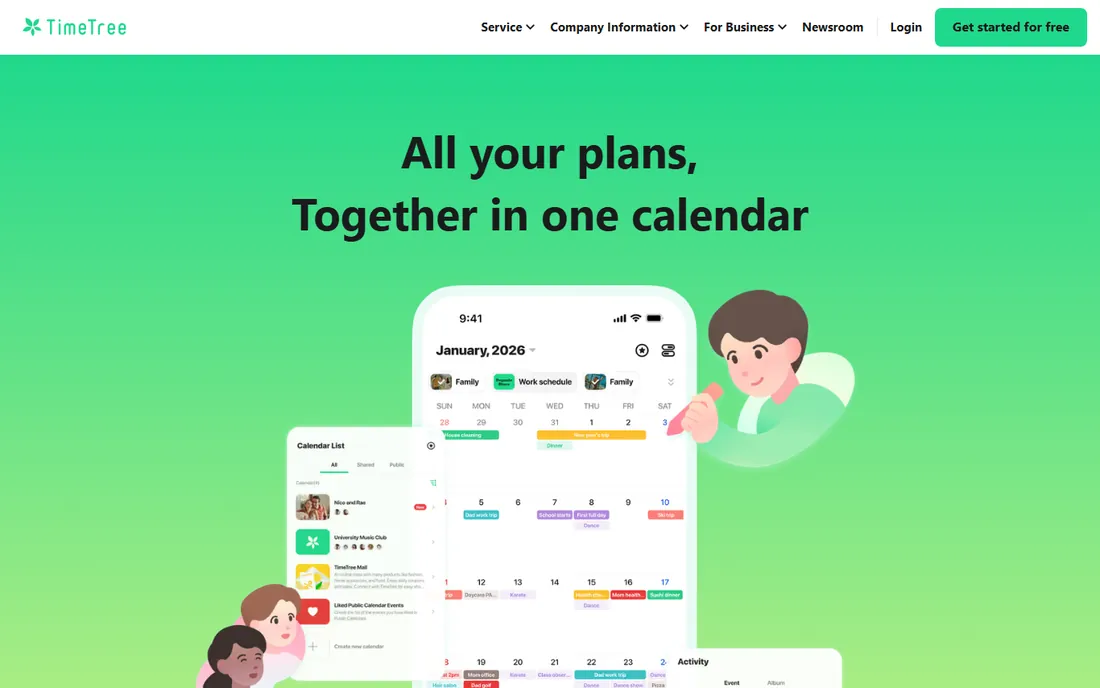
TimeTree takes a different approach from Cozi: instead of one family hub, you create separate shared calendars for each group in your life, family, school, a sports team, and invite the right people to each. Every event has its own comment thread, so the discussion about Saturday's soccer game lives on the event instead of getting buried in a group chat. The free plan is genuinely usable, covering up to 20 shared calendars.
Premium costs $44.99 per year and mainly buys an ad-free experience, file attachments on events, a vertical day view and pinned priority events. Most families will do fine on free. The honest weakness is that the web interface lags behind the mobile apps, and like Cozi, edits made in Google Calendar do not flow back into TimeTree.
What we like- Generous free plan
- Built-in chat on each event
- Syncs with Google, Apple and Outlook calendars
Watch out for- External calendar sync is one-way
- Notifications can get noisy in busy groups
- Web app feels less polished than mobile
#3
Life360
Best for: real-time location sharing and teen driver safety
Visit life360.com
Starting price$9.99/month (Silver, billed monthly)
Free planYes (2 days of location history, 2 place alerts)
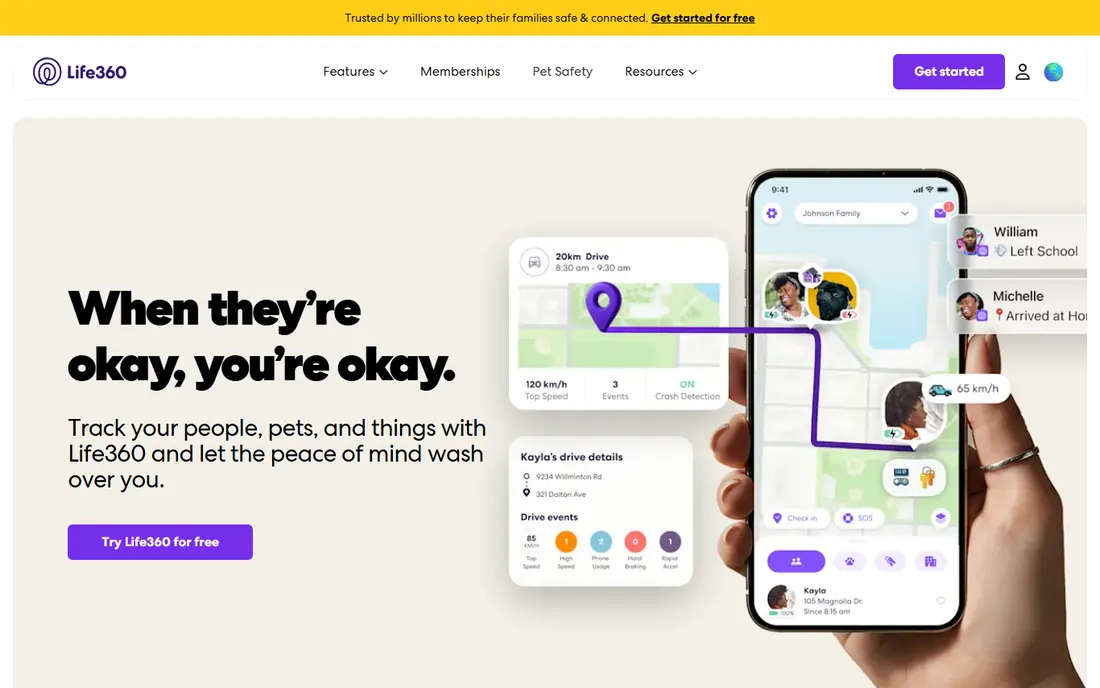
The free plan puts the family on a live map with basic place alerts. Silver ($9.99 per month) adds a week of location history and crash detection. Gold ($16.99 per month) is the tier most driving families choose, with 30 days of history, unlimited place alerts, individual driver reports, emergency dispatch after a crash and 24/7 roadside assistance. Every paid tier includes a 7-day free trial.
Life360 is a safety tool first and an organizer second. It will not manage your grocery list or your chores. It also collects sensitive location data, so have a real conversation with teenagers before you install it, not a silent rollout.
What we like- Real-time family map with place alerts
- Crash detection with emergency dispatch on higher tiers
- One membership covers everyone in the Circle
Watch out for- Paid tiers add up for a safety app
- Driving history cannot be exported from the app
- Location sharing raises privacy questions with older kids
#4
FamilyWall
Best for: families who want calendar, messaging and location in one app
Visit familywall.com
Starting price$4.99/month (Premium) or $44.99/year
Free planYes (with ads, 100 MB shared storage)
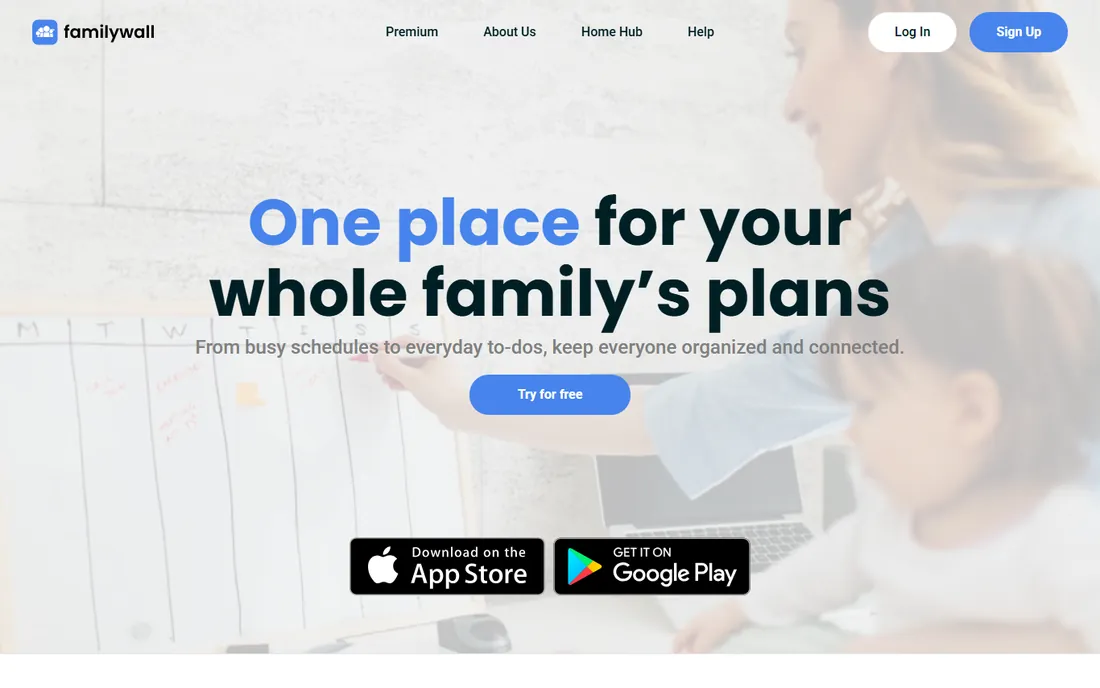
FamilyWall tries to be the whole household hub: shared calendar, shopping and to-do lists, family messaging, a photo gallery, a recipe box and real-time location, all inside one app. The free tier covers the basics with ads. Premium ($4.99 per month or $44.99 per year, with a 30-day trial) adds Google and Outlook calendar sync, the locator with arrival and departure notifications, a meal planner, a budget tracker and 25 GB of storage.
The breadth is the appeal and the risk. If your family actually uses five of these modules, FamilyWall replaces a folder of apps. If you only need a calendar, you are paying for rooms you will never enter. It is also worth knowing that premium benefits apply per circle, so blended or multi-household setups should check the fine print.
What we like- Calendar, lists, messaging, photo gallery and locator in one place
- Premium adds Google and Outlook sync plus a meal planner and budget tracker
- 30-day free trial of Premium
Watch out for- Free tier shows ads
- Premium features apply to the first 5 circles created
- Smaller user community than Cozi or Life360
Starting priceFree
Free planYes (fully free, no ads)
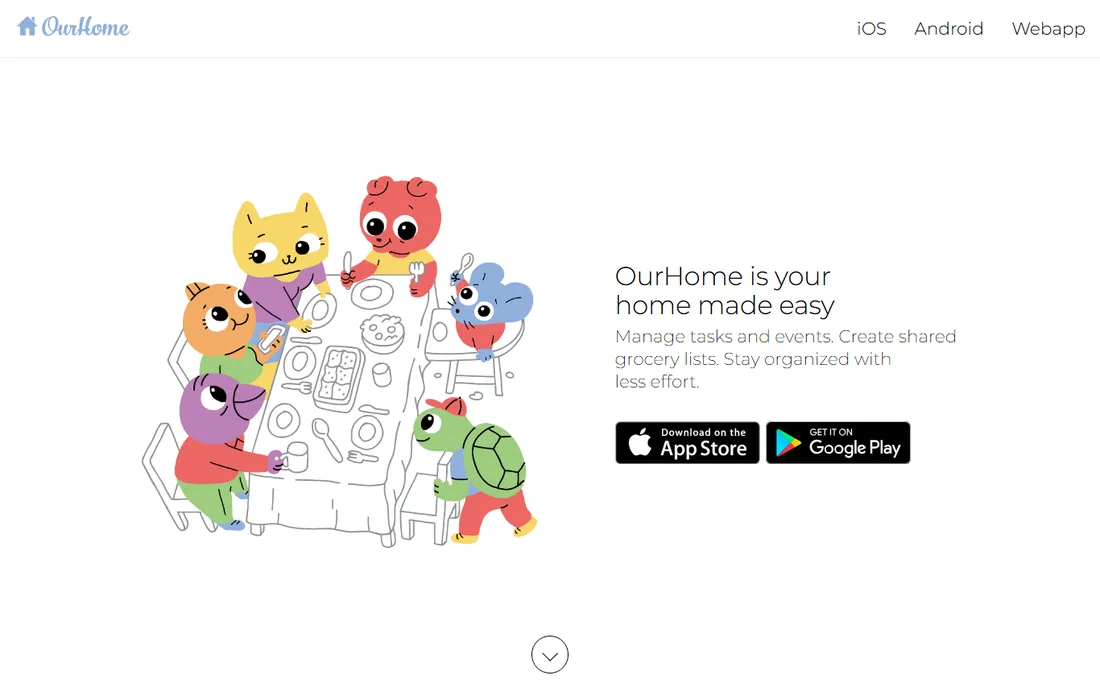
OurHome is the only app on this list that is entirely free, with no ads and no premium tier waiting behind a paywall. Its center of gravity is chores: parents assign and schedule tasks, kids earn points, and points turn into rewards like extra screen time. A shared grocery list, family calendar, messaging and reminders round out the package, and everything syncs across unlimited devices.
The trade-off is momentum. The app has not seen the steady update cadence of its rivals, and some users report sluggish syncing and a shortage of customization. For a family whose main battle is getting kids to participate in housework, the price (zero) makes it easy to try. Just go in knowing the interface reflects an earlier era of app design.
What we like- Completely free with no ads and no hidden costs
- Chore system with points, goals and rewards
- Shared grocery list and family calendar included
Watch out for- Updates are infrequent
- Customization options are limited
- Sync can feel slow compared with newer apps
Starting price$39.99/year (Premium)
Free planYes (with ads)
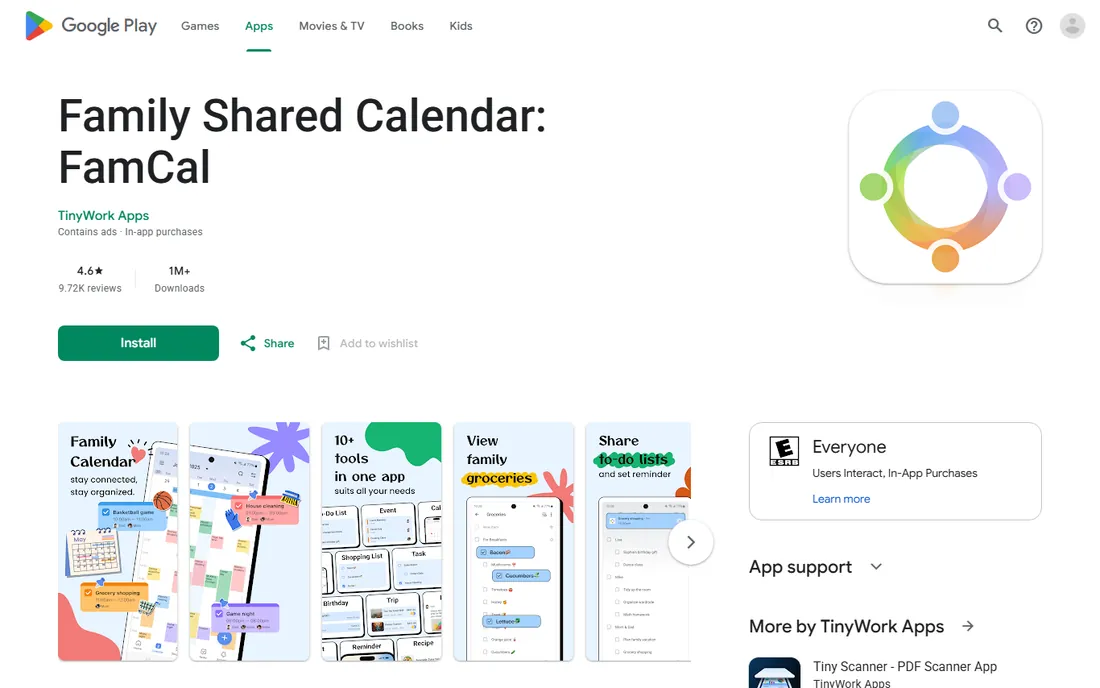
FamCal is a mobile-first family calendar from a small developer, and it stands out with one unusual feature: shared trip expense tracking with charts and PDF or CSV export. Families who travel together or split costs can keep the calendar and the money in the same place. The whole household shares a single account login, with no cap on events, tasks or notes.
The honest catch is the size of the operation behind it. There is no real company website; the app lives on the app stores, and support is an email address.
What we like- Shared calendar, memos, grocery lists and trip expense tracking in one app
- Whole family shares one login
- No limit on events, tasks or notes
Watch out for- No real vendor website, support runs through app stores
- Premium subscription is the only way to remove ads
- Smaller install base means fewer community answers
Starting price$9.99/month (monthly plan, up to 5 devices)
Free plan3-day free trial (no permanent free tier)
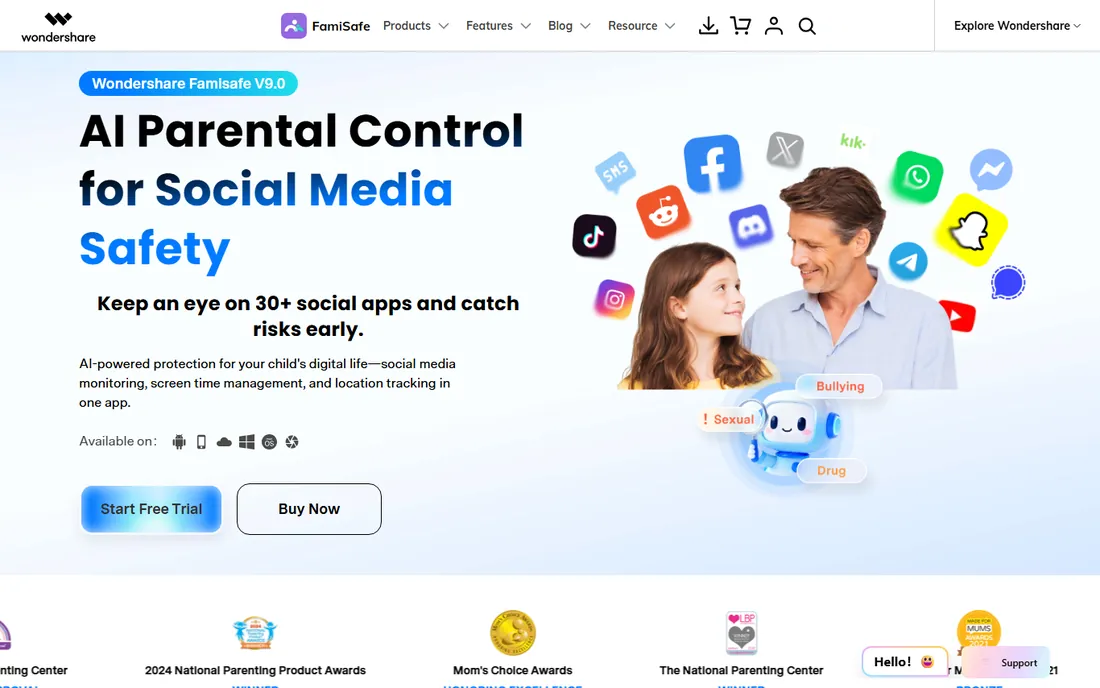
FamiSafe is a parental control app from Wondershare, built for parents who want one dashboard for screen time, content filtering and location. You can set app time limits, block inappropriate sites and apps, track real-time location with geofence alerts, and monitor activity across phones, tablets, desktops and even Kindle Fire. Pricing is $9.99 per month (up to 5 devices), $19.99 per quarter (up to 10 devices) or $59.99 per year, with a 3-day free trial and a 7-day money-back guarantee.
It is not a family organizer in the Cozi sense: there is no shared calendar or grocery list here. Buy it for oversight, not for coordination. Also note the device caps differ by billing term, so count the devices you need to cover before choosing monthly, quarterly or annual billing.
What we like- Screen time limits, app blocking and web filtering in one dashboard
- Real-time location tracking with geofencing
- Works on iOS, Android, Windows, Mac and Kindle Fire
Watch out for- No permanent free plan
- Device caps on shorter billing terms
- Subscription management lives inside the app stores
Starting priceFree
Free planYes (fully free)
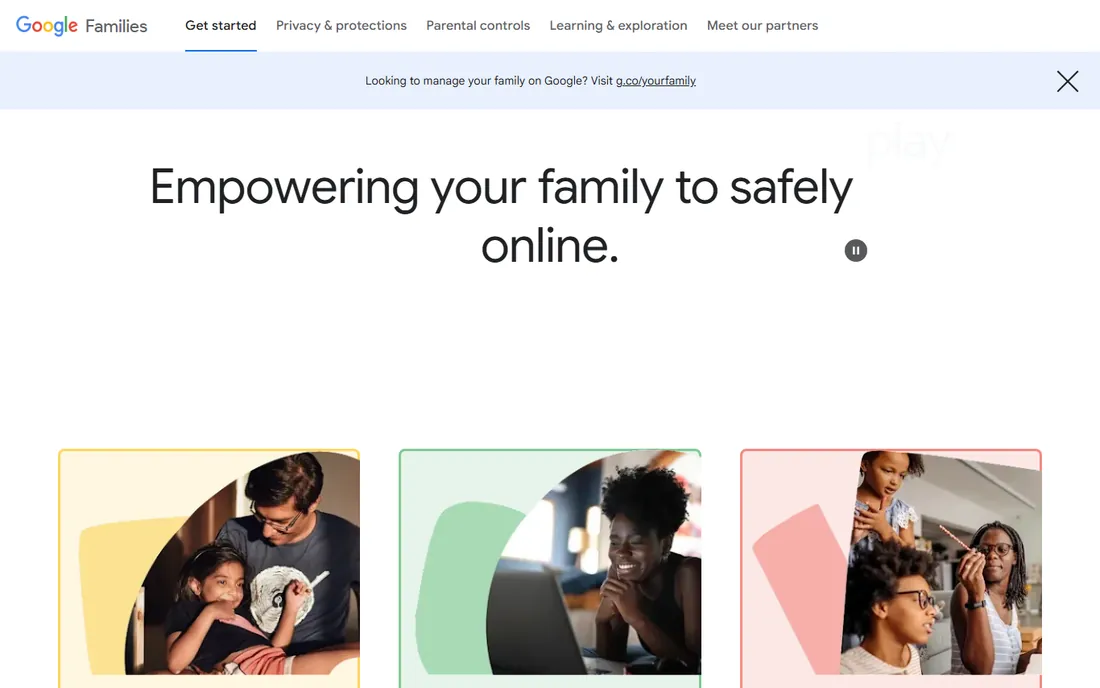
If your household runs on Android, Google Family Link is the free baseline every parent should set up before paying for anything else. It handles screen time limits with bedtime schedules, app approval for downloads, content filters for Chrome, Google Play, YouTube and Search, and location tracking, all managed from the parent's phone. It is built into Android 10 and later, so setup is mostly a matter of creating a supervised Google account for the child.
The limits are real: web filtering works in Chrome but not in alternative browsers unless you block those installs too, and the experience on iOS is thinner. It also does nothing for calendars, lists or chores. Pair it with a shared calendar app and you cover both coordination and safety for zero dollars.
What we like- Completely free
- Screen time limits, app approvals and content filters
- Location tracking for supervised accounts
- Built into Android 10 and later
Watch out for- Web filtering applies mainly to Chrome
- Weaker on iPhones
- Kids over the age threshold can manage their own accounts
#9
Apple Family Sharing
Best for: iPhone households sharing purchases, storage and location
Visit apple.com
Starting priceFree (included with an Apple Account)
Free planYes (fully free)
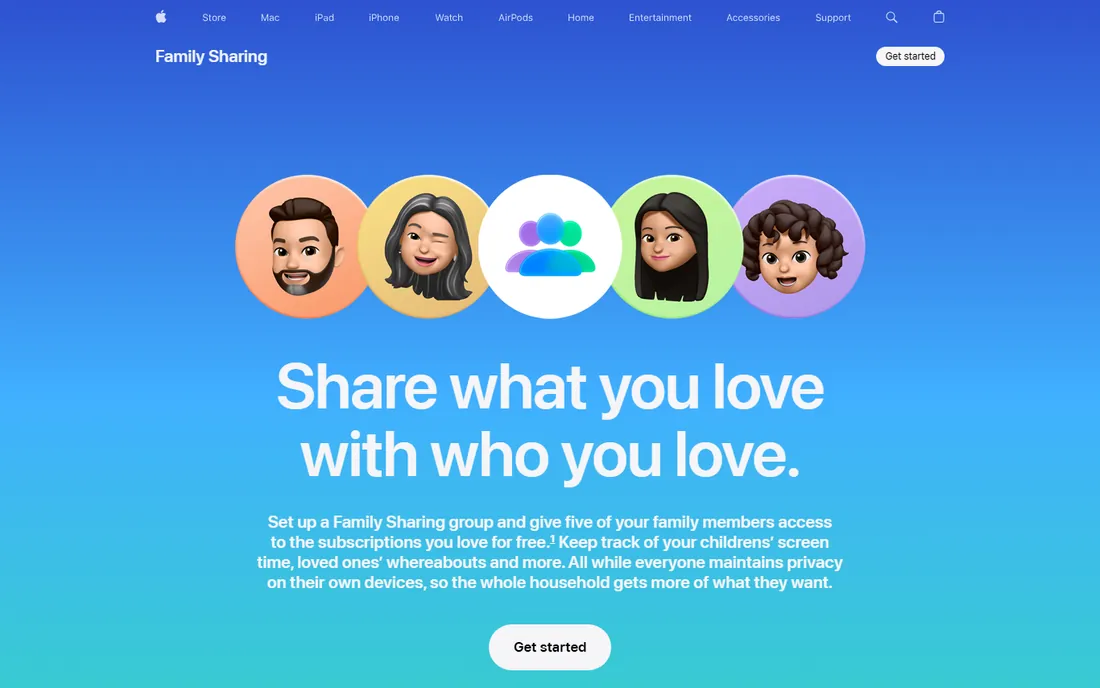
Apple Family Sharing is not an app you download; it is a free feature of every Apple Account, and for iPhone households it quietly handles a surprising amount of family management. Up to six members share App Store and iTunes purchases, Apple Music and other subscriptions, and an iCloud storage plan, while keeping their own accounts and files private. Location sharing runs through Find My, and Screen Time gives parents app limits, content restrictions and Ask to Buy approvals for kids.
The boundary is the ecosystem. Android devices are second-class citizens here, and shared purchases all bill to the family organizer's card. It also will not replace a dedicated shared calendar app. But if everyone in the house already carries an iPhone, turning on Family Sharing takes minutes and costs nothing.
What we like- Share App Store purchases, subscriptions and iCloud storage with up to six people
- Location sharing through Find My
- Screen Time parental controls included
Watch out for- Apple devices only
- Purchase sharing bills everything to the organizer's payment method
- No shared calendar beyond what iCloud already offers
#10
Daeken
Best for: a simple shared calendar for iPhone-only families
Visit daeken.com
Starting priceSee website
Free planYes (premium features via in-app purchase)
Daeken is a small independent family organizer for iOS, built around a color-coded shared calendar with grocery lists, to-do lists and family memos (a small shared journal for notes and moments). Adults join with email addresses while children can be added without one, and you can set reminders for other family members, which is handy for school pickups and practice runs.
The limitation is obvious: iPhone only. In a mixed iPhone and Android household, Daeken is a non-starter. It is also a one-developer product, so support and long-term maintenance carry more risk than with the bigger names. Still, for an all-iPhone family that wants something simpler than Cozi, it is worth a look, and the free tier covers the core calendar.
What we like- Clean color-coded shared calendar
- Grocery and to-do lists plus family memos
- Reminders can be set for other family members
Watch out for- IOS only, no Android or web app
- Small developer with a thin support footprint
- Premium pricing is hard to verify
How we chose
We did not install and live with each app for a month, and we do not claim otherwise. We compared the current pricing pages and feature lists on each vendor's own site, checked documentation for specifics like sync behavior and device caps, and read public reviews on the App Store, Google Play, G2, Capterra and Reddit to see where real users praise or complain. We favored apps that are actively maintained and available today, and judged each tool against the household it fits rather than against an imaginary all-rounder.
What to look for before you buy
Start with the device mix in your house. Half the apps on this list assume everyone carries a compatible phone, and an iOS-only or Android-first pick will quietly exclude someone. Next, separate coordination from control: a shared calendar solves a different problem than location tracking or screen time limits, and no single app does all three brilliantly. Many families end up with two apps, one for the schedule and one for safety, and that is fine.
Read the free tier carefully. A free calendar capped at 30 days (Cozi) or a free safety app with two place alerts (Life360) may push you to paid faster than you expect. Prefer flat household pricing over per-seat pricing when everyone in the family needs access; per-device caps, like FamiSafe's, deserve a count of your actual devices first. Finally, check data export and deletion options before you commit years of family schedules to any vendor, and have the privacy conversation with teenagers before installing any location tracker.
Frequently asked questions
Is there a completely free family management app?
Yes. OurHome is fully free with no ads and no premium tier, covering chores, a shared calendar, grocery lists and messaging. TimeTree and Cozi also have genuinely usable free plans, though Cozi limits the free calendar to a 30-day window and TimeTree shows ads.
Which family app is best for shared calendars?
Cozi and TimeTree lead here. Cozi bundles the calendar with lists, recipes and meal planning in one household hub, while TimeTree lets you run separate shared calendars per group with chat on each event. Both sync with Google, Apple and Outlook calendars in one direction.
Do I need Life360 if I have Apple Find My or Google location sharing?
Not necessarily. Find My and Google's location sharing cover basic "where are you" needs for free. Life360 earns its subscription with driving reports, crash detection with emergency dispatch and richer place alerts, which matter most for families with teen drivers.
Can these apps replace parental controls like screen time limits?
Only the safety-focused ones. FamiSafe, Google Family Link and Apple's Screen Time handle app limits, content filtering and device schedules. Calendar-first apps like Cozi, TimeTree and FamilyWall do not offer meaningful parental controls.
What about privacy with family location apps?
Location apps collect sensitive data by design. Check the vendor's privacy policy for how location history is stored and whether aggregated data is shared with partners. With teenagers, agree on the rules together; silent tracking tends to backfire.
Sources we checked (24)
- https://www.cozi.com/enable-notifications/
- https://timetreeapp.com/intl/en/premium
- https://www.life360.com/plans-pricing
- https://www.wellstockd.com/blog/is-cozi-gold-worth-it
- https://getsense.ai/blog/posts/cozi-gold-worth-it-2026
- https://www.usecalendara.com/blog/cozi-review-2026
- https://ourcal.com/blog/cozi-app-review-2025
- https://www.tycoonstory.com/life360-vs-verizon-smart-family/
- https://techdows.com/download-life360-for-pc-windows-11-10-mac.html
- https://github.com/dawarich-app/site/blob/HEAD/docs/comparisons/vs-life360.md
- https://getsense.ai/blog/posts/sense-vs-familywall-2026
- https://play.google.com/store/apps/details?id=com.familywall
- http://ourhomeapp.com/
- https://www.daeken.com/blog/ourhome-vs-cozi-app/
- https://apps.appfollow.io/ios/ourhome-chores-and-rewards/879717020?country=bo
- https://play.google.com/store/apps/details?id=com.appxy.famcal&hl=en_CA&gl=US
- https://www.prnewswire.co.uk/news-releases/wondershare-famisafe-7-0-safeguarding-children-with-ai-301937063.html
- https://www.thewispy.com/famisafe-review/
- https://www.safetydetectives.com/best-parental-control/famisafe/?filter_sort=worst
- https://en.wikipedia.org/wiki/Google_Family_Link
- https://families.google/intl/en-GB_ALL/familylink/
- https://www.apple.com/in/family-sharing/
- https://www.daeken.com
- https://www.daeken.com/blog/ourhome-vs-daeken-app/
Is your product missing or out of date?
We review this list regularly. Vendors can request a listing, send updated pricing or ask about featured placement.

Shihab Mia · Founder, Rankite
Shihab has spent more than a decade helping SaaS and e-commerce brands grow through search. He writes Rankite's software buying guides from pricing pages, documentation and public user reviews. More about Shihab.