How we make this list: we compare pricing pages, product documentation and public user reviews. Rankite is independent; if a vendor ever pays for a featured spot, that listing is clearly labeled Partner.
Key takeaways
- M-Files leads with metadata-driven management that finds documents by what they are, not where someone filed them.
- Hyland, OpenText and DocuWare dominate traditional enterprise content management, especially in regulated industries.
- Box and Egnyte bring cloud-native simplicity to enterprises that want modern collaboration with governance.
- Alfresco (open source) and SER Group give European and technically inclined buyers alternatives to the US giants.
Quick comparison
| Tool | Best for | Starting price | Free plan |
|---|
 M-Files M-Files | Finding documents by content, not folders | See website | Free trial |
 DocuWare DocuWare | Mid-market document digitization and workflows | See website | Free trial |
 OpenText OpenText | Very large enterprises with complex content needs | See website | No |
 Hyland Hyland | Healthcare, government and regulated industries | See website | No |
 Laserfiche Laserfiche | Government agencies and educational institutions | See website | Free trial |
 Alfresco Alfresco | Open-source enterprise content management | See website | Free tier |
 Box Box | Cloud-native content with enterprise governance | See website | Free tier |
 Egnyte Egnyte | Hybrid file sharing with governance | See website | Free trial |
 SER Group SER Group | European enterprises needing ECM | See website | No |
Is your product missing or out of date?
We review this list regularly. Vendors can request a listing, send updated pricing or ask about featured placement.
The best enterprise document management software
Starting priceSee website
Free planFree trial
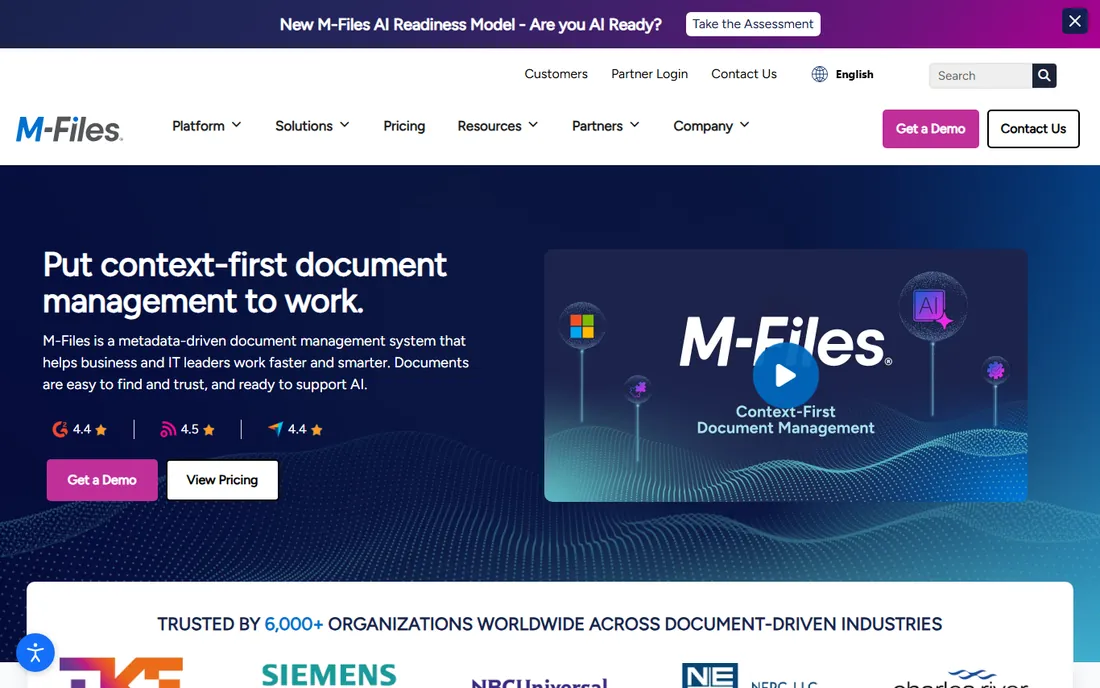
M-Files rethinks document management: instead of folders, documents get metadata tags, and you find them by what they are, customer, project, document type, regardless of where they live. For organizations drowning in nested folders, the shift is liberating. Workflow automation routes documents for approval without manual handoffs.
The catch is adoption. Users trained on folders need retraining on metadata thinking, and the implementation requires planning the metadata model. But enterprises that commit usually report the search experience alone justifies the change.
What we like- Metadata-driven approach eliminates folder chaos
- Strong workflow automation
- AI-assisted classification
Watch out for- Mindset shift from folders takes training
- Enterprise pricing
Starting priceSee website
Free planFree trial
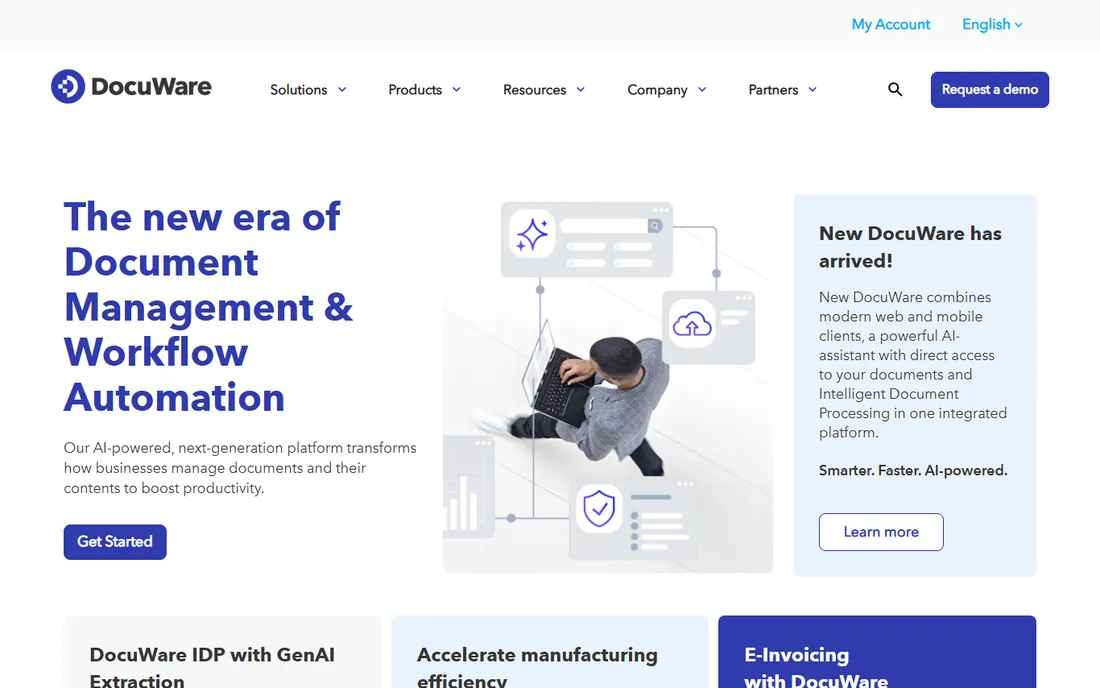
DocuWare is the mid-market workhorse: scan, capture, store, route and retrieve documents with workflow automation for processes like accounts payable and employee onboarding. It offers both cloud and on-premises deployment, which matters for companies with data residency requirements.
It does not match the largest platforms on breadth or scalability. But mid-size companies that need serious document management without enterprise complexity or cost will find DocuWare hits the sweet spot.
What we like- Strong document capture and workflow
- Cloud and on-premises options
- Good for AP and HR automation
Watch out for- Enterprise depth trails OpenText and Hyland
- Interface is functional
Starting priceSee website
Free planNo
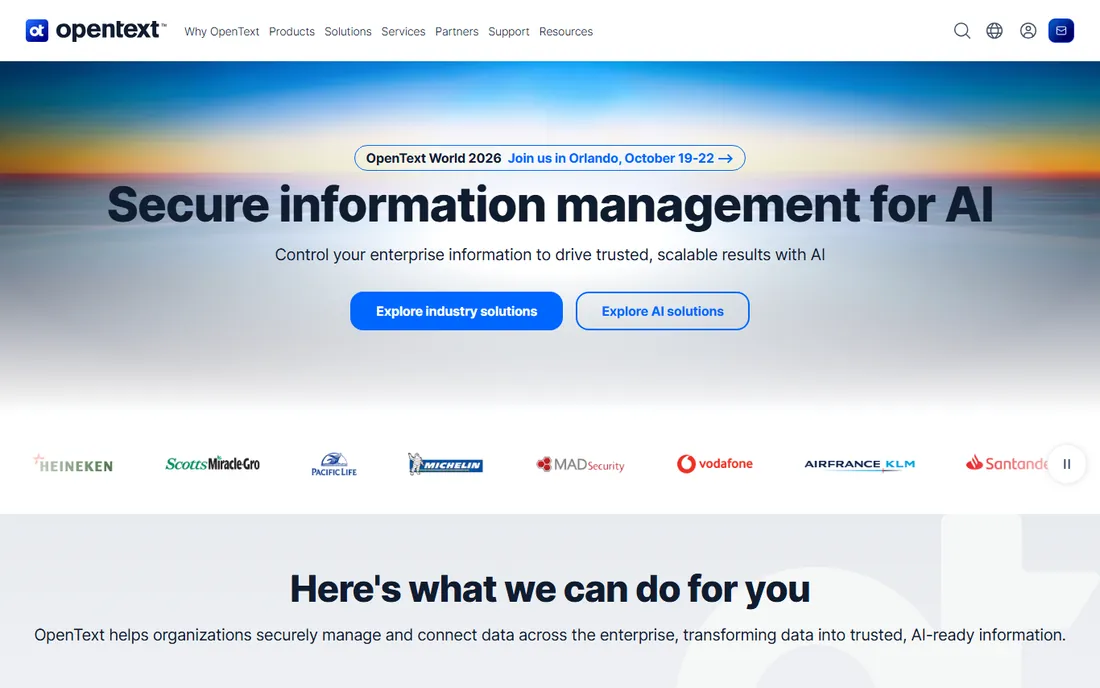
OpenText is the largest enterprise content management vendor, with a portfolio covering document management, archiving, capture and information governance. Deep integration with SAP and other enterprise applications makes it the choice for organizations whose content lives inside business processes. It operates at scales few others can.
The portfolio grew by acquisition, so coherence varies, and implementations are major projects. But for the largest enterprises with the most complex requirements, OpenText's breadth is unmatched.
What we like- Broadest enterprise content portfolio
- Deep SAP and business application integration
- Proven at massive scale
Watch out for- Complex licensing and implementation
- Portfolio assembled by acquisition
#4
Hyland
Best for: Healthcare, government and regulated industries
Visit hyland.com
Starting priceSee website
Free planNo
Hyland (home of OnBase) dominates content management in healthcare, government and other regulated industries. Patient records, case files and compliance documentation are its home turf, with retention management and audit trails built for regulators. The Nuxeo acquisition added modern cloud-native content services to the portfolio.
Commercial companies without regulatory pressure may find it heavy. But organizations where a misfiled document creates legal exposure will value Hyland's compliance-first design.
What we like- Deep industry solutions for healthcare and government
- Strong records management
- Nuxeo acquisition added modern content services
Watch out for- Enterprise sales cycle
- Can be more than commercial companies need
Starting priceSee website
Free planFree trial
Laserfiche built its base in government and education: records management, electronic forms, workflow automation and public records compliance. City and county governments across the US run on it. The forms and process automation handle citizen-facing workflows well.
Commercial enterprises will find less ecosystem and fewer integrations than the big platforms. But public sector buyers choosing between Laserfiche and a generic tool will find the government-specific features decisive.
What we like- Strong records management and forms
- Popular with local government
- Good process automation
Watch out for- Less presence in commercial enterprise
- Interface is traditional
Starting priceSee website
Free planFree tier
Alfresco offers the open-source path to enterprise content management: a community edition free to use, with paid enterprise editions adding support and advanced features. Developers like the platform's flexibility for building content applications, and deployment options include on-premises and cloud.
The community edition needs technical staff to run well, and the gap to enterprise features is real. But organizations with developers and a preference for open source get enterprise-grade content management without license fees.
What we like- Open-source community edition
- Strong developer platform
- Flexible deployment
Watch out for- Enterprise features need the paid edition
- Requires technical resources
#7
Box
Best for: Cloud-native content with enterprise governance
Visit box.com
Starting priceSee website
Free planFree tier
Box brought consumer-grade usability to enterprise content: file sharing and collaboration people actually enjoy, backed by the security, compliance and admin controls enterprises require. Integrations with Microsoft 365, Salesforce and thousands of apps make it the collaboration layer for many companies.
Traditional records management and complex workflows are thinner than Hyland or OpenText. But enterprises that prioritize how people work day-to-day, with governance underneath, increasingly choose Box over legacy ECM.
What we like- Modern collaboration experience
- Strong security and compliance certifications
- Huge integration ecosystem
Watch out for- Less deep records management than traditional ECM
- Pricing climbs with advanced governance
Starting priceSee website
Free planFree trial
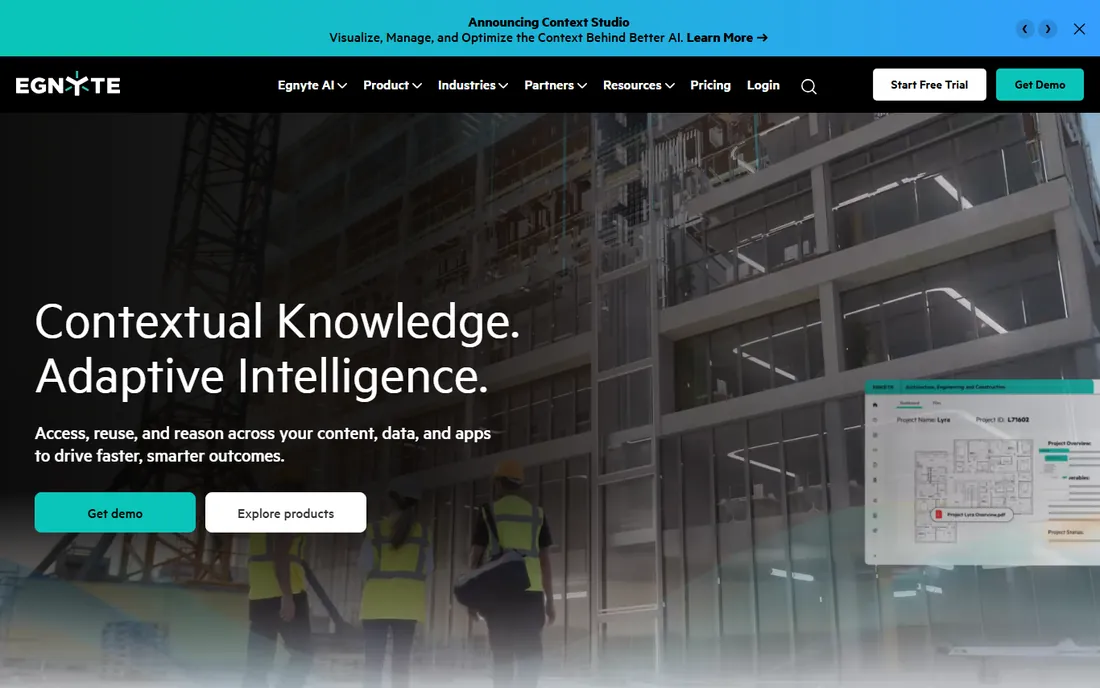
Egnyte's differentiator is hybrid architecture: files live where they make sense, on-premises or cloud, managed under one governance layer. Companies with large files, remote offices or data residency needs get cloud collaboration without abandoning local storage. Governance and compliance features are strong.
Brand recognition trails Box, and the interface is less refined. But for the hybrid reality most enterprises actually live in, Egnyte's architecture matches better than pure-cloud alternatives.
What we like- Hybrid cloud and on-premises architecture
- Strong governance and compliance
- Good for distributed teams
Watch out for- Less known than Box
- Interface is less polished
Starting priceSee website
Free planNo
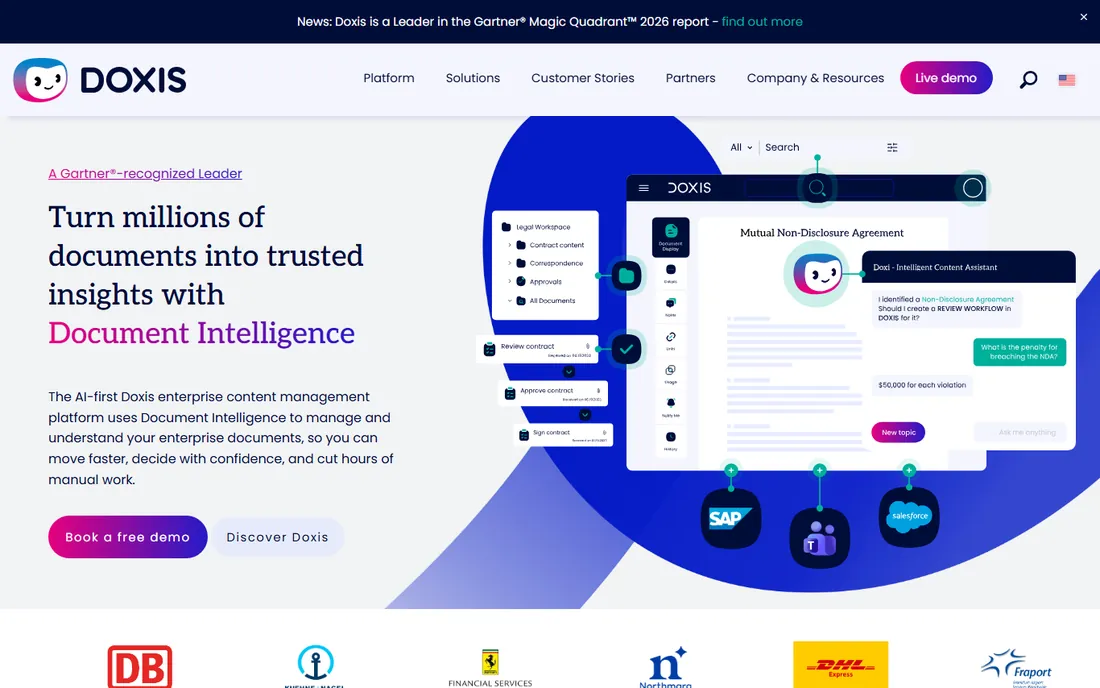
SER Group (Doxis) is the European enterprise content management alternative: document management, workflows, archiving and email management with strong data residency credentials. European enterprises with GDPR and local compliance needs find a vendor that understands their regulatory reality.
Outside Europe the footprint is smaller, and the global partner ecosystem trails the giants. But for European buyers who prefer a regional vendor with local support, SER Group is a credible enterprise choice.
What we like- Strong European presence and data residency
- Comprehensive ECM suite
- Good SAP integration
Watch out for- Less presence outside Europe
- Smaller global ecosystem
Cloud, hybrid or on-premises: the deployment decision
Enterprise document management still splits three ways. Cloud (Box, M-Files cloud, DocuWare cloud) offers the fastest deployment and simplest operations. On-premises (OpenText, Hyland, Alfresco) keeps data inside your walls for regulatory or policy reasons. Hybrid (Egnyte especially) mixes both.
The decision usually comes from compliance and IT strategy rather than features. Regulated industries often require on-premises or specific data residency. Everyone else should default to cloud for lower total cost and faster value. Do not let a vague "we prefer on-premises" double your project cost without a concrete reason.
How we chose
We compared platforms on document lifecycle coverage, search and retrieval, workflow automation, records management, compliance features, deployment options and scalability. We verified each vendor's homepage and current positioning, reviewed analyst coverage and practitioner feedback, and noted acquisitions affecting the market. We did not deploy enterprise content systems.
Migrating off shared drives without chaos
The migration is where document management projects succeed or fail, and the technology is the easy part. Start with an audit: what actually lives on the shared drives, who owns it, and what can be deleted. Most organizations discover 30 to 50 percent of their files are duplicates, drafts or long irrelevant. Migrating garbage into a new system just creates an expensive garbage archive.
Design the metadata model before moving anything. Decide what tags, document types and retention rules each department needs, and get agreement from the people who will live with it. This is slow political work, and skipping it is why migrations produce a new system organized exactly like the old chaos.
Migrate in waves, not all at once. Pick one department or one document type, move it, stabilize, learn, then continue. Each wave teaches you something about the real requirements. Big-bang migrations discover their problems when it is too late to fix them cheaply.
Handle permissions explicitly. Shared drives accumulate years of informal access; the new system is your chance to implement least-privilege properly. Map who should see what before migration, not after, and expect some uncomfortable conversations. They are worth having.
Finally, train on the new way of finding things, not just the buttons. Users coming from folders need to understand metadata search and saved views, or they will recreate folder chaos inside the new tool. The mindset migration matters more than the data migration.
Implementation mistakes that doom document projects
The number one killer is skipping the information architecture. Buying the software before designing how documents will be organized, tagged and governed guarantees you will recreate your shared-drive chaos inside an expensive new system. Spend the unglamorous weeks on taxonomy and metadata design before any data moves.
Second is underestimating change management. People have personal systems for finding documents, however dysfunctional, and a new tool threatens them. Involve representatives from each department in the design, communicate the why repeatedly, and provide hands-on training on real documents, not demos. Adoption is a campaign, not an announcement.
Third is the permission shortcut. Migrating with "everyone gets access to everything for now, we will fix it later" creates security exposures that never get fixed later. Design permissions during migration when you have momentum and attention, because retrofitting them onto a live system is politically painful.
Fourth is neglecting the scan-and-capture quality. Garbage scans produce garbage search results regardless of the platform's OCR quality. Set scanning standards, resolution, file naming, quality checks, before the backlog digitization starts, or you will pay to rescan later.
Finally, measuring success by go-live instead of by usage. The project is not done when the system launches; it is done when people actually work in it daily. Track adoption metrics for six months post-launch and keep improving the experience. Shelfware with a successful go-live party is still shelfware.
Frequently asked questions
What is the difference between document management and file sharing?
File sharing stores and syncs files. Document management adds version control, metadata, workflows, retention policies and audit trails. Enterprises needing compliance and process control need the latter.
How much does enterprise document management cost?
Typically tens of thousands to hundreds of thousands annually depending on users, modules and deployment. Cloud options start lower; on-premises adds infrastructure and services. Always get a scoped quote.
How long does implementation take?
Cloud deployments can go live in weeks for standard use cases. Enterprise on-premises implementations typically take three to twelve months including migration, workflow design and training.
Can we migrate from shared drives?
Yes, and most vendors offer migration tools and services. The hard part is not moving files but designing the metadata, permissions and workflows that make the new system better than the shared drive.
Do we need records management or just document management?
If regulators, litigators or auditors care about your documents, you need records management: retention schedules, legal holds and disposition. Everyone else can start with document management and add records features later.
Is open source viable for enterprise document management?
Yes, with caveats. Alfresco's community edition is capable, but you need technical staff and should budget for the enterprise edition's support and advanced features at scale.
Sources we checked (9)
- https://www.m-files.com/
- https://www.docuware.com/
- https://www.opentext.com/
- https://www.hyland.com/
- https://www.laserfiche.com/
- https://www.alfresco.com/
- https://www.box.com/
- https://www.egnyte.com/
- https://www.sergroup.com/
Is your product missing or out of date?
We review this list regularly. Vendors can request a listing, send updated pricing or ask about featured placement.

Shihab Mia · Founder, Rankite
Shihab has spent more than a decade helping SaaS and e-commerce brands grow through search. He writes Rankite's software buying guides from pricing pages, documentation and public user reviews. More about Shihab.