How we make this list: we compare pricing pages, product documentation and public user reviews. Rankite is independent; if a vendor ever pays for a featured spot, that listing is clearly labeled Partner.
Key takeaways
- Gusto is the simplest starting point when payroll and benefits need to live in one place for a small team.
- Rippling fits growing companies that want HR, IT and finance data in a single system instead of three separate tools.
- BambooHR works best for teams that want an HR-first platform with benefits administration as an add-on.
- PEO options like Justworks, TriNet and Sequoia trade some control for stronger buying power on health plans.
- Broker-driven platforms such as Employee Navigator, PlanSource and bswift suit larger employers with complex plan designs and multiple carriers.
Benefits administration breaks more HR teams than payroll does. Payroll is math. Benefits is math plus insurance carriers, enrollment windows, COBRA notices, ACA reporting and employees who ask the same plan questions every October. The platform you pick determines whether open enrollment is a two-week project or a two-month ordeal. Some tools on this list are all-in-one HR suites with benefits attached. Others are PEOs that become your co-employer and sell you their buying power. A third group sells enrollment software to brokers and employers directly. Knowing which model you are buying matters more than any feature checklist, because it decides who answers the phone when a carrier misprices a claim.
Quick comparison
| Tool | Best for | Starting price | Free plan |
|---|
 Gusto Gusto | Small businesses combining payroll and benefits | $49 per month + $6 per person per month (Simple plan) | Free trial |
 Rippling Rippling | Growing companies unifying HR, IT and finance | $8 per user/month + $40 per month base fee | No |
 BambooHR BambooHR | HR-first teams adding benefits on top | $10 per employee/month (Core plan) | Free trial |
 Justworks Justworks | Small businesses wanting a transparent PEO | $79 per employee/month (PEO Basic) | No |
 Namely Namely | Mid-sized companies needing HCM plus managed benefits | $9 per user/month (Namely Now plan) | No |
 TriNet TriNet | SMBs wanting Fortune 500-level plan access | See website | No |
 Sequoia Sequoia | Investor-backed startups wanting advisor-led benefits | See website | No |
 Employee Navigator Employee Navigator | Broker-served companies focused on enrollment | See website | No |
 PlanSource PlanSource | Large employers needing deep plan configurability | See website | No |
 bswift bswift | Enterprises running complex multi-carrier programs | See website | No |
Is your product missing or out of date?
We review this list regularly. Vendors can request a listing, send updated pricing or ask about featured placement.
#1
Gusto
Best for: Small businesses combining payroll and benefits
Visit gusto.com
Starting price$49 per month + $6 per person per month (Simple plan)
Free planFree trial
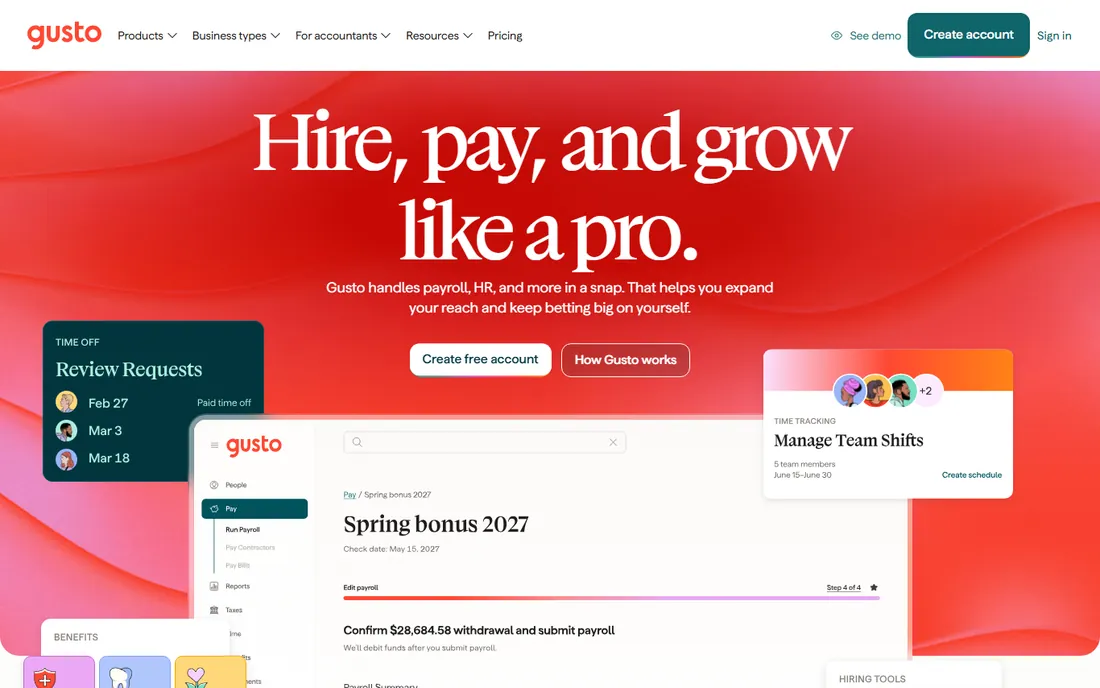
Gusto earns its place at the top of this list because it removes the usual friction of getting a small team onto real benefits. You run payroll in the same account where employees pick health plans, and deductions sync automatically. For a company of 10 to 50 people without an HR department, that single sync is worth more than any analytics dashboard.
The honest catch is that Gusto is a benefits administrator, not a broker with national buying power. Plan choice depends on your state, and in some markets the options are limited. The subscription covers the software only. Carrier premiums, workers comp and 401(k) recordkeeping are separate line items, so budget for those before comparing Gusto against a PEO quote.
What we like- Transparent published pricing
- Payroll, benefits and onboarding in one flow
- Strong broker and carrier marketplace
Watch out for- Health plan options vary by state and can be thin outside major metros
- Reporting is basic compared with enterprise tools
- Benefits premiums are separate from the subscription fee
Starting price$8 per user/month + $40 per month base fee
Free planNo
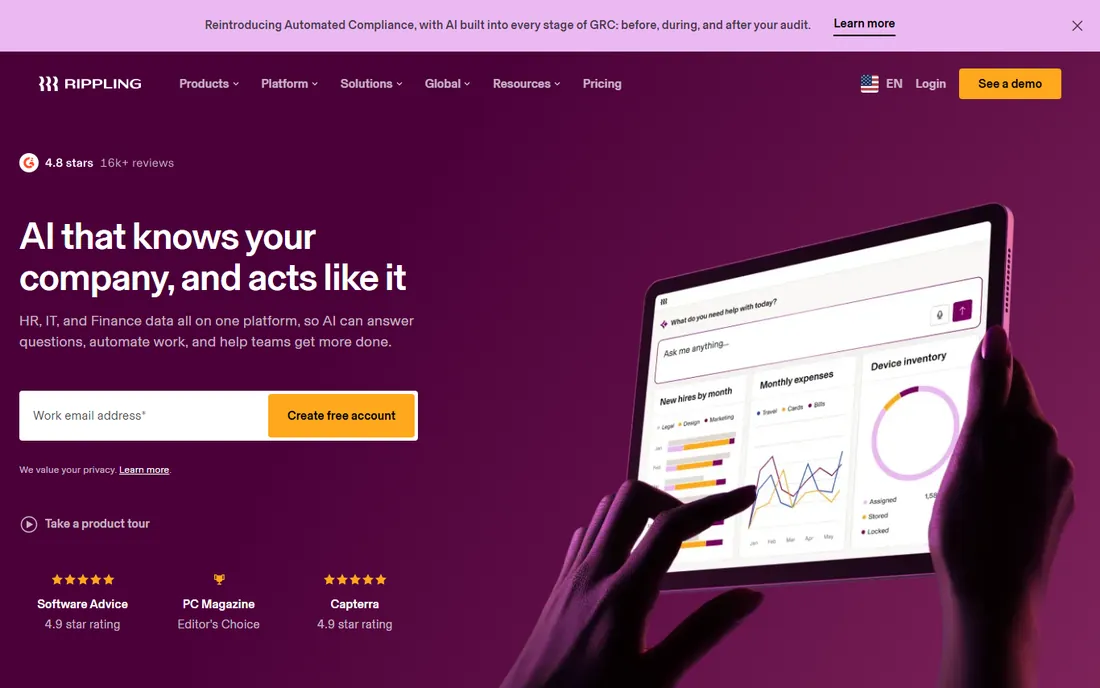
Rippling treats benefits as one module in a much bigger system. Change someone's marital status in HR and payroll deductions update on their own. Offboard an employee and the platform can remove them from benefits, revoke app access and trigger COBRA paperwork in one motion. Companies scaling from 30 to 300 employees get real value from that connective tissue.
The catch is the pricing model. The headline per-user figure is only the Unity platform fee. Payroll, benefits administration and IT management each carry their own per-employee charges, and a company that needs all three can land well above simpler competitors. Get a line-item quote before you fall in love with the demo.
What we like- One employee record drives HR, payroll, benefits and IT provisioning
- Strong workflow automation
- 600+ integrations
Watch out for- Modular pricing adds up fast once you stack payroll, benefits and IT
- No free trial, only guided demos
- Support quality gets mixed reviews at scale
Starting price$10 per employee/month (Core plan)
Free planFree trial
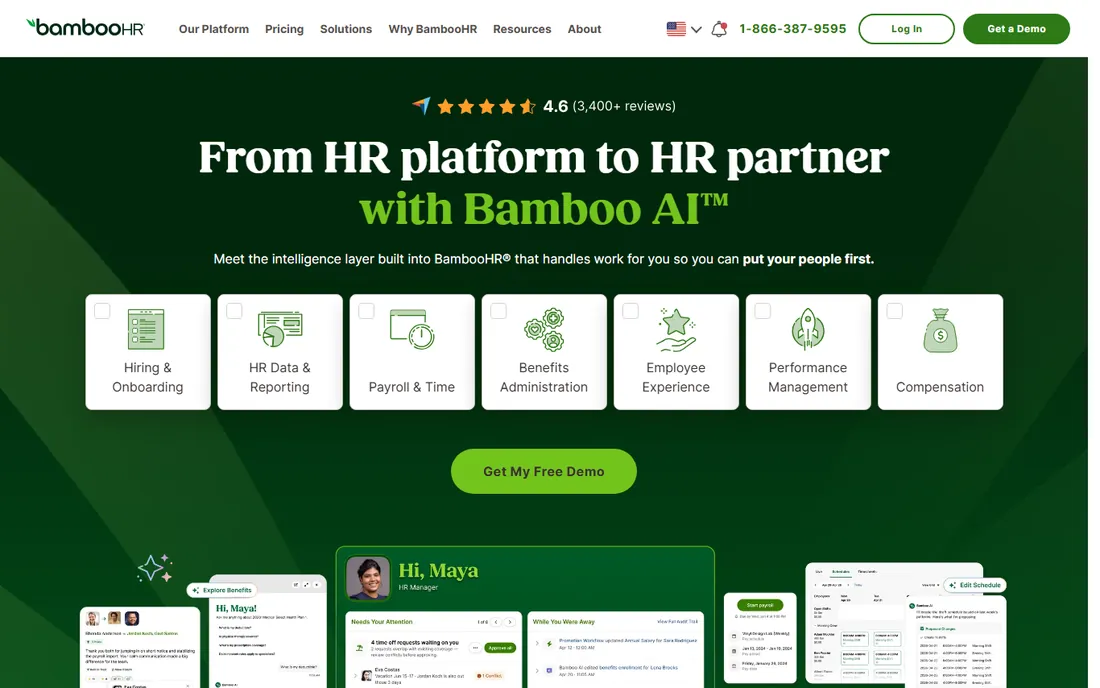
BambooHR starts from the employee record and works outward. Core HR, time off, hiring and onboarding come first, and benefits administration is an add-on for US employees. Teams that already have payroll handled elsewhere, or that want BambooHR to become the system of record while specialists handle the money movement, find this arrangement comfortable.
Budget carefully around the add-ons. The published $10 figure covers the HR platform only. Payroll and benefits administration are priced by quote, and while bundling them earns a discount, the final number can surprise buyers who modeled on the headline rate. Companies under 25 employees pay a flat rate starting at $250 a month instead of per head.
What we like- Published pricing with volume discounts
- Clean interface HR teams adopt quickly
- 150+ integrations
Watch out for- Payroll and benefits administration are quote-only add-ons
- Per-employee pricing climbs with headcount
- Advanced reporting sits on the top tier
Starting price$79 per employee/month (PEO Basic)
Free planNo
Justworks is the PEO for buyers who refuse to sit through a sales call just to learn the price. The Basic and Plus plans are published, the math is per employee with no base fee games, and support is genuinely available around the clock. For startups and small agencies that want big-company benefits without hiring an HR team, that combination is hard to beat.
The trade-off is cost at scale. Per-employee pricing is simple but unforgiving. A 40-person company on the Plus plan pays over $4,000 a month before premiums. At that size, software plus a broker often costs less, so compare once you pass 25 employees.
What we like- Publishes PEO pricing online, rare in this category
- 24/7 support by phone, chat, email and Slack
- IRS-certified PEO with ESAC accreditation
Watch out for- Per-employee PEO pricing gets expensive past 30 to 40 staff
- Plus plan needed for full medical, dental and vision
- Limited customization for unusual plan structures
#5
Namely
Best for: Mid-sized companies needing HCM plus managed benefits
Visit namely.com
Starting price$9 per user/month (Namely Now plan)
Free planNo
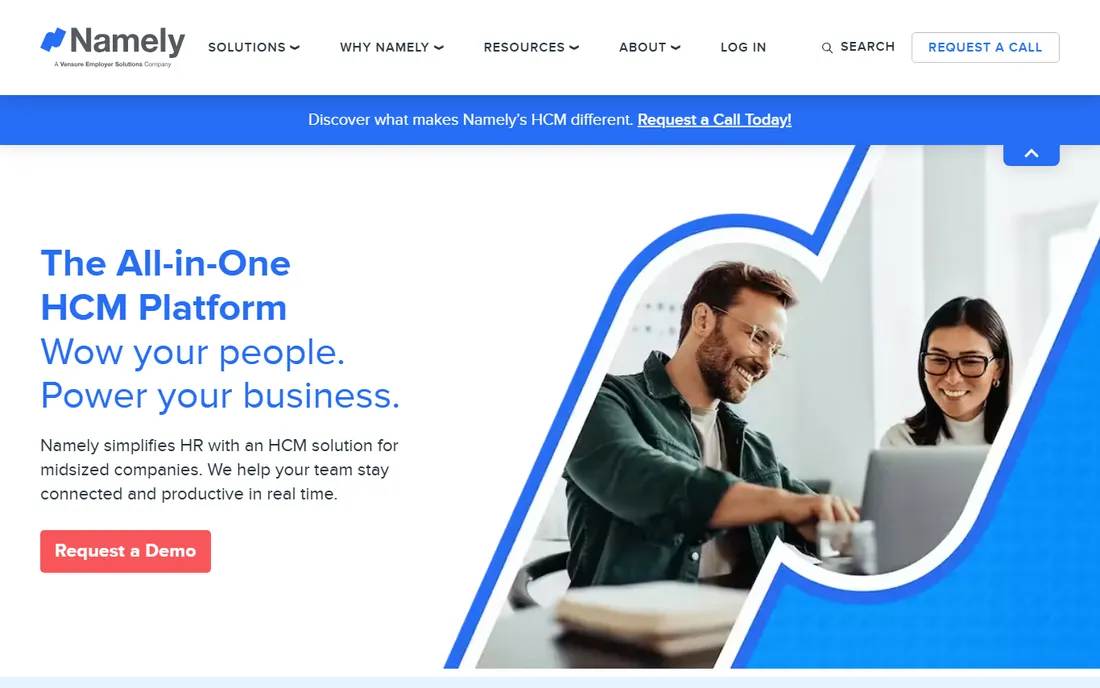
Namely aims squarely at mid-sized companies that have outgrown small-business tools but are not ready for enterprise HCM. The platform covers the full employee lifecycle, and the managed services option lets you hand payroll and benefits administration to Namely's own team. That matters for HR departments of one.
Two things to verify in the sales process. First, the published $9 figure covers the entry tier only. Plus and Complete plans are custom-quoted based on modules and complexity. Second, user reviews repeatedly flag the connection between the payroll and HRIS modules as weaker than the marketing suggests. Ask for a live walkthrough of a payroll-to-benefits data flow, not a slide deck.
What we like- All-in-one HCM covering HR, payroll, time and benefits
- Managed payroll and managed benefits services available
- Strong compliance tooling
Watch out for- Higher tiers are quote-only and pricing climbs with modules
- Integration between payroll and HRIS modules draws complaints
- No free trial
Starting priceSee website
Free planNo
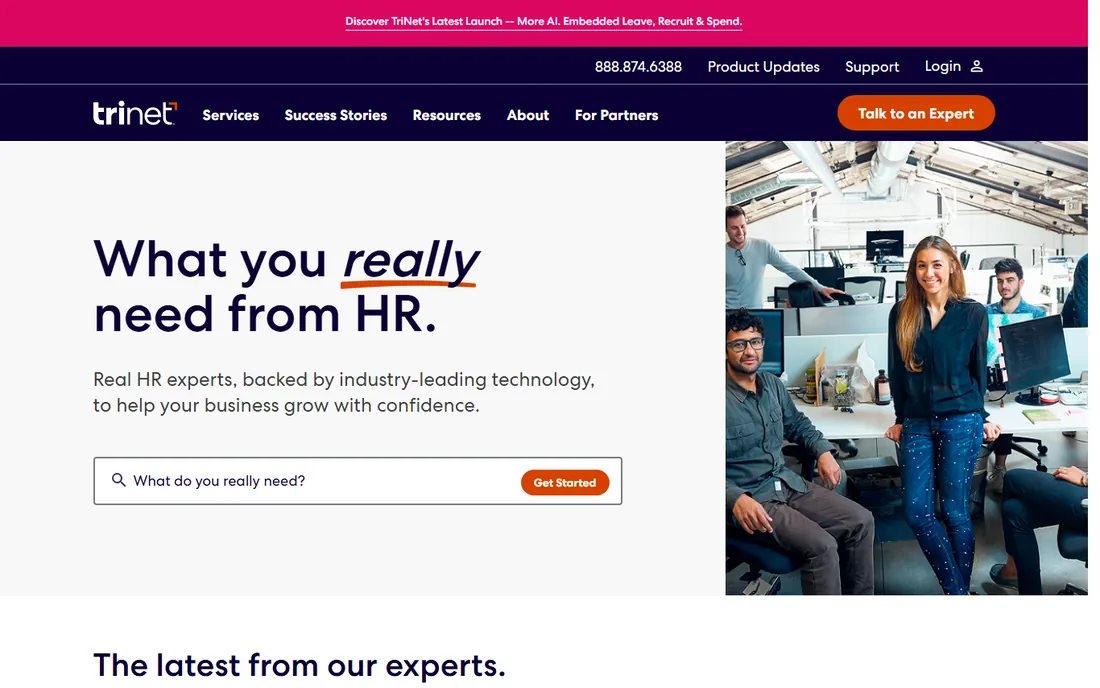
TriNet is one of the largest PEOs in the country, and its pitch is access. As a co-employer, it pools thousands of small businesses to negotiate health plans and benefits that a 30-person company could never get alone. Industry-specific packages for tech, healthcare, nonprofits and professional services add compliance guidance tuned to your sector.
Expect to pay for that access and to negotiate for it. Pricing is entirely quote-based, typically landing in the low hundreds per employee per month, and renewal increases are a common complaint. TriNet fits companies that value plan quality over price transparency. If you need a number before the first call, look elsewhere.
What we like- Industry-specific PEO solutions with deep compliance coverage
- Access to large-group health plans through Aetna and BCBS partnerships
- ESAC-accredited and IRS-certified
Watch out for- Quote-only pricing with no public rate card
- Users report annual price increases
- Support can be slow to reach by phone
#7
Sequoia
Best for: Investor-backed startups wanting advisor-led benefits
Visit sequoia.com
Starting priceSee website
Free planNo
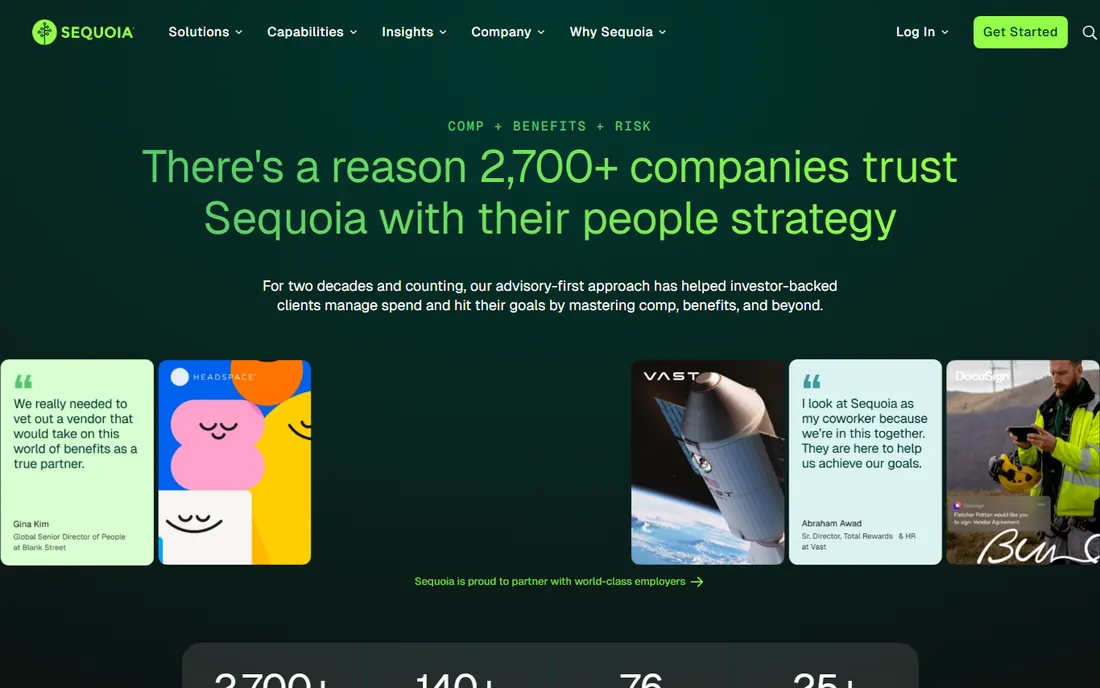
Sequoia does not sell software first. It sells a team of advisors who manage your total people spend: compensation benchmarking, benefits strategy, 401(k), HR support and PEO services, all on one platform. For a venture-backed startup that needs to look like a serious employer to candidates while the founders focus on product, that package is the whole point.
This is not a self-serve product and it is not priced like one. Everything is quote-based, and the model assumes a growth trajectory that justifies the investment. Traditional small businesses outside the tech ecosystem will find better value elsewhere. If your board cares about burn multiples and talent density, Sequoia speaks your language.
What we like- Advisory-first model with comp, benefits and risk experts on one team
- Strong fit for venture-backed tech companies
- Integrated platform plus managed PEO services
Watch out for- No public pricing
- Built around the startup lifecycle, less suited to traditional SMBs
- Engagement tends to be high-touch and high-cost
Starting priceSee website
Free planNo
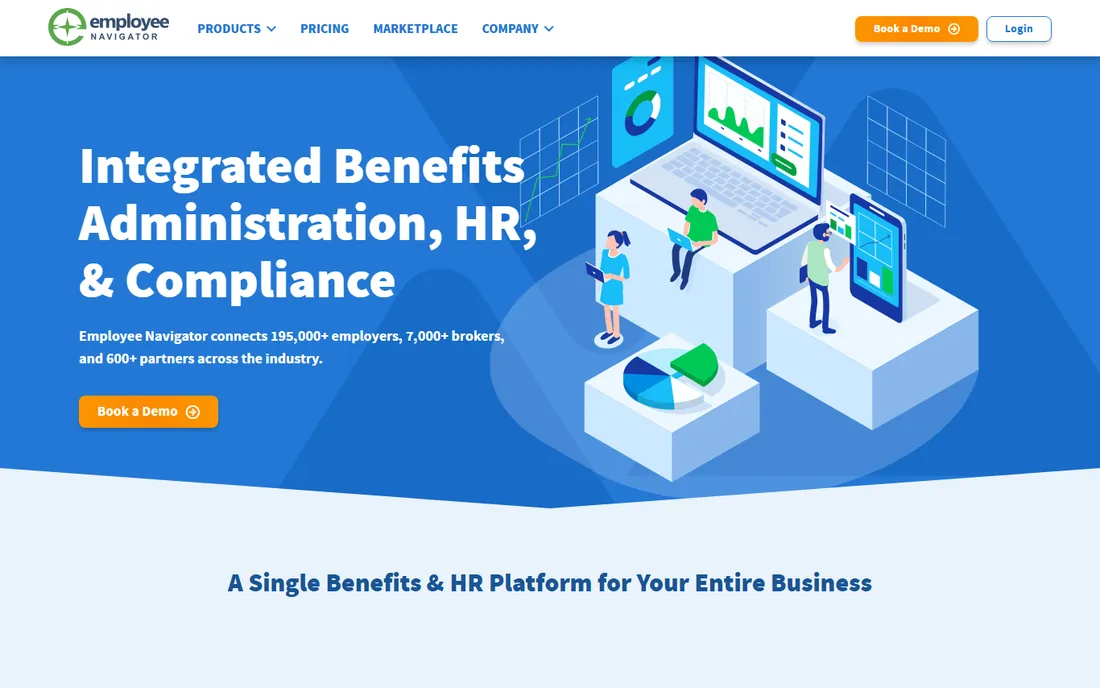
Employee Navigator is the enrollment engine behind thousands of brokers. Employees get a clean self-service portal for comparing plans and enrolling, HR gets ACA and COBRA tooling, and the platform connects to most major payroll systems so elections flow through without retyping. If your broker recommends it, the implementation is usually smooth.
The catch is the distribution model. You generally buy Employee Navigator through a broker, not directly, which means the price and the service experience depend partly on that relationship. Companies with highly unusual plan structures sometimes hit the platform's customization limits. For standard medical, dental, vision, life and voluntary benefits, it handles the job well.
What we like- Purpose-built benefits enrollment with plan comparison tools
- Strong ACA compliance and 1094/1095 reporting
- 600+ payroll and carrier integrations
Watch out for- Sold through brokers, so pricing and packaging vary
- Customization is limited for complex plan designs
- Mobile app lags the desktop experience
Starting priceSee website
Free planNo
PlanSource targets the messy middle of benefits administration: employers with multiple carriers, complex eligibility rules, and finance teams tired of reconciling carrier invoices by hand. Its configurability is the selling point. If your plan design does not fit a template, PlanSource can usually model it.
That flexibility comes with complexity. Administrators report a real learning curve, and implementations run longer than the plug-and-play options on this list. Pricing is quote-based and sold through partners. PlanSource makes sense when your benefits program is genuinely complicated. For a standard three-plan medical setup, it is more tool than you need.
What we like- Highly configurable plan setup for complex benefit designs
- Strong self-billing and invoice reconciliation
- Serves brokers, employers and carriers
Watch out for- Quote-only pricing sold through partners
- Steeper learning curve for administrators
- Implementation takes longer than simpler tools
#10
bswift
Best for: Enterprises running complex multi-carrier programs
Visit bswift.com
Starting priceSee website
Free planNo
bswift, part of Inovalon, is built for scale. It serves hundreds of enterprise clients and millions of employees, with deep configurability for multi-location, multi-union and variable workforces. The enrollment experience includes decision support and AI-assisted answers, and the company backs the software with service centers, COBRA administration and compliance reporting.
None of that comes cheap or fast. Pricing is quote-only, implementations are measured in months, and the platform is overkill for companies under a few hundred employees. But if you run benefits for a large, complicated workforce and need one system to hold it together, bswift belongs on the shortlist.
What we like- Scales to very large and complex workforces, including unions and variable-hour populations
- AI-assisted employee support and decision tools
- Full-service COBRA, billing and compliance services
Watch out for- Enterprise sales cycle with no public pricing
- More platform than small employers need
- Implementation is a project, not a signup
How we chose
We started from vendor pricing pages, product documentation and public review sites including G2, Capterra and business.com, then filtered for platforms that handle benefits administration as a core function rather than a side feature. Every tool above is an active product you can buy today. We excluded pure payroll tools without benefits modules, broker-only marketplaces with no software component, and point solutions that handle only COBRA or only ACA reporting. We did not claim hands-on testing. Where vendors publish pricing, we used their numbers. Where pricing is quote-only, we said so instead of repeating third-party estimates.
What to ask before you sign
A benefits platform decision goes wrong most often on the questions buyers forget to ask. Start with the pricing model. Per-employee pricing is predictable but punishes growth. PEO pricing bundles HR services and buying power but hides the insurance costs inside the quote. Platform fees plus broker commissions can be the cheapest route at 100 employees and the most expensive at 20. Model your cost at your current headcount and at double that number.
Confirm who owns the carrier relationships
On a PEO, the PEO holds the master policies and you get their plan menu. On a software platform, you or your broker hold the policies and the platform administers them. Neither is better in the abstract, but they produce very different open enrollments. Ask who employees call with a claim problem, who negotiates renewals, and what happens to your plans if you leave the platform.
Check the payroll connection
Benefits only work when elections become deductions. Ask exactly how enrollment data reaches payroll, how mid-year qualifying life events are handled, and how long a correction takes when something is entered wrong. The best platforms sync automatically. The worst ones export a spreadsheet.
Plan the exit before the entrance
Ask about contract length, data export formats and what happens to COBRA administration if you cancel. A platform that cannot give you your enrollment data in a usable format owns your benefits history. Get the answer in writing.
PEO vs software: which model fits
The fundamental split in this category is between PEOs and software platforms. A PEO like Justworks or TriNet becomes a co-employer. It files your payroll taxes under its tax IDs, sponsors the health plans, and takes on defined HR liabilities. In exchange you get large-group plan access and an HR team on call. The cost is control: plan menus, renewal timing and some employment policies follow the PEO's rules.
A software platform like Gusto, BambooHR or Rippling keeps you as the employer of record. You pick the broker, the plans and the policies. The software handles enrollment, deductions and compliance paperwork. This preserves flexibility and is usually cheaper per employee, but plan quality depends on what your broker can negotiate for a company your size. Companies under 50 employees often get better plans through a PEO. Companies over 100 usually do better buying direct.
Frequently asked questions
Should a small business use a PEO or benefits software?
It depends on headcount and plan quality. Under about 50 employees, a PEO often delivers better health plans at a lower total cost because it pools risk across thousands of employers. Above that, benefits software plus a good broker usually wins on price and flexibility. Get quotes from both models before deciding.
How much do employee benefits platforms cost?
Software platforms typically run $6 to $25 per employee per month for the subscription, with insurance premiums, 401(k) fees and add-on modules billed separately. PEOs usually quote $100 to $300 per employee per month all-in, with premiums still separate. Always compare total cost including premiums.
Do these platforms replace a benefits broker?
Some do and some do not. PEOs like TriNet and Justworks effectively replace the broker because they sponsor the plans. Software platforms like Gusto and BambooHR work alongside brokers and several include broker marketplaces. Employee Navigator and PlanSource are typically sold through brokers. Ask each vendor where the broker fits.
What is the difference between benefits administration and a PEO?
Benefits administration software manages enrollment, eligibility, deductions and compliance reporting while you remain the employer. A PEO becomes a co-employer, sponsors the benefit plans itself, and handles payroll taxes under its own tax IDs. PEOs bundle more services and liability; software gives you more control.
How long does implementation take?
Simple platforms like Gusto can be live in days. Mid-market HCM tools like Namely and BambooHR typically take three to eight weeks. PEO onboarding runs four to twelve weeks because of tax registrations and plan transitions. Enterprise platforms like bswift and PlanSource can take several months.
Can employees enroll on their phones?
Yes, across nearly the whole list. Mobile enrollment is standard on Gusto, Rippling, BambooHR, Justworks, Namely, Employee Navigator, PlanSource and bswift. If your workforce is largely deskless, test the mobile enrollment flow during the demo.
Sources we checked (14)
- https://gusto.com
- https://www.rippling.com
- https://www.bamboohr.com
- https://www.justworks.com/
- https://namely.com/
- https://www.trinet.com/
- https://www.sequoia.com/
- https://employeenavigator.com/
- https://www.bswift.com/
- https://www.business.com/reviews/gusto-payroll-software/
- https://www.business.com/hr-software/rippling/review/
- https://www.business.com/reviews/justworks/
- https://www.spotsaas.com/blog/bamboohr-pricing-2026
- https://ciroapp.com/software/namely
Is your product missing or out of date?
We review this list regularly. Vendors can request a listing, send updated pricing or ask about featured placement.

Shihab Mia · Founder, Rankite
Shihab has spent more than a decade helping SaaS and e-commerce brands grow through search. He writes Rankite's software buying guides from pricing pages, documentation and public user reviews. More about Shihab.