How we make this list: we compare pricing pages, product documentation and public user reviews. Rankite is independent; if a vendor ever pays for a featured spot, that listing is clearly labeled Partner.
Key takeaways
- Microsoft Outlook is the business standard, especially with Microsoft 365.
- Mozilla Thunderbird is the best free desktop email client.
- eM Client is the most polished Outlook alternative on Windows.
- Mailbird suits users who want app integrations in their inbox.
Quick comparison
Is your product missing or out of date?
We review this list regularly. Vendors can request a listing, send updated pricing or ask about featured placement.
What desktop email software does
Desktop email clients download and manage mail from any provider with features browsers cannot match: unified inboxes across accounts, offline access, advanced rules, encryption and deep customization. Webmail dominates casual use, but professionals handling high volumes still prefer a real client. These are the best on Windows PC.
Starting priceSee website
Free planNo
Outlook remains business email's center of gravity: unmatched Exchange and Microsoft 365 integration, shared calendars, focused inbox and enterprise management. If your workplace runs on Microsoft, the choice is made.
It comes with Microsoft 365 subscription, and the redesigned new Outlook has frustrated some longtime users. For business compatibility, nothing else is close.
What we like- Deep Exchange and 365 integration
- Calendar, tasks and contacts
- Universal in business
Watch out for- Subscription via 365
- Can feel heavy
- New Outlook changes divide users
Starting priceFree
Free planYes
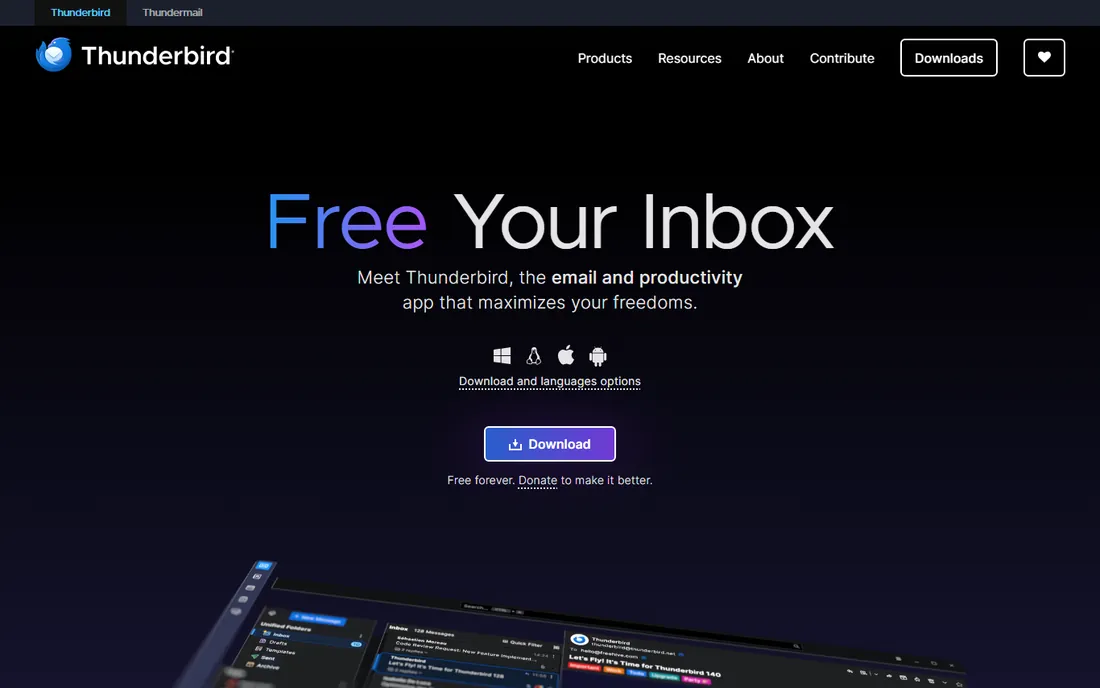
Thunderbird is the free, open-source desktop email client that refuses to die: multiple accounts, smart folders, message filters, OpenPGP encryption and extensions, all free. Recent versions have modernized significantly.
The interface still shows its heritage and initial setup needs more decisions than commercial rivals. For users who want capable free email without subscriptions or ads, it is the answer.
What we like- Completely free and open source
- Powerful filtering
- Extensions
Watch out for- Interface is dated
- Setup less guided
- Smaller development team
Starting priceSee website
Free planYes
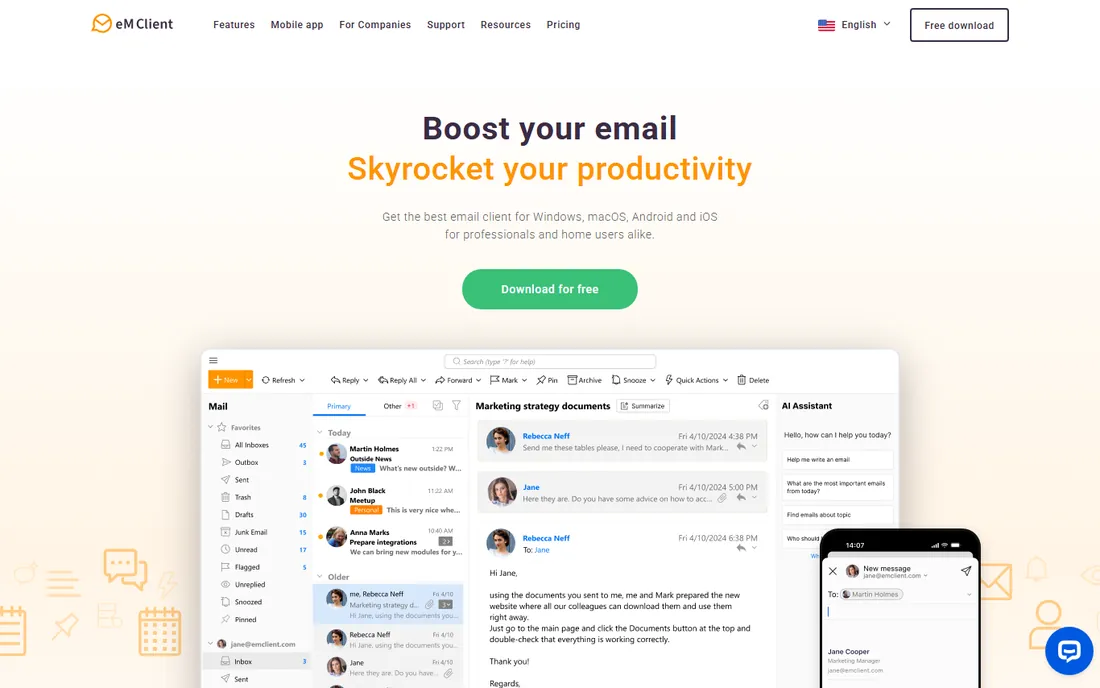
eM Client is what Outlook would be if rebuilt today: a polished Windows and Mac client with mail, calendar, tasks, contacts and chat in one elegant interface. The free tier covers two accounts for personal use.
Power users hit the account limit quickly, and Pro licenses are version-based. For individuals wanting premium email without Microsoft 365, it is the most refined option.
What we like- Beautiful modern interface
- Calendar, tasks and chat
- Free tier for personal use
Watch out for- Free tier limited to two accounts
- Pro is per-version
- Smaller ecosystem
Starting priceSee website
Free planNo
Mailbird differentiates with integrations: WhatsApp, Google Calendar, Slack, Dropbox and more live inside the email client, reducing app-switching. The design is clean and the unified inbox works well.
It is subscription-only with a Windows focus, and power email features trail Outlook and eM Client. For users who live in messaging apps as much as email, the integration concept resonates.
What we like- WhatsApp, Slack and apps inside email
- Clean design
- Unified inbox
Watch out for- Subscription only
- Windows-first
- Fewer power features
Starting priceSee website
Free planYes
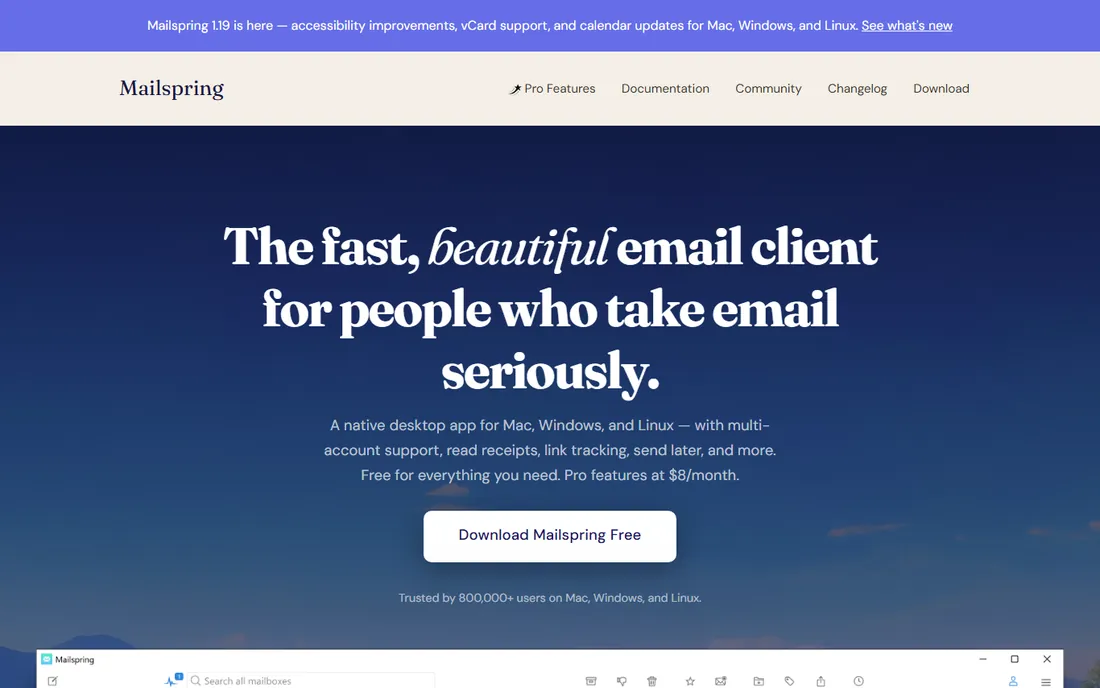
Mailspring is a fast, lightweight email client with a free core covering the essentials plus extras like read receipts, link tracking and send-later. It feels snappy where heavier clients lag.
Full features need the Pro subscription, and mail syncs through Mailspring's servers, which privacy-conscious users should note. For speed-first email on modest hardware, it shines.
What we like- Very fast
- Free core
- Read receipts and send-later
Watch out for- Pro subscription for full features
- Smaller team
- Sync through their servers
Starting priceSee website
Free planNo
The Bat! is the power user's email client: endlessly customizable, with strong built-in encryption, templates and filtering that serious email handlers love. It collects no telemetry and respects privacy.
The interface is unapologetically old-school and the learning curve is real. Email veterans who process hundreds of messages daily find its efficiency unmatched; casual users will bounce off.
What we like- Extreme customization
- Strong encryption
- No telemetry
Watch out for- Dated interface
- Steep learning curve
- Windows only
Starting priceSee website
Free planNo
Postbox targets professionals who write a lot of email: a focused compose experience, smart folders and organization tools in a clean package. It stays out of the way.
It is paid-only with fewer enterprise features than Outlook or eM Client. Writers and communicators who value the composing experience over admin features like it.
What we like- Focused writing experience
- Good organization
- Clean design
Watch out for- Paid only
- Smaller feature set
- Less enterprise integration
Starting priceFree
Free planYes
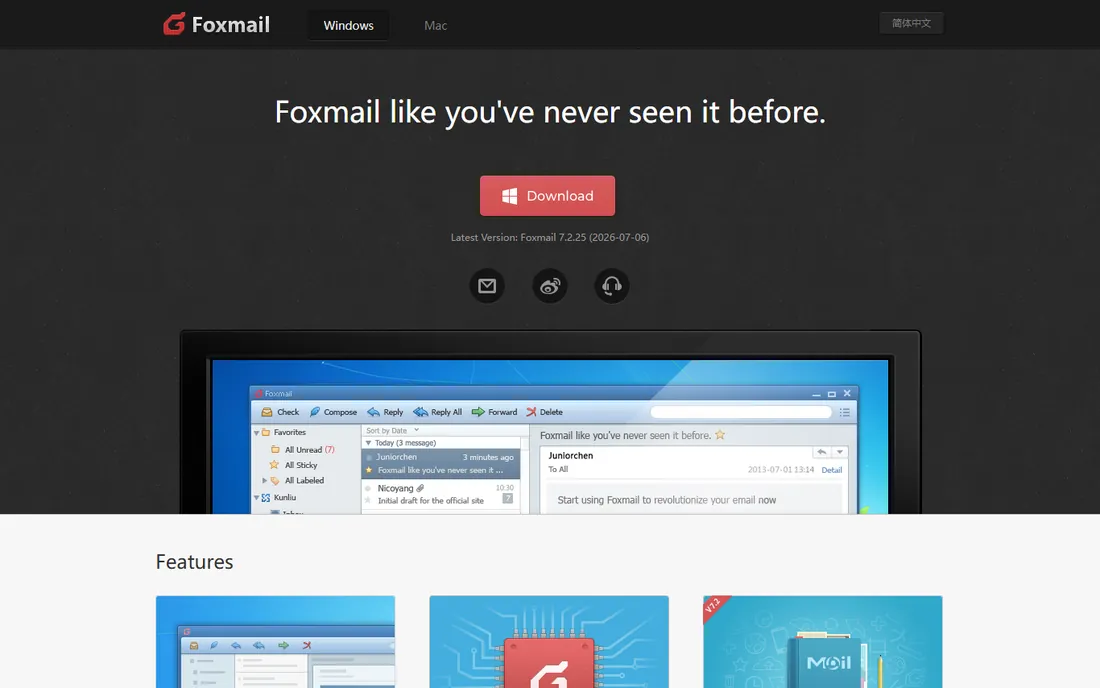
Foxmail, from Tencent, is a simple free email client popular in Asia: lightweight, straightforward multi-account email without fuss. It has served basic email needs for decades.
Development pace is slow and the design is dated. Privacy-conscious Western users may prefer Thunderbird. For simple free email on PC, it remains functional.
What we like- Free and simple
- Lightweight
- Long track record
Watch out for- Development is slow
- Dated design
- Tencent ownership concerns some
How we chose
We reviewed vendor product pages, documentation and user communities. We compared account support, offline capability, filtering and rules, calendar integration, encryption, performance and pricing. We excluded mobile-only and web-only clients. We did not claim hands-on testing.
Buying guide: choosing PC email software
Business users on Microsoft 365 should use Outlook; compatibility decides. Everyone else should start free: Thunderbird for power and privacy, eM Client's free tier for polish, Mailspring for speed.
Consider your account mix. All these clients handle Gmail, Outlook.com, Yahoo and IMAP, but Exchange support varies; verify your specific setup. Power users with complex filtering should trial Thunderbird or The Bat!.
Weigh subscriptions against one-time purchases. Email clients increasingly rent by subscription; Thunderbird and The Bat! avoid that. Decide whether the client earns ongoing payment.
Desktop vs webmail in 2026
Webmail won casual email, but desktop clients keep advantages: true offline access, unified multi-provider inboxes, advanced rules, and freedom from browser tab overload. High-volume professionals still benefit. If email is central to your work, a real client pays back daily.
Taming an overflowing inbox
Software helps, but habits decide. Process email in batches two or three times daily instead of living in the inbox. Use rules to file newsletters, notifications and automated mail away from your attention. Unsubscribe ruthlessly; every subscription you never read is a daily tax. For high-volume professionals, the two-minute rule works: if a reply takes less than two minutes, do it immediately; otherwise schedule it. Keyboard shortcuts in any of these clients multiply speed; learn ten and email gets measurably faster.
Email security basics for desktop users
Desktop clients add security responsibilities. Enable encryption for sensitive mail: OpenPGP in Thunderbird and The Bat! protects message content end to end when recipients cooperate. Verify sender addresses carefully; phishing emails mimic trusted senders and desktop clients show full headers for inspection. Disable automatic image loading from unknown senders to block tracking pixels. Keep your client updated, since email parsers are a classic attack surface. Back up local mail stores if you use POP3; IMAP keeps mail on the server, but local folders and archives need their own backups. Consider a password manager for the dozen credentials email touches.
Managing email across devices
Desktop clients are one part of a multi-device reality. Use IMAP everywhere so phones, tablets and PCs stay synchronized; POP3 on one device creates confusion. Keep the same folder structure across clients to avoid losing track of filed mail. For sent mail consistency, verify each client's sent folder mapping so sent items appear everywhere. Calendar and contacts sync through your provider, Exchange, Google or iCloud, rather than the email client itself. When traveling, webmail covers emergencies, but the desktop client remains the power tool. Test the full loop, send from phone, file on desktop, find on tablet, before declaring victory.
Frequently asked questions
What is the best email software for PC?
Outlook for business, Thunderbird for free power, eM Client for polished personal use, Mailbird for app integrations.
Is Thunderbird still good?
Yes. Recent versions modernized the interface and it remains the best free, open-source desktop email client with no ads or subscriptions.
Is Outlook free?
The classic Outlook requires Microsoft 365 or Office. Microsoft offers a free ad-supported new Outlook and web Outlook with limitations.
What is the best Outlook alternative?
eM Client is the most polished direct alternative. Thunderbird is the best free one. Both handle standard email accounts well.
Do desktop email clients work with Gmail?
Yes. All the tools here support Gmail via IMAP, though Google may require app-specific setup steps.
Which email client is most private?
Thunderbird and The Bat! collect no telemetry and support OpenPGP encryption. Mailspring routes sync through its servers, a tradeoff for speed features.
eM Client vs Mailbird: which is better?
eM Client for email depth and polish; Mailbird for messaging app integrations. Both are Windows-friendly Outlook alternatives.
How do I migrate email to a new client?
Export from the old client or connect via IMAP and let mail sync down. Move local folders manually and re-create rules. Test sending before abandoning the old setup.
Which email client uses the least RAM?
Mailspring and Thunderbird are relatively light; Outlook is the heaviest. On older PCs, lighter clients make a noticeable difference.
Can desktop clients manage multiple Gmail accounts?
Yes, all the clients here handle multiple Gmail accounts in a unified inbox, though Google's security checks may require app passwords or OAuth approval.
Is POP3 or IMAP better?
IMAP for almost everyone: mail stays on the server, syncs across devices, and survives PC failures. POP3 suits single-device users wanting local-only copies. Choose IMAP unless you have a specific reason.
How do I stop spam effectively?
Combine server-side filtering from your provider with client rules, unsubscribe from legitimate lists, and never reply to spam. Marking spam trains filters; deleting without marking does not.
How do I reduce email overload?
Batch processing, aggressive unsubscribing, and rules that file low-priority mail automatically. Touch each email once: reply, file, or delete.
Is it safe to use email on public Wi-Fi?
Use your provider's encrypted connections, which modern clients do by default. A VPN adds protection on untrusted networks.
Why do emails go to spam?
Authentication issues, spammy content, or poor sender reputation. Desktop clients cannot fix deliverability; check with your email provider.
Can I schedule emails to send later?
Yes, all major clients here support scheduled sending. It is useful for working across time zones.
How do I back up my emails?
With IMAP, mail lives on the server; export local folders periodically. Some clients offer built-in archiving; otherwise export to standard formats regularly.
Should I use one email client for work and personal?
Separate profiles or clients reduce the risk of sending personal mail from work accounts. Many professionals keep them distinct for boundaries and compliance.
How do I archive old emails?
Most clients offer archiving to local folders or archive mailboxes. Archive yearly to keep the active mailbox fast, and back up archives with your other data.
Sources we checked (8)
- https://www.microsoft.com
- https://www.thunderbird.net
- https://www.emclient.com
- https://www.getmailbird.com
- https://www.getmailspring.com
- https://www.ritlabs.com
- https://www.postbox-inc.com
- https://www.foxmail.com
Is your product missing or out of date?
We review this list regularly. Vendors can request a listing, send updated pricing or ask about featured placement.

Shihab Mia · Founder, Rankite
Shihab has spent more than a decade helping SaaS and e-commerce brands grow through search. He writes Rankite's software buying guides from pricing pages, documentation and public user reviews. More about Shihab.
 Microsoft Outlook
 Mozilla Thunderbird
 eM Client
 Mailbird
 Mailspring
 The Bat!
 Postbox
 Foxmail