How we make this list: we compare pricing pages, product documentation and public user reviews. Rankite is independent; if a vendor ever pays for a featured spot, that listing is clearly labeled Partner.
Key takeaways
- Hunter remains the simplest domain-based email finder, while Apollo bundles finding with a full sales engagement platform.
- Snov.io is the value pick for small teams that want finding plus verification plus drip campaigns in one cheap plan.
- No finder is perfectly accurate, so budget for a verification step (many include it) and expect 5 to 15 percent bounce on cold lists.
- Free tiers are genuinely useful here: Hunter, Snov.io and Findymail all let you test accuracy on your actual prospects before paying.
Quick comparison
| Tool | Best for | Starting price | Free plan |
|---|
 Hunter Hunter | Finding emails by company domain | See website | Free tier |
 Apollo Apollo | Prospecting teams that want data plus outreach | See website | Free tier |
 Snov.io Snov.io | Small teams wanting finding plus outreach cheaply | See website | Free trial |
 RocketReach RocketReach | Finding hard-to-reach professionals | See website | Free tier |
 Lusha Lusha | B2B prospecting with direct dials | See website | Free tier |
 FindThatLead FindThatLead | Simple pay-as-you-go email finding | See website | Free tier |
 Skrapp Skrapp | LinkedIn-based email discovery | See website | Free tier |
 VoilaNorbert VoilaNorbert | Accuracy-first email verification | See website | Free trial |
 Anymail Finder Anymail Finder | Verified emails including catch-all domains | See website | Free trial |
 Findymail Findymail | Budget verified prospecting | See website | Free tier |
Is your product missing or out of date?
We review this list regularly. Vendors can request a listing, send updated pricing or ask about featured placement.
The best email finder software
Starting priceSee website
Free planFree tier
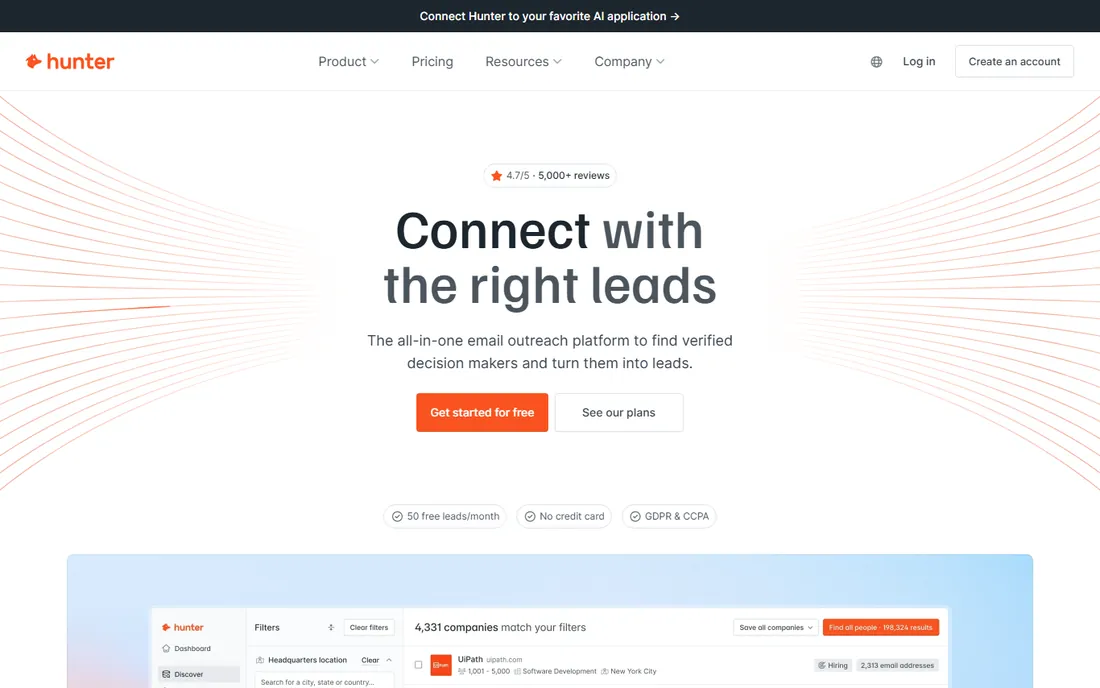
Hunter is where most people start. Type a company domain, get the email pattern and a list of addresses found on the web. The verifier checks deliverability before you send, and the free tier gives you a real monthly allowance to test with. The Chrome extension finds emails while you browse.
It is weaker when you need to find a specific person rather than enumerate a domain. Coverage also varies: tech companies are easy, local businesses less so. But for straightforward domain-based prospecting, Hunter's simplicity is unmatched.
What we like- Dead-simple domain search
- Email verifier included
- Generous free monthly searches
Watch out for- Person-level search is weaker than profile-based tools
- Accuracy varies by industry
#2
Apollo
Best for: Prospecting teams that want data plus outreach
Visit apollo.io
Starting priceSee website
Free planFree tier
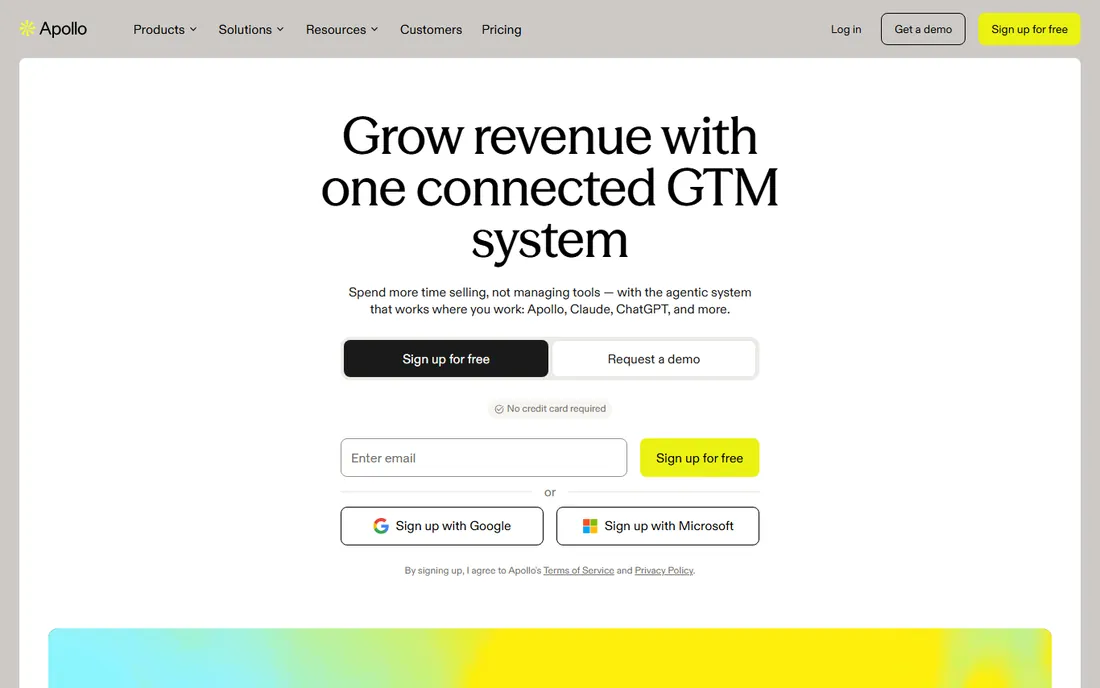
Apollo combined a large contact database with a sales engagement platform, and the bundle is the point. You find prospects, enrich them, verify emails and run outreach sequences without leaving the app. The free tier is genuinely useful, with monthly credits that cover light prospecting.
Database accuracy is the eternal caveat. Apollo's data is broad rather than pristine, so verification matters. Solo founders may find the full platform more than they need. But for SDR teams that want one tool for list building through outreach, Apollo is the default shortlist entry.
What we like- Huge B2B database with finding, enrichment and sequences in one platform
- Generous free tier
- Strong filters
Watch out for- Data accuracy is uneven
- The platform does a lot, which can overwhelm solo users
#3
Snov.io
Best for: Small teams wanting finding plus outreach cheaply
Visit snov.io
Starting priceSee website
Free planFree trial
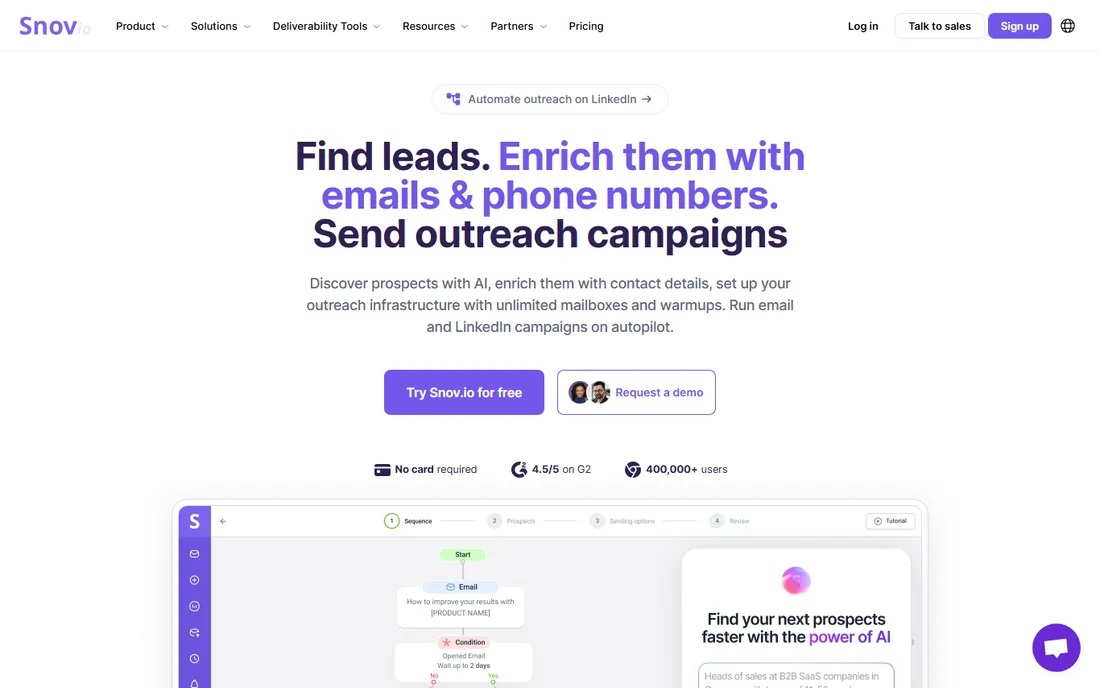
Snov.io is the budget all-rounder. It finds emails from domains and LinkedIn, verifies them, and lets you run drip campaigns and manage prospects in a built-in CRM, all at prices that undercut the big platforms significantly. Small agencies and startups get a complete prospecting stack for the cost of one Apollo seat.
The contact database is smaller than the giants, so exotic titles and niche industries may come up short. But for mainstream B2B prospecting on a budget, Snov.io delivers remarkable value per dollar.
What we like- Finding, verification, drip campaigns and CRM in one affordable plan
- Good LinkedIn extension
- Solid for the price
Watch out for- Database smaller than Apollo or RocketReach
- Interface is functional rather than polished
Starting priceSee website
Free planFree tier
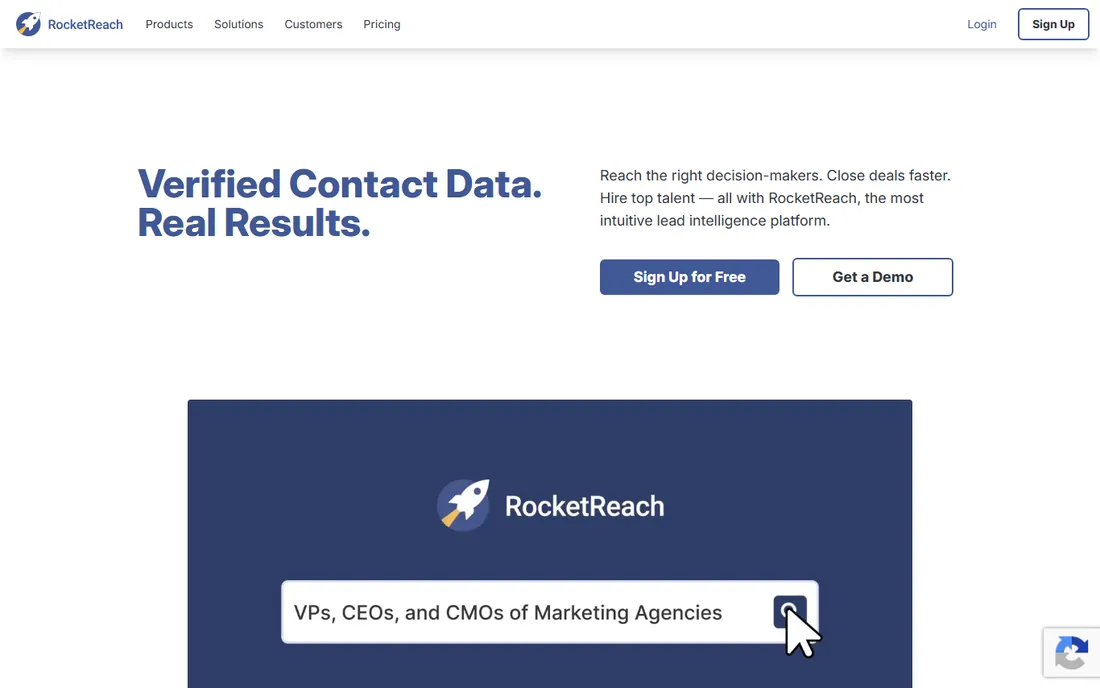
RocketReach built its reputation on finding people others cannot: executives, engineers and professionals with thin public footprints. Profiles combine email, direct dial and social data, and the search filters handle complex queries well. Recruiters and enterprise SDRs swear by it.
The credit-based pricing gets expensive fast, and every lookup costs whether the data is good or not. The free tier lets you test hit rates on your target titles first, which you should absolutely do before committing budget.
What we like- Deep profiles with emails, phones and social links
- Strong for executive search
- Good API
Watch out for- Expensive at scale
- Credit model punishes bad searches
Starting priceSee website
Free planFree tier
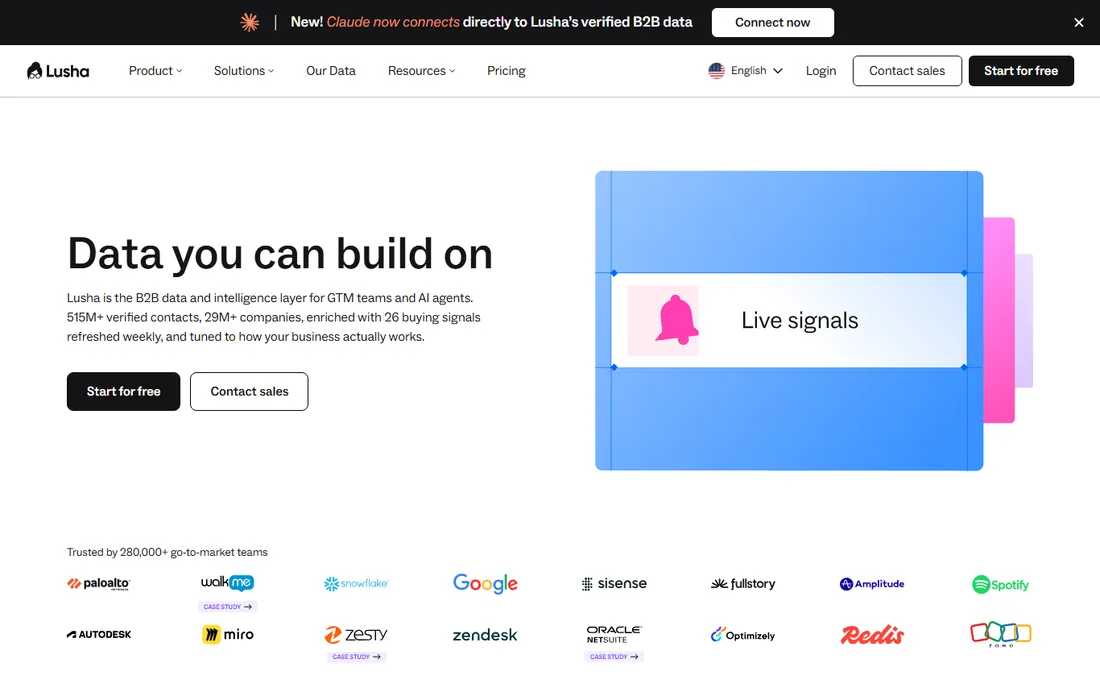
Lusha's edge is phone data. Where most finders stop at email, Lusha provides direct dials with accuracy that sales teams trust, plus the usual email finding and enrichment. The browser extension drops contact data into LinkedIn and Salesforce smoothly. European coverage is notably good.
Credits are the constraint: lower tiers burn through them quickly on active prospecting. Teams should model monthly usage before choosing a tier. If your motion is phone-heavy, though, Lusha earns its premium.
What we like- Accurate direct dials alongside emails
- Clean extension
- Strong European data coverage
Watch out for- Credit limits on lower tiers
- Pricing climbs for teams
Starting priceSee website
Free planFree tier
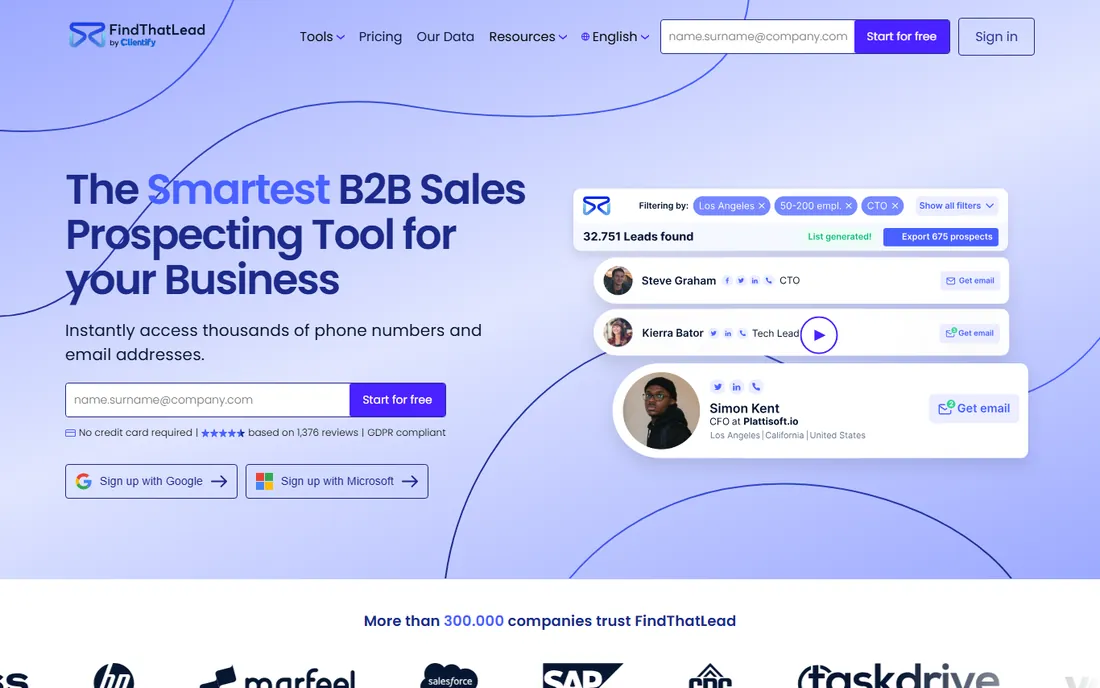
FindThatLead keeps the model simple: buy credits, find emails, verify them. No mandatory seats, no platform bloat. It handles domain search, LinkedIn prospecting and social username lookups, with verification bundled so you are not paying twice.
It will not match Apollo's database size or RocketReach's depth. But for freelancers, founders and small agencies that need emails without an enterprise contract, the pay-as-you-go simplicity is the appeal.
What we like- Straightforward credits with no seat minimums
- Email verifier built in
- Social search features
Watch out for- Smaller database
- Fewer advanced filters than leaders
Starting priceSee website
Free planFree tier
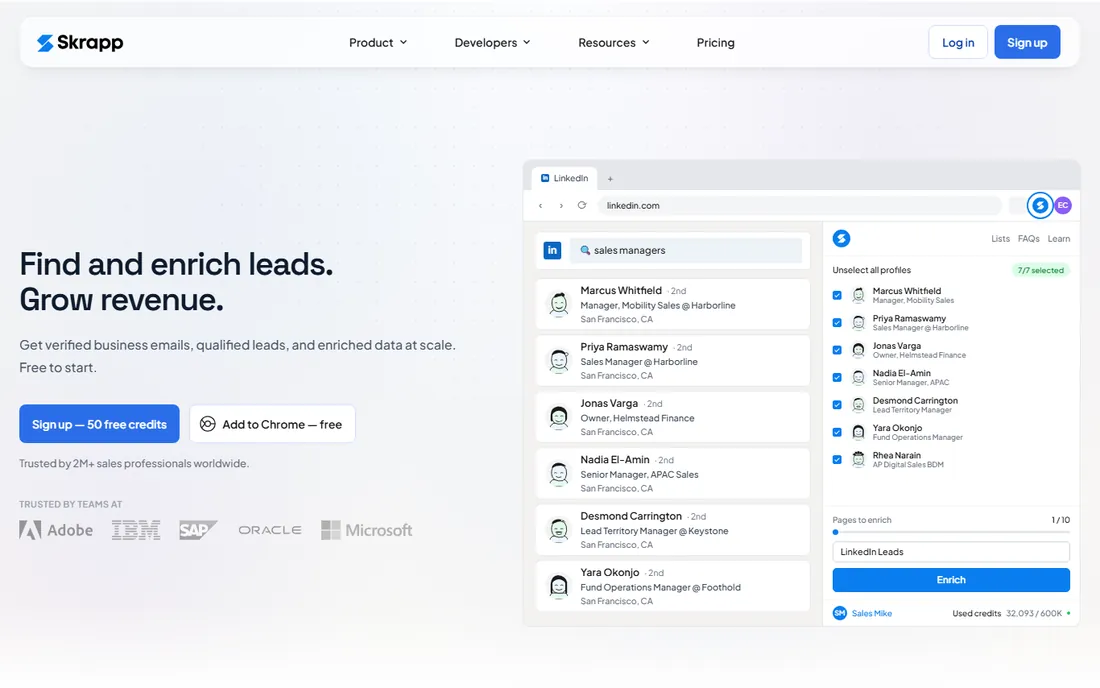
Skrapp lives on LinkedIn. Its extension pulls verified emails from profiles, company pages and Sales Navigator searches, which matches how many SDRs actually build lists. Pricing is affordable and the free tier covers testing.
If your prospecting does not run through LinkedIn, Skrapp loses its edge. Domain-based bulk finding is not its strength. But for LinkedIn-first workflows, it is one of the most efficient tools available.
What we like- Excellent LinkedIn integration
- Finds emails from profiles and Sales Navigator
- Affordable tiers
Watch out for- LinkedIn-dependent
- Domain search is secondary
Starting priceSee website
Free planFree trial
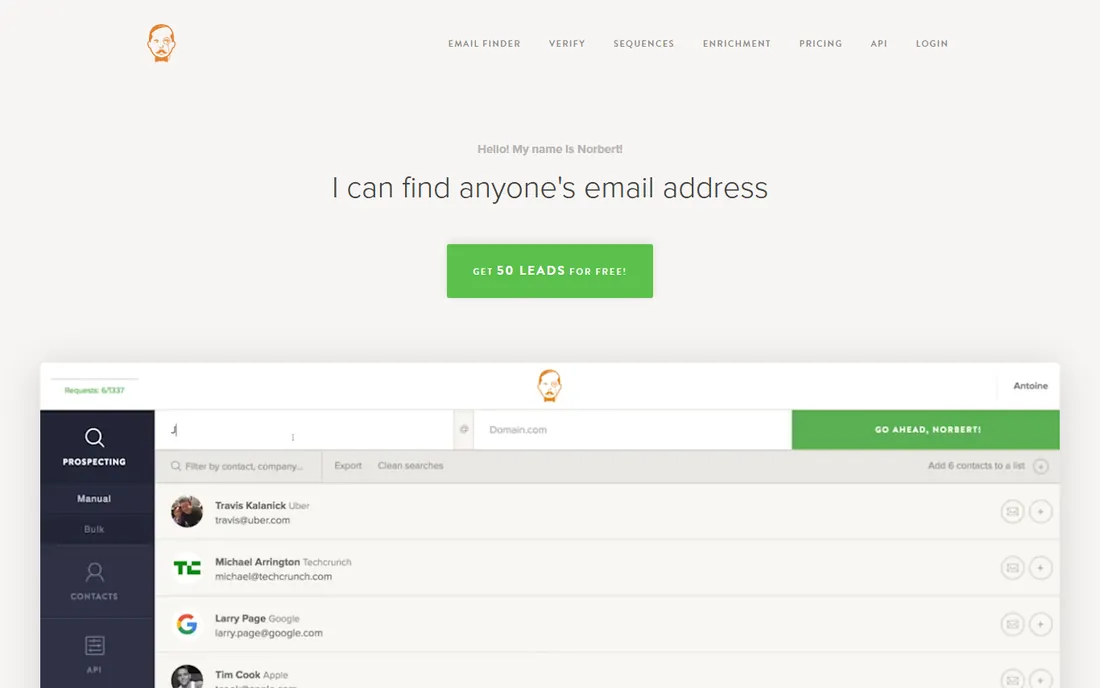
VoilaNorbert built its name on verification rigor. It finds emails and scores them by deliverability risk, which matters when your sender reputation is on the line. Agencies use it to clean lists before campaigns, and the API integrates verification into existing workflows.
Per-lead costs run higher than bulk database tools. It is not the cheapest way to build a 10,000-person list. But when accuracy matters more than volume, for example before a high-stakes campaign to a small list, Norbert's verification-first approach pays off.
What we like- Strong verification with risk scoring
- Pay-as-you-go options
- Good API for list cleaning
Watch out for- Pricier per lead than bulk finders
- Smaller feature set
Starting priceSee website
Free planFree trial
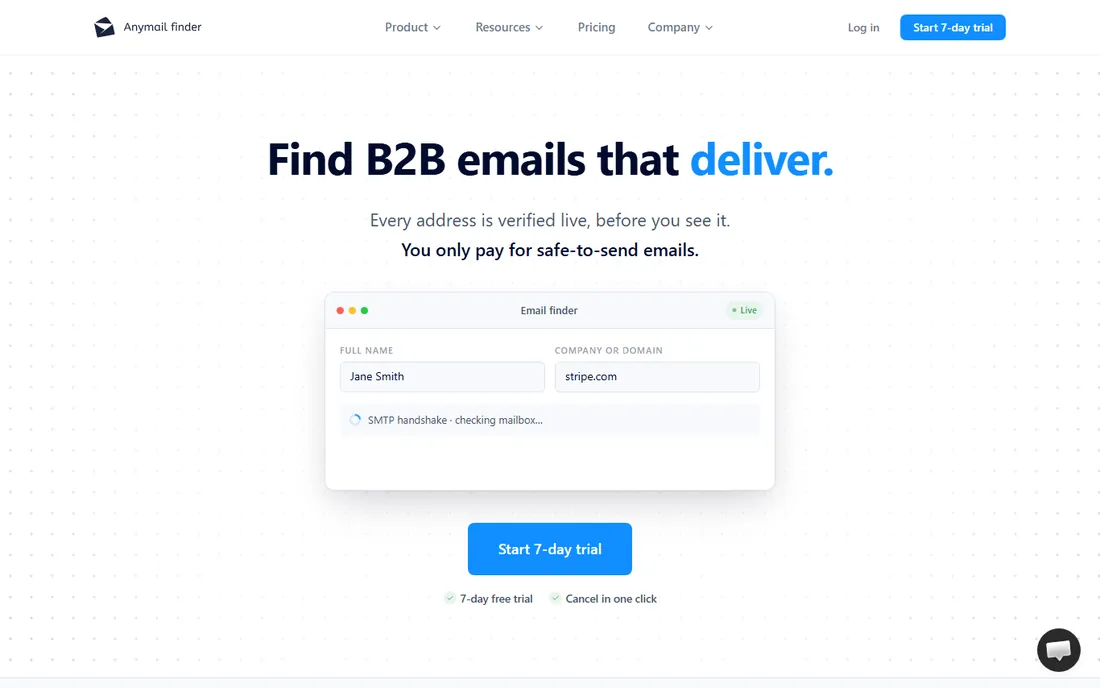
Anymail Finder's specialty is catch-all domains, the ones where standard verification returns "unknown" and most tools give up. Its verification technology claims to resolve these, which opens up prospects other finders cannot confirm. You pay only for emails it verifies, not for misses.
The tool is focused rather than broad: finding and verification without the engagement platform extras. At high volume the credits add up. But as a specialist for hard-to-verify domains, it fills a gap the generalists leave.
What we like- Patented approach to verifying catch-all emails
- Pay only for verified results
- Simple interface
Watch out for- Narrower feature set
- Credit costs add up at volume
Starting priceSee website
Free planFree tier
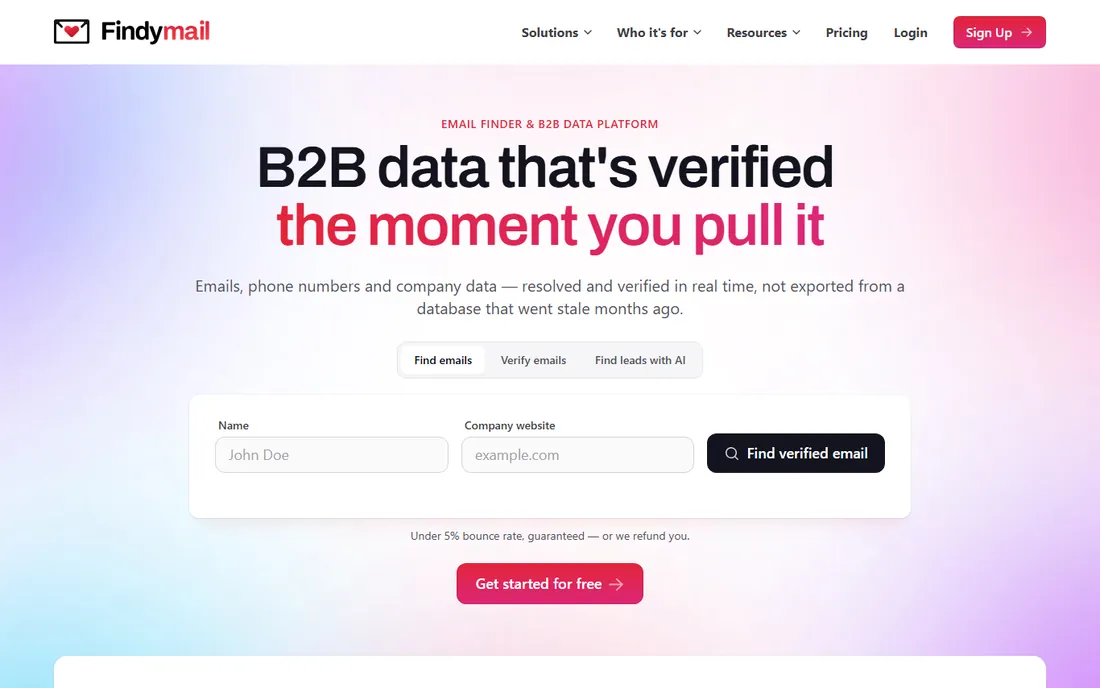
Findymail is the budget challenger: verified email finding at prices well below the established tools, with a free tier for testing. The pitch is straightforward, decent accuracy without the enterprise price tag, aimed at indie hackers, freelancers and tiny teams.
The database is smaller and newer than Hunter's or Apollo's, so test it on your specific market before committing. But if the big tools are overkill for your volume, Findymail's pricing is hard to beat.
What we like- Very affordable with a free tier
- Verification included
- Simple credit system
Watch out for- Newer and smaller database
- Fewer integrations
How we chose
We compared tools on email accuracy, database size and freshness, verification quality, pricing models, and free-tier usefulness. We verified each vendor's homepage and current positioning, reviewed user feedback on G2 and sales communities, and weighted verification heavily since bad data costs more than the subscription. We did not run controlled accuracy benchmarks across vendors.
Accuracy is the only metric that matters
Every email finder claims high accuracy, and none of them are perfect. Real-world accuracy depends on your market: US tech companies are easy, international SMBs are hard. The only reliable test is running your actual prospect list through the free tier and measuring bounce rates yourself.
Two practices protect you regardless of tool. First, verify before you send, using the tool's verifier or a dedicated service, because bounces hurt your domain reputation. Second, never trust a single source for a critical list; cross-checking high-value prospects across two finders catches errors either one misses alone.
Building your first prospect list the right way
Start narrow. Pick one ideal customer profile, one industry and one job title, and build a list of 200 to 500 prospects before you scale. Small lists let you test accuracy, messaging and deliverability without burning your domain reputation on 10,000 untested addresses.
Enrich before you send. Run every address through verification, remove role-based addresses like info@ and support@ for cold outreach, and check for duplicates against your existing customers and pipeline. A clean list of 300 beats a dirty list of 3,000 every time, in reply rates and in sender reputation.
Personalize by segment, not by individual. Writing fully custom emails to 500 people does not scale, but one thoughtful paragraph per segment of 50 does. Reference the industry trend, the common pain or the specific trigger that put them on the list. The finder gave you the address; the relevance is what earns the reply.
Finally, warm up your sending infrastructure before any real campaign. New domains and new mailboxes need weeks of gradual volume increases. Send your first campaigns to the most engaged, most likely to reply segment, and let positive engagement build your reputation before you touch the colder prospects.
Frequently asked questions
Are email finders legal?
Finding publicly available business contact information is generally legal, but how you use it is regulated. Cold email is governed by laws like CAN-SPAM in the US and GDPR in Europe. Get consent where required and always include an unsubscribe option.
How accurate are email finders?
Typically 85 to 95 percent on common patterns at good vendors, lower for catch-all domains and obscure companies. Always verify before sending to protect your sender reputation.
What is the difference between finding and verification?
Finding guesses or discovers the email address; verification checks whether it will actually deliver. Good prospecting does both. Sending to unverified addresses risks bounces that damage your domain.
Can I find emails for free?
Yes, within limits. Hunter, Snov.io, Findymail and others offer free monthly credits. For sustained prospecting you will eventually pay, but free tiers are enough to test accuracy.
Do these tools work with LinkedIn?
Several (Skrapp, Snov.io, Lusha, Apollo) offer LinkedIn extensions or integrations. Use them within LinkedIn's terms of service to avoid account restrictions.
Which tool is best for bulk list building?
Apollo and Snov.io handle bulk best through their databases and enrichment features. For very large lists, pair a finder with a dedicated verification service and budget for data decay over time.
Sources we checked (10)
- https://hunter.io/
- https://www.apollo.io/
- https://snov.io/
- https://rocketreach.co/
- https://www.lusha.com/
- https://findthatlead.com/
- https://skrapp.io/
- https://www.voilanorbert.com/
- https://anymailfinder.com/
- https://findymail.com/
Is your product missing or out of date?
We review this list regularly. Vendors can request a listing, send updated pricing or ask about featured placement.

Shihab Mia · Founder, Rankite
Shihab has spent more than a decade helping SaaS and e-commerce brands grow through search. He writes Rankite's software buying guides from pricing pages, documentation and public user reviews. More about Shihab.