How we make this list: we compare pricing pages, product documentation and public user reviews. Rankite is independent; if a vendor ever pays for a featured spot, that listing is clearly labeled Partner.
Key takeaways
- Hunter ($49/month) and Snov.io ($39/month) are the cheapest serious entry points, and both have genuinely useful free plans for testing data quality.
- Apollo is the broadest platform: database plus outreach plus enrichment in one login, but pricing is credit-based and you should verify it on their pricing page before budgeting.
- Lusha ($49.90/month) and RocketReach ($49/month) win on phone numbers; email-only tools are cheaper but leave the dialer empty.
- UpLead ($99/month) verifies every email in real time before you pay for it, which is the fairest credit model in the category.
- Phantombuster and Apify are the actual "scrapers": they extract data from LinkedIn and websites, while the others sell access to a database.
Quick comparison
| Tool | Best for | Starting price | Free plan |
|---|
 Apollo Apollo | Teams that want database, enrichment and outreach in one place | See website | Yes |
 Hunter Hunter | Email-only prospecting on a predictable budget | $49 per month ($34 per month billed annually) | Yes |
 Snov.io Snov.io | Solo founders who want finder, verifier and outreach in one cheap bundle | $39 per month ($29.25 per month billed annually) | Yes |
 Lusha Lusha | Reps who live on LinkedIn and need numbers fast | $49.90 per month ($37.45 per month billed annually) | Yes |
 RocketReach RocketReach | High-volume email and phone lookups with confidence grades | $49 per month ($329 per year per seat) | Yes |
 UpLead UpLead | Teams where bounce rate is the KPI | $99 per month ($74 per month billed annually) | Free trial |
 Phantombuster Phantombuster | Automating LinkedIn and web data extraction | See website | Free trial |
 Apify Apify | Custom scraping at serious scale | See website | Yes |
Is your product missing or out of date?
We review this list regularly. Vendors can request a listing, send updated pricing or ask about featured placement.
#1
Apollo
Best for: Teams that want database, enrichment and outreach in one place
Visit apollo.io
Starting priceSee website
Free planYes
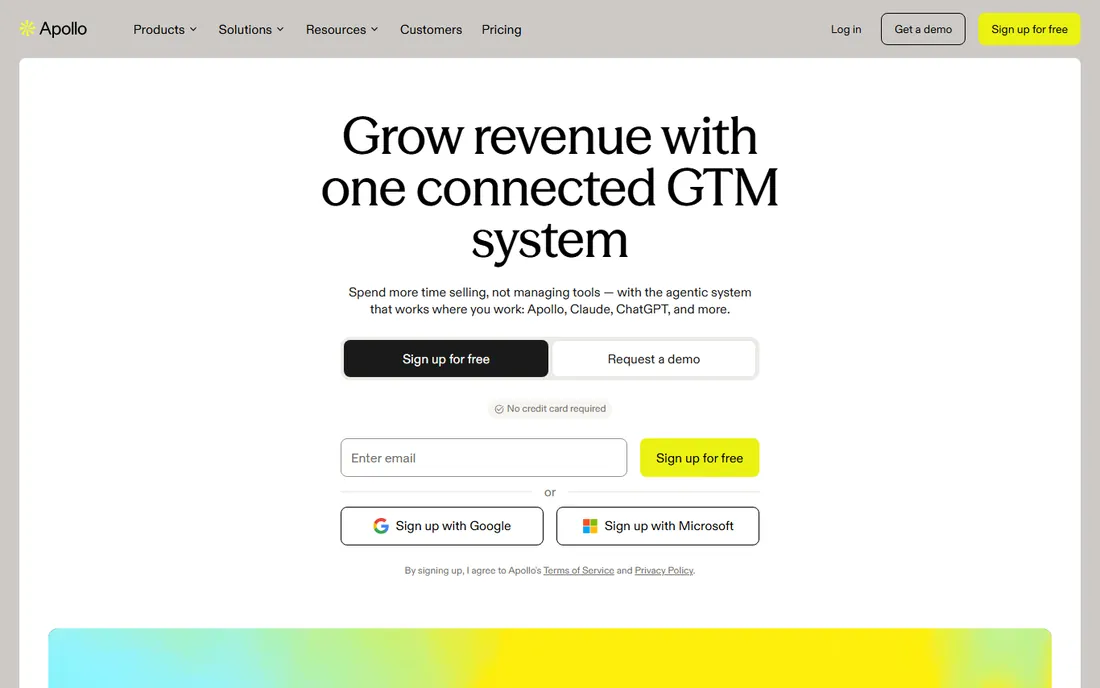
Apollo is the platform most sales teams standardize on: a 240-million-contact database, email and phone data, plus sequencing, a dialer and CRM integrations in the same product. The free Starter plan (with monthly credits) is enough to test real prospecting before paying anything, which is more than most competitors offer free.
The pricing model is credit-based and per-seat, so the number on the pricing page is a starting point, not your bill. Check the current plans on apollo.io/pricing before budgeting, because tiers and credit allowances have shifted over time. Teams also report that heavy users burn credits faster than expected.
It is the default choice when you want one tool for finding, verifying and emailing prospects, and you are willing to pay platform prices for it.
What we like- 240M+ contact database
- Built-in sequencing and outreach
- Generous free plan
Watch out for- Pricing not shown without visiting the pricing page
- Per-seat billing adds up for teams
#2
Hunter
Best for: Email-only prospecting on a predictable budget
Visit hunter.io
Starting price$49 per month ($34 per month billed annually)
Free planYes
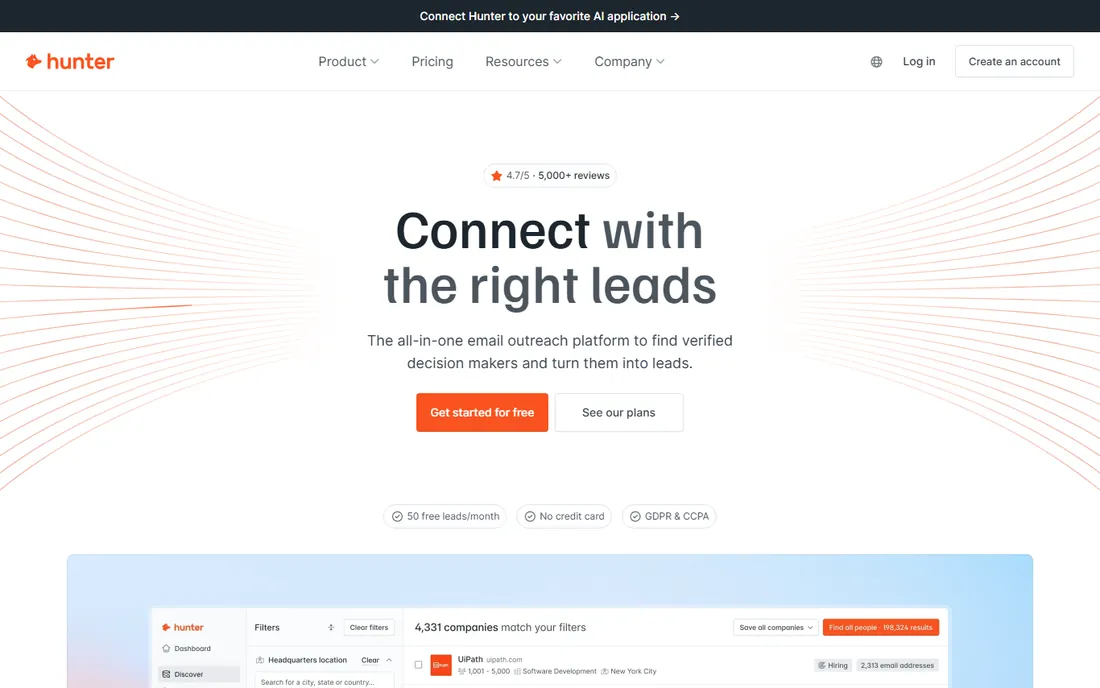
Hunter does one thing and does it well: find and verify professional email addresses. The Starter plan is $49 per month, dropping to $34 per month with annual billing, and the free plan renews 50 credits monthly forever, which makes it the easiest tool on this list to evaluate. Its verifier is widely regarded as the most accurate in the category, and bulk domain search stretches credits further.
The limitation is scope: Hunter is email-only. No direct dials, no mobile numbers, no intent data. For pure cold-email prospecting that is fine; for multichannel outbound you will need a second tool. Accept-all domains also return addresses Hunter cannot fully confirm, so verification before sending is still mandatory.
Pick Hunter when email accuracy matters more than data breadth, and you like knowing exactly what the bill will be.
What we like- Published transparent pricing
- 50 free credits every month
- Best-in-class email verifier
Watch out for- No phone numbers or direct dials
- Thinner coverage on small companies
#3
Snov.io
Best for: Solo founders who want finder, verifier and outreach in one cheap bundle
Visit snov.io
Starting price$39 per month ($29.25 per month billed annually)
Free planYes
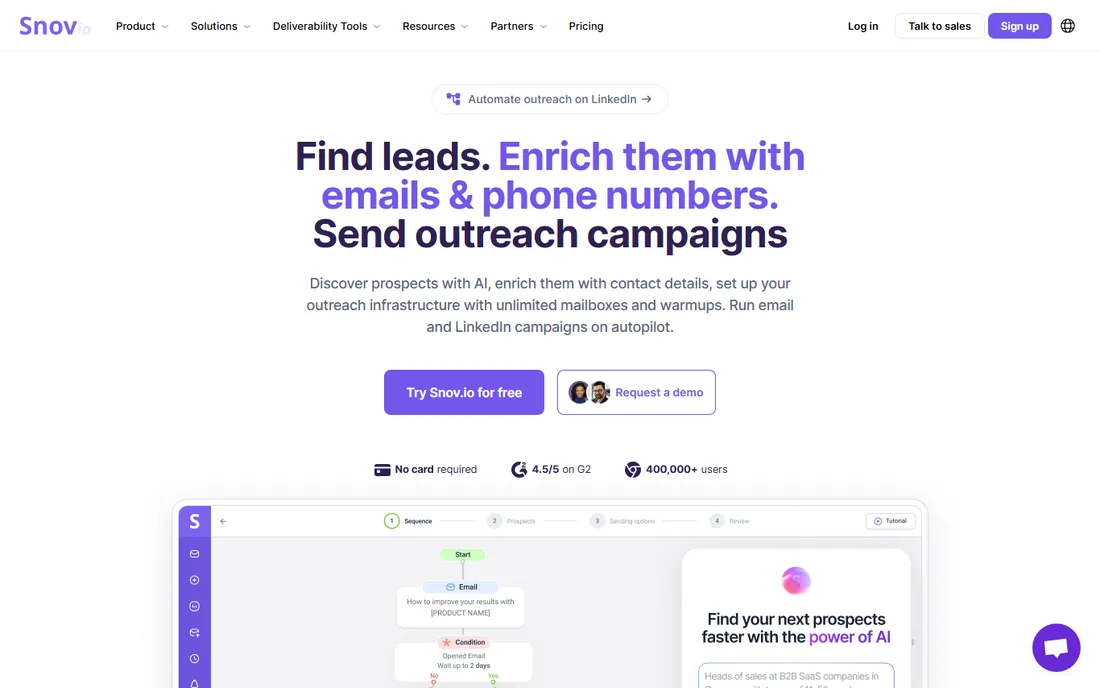
Snov.io packs an email finder, verifier, drip campaigns, mailbox warm-up and a light CRM into plans starting at $39 per month ($29.25 with annual billing). The free Trial plan gives 50 credits a month for testing. Unlimited team seats on paid plans is a genuine differentiator: five people share one $39 subscription instead of five per-seat bills.
The credit math needs attention. Finding and verifying the same contact spends two credits from one shared pool, so a 1,000-credit Starter plan yields roughly 500 usable contacts. LinkedIn automation is a separate add-on at around $69 per month per slot, nearly double the Starter price. And data coverage on hard-to-find domains lags the dedicated finders.
It is the best value when you are a solo operator or tiny team that needs the whole outbound stack cheaply.
What we like- Cheapest all-in-one bundle
- Unlimited team seats on paid plans
- Includes warm-up and CRM
Watch out for- One shared credit pool (finding plus verifying spends twice)
- LinkedIn automation costs extra
#4
Lusha
Best for: Reps who live on LinkedIn and need numbers fast
Visit lusha.com
Starting price$49.90 per month ($37.45 per month billed annually)
Free planYes
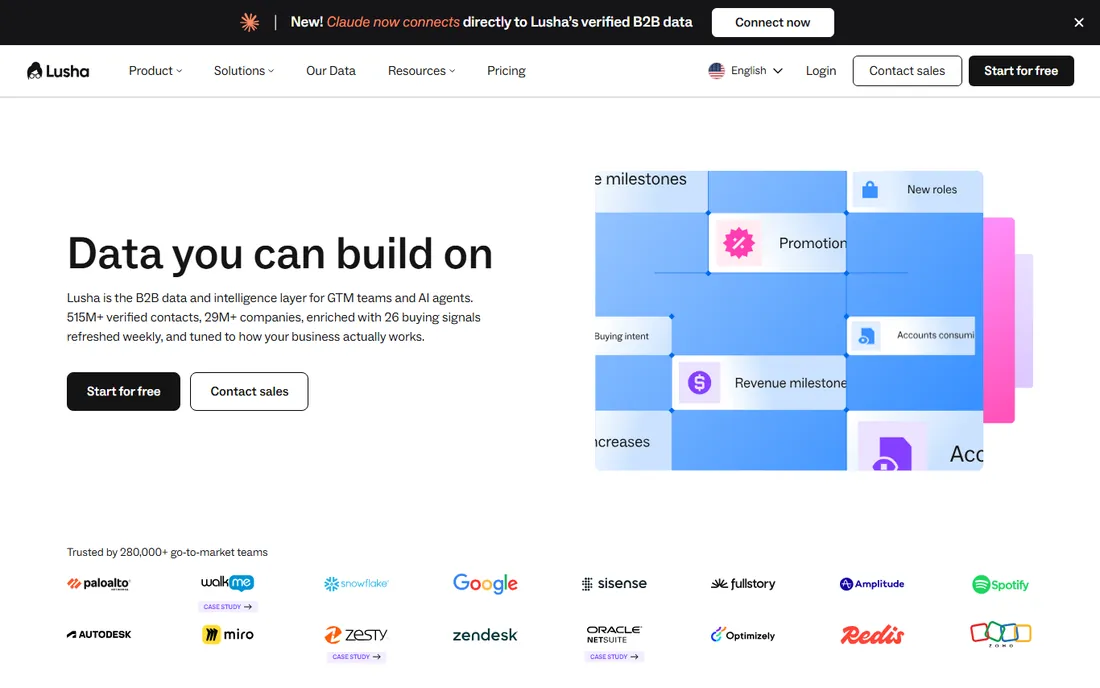
Lusha's workflow is speed: open a LinkedIn profile, click the extension, reveal a verified email or direct dial. The Starter plan is $49.90 per month ($37.45 annually), the free plan gives 40 credits a month, and seats come bundled so a small team shares one bill. Email reveals cost 1 credit; phones cost more, so dialers should do the per-number math before choosing a tier.
The ceiling is five users on self-serve plans; beyond that you move to custom Scale pricing with sales. Monthly billing lets unused credits roll over up to twice the cap, while annual plans drop the year's credits in upfront and expire leftovers at term end.
Choose Lusha when your reps prospect from LinkedIn and need direct dials without an enterprise contract.
What we like- Fast Chrome extension reveals
- Strong phone data
- Seats bundled into plans
Watch out for- Phone reveals cost more credits than emails
- Self-serve caps at 5 users
#5
RocketReach
Best for: High-volume email and phone lookups with confidence grades
Visit rocketreach.co
Starting price$49 per month ($329 per year per seat)
Free planYes
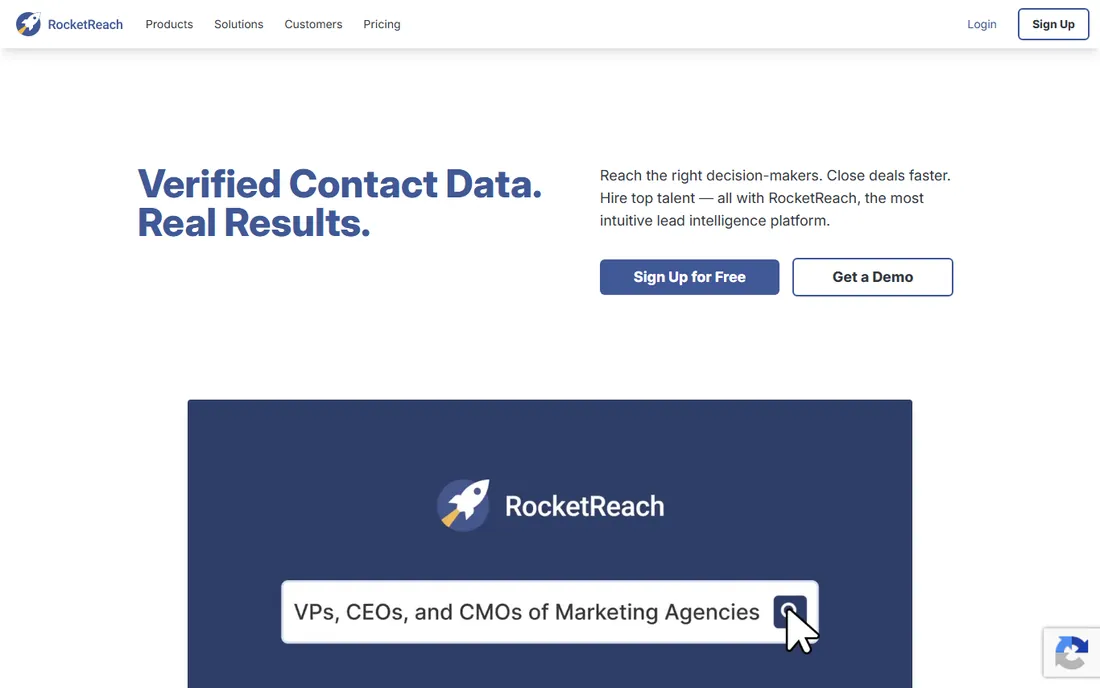
RocketReach grades every email and phone number it returns (A, B and so on), which makes data quality legible: you see the confidence before you spend. A lookup is charged only when it returns at least one verified email or phone number, a fairer rule than most competitors. The Essentials plan (email only) is $49 per month or $329 per year per seat; Pro adds phones at $99 per month.
Watch the meters. Monthly plans cap lookups (100 to 1,000 per month by tier); annual plans make lookups generous but cap exports (1,200 to 20,000 per year), and CSV downloads, CRM syncs and the API all spend exports. CRM integrations start on Pro and intent data is Ultimate-only.
It fits teams that want transparent per-seat pricing and graded data quality for multichannel outreach.
What we like- Every result carries an accuracy grade
- Charged only on successful lookups
- Published pricing
Watch out for- Export limits cap annual plans
- Intent data only on top tier
Starting price$99 per month ($74 per month billed annually)
Free planFree trial
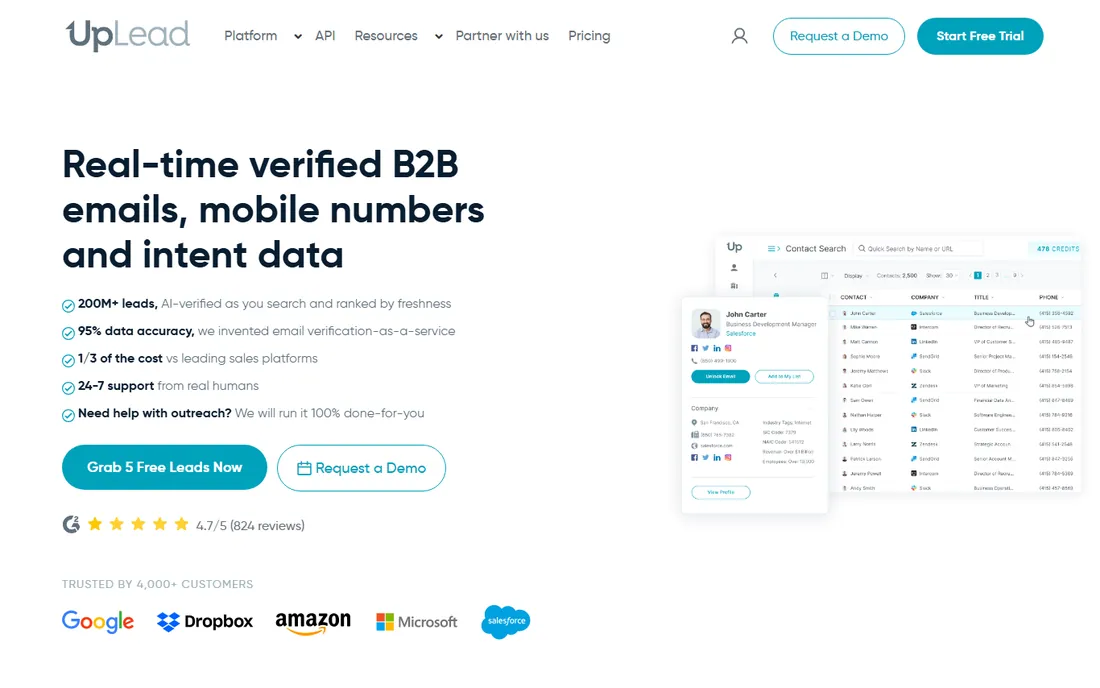
UpLead's promise is simple and enforceable: every email is verified in real time at the moment of export, and the platform carries a 95% accuracy guarantee with automatic credit refunds when a verified record turns out bad. The Essentials plan is $99 per month ($74 annually) with 170 monthly credits, and one credit buys a full contact (email plus direct dial when available).
The 7-day free trial (5 credits) is short but enough to test accuracy against your own list, which is the test that matters. Lower tiers include one seat each; teams sharing seats need the custom Professional plan. Thinner coverage on small regional businesses is the main data gap reviewers mention.
Pick UpLead when deliverability justifies a higher per-contact cost, and always test accuracy on your own list before committing.
What we like- Real-time verification before export
- 95% accuracy guarantee
- Credit refund on bad data
Watch out for- Higher entry price
- One seat per plan on lower tiers
Starting priceSee website
Free planFree trial
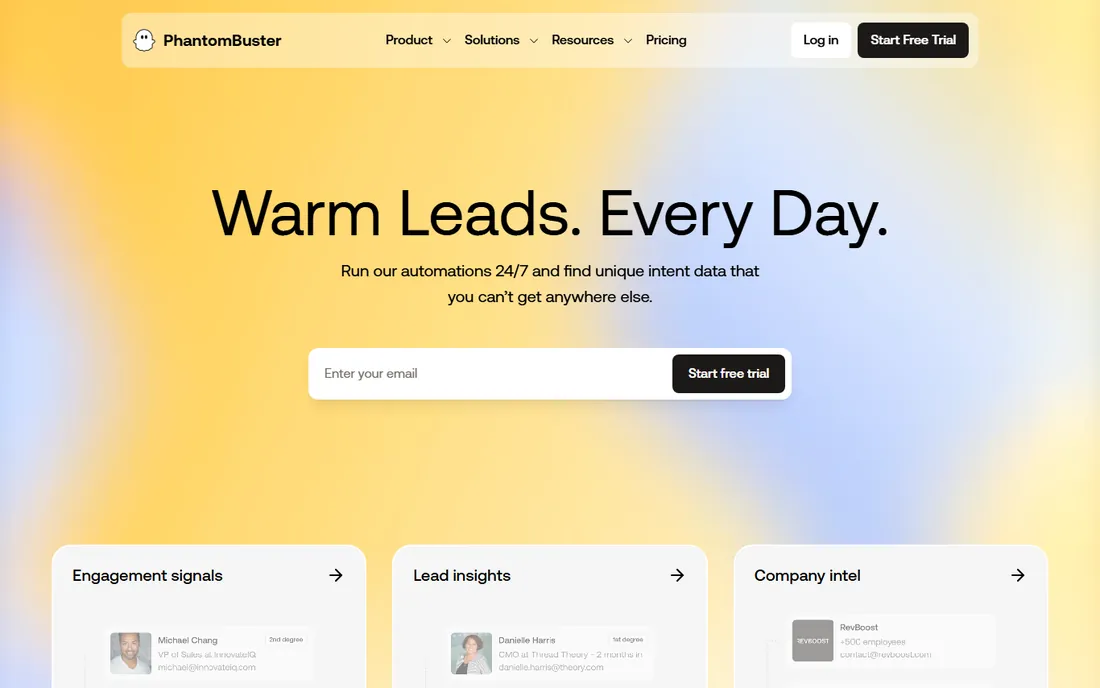
Phantombuster is an actual scraper, not a database: its library of pre-built "Phantoms" extracts data from LinkedIn searches, profiles, company pages and websites, then feeds it into your outreach tools. No code is needed, and most automations launch in minutes. Check the pricing page for current plan prices; a free trial is available for evaluation.
The honest caveat is LinkedIn itself. Aggressive LinkedIn automation violates LinkedIn's terms and can get accounts restricted, so keep volumes conservative, use warmed accounts and respect rate limits. Phantombuster is also only as good as the source data: it extracts what is public, it does not verify emails.
Use it to build targeted lists from LinkedIn and the web that databases do not cover, then verify the emails with Hunter or Snov.io before sending.
What we like- Huge library of ready-made extraction automations
- No code required
- Quick to launch
Watch out for- Pricing not shown without visiting the pricing page
- LinkedIn automation carries account risk
Starting priceSee website
Free planYes
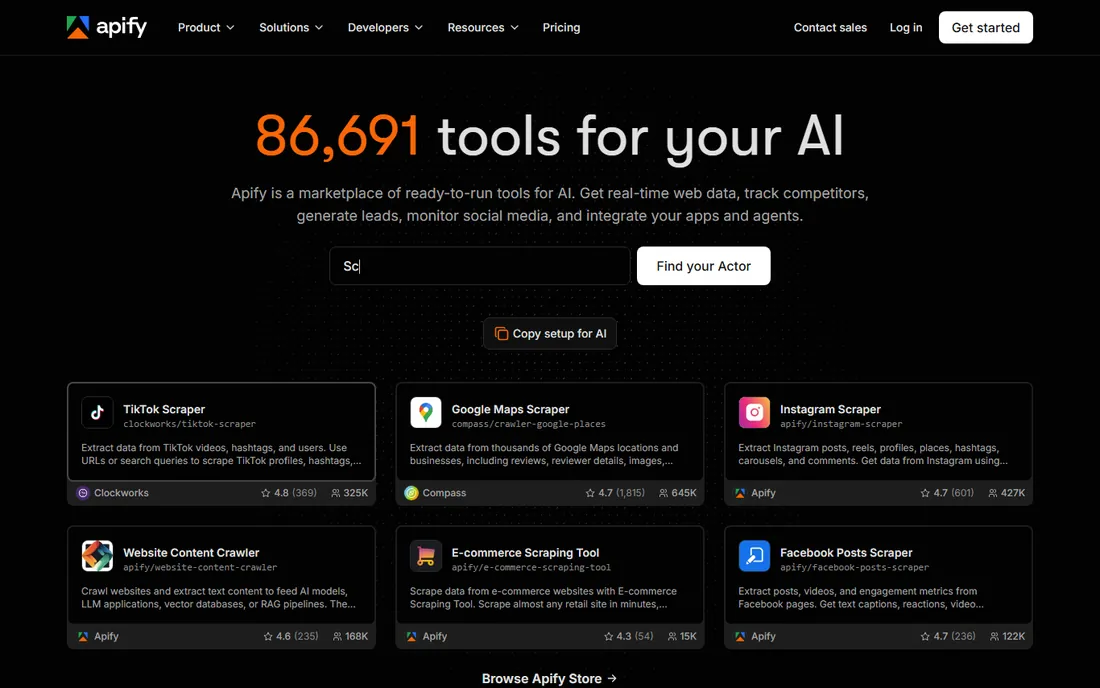
Apify is the infrastructure play: a marketplace of thousands of ready-made scrapers ("Actors") plus the platform to run your own, with usage-based pricing and a free tier that includes monthly platform credits. It handles proxies, scheduling, storage and CAPTCHAs, which is the unglamorous work that breaks DIY scraping. See apify.com/pricing for the current credit prices.
The tradeoff is predictability: usage-based billing means your invoice follows your crawl volume, and building custom scrapers needs JavaScript or Python skills. For straightforward contact extraction, the ready-made actors usually suffice.
Choose Apify when you need custom data at scale (tens of thousands of pages or profiles) and have someone technical to manage it.
What we like- Thousands of ready-made scrapers
- Usage-based pricing
- Scales to millions of pages
Watch out for- Pricing is usage-based and harder to predict
- Serious use needs technical comfort
How credits actually price your prospecting
Every database tool here meters usage, but the meters differ, and the difference decides your real cost per lead. Hunter charges 1 credit per email found and 0.5 per verification. Snov.io spends 1 credit each for finding and verifying from one shared pool, effectively doubling the cost per usable contact. Lusha charges 1 credit per email and more per phone number. UpLead spends 1 credit for a full contact including the dial. Before buying, model 1,000 prospects through each tool's meter, not just the headline plan price.
Staying on the right side of the rules
Scraping and cold outreach sit under real regulations: GDPR in Europe, CAN-SPAM in the US, and LinkedIn's own terms of service. Database tools handle consent and sourcing under their own compliance programs; self-serve scraping shifts more responsibility to you. Practical habits: verify every email before sending, honor opt-outs immediately, keep volumes human, and never scrape or email data the source did not make public. None of this is legal advice, but it is the difference between a prospecting operation and a liability.
How we chose
We split the category into its two real jobs: contact databases and extraction tools, and picked established products for each. Pricing comes from vendor pricing pages where the page rendered current numbers; where it did not, we state that plainly instead of repeating third-party estimates. Free plans and trials were checked against vendor documentation. We weighted each tool for the things that decide prospecting results: data accuracy, credit fairness, coverage of phones versus emails, and how quickly a small team can start. No hands-on testing was performed.
Frequently asked questions
What is the difference between a lead database and a lead scraper?
A database (Apollo, Lusha, Hunter) sells access to contacts it has already collected and verified. A scraper (Phantombuster, Apify) extracts data from websites or LinkedIn on demand. Databases are faster and simpler; scrapers cover niches databases miss.
How much should I budget per lead?
On the tools here, roughly $0.04 to $0.60 per usable contact depending on the tool and whether you need phone numbers. Model your own list through each tool's credit system before committing.
Do I need to verify emails before sending?
Yes. Even the best databases have stale records. Verification is cheap (Hunter charges half a credit) and a high bounce rate damages your sender reputation, which is far more expensive than the credits.
Is scraping LinkedIn legal?
LinkedIn's terms prohibit automated scraping, and enforcement includes account restrictions. Database tools that license data properly are the lower-risk route for contact data.
Which tool is best for phone numbers?
Lusha, RocketReach and UpLead all include direct dials on paid plans. Hunter and the entry Snov.io tiers are email-only. Check the per-number credit cost, since phones cost multiples of emails on most plans.
Can I start for free?
Yes. Hunter, Snov.io, Lusha and RocketReach have permanent free plans; Apollo has a free Starter tier; UpLead and Phantombuster offer trials. Start free, test data quality on your own prospects, then pay.
Sources we checked (8)
- https://www.apollo.io/pricing/
- https://hunter.io/pricing
- https://snov.io/pricing
- https://www.lusha.com/pricing
- https://rocketreach.co/pricing
- https://www.uplead.com/pricing
- https://phantombuster.com/pricing
- https://apify.com/pricing
Is your product missing or out of date?
We review this list regularly. Vendors can request a listing, send updated pricing or ask about featured placement.

Shihab Mia · Founder, Rankite
Shihab has spent more than a decade helping SaaS and e-commerce brands grow through search. He writes Rankite's software buying guides from pricing pages, documentation and public user reviews. More about Shihab.