How we make this list: we compare pricing pages, product documentation and public user reviews. Rankite is independent; if a vendor ever pays for a featured spot, that listing is clearly labeled Partner.
Key takeaways
- MailStore Home is the best free option for individuals, archiving Gmail, Outlook, and Thunderbird into one searchable local archive at no cost.
- MailStore Server is the cheapest serious option for small businesses, with a one-time $259 starter license for up to five users.
- Cloud backup tools like Dropsuite, Spanning, and Backupify run automatically in the background and restore individual emails in minutes.
- Veeam Backup for Microsoft 365 has a genuinely free Community Edition covering up to 10 users, which suits very small teams.
- Backup is not the same as archiving: backup protects against loss, while archiving also covers compliance and legal discovery.
Quick comparison
| Tool | Best for | Starting price | Free plan |
|---|
 MailStore Home MailStore Home | Free personal email archiving | Free | Yes |
 MailStore Server MailStore Server | Small business archiving, one-time price | $259 one-time (5 users) | Free trial (30 days) |
 Dropsuite Dropsuite | Automated Microsoft 365 backup | See website | Free trial |
 SpinOne SpinOne | Backup plus ransomware protection | See website | Free trial (15 days) |
 Veeam Backup for Microsoft 365 Veeam Backup for Microsoft 365 | Small teams, free community edition | See website | Yes (Community Edition, up to 10 users) |
 Backupify Backupify | MSP-friendly SaaS backup | See website | Free trial |
 Spanning Backup Spanning Backup | Simple per-user SaaS backup | See website | Free trial (14 days) |
 SysTools Email Backup Wizard SysTools Email Backup Wizard | One-time mailbox exports | $5 per user | Yes (demo backs up 100 emails) |
Is your product missing or out of date?
We review this list regularly. Vendors can request a listing, send updated pricing or ask about featured placement.
Which email backup software fits your setup
Starting priceFree
Free planYes
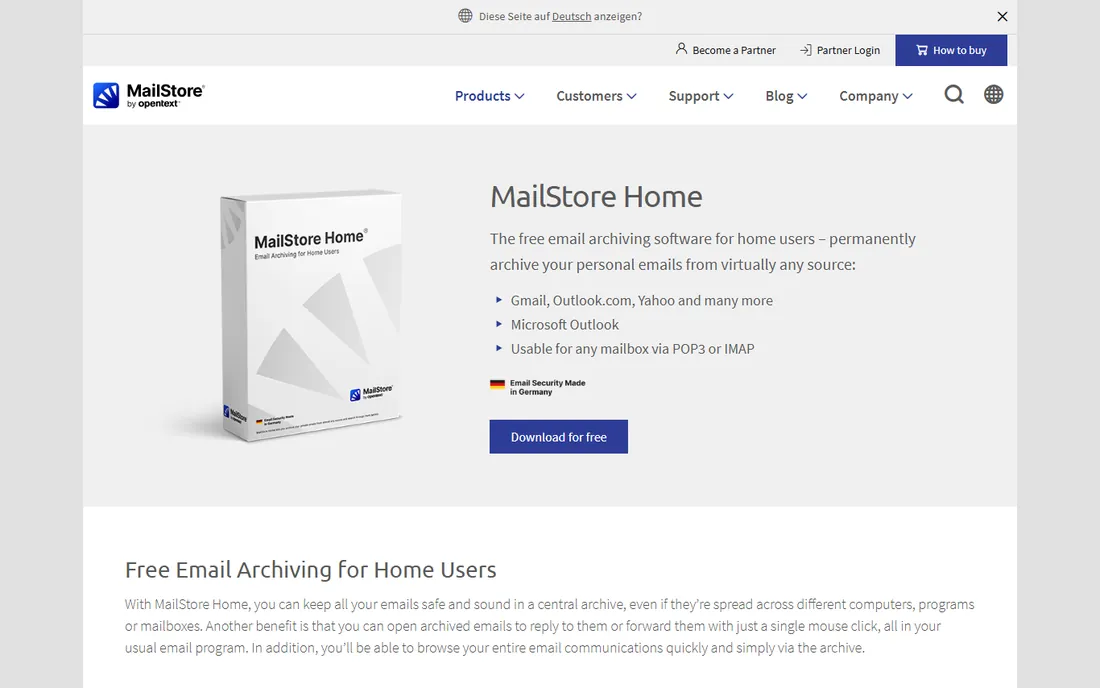
MailStore Home is the rare thing in this category: a genuinely free tool with no catch for personal use. It pulls mail from Gmail, Yahoo, Outlook, Thunderbird, Exchange, and any IMAP or POP3 mailbox into one central local archive, and its full-text search handles attachments too.
The archive is portable, meaning you can keep it on a USB drive and open it on any PC. Export works both ways, so you can push archived mail back into Outlook or Thunderbird, which makes it useful for mailbox migrations as well as backup.
The weak points are platform and scheduling. It is Windows only, and automatic scheduled backups need a manual Task Scheduler setup rather than a built-in scheduler. For a free tool you set up once and run weekly, those are minor complaints.
What we like- Free for home use with no mailbox limits
- Archives Gmail, Outlook, Thunderbird, and IMAP/POP3
- Fast full-text search across the whole archive
Watch out for- Windows only
- Scheduling backups requires Windows Task Scheduler workarounds
Starting price$259 one-time (5 users)
Free planFree trial (30 days)
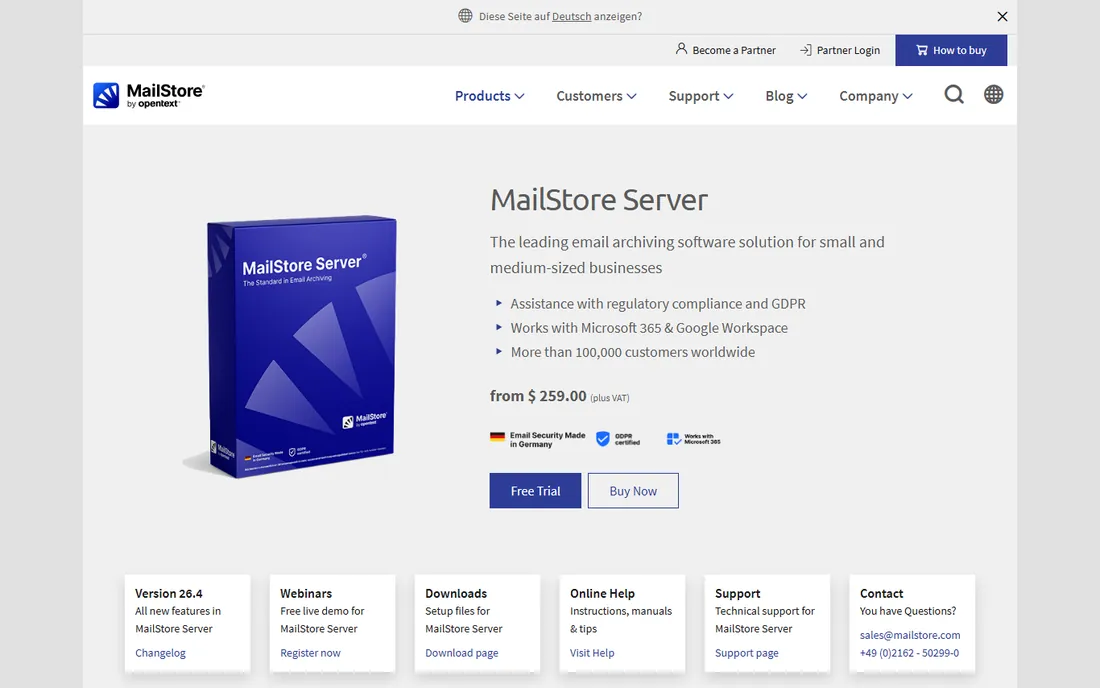
Small businesses that want email archiving without a monthly bill should start here. MailStore Server costs $259 once for up to five users, including a year of updates and support, which undercuts every subscription tool on this list within the first year.
The standout feature is journaling: the server captures a copy of every email the moment it is sent or received, so nothing depends on users remembering to archive. Retention policies and auditor access help with GDPR and legal discovery, and storage deduplication keeps the archive small.
The catch is infrastructure. It runs on Windows Server, so you need a machine to host it, and the per-user price rises as you add blocks of users. Companies already moving everything to the cloud may prefer a SaaS tool, but for an office with a server closet, this is the value pick.
What we like- One-time license instead of a subscription
- Journaling captures every email automatically
- GDPR-friendly with retention policies
Watch out for- Windows Server required
- Per-user pricing climbs for larger teams
Starting priceSee website
Free planFree trial
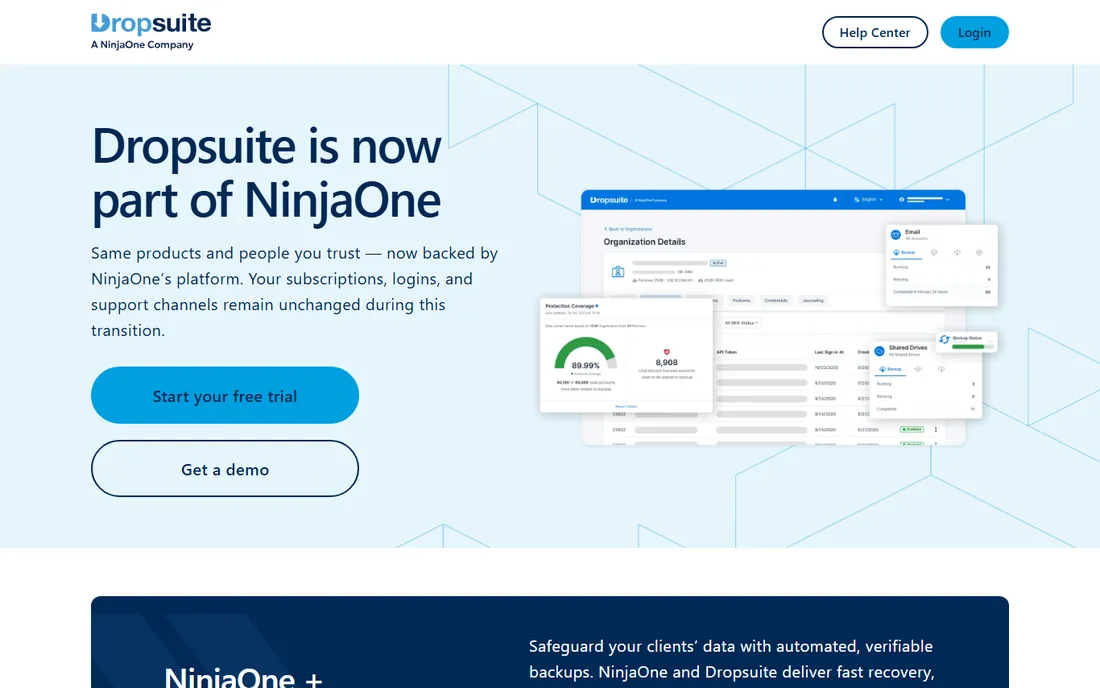
Dropsuite takes the opposite approach from MailStore: instead of software you install, it is a cloud service that backs up your Microsoft 365 or Google Workspace automatically. Once connected, it copies Exchange Online mail, SharePoint, OneDrive, and Teams on a schedule with no local infrastructure.
The archiving side is stronger than most backup-only tools. Tamper-proof journaling and unlimited retention options suit regulated industries like legal and finance, and the eDiscovery search works across the whole archive.
The friction is buying it. Pricing is not published and varies by region, and Dropsuite sells primarily through MSP partners, so a solo business may need to go through a reseller. If you already work with an IT provider, ask them; if not, the quote process adds a step.
What we like- Fully automated cloud-to-cloud backup
- Includes email archiving with tamper-proof journaling
- Single dashboard for mail, SharePoint, and Teams
Watch out for- Pricing is quote-based and varies by region
- Sold mainly through partners rather than direct
#4
SpinOne
Best for: Backup plus ransomware protection
Visit spin.ai
Starting priceSee website
Free planFree trial (15 days)
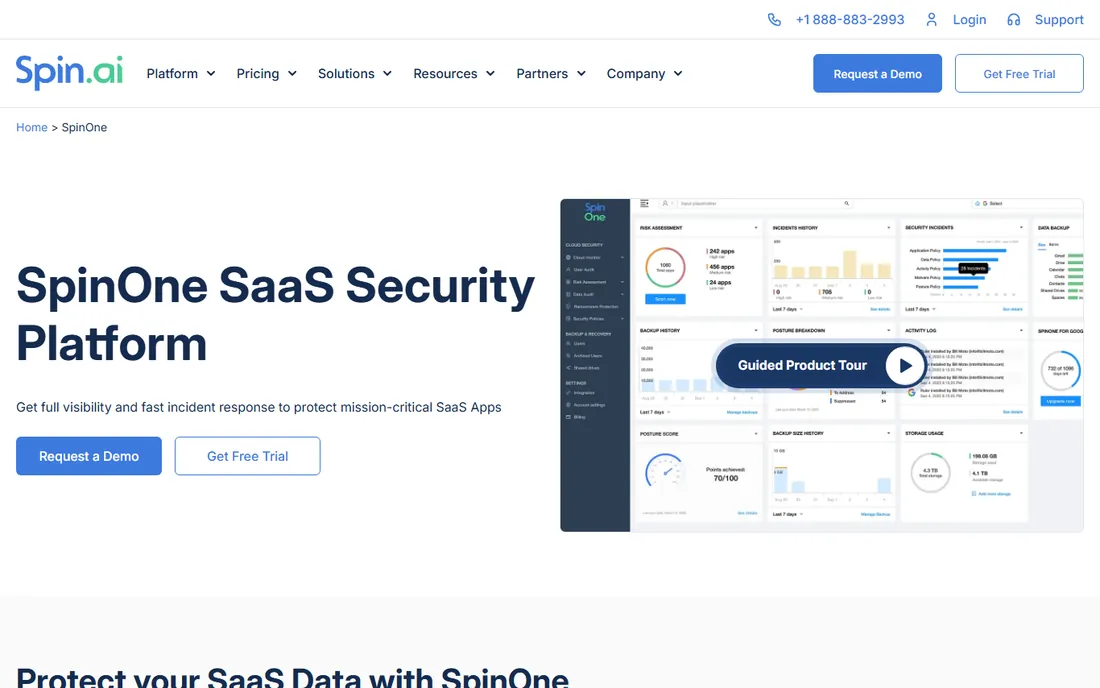
SpinOne is backup wrapped in a security platform. It automatically backs up Microsoft 365, Google Workspace, Slack, and Salesforce up to three times a day, and its headline feature is AI-powered ransomware detection that can isolate an attack and roll files back to the last clean version.
For email specifically, that means a compromised mailbox gets restored to its pre-attack state in hours rather than days. The 15-day free trial is enough to run a real restore test, which every buyer should do before committing.
The tradeoff is scope. If you only want email backup, you are paying for DLP, posture management, and incident response you may never open. Pricing is quote-based. It fits security-conscious companies; pure backup buyers get better value elsewhere.
What we like- Backs up Microsoft 365 up to three times daily
- AI ransomware detection with automatic rollback
- Single console for backup, DLP, and posture management
Watch out for- Broader security platform may be more than a backup buyer needs
- Pricing not published
#5
Veeam Backup for Microsoft 365
Best for: Small teams, free community edition
Visit veeam.com
Starting priceSee website
Free planYes (Community Edition, up to 10 users)
Veeam's Community Edition is the best deal in this list for tiny teams: full backup of Exchange Online, SharePoint, OneDrive, and Teams for up to 10 users, free, with no time limit. The restore is genuinely granular, down to a single email or file version.
Being Veeam, the documentation and community knowledge are deep. If something goes wrong, the answer is a search away, and the product integrates with the rest of the Veeam ecosystem for companies that already use it.
The catch is that you run it yourself. There is no SaaS version of the Community Edition, so you need a Windows machine, storage for the backups, and someone who checks that jobs are running. Teams without any IT support should pick a managed cloud service instead.
What we like- Community Edition is free for up to 10 users
- Granular restore of individual emails and files
- Trusted backup brand with deep documentation
Watch out for- You host and manage it yourself
- Paid pricing requires talking to sales
Starting priceSee website
Free planFree trial
Backupify, now part of Datto and Kaseya, is the MSP favorite. Its multi-tenant dashboard lets providers manage backups across dozens of client domains from one screen, and seat-level controls mean you only pay for active users, pausing backup for departed employees instead of deleting their data.
The backup itself is straightforward automated cloud-to-cloud protection for Exchange, OneDrive, SharePoint, Teams, Gmail, and Drive, with point-in-time recovery. It does one job and does it without fuss.
The downside for direct buyers is the channel. Public pricing is not published and the product is oriented toward partners, so small businesses buying direct may find the process awkward. Feature-wise it is backup only, with none of the ransomware or DLP extras that SpinOne bundles.
What we like- Purpose-built for MSPs managing many tenants
- Seat-level control to pause or unlicense users
- Automated cloud-to-cloud backup for M365 and Google Workspace
Watch out for- No public pricing
- Feature set is narrower than security-bundled rivals
Starting priceSee website
Free planFree trial (14 days)
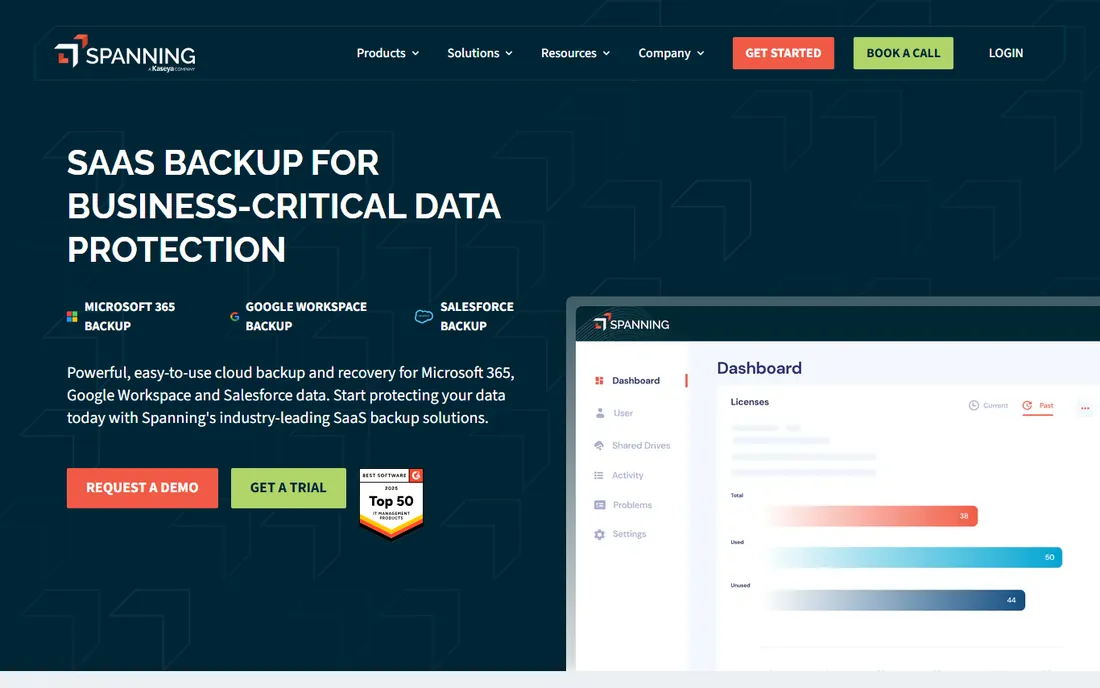
Spanning is the simplest cloud backup on this list to actually use. Connect your Google Workspace or Microsoft 365 tenant, and daily automated backups start with no infrastructure to manage. The standout touch is self-service restore: end users can recover their own deleted emails without filing an IT ticket.
Point-in-time recovery covers mail, calendars, Drive, and Salesforce depending on the module. The 14-day free trial includes all features, so you can validate restores before paying.
Two caveats. Pricing is not published, so budgeting requires a quote. And since Kaseya's acquisition, some long-time users report slower support responses. It remains a solid pick for companies that want backup to be boring and invisible.
What we like- Dead simple setup for Google Workspace and Microsoft 365
- End users can restore their own lost emails
- Daily automated backups with point-in-time recovery
Watch out for- Pricing not published
- Support quality reportedly slipped after the Kaseya acquisition
Starting price$5 per user
Free planYes (demo backs up 100 emails)
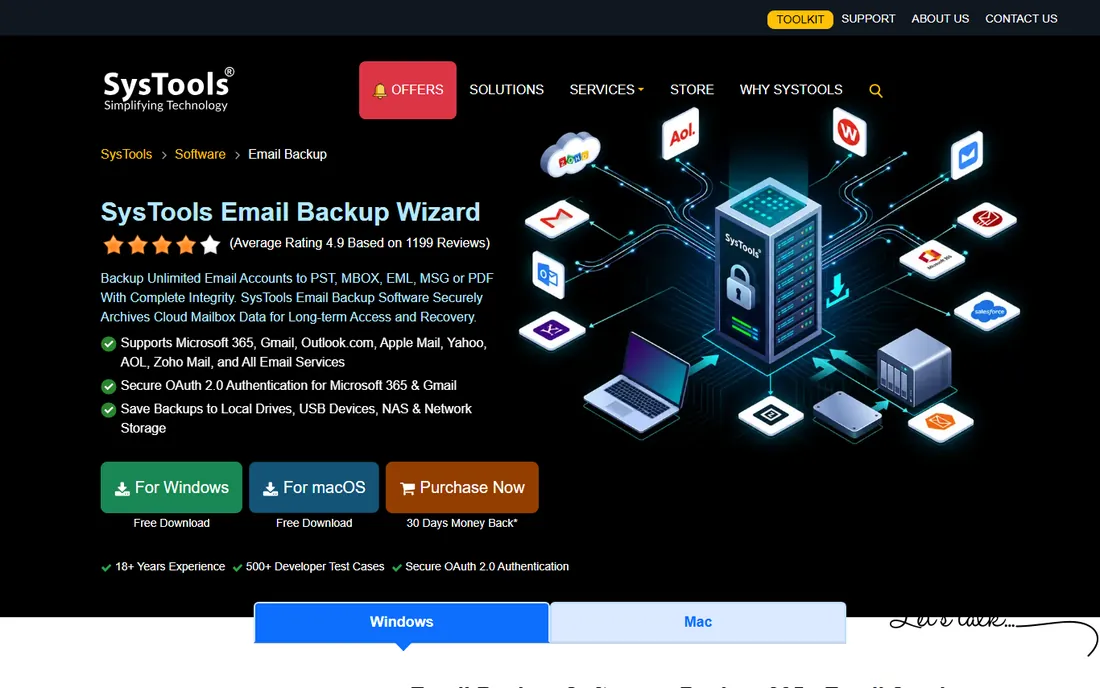
Sometimes you do not need ongoing backup, just a one-time export of a mailbox before closing an account or migrating providers. SysTools Email Backup Wizard does exactly that for $5 per user, exporting to PST, MBOX, EML, MSG, or PDF with folder structure intact.
It covers the major consumer and business mailboxes: Gmail, Outlook.com, Yahoo, Office 365, and anything over IMAP. The free demo backs up 100 emails so you can verify the export format before paying.
This is not a backup solution in the automated sense. There is no scheduling worth relying on and no cloud dashboard. It is a migration and one-off archive utility at a price that makes it an easy impulse buy, and it should be judged as one.
What we like- Very cheap one-time price
- Exports to PST, MBOX, EML, MSG, and PDF
- Works with Gmail, Outlook.com, Yahoo, and IMAP
Watch out for- Manual tool, not automated backup
- Dated interface
- Demo limited to 100 emails
How we chose
We mapped the two buyer types first: individuals archiving personal mail, and businesses protecting Microsoft 365 or Google Workspace. For each tool we checked the vendor's current product and pricing pages, read the documentation on restore options, and compared public reviews on G2, Capterra, and Software Advice. We never claim hands-on testing. We weighted real restore granularity (single email vs whole mailbox), automation, retention options, and whether the free tier or trial lets you test a restore before paying.
Archiving vs backup: know the difference before you buy
Backup and archiving solve different problems, and vendors blur the line. Backup protects against loss: accidental deletion, ransomware, a failed migration. You restore from it when something goes wrong. Archiving preserves everything for the long term, usually for compliance, legal discovery, or institutional memory.
MailStore Server and Dropsuite's archiving module are true archiving tools with journaling, retention policies, and tamper-proof storage. SpinOne, Veeam, Backupify, and Spanning are backup tools with good retention, but they are not designed for court-ready eDiscovery on their own.
For most small businesses, backup is the urgent need and archiving is the nice-to-have. If you work in legal, finance, or healthcare, get both, or pick a tool that does both properly.
Frequently asked questions
Does Microsoft 365 back up my emails automatically?
Microsoft protects the service, not your data. Deleted mailboxes and emails pass through retention windows (typically 14 to 30 days) and then are gone permanently. Microsoft's own documentation recommends third-party backup, which is why this whole category exists.
How much email backup storage do I need?
A typical office worker's mailbox is 5 to 15GB. Cloud tools like Dropsuite and Spanning include storage in the per-user price, so you do not calculate it yourself. For local tools like MailStore, budget roughly 60 to 70 percent of total mailbox size thanks to deduplication and compression.
Can I back up Gmail for free?
Yes. MailStore Home archives Gmail and other IMAP mailboxes to a local archive at no cost. Google Takeout also exports your data manually, but it is a one-time snapshot, not an ongoing backup. For automated Gmail backup, the paid SaaS tools on this list cover Google Workspace.
How often should email backups run?
Daily at minimum for businesses. Ransomware and accidental deletions do not wait for weekly schedules. SpinOne runs up to three times daily, and most SaaS tools back up at least once a day. For personal archives, a weekly MailStore run is reasonable.
What is the 3-2-1 rule for email backup?
Keep three copies of your data, on two different media, with one offsite. For email this usually means the live mailbox, a local archive (like MailStore), and a cloud backup (like Spanning or Dropsuite). One copy is not a backup.
Can I restore a single deleted email?
With the right tool, yes. Veeam, Dropsuite, Spanning, Backupify, and SpinOne all offer granular restore down to individual emails. MailStore's archive search finds any email instantly and lets you re-export it. Avoid tools that only restore entire mailboxes.
Sources we checked (8)
- https://www.mailstore.com/en/products/mailstore-home/
- https://www.mailstore.com/en/products/mailstore-server/
- https://www.dropsuite.com
- https://spin.ai/platform/spinone/
- https://www.Veeam.com/products/free/backup-microsoft-office-365.html
- https://www.backupify.com
- https://spanning.com
- https://www.systoolsgroup.com/mail-backup/
Is your product missing or out of date?
We review this list regularly. Vendors can request a listing, send updated pricing or ask about featured placement.

Shihab Mia · Founder, Rankite
Shihab has spent more than a decade helping SaaS and e-commerce brands grow through search. He writes Rankite's software buying guides from pricing pages, documentation and public user reviews. More about Shihab.