How we make this list: we compare pricing pages, product documentation and public user reviews. Rankite is independent; if a vendor ever pays for a featured spot, that listing is clearly labeled Partner.
Key takeaways
- If you run Microsoft 365 or Google Workspace, start with the built-in archive: Exchange Online Archiving at $3 per user per month standalone, or Google Vault included in Workspace Business Plus.
- Dedicated archiving vendors (Barracuda, Mimecast, Proofpoint, Smarsh) serve regulated industries with journaling, supervision and eDiscovery that go beyond the built-in tools.
- ArcTitan is the affordable dedicated option at $4 per user per month with a free trial, popular with SMBs and MSPs.
- Almost every enterprise archive is quote-based. Budget by user count and retention requirements, and confirm eDiscovery and legal hold are included, not add-ons.
Quick comparison
Is your product missing or out of date?
We review this list regularly. Vendors can request a listing, send updated pricing or ask about featured placement.
The best email archiving software

#1
Microsoft Exchange Online Archiving
Best for: Archiving inside Microsoft 365
Visit microsoft.com
Starting price$3 per user/month (standalone)
Free planFree trial
Exchange Online Archiving is Microsoft's cloud archive for Exchange mailboxes, available as a $3 per user per month standalone add-on ($36 a year on annual billing) or bundled into higher Microsoft 365 plans. It gives each user an archive mailbox with effectively unlimited storage, retention policies, and integration with Microsoft Purview for eDiscovery and legal hold.
For organizations already on Microsoft 365, it is the path of least resistance: no journaling connectors to configure, no separate vendor, and archive data stays inside the Microsoft compliance boundary. It works with on-premises Exchange Server 2016 and 2019 as well as Exchange Online.
The honest limits: real compliance depth (advanced eDiscovery, longer audit log retention) pushes toward E5 licensing, and large-scale eDiscovery searches can be slow compared to dedicated archives. Administering retention and hold policies takes Purview expertise. If your needs are standard retention and legal hold inside the Microsoft stack, the $3 add-on is the cheapest credible archive available.
What we like- Native to Exchange and Microsoft 365
- Unlimited archive mailbox storage
- Cheap standalone add-on
Watch out for- Advanced compliance needs E5
- EDiscovery can be slow
- Admin learning curve
Starting priceIncluded in Workspace Business Plus ($18/user/month)
Free planFree trial (14 days)
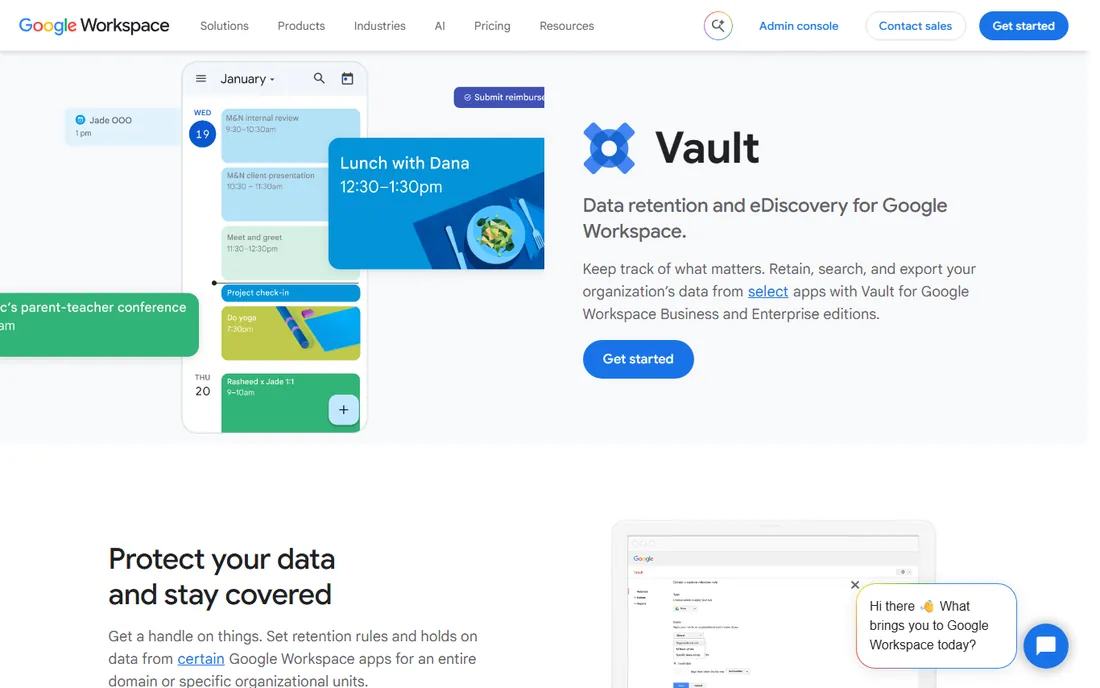
Google Vault is Google's retention and eDiscovery service for Workspace, included in Business Plus ($18 per user per month), Enterprise editions and education plans, rather than sold standalone for active users. It covers Gmail, Drive, Chat and Meet: retention rules, legal holds, search across mailboxes, and export for litigation or investigations.
For Google Workspace shops, the value is integration. There is no journaling to configure and no second system to maintain; retention policies apply directly to live mailboxes, and former employees' data can be preserved on Archived User licenses. Setup takes minutes compared to dedicated archive deployments.
The honest catch is the gate. Vault is not available on Business Starter or Standard, so smaller Workspace customers must upgrade the whole organization to Business Plus to get it. That makes the real cost $18 per user, not a $5 add-on. Export and review workflows are also simpler than dedicated eDiscovery platforms. If you are on Workspace and need defensible retention, Vault is the natural choice; if you are on Starter, price the upgrade first.
What we like- Native to Gmail and Workspace
- Retention rules and legal holds
- No separate archive to manage
Watch out for- Gated behind Business Plus or higher
- No standalone purchase for active users
- Export workflows are basic
Starting price$4 per user/month
Free planFree trial
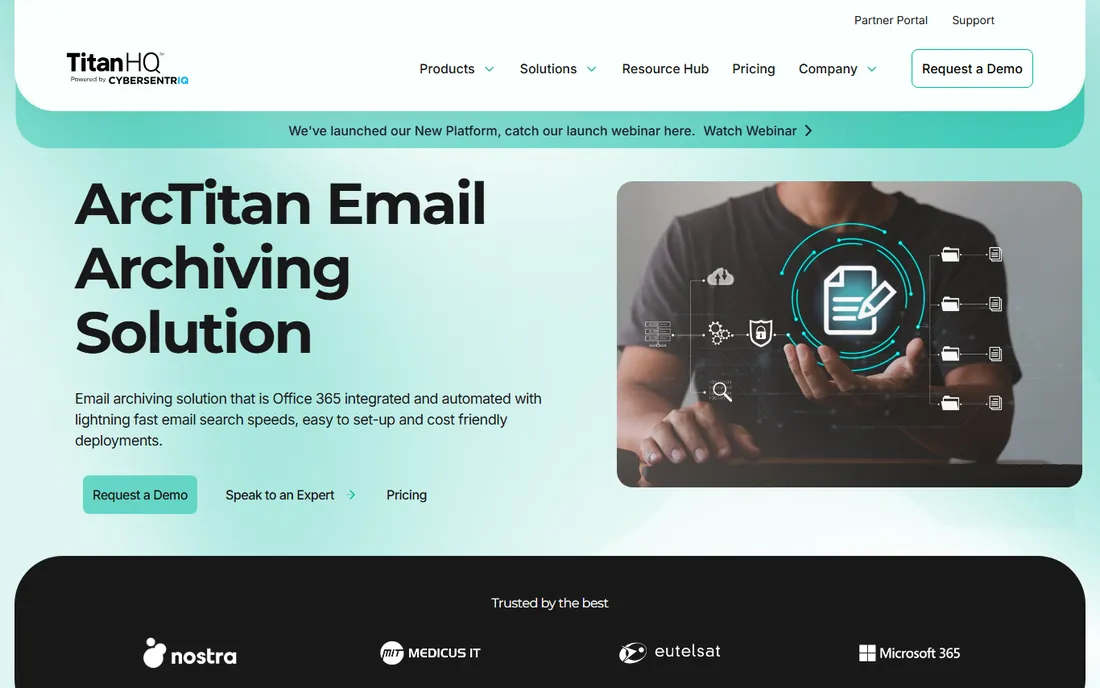
ArcTitan by TitanHQ is a cloud email archiving solution priced from $4 per user per month, with a free trial available. It archives mail from Microsoft 365, Google Workspace and on-premises Exchange into a centralized, encrypted, tamper-proof store with fast search, audit trails and eDiscovery export.
The pitch is dedicated archiving without enterprise cost or complexity. Deployment is quick, the search interface is fast, and it significantly extends the native search and storage limits of Microsoft 365. MSPs like it because it is easy to deliver to many small clients, and it works for GDPR, HIPAA and general business continuity needs.
The honest limits: it is a smaller Irish vendor, not a Proofpoint or Smarsh, and advanced compliance workflows like trade supervision are lighter than the finance-focused platforms. For SMBs that need real archiving with legal hold and fast retrieval at $4 a head, it is the value pick in this category.
What we like- Low $4 per user price
- Fast search and retrieval
- Popular with MSPs serving SMBs
Watch out for- Smaller vendor than the enterprise names
- Advanced supervision is lighter
- Support tiers vary
Starting priceSee website
Free planNo
Barracuda's archiving products (Cloud Archiving Service and Message Archiver) come from a vendor with deep roots in email security and backup. Pricing is quote-based, typically sold through MSPs and channel partners, with evaluation through demos rather than self-serve trials.
The strength is the ecosystem. Barracuda pairs archiving with email security, backup and data protection, so organizations can consolidate vendors. The archive offers tamper-proof storage, eDiscovery search, retention policies and mobile access, with deployment options for cloud and on-premises.
The honest caveats: pricing opacity means budgeting by quote, the interface reflects the product's age, and the best experience comes through Barracuda's MSP channel rather than direct self-serve. It suits organizations already invested in Barracuda security that want archiving from the same vendor.
What we like- Long archiving track record
- Strong data protection options
- MSP-friendly delivery
Watch out for- Quote-based pricing
- Interface feels dated
- Best through channel partners
Starting priceSee website
Free planNo
Mimecast Cloud Archive is part of Mimecast's email security and resilience platform, archiving all inbound, outbound and internal mail into a permanent, searchable store. Pricing is quote-based and typically bundled with Mimecast's security services; evaluation runs through demos.
The integration argument is strong: because Mimecast already processes your mail for security, archiving adds no journaling complexity, and the archive inherits Mimecast's resilience (it famously keeps email working during outages). Search is fast even at large scale, with eDiscovery, legal hold and compliance supervision available.
The honest catch is the bundle. Mimecast sells a platform, and buying archiving alone is not its natural motion; organizations that only need an archive may pay for more than they use. It is the right call for companies standardizing on Mimecast for email security that want the archive in the same console.
What we like- Archive integrated with leading email security
- Fast search at scale
- Strong uptime record
Watch out for- Quote-based pricing
- Bundled with Mimecast's platform
- Can be pricey for archiving alone
Starting priceSee website
Free planNo

Proofpoint Enterprise Archive serves large, regulated organizations with journaling-based archiving, eDiscovery, legal hold and supervisory review. Pricing is quote-based with enterprise sales cycles; there is no self-serve trial.
The compliance depth is the differentiator: supervision policies with lexicons and random sampling, defensible eDiscovery workflows, and granular retention management that satisfy financial regulators and legal teams. It scales to the largest mail environments with strong search performance.
The honest reality is enterprise weight. Pricing, implementation and administration all reflect the target market, and smaller organizations will find it heavy and expensive. For banks, healthcare systems and public companies with serious regulatory exposure, Proofpoint is the compliance-first choice.
What we like- Deep compliance and supervision workflows
- Scales to the largest enterprises
- Strong search and eDiscovery
Watch out for- Enterprise pricing and sales cycles
- Complex to administer
- Overkill for simple retention

#7
Smarsh
Best for: Financial services communications compliance
Visit smarsh.com
Starting priceSee website
Free planNo
Smarsh is the communications compliance specialist for financial services, archiving email alongside chat, voice, social media and collaboration platforms to meet SEC, FINRA and global regulatory requirements. Pricing is quote-based; evaluation runs through demos.
The regulatory focus is total: capture across dozens of channels, supervision with AI-assisted review, eDiscovery and production workflows, and retention policies mapped to specific regulations. For broker-dealers, RIAs and banks, Smarsh is often the default answer to examiner questions.
The honest limits: it is built for financial services first, so general-purpose businesses pay for regulatory depth they do not need. Pricing and implementation are enterprise-grade. If you answer to financial regulators, Smarsh belongs at the top of the shortlist; if you just need email retention, the simpler tools above cost far less.
What we like- Purpose-built for financial regulation (SEC, FINRA)
- Captures email plus chat, voice and social
- Strong supervision
Watch out for- Quote-based pricing
- Finance-centric, less general-purpose
- Implementation project
Starting priceSee website
Free planNo
Global Relay provides cloud archiving and compliance for financial services, government and other regulated organizations, capturing email, instant messaging, voice and social media into a unified archive. Pricing is quote-based with enterprise evaluation.
The platform's strengths are comprehensive capture and data sovereignty: organizations choose where archive data resides, which matters for government and cross-border finance. Supervision, eDiscovery and legal hold cover the regulatory workflow end to end.
The honest caveats mirror Smarsh: enterprise pricing, a sales-led buying process, and a product tuned for regulated verticals rather than general business. For financial and public-sector organizations with strict data residency needs, it is a strong fit; for everyone else, simpler archives suffice.
What we like- Strong in finance and government
- Comprehensive message capture
- Data sovereignty options
Watch out for- Quote-based pricing
- Enterprise sales motion
- Less known outside its core verticals
What to compare before you buy
Start with your platform. Microsoft 365 and Google Workspace shops should exhaust the built-in options first: the $3 Exchange Online Archiving add-on and Google Vault cover retention, legal hold and basic eDiscovery for most organizations. Third-party archives earn their keep when you need cross-platform coverage, advanced supervision or faster eDiscovery at scale.
Journaling vs native archiving
Dedicated archives typically use journaling: a copy of every message is sent to the archive as it passes through the mail server. Native tools archive inside the mailbox platform. Journaling gives vendor independence (you can switch email platforms and keep the archive) but adds configuration; native is simpler but ties you to the platform. Regulated firms often prefer the independence of a dedicated journaling archive.
Retention, legal hold and eDiscovery
Confirm three things on the plan you buy: retention policies that automatically enforce how long mail is kept, legal hold that suspends deletion for litigation, and eDiscovery search with export that your legal team can actually use. Several vendors gate advanced eDiscovery or supervision behind higher tiers, so get the compliance features in writing before signing.
How we chose
We built this list from each vendor's product documentation and published pricing, cross-checked against 2026 industry sources. Every tool had to offer real email archiving (message capture, retention, search and legal hold) and be live today. Prices are stated exactly as documented on vendor pages; where pricing is unpublished or quote-only, we wrote "See website". We did not run hands-on trials; this guide reflects documented capabilities as each vendor presents them.
Frequently asked questions
How much does email archiving software cost?
Built-in options are cheapest: Exchange Online Archiving at $3 per user per month standalone, or Google Vault included in Workspace Business Plus at $18 per user per month. Dedicated archives range from ArcTitan at $4 per user per month to quote-based enterprise pricing at Barracuda, Mimecast, Proofpoint, Smarsh and Global Relay.
What is the difference between archiving and backup?
Backup protects against data loss and restores systems after failure. Archiving preserves individual messages in a searchable, tamper-proof store for retention, compliance and eDiscovery, with policies that control how long mail is kept and legal holds that prevent deletion. They solve different problems and regulated firms need both.
Do I need email archiving for compliance?
It depends on your industry. Financial services, healthcare, government and public companies face explicit retention and supervision requirements from regulators. Other businesses archive for litigation readiness, internal investigations and business continuity. If a regulator or your legal counsel says retain, you need a real archive with defensible policies, not just backups.
What is a legal hold?
A legal hold suspends normal retention and deletion policies for specific mailboxes or messages when litigation or an investigation is reasonably anticipated. All eight tools here support legal holds. The hold must be defensible: applied promptly, scoped correctly and documented, which is why compliance teams prefer archives with built-in hold workflows.
Can I archive email from multiple platforms?
Dedicated archives (Barracuda, Mimecast, Proofpoint, Smarsh, Global Relay, ArcTitan) archive from Microsoft 365, Google Workspace and on-premises Exchange, often in one store. Native tools only cover their own platform. Organizations migrating between platforms or running mixed environments should choose a dedicated archive.
How long should we retain email?
Retention periods depend on your industry regulations, commonly three to seven years for financial services and healthcare. Your legal counsel should set the policy, not IT. Whatever the period, the archive must enforce it automatically and prove enforcement during audits, which is the core job of every tool on this list.
Sources we checked (8)
- https://www.microsoft.com/en-us/microsoft-365/exchange/exchange-online-archiving
- https://workspace.google.com/products/vault/
- https://www.titanhq.com/email-archiving/pricing/
- https://www.barracuda.com/products/message-archiver
- https://www.mimecast.com/products/cloud-archive/
- https://www.proofpoint.com/us/products/enterprise-archive
- https://www.smarsh.com/products/archive
- https://www.globalrelay.com/products/data-archive/
Is your product missing or out of date?
We review this list regularly. Vendors can request a listing, send updated pricing or ask about featured placement.

Shihab Mia · Founder, Rankite
Shihab has spent more than a decade helping SaaS and e-commerce brands grow through search. He writes Rankite's software buying guides from pricing pages, documentation and public user reviews. More about Shihab.
 Google Vault
 ArcTitan
 Barracuda Cloud Archiving
 Mimecast Cloud Archive
 Proofpoint Enterprise Archive
 Global Relay