How we make this list: we compare pricing pages, product documentation and public user reviews. Rankite is independent; if a vendor ever pays for a featured spot, that listing is clearly labeled Partner.
Key takeaways
- For lead magnets and free downloads, Canva, Beacon and Designrr are the practical picks. Canva and Beacon both offer free tiers; Designrr turns existing content into ebooks fast.
- For self-published Kindle and print books, Vellum (Mac only) and Atticus produce the cleanest files with the least fuss, both sold as one-time purchases.
- Adobe InDesign is the professional choice for complex layouts, illustrated books and print interiors, but it carries a subscription and a real learning curve.
- FlipHTML5 fits a different need: interactive flipbooks for catalogs, magazines and proposals rather than traditional ebooks.
- Scrivener is a writing tool first, but its compile feature exports ebook files directly, which suits authors who want to write and publish from one place.
Quick comparison
| Tool | Best for | Starting price | Free plan |
|---|
 Canva Canva | Quick lead magnets and covers | See website | Yes |
 Designrr Designrr | Turning existing content into ebooks | See website | No |
 Beacon Beacon | Lead magnets with built-in capture forms | See website | Yes |
 Visme Visme | Branded ebooks and interactive documents | See website | Yes |
 FlipHTML5 FlipHTML5 | Interactive flipbooks and digital magazines | See website | Yes |
 Vellum Vellum | Beautiful Kindle and print formatting on Mac | See website | No |
 Atticus Atticus | One-time-purchase formatting on any platform | See website | No |
 Adobe InDesign Adobe InDesign | Professional print and ebook layout | See website | Free trial |
 Scrivener Scrivener | Writing plus ebook export in one app | See website | Free trial |
Is your product missing or out of date?
We review this list regularly. Vendors can request a listing, send updated pricing or ask about featured placement.
The best ebook design software
Starting priceSee website
Free planYes
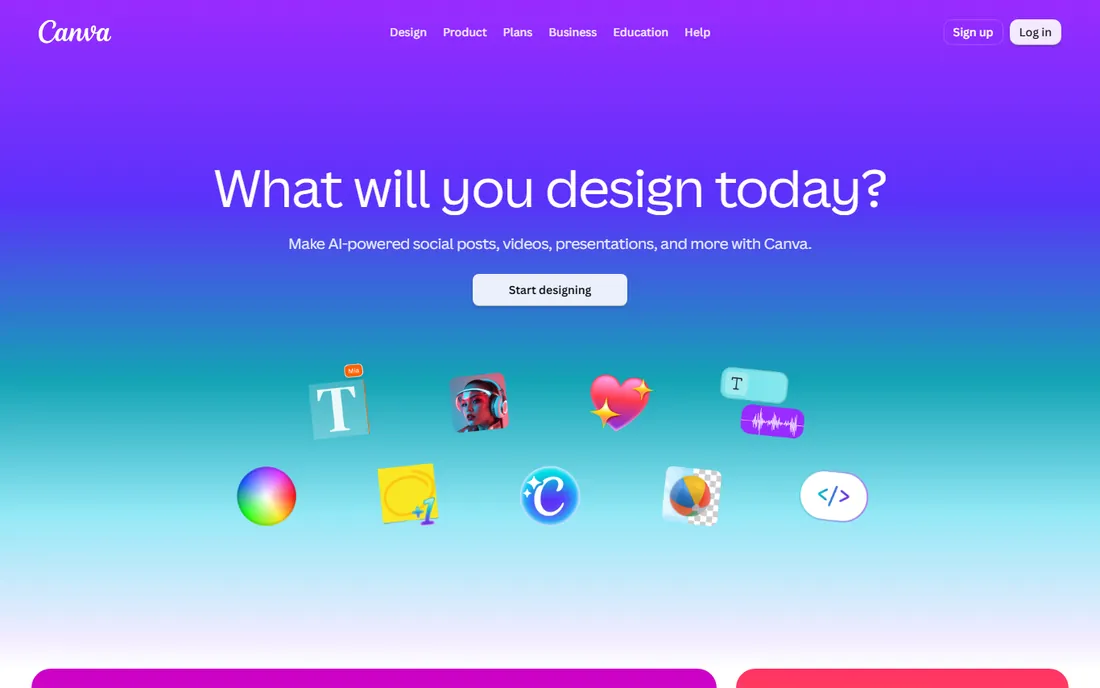
Canva is where most lead magnets get made, and for good reason. Search the template library for ebook covers and interior layouts, drop in your text and brand colors, and export a PDF the same day. The free tier covers the essentials, and the editor is simple enough that a marketer with no design background can produce something clean.
The honest limits show up with longer books. Canva treats pages as individual canvases, so a 100-page book means managing 100 pages by hand, and reflowing text after an edit is manual. Export a standard PDF for screen reading and it is fine; preparing a print-ready file with proper bleeds takes more care. For lead magnets, checklists and short guides under 30 pages, it is the fastest path from draft to download.
What we like- Huge template library with free ebook layouts
- Drag-and-drop editor anyone can learn in an afternoon
- Free tier is generous enough for most lead magnets
Watch out for- Export options are basic compared with dedicated formatters
- Long documents get unwieldy
- Print-ready PDF setup needs care
Starting priceSee website
Free planNo
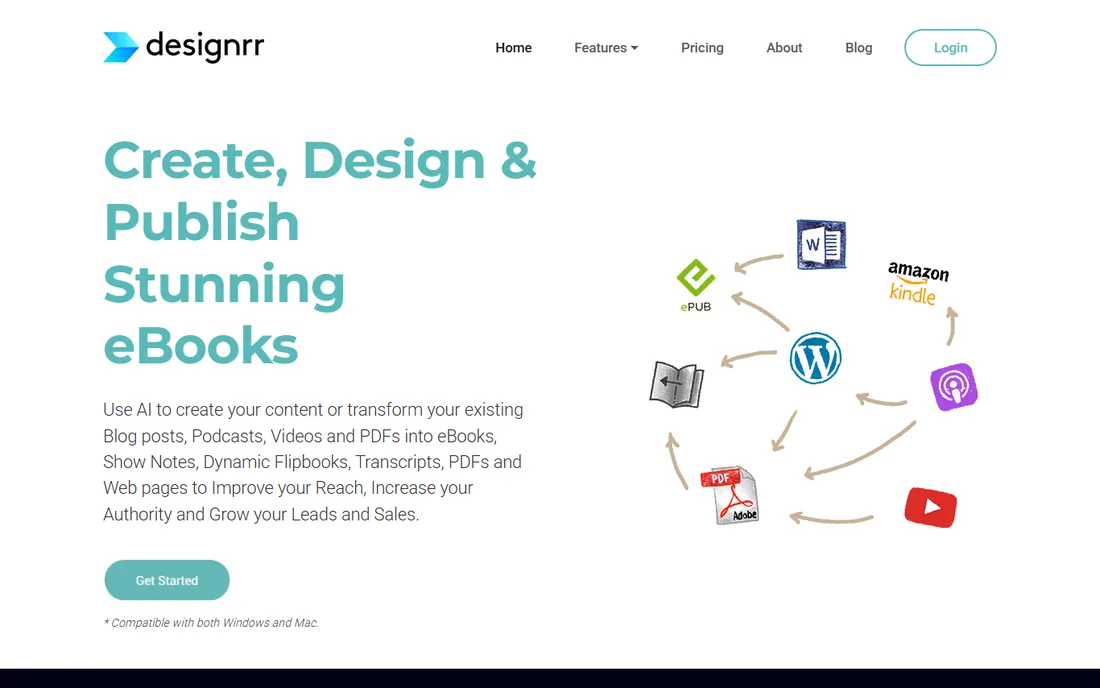
Designrr solves one problem well: you have content, and you need an ebook. Point it at a blog post URL, upload a Word document, or feed it a podcast episode, and it generates a designed ebook with chapters, a table of contents and a cover. For content marketers repurposing a post series into a lead magnet, that import step saves hours of copy-paste.
The trade-off is creative control. Templates are polished but bounded, and a messy source document produces a messy ebook, so clean up your text first. Designrr is a paid product aimed at marketers and agencies who produce lead magnets regularly. If you publish one ebook a year, Canva's free tier is cheaper. If you turn content into downloads every month, the automation pays for itself.
What we like- Imports blog posts, Word docs, podcasts and video transcripts automatically
- Built specifically for lead magnets and reports
- Fast path from content to finished PDF
Watch out for- Design flexibility is narrower than a general design tool
- Output quality depends on the source material
- Subscription pricing for ongoing use
#3
Beacon
Best for: Lead magnets with built-in capture forms
Visit beacon.by
Starting priceSee website
Free planYes
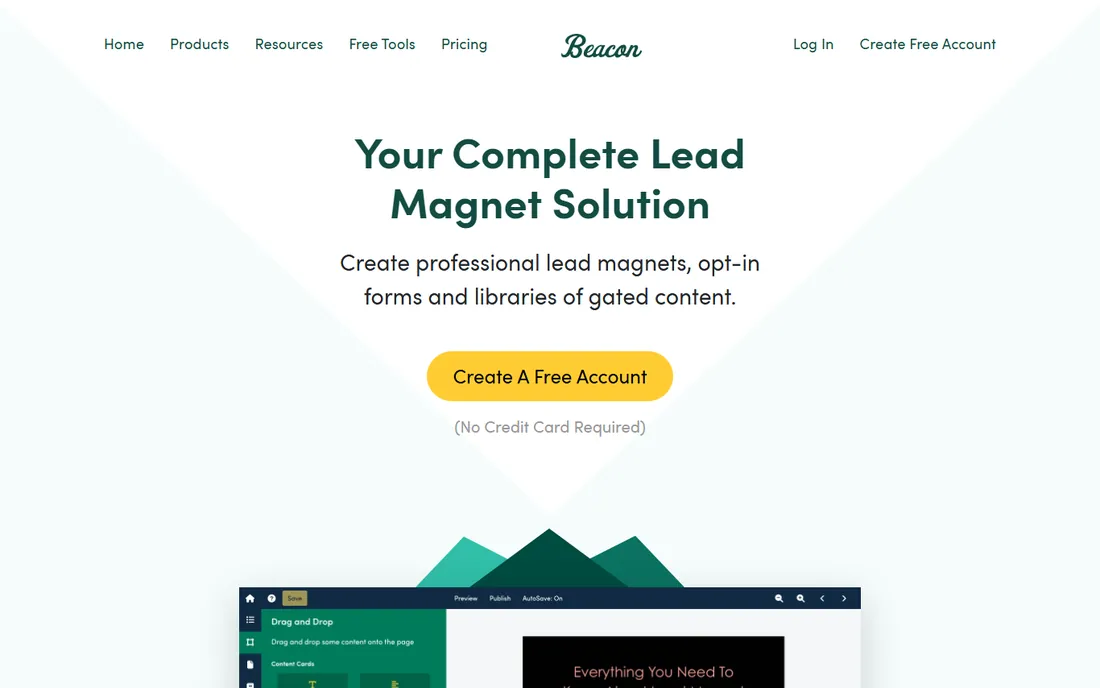
Beacon lives in the same space as Designrr but leans harder into the marketing workflow. Templates cover the standard lead magnet formats, and the differentiator is distribution: capture forms and delivery are part of the product, so the path from designed PDF to email list is short. That integration is why marketers choose it over a general design tool.
Design freedom is deliberately limited in exchange for speed. You will not art-direct a coffee table book in Beacon, but you will ship a professional checklist by Friday. The free tier lets you test the workflow before paying. For teams whose ebook program is really a lead generation program, the built-in capture and delivery features matter more than pixel-level control.
What we like- Built for marketers with templates for checklists, guides and workbooks
- Lead capture forms integrate directly
- Free tier available for trying the workflow
Watch out for- Narrower design control than Canva or Visme
- Best suited to short marketing assets, not full books
- Some features sit behind paid plans
#4
Visme
Best for: Branded ebooks and interactive documents
Visit visme.co
Starting priceSee website
Free planYes
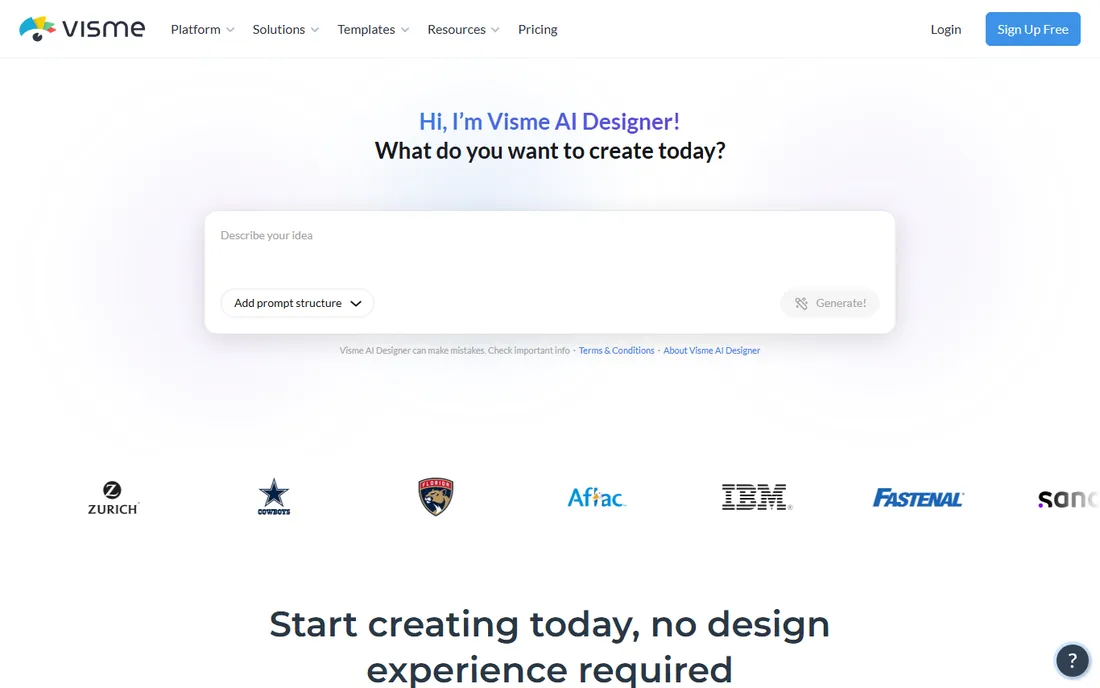
Visme sits between a design tool and a document platform. Its brand kit keeps fonts, colors and logos consistent across a whole content program, which matters when ebooks, reports and presentations all need to look like they came from one company. Interactive documents with embedded video, animations and clickable navigation go beyond what a static PDF offers.
For a traditional ebook you send to Kindle, that interactivity does not travel: download it as a PDF and the moving parts stop moving. Visme makes most sense for marketing teams producing gated white papers, reports and interactive guides hosted on the web. The free tier covers experimentation. If your ebooks live on landing pages rather than ereaders, it deserves a look.
What we like- Strong brand kit features for consistent company documents
- Interactive elements like embedded video and animations
- Good templates for reports and white papers
Watch out for- Ebook-specific templates are thinner than Canva's
- Interactive features need the web version, not a downloaded PDF
- Free tier has usage limits
Starting priceSee website
Free planYes
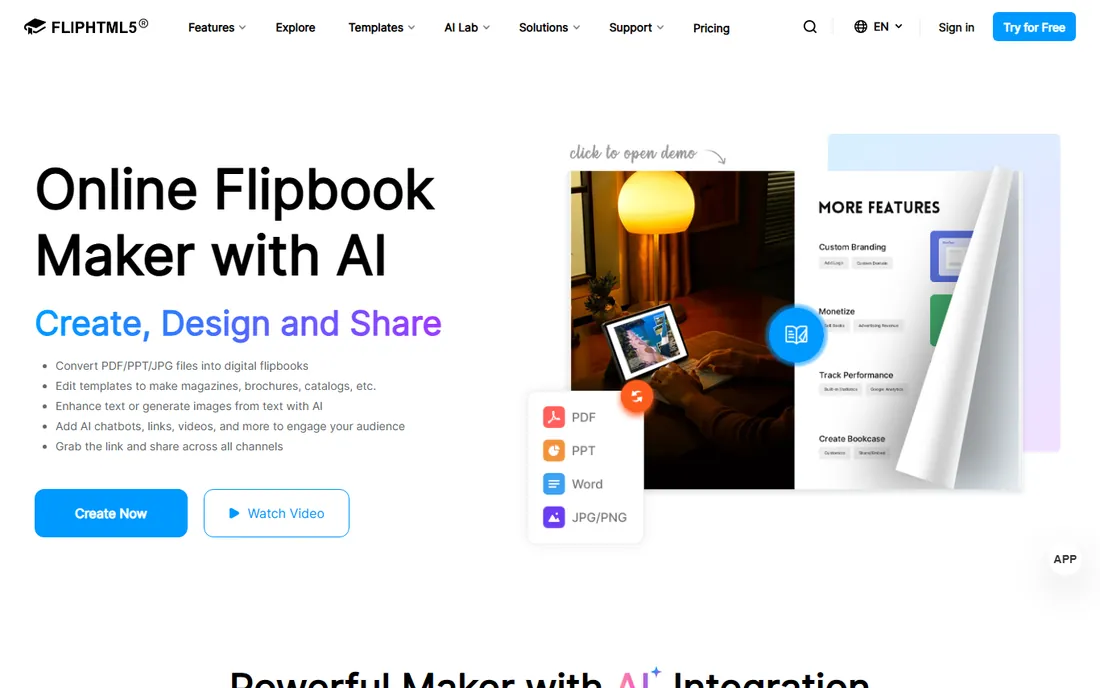
FlipHTML5 answers a different question from the rest of this list. Upload a PDF and it becomes a digital publication with animated page turns, embedded video and audio, clickable links and a bookshelf-style presentation. Catalogs, lookbooks, magazines, proposals and annual reports look impressive in this format, and the built-in hosting means you share a link instead of emailing a file.
Do not confuse a flipbook with an ebook. FlipHTML5 output does not go to Kindle, Apple Books or ereaders, and long-form reading in a page-flip interface tires fast. It is a marketing presentation format, and a good one. The free tier watermarks or limits features, with paid plans removing branding and adding customization. For product catalogs and sales collateral, it is the right tool. For novels and guides, pick something else.
What we like- Converts PDFs into page-flipping digital publications
- Multimedia embedding for video, audio and links
- Built-in hosting and sharing
Watch out for- Flipbooks are not true ebooks for Kindle or ereaders
- Page-flip format suits marketing, not long-form reading
- Branding removal requires a paid plan
#6
Vellum
Best for: Beautiful Kindle and print formatting on Mac
Visit vellum.pub
Starting priceSee website
Free planNo
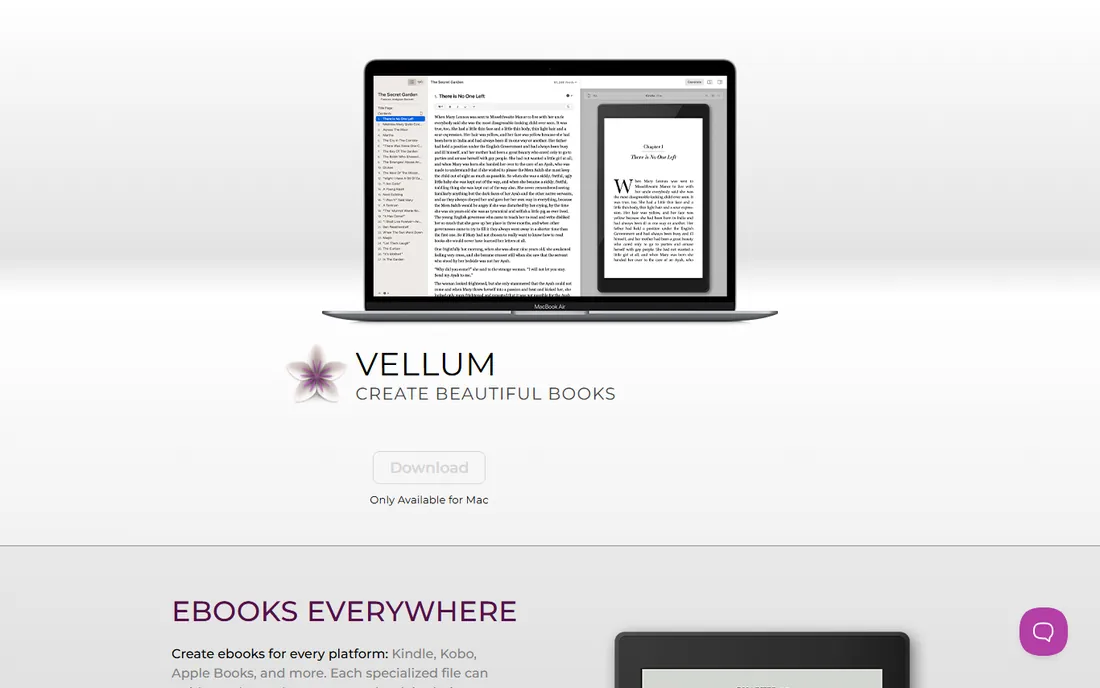
Vellum is the worst-kept secret in self-publishing. Import your manuscript from Word or a text file, pick a book style, and it generates Kindle, EPUB and print-ready PDF files with typography that looks professionally typeset. Ornamental breaks, drop caps, chapter headings and front matter all work out of the box. Authors who have fought Word's styles for a weekend understand the appeal instantly.
The constraints are real: it runs only on Mac, and it is a formatter, not a writing app or a design tool. You bring finished text and get finished book files. Pricing is a one-time purchase per edition, with a higher tier for generating print interiors alongside ebooks. For independent authors publishing to Kindle and print, it remains the fastest route to a professional-looking book.
What we like- Produces genuinely beautiful ebook and print interiors with minimal effort
- Handles Kindle, EPUB and print PDF from one file
- One-time purchase, no subscription
Watch out for- Mac only, with no Windows version
- Focused on formatting, not writing or design
- Price is per edition tier
#7
Atticus
Best for: One-time-purchase formatting on any platform
Visit atticus.io
Starting priceSee website
Free planNo
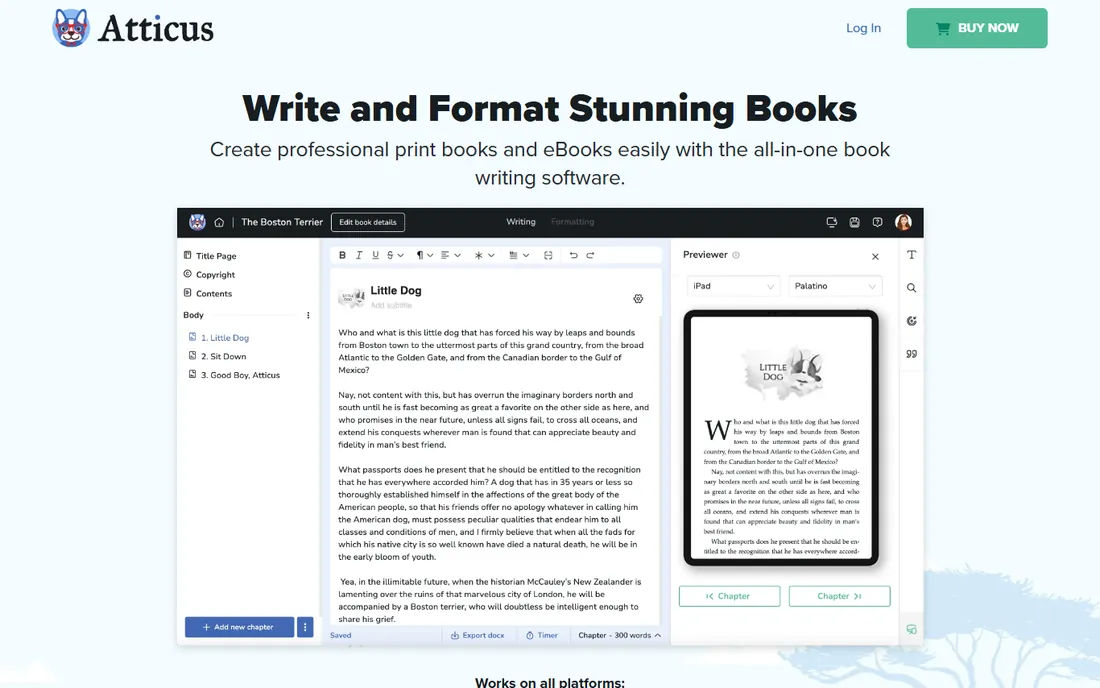
Atticus is the cross-platform answer to Vellum. It runs in the browser, so Windows authors get the same one-click formatting Mac users get from Vellum: import a Word document, apply a theme, and export EPUB, Kindle and print PDF files. The one-time purchase model, historically around the mid-$100s, appeals to authors who dislike subscriptions.
Theme selection is narrower than Vellum's, and because it is web-based, you need connectivity to work. It is also the younger product, so its library of styles and its handling of edge cases are less battle-tested. For authors on Windows or Chromebook who want Vellum-style output without buying a Mac, it is the obvious choice.
What we like- Web-based, so it works on Windows, Mac and Chromebook
- One-time purchase with no subscription
- Handles both ebook and print interiors with themes
Watch out for- Smaller theme library than Vellum's
- Web app means you need an internet connection
- Newer product with a shorter track record
#8
Adobe InDesign
Best for: Professional print and ebook layout
Visit adobe.com
Starting priceSee website
Free planFree trial
InDesign is what professional book designers use, and it shows in the control it offers: master pages, paragraph and character styles, GREP find-and-replace, precise grid systems and preflight checks for print. Illustrated books, cookbooks, workbooks with complex layouts and anything destined for offset printing belong here. EPUB export has improved enough for straightforward ebooks, though dedicated formatters still produce cleaner reflowable files with less effort.
The cost is money and time. InDesign comes as a Creative Cloud subscription, and the learning curve is measured in weeks, not hours. For a 20-page lead magnet, it is the wrong tool. For a publisher, design agency or author producing illustrated or print-first books, it is the only tool that does everything. Hire a designer or invest the learning time; there is no middle path that works well.
What we like- Industry standard for book, magazine and print layout
- Precise typographic and grid control
- Exports EPUB, interactive PDF and print-ready files
Watch out for- Subscription pricing through Creative Cloud
- Steep learning curve for beginners
- Overkill for simple lead magnets
Starting priceSee website
Free planFree trial
Scrivener is a writing application that happens to export ebooks, which makes it unique on this list. Novelists and nonfiction authors draft in its binder system, keep research alongside the manuscript, rearrange chapters by drag and drop, then use the Compile feature to produce EPUB, Kindle-format and PDF files. For authors who want one app from first draft to published file, that integration is the selling point.
The compile system is powerful but famously fiddly; expect an afternoon learning how section layouts map to output. Formatting finesse stops well short of Vellum: fine for clean, simple interiors, not for designed pages. The license is a one-time purchase with a generous trial. If your bottleneck is finishing the manuscript rather than designing it, start here and format elsewhere only if you need to.
What we like- Purpose-built for long-form writing with research organization
- Compile feature exports EPUB, Kindle and PDF directly
- One-time license, not a subscription
Watch out for- Dated interface that intimidates new users
- Formatting control is basic compared with Vellum or InDesign
- Compile settings have their own learning curve
How we chose
We grouped the market by job to be done: lead magnets, self-published books and professional layout, then picked the strongest current product in each group plus the crossovers authors actually use. We checked each vendor's own site for current pricing and plan structure, read recent user reviews for complaints about export quality and lock-in, and looked at author community discussions for which tools people repurchase for their second and third books. Anything discontinued or folded into another product was excluded.
The most common mistake is buying a formatter for a marketing job or a marketing tool for a publishing job. A 15-page lead magnet needs speed and a capture form: Canva, Beacon or Designrr. A 300-page novel needs clean reflowable EPUB and print interiors: Vellum, Atticus or Scrivener. An illustrated cookbook or a magazine needs real layout software: InDesign. A product catalog needs a flipbook: FlipHTML5. Write down your output format before you compare features.
Consider who does the work. If a marketer produces the asset, ease of use beats power; Canva and Beacon win. If an author self-publishes, formatting quality per hour of effort is the metric; Vellum and Atticus win. If a designer owns it, control matters most; InDesign wins. Also check your distribution: Kindle Direct Publishing, Apple Books and IngramSpark each have file requirements, and the formatters on this list target those specs while the design tools target screens.
Think about volume. One ebook a year favors free tiers and one-time purchases. A monthly lead magnet program favors subscriptions with automation, like Designrr's imports. And check export formats before you commit: reflowable EPUB for ereaders, fixed-layout or PDF for designed pages, and print PDF with proper margins and bleeds for paperbacks. The wrong format at upload time means starting over.
Ebooks are not one format. Reflowable EPUB is the standard for text-heavy books on Apple Books, Kobo and Google Play; the text adapts to the reader's font size. Kindle uses its own formats but accepts EPUB uploads through Kindle Direct Publishing and converts them. Fixed-layout EPUB and PDF suit illustrated books where page design must not shift. Print needs a separate PDF with embedded fonts, proper trim size and margins.
Most tools on this list export at least EPUB and PDF; the self-publishing formatters add Kindle-ready files and print PDFs. If you sell direct from your own site, PDF is enough. If you publish to retailers, confirm your tool exports the exact files each store requires, and validate the EPUB before uploading. A beautiful book that fails a retailer's file check ships late.
Frequently asked questions
What is the best free ebook design software?
Canva's free tier is the best free option for lead magnets and covers, with plenty of templates and no time limit. Beacon and Visme also offer free tiers for marketing documents, and FlipHTML5 has a free tier for flipbooks. For full-length self-published books, the free options thin out; Scrivener's trial is generous but the formatters are paid.
Can I publish a Kindle book made in Canva?
Technically yes, but it is not ideal. Canva exports fixed pages, while Kindle readers expect reflowable text that adapts to font sizes. A Canva-made PDF uploaded to Kindle Direct Publishing will work but reads poorly on small screens. For Kindle, use Vellum, Atticus or Scrivener to produce a proper reflowable EPUB, and reserve Canva for covers and marketing assets.
What is the difference between Vellum and Atticus?
Both format manuscripts into professional ebooks and print books with one-time pricing. Vellum runs only on Mac and has the larger theme library and longer track record. Atticus runs in any web browser, so it works on Windows and Chromebook, with a smaller but growing set of themes. Mac-owning authors usually pick Vellum; everyone else picks Atticus.
Do I need Adobe InDesign to self-publish?
No. InDesign is the professional standard for complex layouts, but most self-published novels and nonfiction books are formatted in Vellum, Atticus or Scrivener with better results per hour of effort. InDesign earns its place for illustrated books, workbooks with intricate layouts, magazines and anything going to offset print. For text-first books, the dedicated formatters are faster and cheaper.
What format should my lead magnet be?
PDF, in almost every case. It opens everywhere, prints cleanly, and every tool on this list exports it. Keep the file size reasonable by compressing images, since large attachments hurt email deliverability. If the lead magnet lives on a landing page rather than in an inbox, an interactive web document from Visme or a flipbook from FlipHTML5 can work, but PDF remains the safe default.
How much does it cost to design an ebook?
It ranges from free to a few hundred dollars. Canva, Beacon and Visme have free tiers that cover basic lead magnets. Designrr and similar marketing tools run on subscriptions. One-time purchases like Vellum and Atticus cost in the low hundreds of dollars total, with no recurring fee. InDesign is a monthly Creative Cloud subscription. Hiring a designer typically costs more than any software on this list.
Sources we checked (9)
- https://canva.com
- https://designrr.io
- https://beacon.by
- https://visme.co
- https://fliphtml5.com
- https://vellum.pub
- https://atticus.io
- https://www.adobe.com
- https://literatureandlatte.com
Is your product missing or out of date?
We review this list regularly. Vendors can request a listing, send updated pricing or ask about featured placement.

Shihab Mia · Founder, Rankite
Shihab has spent more than a decade helping SaaS and e-commerce brands grow through search. He writes Rankite's software buying guides from pricing pages, documentation and public user reviews. More about Shihab.