How we make this list: we compare pricing pages, product documentation and public user reviews. Rankite is independent; if a vendor ever pays for a featured spot, that listing is clearly labeled Partner.
Key takeaways
- WinX DVD Ripper Platinum is the fastest paid option for big collections, with hardware acceleration that can finish a full disc in about five minutes.
- MakeMKV and HandBrake cover most needs for free, but neither one decrypts copy-protected discs on its own, so commercial DVDs need a paid tool.
- WonderFox DVD Ripper Pro at $29.95 lifetime is the cheapest paid route for beginners who want a simple three-step workflow.
- If you also own Blu-rays, pick a tool that handles both formats, like DVDFab, Leawo, or VideoByte, instead of buying twice.
- Freemake Video Converter is free to try but stamps a watermark on output until you buy the Mega Pack, so budget for the $59.95 lifetime license.
Quick comparison
Is your product missing or out of date?
We review this list regularly. Vendors can request a listing, send updated pricing or ask about featured placement.
The best DVD copying software
Starting priceSee website
Free planFree trial
DVDFab is the closest thing to a full disc-management platform in this category. The DVD Copy module clones discs to blank media, ISO files, or folders, while DVD Ripper converts them to more than 1,000 digital formats. Its cloud decryption service updates protection handling without waiting for a software patch, which matters because studios keep changing disc encryption.
The honest catch is the buying experience. DVDFab sells its tools as separate modules with separate prices, plus bundles, so figuring out what you actually need takes effort. Reviewers also note daily popup prompts pushing paid upgrades. If you want one purchase that covers copying, ripping, and authoring for years, it is still the most complete option, but check the exact module prices on the vendor site before you commit.
What we like- Handles new copy protections through cloud decryption
- DVD Copy and DVD Ripper cover discs and files
- GPU acceleration across the suite
Watch out for- Product lineup is confusing with many separate modules
- Frequent upsell prompts reported by users

#2
WinX DVD Ripper Platinum
Best for: Ripping large collections fast
Visit winxdvd.com
Starting price$39.95 per year (Premium license, 3 PCs)
Free planFree trial
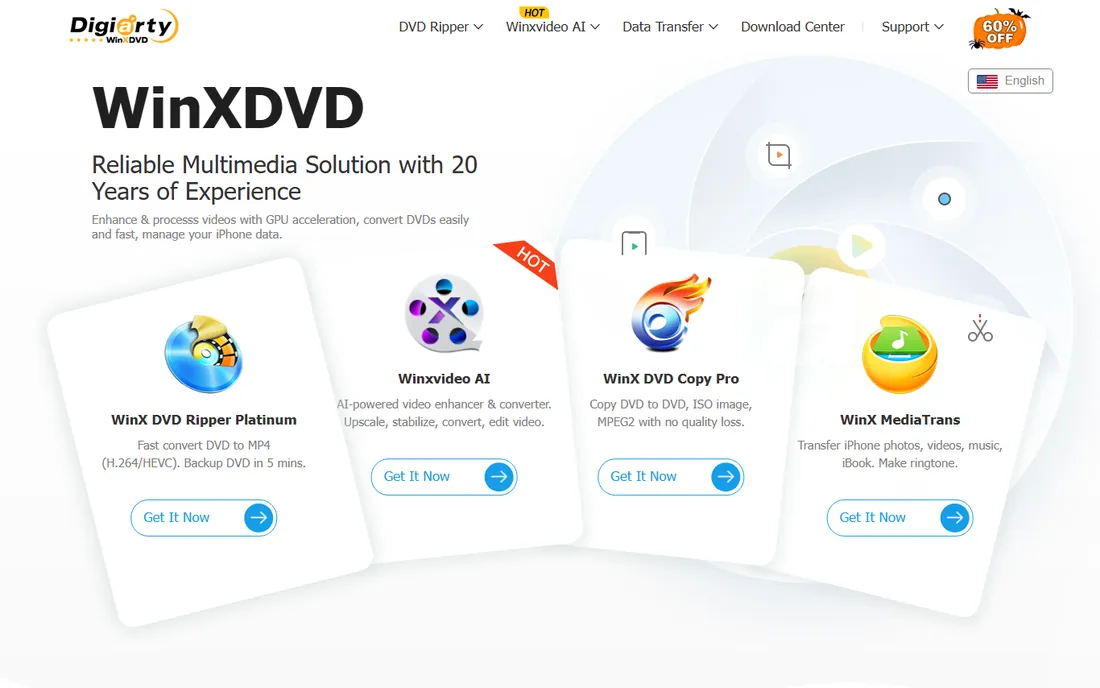
WinX DVD Ripper Platinum has one job and does it quickly. Its hardware acceleration uses Intel QSV and NVIDIA NVENC/CUDA to convert a full DVD in about five minutes on a decent machine, and the 350+ output presets cover phones, tablets, game consoles, and Plex or NAS setups. Digiarty keeps it updated for new copy protections, including stubborn multi-title and 99-title discs.
The trade-off is scope. This is a DVD ripper, not a disc suite, so Blu-ray owners need a second purchase. The Premium license at $39.95 for the first year covers three PCs with auto-renewal, while the $59.95 Ultimate license is lifetime for one PC. The free trial is feature-limited, so treat it as a compatibility check, not a way to rip your whole shelf.
What we like- Level-3 hardware acceleration for very fast rips
- 350+ device presets
- Handles damaged and multi-title discs
Watch out for- No Blu-ray support
- Interface looks dated next to newer tools
Starting price$29.95 one-time (lifetime, 1 PC)
Free planFree trial
WonderFox built its reputation on simplicity. Load the disc, pick an output profile, press run, and the software handles CSS, region codes, and common protections in the background. At $29.95 for a lifetime license on one PC, it is the cheapest paid path to the best DVD rip software that actually decrypts commercial discs, and there is no subscription to manage.
The limits are real. There is no Mac version, and the trial restricts each rip to the opening minutes, which is enough to test compatibility but not to finish a movie. Power users who want fine control over encoding settings will find the options thin. For a parent digitizing a box of family DVDs on a Windows PC, though, the price and ease are hard to beat.
What we like- Three-step workflow anyone can follow
- Lifetime license under $30
- 300+ output formats
Watch out for- Windows only
- Trial only rips the first 5 to 15 minutes of each title
Starting priceFree
Free planYes
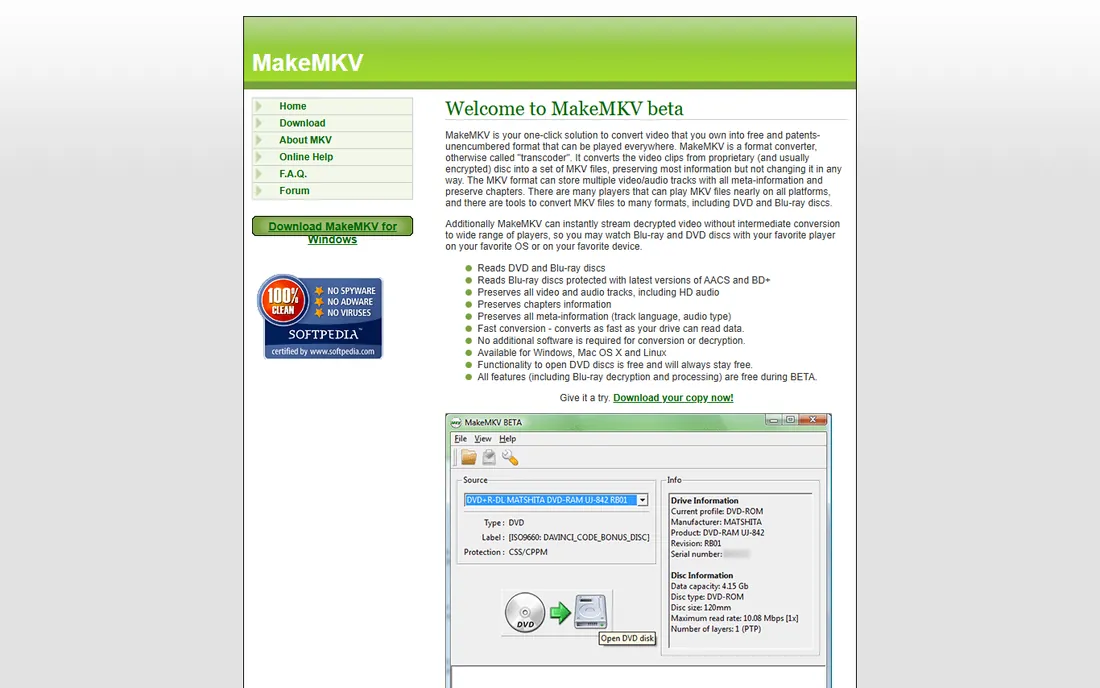
MakeMKV takes the opposite approach from the converters above. It does not re-encode anything. It unwraps the disc and repackages the original video, audio, and chapters into an MKV file, so quality is identical to the source. That makes it the best free DVD rip software for archivists who want perfect copies and plan to compress later with HandBrake.
The catch is file size. A lossless DVD rip runs several gigabytes, and Blu-ray rips are far larger, so you need real storage. MakeMKV also only writes MKV, with no MP4 option and no device presets. DVD functionality stays free forever according to the vendor, but Blu-ray decryption is free only during the beta, after which it needs a paid key.
What we like- Free while in beta with DVD ripping free forever
- Preserves every audio track, subtitle, and chapter
- Reads AACS and BD+ Blu-rays
Watch out for- Outputs MKV only with no compression
- Blu-ray features expire when the beta ends
Starting priceFree
Free planYes
HandBrake is the tool most people pair with MakeMKV. Rip losslessly with MakeMKV, then compress with HandBrake into a compact MP4 or MKV that streams anywhere. Its presets, chapter markers, and subtitle handling are excellent for a free tool, and it runs on every major desktop OS.
The important limitation: HandBrake does not break disc encryption on its own. Feeding it a commercial DVD directly will fail unless you add a decryption library, which sits in a legal gray area in the US. For home movies and unprotected discs it is perfect. For store-bought DVDs, you need one of the paid decrypting tools on this list first.
What we like- Completely free and open source
- Excellent quality-to-size compression
- Runs on Windows, Mac, and Linux
Watch out for- Cannot decrypt copy-protected DVDs by itself
- Queue setup takes learning

#6
Leawo Blu-ray Ripper
Best for: Mixed DVD and Blu-ray libraries
Visit leawo.org
Starting price$99.95 one-time
Free planFree trial
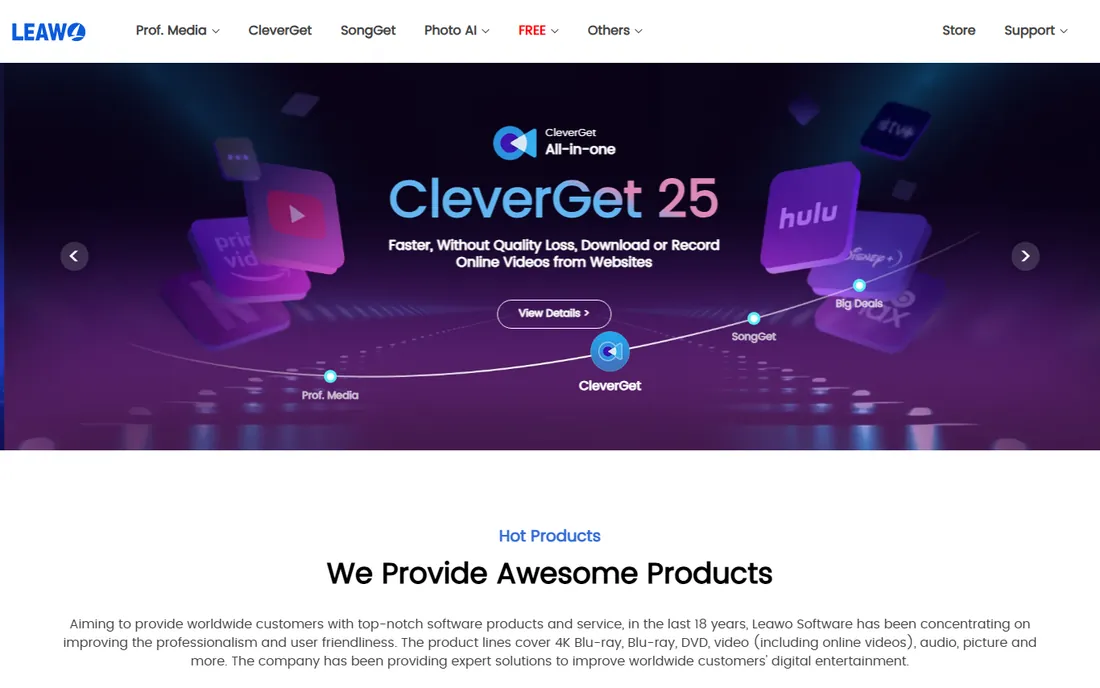
Leawo targets collectors whose shelves hold both DVDs and Blu-rays. The Blu-ray Ripper decrypts commercial Blu-ray protections, converts to 180+ formats, and includes trimming, cropping, and watermark tools so you can clean up rips without a second program. It also functions as a DVD ripper, so one license covers the whole collection.
The price is the sticking point at $99.95 for the standalone product, though Leawo runs frequent promotions that cut it substantially. Independent reviews also note slower rip speeds than WinX or DVDFab. If your library is mostly DVDs, the cheaper tools above do the job. If Blu-rays dominate, Leawo earns its place.
What we like- Decrypts Blu-ray protections including AACS, BD+, and MKB
- 180+ output formats
- Built-in video editor
Watch out for- Highest list price here
- Ripping speed lags faster rivals
Starting price$69.95 per year (1 PC)
Free planFree trial
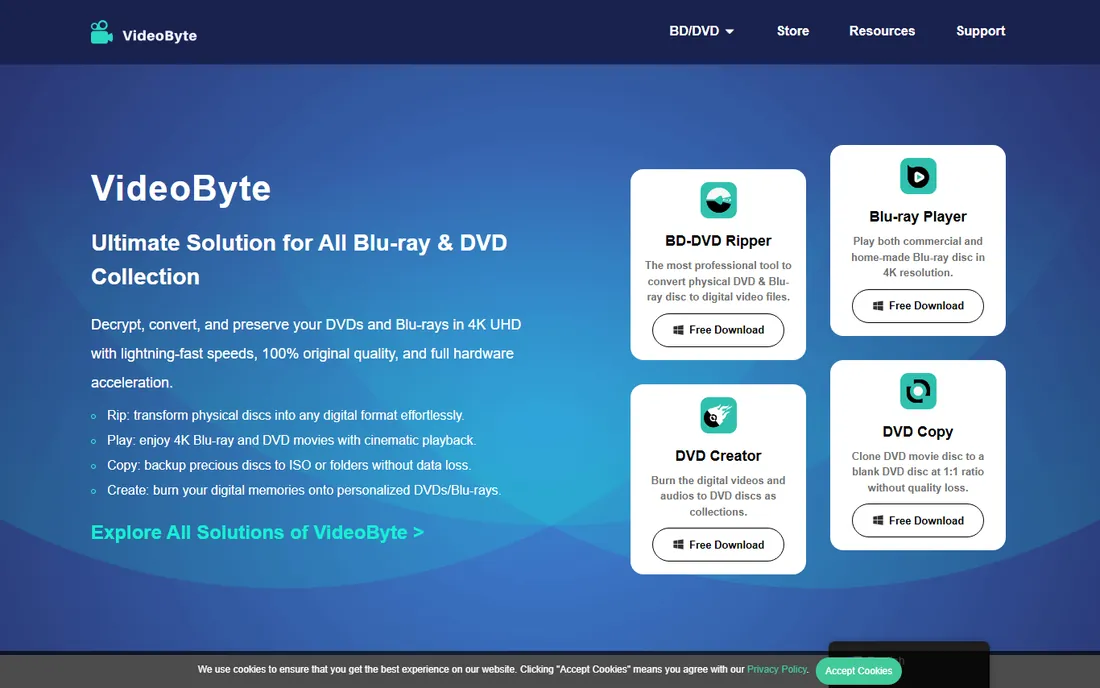
VideoByte sits in the middle of the market with a modern interface and serious speed. Hardware acceleration across NVIDIA, AMD, and Intel graphics keeps rips moving, and the lossless MKV mode preserves subtitles and audio tracks for archivists. The $69.95 annual plan or $84.95 lifetime license undercuts DVDFab and Leawo for comparable DVD and standard Blu-ray work.
Two caveats come from independent testing. The software does not handle 4K UHD Blu-ray discs, which use the stricter AACS 2.0 protection, so UHD collectors should look elsewhere. Some Apple Silicon Mac users have also reported launch problems on recent macOS versions, so Windows users get the smoother ride.
What we like- 6x GPU acceleration
- 300+ formats with lossless options
- Lifetime license available at $84.95
Watch out for- Cannot decrypt 4K UHD Blu-rays
- Some Apple Silicon Mac issues reported
Starting priceFree
Free planYes
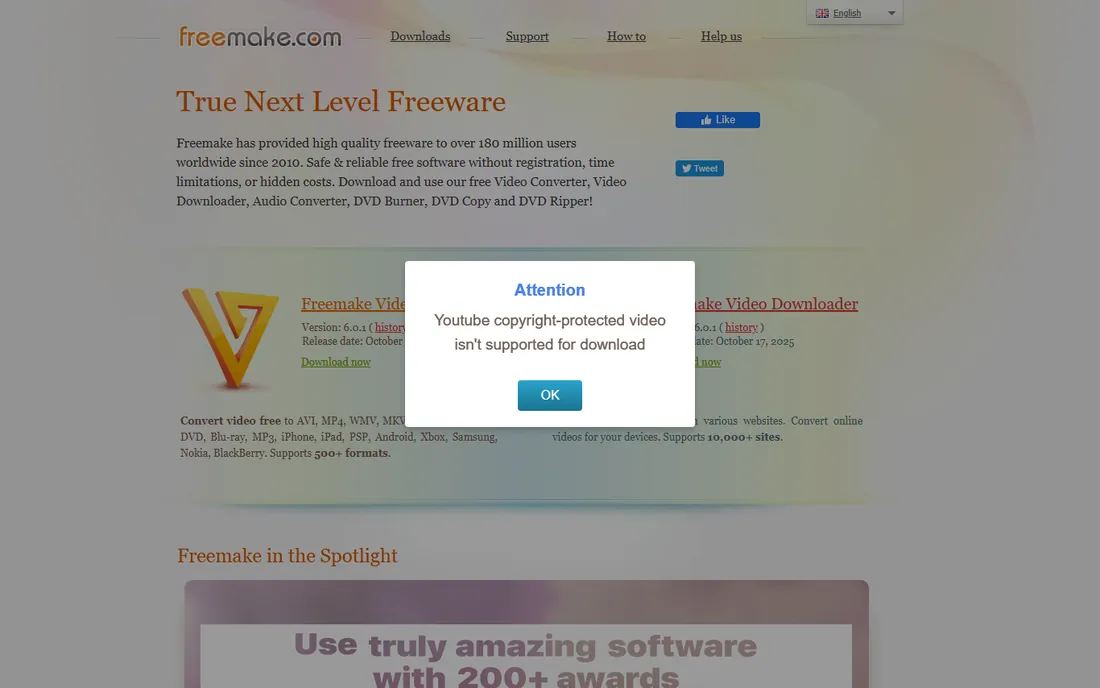
Freemake is the classic free option, and the free tier genuinely converts DVDs, cuts and joins clips, and burns discs. For someone ripping a handful of home movies, it costs nothing to start. The $59.95 lifetime Mega Pack removes the watermark, switches on 4x conversion speed, Full HD support, and the subtitle editor.
The free version has real friction. Every output carries a Freemake logo until you pay, conversion runs slower, and the program pushes the Mega Pack with popups. Reviewers also advise downloading only from the official site to avoid bundled extras. Treat Freemake as a capable free trial of itself, and buy the Mega Pack if you end up using it regularly.
What we like- Free version converts DVDs and 500+ formats
- Simple interface
- Burns DVDs too
Watch out for- Free output carries a watermark
- Frequent upsell popups
Starting price$25.60 per month (1-month license)
Free planFree trial
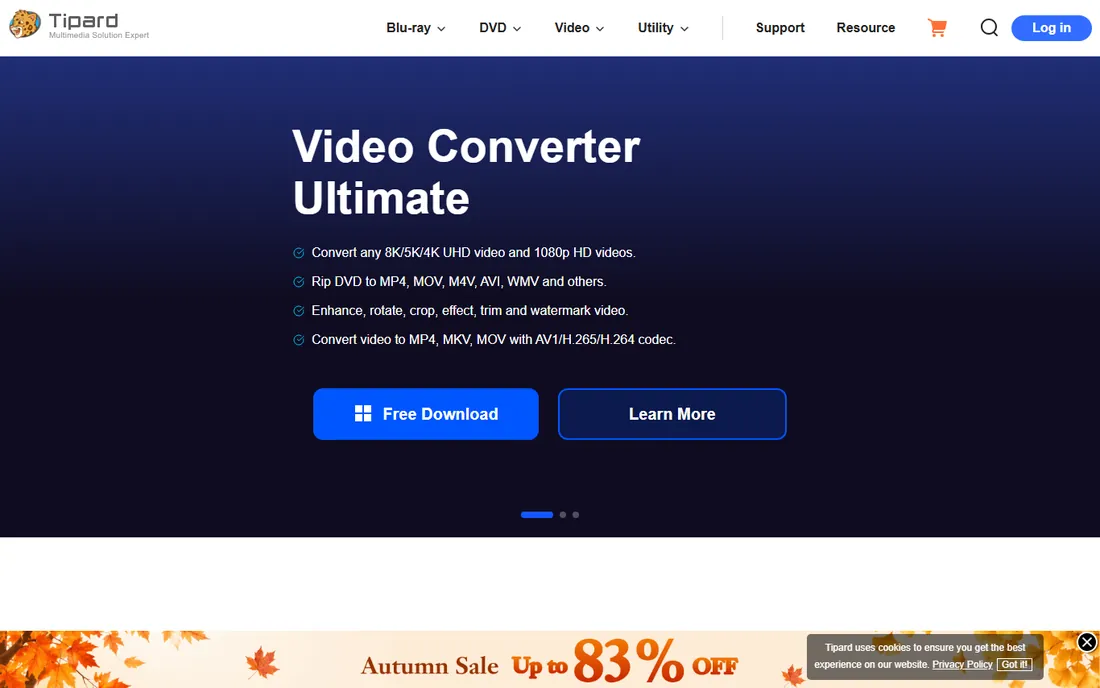
Tipard competes directly with WonderFox on price and wins on flexibility. The $48 lifetime license for one PC is among the cheapest permanent options here, and the $25.60 one-month license suits anyone with a single weekend project. GPU acceleration keeps speeds respectable, and it handles encrypted DVDs plus ISO and folder sources.
Watch the checkout flow. Buying Tipard DVD Ripper also starts a trial of Tipard DVD Creator that renews monthly unless you cancel it. The interface will not win design awards either. But for pure value, a $48 lifetime license that decrypts and converts commercial DVDs is a strong deal.
What we like- Lifetime license at $48
- Monthly option for one-off projects
- GPU acceleration
Watch out for- Interface feels dated
- Bundled DVD Creator trial auto-renews if ignored
How we chose
We compared tools that real buyers actually use for DVD copying and ripping in 2026. We checked each vendor's own pricing and plan pages, read documentation on supported protections and formats, and cross-checked claims against public reviews on G2, Capterra, Reddit, and independent review sites. We favored tools with clear pricing, working trials, and current updates for new disc protections, and we left out abandoned utilities that no longer handle modern encryption.
What to check before you buy
DVD software looks interchangeable until you hit the details that decide whether your discs actually rip.
Copying is not the same as ripping
Copying duplicates the disc structure to another disc, an ISO, or a folder, which is what you want for 1:1 backups. Ripping converts the movie to a file like MP4 or MKV for phones, tablets, and media servers. Some tools do both, some do one. Decide which job you need before comparing prices, because a great ripper with no disc-copy mode will not replace your DVD burner workflow.
Decryption support decides everything
An unprotected home movie rips with free tools. A store-bought DVD needs software that handles CSS, region codes, and newer schemes like 99-title protection. Check that the vendor updates protection support regularly, since studios change encryption and abandoned tools stop working on new discs. Free tools like HandBrake skip this entirely, which is why they pair with a decrypting ripper rather than replacing one.
Trial limits and watermarks
Every paid tool here offers a trial, but the terms differ wildly. Some limit rip length to a few minutes, some watermark output, and some disable GPU acceleration in the trial. Rip two or three full discs during the trial before paying. That is the only reliable test of speed, protection handling, and output quality on your hardware.
License terms and PC counts
Most vendors sell per-PC licenses with annual and lifetime options. A lifetime license on one PC beats a subscription if you rip steadily for years, but check whether "lifetime" means your lifetime or the product version's lifetime. Family packs covering three PCs often cost little more than a single license.
Copying vs ripping: which one do you need
Buyers often search for the best DVD copying software when they actually need the best software to rip DVD movies to files, or the reverse. If your goal is a shelf of discs that play in a DVD player, you need copy and burn features, which DVDFab, Freemake, and Tipard cover. If your goal is watching movies on a phone, tablet, or Plex server, you need a ripper with strong format presets, which is where WinX, WonderFox, and VideoByte shine. MakeMKV plus HandBrake covers the ripping side for free if you can live without decryption. Match the tool to the job and you will not pay for features you never open.
Frequently asked questions
Is it legal to copy DVDs I own?
In the US, making a personal backup sits in a gray area. Copying a disc you own for personal use is widely tolerated, but breaking the encryption on commercial discs technically conflicts with the DMCA. Nobody in this guide can give legal advice, so keep backups personal and never distribute them.
What is the best free DVD rip software?
MakeMKV is the best free option for lossless DVD copies, and HandBrake is the best free compressor. Neither decrypts protected commercial discs on its own, so for store-bought DVDs you need a paid tool like WonderFox or WinX, or at least their trials.
How long does it take to rip a DVD?
With hardware acceleration, a full DVD converts in roughly five to twenty minutes depending on the tool, your drive speed, and the output settings. Lossless 1:1 copies with MakeMKV run at whatever speed your drive reads. CPU-only encoding of high-quality files takes considerably longer.
Can these tools copy Blu-ray discs too?
Some can. DVDFab, Leawo, and VideoByte handle standard Blu-rays, including common protections. None of the DVD-only tools do. Note that 4K UHD Blu-rays need specialized software because of AACS 2.0 protection, which most tools on this list do not support.
Do I need a DVD drive to use this software?
Yes. Most modern laptops and desktops ship without optical drives, so you will need an external USB DVD or Blu-ray drive. Any major-brand USB drive works with the software on this list.
Why do some DVDs fail to rip?
New copy protections, disc damage, and region mismatches are the usual causes. Tools with cloud-updated decryption like DVDFab handle new protections fastest. Cleaning a scratched disc or trying a different drive also resolves many failures.
Sources we checked (16)
- https://www.winxdvd.com/dvd-ripper-platinum/buy.htm?ttpath=ptindextop
- https://www.techadvisor.com/feature/software/how-rip-any-dvd-watch-it-on-any-device-3689858/
- https://www.techrepublic.com/article/dvdfab-dvd-ripper-windows-lifetime-subscription/
- https://techfeast.co/dvdfab-blu-ray-ripper-software/
- https://www.pcworld.com/article/455681/winx-dvd-ripper-platinum-rocks-as-utility-for-dvd-backup.html
- https://videobyte.org/bd-dvd-ripper/installation/win/
- https://www.dvdnextcopy.com/videobyte-bd-dvd-ripper-review
- https://www.bluray-rippers.com/rip-blu-ray/leawo-blu-ray-ripper-review/
- https://www.anymp4.com/converter/freemake-video-converter-review.html
- https://TIPARD.COM/purchase/dvd-ripper.html
- https://dvdfab.cn/
- https://winxdvd.com/
- https://makemkv.com/
- https://handbrake.fr
- https://videobyte.org/
- https://tipard.com/
Is your product missing or out of date?
We review this list regularly. Vendors can request a listing, send updated pricing or ask about featured placement.

Shihab Mia · Founder, Rankite
Shihab has spent more than a decade helping SaaS and e-commerce brands grow through search. He writes Rankite's software buying guides from pricing pages, documentation and public user reviews. More about Shihab.
 DVDFab
 WonderFox DVD Ripper Pro
 MakeMKV
 HandBrake
 VideoByte BD-DVD Ripper
 Freemake Video Converter
 Tipard DVD Ripper