How we make this list: we compare pricing pages, product documentation and public user reviews. Rankite is independent; if a vendor ever pays for a featured spot, that listing is clearly labeled Partner.
Key takeaways
- CDBurnerXP is the safest default pick: free for everyone including businesses, a portable version, and no adware in the official installer, though it has not been updated since 2019.
- If you want a modern interface and active development, Ashampoo Burning Studio FREE and BurnAware Free are the two free editions still maintained in 2026.
- Power users who burn DVD-Video or Blu-ray images should look at ImgBurn, which offers the finest control of any free tool, with the trade-off that it has not been updated since 2013.
- Express Burn is the only pick here with a Mac version, but its free tier burns CDs only; DVD and Blu-ray burning need the paid edition.
Quick comparison
| Tool | Best for | Starting price | Free plan |
|---|
 CDBurnerXP CDBurnerXP | Anyone who wants a free burner that simply works, including business users | Free | Yes |
 Ashampoo Burning Studio FREE Ashampoo Burning Studio FREE | Beginners who want a modern, maintained free burner with backup tools | Free | Yes |
 ImgBurn ImgBurn | Advanced users who burn DVD-Video, HD DVD or Blu-ray folder structures | Free | Yes |
 BurnAware Free BurnAware Free | Home users who want Blu-ray, M-Disc and BDXL support without paying | Free | Yes |
 AnyBurn AnyBurn | People who burn discs and also make bootable USB installers | Free | Yes |
 Express Burn Express Burn | Windows and Mac users who want drag-and-drop simplicity | Free (non-commercial use) | Yes (limited: burns CDs only) |
 InfraRecorder InfraRecorder | Open-source purists who want a tiny, portable burner | Free | Yes |
Is your product missing or out of date?
We review this list regularly. Vendors can request a listing, send updated pricing or ask about featured placement.
Free DVD burners worth installing in 2026
Your laptop probably shipped without an optical drive, which makes this purchase decision a strange one: the burner you need is not a program you will open every day. Most buyers open it twice a year, once to archive family photos and once to make an audio CD for the car. That is exactly why paying $50 or more for a burning suite makes no sense for most people. The free tools below cover everything the paid suites do for routine jobs: data discs, audio CDs, ISO images, disc copies and bootable media.
Free does not mean equal, though. Some of these tools have not seen an update in over a decade, some bundle adware in their installers if you click the wrong download button, and most reserve their headline features for a paid edition. These seven are the free burners that still work, still install cleanly from their official sites, and still make sense in 2026.
#1
CDBurnerXP
Best for: Anyone who wants a free burner that simply works, including business users
Visit cdburnerxp.se
Starting priceFree
Free planYes
CDBurnerXP is the free burner I would hand to a relative who just wants to burn discs. It has been around since 2003 and does the whole job list: data CDs, DVDs and Blu-ray discs, audio CDs with or without gaps between tracks, ISO creation and burning, disc-to-disc copies, and bootable discs for older PCs. The license is generous: freeware that everyone, even companies, can use for free, with no bundled adware when you download from the official site.
The honest catch is age. Version 4.5.8 dates to November 2019, and the Windows 2000-era interface shows it. It still runs on Windows 10 and 11 according to the developer, and reviewers report it works fine for plain burning jobs, but do not expect modern touches like dark mode or Blu-ray video authoring. There is no Pro version and no upsell, which is also its charm: what you download is the whole product.
What we like- Free for everyone including companies, with no adware in the official installer
- Covers audio CDs, data discs, ISOs, bootable discs and disc spanning in one package
- Portable version runs without installation, handy for IT work
Watch out for- Last release was in 2019, so the interface and drive support are dated
- Requires the .NET Framework on older Windows versions
#2
Ashampoo Burning Studio FREE
Best for: Beginners who want a modern, maintained free burner with backup tools
Visit ashampoo.com
Starting priceFree
Free planYes
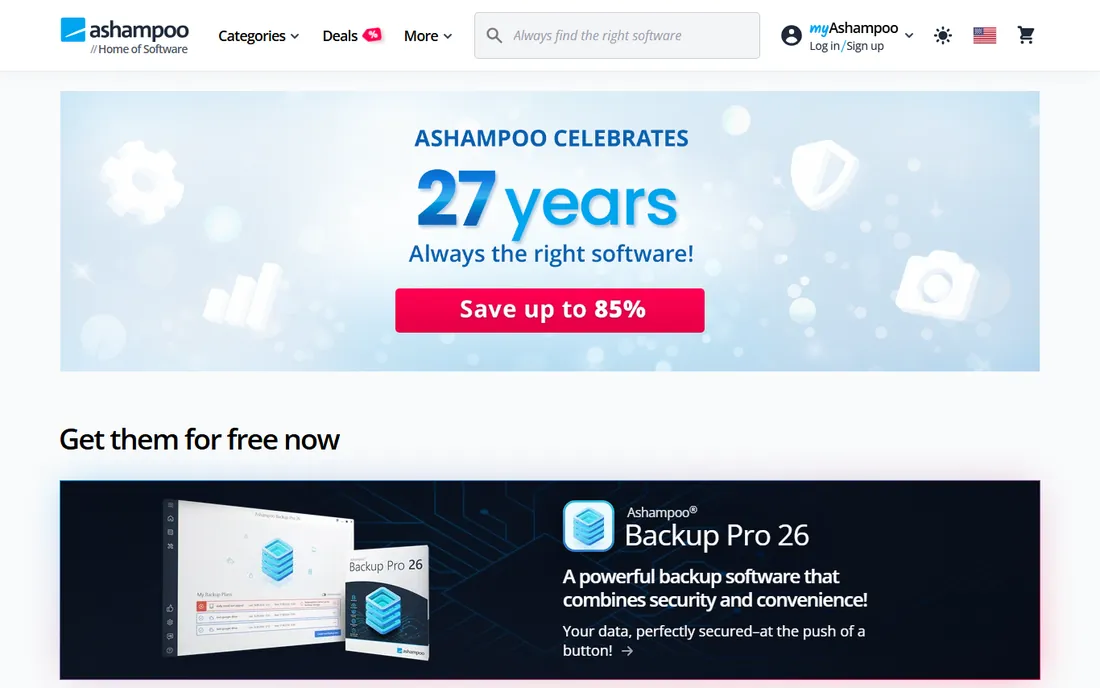
Ashampoo Burning Studio FREE looks and feels like a current program because it is one. The vendor updates it alongside its paid Burning Studio line, and the free edition covers the classic tasks: burning data to CD, DVD and Blu-ray, ripping and creating audio CDs, making disc copies, and handling ISO, CUE/BIN and ASHDISC images. The backup module is the standout: it compresses, password-protects and spreads oversized backups across multiple discs.
The trade-off for all that polish is registration. The free version needs an internet connection to activate, and Ashampoo will ask for an account during setup. The free edition is also deliberately capped: scratch protection, the project history feature and the video editor live in the paid Studio release. For straight burning and backup, though, nothing here is missing.
What we like- A genuinely maintained free edition from an established German software company
- Password-protected backups with disc spanning across multiple discs
- Audio CD ripping with automatic disc and track recognition
Watch out for- Requires an internet connection to activate the free version
- The paid Studio edition keeps the advanced extras like scratch protection and the video editor
#3
ImgBurn
Best for: Advanced users who burn DVD-Video, HD DVD or Blu-ray folder structures
Visit imgburn.com
Starting priceFree
Free planYes
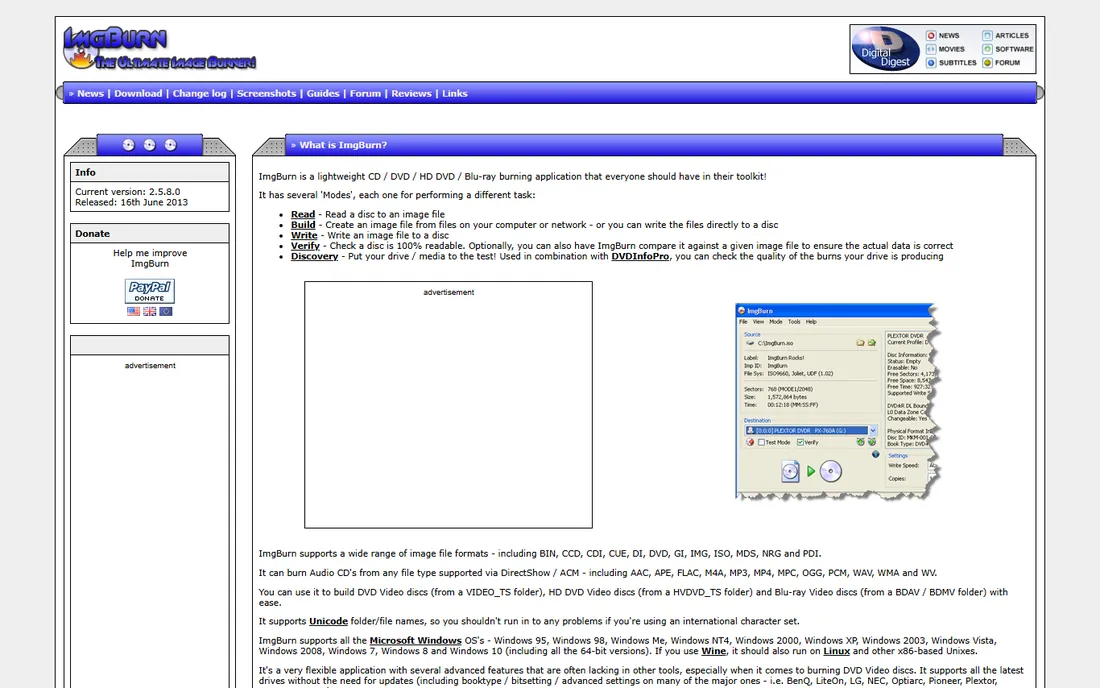
ImgBurn is the tool the enthusiasts never abandoned. It was written by the author of DVD Decrypter, and it shows in the depth: automatic write-speed profiles per media ID, an image queue system that shares jobs across multiple drives, a layer-break selection screen for dual-layer DVD-Video, and support for building DVD-Video, HD DVD and Blu-ray discs from folder structures. Nothing else free gives you this much control over the burn.
The catch is that time stopped in 2013. The program still runs on Windows 10 and even 11, and its direct drive handling means it rarely needs updates to keep burning, but if you hit a bug you are on your own. One more warning from the tool's own history: the official-site installer once bundled adware, while the mirror versions stayed clean. Download from the vendor's listed mirrors, decline every extra offer, and you get one of the best free burners ever made.
What we like- 100 percent free with no tiers, trials or feature locks
- The finest-grained control of any free tool (layer break selection, book type settings, per-media write speeds)
- Supports an unusually wide list of image formats including BIN, NRG and PDI
Watch out for- No updates since 2013, so new drive quirks go unfixed
- The installer from the official site historically bundled adware, so grab it from the official mirror sites instead
#4
BurnAware Free
Best for: Home users who want Blu-ray, M-Disc and BDXL support without paying
Visit burnaware.com
Starting priceFree
Free planYes
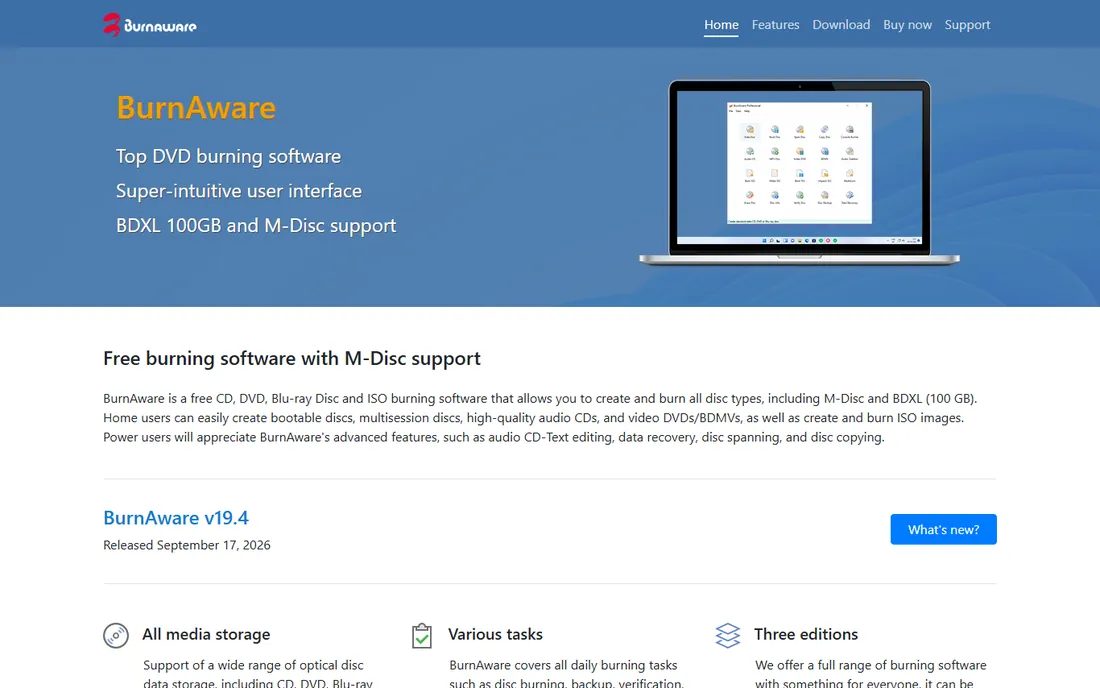
BurnAware Free is the most capable free burner for people with long-term archiving in mind. The headline feature is M-Disc and BDXL support: if you burn discs you expect to read in twenty years, this is one of the few free tools that handles archival-grade media. Daily tasks are all here too: data discs, audio CDs, video DVDs, disc copying, ISO creation, disc spanning and data recovery basics.
The commercial reality is the edition ladder. BurnAware comes in Free, Premium and Pro, and while the free edition is genuinely free, the vendor keeps the advanced extras for the paid tiers and the upgrade prompts are part of the experience. Power users will also miss the command-line automation that ships in the paid versions. If your needs are discs in, discs out, the free edition does the job.
What we like- Free edition supports M-Disc and BDXL (100 GB) media that many rivals ignore
- Covers bootable discs, multisession discs, audio CDs, video DVDs and ISO work
- Clean modern interface with an online manual
Watch out for- The vendor sells three editions, and the extended toolset (data recovery extras, command-line tools) sits in the paid ones
- Free users still see the upgrade prompts
#5
AnyBurn
Best for: People who burn discs and also make bootable USB installers
Visit anyburn.com
Starting priceFree
Free planYes
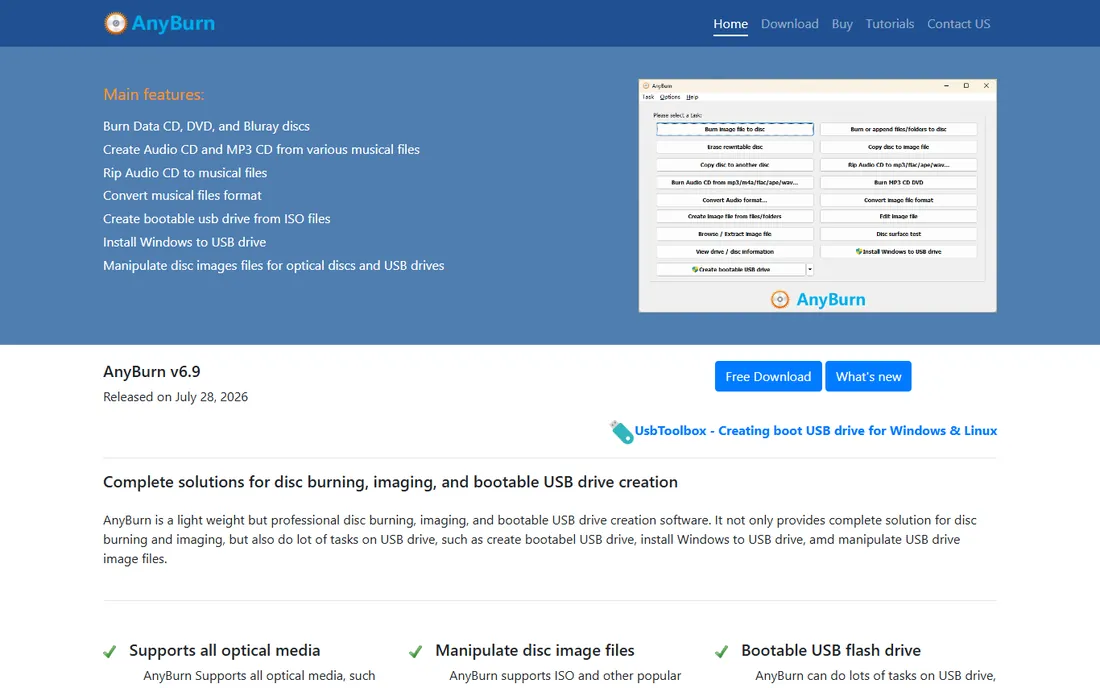
AnyBurn earns its place by doing two jobs in one small download. Alongside the expected disc burning, imaging, audio CD ripping and disc copying, it creates bootable USB drives, installs Windows to USB, and manipulates USB drive images. That makes it the one tool on this list you reach for when the task is "make a Windows installer," whether the target is a disc or a flash drive.
It is also the most actively maintained pick here, with a 2026 release under its belt. The interface will not win design awards, and the free version is not everything the vendor sells: a paid Pro edition adds extras like image conversion and password protection. For free burning plus USB creation, though, the free edition covers the essentials.
What we like- Free download that covers both disc burning and USB tasks (bootable drives, Windows-to-USB installs)
- Portable version runs from a USB stick with no installation
- Actively developed, with version 6.9 released in July 2026
Watch out for- Plain, dated-looking interface
- A paid Pro tier exists for extra features, so the free version is not the whole story
#6
Express Burn
Best for: Windows and Mac users who want drag-and-drop simplicity
Visit nch.com.au
Starting priceFree (non-commercial use)
Free planYes (limited: burns CDs only)
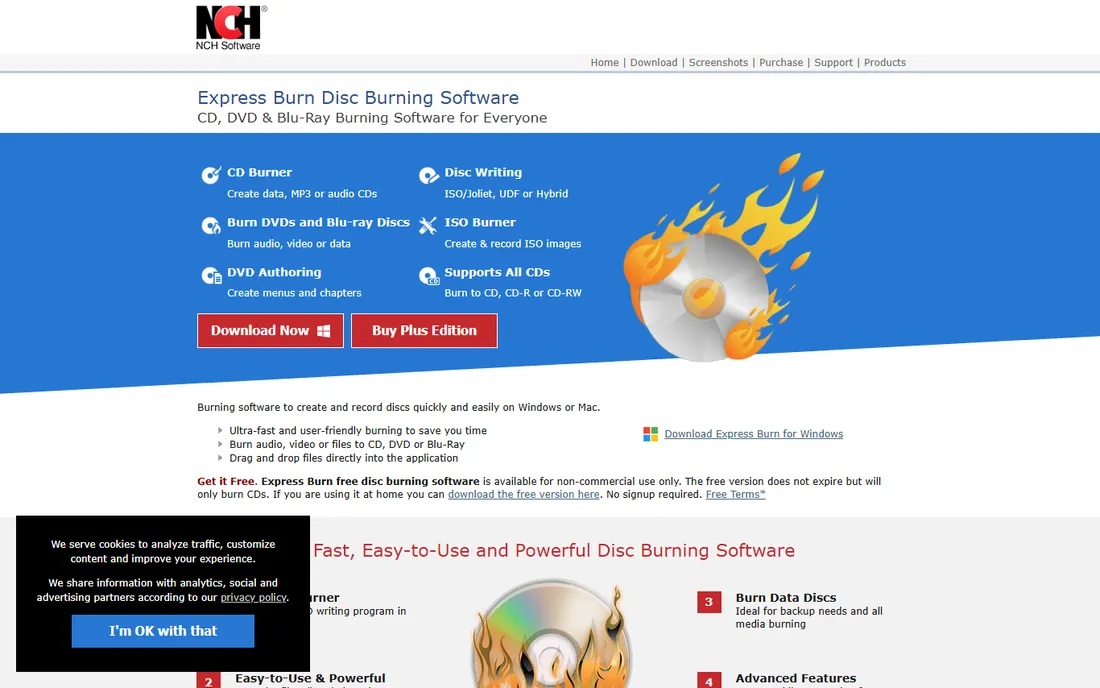
Express Burn is NCH Software's disc burner, and its pitch is simplicity: drag files in, click burn, done. It handles audio CDs (with direct digital recording and volume normalization), video DVDs and Blu-ray discs with menu templates, and data discs in ISO, Joliet and UDF formats. It is also the only option in this roundup that runs natively on macOS as well as Windows, which matters if your household mixes platforms.
Read the free terms before you commit. The free version never expires but burns CDs only; the moment you need a data DVD or a video disc, you are looking at the paid Plus edition. NCH's business model is the upsell funnel, so expect upgrade prompts. For CD-only jobs on a Mac or PC, the free tier is fine; for everything else, the tools above are free-er.
What we like- Free for non-commercial home use with no expiry
- The only burner here with a native Mac version
- DVD authoring with menu templates and chapter management for movie discs
Watch out for- The free version burns CDs only, so DVD and Blu-ray need the paid upgrade
- NCH is known for frequent upsell prompts across its product line
Starting priceFree
Free planYes
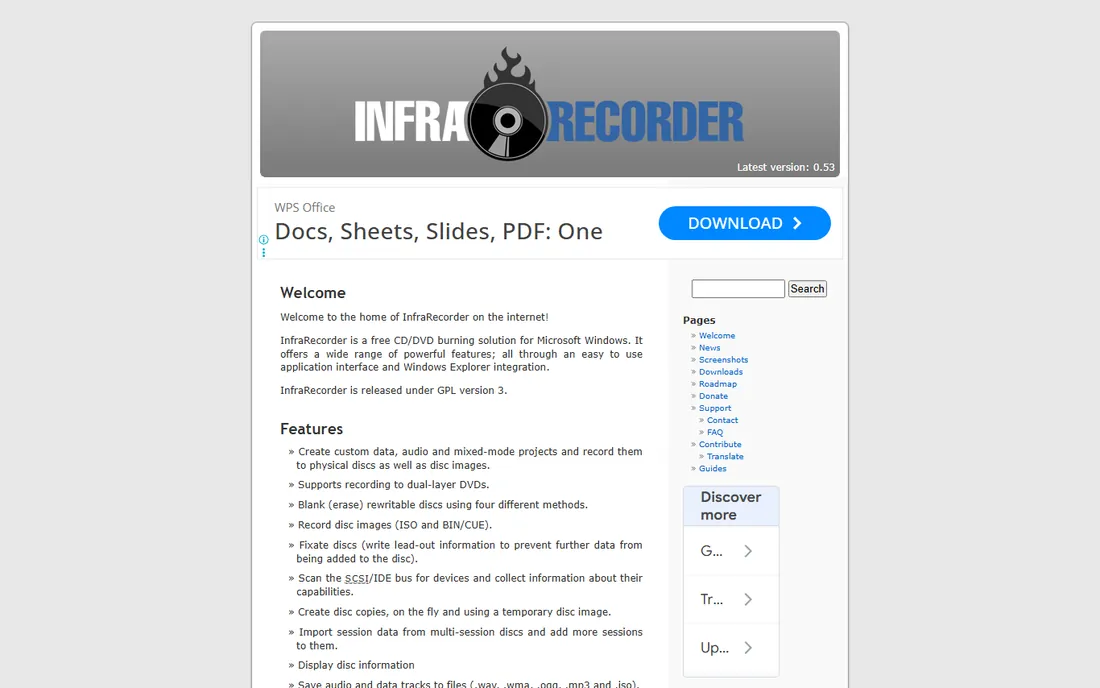
InfraRecorder is the purist's pick: an open-source CD and DVD burner that started life as a Google Summer of Code project. It is small, portable, and does the fundamentals well: custom data, audio and mixed-mode projects, disc images from ISO and BIN/CUE files, disc copies on the fly or via temporary images, and rewritable-disc erasing with four methods. CNET once rated it the best free alternative to commercial DVD burning software.
The price of purity is stagnation. Nothing has shipped since 2012, and while the core burning still works through the cdrtools library, newer drives and Windows 11 can throw surprises the program will never learn about. The 64-bit build is also hobbled, missing the Ogg Vorbis decoder and the libsndfile library. Pick it for the principle and the portability; pick something maintained for daily use.
What we like- Released under GPL version 3, so it is free software in the full sense
- Tiny footprint with a portable version and Windows Explorer integration
- Covers data, audio and mixed-mode projects plus disc copying
Watch out for- No release since version 0.53 in 2012, so modern drive and Windows 11 quirks are unaddressed
- The 64-bit build drops the Ogg Vorbis decoder and some libraries
How we chose
We started with the searches buyers actually run: free DVD burning software, free CD burner, free Blu-ray burning software. For each candidate we opened the vendor's own site, confirmed the product is still available and free in 2026, checked what the free edition actually includes versus the paid tiers, and read practitioner discussion on Reddit, PortableFreeware and long-running review sites for installer-safety warnings. Where a fact could not be confirmed on the vendor's own pages, we left it out rather than guessing.
What to check before you download a free burner
Installer safety comes first
Free burning tools have a checkered history with bundled offers. ImgBurn's own Wikipedia history documents adware in its installer era, and third-party download portals routinely wrap clean programs in their own installers. Always download from the vendor's official site or its listed mirrors, choose the custom install option, and decline every extra offer. CDBurnerXP and InfraRecorder ship clean installers from their official sites.
Know the free edition's limits
"Free" usually means a capped edition. Express Burn's free tier burns CDs only. BurnAware Free omits the paid tiers' data-recovery extras and command-line tools. Ashampoo's free edition skips scratch protection and the video editor. Decide which limits you will actually hit: most home users never touch the features that cost money.
Match the formats you will burn
Every tool here burns data discs and audio CDs, but the differences appear at the edges. Need Blu-ray video authoring? That is paid territory almost everywhere. Need M-Disc archival media? BurnAware Free covers it. Need dual-layer DVD-Video with proper layer breaks? ImgBurn is the specialist. List the two or three formats you actually burn, then pick the tool that handles them free.
Check Windows 11 compatibility
Old burners can surprise you on Windows 11. CDBurnerXP's developer lists Windows 10 support and reviewers report it works on 11, AnyBurn and Ashampoo are actively maintained for it, and ImgBurn and InfraRecorder are old enough that you should test with a rewritable disc before committing to a stack of blanks.
When a free burner is not enough
Free burners cover the mechanics of getting bits onto a disc. They do not cover video authoring in the modern sense: menus, transcoding from oddball formats, and Blu-ray video projects with chapters mostly live in paid suites like Nero Burning ROM or Ashampoo's paid Studio. If your project is "turn these phone videos into a playable movie DVD with menus," a free burner will frustrate you, and a paid suite or a dedicated video tool plus a free burner is the honest combination.
Businesses should also read the licenses. CDBurnerXP explicitly allows commercial use for free, which is rare in this category. ImgBurn is freeware but its license is personal-use oriented in spirit. If you burn discs as part of a business workflow, the license line matters more than the feature list.
Frequently asked questions
Do I still need DVD burning software on Windows 11?
Windows 11 can burn data discs and ISO images natively (right-click an ISO and choose Burn disc image), but it cannot author audio CDs with track gaps, copy discs, or build DVD-Video structures. If your needs stop at data backups, the built-in tools are enough. For audio CDs, disc copies or video discs, one of the free burners above is still the way.
Is free DVD burning software safe to install?
It is safe if you download from the vendor's official site and decline bundled offers. The category's bad reputation comes from third-party download portals that wrap installers in adware, not from the programs themselves. CDBurnerXP, InfraRecorder and BurnAware ship clean official installers; with ImgBurn, use the vendor's listed mirror sites rather than the main download button.
Can free burners handle Blu-ray discs?
Data Blu-ray burning, yes: BurnAware Free and ImgBurn both handle Blu-ray data and ISO work for free. Authoring playable Blu-ray video discs with menus is a different story and is generally a paid feature. If you need M-Disc or BDXL archival media, BurnAware Free is the standout free option.
Why does the free version of Express Burn only burn CDs?
That is NCH Software's pricing strategy: the free tier covers CD burning for non-commercial use, and DVD and Blu-ray burning require the paid Plus edition. If you need free DVD burning, CDBurnerXP, Ashampoo or BurnAware have no such restriction.
What is the difference between burning software editions?
Free editions typically cover core burning (data, audio, ISO) while paid editions add video authoring, data recovery tools, command-line automation, disc spanning extras and priority support. Vendors like Ashampoo and BurnAware maintain a free edition alongside paid ones; check which side of the line your must-have features fall on before you install.
Which free burner works on a Mac?
Express Burn is the only tool in this roundup with a native macOS version. The rest are Windows-only. Mac users with occasional burning needs can also check whether their task is covered by the free tools already on the system before installing anything.
Sources we checked (11)
- https://imgburn.com/
- https://ashampoo.com/
- https://www.ashampoo.com/en-nz/burning-studio-free
- https://cdburnerxp.se/
- https://www.burnaware.com/
- https://anyburn.com/
- https://nch.com.au/burn/
- http://infrarecorder.org/
- https://en.wikipedia.org/wiki/ImgBurn
- https://en.wikipedia.org/wiki/CDBurnerXP
- https://en.wikipedia.org/wiki/InfraRecorder
Is your product missing or out of date?
We review this list regularly. Vendors can request a listing, send updated pricing or ask about featured placement.

Shihab Mia · Founder, Rankite
Shihab has spent more than a decade helping SaaS and e-commerce brands grow through search. He writes Rankite's software buying guides from pricing pages, documentation and public user reviews. More about Shihab.