How we make this list: we compare pricing pages, product documentation and public user reviews. Rankite is independent; if a vendor ever pays for a featured spot, that listing is clearly labeled Partner.
Key takeaways
- Most duplicate finders worth using are Windows-only; Mac owners have fewer serious options, with Gemini 2 the standout.
- Free tools (AllDup, dupeGuru, Auslogics) handle exact-duplicate cleanup well; you pay mainly for photo similarity matching, cloud-drive scanning, and network/NAS support.
- One-time licenses still exist in this category: Duplicate Cleaner ($54.95), Easy Duplicate Finder ($39.95), and Duplicate File Detective ($30) all sell perpetual licenses.
- Never scan without a safety net. The tools we rate highest move deletions to the Recycle Bin or a rescue folder first.
- If you only download from a search result, double-check the domain: a phishing site at dupeguru.com has been distributing malware disguised as the real dupeGuru.
Quick comparison
Is your product missing or out of date?
We review this list regularly. Vendors can request a listing, send updated pricing or ask about featured placement.
The best duplicate file finder software
Starting price$54.95 one-time
Free planYes
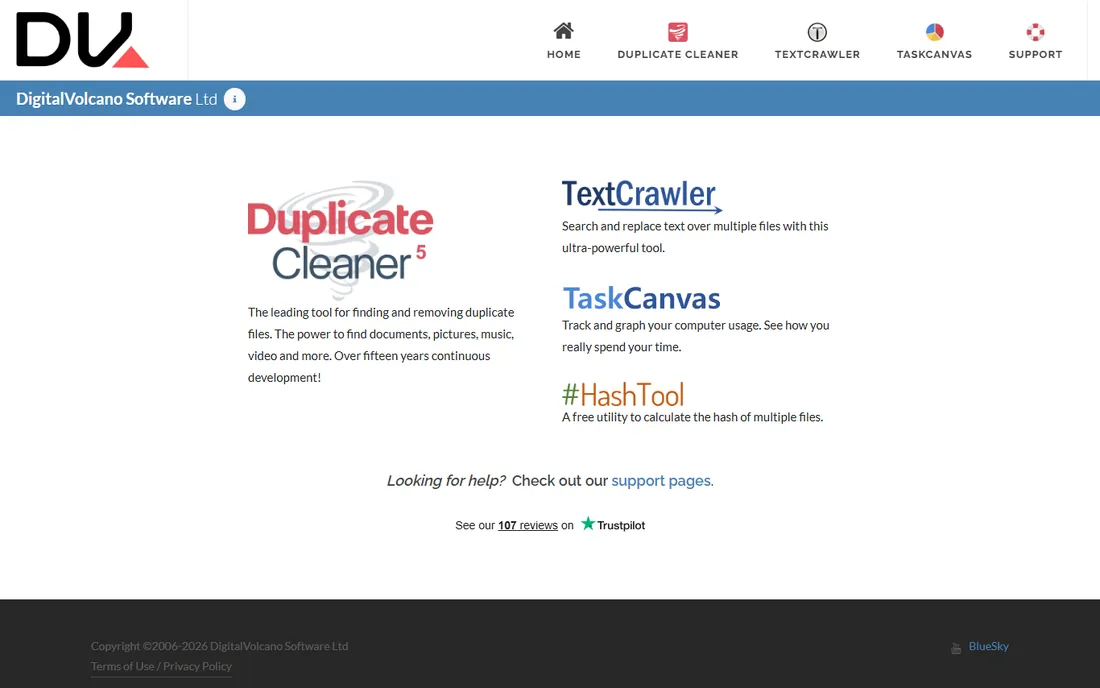
Fifteen years of continuous development shows in Duplicate Cleaner. It goes beyond byte-matching with image similarity detection and audio fingerprinting, so it catches resized photos and retagged music files that simpler scanners miss. You can scan multiple locations at once, including network paths, and the selection assistant marks the copies to remove based on rules you define.
The free version covers the basics, and the Pro license is a one-time purchase, which is getting rare in utility software. The tradeoff is the look and feel: the interface is functional rather than friendly, and there is no Mac version. If your team manages big media or document libraries on Windows and wants fine-grained control, this is the most capable option in its price range.
What we like- Finds similar photos and music by content, not just names
- Scans inside ZIP archives
- Flexible selection rules for bulk cleanup
Watch out for- Interface looks dated
- Windows only
Starting price$39.95 one-time
Free planFree trial
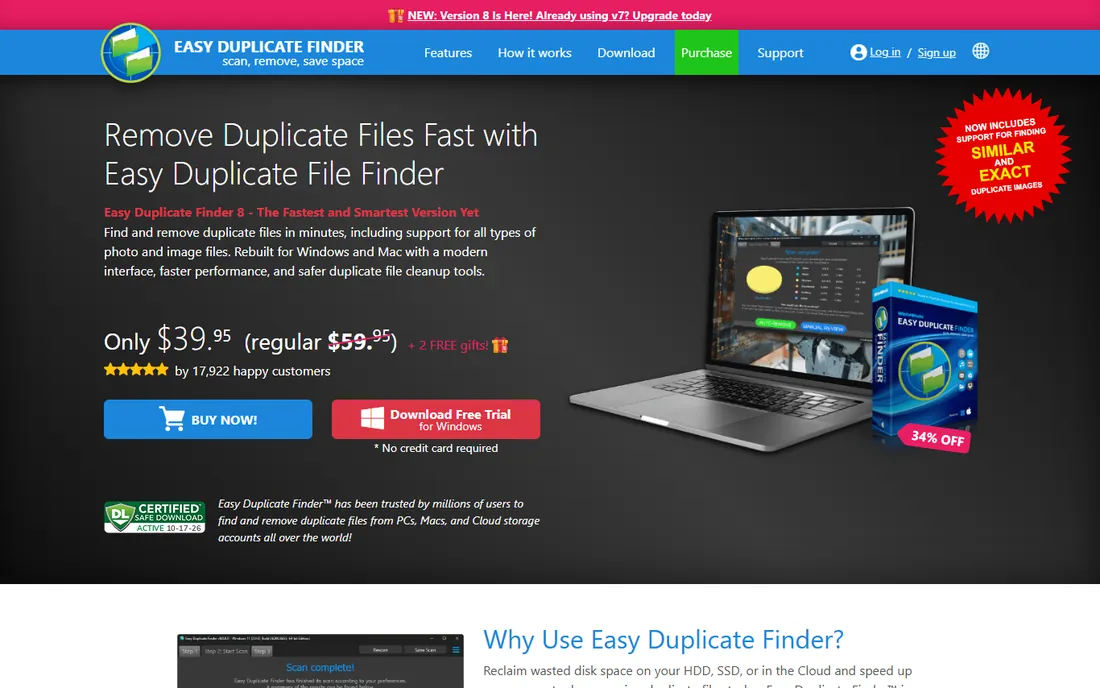
WebMinds built Easy Duplicate Finder for people who do not want to learn checksum algorithms. The Wizard mode handles the whole job in a few clicks, while 10-plus scan modes sit underneath for anyone who wants to tune the search. It is one of the few tools here that scans cloud storage directly, plus Outlook emails and contacts, which matters if your duplicates live in Drive rather than on a local disk.
Version 8 added a modern interface and faster scanning on both Windows and Mac. The free trial lets you scan freely but limits how many duplicate groups you can actually resolve, so treat it as a demo. At $39.95 for a perpetual license, the math works if you run cleanups a few times a year.
What we like- Wizard walks you through your first cleanup
- Scans Google Drive, Dropbox, and OneDrive
- Dedicated modes for photos, music, and Outlook duplicates
Watch out for- Trial only resolves a handful of duplicate groups before asking you to pay

#3
Auslogics Duplicate File Finder
Best for: Free Windows cleanup with safety nets
Visit auslogics.com
Starting price$29.95/year (up to 3 PCs)
Free planYes

Auslogics has been making PC utilities since 2008, and its duplicate finder is one of the friendliest free options on Windows. The free version finds duplicates by content and lets you pick copies manually, which is enough for a typical office PC. Deleted files can go to the Rescue Center instead of straight to permanent deletion, and system folders land on the ignore list automatically so you cannot nuke anything critical.
The free edition deliberately holds back: file-type filters, EXIF and ID3 tag matching, and automatic selection require the $29.95 per year Pro license (good for up to 3 PCs). Network drives are not supported at all, for security reasons the company says. For a small business that wants a safe, no-cost cleanup on individual workstations, the free tier is hard to beat.
What we like- Rescue Center lets you restore deleted files
- MD5 checksum comparison avoids false matches
- Automatically protects system folders
Watch out for- Advanced filters and auto-select are Pro-only
- Cannot scan network drives
Starting price$1.95/month
Free planFree trial
MacPaw's Gemini 2 is the best-known duplicate finder on macOS, and its design is the reason. You drop in a folder, it builds a map of your duplicates and similars, and Smart Select pre-marks the copies to remove, learning from your choices over time. It also hunts through your Photos and Music libraries and can scan external drives, which covers the usual places where Mac storage disappears.
It runs as a subscription starting at $1.95 per month, with a free trial to evaluate it first. There is no Windows version, so mixed-platform offices need a second tool. For a Mac-based team drowning in duplicate photos and downloads, the time saved by the automatic selection is the whole pitch, and it delivers.
What we like- Smart Select learns which files you keep
- Finds similar files as well as exact duplicates
- Scans Photos, Music libraries, and external drives
Watch out for- Mac only
- Subscription pricing adds up over time
Starting price$44.95/year (1 device)
Free planYes
Almost every Windows admin has met CCleaner. Its Duplicate Finder lives in the Tools section: pick drives or specific folders, scan, then use bulk selection to keep the oldest or newest copy in each group. Because it is part of a broader cleanup suite (junk files, registry, startup manager), it fits naturally into existing PC maintenance routines, and the free version handles duplicate scanning without paying.
That convenience is also the limit. Matching options are simpler than dedicated finders, and the free edition's upgrade prompts are famously persistent. Professional at $44.95 per year adds scheduling and monitoring, but you do not need it for duplicates alone. Choose CCleaner when the duplicate finder is a bonus on top of cleanup you already do, not when duplicates are the whole problem.
What we like- Duplicate Finder included in a suite most IT staff already know
- Bulk selection keeps oldest or newest
- Free version covers duplicate scanning
Watch out for- Duplicate detection is basic compared with dedicated tools
- Free version pushes paid upgrades aggressively
Starting priceFree
Free planYes
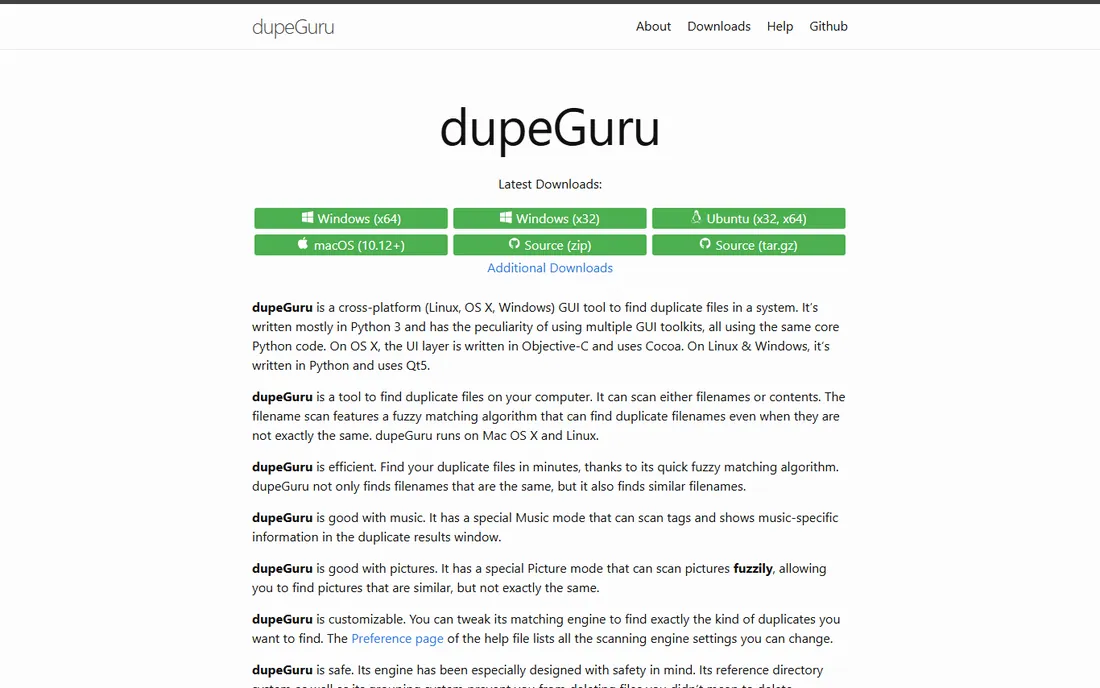
dupeGuru is the open-source answer to duplicate cleanup, maintained on GitHub under a GPL license. It ships in three editions: the standard one for general files, a Music Edition that matches by audio tags, and a Picture Edition with perceptual comparison for images. The fuzzy matching engine finds files that are similar but not byte-identical, which most free tools cannot do.
There is no hand-holding here. The interface is plain, documentation is community-written, and setup takes some patience. One critical warning: a phishing site at dupeguru.com has been caught distributing malware disguised as the real program. Download only from dupeguru.voltaicideas.net or the official GitHub releases. For technically comfortable teams that want full control at zero cost, it is the strongest free option.
What we like- Open source and completely free
- Three editions for files, music, and pictures
- Fuzzy matching catches near-duplicates
Watch out for- Sparse interface with a learning curve
- Support comes from the community, not a vendor
Starting priceSee website
Free planYes
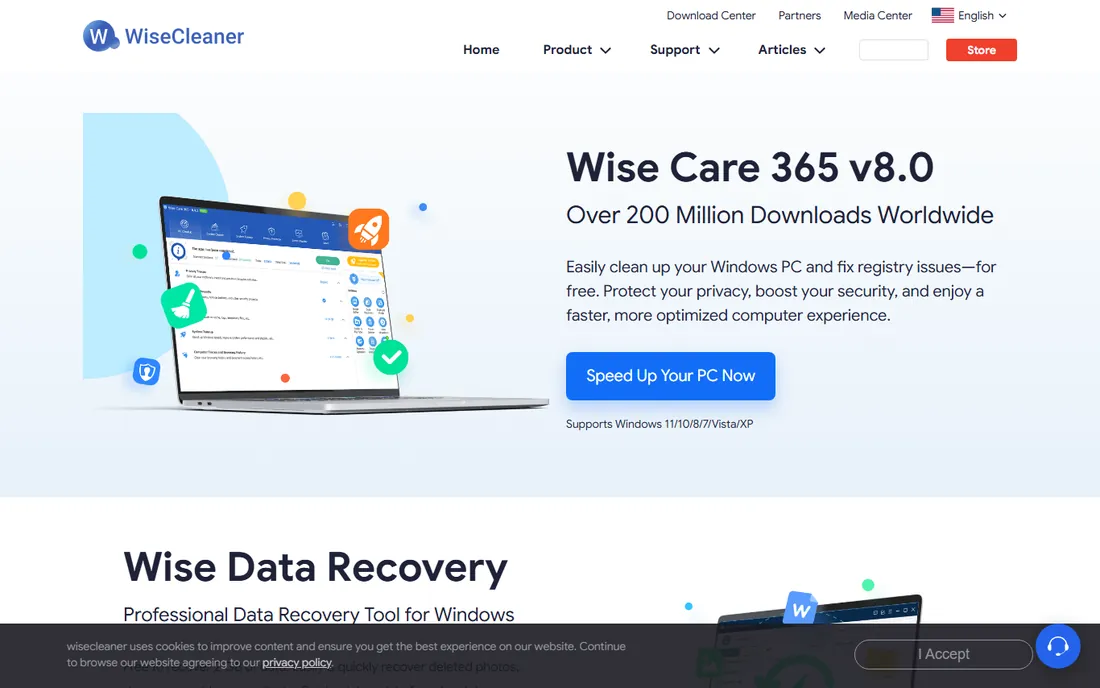
WiseCleaner has shipped PC utilities since 2006, and its duplicate finder follows the company formula: small, fast, and simple. The installer is under 10 MB, and three scan modes let you trade speed for accuracy: match by name and size for a quick pass, or exact content match when it matters. Results group neatly with a preview pane, and you can back up files before deleting them permanently.
The free version handles manual cleanup; the Pro license adds one-click automatic deletion, file recovery, and scheduled scans. Pricing was not published on the vendor's main pages at the time of writing, so check the site. Wise Duplicate Finder will not impress anyone looking for photo similarity or cloud scanning, but for quick local cleanups on Windows it is one of the least annoying tools here.
What we like- Under 10 MB to install
- Three scan modes from fast to exact
- Backup and restore before permanent deletion
Watch out for- Windows only
- Automatic cleanup and scheduling need the Pro license
Starting priceFree
Free planYes
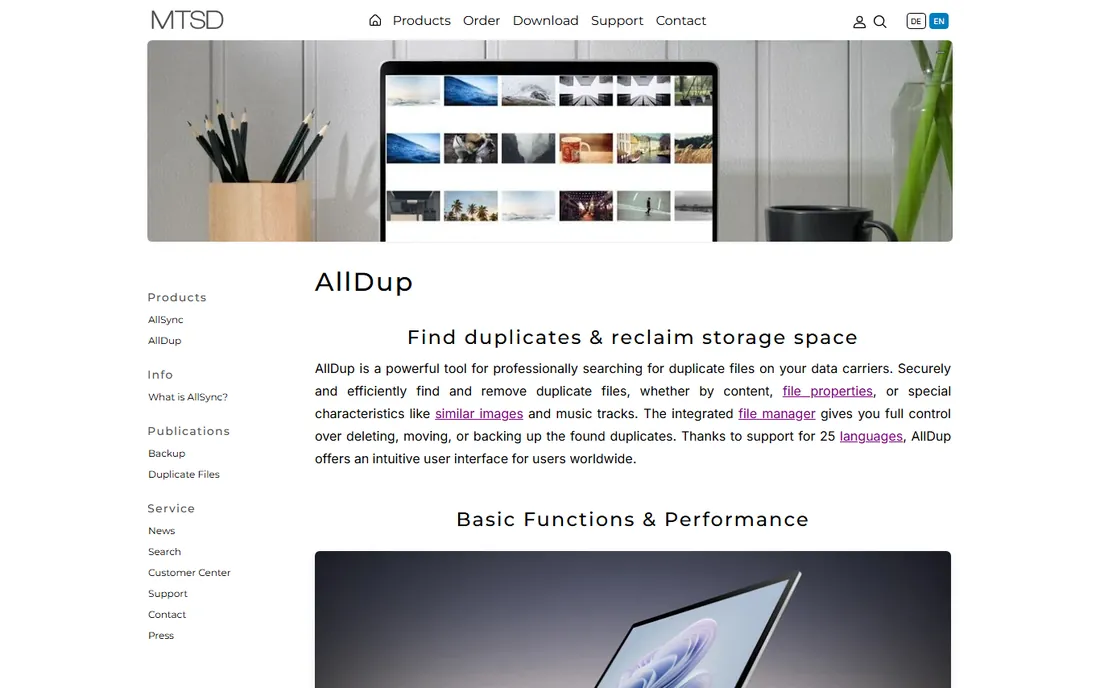
AllDup is freeware in the truest sense: free for private users and companies alike, with no feature-limited editions. Under the hood it is remarkably deep. It compares files by content, name, size, dates, and attributes, finds similar images and sound files, scans inside ZIP, RAR, and 7Z archives, and can replace duplicates with hard links to save space without breaking file paths. Search profiles let you save a complex configuration and rerun it later.
All that power comes with a dense interface that assumes you know what a checksum is. Beginners should start with Easy Duplicate Finder or Auslogics instead. But for an IT person who wants a free, scriptable-grade scanner for Windows file shares and workstations, AllDup punches far above its price.
What we like- Completely free, even for commercial use
- Scans inside archives and compares similar images and audio
- Search profiles save complex setups
Watch out for- Sheer number of options overwhelms beginners
- Windows only
Starting price$30 one-time (Personal Edition)
Free planFree trial (15 days)
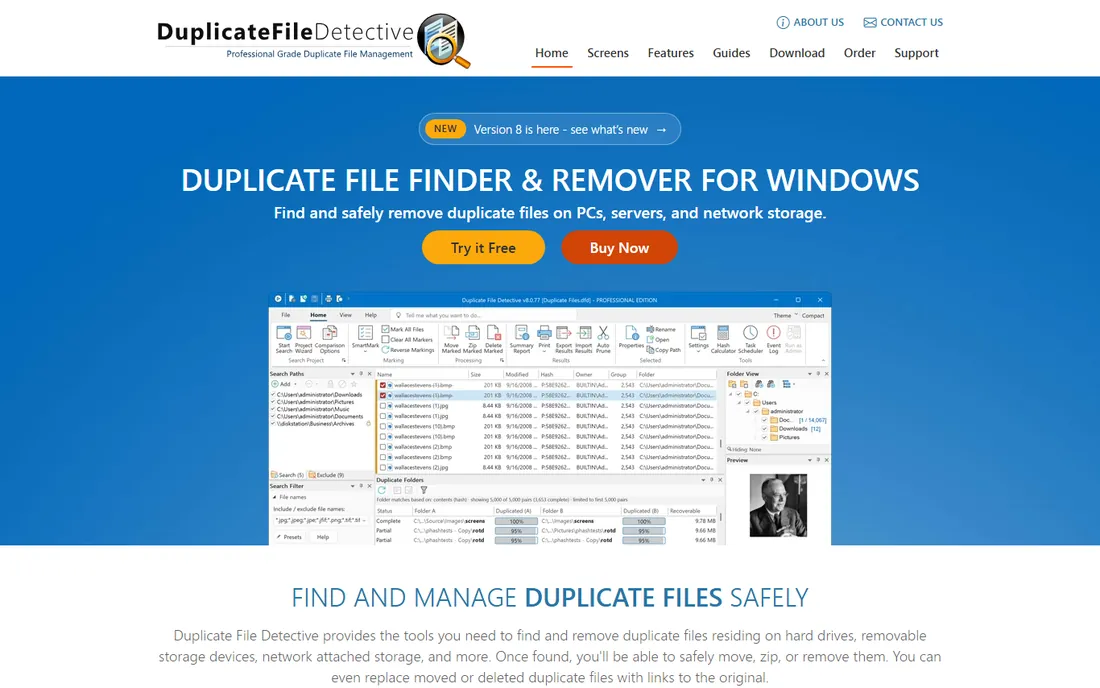
Key Metric Software has developed Duplicate File Detective since 2005, and it shows in the business-focused feature set. This is the only tool in this roundup built for shared storage: it scans multiple local and network paths, including NAS and file server shares, in one pass, then reports which folders are duplicated where. SmartMark technology picks the correct copies to process, and you can move, zip, or delete duplicates, or replace them with links to the original so applications keep working.
Licensing is refreshingly simple: $30 one-time for the Personal Edition, $60 for Single-User Pro with the report scheduler and email delivery, plus multi-user and site licenses for larger teams. The 15-day trial is fully functional with no feature limits. The interface will not win design awards, but if your duplicates live on a file server rather than a laptop, nothing else here is in the same category.
What we like- Scans network shares and NAS in a single pass
- SmartMark selects the right copies
- Report scheduler with email delivery
Watch out for- Windows only
- The interface is built for function, not beauty
How we chose
We started with the tools that surface most often in buyer discussions on Reddit, G2, and Capterra, then checked each one against its vendor's current website: does it still exist, what does it cost today, and which platforms does it support. Pricing figures come from vendor pricing and buy pages visited in October 2026; where a vendor does not publish a price, we say so instead of guessing. We favored tools that fit small and mid-size companies, which meant weighing per-device licensing, free tiers, safety features like undo and recycle-bin deletion, and whether a tool scans the places businesses actually store files, including external drives, cloud accounts, and network shares. We did not run hands-on performance tests, so speed claims below come from vendor documentation and user reports, not our own benchmarks.
How to pick a duplicate finder without deleting the wrong file
The wrong tool in careless hands deletes the wrong files. A few specifics separate safe choices from risky ones.
Match methods that matter
Byte-for-byte comparison is the gold standard for exact duplicates. Name-and-size matching is faster but produces false positives, which is fine for a first pass on a huge drive as long as you review the results. If your problem is photos, look for visual similarity matching (Duplicate Cleaner, Gemini 2, AllDup); if it is music, audio fingerprinting or tag matching matters more than raw bytes.
Safety nets before you delete
Always prefer a tool that moves deletions to the Recycle Bin or a dedicated rescue folder first. Auslogics has its Rescue Center, Wise Duplicate Finder backs up before permanent deletion, and Duplicate File Detective can replace removed files with links to the original. Run your first scan on a copy of a folder, or at least on a small folder, before pointing any tool at a whole drive.
Where it can scan
Match the tool to where your duplicates live. Most free tools only scan local and removable drives. Cloud storage needs Easy Duplicate Finder; network shares and NAS need Duplicate File Detective. Mac-only shops are basically choosing Gemini 2, while Windows shops have the full menu.
Free vs paid: when to pay for a duplicate finder
Free tools in this category are genuinely good. AllDup and dupeGuru find exact duplicates as reliably as anything sold, and Auslogics covers the basics with a friendlier face. Pay when you need something the free tier withholds: photo similarity matching, cloud-drive scanning, automatic selection across thousands of groups, or network and NAS support.
The pricing models vary more than the features. Duplicate Cleaner, Easy Duplicate Finder, and Duplicate File Detective sell one-time licenses, which suits occasional cleanups. Auslogics, Gemini 2, and CCleaner use subscriptions, which only make sense if you run them continuously or across many machines. Before buying, run the free version or trial on your actual mess and count how many duplicate groups it finds. If the number is small, the free tier probably finishes the job.
Frequently asked questions
Is it safe to delete duplicate files?
It is safe when the tool matches by file content and you review before deleting. Risk comes from name-only matching, which can flag different files that happen to share a name, and from scanning system folders. Use the ignore lists for Windows and program directories, send deletions to the Recycle Bin first, and never let a tool auto-delete on its first run.
Can duplicate finders scan network drives or NAS?
Most consumer tools cannot. Duplicate File Detective is built for network shares and NAS devices, and Duplicate Cleaner handles network paths as well. Auslogics explicitly excludes network drives, and the free tools in this list are local-drives only. If your files live on a server, confirm network support before you commit.
Do these tools find similar photos, not just exact copies?
Some do. Duplicate Cleaner, Gemini 2, and AllDup compare images visually, so they group resized or recompressed versions of the same photo. dupeGuru's Picture Edition does the same for free. Basic scanners that only compare file bytes will miss these entirely, so check for similarity or perceptual matching if photos are your main problem.
Why does my duplicate finder miss files I know are duplicates?
The usual cause is strict default settings. Many tools require matching names and dates in addition to content, so two identical files with different names get skipped. Look for options like "ignore file names" or "ignore dates" to compare by content alone. Also check that the file type is included in the scan and the folder is not on an ignore list.
Will a duplicate finder work on an external drive?
Yes, with most tools here. Auslogics, Duplicate Cleaner, AllDup, and Gemini 2 all scan USB drives, external hard drives, and memory cards. Connect the drive, select it as a scan target, and keep in mind that scans run slower over USB than on an internal SSD.
Sources we checked (17)
- https://www.digitalvolcano.co.uk/
- http://www.digitalvolcano.co.uk/dcpurchase.html
- https://www.dontpayfull.com/at/duplicatecleaner.com
- https://easyduplicatefinder.com/
- https://auslogics.com/
- https://www.auslogics.com/en/software/duplicate-file-finder/
- https://winningpc.com/auslogics-duplicate-file-finder/
- https://macpaw.com/
- http://macpaw.com/download/gemini
- https://www.ccleaner.com/
- https://www.saasodds.com/blog/ccleaner-alternatives
- https://dupeguru.voltaicideas.net/
- https://github.com/arsenetar/dupeguru/issues/1385
- https://www.wisecleaner.com/
- https://alldup.info/
- https://duplicatedetective.com/
- https://www.itechguides.com/best/duplicate-file-finders/
Is your product missing or out of date?
We review this list regularly. Vendors can request a listing, send updated pricing or ask about featured placement.

Shihab Mia · Founder, Rankite
Shihab has spent more than a decade helping SaaS and e-commerce brands grow through search. He writes Rankite's software buying guides from pricing pages, documentation and public user reviews. More about Shihab.
 Duplicate Cleaner
 Easy Duplicate Finder
 Gemini 2
 CCleaner
 dupeGuru
 Wise Duplicate Finder
 AllDup
 Duplicate File Detective