How we make this list: we compare pricing pages, product documentation and public user reviews. Rankite is independent; if a vendor ever pays for a featured spot, that listing is clearly labeled Partner.
Key takeaways
- DaVinci Resolve (free; Studio $295 one-time) is the best free editor for drone footage: full 4K support, pro color grading and no watermark.
- Final Cut Pro ($299.99 one-time) is the Mac pick for drone editors: optimized for Apple Silicon, magnetic timeline, and fast 4K rendering.
- Drone footage has specific needs: H.264/H.265 decoding, lens correction for wide-angle distortion, and stabilization for windy shots. Every tool here handles them.
- CapCut (free) is the surprise pick for quick social edits: templates, auto-captions and direct publishing, all at no cost.
Quick comparison
| Tool | Best for | Starting price | Free plan |
|---|
 DaVinci Resolve DaVinci Resolve | Free professional editing with the best color tools | Free (Studio $295 one-time) | Yes |
 Final Cut Pro Final Cut Pro | Mac-based drone editors who want speed | $299.99 one-time | No |
 Adobe Premiere Pro Adobe Premiere Pro | Editors who need the industry standard and its ecosystem | See website | Free trial |
 Filmora Filmora | Beginners who want drone edits without the learning curve | See website | Free trial |
 PowerDirector PowerDirector | Windows editors who want fast rendering | See website | Free trial |
 CapCut CapCut | Free, fast drone edits for TikTok, Reels and Shorts | Free | Yes |
 Corel VideoStudio Corel VideoStudio | Windows hobbyists who want a one-time purchase | See website | Free trial |
 Pinnacle Studio Pinnacle Studio | Enthusiasts graduating from basic editors | See website | Free trial |
 Movavi Video Editor Movavi Video Editor | The simplest possible path to a finished drone video | See website | Free trial |
 LumaFusion LumaFusion | Editing drone footage on iPad or iPhone | See website | No |
Is your product missing or out of date?
We review this list regularly. Vendors can request a listing, send updated pricing or ask about featured placement.
The best drone video editing software
Drone footage is demanding: 4K resolution, high bitrates, H.265 compression, wide-angle distortion and the occasional windy wobble. A general video editor handles all of it, but the best ones add drone-specific conveniences: lens correction profiles, stabilization, and color tools that make aerial footage glow. These ten are ranked for the drone workflow specifically.
Starting priceFree (Studio $295 one-time)
Free planYes
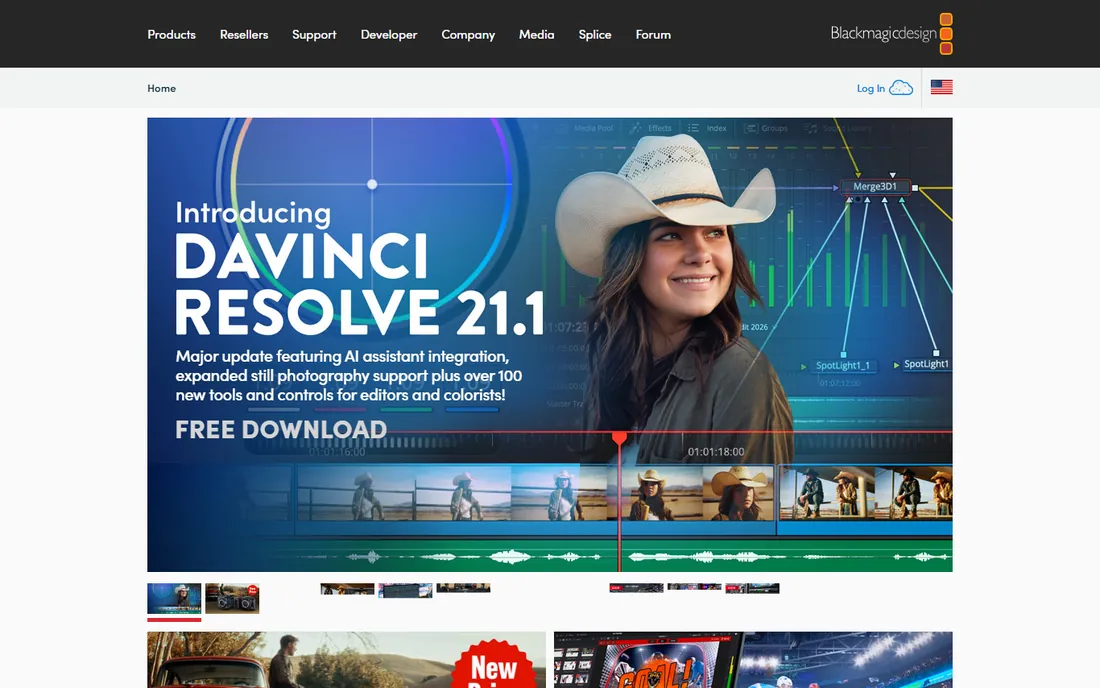
DaVinci Resolve is the open secret of video editing: a Hollywood-grade editor whose free version does 95 percent of what drone editors need. The color page is the best in the business for making aerial footage pop: skies, water and terrain respond beautifully to its grading tools. H.264 and H.265 footage edits smoothly on modest hardware with optimized media.
The vendor's own site prices Studio at $295 one-time, a single purchase, not a subscription. Buy it when you need the Studio-only features (noise reduction is the big one for high-ISO drone shots). Until then, the free version is the most capable free editor on this list by a wide margin.
What we like- The free version is a complete pro editor: 4K timeline, no watermark, full color grading
- Studio ($295 one-time) adds noise reduction, stereoscopic tools and more
- Runs on Windows, Mac and Linux
Watch out for- The interface intimidates beginners
- The free version omits some advanced effects reserved for Studio
#2
Final Cut Pro
Best for: Mac-based drone editors who want speed
Visit apple.com
Starting price$299.99 one-time
Free planNo
Final Cut Pro on Apple Silicon is the fastest-feeling editor for drone footage: 4K H.265 timelines scrub and render with remarkable smoothness. The magnetic timeline (clips snap together without gaps) suits the assembly style of drone editing: string the best shots together, trim, grade, done. Built-in stabilization fixes windy wobbles well.
At $299.99 one-time from apple.com, it costs less than a year of some subscriptions. The trade is the Mac gate and a smaller plugin world than Premiere. For Mac owners editing drones regularly, it is the efficient choice.
What we like- Apple's own page prices it at $299.99 one-time
- Blistering performance on Apple Silicon with 4K drone footage
- Magnetic timeline speeds assembly edits
- Excellent stabilization built in
Watch out for- Mac only
- The one-time purchase is still a real investment
- Less plugin ecosystem than Premiere
#3
Adobe Premiere Pro
Best for: Editors who need the industry standard and its ecosystem
Visit adobe.com
Starting priceSee website
Free planFree trial
Premiere Pro is what working video editors use, which means every drone LUT pack, transition preset and tutorial on YouTube targets it. The warp stabilizer rescues shaky footage, Lumetri color handles aerial grading, and the Adobe ecosystem (After Effects for titles, Audition for wind-noise cleanup) covers the rest.
Check adobe.com for current Creative Cloud pricing. The subscription is the ongoing cost to weigh against DaVinci's free tier and Final Cut's one-time price. Choose Premiere when the ecosystem matters: client work, collaboration, or a tutorial-driven learning style.
What we like- The professional standard: every plugin, preset and tutorial targets it
- Strong warp stabilizer for shaky drone shots
- Integrates with After Effects and Audition
Watch out for- Subscription pricing requires the Adobe site
- The most demanding on hardware of the desktop editors
Starting priceSee website
Free planFree trial
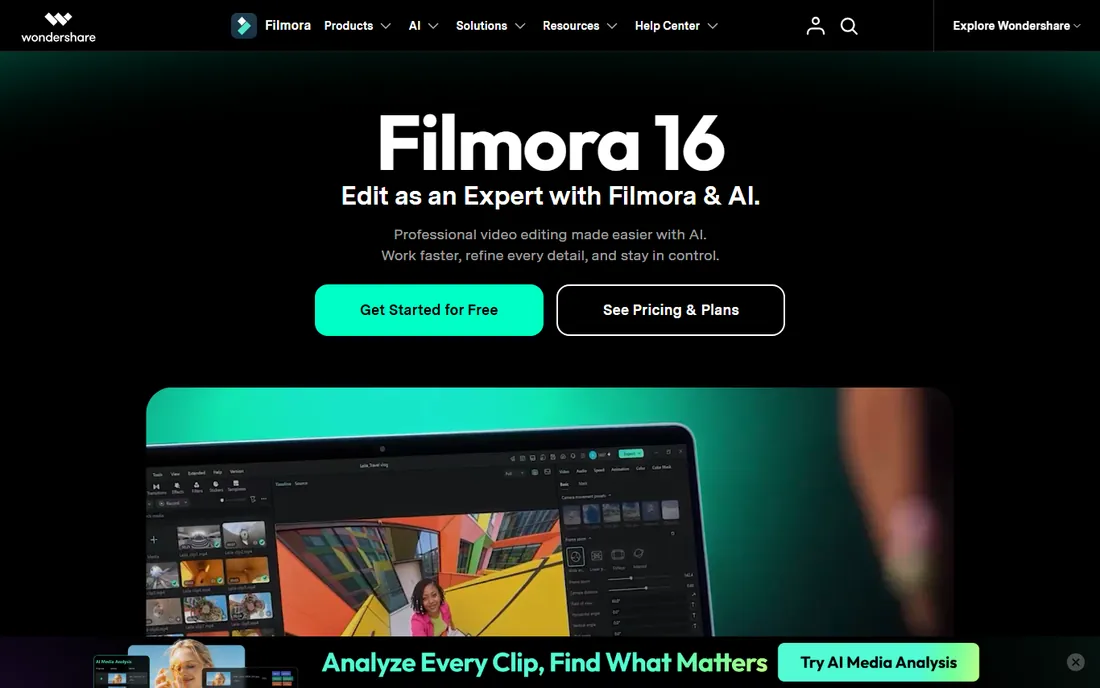
Filmora is the training-wheels editor that produces real results: templates, auto-reframe for vertical social cuts, and action-cam tools (lens correction for wide-angle distortion, stabilization) that map directly to drone footage problems. The interface explains itself.
The trial watermarks exports, so budget for the paid version if the output matters. Check filmora.wondershare.com for pricing. For the pilot who wants a good YouTube video without learning an NLE, this is the fastest path.
What we like- Guided workflows and templates get a drone video finished fast
- Action-cam tools include lens correction and stabilization
- The trial is fully featured
Watch out for- The free trial exports with a watermark
- Pricing requires the Wondershare store
Starting priceSee website
Free planFree trial

PowerDirector's reputation is speed: the TrueVelocity engine renders 4K drone footage faster than most competitors on the same hardware. The action-cam tools address fisheye distortion and shake directly, and the 360 tools suit panoramic drone modes.
Check cyberlink.com for current pricing. It sits between Filmora's simplicity and Premiere's depth: more capable than the beginner tools, less intimidating than the pro ones. Windows editors who value render speed should trial it.
What we like- Famously fast rendering engine
- Action-cam center with lens correction and stabilization
- 360-degree video tools for panoramic drone shots
Watch out for- The interface is busy
- Pricing requires the CyberLink store
#6
CapCut
Best for: Free, fast drone edits for TikTok, Reels and Shorts
Visit capcut.com
Starting priceFree
Free planYes
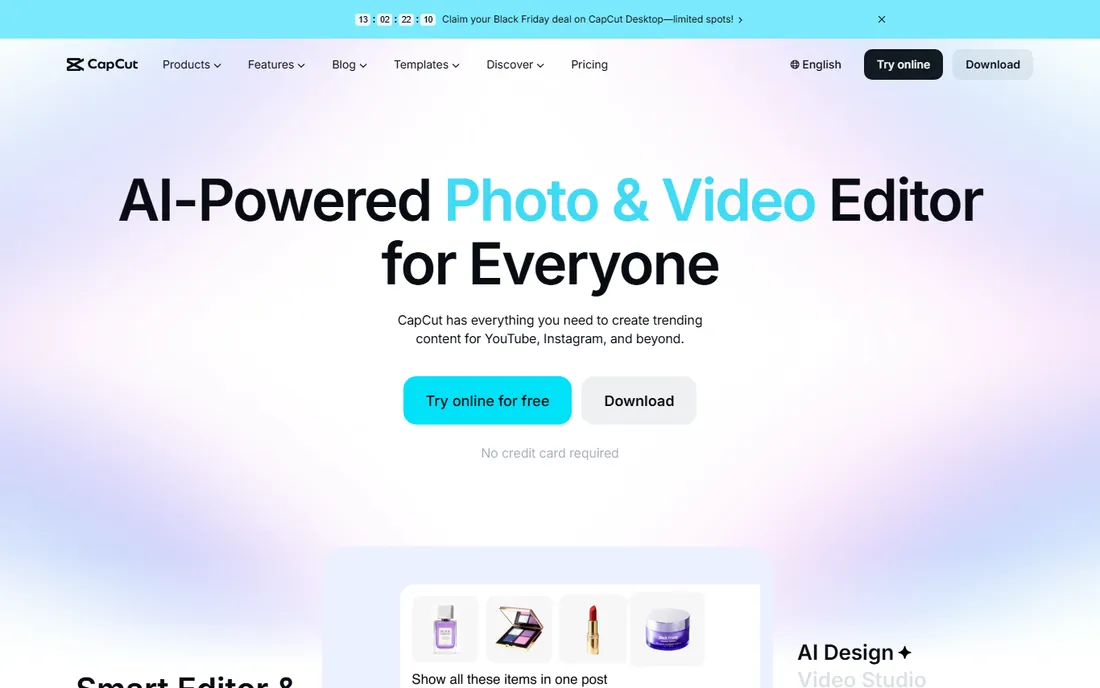
CapCut is the free editor that ate the social video world. For drone clips destined for TikTok, Reels or Shorts, it is remarkably complete: auto-captions, trending templates, speed ramping for dramatic fly-throughs, and direct publishing. No watermark, no cost, no catch on the basics.
It will not replace DaVinci for a 10-minute cinematic edit. But for the 30-second vertical cut that gets the views, CapCut is faster than any desktop NLE. Every drone pilot making social content should have it installed.
What we like- Completely free with no watermark on exports
- Auto-captions, templates and effects built for social
- Desktop and mobile apps
Watch out for- Less precise than desktop NLEs for long-form work
- The feature set targets short video, not films
#7
Corel VideoStudio
Best for: Windows hobbyists who want a one-time purchase
Visit corel.com
Starting priceSee website
Free planFree trial

VideoStudio is the long-running Windows hobbyist editor: capable, affordable, and sold as a one-time purchase. Multi-camera editing syncs drone footage with ground cameras, and the interface stays approachable. Check corel.com for current pricing.
It lacks the momentum of DaVinci (free) and the polish of Final Cut, but for Windows users who want to buy once and edit for years, it remains a reasonable choice. Trial it against DaVinci's free version before paying.
What we like- One-time purchase model (no subscription)
- Multi-camera editing for drone plus ground footage
- Straightforward interface for hobbyists
Watch out for- Less development momentum than the leaders
- Pricing requires the Corel store
Starting priceSee website
Free planFree trial
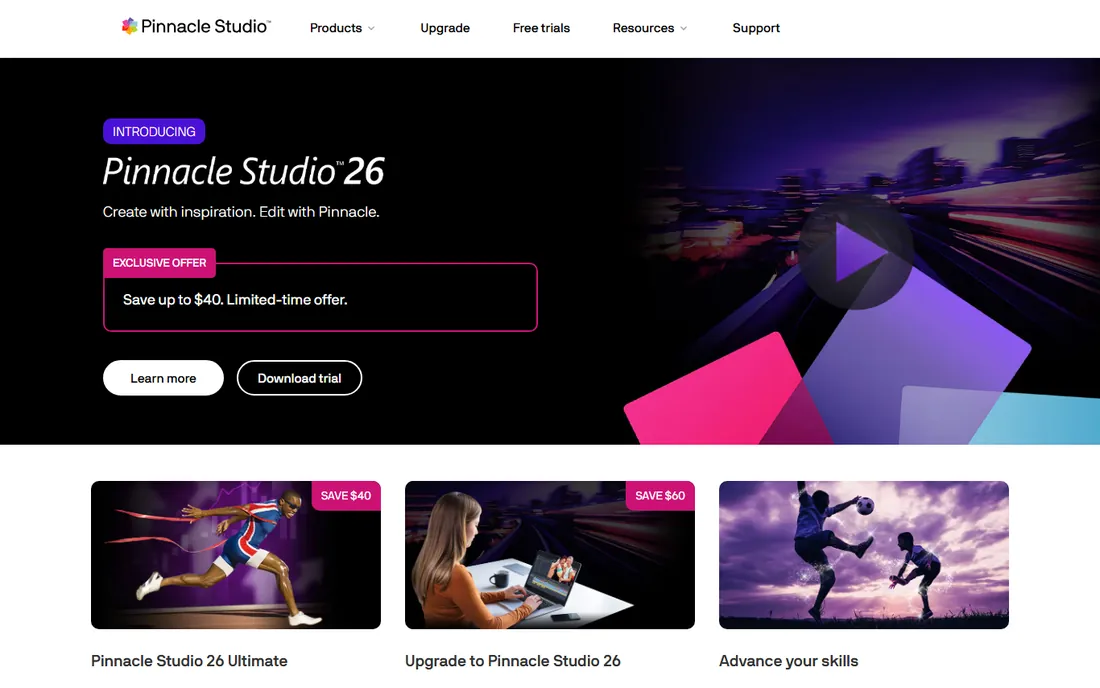
Pinnacle Studio targets the enthusiast middle: keyframing, masking, and multi-track editing that beginner tools lack, without Premiere's complexity. For drone pilots whose edits outgrew Filmora but who balk at DaVinci's learning curve, it fits.
Check pinnaclesys.com for pricing. The honest comparison is against DaVinci Resolve's free tier, which matches or beats it on capability. Pinnacle's case is approachability: some editors prefer its interface enough to pay.
What we like- More powerful than beginner tools without pro complexity
- Keyframe controls and masking for creative drone shots
- One-time purchase
Watch out for- Smaller community means fewer tutorials
- Pricing requires the store
#9
Movavi Video Editor
Best for: The simplest possible path to a finished drone video
Visit movavi.com
Starting priceSee website
Free planFree trial
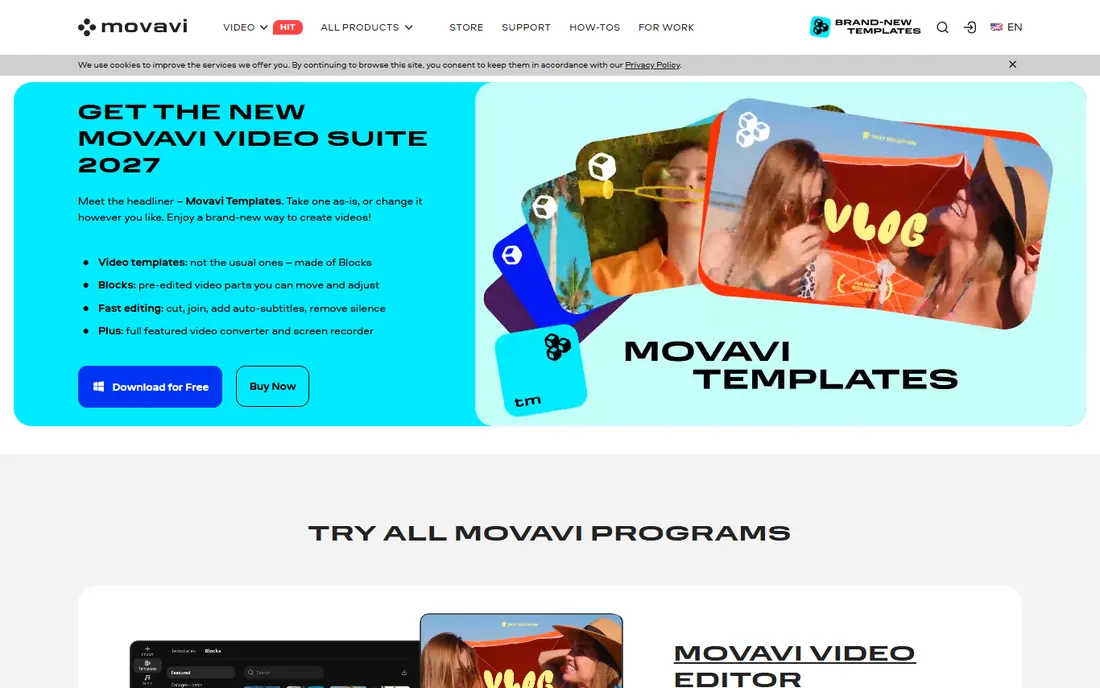
Movavi is the simplest editor here: import clips, use the montage wizard, export. For the pilot who finds even Filmora fussy, Movavi gets a watchable video out with minimum decisions. It runs well on modest laptops that struggle with heavier NLEs.
The simplicity caps ambition: color grading, keyframing and advanced audio are thin. Check movavi.com for pricing. Use it for quick personal videos; graduate to DaVinci when the edits get serious.
What we like- The easiest interface on this list
- Montage wizard builds a video automatically
- Lightweight on system resources
Watch out for- Limited advanced features
- The trial restricts exports
- Pricing requires the Movavi store
Starting priceSee website
Free planNo
LumaFusion is why iPads are viable edit stations: a genuine multi-track NLE that handles 4K drone footage on a tablet. The field workflow is the selling point: land the drone, pull the SD card, and cut the video before leaving the location. No laptop, no subscription.
Check lumafusion.com for the current app price (historically around $30). It is the only mobile-first pro option here. For travel and field work, it earns its place alongside a desktop editor.
What we like- The only true pro editor for iOS: multi-track 4K timeline on iPad
- Edit in the field straight from the drone's SD card
- No subscription
Watch out for- Paid app with no free tier
- IOS only
- The small screen limits complex projects
The drone editing workflow that works
Import and cull first: drone flights produce hours of footage, and the edit is made in the selection. Watch everything at double speed, mark the keepers, and delete the rest from the project (not the card). Then assemble the selects on the timeline before touching color or effects.
Color comes next: aerial footage usually needs contrast, saturation and a sky adjustment. Apply lens correction for the wide-angle distortion before grading, and stabilize shaky clips before cutting them tight. Effects and titles go last. This order (cull, assemble, correct, grade, polish) is how professionals work, and it prevents the common beginner trap of grading footage that gets cut.
Codecs and hardware: the unglamorous truth
Drone footage is heavily compressed (H.264/H.265), which is efficient for storage and brutal for editing: the computer works hard to decode every frame. If your timeline stutters, the fix is proxy media or optimized media (lower-resolution stand-ins for editing, full resolution for export). DaVinci Resolve, Premiere and Final Cut all support this; it is the single biggest performance trick in drone editing.
For hardware, the GPU matters more than the CPU for H.265, and fast storage (SSD) matters more than either for 4K. Before buying a new computer for drone editing, try proxies: most "slow" editing is a codec problem, not a computer problem.
Frequently asked questions
What is the best free software for editing drone videos?
DaVinci Resolve: a complete professional editor with 4K support, no watermark and the industry's best color tools, free. CapCut is the free pick for quick social edits. Between them, free covers nearly everything.
Do I need a powerful computer to edit 4K drone footage?
Less than you think. Use proxy or optimized media (all major editors support it) and most modern computers handle 4K drone timelines. An SSD and a decent GPU help more than a top-tier CPU. Try proxies before buying hardware.
How do I fix the fisheye distortion in drone footage?
Use the lens correction tool in your editor (Filmora, PowerDirector and Premiere all include action-cam lens profiles), or your drone's companion app may offer correction on export. Apply correction before color grading.
Which is better for drone videos: DaVinci Resolve or Premiere Pro?
DaVinci is free with better color tools; Premiere has the bigger tutorial and plugin ecosystem. For color-critical aerial work, DaVinci. For client work in a Premiere-based pipeline, Premiere. Most hobbyists should start with free DaVinci.
Can I edit drone videos on my phone or tablet?
Yes. CapCut (free) handles quick social edits on phones. LumaFusion (paid, iOS) is a genuine pro editor for iPad. For serious projects, a desktop editor still wins on precision and screen space.
What format should I export drone videos in?
H.264 MP4 for YouTube and general sharing (maximum compatibility), H.265 for smaller files at the same quality. Export at the timeline resolution (usually 4K) and let platforms compress for delivery. Keep a high-quality master export archived.
How we chose
We started with the editors drone pilots actually use, from free tools to pro suites. For each we opened the vendor's own site and recorded pricing exactly as shown. DaVinci Resolve Studio's $295 and Final Cut Pro's $299.99 came from blackmagicdesign.com and apple.com respectively. Where pricing required JavaScript stores, we wrote "See website." We checked reputations against pilot forums and creator discussion, and we favored editors that handle H.265 4K footage well.
Sources we checked (10)
- https://www.blackmagicdesign.com/
- https://www.apple.com/final-cut-pro/
- https://www.adobe.com/
- https://filmora.wondershare.com/
- https://www.cyberlink.com/
- https://www.capcut.com/
- https://www.corel.com/
- https://www.pinnaclesys.com/
- https://www.movavi.com/
- https://www.lumafusion.com/
Is your product missing or out of date?
We review this list regularly. Vendors can request a listing, send updated pricing or ask about featured placement.

Shihab Mia · Founder, Rankite
Shihab has spent more than a decade helping SaaS and e-commerce brands grow through search. He writes Rankite's software buying guides from pricing pages, documentation and public user reviews. More about Shihab.