How we make this list: we compare pricing pages, product documentation and public user reviews. Rankite is independent; if a vendor ever pays for a featured spot, that listing is clearly labeled Partner.
Key takeaways
- Here is the uncomfortable truth about driver updaters: most of you do not need one. Windows Update handles common hardware fine.
- These tools earn their keep on obscure hardware: old printers, specialty controllers, and laptops with vendor-specific drivers Windows misses.
- Snappy Driver Installer Origin is the only fully free, open-source option, and it is the pick for technicians.
- Driver Booster and Driver Easy are the mainstream choices, with large driver databases and automatic backup before changes.
- Whatever you install, demand automatic restore points and driver backups. A bad driver update can break more than it fixes.
Quick comparison
Is your product missing or out of date?
We review this list regularly. Vendors can request a listing, send updated pricing or ask about featured placement.
Driver updaters worth installing
Starting priceSee website
Free planYes

Driver Booster from IObit is the most widely used updater here. It scans the system, flags outdated drivers from a large database, and updates them with automatic backups and restore points created first. Game-ready driver notifications appeal to gamers who want day-one GPU drivers without checking manually.
The IObit installer is aggressive about suggesting the company's other products, so read each screen during setup. The free version works but throttles you to slower downloads and sequential updates; the Pro version removes those limits. For a mainstream user who wants updating handled quietly, it is the obvious first try.
What we like- Huge driver database with automatic updates
- Backs up drivers before changes
- Game-ready driver alerts
Watch out for- The installer pushes other IObit products
- Free version updates one driver at a time
Starting priceSee website
Free planYes
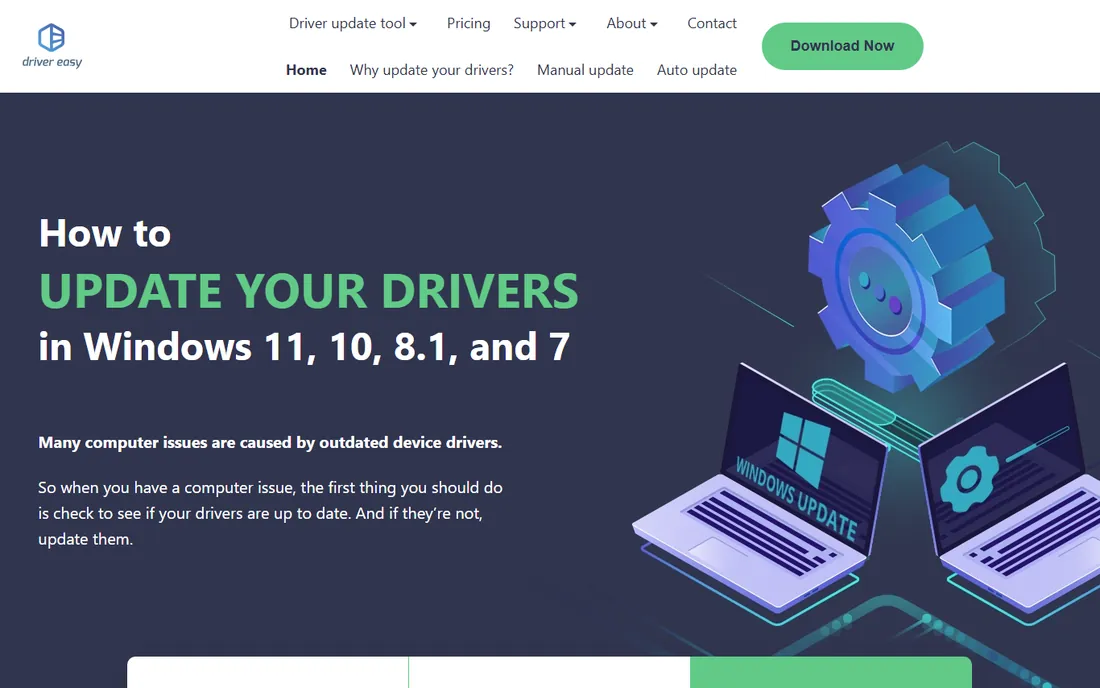
Driver Easy's strength is finding drivers for hardware other tools miss, including older and obscure devices. The offline scan feature is genuinely useful: scan a PC with no internet, take the file to a connected machine, download the drivers, and bring them back. The interface is clearer than most competitors.
The free version identifies outdated drivers but makes you download and install each one manually, which is tedious across dozens of drivers. The Pro version automates the process. If your problem is unidentified devices in Device Manager rather than routine updates, Driver Easy's database is the reason to pick it.
What we like- Very large driver database including obscure hardware
- Offline scan for PCs without internet
- Clear interface
Watch out for- Free version requires manual driver installation
- Pro needed for one-click updates
Starting priceFree
Free planYes
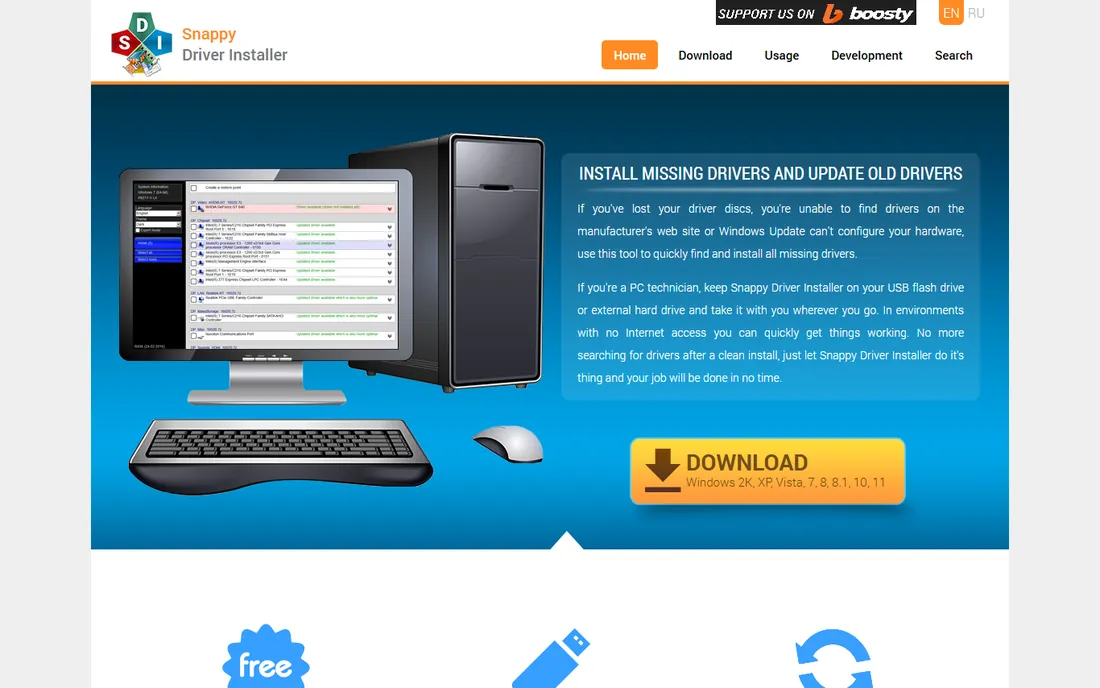
Snappy Driver Installer Origin (SDIO) is the technician's choice and the only fully free, open-source updater on this list. It uses community-maintained driver packs that can be downloaded in full for offline use, which makes it ideal for fixing PCs with no network access. It is portable, creates restore points, and never tries to sell you anything.
The interface assumes you know what a driver pack is, and downloading the full packs takes serious disk space and bandwidth. But for IT folks, repair shops, and anyone who distrusts commercial updaters, SDIO is the honest, capable, free answer.
What we like- Completely free with no upsell
- Huge driver packs work offline
- Portable, no install needed
Watch out for- Interface is built for technicians
- Driver packs are large downloads
Starting priceFree
Free planYes
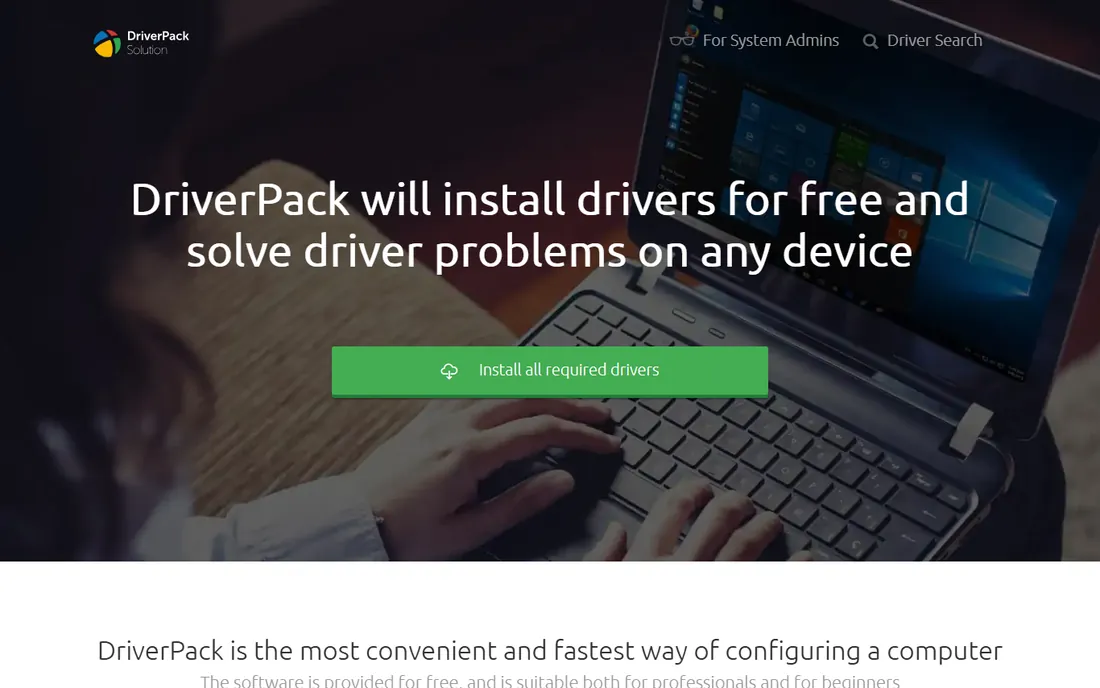
DriverPack Solution is built for one job: getting a fresh Windows install fully drivered as fast as possible. The free tool scans and installs drivers automatically, and the offline packs handle machines without internet. For technicians imaging batches of PCs, the speed is the selling point.
The product's reputation took hits from bundled software offers in the installer, so use the official site and read every checkbox. Control freaks will also dislike the all-or-nothing approach. But as a free, fast way to driver a fresh install, it remains popular for good reason.
What we like- Free automatic driver installation
- Works offline with full packs
- Fast for fresh Windows installs
Watch out for- The installer has historically bundled extra software
- Less control over individual drivers
Starting priceSee website
Free planFree trial
AVG Driver Updater does what it says with minimal fuss: scan, back up, update, with automatic restore points along the way. The interface is cleaner than most competitors, and it pairs naturally with AVG's other utilities if you already run them. Driver sources are checked for malware, which addresses the main fear about third-party drivers.
The free version only scans; you pay to actually update. And if you already own one updater, a second adds nothing. This one makes sense for AVG loyalists who want the whole maintenance suite from one vendor, not as a standalone purchase for everyone else.
What we like- Clean, simple interface
- Automatic backups and restore points
- Integrates with AVG TuneUp
Watch out for- Trial only scans
- Full updates need the paid version
- Redundant if you already use another updater
Starting priceSee website
Free planFree trial

Avast Driver Updater mirrors AVG's product closely (the companies are related), with scanned updates, automatic backups, and scheduled scans in a simple interface. Drivers come from verified sources, and the whole thing is designed for users who want maintenance to happen without decisions.
Like AVG's, the trial scans but charges for updates. There is little reason to choose between Avast and AVG on features; pick whichever ecosystem you already pay for, or neither if you just need a free updater. For non-technical users in the Avast world, it does the job without drama.
What we like- Tied to Avast's driver verification
- Scheduled automatic scans
- Simple for non-technical users
Watch out for- Paid-only updates
- Overlaps heavily with AVG's offering
Starting priceSee website
Free planFree trial
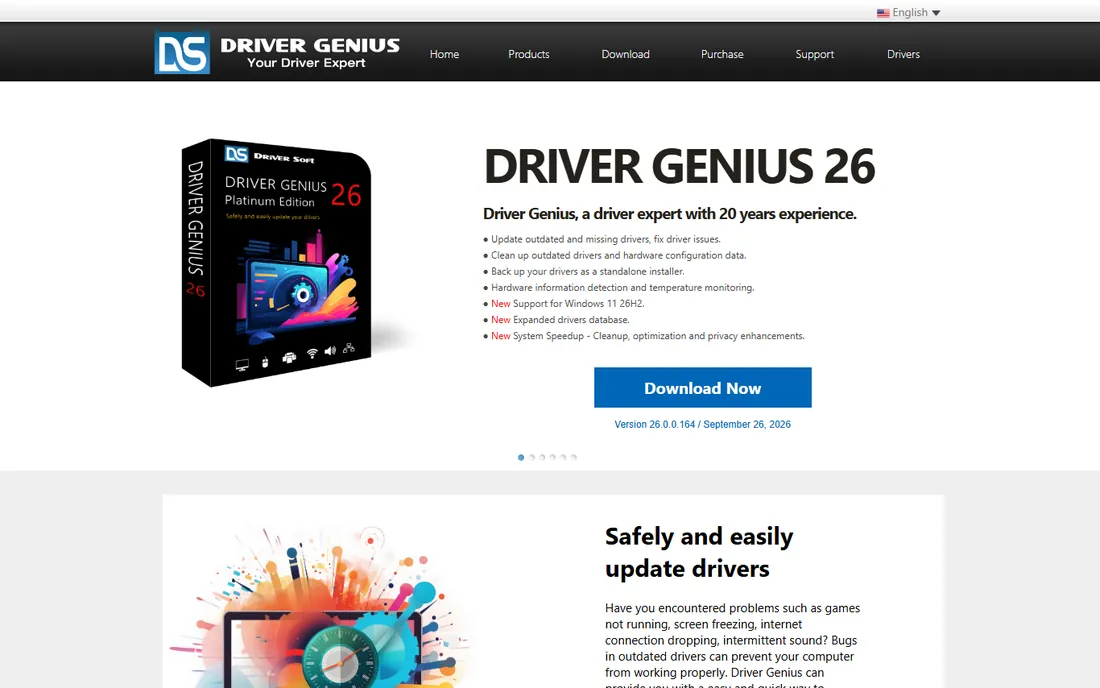
Driver Genius has been around since the Windows XP era, and it shows in both good and bad ways. The good: scheduled scans, driver backup and restore, and uninstall tools that go beyond simple updating. It treats drivers as something to manage, not just update, with extras like system monitoring folded in.
The interface feels old, and the trial restricts updates enough that you will pay to use it properly. Newer competitors have larger databases and cleaner experiences. But for scheduled, set-and-forget driver maintenance with backup tools included, it still works.
What we like- Scheduled scans keep drivers current automatically
- Driver backup and restore tools
- Hardware monitoring extras
Watch out for- Dated interface
- The trial limits actual updates
Starting priceSee website
Free planYes
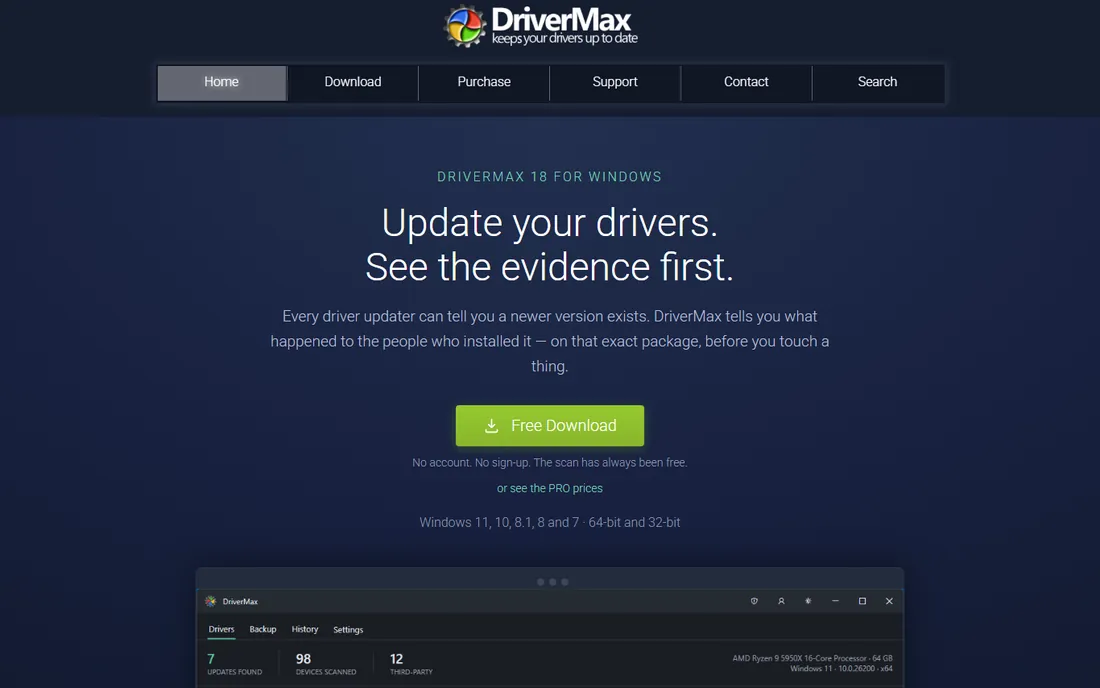
DriverMax's free tier is unusually usable: it lets you download and install a limited number of drivers per day at no cost. For a PC with a handful of outdated drivers, that is genuinely enough. The database is large, scans can be scheduled, and backups are automatic.
Updating twenty drivers on the free tier takes ten days, which is the nudge toward the paid version. The interface throws a lot at you. But as a free way to fix a few specific drivers without paying or pirating, DriverMax's daily allowance is a fair deal.
What we like- Free tier installs a couple of drivers daily
- Large database
- Scheduled scans
Watch out for- The daily free limit frustrates big updates
- The interface is busy
Starting priceFree
Free planYes
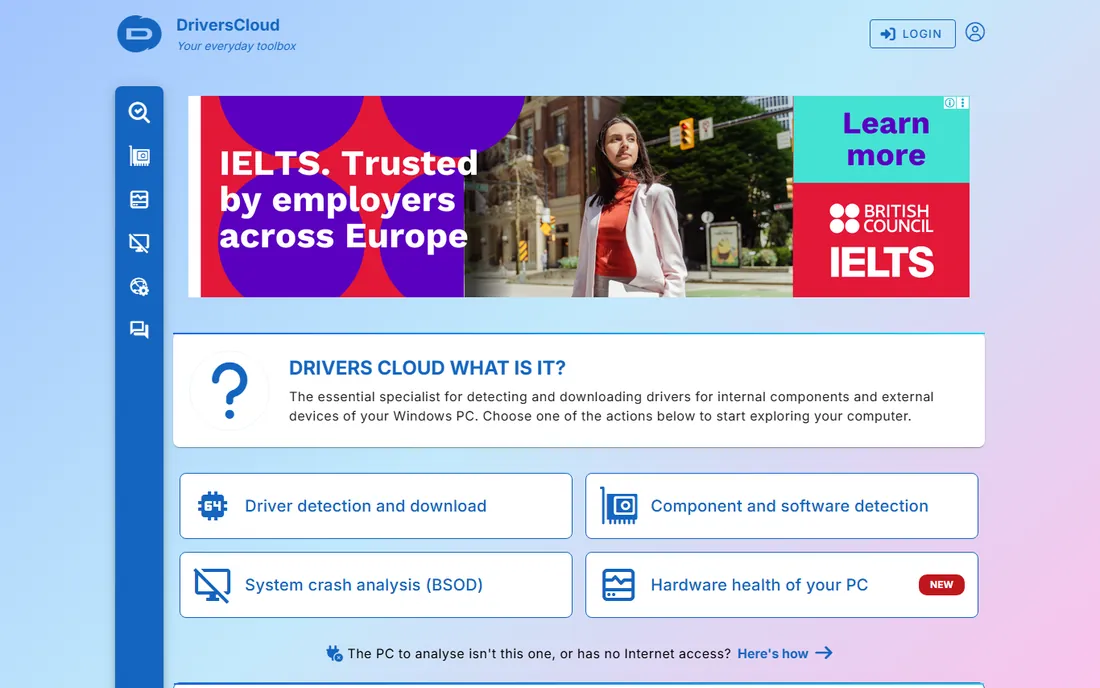
DriversCloud (formerly Ma-Config) takes a different approach: deep hardware detection first, with community-sourced advice on which drivers and BIOS versions your specific configuration needs. It is less "click to update everything" and more "here is exactly what your machine needs and why." The detection reports are detailed enough for forum troubleshooting.
If you want one-click automatic updating, this is not it. The website feels dated and the workflow involves more reading than competitors. But for understanding what your hardware actually needs, especially on unusual configurations, the detection-first approach has real value, and it is free.
What we like- Detailed hardware detection with community advice
- Free
- Useful driver and BIOS guidance
Watch out for- More diagnostic than automatic
- The site experience is dated
Starting priceSee website
Free planFree trial

Auslogics Driver Updater keeps the workflow to a minimum: scan, review the list, update with one click, with backups taken automatically. It comes from Auslogics, a long-standing Windows utilities vendor, and the interface is among the simplest here. For users intimidated by the busier tools, that simplicity is the feature.
The trial only scans, so updating requires the paid version, and power users will miss the granular control of SDIO or DriverPack. But as a straightforward paid updater for non-technical users who want the job done with one click, it is a reasonable choice.
What we like- Very simple one-click workflow
- Backs up before changes
- From an established utilities vendor
Watch out for- Trial is scan-only
- Fewer advanced features than rivals
The safe way to update drivers
Driver updaters touch the lowest level of your system, so safety features are not optional extras. Every tool on this list creates restore points or driver backups, and you should verify that behavior is enabled before the first update. Never update every driver at once on a working machine; update the specific device that has a problem, reboot, and confirm stability.
Prefer drivers from the hardware manufacturer for critical components like GPUs and network adapters; use updater databases for the obscure devices Windows cannot identify. If an update breaks something, roll back immediately through Device Manager or the restore point rather than updating more drivers hoping for a fix. And be honest about the source: download updaters only from the vendor's official site, never from download aggregators, where bundled junkware is the business model.
Do you actually need driver update software
Windows Update covers the common cases
Modern Windows delivers drivers for mainstream hardware through Windows Update, including most GPUs, network adapters, and peripherals. If your PC works fine, installing an updater to chase newer version numbers usually adds risk without benefit. The "outdated driver" warnings these tools show are often harmless.
The cases where updaters help
Three situations justify these tools. Fresh Windows installs with no network drivers, where offline packs shine. Obscure or old hardware that Windows does not recognize, where big databases help. And fleets of PCs in a small business or repair shop, where automation saves real time. If none of these describe you, skip the category.
Free versus paid
The free tools here (SDIO, DriverPack, DriverMax's daily allowance, DriversCloud) handle most real needs. Paid versions buy convenience: one-click updates, faster downloads, and scheduled automation. Pay when the time saved exceeds the price, not because a scan found forty "outdated" drivers.
Red flags to avoid
Avoid any updater that demands payment before showing what it found, installs without clear consent screens, or lacks restore-point creation. Never run two updaters simultaneously; they can conflict over the same devices. And treat "driver" tools from unknown vendors as malware until proven otherwise.
How we chose
We reviewed vendor product pages, pricing pages, and documentation, plus technician community discussions and public reviews. We weighted driver database size and safety features (backups, restore points) over interface polish, verified which tools are genuinely free versus trial-limited, and noted installer behavior since bundled offers are common in this category. We did no hands-on testing; driver results vary by hardware, so test on a non-critical machine first.
Frequently asked questions
Is driver update software safe?
Reputable tools are safe when they create restore points and driver backups before changing anything, which all the tools here do. The risk comes from obscure vendors, download aggregators with bundled junkware, and updating drivers on a machine that already works fine. Stick to official vendor sites.
Should I update all my drivers?
No. Update the driver for hardware that has a problem, and leave working drivers alone. Mass-updating every driver on a stable machine is the most common way these tools cause trouble. GPU drivers for gamers are the main exception, where staying current has real benefits.
Can Windows Update replace driver updater software?
For most users, yes. Windows Update delivers tested drivers for mainstream hardware automatically. Third-party updaters add value for obscure hardware, offline installs, and bulk technician work, not for routine maintenance of a healthy PC.
What is the best free driver updater?
Snappy Driver Installer Origin is the best fully free option, with no limits and no upsell, though it suits technical users. DriverPack Solution is free and faster for fresh installs. DriverMax offers a limited number of free driver installs per day for casual needs.
Why does Device Manager show unknown devices?
Windows lacks the driver for that specific hardware, which is common with specialty controllers, old printers, and laptop-specific devices. A driver updater with a large database (Driver Easy, Driver Booster, SDIO) can usually identify and install the right driver from the hardware ID.
Sources we checked (10)
- https://www.iobit.com
- https://www.drivereasy.com
- https://sdi-tool.org
- https://driverpack.io
- https://www.avg.com
- https://www.avast.com
- https://www.driver-soft.com
- https://www.drivermax.com
- https://www.driverscloud.com
- https://www.auslogics.com
Is your product missing or out of date?
We review this list regularly. Vendors can request a listing, send updated pricing or ask about featured placement.

Shihab Mia · Founder, Rankite
Shihab has spent more than a decade helping SaaS and e-commerce brands grow through search. He writes Rankite's software buying guides from pricing pages, documentation and public user reviews. More about Shihab.
 Driver Booster
 Driver Easy
 Snappy Driver Installer Origin
 DriverPack Solution
 AVG Driver Updater
 Avast Driver Updater
 Driver Genius
 DriverMax
 DriversCloud
 Auslogics Driver Updater