How we make this list: we compare pricing pages, product documentation and public user reviews. Rankite is independent; if a vendor ever pays for a featured spot, that listing is clearly labeled Partner.
Key takeaways
- Krita and MediBang Paint are free and genuinely good: most hobbyists never need to pay.
- Clip Studio Paint (from $26.99/year for PRO on the vendor site) is the illustrator's favorite for comics, manga and webtoons.
- Adobe Photoshop is the industry standard for professional illustration and photo-painting, priced as a subscription.
- Corel Painter suits traditional-media painters; PaintTool SAI suits anime-style line artists who want a tiny, fast program.
Quick comparison
| Tool | Best for | Starting price | Free plan |
|---|
 Clip Studio Paint Clip Studio Paint | Illustrators and comic, manga and webtoon artists | From $26.99/year (PRO, single device, per vendor site) | Free trial |
 Krita Krita | A free, full-featured digital painting studio | Free (open source) | Yes |
 MediBang Paint MediBang Paint | Free manga and comic creation with cloud convenience | Free | Yes |
 Adobe Photoshop Adobe Photoshop | Professional illustration, concept art and photo-painting | See website (Creative Cloud subscription) | Free trial (7 days) |
 Corel Painter Corel Painter | Artists who want digital paint to behave like real paint | See website (paid license) | Free trial |
 PaintTool SAI PaintTool SAI | Anime-style artists who want a tiny, fast inking program | See website (one-time license) | Free trial |
 ArtRage ArtRage | Realistic oil, watercolor and palette-knife painting | See website (paid license) | Free trial |
 MyPaint MyPaint | Free, distraction-free digital sketching | Free (open source) | Yes |
Is your product missing or out of date?
We review this list regularly. Vendors can request a listing, send updated pricing or ask about featured placement.
The best drawing software for PC
A drawing tablet and the right software turn a PC into a studio. The choice splits three ways: free open-source painters that rival paid tools, affordable specialists built for comics and illustration, and the professional standards with subscription prices. These eight cover the real options for Windows and Mac artists.
#1
Clip Studio Paint
Best for: Illustrators and comic, manga and webtoon artists
Visit clipstudio.net
Starting priceFrom $26.99/year (PRO, single device, per vendor site)
Free planFree trial
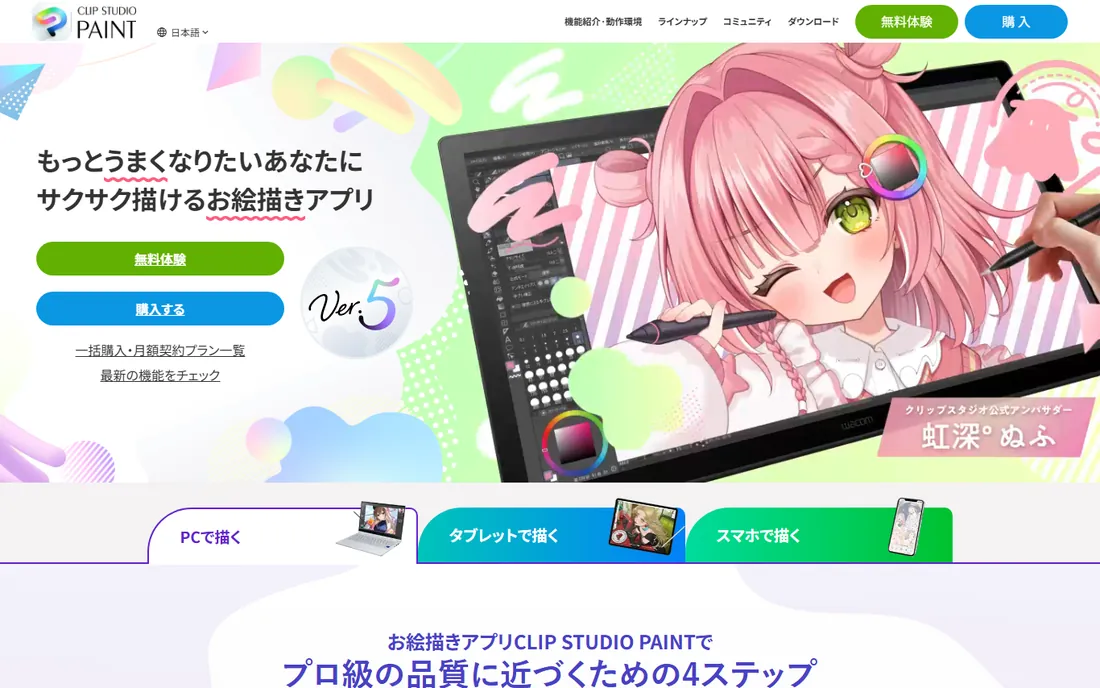
Clip Studio Paint is the working illustrator's tool. PRO covers illustration at $26.99 per year for a single device (per the vendor's pricing page), while EX at $76.99 per year adds full animation tools, multi-page comic management and webtoon features. The brush engine is superb, 3D models help with difficult poses, and the material library supplies tones, patterns and backgrounds.
The learning curve is real: the interface packs comic-specific tools most beginners will not touch for months. But for anyone drawing comics, manga or webtoons seriously, it is the category leader at a price students can afford. Illustrators who never touch comics can stay on PRO and save.
What we like- Purpose-built comic tools: panels, tones, speech balloons and multi-page management
- Excellent brush engine with 3D model posing aids
- Affordable annual pricing with a perpetual license option on desktop
Watch out for- The interface is dense until you customize it
- EX grade needed for full animation and multi-page features costs more
#2
Krita
Best for: A free, full-featured digital painting studio
Visit krita.org
Starting priceFree (open source)
Free planYes
Krita is the free answer that professionals actually use. Its brush engines handle everything from watercolor simulation to textured inking, the animation tools cover frame-by-frame work, and it opens PSD files. Developed by a nonprofit foundation, it costs nothing and shows no ads.
It is not quite as fast as the paid tools on huge canvases, and the documentation assumes you will experiment. But for $0, Krita delivers perhaps 90 percent of what Photoshop offers a painter. Every digital artist should try it before paying for anything.
What we like- Completely free with professional brush engines and layer tools
- Animation workspace with onion skinning and timeline
- Runs on Windows, Mac and Linux
Watch out for- Performance can lag on very large canvases
- Fewer polished learning resources than the paid tools
Starting priceFree
Free planYes
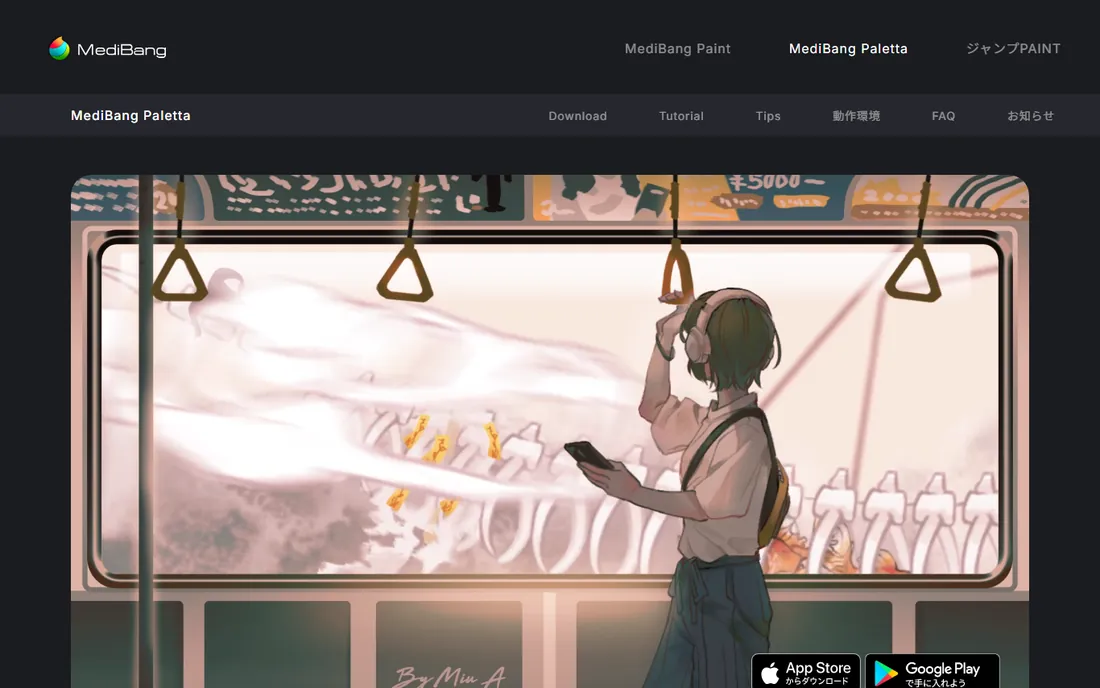
MediBang Paint is the free comic specialist. It offers panel tools, screentones, comic fonts and page management at no cost, with cloud storage that syncs projects between desktop and mobile. For a beginner making their first manga, it removes every barrier.
The brushes will not satisfy a painter: this is a comic tool, not a painting studio. And the free model is supported by promotion of MediBang's marketplace. But as a free on-ramp to comics, especially for young artists, it is unmatched.
What we like- Free with comic-specific tools: panels, tones and fonts
- Cloud saves let you move between PC, tablet and phone
- Lightweight and fast
Watch out for- Brush engine is simpler than Krita or Clip Studio
- The interface pushes MediBang's art services
#4
Adobe Photoshop
Best for: Professional illustration, concept art and photo-painting
Visit adobe.com
Starting priceSee website (Creative Cloud subscription)
Free planFree trial (7 days)
Photoshop is the default professional tool for a reason: studios expect PSD files, art directors expect Photoshop skills, and the brush engine plus plugin ecosystem handle any 2D task. Concept artists, illustrators and matte painters live in it. The subscription includes cloud storage and regular updates.
For drawing alone, it is expensive overkill. The subscription never ends, and hobbyists pay for photo and design features they never open. Professionals who need the standard have no real alternative. Everyone else should weigh Krita or Clip Studio first.
What we like- The industry standard with unmatched brush customization and plugin ecosystem
- Integrates with the rest of Creative Cloud
- Best-in-class photo manipulation alongside painting
Watch out for- Subscription pricing with no perpetual license
- Overkill and expensive for pure hobby drawing
#5
Corel Painter
Best for: Artists who want digital paint to behave like real paint
Visit corel.com
Starting priceSee website (paid license)
Free planFree trial
Corel Painter is for painters who miss the physical stuff. Its brushes simulate bristle behavior, paint mixing, canvas texture and watercolor bleeding better than any competitor. Traditional artists moving digital often feel at home fastest here.
It costs real money and demands a strong PC. The interface is deep enough to drown in. But for fine artists and illustrators whose style depends on traditional media looks, nothing else replicates the feel as convincingly.
What we like- The best simulation of traditional media: oils, watercolors, pastels with realistic behavior
- Huge brush library tuned by working artists
- One-time license option
Watch out for- Expensive and resource-hungry
- The interface carries decades of accumulated complexity
#6
PaintTool SAI
Best for: Anime-style artists who want a tiny, fast inking program
Visit systemax.jp
Starting priceSee website (one-time license)
Free planFree trial
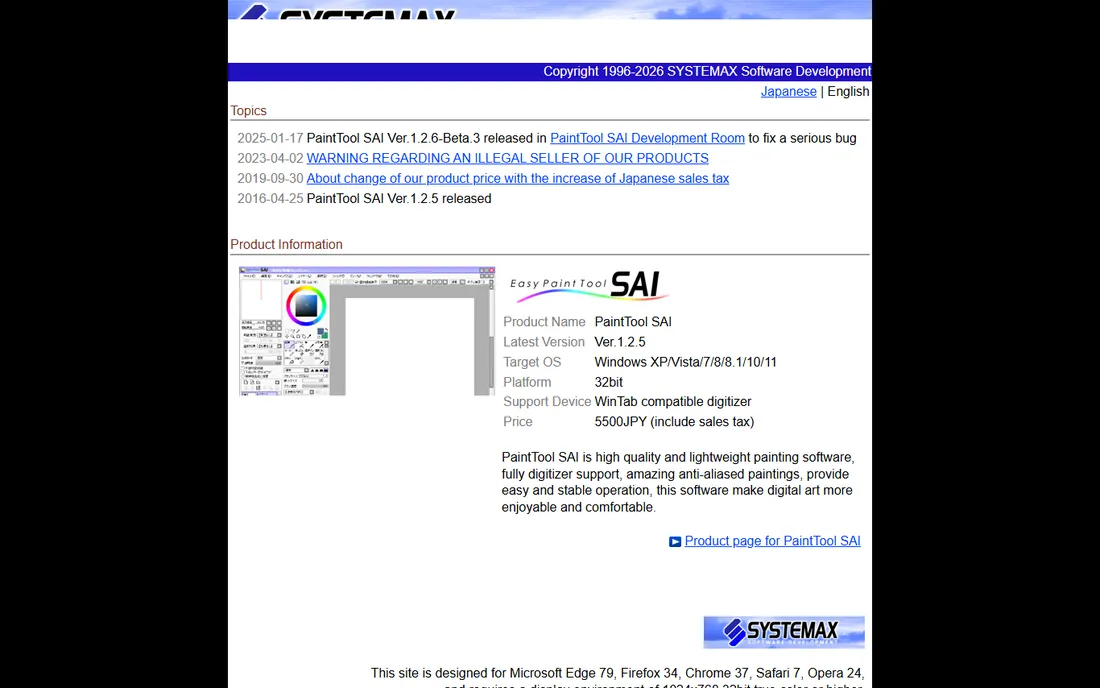
PaintTool SAI has a cult following among anime and manga artists for one feature: the stabilizer, which smooths shaky tablet strokes into clean lines. The program is tiny, launches instantly, and stays out of the way. Many professional manga assistants ink in SAI and color elsewhere.
It is deliberately limited: no serious text tools, minimal filters, Windows only. The interface has not changed in years. But for line art, the stabilizer alone justifies it, and the one-time license keeps it cheap forever.
What we like- Legendary line stabilization for smooth inking
- Tiny footprint that runs on modest hardware
- One-time license, no subscription
Watch out for- Limited features beyond drawing (no text tool finesse, basic filters)
- Windows-only with a dated interface
#7
ArtRage
Best for: Realistic oil, watercolor and palette-knife painting
Visit artrage.com
Starting priceSee website (paid license)
Free planFree trial
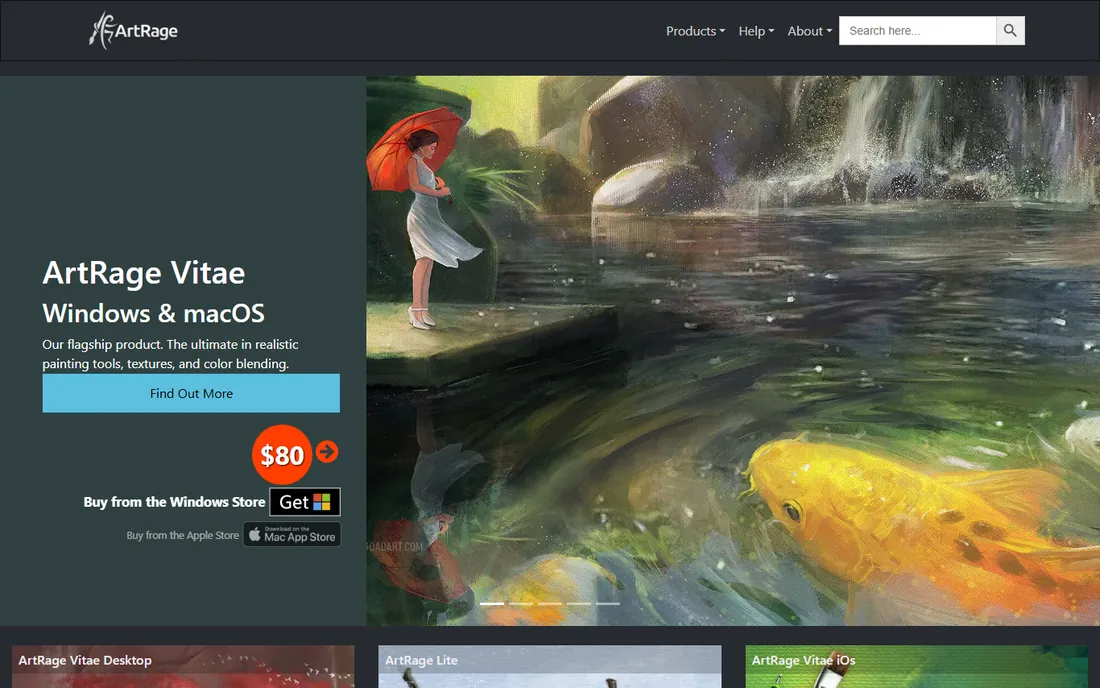
ArtRage makes digital painting feel physical without the complexity of Painter. Oils blend, watercolors bleed, and the palette knife smears paint convincingly, all in an interface a beginner can grasp in an hour. It is the friendliest traditional-media simulator.
It is not an illustration workstation: comic tools, animation and advanced layer workflows are thin. But for painters who want the feel of a canvas and the undo button, ArtRage hits the sweet spot between power and approachability.
What we like- Beautiful traditional-media simulation with an intuitive interface
- Great for beginners moving from real paint
- Affordable one-time pricing
Watch out for- Fewer illustration-specific tools than Clip Studio or Krita
- Smaller community and fewer tutorials
Starting priceFree (open source)
Free planYes
MyPaint is the digital sketchbook. The infinite canvas and hidden interface leave nothing between you and the drawing, and the brushes feel natural for sketching and concept work. It is free, open source and refreshingly simple.
It will not replace Krita for finished illustration: selections, text and transforms are basic, and there is no animation. But as a free sketching companion, or a first drawing program for a kid with a cheap tablet, its focus is its strength.
What we like- Free with an infinite canvas and minimal interface
- Brush engine focused on natural sketching feel
- Fast and lightweight
Watch out for- Not a full painting suite: no animation, limited text and selection tools
- Development is slow
What to look for before you buy
Start with your art, not the feature list. Comic artists need panels, tones and page management: Clip Studio or MediBang. Painters need brush behavior: Krita, Painter or ArtRage. Inkers need stabilization: SAI. Buying the wrong specialist wastes more time than buying the wrong generalist.
Then check the tablet. Every program here supports pressure sensitivity, but tilt support, multi-touch gestures and express-key mapping vary. Wacom tablets work everywhere; cheaper brands occasionally have driver quirks with specific software. Check the vendor's compatibility notes for your exact tablet model.
Finally, mind the business model. Subscriptions (Photoshop, Clip Studio plans) cost forever; one-time licenses (SAI, Painter, Clip Studio perpetual) cost once. Free tools (Krita, MediBang, MyPaint) cost nothing but your patience with smaller communities. Match the model to how long you will use it.
Frequently asked questions
What is the best free drawing software for PC?
Krita is the best free all-rounder for digital painting, MediBang Paint the best free comic tool, and MyPaint the best free sketching app. All three are genuinely free with no paywalled essentials.
Is Clip Studio Paint worth it?
For illustrators and comic artists, yes: PRO from $26.99 per year is cheap for purpose-built comic tools, and the brush engine rivals software costing far more. Casual doodlers should start with Krita free.
Can I use Photoshop for drawing?
Yes, Photoshop is a professional illustration tool with deep brush customization. But the subscription is expensive for drawing alone, and Krita or Clip Studio Paint serve most painters as well for less money.
What drawing software do manga artists use?
Clip Studio Paint dominates professional manga production, MediBang Paint is the free alternative, and many artists ink in PaintTool SAI for its line stabilization. All three handle screentones and panel workflows.
Do I need an expensive tablet?
No. A basic pressure-sensitive tablet from Wacom, XP-Pen or Huion works with every program here. Expensive display tablets help professionals; beginners should spend on software learning time, not hardware.
Is Corel Painter better than Photoshop for painting?
For simulating traditional media, Painter's brushes behave more like real paint. For general illustration, photo-painting and industry compatibility, Photoshop wins. Try both trials with your own style before deciding.
How we chose
We started with the terms artists search: drawing software, digital art software, painting software and illustration software. For each candidate we confirmed the product is current, checked pricing against the vendor's own pages, and compared brush quality, performance and workflow across reviews on G2 and Capterra, artist forums and practitioner discussion on Reddit. Where a price was not published on the vendor's page, we wrote "See website". We weighted real art workflows over feature counts.
The tablet question, answered once
Every drawing program here assumes a pressure-sensitive tablet, and the tablet matters less than artists fear. A $40 entry tablet draws the same line as a $400 one; the difference is surface feel, shortcut buttons and screen vs. no screen. Beginners should buy the cheap tablet and spend the savings on time spent drawing.
What matters more is the driver. Install the tablet vendor's driver before launching the art software, enable Windows Ink only if your program asks for it, and test pressure in the brush settings first. Nine out of ten "my tablet doesn't work" problems are driver problems, not software problems. And replace nibs when they scratch: a worn nib scars a tablet surface permanently.
Sources we checked (8)
- https://www.clipstudio.net/en/purchase/
- https://krita.org/
- https://medibangpaint.com/
- https://www.adobe.com/products/photoshop
- https://www.corel.com/
- https://www.systemax.jp/
- https://www.artrage.com/
- https://mypaint.org/
Is your product missing or out of date?
We review this list regularly. Vendors can request a listing, send updated pricing or ask about featured placement.

Shihab Mia · Founder, Rankite
Shihab has spent more than a decade helping SaaS and e-commerce brands grow through search. He writes Rankite's software buying guides from pricing pages, documentation and public user reviews. More about Shihab.