How we make this list: we compare pricing pages, product documentation and public user reviews. Rankite is independent; if a vendor ever pays for a featured spot, that listing is clearly labeled Partner.
Key takeaways
- Phone scanning is free and excellent: Adobe Scan, Microsoft Lens and CamScanner turn a phone camera into a document scanner.
- Readiris PDF Essential is priced at 99 euros on the vendor's own store, the only scanner price we could verify on a vendor page.
- Desktop scanner owners should look at VueScan (revives old scanners) and NAPS2 (free, open source, no-nonsense).
- ABBYY FineReader remains the OCR accuracy leader for turning scans into editable, searchable documents.
- Match the tool to the input: phone camera, flatbed scanner, or a stack of paper you need searchable.
Quick comparison
| Tool | Best for | Starting price | Free plan |
|---|
 ABBYY FineReader ABBYY FineReader | Turning scans into accurate, editable, searchable documents | See website | Free trial |
 Adobe Scan Adobe Scan | Free, high-quality phone scanning | Free | Yes |
 CamScanner CamScanner | Power users who scan, annotate and share from their phone | See website | Yes (free version, ad-supported) |
 Microsoft Lens Microsoft Lens | Free scanning that feeds straight into Microsoft 365 | Free | Yes |
 VueScan VueScan | Scanners whose manufacturers abandoned them | See website | Free trial (watermarked scans) |
 NAPS2 NAPS2 | Free, simple desktop scanning without bloat | Free | Yes |
 Readiris Readiris | Desktop OCR and PDF conversion from a scanner specialist | 99 euros (PDF Essential) | Free trial |
 PaperScan PaperScan | Simple Windows scanning with a genuinely free edition | See website | Yes (free edition) |
Is your product missing or out of date?
We review this list regularly. Vendors can request a listing, send updated pricing or ask about featured placement.
The best document scanner software
Scanning has split into two worlds. In one, your phone camera plus an app produces a clean, cropped, searchable PDF in seconds. In the other, a flatbed scanner plus desktop software digitizes archives, photos and film with precision. The best tool depends entirely on which world your documents live in. These eight cover both, from free phone apps to professional OCR suites.
#1
ABBYY FineReader
Best for: Turning scans into accurate, editable, searchable documents
Visit abbyy.com
Starting priceSee website
Free planFree trial
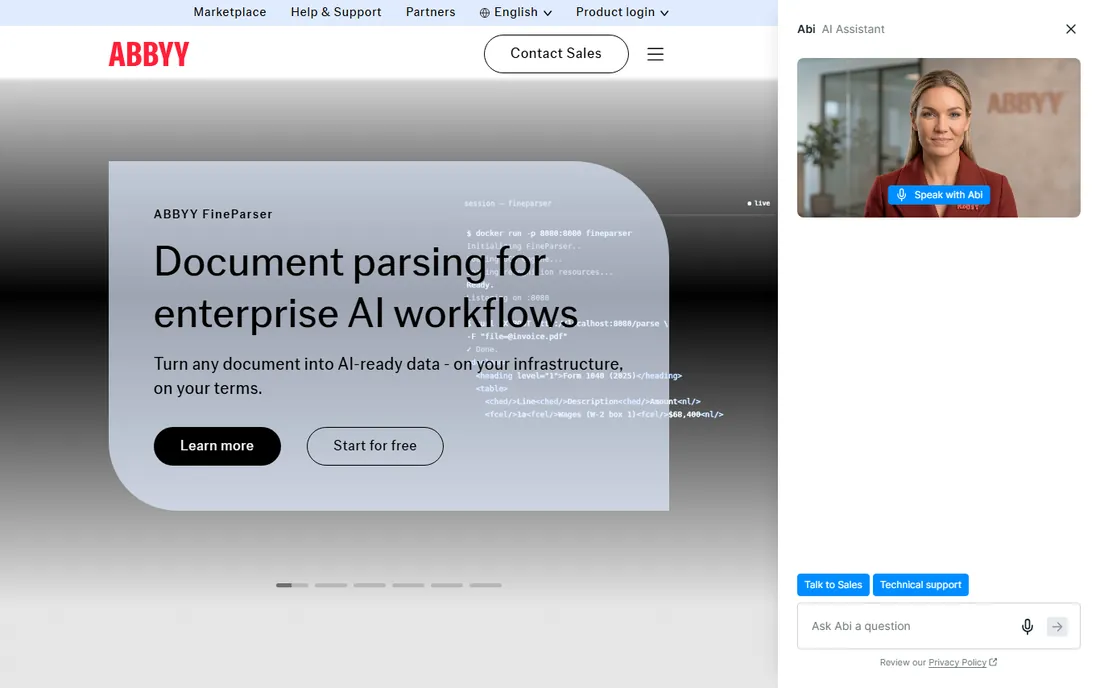
ABBYY FineReader is the reference standard for optical character recognition. Where phone apps produce a picture of a page, FineReader produces the text: it converts scanned documents into editable Word and Excel files and searchable PDFs with layout preserved, in over 190 languages. It also works as a complete PDF editor, so scanned paperwork can be edited, signed and shared in one workflow.
It is professional software with professional pricing; third-party trackers list subscription tiers, but ABBYY does not publish prices on its site, so request a quote or start the free trial. For businesses digitizing contracts, invoices and archives where OCR accuracy directly affects work, FineReader is the tool the others are measured against.
What we like- Best-in-class OCR accuracy across 190+ languages
- Converts scans to Word, Excel and searchable PDF
- Full PDF editing built in
Watch out for- Pricing not published on the vendor site at check time
- More than casual users need
Starting priceFree
Free planYes
Adobe Scan is the free phone scanner that embarrasses paid apps. Point your camera at a document, whiteboard or receipt; the app detects edges, crops, cleans up perspective and lighting, and saves a sharp PDF. Adobe's text recognition makes scans searchable, and everything syncs to Adobe Document Cloud for access anywhere.
It requires a free Adobe account, and serious PDF editing pushes you toward Acrobat. But for scanning on the go, receipts, contracts at a client's office, whiteboards after a meeting, there is no reason to pay. It is the first scanner app to try on iOS or Android.
What we like- Completely free with automatic edge detection and cleanup
- Adobe's OCR makes scans searchable
- Integrates with Adobe Document Cloud
Watch out for- Tied to an Adobe account
- Advanced PDF editing needs Acrobat
#3
CamScanner
Best for: Power users who scan, annotate and share from their phone
Visit camscanner.com
Starting priceSee website
Free planYes (free version, ad-supported)
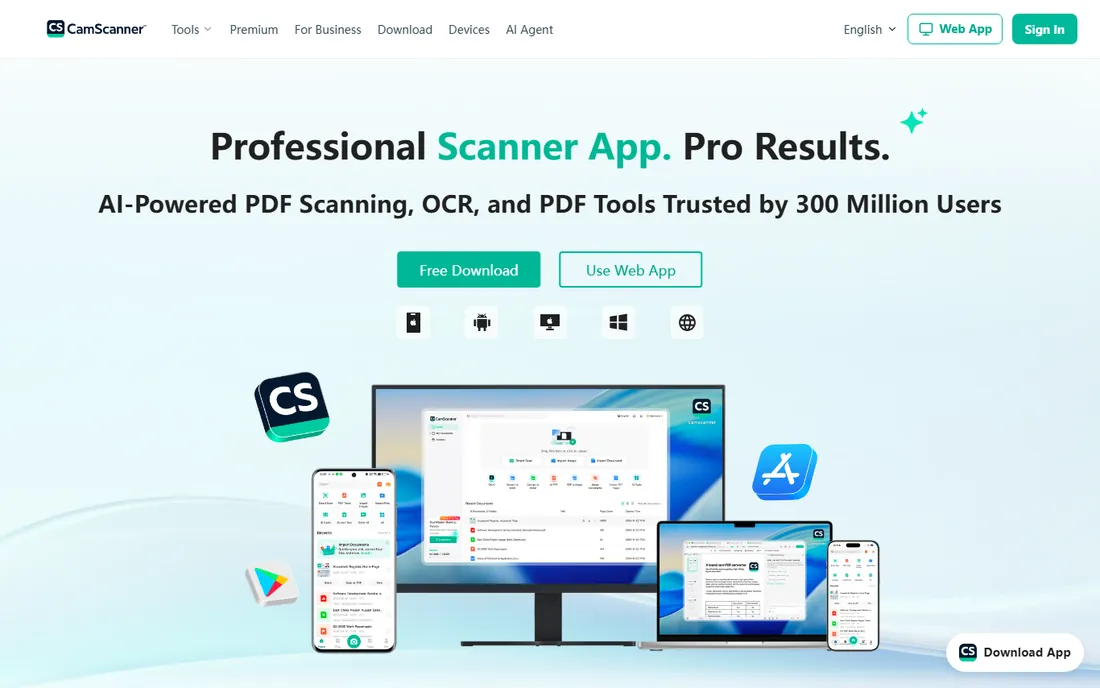
CamScanner practically invented phone scanning and remains the most feature-complete option. Beyond basic scanning it offers OCR conversion to text, Word and Excel, electronic signatures, ID card scan mode, book scanning, fax, and collaboration with shared folders. Documents sync across phone, tablet and the web app.
The free version is ad-supported with watermarks on scans. Premium removes ads and watermarks and adds 10 GB of cloud space, extra collaborators and advanced features; pricing appears in the app stores rather than on camscanner.com, so check there. For professionals who live in scanned documents, the premium tier is a legitimate business tool.
What we like- Mature feature set: OCR, e-signature, ID scan mode, cloud sync
- Works across phone, tablet and web
- Huge user base and template workflows
Watch out for- Free version has ads and watermarks
- Premium pricing only listed in app stores, not on the vendor site
#4
Microsoft Lens
Best for: Free scanning that feeds straight into Microsoft 365
Visit microsoft.com
Starting priceFree
Free planYes
Microsoft Lens (formerly Office Lens) is the quiet achiever: free, no watermarks, no upsell. It scans documents, whiteboards, business cards and photos, then sends them where they belong: searchable PDF, editable Word or PowerPoint, or OneNote. Whiteboard mode cleans up glare and shadows remarkably well, making it a favorite for meeting rooms and classrooms.
It is less of a document management system than CamScanner, with fewer annotation and sharing extras. But if your business runs on Microsoft 365, Lens is the frictionless choice: scan a contract, open it in Word, done. No subscription, no watermark, no catch.
What we like- Completely free with no watermarks
- Scans to PDF, Word, PowerPoint and OneNote
- Whiteboard and business card modes
Watch out for- Fewer annotation and sharing features than CamScanner
- Microsoft account needed for cloud features
Starting priceSee website
Free planFree trial (watermarked scans)
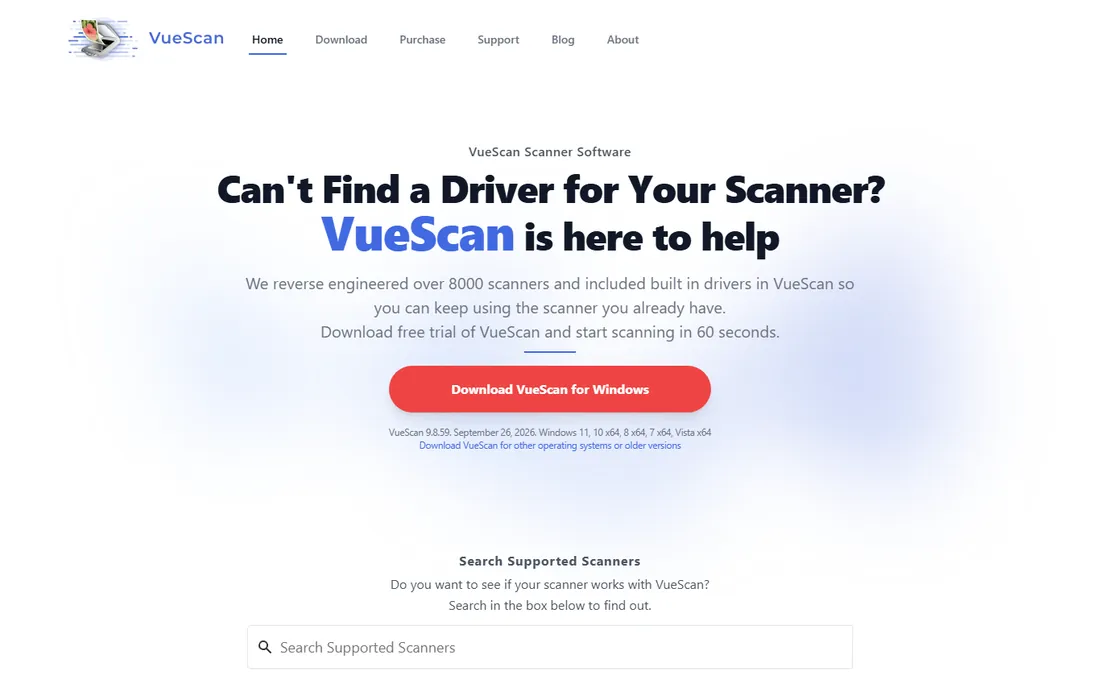
VueScan solves a specific, painful problem: the perfectly good scanner that stopped working because the manufacturer never released drivers for your OS. Hamrick Software's VueScan drives thousands of flatbed and film scanners across Windows, Mac and Linux, often producing better scans than the original software, with batch scanning, infrared dust removal and IT8 color calibration.
The trial watermarks scans until you buy a license; Standard and Professional editions have historically differed on features like raw scan files and unlimited upgrades. Photographers digitizing film and offices nursing decade-old scanners swear by it. Check hamrick.com for current edition pricing.
What we like- Supports thousands of old scanners with no manufacturer drivers
- Excellent film and slide scanning
- OCR and batch scanning built in
Watch out for- Pricing not published on the vendor site at check time
- Interface is functional rather than friendly
#6
NAPS2
Best for: Free, simple desktop scanning without bloat
Visit naps2.com
Starting priceFree
Free planYes
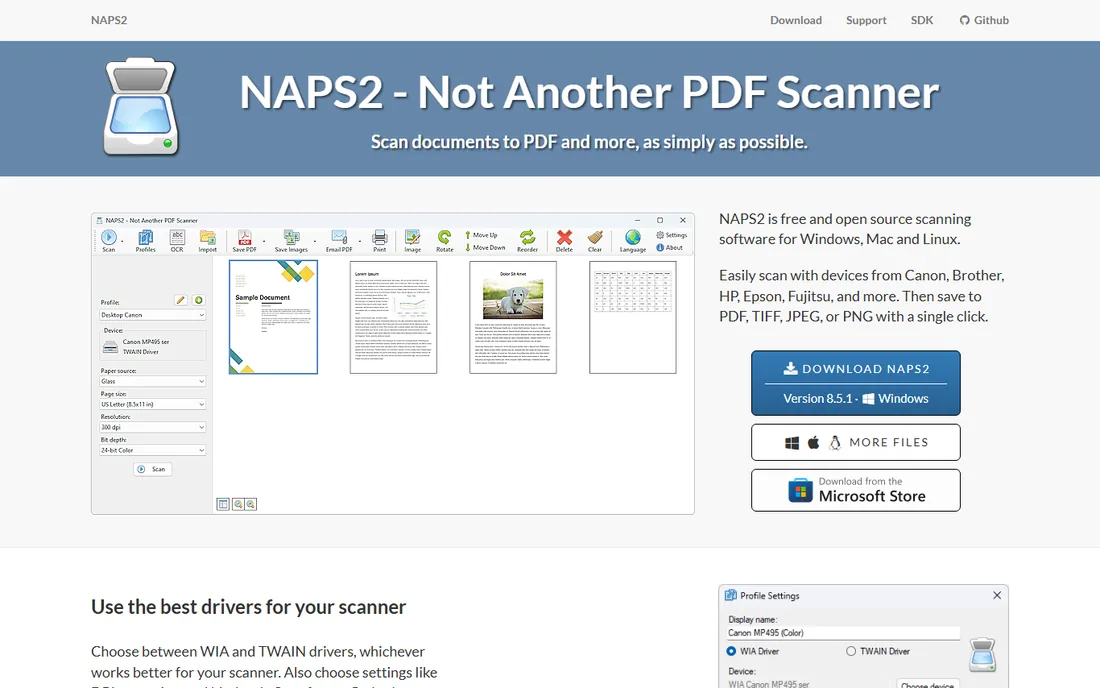
NAPS2 (Not Another PDF Scanner 2) is the free desktop scanner app that does exactly what it says. Connect a scanner, press scan, get a PDF. It supports scanner profiles for one-click repeat jobs, deskew and cleanup, OCR for searchable PDFs, and even command-line automation for batch workflows. It is free and open source with no paid tier.
There is no phone app, no cloud, no AI extras, and that is the point. For offices that need staff to scan documents to PDF all day without training or licenses, NAPS2 is the answer. It respects the classic rule: software should get out of the way.
What we like- Free and open source
- Dead-simple scan-to-PDF workflow
- Profiles, OCR and command-line automation
Watch out for- Windows and Linux focused
- No mobile app or cloud features
#7
Readiris
Best for: Desktop OCR and PDF conversion from a scanner specialist
Visit irislink.com
Starting price99 euros (PDF Essential)
Free planFree trial
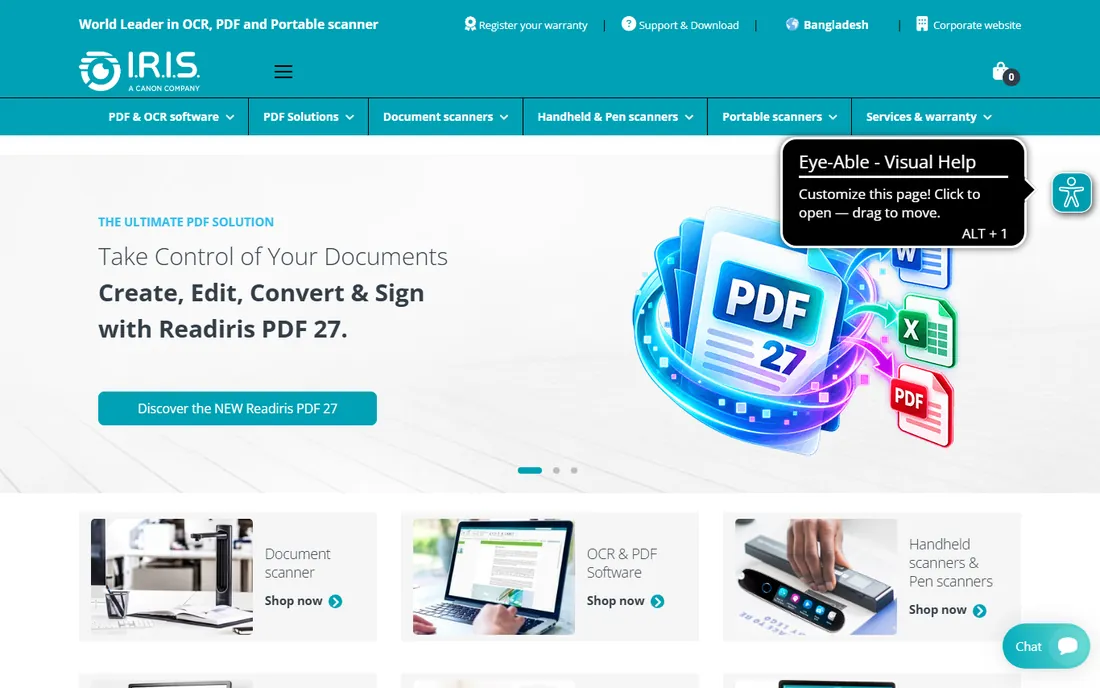
Readiris from I.R.I.S. is the long-standing ABBYY alternative for desktop OCR. It converts scanned paper and PDFs into editable Word, Excel and searchable PDF files, recognizes over 130 languages, and includes compression technology that produces color PDFs far smaller than the original scans. Per the vendor's own online store, Readiris PDF Essential is priced at 99 euros, with Elite and Corporate tiers above it.
It is a Windows and Mac desktop product aimed at professionals and small offices rather than casual phone scanning. If ABBYY's quote-only pricing frustrates you, Readiris publishes its prices and delivers serious OCR. The free trial lets you test accuracy on your own documents first.
What we like- Vendor-published pricing starting at 99 euros
- Strong OCR in 130+ languages
- PDF compression that shrinks scans dramatically
Watch out for- Euro pricing on the vendor store
- Interface less modern than ABBYY's
#8
PaperScan
Best for: Simple Windows scanning with a genuinely free edition
Visit orpalis.com
Starting priceSee website
Free planYes (free edition)
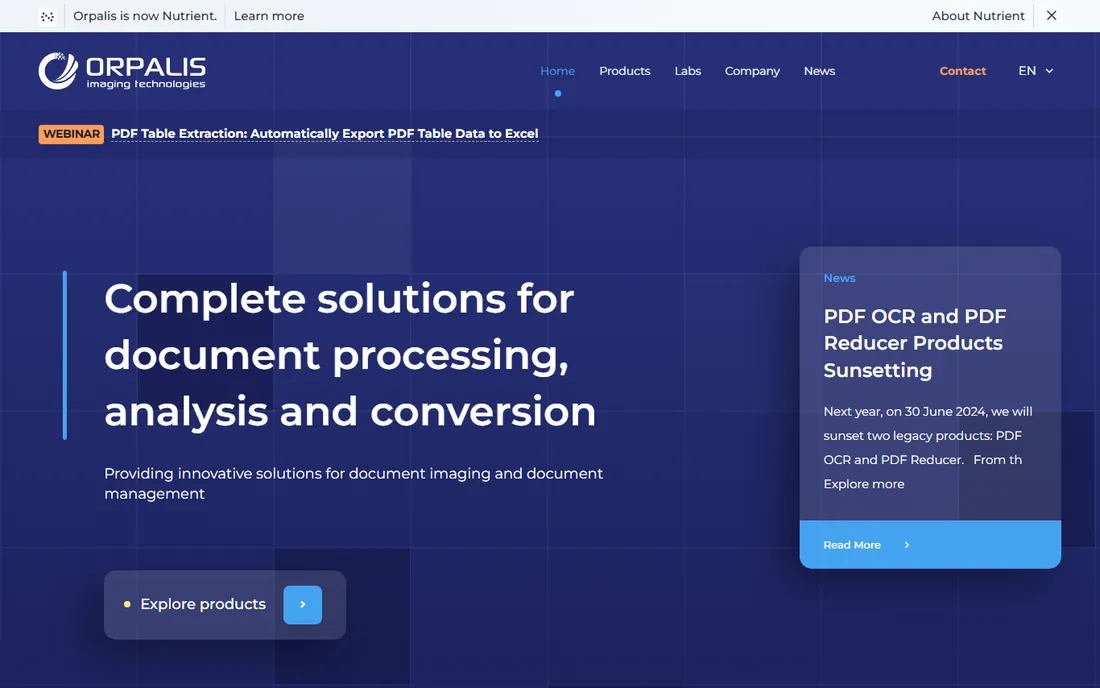
PaperScan from Orpalis is a Windows scanning application with a straightforward pitch: a free edition for everyday scan-to-PDF work, and a Pro edition adding OCR, annotations, encryption and automation. The interface is cleaner than VueScan's and simpler than a full document management suite.
It is Windows-only, so Mac and Linux users should look at NAPS2 or VueScan instead. For Windows offices that want something friendlier than NAPS2 but cheaper than the OCR suites, PaperScan's free edition is worth installing. Check orpalis.com for current Pro pricing.
What we like- Free edition covers everyday scanning
- Clean interface with annotation and PDF features
- Pro edition adds OCR and automation
Watch out for- Windows only
- Paid pricing not published on the vendor site at check time
Phone vs desktop: which scanner do you need
Phone scanning wins for anything you encounter out in the world: receipts, contracts, whiteboards, business cards, forms. Adobe Scan and Microsoft Lens are free and excellent; CamScanner adds power features for heavy users. Quality is more than good enough for records, expenses and sharing.
Desktop scanning wins for volume and quality: multi-page contracts, photo and film archives, anything where resolution and color fidelity matter. Pair a decent flatbed with VueScan or NAPS2, add ABBYY or Readiris when the output must be searchable and editable. Many businesses end up with both: phone apps for the field, desktop software for the office.
How we chose
We selected document scanner software covering mobile apps, desktop scanning utilities and OCR suites. We verified pricing on vendor sources where available: Readiris PDF Essential at 99 euros from the I.R.I.S. vendor store. ABBYY, VueScan, CamScanner and PaperScan did not publish current prices on their vendor sites at check time, so they are marked "See website." We compared scan quality, OCR accuracy, output formats, platform support and free-tier limits using vendor documentation and practitioner reviews. No hands-on testing was involved.
Frequently asked questions
What is the best free document scanner app?
Adobe Scan and Microsoft Lens are both free with no watermarks. Adobe Scan has the edge on image cleanup and Adobe ecosystem integration; Microsoft Lens wins for sending scans straight into Word, PowerPoint and OneNote.
Can phone scans be searchable?
Yes. Adobe Scan, CamScanner (premium OCR) and Microsoft Lens all apply text recognition so your PDFs are searchable. For the highest OCR accuracy on important documents, desktop tools like ABBYY FineReader or Readiris do better.
What is OCR and do I need it?
OCR (optical character recognition) converts the picture of text into actual text you can search, copy and edit. You need it when scans must be searchable or editable; you can skip it for simple record-keeping where the image is enough.
My old scanner has no Windows 11 drivers. What now?
VueScan. It includes its own drivers for thousands of discontinued scanners and works on current Windows, Mac and Linux. Try the trial first to confirm your model is supported.
Is CamScanner safe to use?
CamScanner had a malware incident in 2019 via a third-party ad SDK, which it removed. The current app is widely used, but businesses handling sensitive documents should weigh the ad-supported free tier against paid or enterprise alternatives.
Sources we checked (4)
- https://www.irislink.com/EN-SE/c2357/Shop_Home-Page.aspx
- https://play.google.com/store/apps/details/?id=com.intsig.camscanner&hl=en_IN
- https://en.wikipedia.org/wiki/VueScan
- https://www.trustradius.com/products/abbyy-finereader/reviews
Is your product missing or out of date?
We review this list regularly. Vendors can request a listing, send updated pricing or ask about featured placement.

Shihab Mia · Founder, Rankite
Shihab has spent more than a decade helping SaaS and e-commerce brands grow through search. He writes Rankite's software buying guides from pricing pages, documentation and public user reviews. More about Shihab.