How we make this list: we compare pricing pages, product documentation and public user reviews. Rankite is independent; if a vendor ever pays for a featured spot, that listing is clearly labeled Partner.
Key takeaways
- Start free. Serato DJ Lite, rekordbox Free, VirtualDJ (home use), djay and Mixxx all cost nothing to learn on, so there is no reason to pay before you know you enjoy DJing.
- Your hardware plans should pick your software. Club ambitions point to rekordbox, scratch and hip-hop to Serato, and a Hercules controller to DJUCED.
- djay is the easiest first app thanks to streaming integration and a clean interface, while Mixxx is the only option that is free forever with no paid tier waiting.
- DJ.Studio is different from everything else here: it builds finished mixes on a timeline instead of performing them live.
- Paid upgrades mostly add pro features (stems, DVS, cloud sync) you will not miss in your first six months.
Quick comparison
| Tool | Best for | Starting price | Free plan |
|---|
 rekordbox rekordbox | Future club DJs | See website (Free plan available) | Yes (Free plan) |
 Serato DJ Lite Serato DJ Lite | Scratch and controller beginners | Free | Yes |
 djay djay | Mobile DJs and streaming | See website (PRO subscription) | Yes (free version) |
 VirtualDJ VirtualDJ | All-rounders, video and karaoke | Free for home use | Yes (non-commercial use) |
 Mixxx Mixxx | Budget and open-source purists | Free forever | Yes |
 Traktor Pro 4 Traktor Pro 4 | Creative electronic sets | See website | No |
 DJ.Studio DJ.Studio | Building finished mixes | $99 one-time license | Free trial (7 days) |
 DJUCED DJUCED | Hercules controller owners | Free with Hercules controller | Yes (Standard edition bundled with controllers) |
Is your product missing or out of date?
We review this list regularly. Vendors can request a listing, send updated pricing or ask about featured placement.
Eight ways to start mixing this weekend
Marcus bought a secondhand DJ controller at a flea market in Chicago, carried it home, and then stared at it for a week. Every tutorial assumed software he did not have, and every forum thread argued about which program was "industry standard." He needed the opposite of that debate: a simple answer about what to install first. This guide is that answer, organized by where you want DJing to take you, not by which brand shouts loudest.
Starting priceSee website (Free plan available)
Free planYes (Free plan)
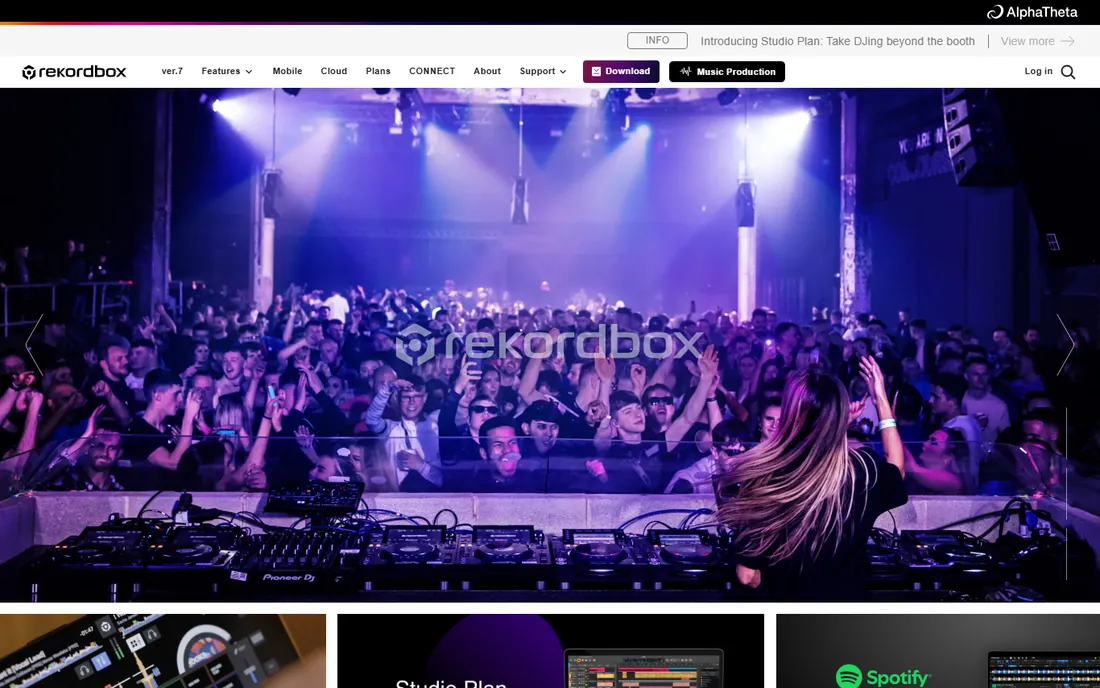
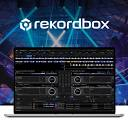
If you picture yourself playing clubs one day, start here. rekordbox is the software behind Pioneer DJ and AlphaTheta hardware, which is what most clubs install. Learn your library management, cue points and beat grids in rekordbox now, export to USB later, and walk into a booth already fluent. The free plan covers the fundamentals with no ads, and the mobile apps let you practice transitions on a phone.
The honest catch is the upsell path. Cloud library sync, extra cloud storage and advanced features sit behind paid plans (Professional runs $30 a month). You do not need any of that to learn. Treat the free tier as your classroom and upgrade only when gigs demand it.
What we like- The club standard, your library prep works on Pioneer CDJs
- Generous free tier with no ads
- Strong mobile apps for practicing anywhere
Watch out for- Paid plans needed for cloud sync and pro features
- Interface assumes you will eventually buy Pioneer gear
Starting priceFree
Free planYes
Serato DJ Lite is the free on-ramp to the software scratch and open-format DJs swear by. Download it, enable Practice Mode, and you can learn beatmatching and basic mixing with just your laptop, no controller required. When you buy a supported controller later, Lite opens up more, and the upgrade path to Serato DJ Pro is well trodden.
What you give up in Lite is depth: no stem separation, no DVS control of turntables, fewer effects. For a beginner that is arguably a feature, not a bug. You learn the core skill of blending two tracks without drowning in options, and Serato's stability means fewer crashes mid-practice than some rivals.
What we like- Completely free with an easy path to Serato DJ Pro
- Famously stable
- Practice Mode works without any hardware
Watch out for- Lite hides pro features like stems and DVS
- Smaller free feature set than VirtualDJ
Starting priceSee website (PRO subscription)
Free planYes (free version)
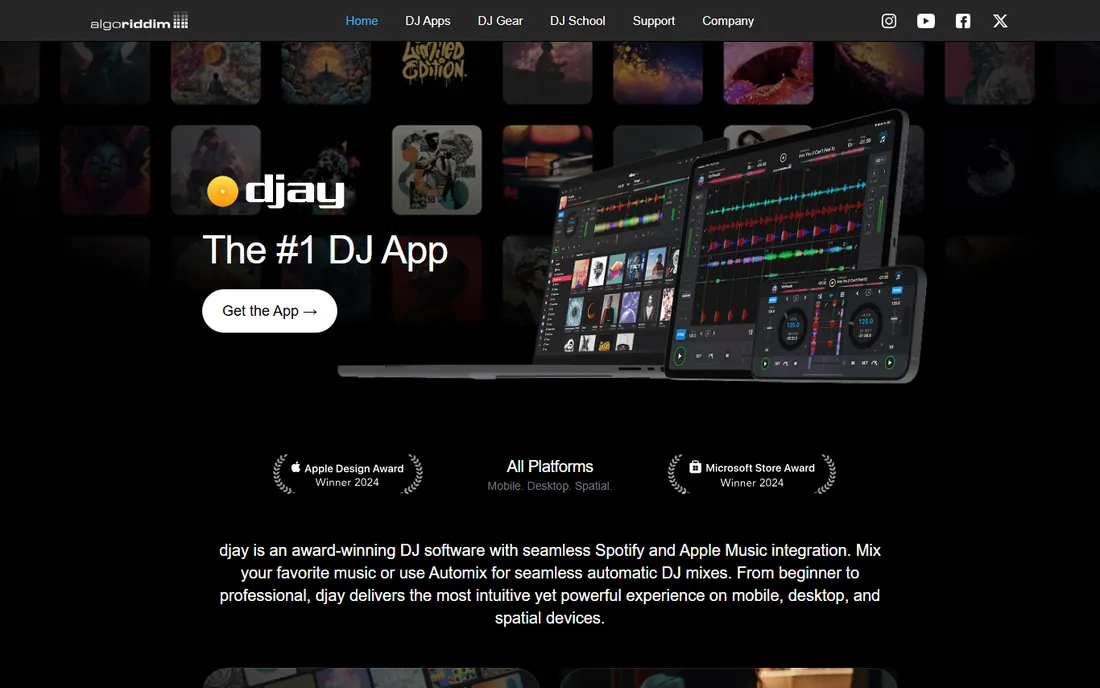
djay feels like it was designed by someone who watched beginners struggle and removed every obstacle. The interface is uncluttered, Automix can blend a playlist while you learn manual control, and the streaming integration means you can practice with 100 million songs instead of buying tracks first. It won an Apple Design Award, and it shows.
The trade is professional ceiling. Working DJs take rekordbox and Serato more seriously, and djay's best tricks (Neural Mix stems, pro layouts) need the subscription. But as a first app, especially on iPad, nothing gets you from zero to your first mix faster.
What we like- Cleanest interface for absolute beginners
- Mixes streaming music from Apple Music and TIDAL
- Runs on phone, tablet, desktop and even VR
Watch out for- Advanced features need the PRO subscription
- Less club credibility than rekordbox or Serato
Starting priceFree for home use
Free planYes (non-commercial use)
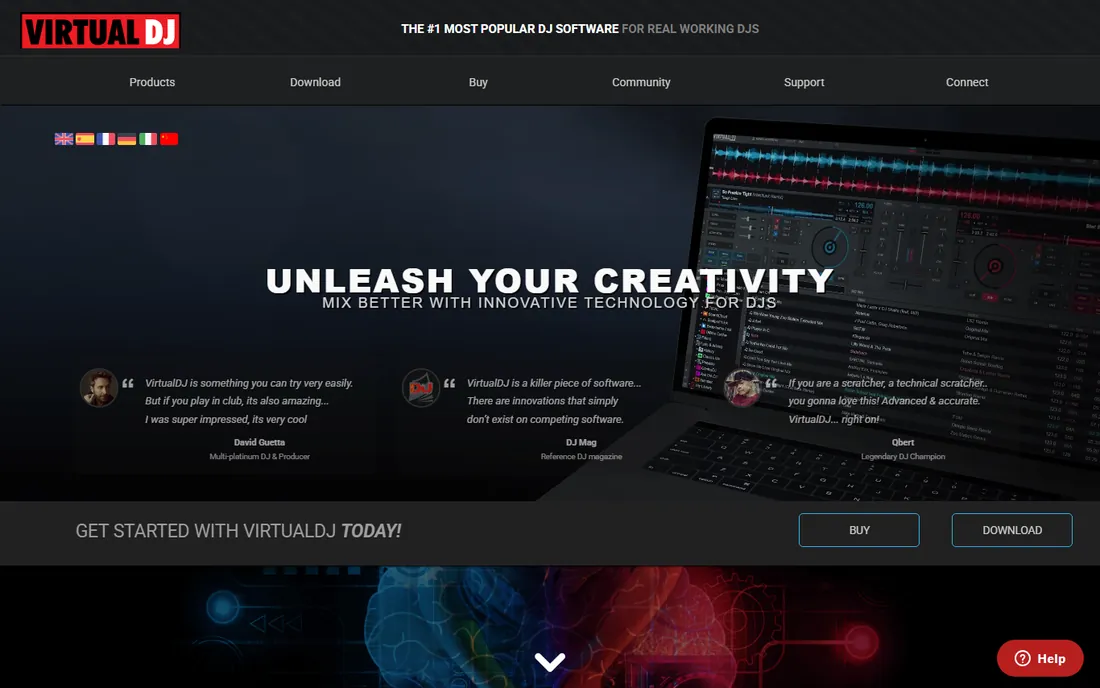
VirtualDJ has been the quiet giant of DJ software for years, with over 300 million downloads. The home version is free and includes real-time stem separation, video mixing, karaoke hosting and broad controller support. If your ambitions include weddings, parties or bar gigs with visuals, no free tool gives you more.
Two honest caveats. First, the license: free means home use only, and the moment you take a paid gig you need a Pro license. Second, the interface shows everything at once, which can intimidate. Spend an hour hiding panels you do not need and it becomes far friendlier.
What we like- Free for home practice with an enormous feature set
- Mixes video and karaoke, not just audio
- Supports 300+ controllers
Watch out for- The free license forbids paid gigs
- The interface packs in so much it can overwhelm
Starting priceFree forever
Free planYes
Mixxx is the only tool here with no commercial angle at all. It is open source, community built, and the developers state plainly that it will always be free. You get four decks, effects, key detection, vinyl control with timecode records, and mapping for most MIDI controllers. For Linux users, it is essentially the only serious option.
What you will not get is the polish of venture-funded rivals: no built-in streaming catalogs, no cloud sync, fewer YouTube tutorials. If you value independence over convenience and want software that can never bill you later, Mixxx is the principled pick.
What we like- Genuinely free with no paid tier or upsell
- Runs on Windows, Mac and Linux
- Solid MIDI controller support
Watch out for- Fewer built-in streaming and cloud features
- Smaller tutorial ecosystem than the big brands
Starting priceSee website
Free planNo
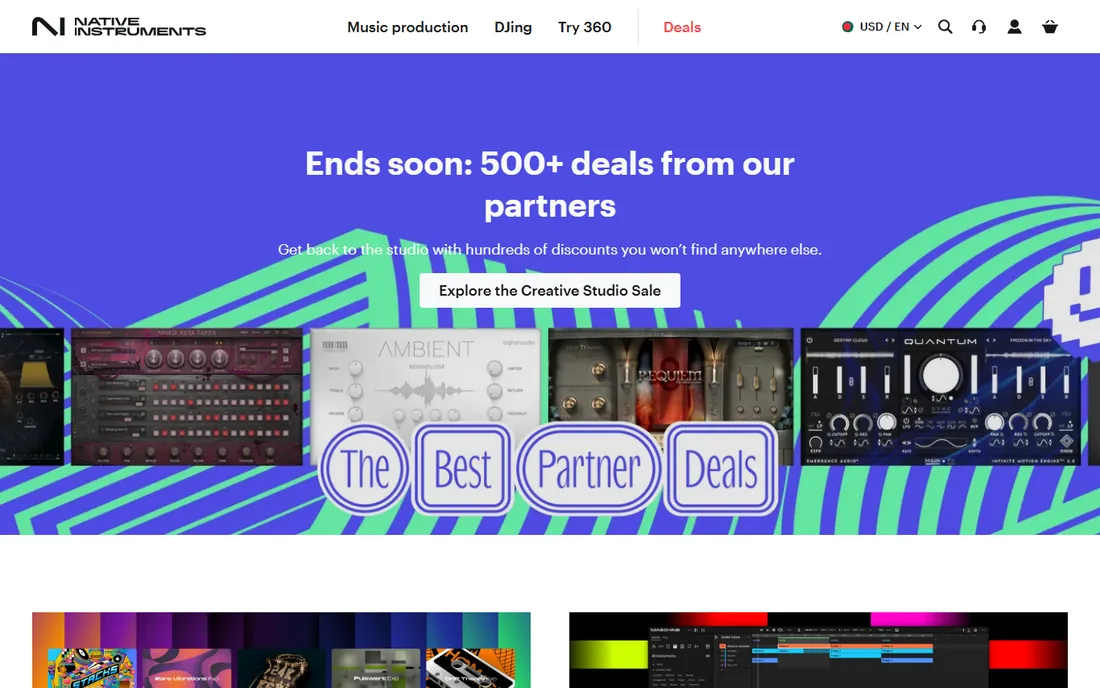
Traktor is the thinking DJ's software. Remix decks, a deep effects engine and four-deck mixing reward electronic DJs who build sets like compositions rather than playlists. Native Instruments sells it as a one-time license, so you buy once and own it, a refreshing model next to subscription rivals.
For beginners, the honesty is that Traktor assumes ambition. The interface is denser, the concepts (remix decks, macro effects) take longer to grasp, and you pay before you know if DJing sticks. Consider it your second software: learn free on Serato Lite or djay, then graduate to Traktor when you crave more creative control. Newcomers can also look at Traktor Play, the streamlined sibling NI now offers.
What we like- Deepest effects and remix decks for creative mixing
- Excellent with Native Instruments controllers
- One-time license, no subscription
Watch out for- Paid from day one
- Steeper learning curve than djay or rekordbox
Starting price$99 one-time license
Free planFree trial (7 days)
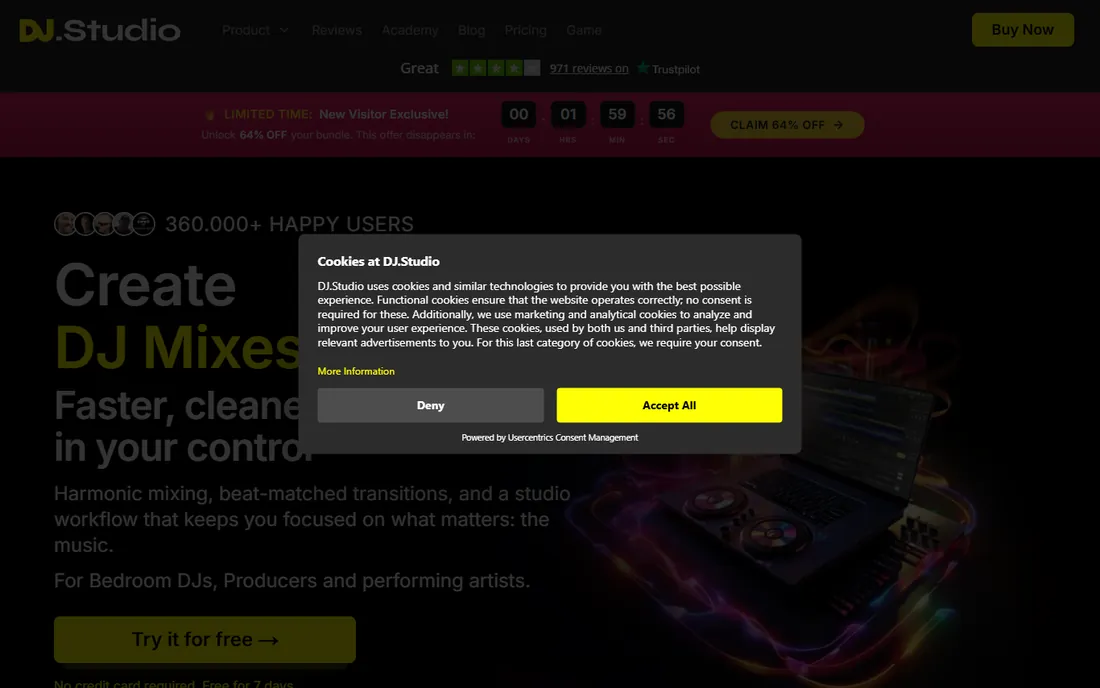
DJ.Studio breaks the mold. Instead of two decks and a crossfader, you get a timeline like a video editor: drop in tracks, let it order them by tempo and key, fine-tune every transition visually, then export a finished mix. Radio hosts, wedding DJs preparing sets and YouTube mix creators love it. The 7-day trial needs no payment details.
The catch is right in the concept. This does not teach you to perform live, read a crowd or beatmatch by ear. It is a production tool, and a $99 one-time license (or subscription) is real money next to free apps. Buy it to create mixes, not to become a club DJ.
What we like- Timeline editing makes polished mixes without live skills
- Auto-orders tracks by key and tempo
- Exports to Mixcloud and Ableton
Watch out for- Not for live performance
- The subscription or $99 license costs more than free rivals
Starting priceFree with Hercules controller
Free planYes (Standard edition bundled with controllers)
DJUCED is the best beginner DJ software most people have never heard of, because it ships with Hercules controllers. The pitch is mentorship built in: DJ Academy lessons, an Intelligent Music Assistant that suggests tracks, and beatmatch guides that teach manual syncing instead of letting the sync button do it. The free Standard edition covers four decks, stems, effects and recording.
Independence costs extra: DJUCED PRO is a one-time 89.99 EUR, or PRO+ at 5.99 EUR a month, and both free you from needing Hercules hardware. If you already own or plan to buy an affordable Hercules controller, this is the most guided start available. If not, the free version's hardware tie is a real limitation.
What we like- Built-in DJ Academy tutorials and beatmatch guides
- Free with any Hercules controller
- PRO upgrade is a modest one-time fee
Watch out for- Tied to the Hercules ecosystem for the free version
- Smaller community than the big four
How we chose
We cross-checked the programs DJ educators actually recommend in 2026: the DJ.Studio free software guide, Digital DJ Tips, LearnHowToBeADJ and working DJ forums. Every product had to be downloadable and usable today, with a genuine path for someone who has never mixed. Prices come from vendor sites where published. We left out mobile-only toys, discontinued products and pro tools with no beginner tier, and we did not count trialware as free.
Buying your first controller (and why software comes first)
Do not buy hardware yet. Every free program above except DJUCED works with just your laptop, and a month of practice will teach you what you actually want: jog wheels or touchstrips, two channels or four, club-standard layout or something experimental. When you do shop, check the software's hardware compatibility list first. A $200 controller that activates Serato DJ Lite or rekordbox performance mode is worth more than a $400 one with no software support.
Budget for music too. Streaming integration (djay, VirtualDJ, Serato) lets you practice with subscriptions you may already pay for, but club USBs and recorded mixes need owned files. And whichever software you pick, learn manual beatmatching even if the sync button works. Software changes; ears do not.
Free vs paid: when to spend money
Stay free until you hit a wall you can name. "I need DVS for my turntables" is a reason to buy Serato DJ Pro. "I want to play paid gigs" is a reason to license VirtualDJ Pro. "I am bored with two decks" might justify Traktor. Vague ambition is not a reason. Most beginners who pay early buy features they do not touch for a year, and every program here lets you upgrade later without losing your library, cue points or playlists.
Frequently asked questions
What is the easiest DJ software for beginners?
djay has the gentlest learning curve thanks to its clean interface and Automix mode. Serato DJ Lite and rekordbox Free are also beginner-friendly and free. Try two of them for a weekend each; the one that feels obvious is your answer.
Is there really free DJ software with no catch?
Mixxx is free and open source with no paid tier at all. Serato DJ Lite, rekordbox Free, djay's free version and VirtualDJ (for home use) are free but reserve pro features for paid upgrades. Read the license: VirtualDJ's free version does not cover paid gigs.
Do I need a DJ controller to start?
No. Serato DJ Lite's Practice Mode, djay, VirtualDJ and Mixxx all work with just a laptop keyboard and mouse. A controller helps once you know you enjoy mixing, and entry-level models from Hercules, Pioneer and Numark start around $100 to $250.
Which DJ software do clubs use?
rekordbox dominates club booths because Pioneer DJ and AlphaTheta CDJs are the standard hardware. Serato is strong among scratch, hip-hop and open-format DJs. Learning rekordbox first gives you the smoothest path to club gigs.
Can I DJ with Spotify or Apple Music?
djay integrates with Apple Music and TIDAL, Serato now works with Spotify and Apple Music, and VirtualDJ streams from several catalogs. Note that streaming tracks usually cannot be recorded into mixes, and licensing for public performance is separate from the software.
How long does it take to learn DJ software?
You can blend two tracks within a weekend. Reliable beatmatching by ear takes a few weeks of regular practice. Playing a confident full set for friends takes a few months. The software is the easy part; track selection and reading a room take years.
Sources we checked (10)
- https://rekordbox.com/en/
- https://serato.com/
- https://algoriddim.com/
- https://virtualdj.com/
- https://mixxx.org/
- https://www.native-instruments.com/
- https://dj.studio/
- https://djuced.com/
- https://dj.studio/blog/free-dj-software
- https://dj.studio/blog/best-dj-software-beginners
Is your product missing or out of date?
We review this list regularly. Vendors can request a listing, send updated pricing or ask about featured placement.

Shihab Mia · Founder, Rankite
Shihab has spent more than a decade helping SaaS and e-commerce brands grow through search. He writes Rankite's software buying guides from pricing pages, documentation and public user reviews. More about Shihab.