How we make this list: we compare pricing pages, product documentation and public user reviews. Rankite is independent; if a vendor ever pays for a featured spot, that listing is clearly labeled Partner.
Key takeaways
- ZBrush remains the safest pick for production character work, while Blender gives hobbyists and small studios a serious sculpting toolset for nothing.
- If you sculpt on a tablet, Nomad Sculpt and Forger are the two real choices, and they serve different workflows.
- 3DCoat wins on fast blocking and retopology in one package, Mudbox wins on texture painting, and Womp is the easiest way to start without installing anything.
- VR sculpting is no longer a gimmick: Substance 3D Modeler and Kodon both offer desktop and VR modes that fit into real pipelines.
- Every paid tool here offers a trial or free learning option, so test the brush feel before you commit to a subscription.
Quick comparison
| Tool | Best for | Starting price | Free plan |
|---|
 ZBrush ZBrush | production character and creature sculpting | See website | Free trial (14 days) |
 Blender Blender | free sculpting inside a complete 3D suite | Free | Yes |
 3DCoat 3DCoat | voxel sculpting with built-in retopo and painting | See website | Free trial (30 days) |
 Mudbox Mudbox | texture painting and finishing passes | See website | Free trial |
 Nomad Sculpt Nomad Sculpt | serious sculpting on iPad and Android | See website | Free trial |
 Forger Forger | iPad sculpting inside the Maxon ecosystem | See website | Free trial |
 Adobe Substance 3D Modeler Adobe Substance 3D Modeler | concept sculpting across desktop and VR | See website | Free trial |
 Womp Womp | first-time sculptors who want zero setup | See website | Free plan |
 Kodon Kodon | VR sculpting with a desktop fallback | See website | Free trial |
Is your product missing or out of date?
We review this list regularly. Vendors can request a listing, send updated pricing or ask about featured placement.
The best digital sculpting software
#1
ZBrush
Best for: production character and creature sculpting
Visit maxon.net
Starting priceSee website
Free planFree trial (14 days)
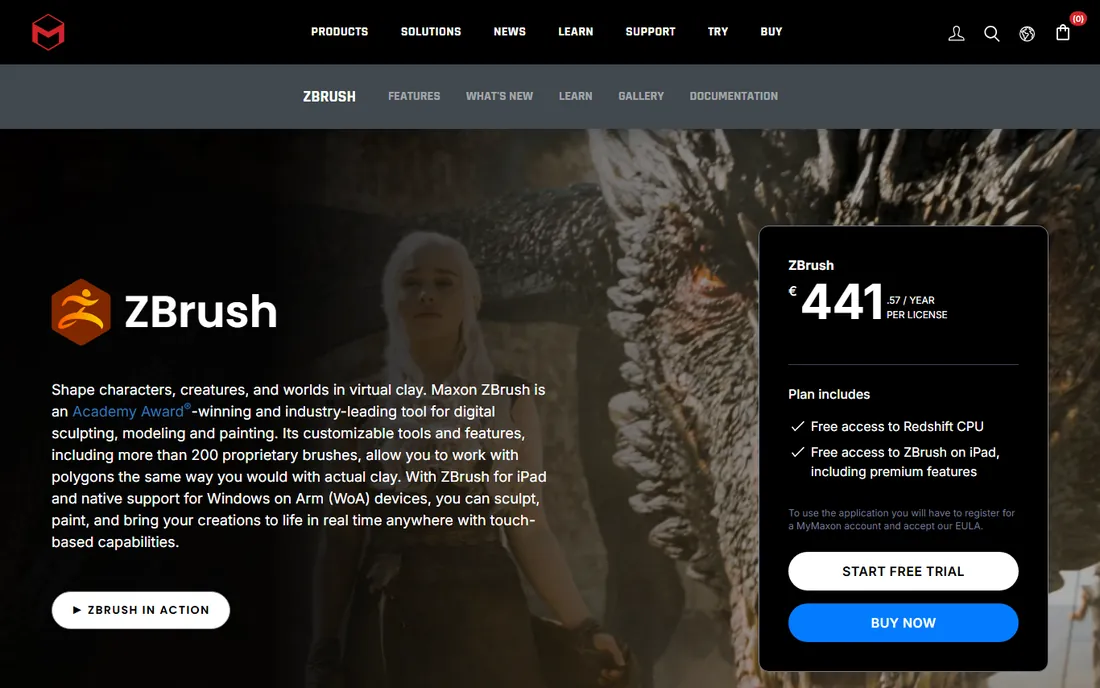
ZBrush is the tool every other sculpting program gets measured against. Maxon now owns it (Pixologic sold ZBrush to Maxon), and the current version runs on Windows, macOS and iPad, with brush dynamics that still feel closer to real clay than anything else on this list. Studios use it for film creatures, game characters and collectibles because it stays fast at polygon counts that would slow other software to a crawl.
The honest catch is the price and the learning curve. There is no perpetual license anymore, so you are renting for as long as you use it. Beginners often bounce off the unusual interface, which does things its own way. But if you plan to make money from sculpting, the trial period is enough to feel why professionals stay.
What we like- Handles tens of millions of polygons in real time
- More than 200 proprietary brushes
- Deep pipeline support through GoZ
Watch out for- Subscription only, no perpetual license
- The interface takes real time to learn
Starting priceFree
Free planYes
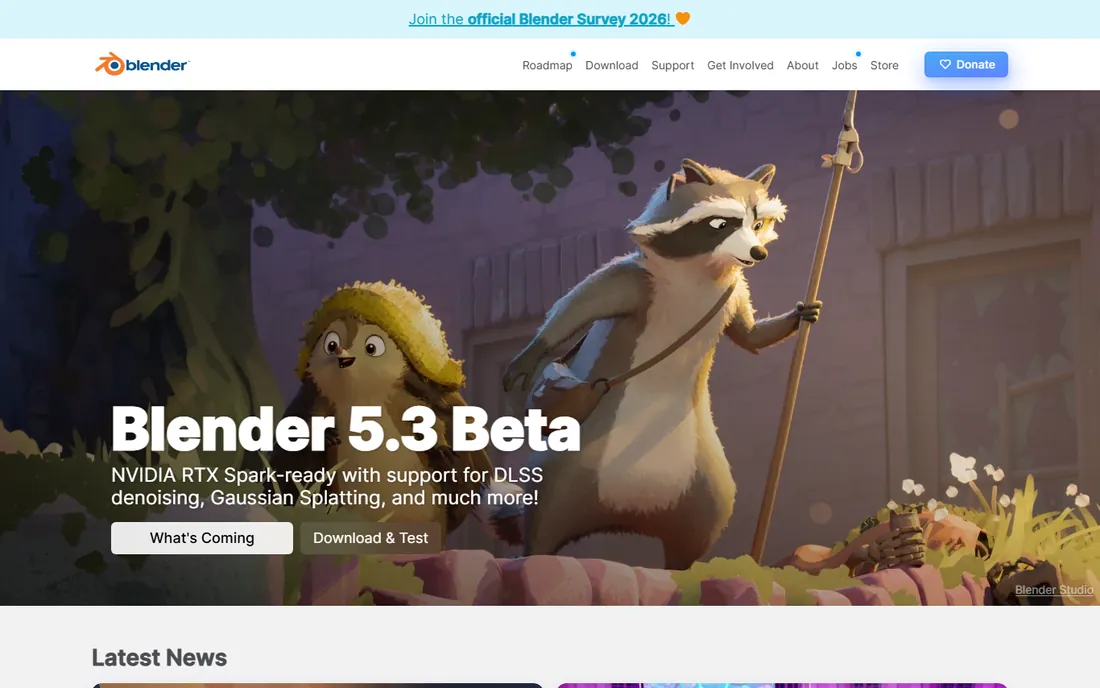
Blender is the reason "free" no longer means "toy" in 3D. Its sculpt mode includes multiresolution sculpting, dynamic topology, masking and dozens of brushes, and the whole program costs nothing under the GNU GPL. For freelancers, indie game teams and 3D printing hobbyists, it removes the budget question entirely.
What you give up is specialization. ZBrush exists only to sculpt, while Blender also animates, renders, composites and edits video, which shows in menu sprawl. The brush engine is strong but not quite as refined at extreme detail. Still, for most personal and small commercial projects, Blender is more than enough, and the skills transfer if you later move to ZBrush.
What we like- Completely free and open source, forever
- Sculpt mode with multiresolution and dynamic topology
- Huge community and tutorial base
Watch out for- Sculpting shares space with everything else, so the app feels big
- Brush presets lag behind ZBrush for fine detail work
#3
3DCoat
Best for: voxel sculpting with built-in retopo and painting
Visit 3dcoat.com
Starting priceSee website
Free planFree trial (30 days)
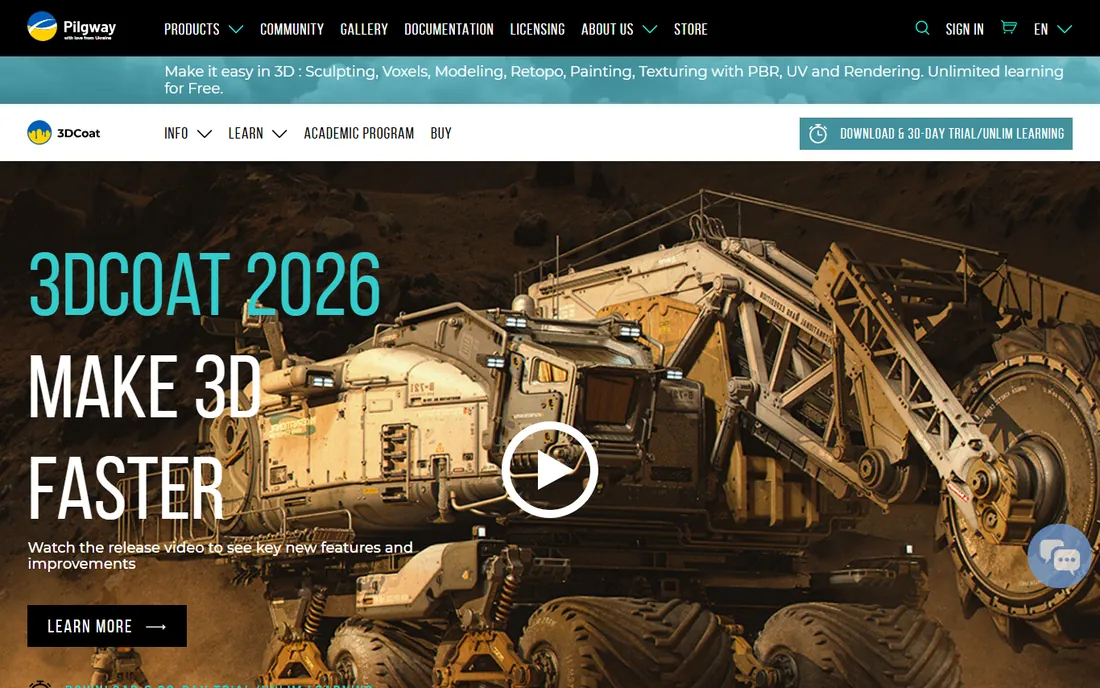
3DCoat takes a different approach from ZBrush: you block out forms in voxels, which means you never fight topology while shaping. Booleans stay crisp, brushes feel fluid, and when the sculpt is done you can retopologize, unwrap UVs and paint PBR textures without leaving the program. That all-in-one loop is its real selling point for freelancers who do the whole asset themselves.
Pilway, the company behind it, offers a 30-day trial plus an unlimited free learning mode, so cost is not a barrier to evaluating it. The tradeoffs are a less modern interface and a smaller user base, which matters when you get stuck at midnight. If your work involves hard-surface props mixed with organic shapes, the voxel workflow is worth the adjustment period.
What we like- Voxel sculpting with no topology constraints
- Full retopology, UV and PBR texturing in one app
- Free unlimited learning mode
Watch out for- The interface looks dated next to newer rivals
- Smaller community means fewer tutorials
Starting priceSee website
Free planFree trial
Mudbox is Autodesk's answer to ZBrush, and its strength has always been the finishing stage. The layer-based texture painting feels familiar to anyone who has used Photoshop, and the sculpting tools are friendly enough that new artists get productive fast. Studios already on Maya or 3ds Max like that it slots into their pipeline without drama.
The weakness is momentum. Autodesk updates Mudbox far less often than Maxon updates ZBrush, so the feature gap has widened over the years. It is still a solid choice for artists who mainly need to paint and polish models built elsewhere, or for students who get it through an Autodesk education plan. As a primary sculpting tool for hero characters, it is no longer the first name most people reach for.
What we like- Intuitive layer-based painting workflow
- Strong retopology and cleanup tools
- Fits naturally beside Maya and 3ds Max
Watch out for- Development pace is slow compared with ZBrush
- Sculpting brushes feel less advanced at high detail
Starting priceSee website
Free planFree trial
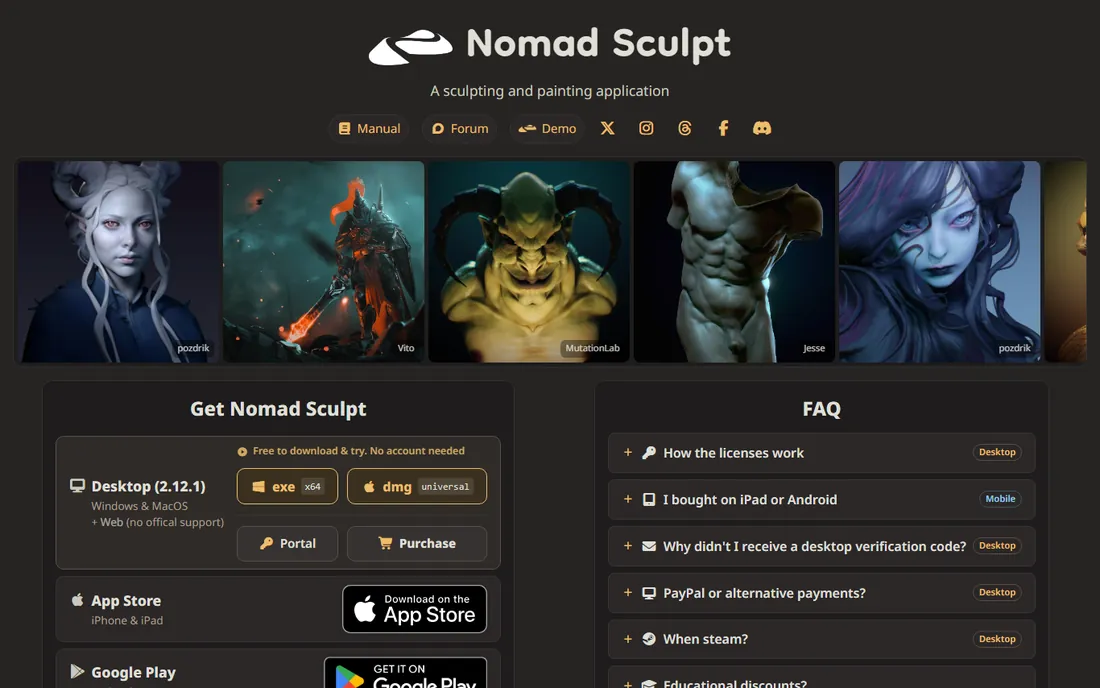
Nomad Sculpt proved that a phone or tablet can run a real sculpting app. It offers clay, trim, smooth and mask brushes with pressure support, voxel remeshing, multiresolution sculpting and vertex painting, all in an interface designed for touch from the start. Many artists now block out characters on the couch and finish them on desktop.
Pricing is refreshingly simple: a one-time purchase per platform, with no subscription. The free trial on Android and the paid iPad version (historically around $15) make it the cheapest serious entry point in 3D. The limit is hardware, since tablets cannot push as many polygons as a desktop. For concepting, 3D printing and stylized work, that limit rarely matters.
What we like- Desktop-class brushes on a tablet
- One-time purchase, no subscription
- Exports cleanly to Blender and ZBrush
Watch out for- High-poly counts limited by tablet hardware
- Desktop version is a separate purchase from mobile
#6
Forger
Best for: iPad sculpting inside the Maxon ecosystem
Visit maxon.net
Starting priceSee website
Free planFree trial
Forger is Maxon's own iPad sculpting app, and it shows in the integration. You get real polygonal modeling tools from Cinema 4D's engine alongside sculpting brushes, per-vertex painting and non-destructive layers, then send the model straight into Cinema 4D for animation or rendering. For motion designers already paying for Maxon One, it is included.
As a standalone choice it is harder to recommend over Nomad Sculpt unless you live in the Maxon world. Forger is iPad only, and the limited free tier nudges you toward a subscription. But the modeling engine is genuinely more capable than a pure sculpting app when your work mixes hard-surface and organic forms.
What we like- Desktop-class polygonal modeling plus sculpting
- Direct handoff to Cinema 4D
- Non-destructive sculpting layers
Watch out for- IPad only, no Android or desktop version
- Best value comes with a Maxon One subscription
#7
Adobe Substance 3D Modeler
Best for: concept sculpting across desktop and VR
Visit adobe.com
Starting priceSee website
Free planFree trial
Modeler is Adobe's take on sculpting, and its headline feature is the hybrid workflow: start a form on your monitor, put on a headset, and keep working on the same model in VR. The tools feel gestural rather than technical, which suits concept artists who think in shapes rather than menus. Symmetry and repetition tools help with hard-surface forms too.
The catch is platform and packaging. The full experience is Windows only, and you buy it through the Substance 3D Collection rather than on its own. If your team already textures in Substance Painter, adding Modeler is an easy call. If you just want a sculpting app, the bundle pricing is harder to justify.
What we like- Switch between desktop and VR in the same session
- Gestural, drawing-like modeling feel
- Part of the Substance 3D Collection
Watch out for- Windows only for the full experience
- Sold as part of a bundle, not standalone
Starting priceSee website
Free planFree plan
Womp is the friendly on-ramp to 3D. It runs in a web browser, so there is nothing to install and no hardware requirements beyond a decent laptop. The toolset is deliberately small: push, pull, smooth and shape, with enough control to make characters, props and 3D-printable objects. For classrooms, kids and curious beginners, the first hour is more fun than any other tool here.
Professionals will outgrow it. There is no high-end brush engine, no serious retopology and no deep texturing. But that is not the point. Womp answers the question "is 3D for me?" in an afternoon, and the free plan means the answer costs nothing. We could not load its homepage in our verification pass, so confirm the URL in your own browser before bookmarking it.
What we like- Runs entirely in the browser, nothing to install
- Genuinely easy first hour
- Free tier covers learning
Watch out for- Less depth than desktop tools for professional work
- Needs a steady internet connection
Starting priceSee website
Free planFree trial
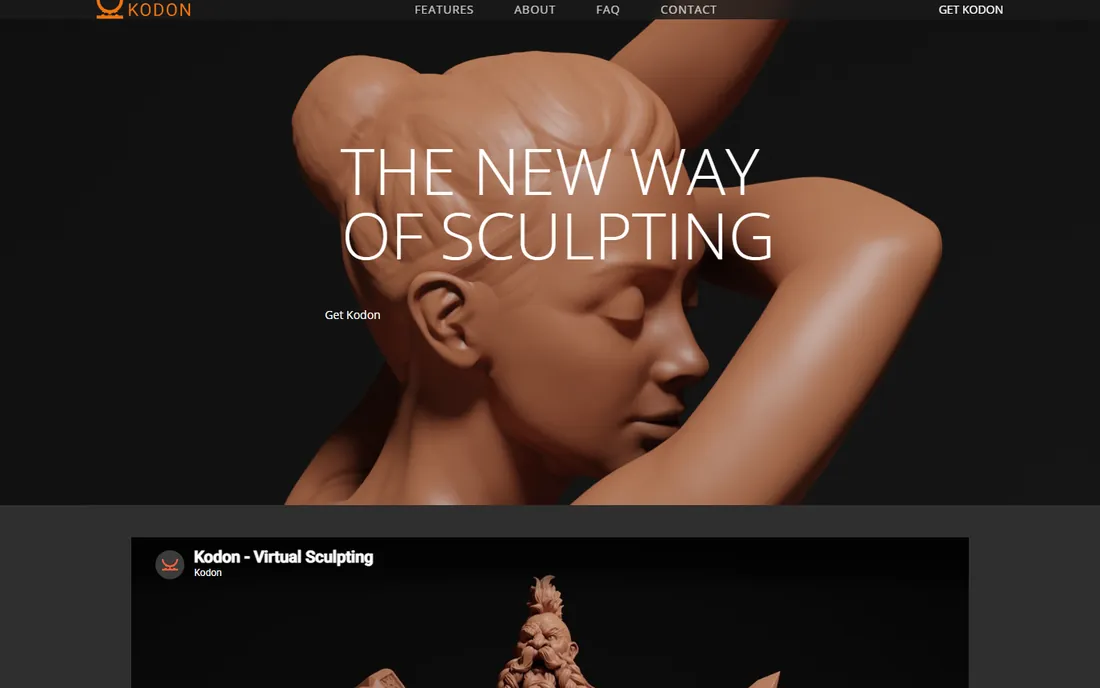
Kodon comes from a small Norwegian studio, TenkLabs, and it is built around one idea: sculpting in true 3D, with your hands, inside a headset. The volume room lets you block out concepts free of topology, then the surface room refines them with multiresolution brushes. When the headset comes off, a desktop mode continues the same project with pen and tablet.
The requirements are the barrier: a VR-ready PC, SteamVR and a supported headset such as Quest, Vive or Index. That rules out casual users. But for concept artists and hobbyists who already own VR hardware, Kodon is the most sculpting-focused VR option we found, sold as a Steam license aimed at individuals and small businesses.
What we like- True VR sculpting with multiresolution detail
- Volume and surface rooms for blocking and refining
- Works on common headsets via SteamVR
Watch out for- Needs a VR-capable PC and SteamVR setup
- Small team, slower feature cadence
How we chose
We started from the tools working artists actually mention: forum threads, G2 and Capterra reviews, Reddit discussions and feature lists. Every product above exists today and accepts new users. We checked each vendor's own site for what the product does, which platforms it runs on and how it is priced, and we favored tools with a clear audience, from free beginner picks to production workhorses. We did not run hands-on tests; the write-ups reflect documented features, pricing pages and public user feedback.
What to check before you pay
Start with your output, not the feature list. If you are making game characters, you need clean exports and retopology support. If you are 3D printing, you need watertight meshes and STL export, which every tool here handles but some handle more smoothly. If you are concepting, brush feel matters more than any checkbox.
Then look at the pricing model honestly. Subscriptions like ZBrush and the Adobe bundle cost more over two years than they appear month to month, while one-time purchases like Nomad Sculpt and the Steam license for Kodon stop costing you anything after day one. Free tools are not always cheaper in time: Blender is free, but you will spend hours learning an interface that does everything.
Finally, match the hardware you own. Tablet apps need a decent iPad or Android tablet with pen support. VR tools need a headset and a strong PC. Desktop tools want a graphics tablet; a mouse works, but your wrist will disagree. Most tools on this list offer a trial, so spend a weekend sculpting the same simple character in two of them. The one you reach for on Sunday is your answer.
Free versus paid: where the line really sits
Free sculpting software has never been stronger. Blender covers the full pipeline, Womp covers the browser, and 3DCoat's learning mode lets you study without paying. For students, hobbyists and 3D printing fans, there is no reason to pay at all.
Paid tools earn their money in three places: speed at high detail, pipeline integration and support. ZBrush stays fast where free tools slow down. Mudbox and Forger slot into Autodesk and Maxon pipelines without conversion headaches. And commercial support matters when a deadline is on the line.
The middle ground is the one-time purchase. Nomad Sculpt costs less than a pizza dinner per platform and never asks for more. That model is disappearing from software, which makes it worth supporting while it lasts.
Frequently asked questions
Is ZBrush still the best digital sculpting software?
For high-end character and creature work, yes. Its brush engine and performance at extreme polygon counts remain ahead of the field. Blender and 3DCoat have closed the gap for most other uses, and Nomad Sculpt wins on tablets, but ZBrush is still the reference point studios hire for.
Can I sculpt professionally with free software?
Yes. Blender is used in real productions, and its sculpting tools are genuinely capable. The tradeoff is workflow speed and some advanced brushes. Many professionals use Blender for personal work and ZBrush at the studio.
What is the best digital sculpting software for iPad?
Nomad Sculpt and Forger are the two serious options. Nomad Sculpt is cheaper with a one-time purchase and works on Android too. Forger integrates directly with Cinema 4D, which matters if you animate in Maxon's ecosystem.
Do I need a graphics tablet?
Strongly recommended for desktop sculpting. A mouse can work for blocking, but pressure sensitivity changes everything for detail work. Tablet apps like Nomad Sculpt and Forger assume pen or touch input by design.
Which sculpting software is best for 3D printing?
Blender, Nomad Sculpt, ZBrush and Forger all export STL files suitable for printing. Nomad Sculpt is popular with printer owners because it is cheap and runs on a tablet. ZBrush offers the most control for complex models.
Is VR sculpting worth it?
For concepting and organic forms, many artists say yes once they try it. Substance 3D Modeler and Kodon both let you work in VR and continue on desktop. You need a headset and a capable PC, so try a trial before buying hardware for it.
Sources we checked (11)
- https://www.maxon.net/en/zbrush
- https://www.maxon.net/en/forger
- https://www.blender.org
- https://3dcoat.com
- https://www.autodesk.com/products/mudbox
- https://nomadsculpt.com
- https://www.adobe.com/products/substance3d-modeler.html
- https://www.womp3d.com
- https://kodon.xyz
- https://aircada.com/blog/nomad-sculpt-vs-zbrush
- https://www.coohom.com/article/best-3d-modeling-software-for-organic-models
Is your product missing or out of date?
We review this list regularly. Vendors can request a listing, send updated pricing or ask about featured placement.

Shihab Mia · Founder, Rankite
Shihab has spent more than a decade helping SaaS and e-commerce brands grow through search. He writes Rankite's software buying guides from pricing pages, documentation and public user reviews. More about Shihab.