How we make this list: we compare pricing pages, product documentation and public user reviews. Rankite is independent; if a vendor ever pays for a featured spot, that listing is clearly labeled Partner.
Key takeaways
- Photoshop ($22.99/month) is still the pro standard for illustration and photo work, but the subscription never ends.
- iPad painters should start with Procreate ($12.99 one-time): the best brush engine per dollar in this list.
- Comic and manga artists get the most for their money from Clip Studio Paint ($54 one-time for Pro), built for panels, inking and screentones.
- The free tier is genuinely strong: Krita and MediBang Paint cover painting and comics at zero cost, and Affinity's $164.99 one-time license undercuts Adobe permanently.
Quick comparison
| Tool | Best for | Starting price | Free plan |
|---|
 Adobe Photoshop Adobe Photoshop | Professional illustration and photo compositing | $22.99/month (Photoshop single-app plan) | Free trial (7 days) |
 Procreate Procreate | iPad painting and illustration | $12.99 one-time | No |
 Clip Studio Paint Clip Studio Paint | Comics, manga and cel-style illustration | $54 one-time (Pro) | Free trial (up to 6 months) |
 Affinity Affinity | Designers and illustrators leaving Adobe subscriptions | $164.99 one-time (Universal Licence) | Free trial |
 Corel Painter Corel Painter | Traditional-media painting simulation | $429 one-time | Free trial (15 days) |
 Krita Krita | Free, open-source digital painting | Free | Yes |
 MediBang Paint MediBang Paint | Free comic and manga creation | Free | Yes |
 ArtRage ArtRage | Natural-media painting for beginners | $80 one-time (Vitae) | Free trial |
 Rebelle Rebelle | Watercolor and acrylic simulation | $89.99 one-time (Pro) | Free trial |
Is your product missing or out of date?
We review this list regularly. Vendors can request a listing, send updated pricing or ask about featured placement.
The best digital art software
The honest truth is that the brush engine matters less than the price model. Almost every tool here paints well enough for professional work; what separates them is whether you pay once, pay forever, or pay nothing. These nine cover the real options, from the free tools that embarrass paid software to the subscription Adobe hopes you never cancel.
#1
Adobe Photoshop
Best for: Professional illustration and photo compositing
Visit adobe.com
Starting price$22.99/month (Photoshop single-app plan)
Free planFree trial (7 days)
Photoshop remains the default because it is the default: clients send PSDs, printers expect PSDs, and every tutorial assumes you have it. Beyond photos, it is a serious painting tool with Kyle Webster's brush library built in, and the neural filters handle tasks like skin smoothing and style transfer that used to take plugins. For freelancers who also retouch, composite and design, one subscription covers the whole job.
The honest catch is the rental model and the weight. At $22.99 per month the single-app plan costs more in three years than every one-time tool on this list combined, and Photoshop demands a real machine to run well. If you paint exclusively, Procreate or Clip Studio give you 90 percent of the brushes for a fraction of the lifetime cost. Buy Photoshop for the ecosystem, not the brushes.
What we like- The deepest brush customization and filter set in the industry
- PSD is the universal file format every client and printer accepts
- Constant updates with new neural filters and AI-assisted tools
Watch out for- Subscription-only, so the meter runs forever
- Heavy on RAM and slower to open than focused painting apps
Starting price$12.99 one-time
Free planNo
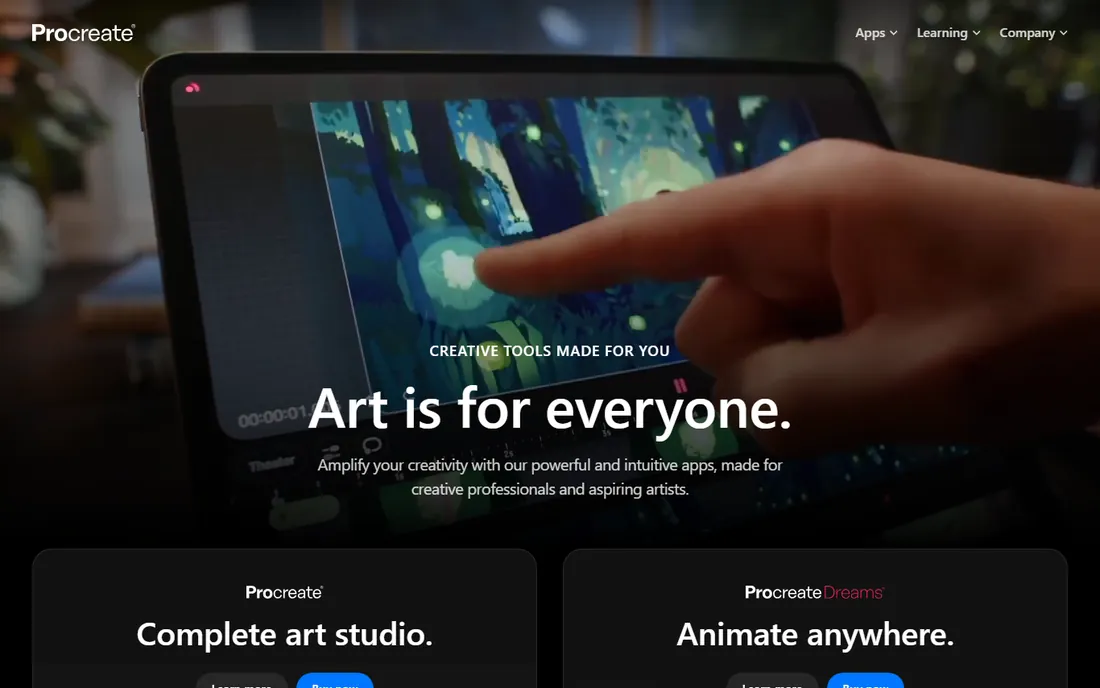
Procreate is the reason many illustrators bought an iPad. The brush engine is fast and genuinely pleasant: strokes render instantly at large canvas sizes, and the default brush set covers inking, painting and texture without a store visit. Animation Assist turns the app into a frame-by-frame animation tool, and recent versions paint directly on 3D models. At $12.99 one-time, it is the cheapest professional tool on this list by an absurd margin.
The catch is the platform lock. There is no Mac, Windows or Android version, and there never will be. Large canvases hit layer limits on older iPads, so check your model's ceiling before starting a poster-sized piece. If you work on an iPad, nothing else is close. If you do not, Procreate is irrelevant to you.
What we like- Best-in-class brush engine with a huge free brush library
- One-time price with free major updates
- Animation assist and 3D model painting built in
Watch out for- IPad-only, with no desktop or Android version
- Layer limits depend on canvas size and iPad RAM
Starting price$54 one-time (Pro)
Free planFree trial (up to 6 months)
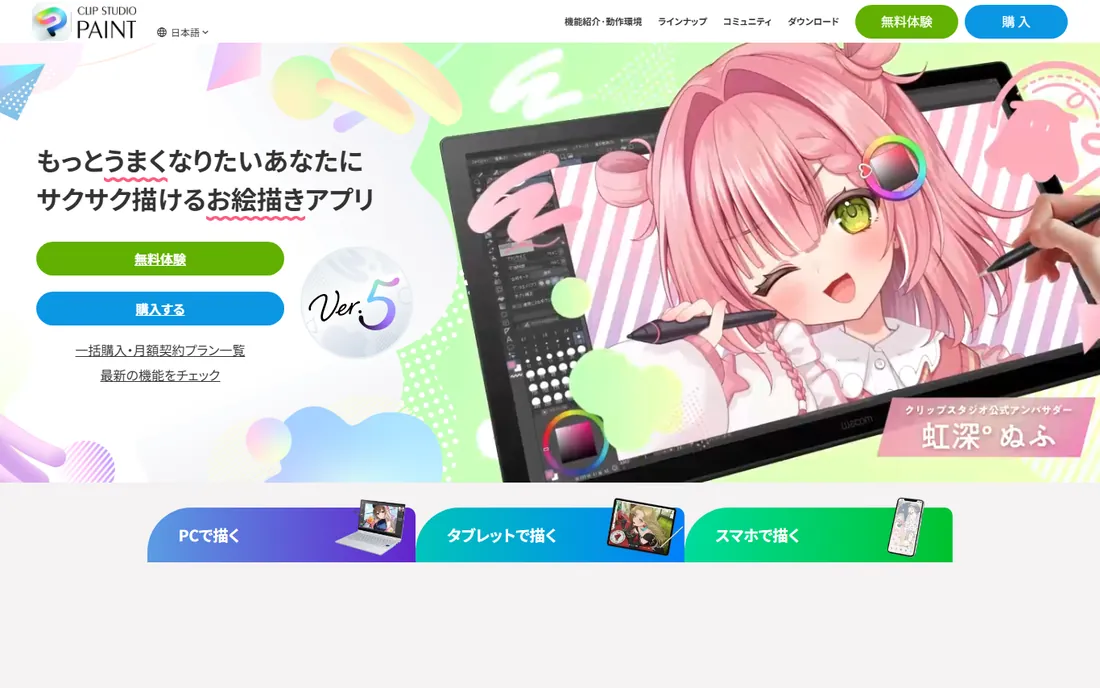
Clip Studio Paint is what manga artists actually use, and the toolset shows it. Panel frames snap into place, screentones apply with a click, and perspective rulers make backgrounds fast. Vector layers let you edit line weight after inking, which is the feature that converts Photoshop holdouts. The Pro version at $54 one-time covers single illustrations and short comics; EX adds multi-page book management for longer work.
The honest catch is the learning curve of the interface. Clip Studio exposes hundreds of tools across nested palettes, and the defaults need an hour of rearranging before it feels like yours. The trial is generous (months, not days), so live in it before paying. For comics and cel-style illustration, there is no better value anywhere.
What we like- Purpose-built comic tools: panels, screentones, speech balloons, perspective rulers
- Vector layers for clean, scalable line art
- The EX version adds multi-page manga management
Watch out for- The interface is dense and takes setup to feel comfortable
- 3D model posing and animation tools are useful but shallow
Starting price$164.99 one-time (Universal Licence)
Free planFree trial
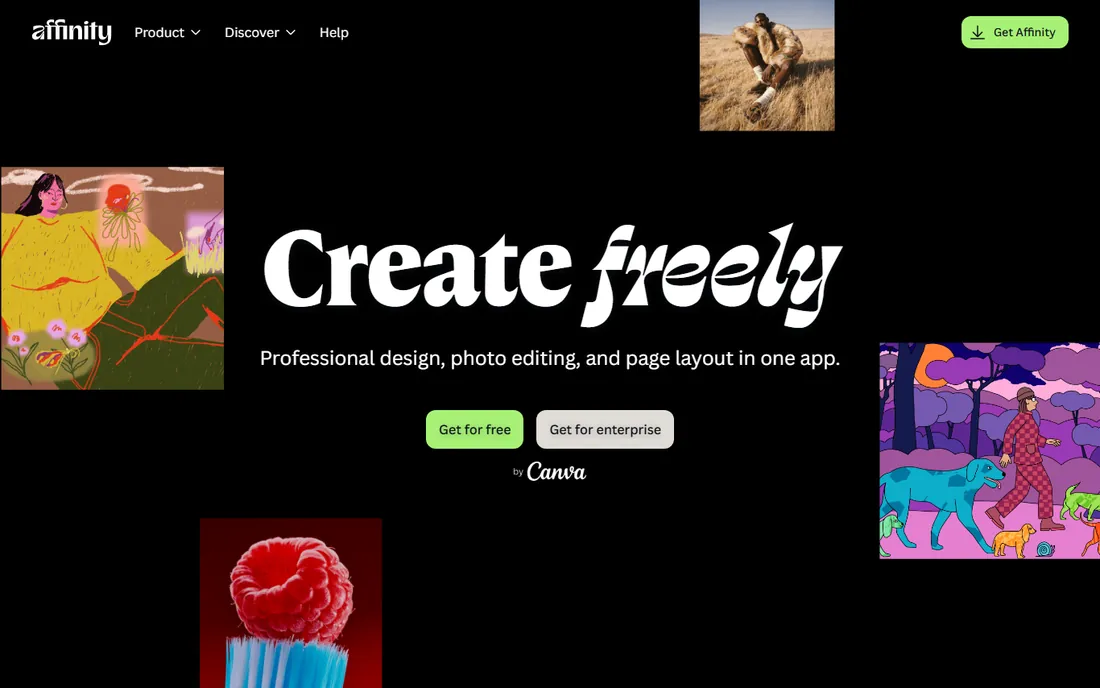
Affinity is the Adobe exit strategy. The Universal Licence buys Designer (vector), Photo (raster) and Publisher (layout) outright for Mac, Windows and iPad at $164.99, roughly seven months of a single Adobe app. Photo opens PSDs well enough for client work, and the apps share one file format, so vector and raster work flows between them. Canva's acquisition of Serif brought resources without changing the no-subscription model so far.
The catch is that Affinity is three apps, not a suite. There is no After Effects, no Lightroom, no InDesign-level long-document depth (Publisher is good, not InDesign). Plugin support is thinner than Photoshop's. If your work lives in Photoshop, Illustrator and InDesign, Affinity covers nearly all of it for one payment. If you need the rest of Adobe's ecosystem, you still need Adobe.
What we like- One-time price covers Designer, Photo and Publisher on all platforms
- Opens and saves PSD files reliably
- Fast, modern codebase that runs well on modest hardware
Watch out for- No exact equivalent for every Adobe feature (After Effects and Lightroom workflows have no match)
- Smaller plugin ecosystem than Photoshop
Starting price$429 one-time
Free planFree trial (15 days)
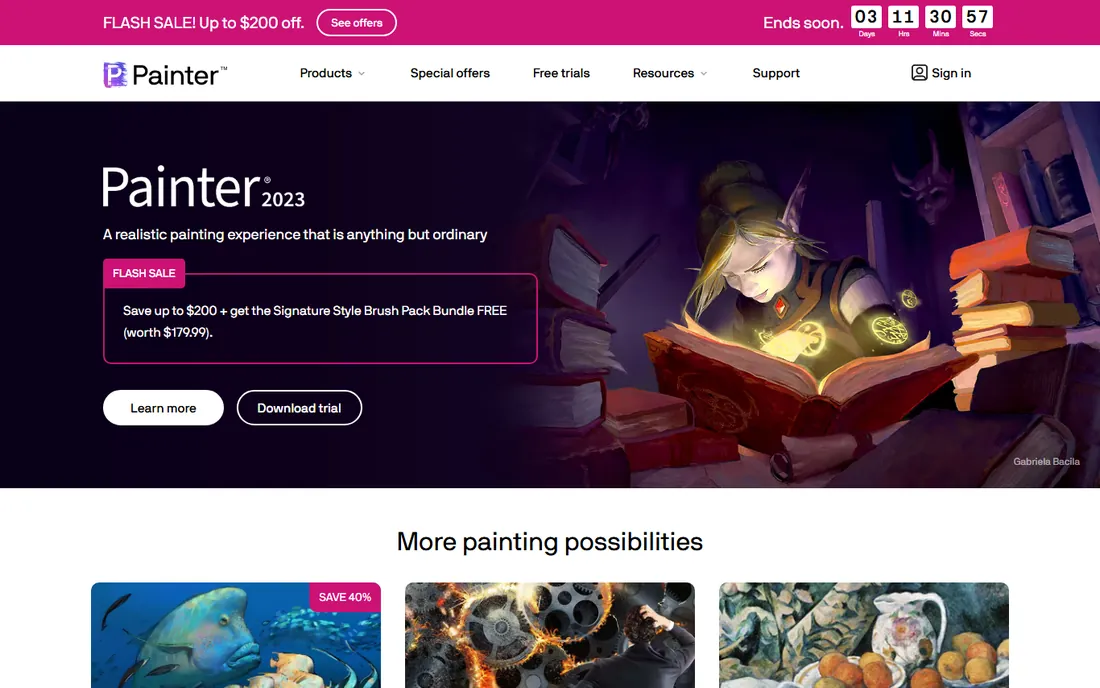
Corel Painter is for artists who miss real paint. Its brush engine simulates how oils blend, how watercolor bleeds into paper grain and how charcoal smudges, with a fidelity no general-purpose app attempts. The thick-paint impasto effects and paper textures produce work that reads as traditional media on screen. Illustrators doing book covers and gallery work in a painterly style swear by it.
The honest catch is the price and the weight. At $429, Painter costs more than every other one-time tool here combined, and it wants a strong machine to run smoothly. The interface carries decades of accumulated panels. If your style is painterly realism, nothing else does what it does. If it is not, this is the easiest $429 you will ever not spend.
What we like- Unmatched simulation of oils, watercolor, charcoal and pastels
- Massive brush library tuned by medium
- Thick paint and texture effects no competitor matches
Watch out for- The most expensive tool on this list by far
- The interface is crowded and the app is demanding on hardware
Starting priceFree
Free planYes
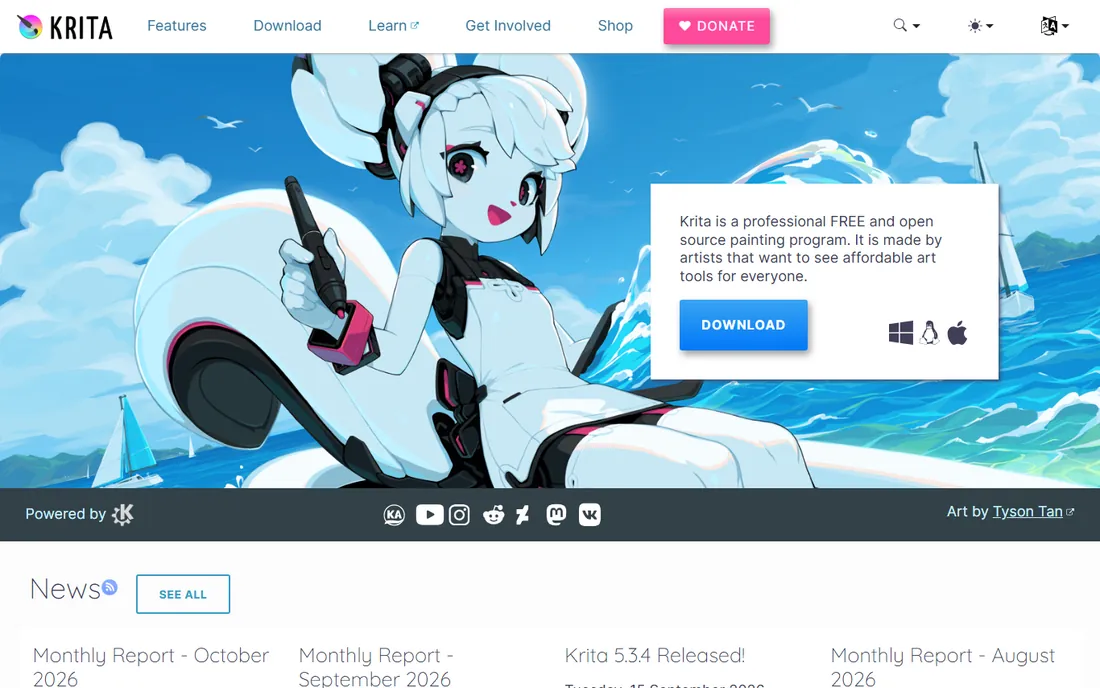
Krita is the proof that free software can be professional software. The brush engine handles painting, inking and texture work with stabilizers that clean up shaky lines, and the animation tools (timeline, onion skin) are genuinely usable for short sequences. There are no premium tiers, no locked brushes and no account required. Development is funded by donations and the Steam release, not by upsells.
The catch is polish and performance. The interface is functional rather than beautiful, and very large canvases can stutter on modest hardware where Procreate flies. Support comes from documentation and community forums, not a help desk. For a free tool, those are footnotes. Krita embarrasses software that costs hundreds.
What we like- Completely free with no feature limits, watermarks or tiers
- Strong brush engine with stabilizers for clean line work
- Animation workspace with onion skinning included
Watch out for- The interface is less polished than paid rivals
- Performance lags on very large canvases and weaker machines
Starting priceFree
Free planYes
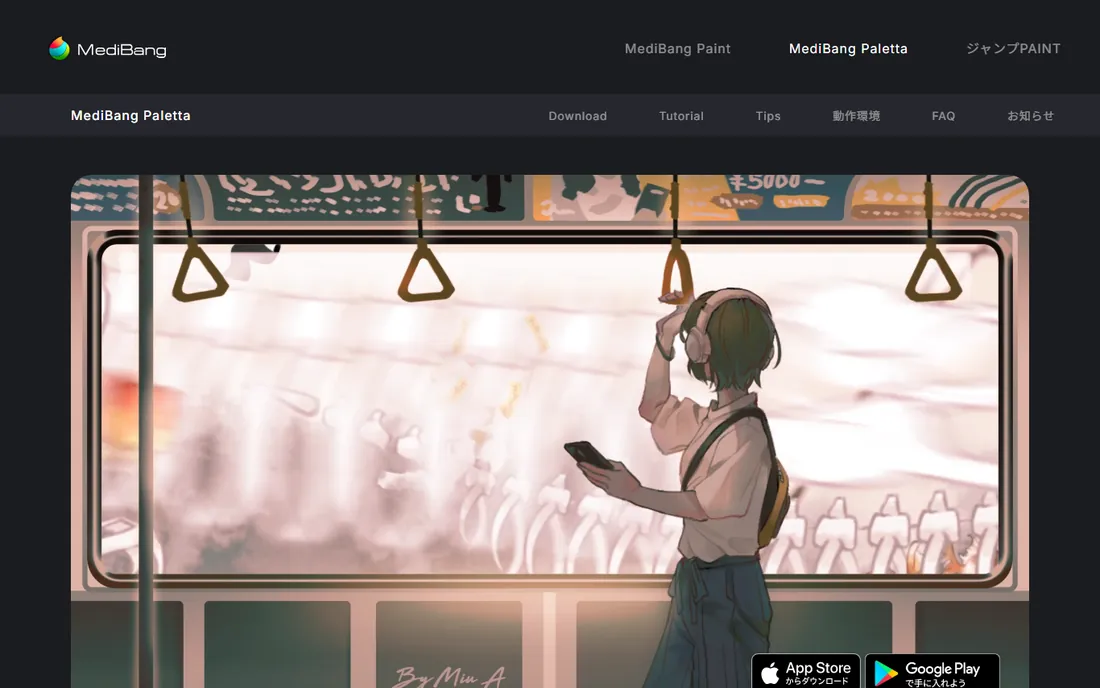
MediBang Paint is the free comic studio. Panel tools, screentones, speech balloons and a huge cloud font library cover manga production basics at zero cost, and the app runs on everything from phones to desktops with cloud sync between them. For students, hobbyists and beginners testing whether they like making comics, it removes every excuse.
The honest catch is the ceiling. The brush engine is serviceable but not inspiring next to Krita or Clip Studio, and the free apps carry ads with premium features behind a subscription. Serious comic artists graduate to Clip Studio Paint's $54 Pro license. But as a free starting point for comics specifically, MediBang is the obvious pick.
What we like- Free comic tools including panels, tones and cloud fonts
- Lightweight app that runs on phones, tablets and desktops
- Cloud saving and team features for collaboration
Watch out for- Brush engine is simpler than Krita or Clip Studio
- Ads and premium upsells appear in the free apps
Starting price$80 one-time (Vitae)
Free planFree trial
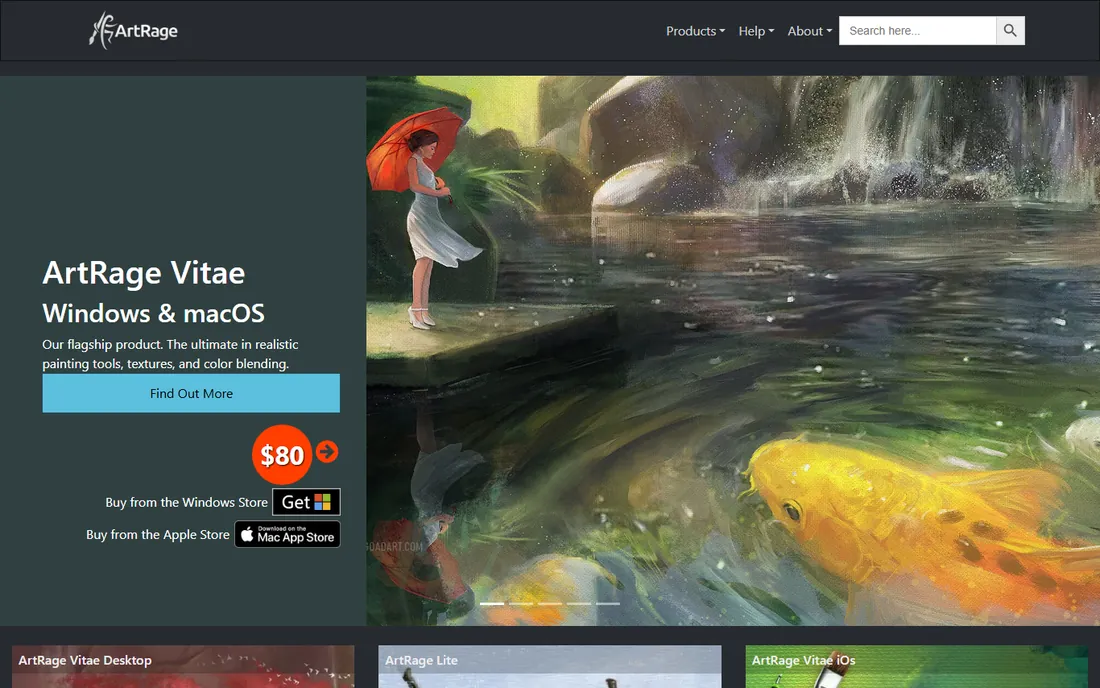
ArtRage is the friendly painting app. Oils blend on the canvas, watercolors bleed into paper texture, and the palette knife smears paint around, all behind an interface that a beginner understands without a manual. At $80 one-time for Vitae, it sits in the sweet spot between free tools and Painter's $429. Kids, hobbyists and casual painters get real natural-media feel without a course.
The catch is ambition. ArtRage will not replace Photoshop for professional illustration pipelines, and the tutorial and brush community is small. It is a painting app, not a production suite. Buy it to enjoy painting; buy something else to run a studio.
What we like- Intuitive interface that beginners understand in minutes
- Convincing oils, watercolors and palette knife tools
- Affordable one-time price with a gentle learning curve
Watch out for- Fewer advanced features than Photoshop or Painter
- Smaller community means fewer tutorials and brushes
Starting price$89.99 one-time (Pro)
Free planFree trial
Rebelle does one thing better than anyone: wet media. Watercolors bloom, granulate and dry with behavior modeled on real pigment physics, and the acrylics carry genuine impasto depth. The time-lapse recording captures your process automatically, which process-video artists love. At $89.99 one-time for Pro, it is a specialist tool at a generalist price.
The honest catch is the narrow scope. Rebelle is a painting canvas, not an image editor: selections, transforms and text are basic, and you will still need another app for compositing or lettering. Pair it with Affinity or Krita for the rest of the pipeline. For watercolorists, though, nothing else on screen feels this close to paper.
What we like- The most convincing watercolor simulation available: real pigment flow, wet edges and drying
- Acrylics and oils with impasto depth
- Records painting process as time-lapse video
Watch out for- Narrow focus: it paints beautifully but does little else
- Layer and selection tools are basic next to general editors
Brush engines are not the decision
Every tool on this list paints well enough for professional output. The real differences are price model, platform and specialty. Decide those first: subscription or one-time or free, iPad or desktop, painting or comics or photo work. Then pick the tool that matches, because the best brush engine is the one attached to a price you will still be happy paying in three years.
The subscription math is stark. Photoshop at $22.99 per month passes Procreate's $12.99, Clip Studio Pro's $54 and Krita's $0 within the first year, and keeps billing. Affinity's $164.99 Universal Licence is seven months of one Adobe app for three apps forever. If you are a freelancer watching margins, the one-time and free tools are not compromises; they are the financially sane defaults.
Comic and manga artists should shortlist Clip Studio Paint first and MediBang Paint if the budget is zero; no general painting app matches their panel and tone workflow. Painterly illustrators choosing between Corel Painter and Rebelle should pick by medium: Painter for oils and mixed traditional media, Rebelle for watercolor. iPad-only artists have one answer, Procreate. Everyone doing client work that arrives as PSDs needs Photoshop or Affinity Photo, because file compatibility is not optional.
Beginners should ignore all of this and start free. Krita for painting, MediBang Paint for comics, Rebelle's trial for watercolor. Learn what you actually do every day, then buy the tool that removes your specific frustration. The most expensive mistake in digital art is buying Painter's $429 simulation engine to discover you draw comics.
How we chose
We started with the searches artists actually run: digital art software, Photoshop alternatives, best drawing app iPad and comic art software. For each candidate we checked the vendor's own pricing page, confirmed the product is current and maintained, and compared brush engines, platform support and price models against public reviews on G2, Capterra and artist communities on Reddit. Where a price could not be verified on the vendor's page, we wrote "See website" rather than guessing.
Frequently asked questions
What is the best free digital art software?
Krita, for painting and illustration, and MediBang Paint, for comics. Both are genuinely free with no watermarks or locked features. Krita's brush engine is the stronger of the two; MediBang's comic tools are the more specialized. Either one covers a beginner through intermediate level without spending anything.
Is Procreate better than Photoshop?
For iPad painting, yes: faster, cheaper ($12.99 one-time) and purpose-built for drawing with a stylus. For photo editing, compositing and client work that requires PSDs, Photoshop wins. Most illustrators who own an iPad use Procreate for art and keep Photoshop only if client files demand it.
Can I make comics without Clip Studio Paint?
Yes. MediBang Paint is free and covers panels, tones and balloons for beginners. Krita handles comic pages with more setup. What Clip Studio's $54 Pro license buys is speed: the comic-specific tools remove hours of manual work per chapter, which is why professionals standardize on it.
Do I need an expensive computer for digital art?
Not for most of these. Procreate runs on a base iPad, Krita and MediBang Paint run on modest laptops, and Affinity is famously light. Photoshop and Corel Painter are the demanding ones: 16GB of RAM and a real GPU make them pleasant. If your machine is old, start with the lighter apps.
One-time purchase or subscription for art software?
One-time, unless client files force Adobe on you. The math is not close: a year of Photoshop costs more than Procreate, Clip Studio Pro and Rebelle Pro combined, forever owned. Subscriptions make sense only when the software is a business requirement, not a preference.
What file format should I deliver to clients?
PSD remains the universal expectation for raster work, which is why Photoshop or Affinity (which reads and writes PSD) matter for freelancers. For print, export TIFF or PDF from any of these. Keep your working files in the app's native format and export deliverables separately.
Sources we checked (10)
- https://www.adobe.com/creativecloud/plans.html
- https://procreate.com
- https://www.clipstudio.net/en/purchase/
- https://affinity.studio/pricing/
- https://www.painterartist.com/en/product/painter/
- https://krita.org/en/
- https://medibangpaint.com/en/
- https://www.artrage.com
- https://www.escapemotions.com/products/rebelle/
- https://www.g2.com/categories/digital-asset-management
Is your product missing or out of date?
We review this list regularly. Vendors can request a listing, send updated pricing or ask about featured placement.

Shihab Mia · Founder, Rankite
Shihab has spent more than a decade helping SaaS and e-commerce brands grow through search. He writes Rankite's software buying guides from pricing pages, documentation and public user reviews. More about Shihab.