How we make this list: we compare pricing pages, product documentation and public user reviews. Rankite is independent; if a vendor ever pays for a featured spot, that listing is clearly labeled Partner.
Key takeaways
- Jaltest and Noregon JPRO lead the multi-brand category, with Jaltest winning on coverage breadth across truck, trailer, bus and off-highway, and JPRO winning on all-makes truck coverage with strong troubleshooting workflows.
- OEM tools (Cummins Insite, CAT ET, Detroit DDDL, Allison DOC) are unmatched for depth on their own equipment, but a mixed fleet needs at least one multi-brand platform to avoid stacking subscriptions.
- OTR Diagnostics and BlueFire cover the low end well: OTR for owner-operators who want phone-based diagnostics with DPF regen controls, BlueFire for drivers who mainly want live gauges.
- Quote-based pricing is the norm at the top of the market, so get written quotes from two vendors before committing to a multi-year deal.
Quick comparison
| Tool | Best for | Starting price | Free plan |
|---|
 Jaltest Jaltest | multi-brand fleets that want dealer-level coverage without dealer visits | See website | No |
 Noregon JPRO Noregon JPRO | independent shops servicing all makes of Class 6-8 trucks | $2,987 per year (annual subscription) | No |
 TEXA TEXA | fleets running a mix of European and North American equipment | See website | No |
 Diesel Laptops Diesel Explorer Diesel Laptops Diesel Explorer | owner-operators and small shops that need capability on a budget | $99 per month (Professional); Basic tier free | Yes (Basic) |
 Cummins Insite Cummins Insite | shops and fleets that work on Cummins engines | See website | No |
 CAT ET CAT ET | fleets and dealers running Caterpillar engines | See website | No |
 Detroit DDDL Detroit DDDL | fleets standardized on Detroit powertrains | See website | No |
 Allison DOC Allison DOC | fleets with Allison automatic transmissions | See website | No |
 OTR Diagnostics OTR Diagnostics | owner-operators who want remote diagnostics without a laptop | $399 per year (Single Truck Pro) | No |
 BlueFire BlueFire | drivers and small fleets that want live gauges on a phone or tablet | $200 (9-pin Bluetooth adapter; app free) | Yes (app free) |
Is your product missing or out of date?
We review this list regularly. Vendors can request a listing, send updated pricing or ask about featured placement.
The best diesel diagnostic software
#1
Jaltest
Best for: multi-brand fleets that want dealer-level coverage without dealer visits
Visit jaltest.com
Starting priceSee website
Free planNo
Fleets that run mixed equipment keep landing on Jaltest because it covers more vehicle types than almost any competitor. Beyond Class 6 through 8 trucks, the same platform diagnoses trailers, buses, farm machinery and marine engines, which matters for operations like construction or agriculture where one garage services everything. The software pairs guided fault-finding with technical data such as wiring diagrams and torque specs, so junior technicians resolve issues that used to require a dealer appointment.
The catch is the buying process. Pricing is quote-based and depends on the modules and hardware you choose, which makes budgeting slower than with tools that publish a number. You also need Jaltest's own vehicle communication interface, another line item. For fleets with enough volume to negotiate, the per-bay cost usually beats running three or four separate OEM tools, but small shops should budget carefully before committing.
What we like- Covers truck, trailer, bus, agricultural, marine and material handling equipment
- Guided diagnostics with wiring diagrams
- Regular software updates
Watch out for- Pricing is quote-based so comparing costs takes a call
- Requires the Jaltest hardware module to use the software
#2
Noregon JPRO
Best for: independent shops servicing all makes of Class 6-8 trucks
Visit noregon.com
Starting price$2,987 per year (annual subscription)
Free planNo
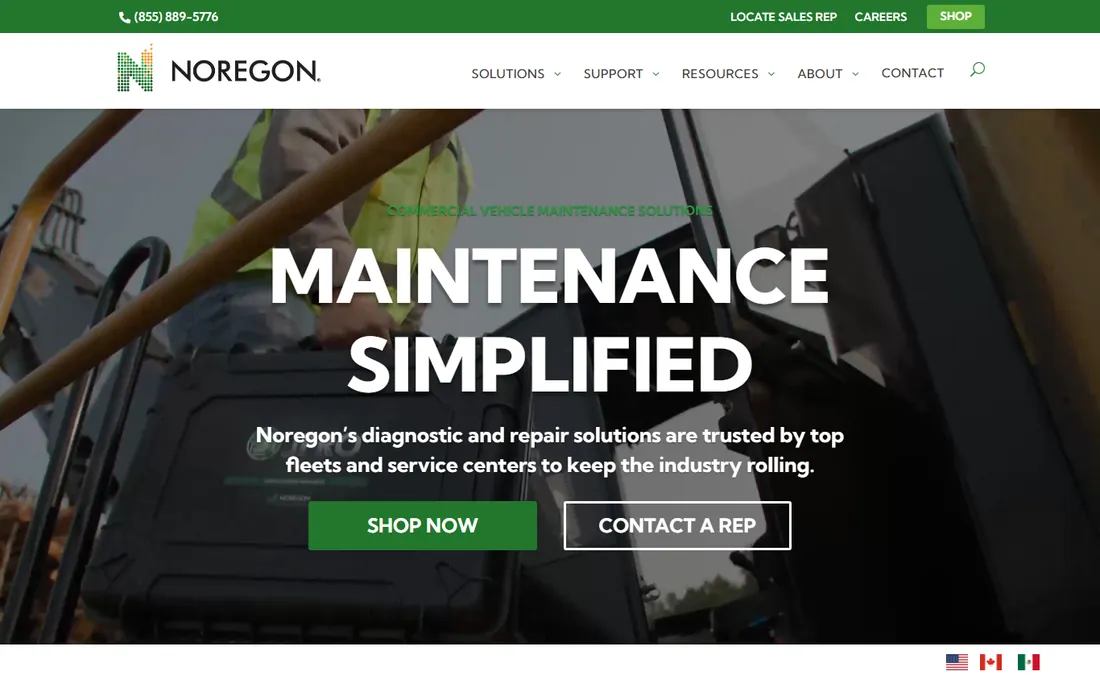
JPRO is the reference point that other heavy-duty tools get measured against. It reads and clears codes across all major truck manufacturers, then goes further with bi-directional controls that let a technician command a parked regen, run injector tests, or reset parameters from the software. NextStep, its troubleshooting module, connects a fault code to step-by-step repair procedures, which shortens the learning curve for less experienced techs and speeds up bays during busy weeks.
The pricing reflects the positioning: $2,987 for the first year on the software-only annual subscription, renewing at a lower rate after that. There is no free tier and no one-time purchase. For high-volume shops the subscription pays back quickly in avoided dealer trips; for an owner-operator with one truck, it is more tool than the business needs, and one of the phone-based options below is a better fit.
What we like- All-makes, all-models coverage for heavy trucks
- Bi-directional tests for DPF regens, cylinder cutouts and more
- NextStep troubleshooting links faults to repair guidance
Watch out for- One of the most expensive options on this list
- Subscription only, no perpetual license
#3
TEXA
Best for: fleets running a mix of European and North American equipment
Visit texa.com
Starting priceSee website
Free planNo
TEXA has earned its reputation in Europe and brings that breadth to North American fleets. The IDC5 diagnostic environment handles trucks alongside off-highway and agricultural equipment, so a mixed operation can standardize on one platform the way it might with Jaltest. The company's own diagnostic hardware pairs with the software, and the guided procedures include wiring diagrams that help techs trace electrical faults rather than throwing parts at them.
Expect a dealer-led sales process. TEXA does not publish list prices, so you will talk to a distributor for a quote, and the final number depends on which modules you bundle. That friction is worth it for fleets with European trucks or diverse equipment, but a domestic-only fleet with standard Class 8 trucks will get simpler pricing from Noregon or Diesel Laptops.
What we like- Strong truck coverage plus off-highway, agricultural and marine modules
- IDC5 software with detailed wiring diagrams
- Hardware and software designed together
Watch out for- Pricing goes through dealers, which slows down comparisons
- Overkill for a single truck or a small garage
#4
Diesel Laptops Diesel Explorer
Best for: owner-operators and small shops that need capability on a budget
Visit diesellaptops.com
Starting price$99 per month (Professional); Basic tier free
Free planYes (Basic)
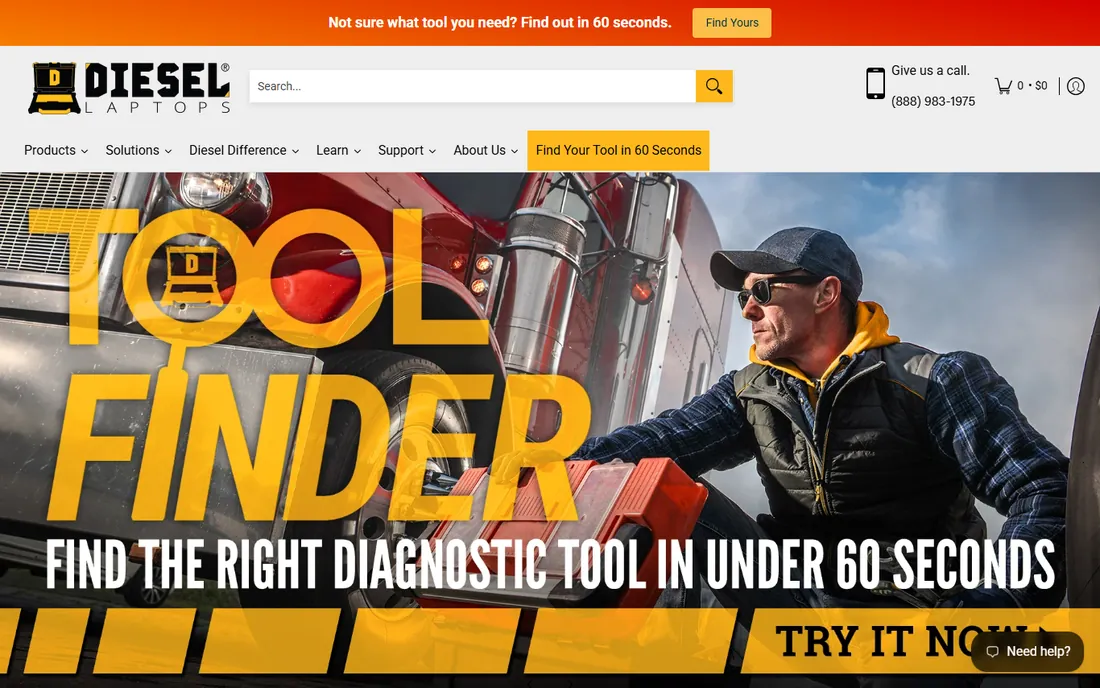
Diesel Laptops built its name selling rugged diagnostic laptops, then added Diesel Explorer software with a pricing model aimed at independents. The Basic tier is free and covers reading and clearing codes, which is enough for an owner-operator who wants to check a fault before deciding whether to drive to a shop. The Professional plan at $99 per month adds deeper functions such as DPF regens and parameter changes.
The company also sells and rents the adapters the software needs, so you can get running without a big upfront hardware purchase. The tradeoff is that coverage depth depends on the plan and the truck, so verify your specific engine and model year are supported before paying. For budget-conscious independents, the combination of a free entry point and monthly billing is the easiest on-ramp in this category.
What we like- Free Basic tier to get started
- Hardware bundles, rentals and financing available
- Training resources for new users
Watch out for- The free tier is limited, so real capability needs the paid plan
- Coverage varies by subscription level and hardware pairing
#5
Cummins Insite
Best for: shops and fleets that work on Cummins engines
Visit cummins.com
Starting priceSee website
Free planNo
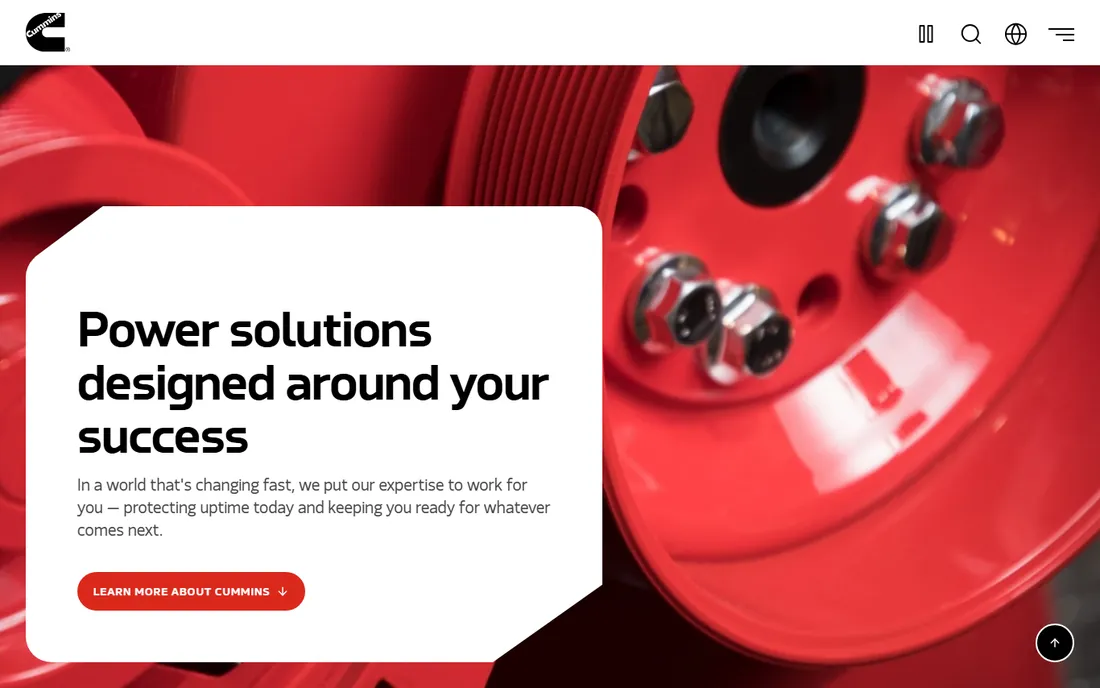
If your fleet runs Cummins power, Insite is close to mandatory. It is the factory tool, which means it can read proprietary data, change parameters, download calibrations and run tests that third-party platforms cannot fully replicate. For warranty-adjacent work and for fleets that standardize on Cummins, nothing else gets as deep into the engine.
The limitation is obvious: it knows nothing about a Detroit, PACCAR or Volvo engine, and it does not touch ABS, transmissions or body controllers. Most Cummins-heavy shops pair Insite with a multi-brand platform so the truck's other systems stay covered. Pricing is subscription-based with multiple tiers, and the dealer or Cummins distributor quotes the number.
What we like- OEM-level access to Cummins engines
- Parameter changes, trip data and calibration downloads
- The only tool that can perform certain Cummins-specific procedures
Watch out for- Covers Cummins engines only
- Tiered subscriptions with the deepest features at the highest tier
#6
CAT ET
Best for: fleets and dealers running Caterpillar engines
Visit cat.com
Starting priceSee website
Free planNo
Caterpillar Electronic Technician is the factory service tool for Cat engines in trucks and equipment. It performs the procedures dealers perform: reading proprietary codes, flashing ECM software, running cylinder cutout tests and pulling the detailed data Cat's own technicians rely on. Fleets with Cat-powered trucks or yellow iron in the yard get capabilities no aftermarket tool can match on those engines.
Like every OEM tool, it is single-brand by design. A fleet that is all Cat can lean on it heavily; a mixed fleet uses it alongside a multi-brand platform. Licensing is handled through Cat dealers, and pricing depends on the license term and whether you need the full technician version or a more limited customer version.
What we like- Full dealer-level service capability for Cat engines
- Flash programming and calibration updates
- Integrates with Cat's service information systems
Watch out for- Cat engines only
- Licensing and pricing run through dealers
Starting priceSee website
Free planNo
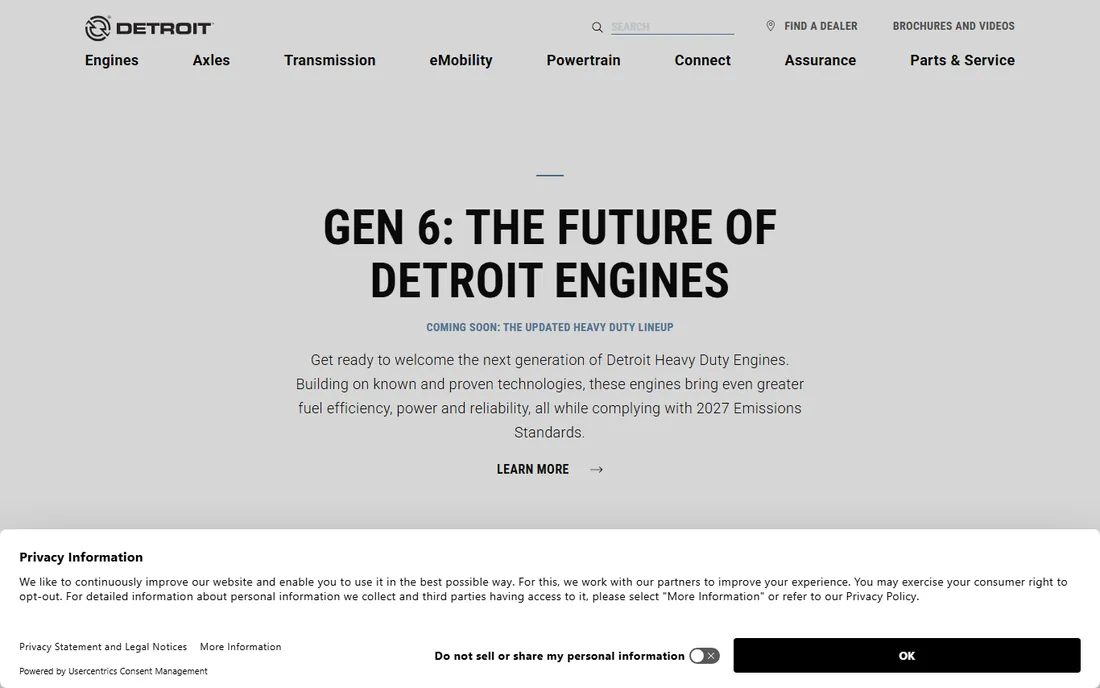
Detroit Diesel Diagnostic Link is the factory tool for DD5, DD8, DD13, DD15 and DD16 engines plus the DT12 automated transmission. It reads the full range of Detroit fault data, performs service routines like DPF ash cleaning resets, and connects to Detroit's own troubleshooting documentation. Fleets that run Freightliner or Western Star trucks with Detroit powertrains get the most complete picture from this tool.
The subscription model means ongoing cost, and like the other OEM entries here it does nothing for trucks outside its brand. For a fleet that is 80 percent Detroit or more, DDDL plus a basic multi-brand tool for the rest is a sensible, cost-controlled combination.
What we like- Deep integration with Detroit DD series engines and DT12 transmissions
- Guided troubleshooting tied to Detroit service literature
- Fleet-level data options
Watch out for- Detroit equipment only
- Subscription pricing through Detroit's network
Starting priceSee website
Free planNo
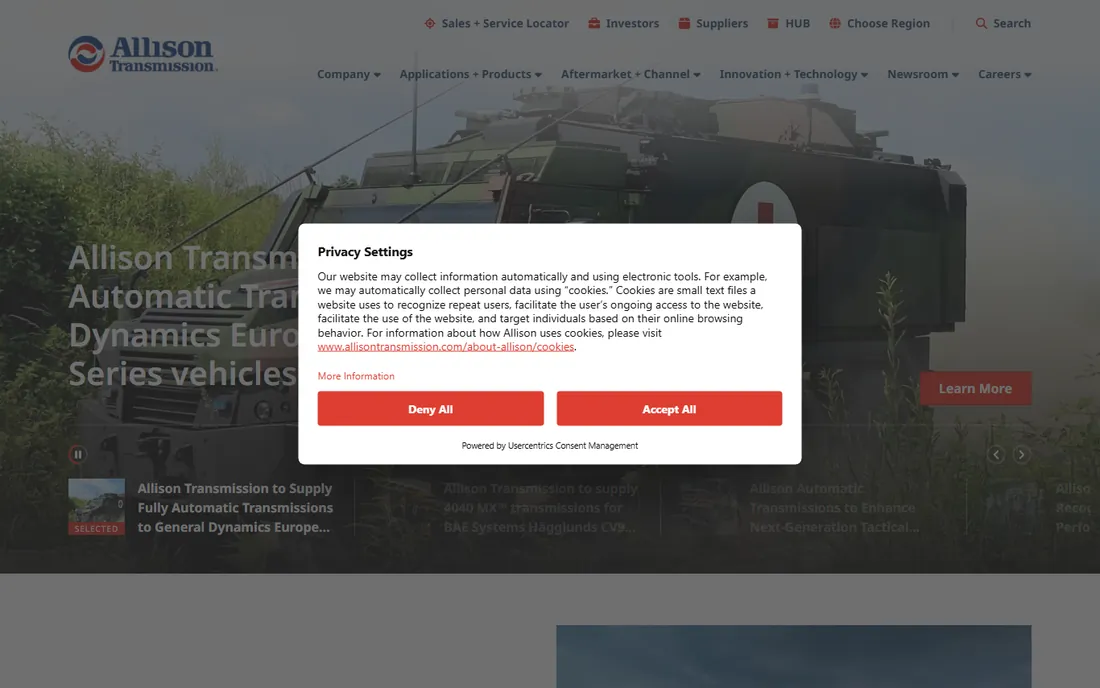
Transmissions are the blind spot of most engine-focused tools, which is why Allison DOC exists. It diagnoses Allison automatics across highway, vocational and hybrid applications, reads transmission-specific codes, performs shift calibrations and pulls prognostics data that help fleets schedule maintenance before a failure strands a truck. For refuse, construction and school bus fleets that run Allison almost exclusively, it is a core tool.
The honest catch is scope: this is a transmission tool, full stop. It will not diagnose your engine, brakes or emissions systems. Fleets buy it as a complement to an engine or multi-brand platform, and pricing is handled through Allison's dealer and distributor network.
What we like- Transmission-specific diagnostics no engine tool covers well
- Shift calibration and prognostics data
- Supports Allison's full vocational and highway lineup
Watch out for- Transmissions only, not a full-truck diagnostic tool
- Pricing through dealers and distributors
Starting price$399 per year (Single Truck Pro)
Free planNo
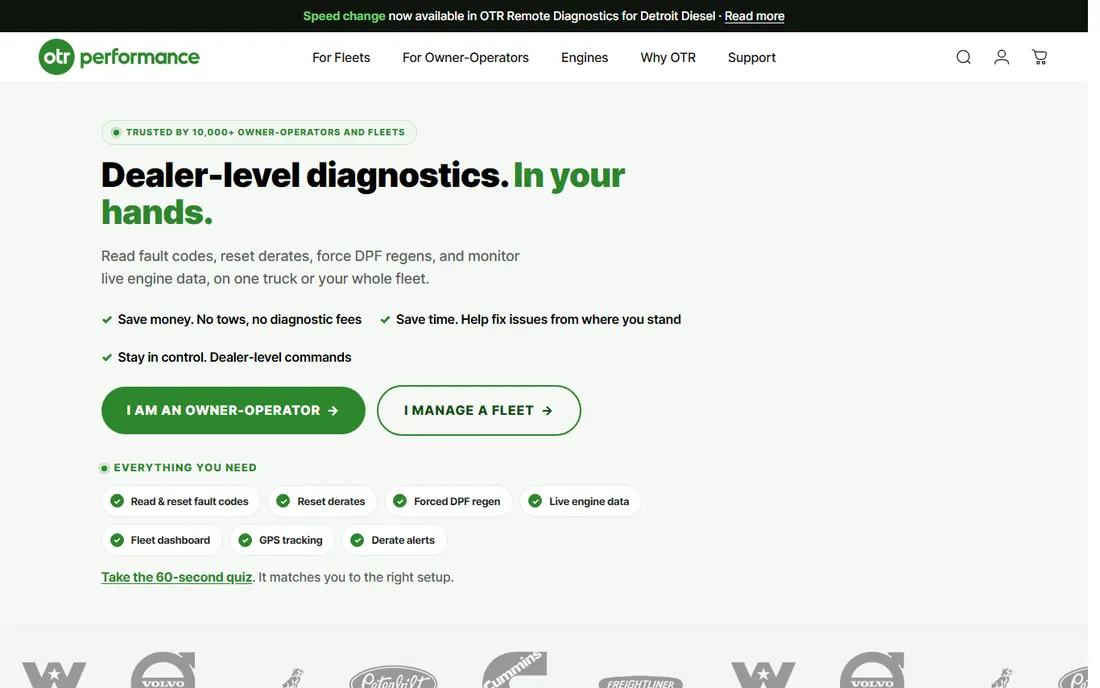
OTR Diagnostics took the most common roadside problems and put the fixes on a phone. The OTR Link 2 Bluetooth adapter plugs into the truck, the app reads and clears codes, runs forced DPF regens, and performs resets that used to require a shop visit. For an owner-operator, starting a regen from the cab instead of limping to a dealer is the entire value proposition, and the hardware comes free with the subscription.
The $399 per year Single Truck Pro plan covers one truck; the $599 Unlimited Truck Pro plan covers fleets. This is not a replacement for a shop's full diagnostic suite, since it does not do parameter programming or deep OEM procedures, but for keeping one truck moving it is one of the most practical tools on this list.
What we like- Smartphone app with the OTR Link 2 adapter included
- Forced DPF regens and fault code tools from the phone
- No laptop or bulky hardware to carry
Watch out for- Focused on codes, regens and resets rather than deep programming
- Annual subscription required
#10
BlueFire
Best for: drivers and small fleets that want live gauges on a phone or tablet
Visit bluefire-llc.com
Starting price$200 (9-pin Bluetooth adapter; app free)
Free planYes (app free)
BlueFire sits at the affordable end of the market with a simple pitch: a $200 Bluetooth adapter and a free app turn a tablet into a digital dashboard. Drivers can watch boost, EGT, transmission temperature and dozens of other parameters in real time, with customizable gauges that beat most factory clusters for information density. It also reads and clears basic fault codes.
Do not mistake it for a shop tool. BlueFire is a monitoring and light-diagnostics product, not a platform for regens, parameter changes or OEM procedures. For drivers who want visibility into what the engine is doing, and for small fleets that want cheap telematics-style insight without monthly fees, the value is hard to beat.
What we like- Inexpensive entry point
- Highly customizable dashboards with live engine data
- Works with phones and tablets you already own
Watch out for- Primarily monitoring rather than deep diagnostics
- Limited bi-directional capability compared with shop tools
How we chose
We compared pricing pages, product documentation, and public reviews on G2, Capterra and Reddit threads where working diesel technicians discuss what they actually use in the bay. We weighed coverage breadth (how many makes, models and systems each tool handles), diagnostic depth (bi-directional tests, programming, OEM procedures), pricing transparency, and fit for different company sizes, from single-truck owner-operators to multi-bay shops. We did not run hands-on tests; this ranking reflects published specifications, vendor pricing, and technician feedback.
What to check before you buy diesel diagnostic software
Start with your fleet's makeup. A shop that sees whatever rolls in needs a multi-brand platform like Jaltest or JPRO; a fleet standardized on one engine brand gets more depth from the OEM tool for less money. Next, confirm coverage for your exact engines and model years, because support varies even within strong platforms, and ask whether the price you see includes the hardware adapter, the software, or both. Subscription versus one-time pricing matters for cash flow: monthly plans like Diesel Explorer suit independents, while shops with steady volume often do better on annual subscriptions. Finally, check the bi-directional functions you will actually use. If DPF regens and injector tests are daily work, pay for the tier that includes them; if you only need code reading, the free and low-cost tiers cover it.
OEM tools versus multi-brand platforms
The industry's split is simple: OEM tools go deeper on one brand, multi-brand tools cover more of the truck. A Cummins shop with Insite can do things no aftermarket tool can, but the same shop still needs something for the ABS module and the transmission. Most successful shops run one platform from each side: a multi-brand base like JPRO or Diesel Explorer for everything, plus the OEM tool for the engine brand they see most. Budget the pair together rather than discovering the gap after a truck is already in the bay.
Frequently asked questions
Do I need a laptop, or will a phone work?
Both exist. Shop platforms like JPRO, Jaltest and the OEM tools run on Windows laptops with a vehicle adapter. OTR Diagnostics and BlueFire run on phones and tablets with a Bluetooth adapter. Choose based on how deep you need to go: phones handle codes and regens, laptops handle programming and dealer-level procedures.
What is the difference between reading codes and bi-directional diagnostics?
Reading codes tells you what the truck thinks is wrong. Bi-directional diagnostics let the software command the truck: run a regen, cut out a cylinder, cycle an injector, or reset a learned value. The second capability is what separates shop tools from basic code readers, and it is usually what justifies the higher subscription tiers.
Can one tool really cover all truck brands?
Multi-brand tools like Jaltest and JPRO cover the major North American truck and engine brands well, but coverage depth varies by system. Safety-critical or brand-specific procedures sometimes still require the OEM tool. Verify your exact models before buying.
Is a subscription or a one-time purchase better?
Subscriptions dominate this market and include updates, which matter because emissions systems change yearly. One-time purchases like Jaltest modules or the BlueFire adapter cost more upfront but stop the recurring bill. Match the model to how long you keep trucks and how often you need current software.
Do I need dealer authorization to use OEM tools?
The OEM tools on this list are sold through dealer or distributor networks, and some functions require specific license tiers. None of them require you to be a franchised dealer, but expect identity verification and a subscription agreement.
What hardware do I need besides the software?
At minimum, a vehicle communication adapter that connects the truck's diagnostic port to your laptop or phone. Some vendors bundle it, some sell it separately, and some support third-party adapters. Confirm the adapter situation in the quote, because it can add several hundred dollars to the first-year cost.
Sources we checked (11)
- https://www.jaltest.com/en/
- https://noregon.com/
- https://shop.noregon.com/
- https://texa.com/
- https://diesellaptops.com/
- https://cummins.com/
- https://cat.com/
- https://demanddetroit.com/
- https://allisontransmission.com/
- https://otrperformance.com/
- https://bluefire-llc.com/
Is your product missing or out of date?
We review this list regularly. Vendors can request a listing, send updated pricing or ask about featured placement.

Shihab Mia · Founder, Rankite
Shihab has spent more than a decade helping SaaS and e-commerce brands grow through search. He writes Rankite's software buying guides from pricing pages, documentation and public user reviews. More about Shihab.