How we make this list: we compare pricing pages, product documentation and public user reviews. Rankite is independent; if a vendor ever pays for a featured spot, that listing is clearly labeled Partner.

Key takeaways
- Lucidchart and Microsoft Visio remain the safest picks for structured business diagrams, while Miro and Creately win when diagrams are part of live workshops.
- diagrams.net is genuinely free with no account required, which makes it the default answer for budget-conscious teams and regulated industries that want local file storage.
- Watch the seat minimums: Lucidchart Team requires 3 seats and SmartDraw bills annually only, so the headline price is rarely the checkout price.
- If your documentation lives in Confluence, Gliffy is the only diagramming tool built natively for that workflow.
- One-time licenses still exist: ConceptDraw DIAGRAM costs $199 per seat with no subscription.
Quick comparison
| Tool | Best for | Starting price | Free plan |
|---|
 Lucidchart Lucidchart | structured business diagrams at scale | $9 per user/month (billed annually) | Yes (3 editable documents) |
 Miro Miro | workshops and visual collaboration | $8 per user/month (billed annually) | Yes (3 editable boards) |
 diagrams.net diagrams.net | free diagramming with no account | $0 | Yes |
 Microsoft Visio Microsoft Visio | companies standardized on Microsoft 365 | $5 per user/month (billed annually) | Free trial (30 days) |
 Gliffy Gliffy | diagramming inside Confluence and Jira | $8 per user/month (billed annually) | Free trial |
 Creately Creately | data-linked visual planning | $5 per user/month (billed annually) | Yes |
 EdrawMax EdrawMax | huge template library on a budget | $99 per year | Yes (limited) |
 SmartDraw SmartDraw | automatic formatting for non-designers | $9.95 per user/month (billed annually) | Free trial (7 days) |
 ConceptDraw DIAGRAM ConceptDraw DIAGRAM | desktop diagramming with a one-time purchase | $199 one-time license | Free trial |
Is your product missing or out of date?
We review this list regularly. Vendors can request a listing, send updated pricing or ask about featured placement.
The best diagramming software
Somewhere in your company there is a process that exists only inside one person's head. It works fine until that person is on vacation, and then everything stalls. Diagramming software exists to fix exactly that: turning tribal knowledge into a flowchart, org chart, or network map that anyone can follow. The hard part is picking a tool your team will actually open. Here are the nine best diagramming tools worth your shortlist, compared on pricing, free plans, and real fit.
Starting price$9 per user/month (billed annually)
Free planYes (3 editable documents)
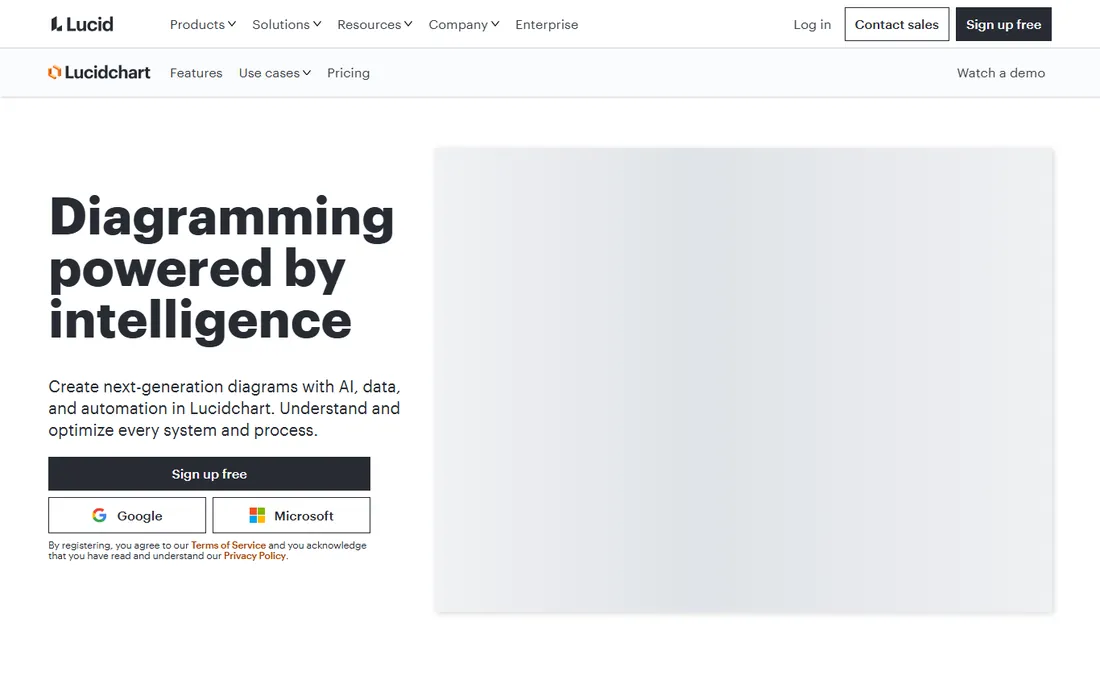
Lucidchart is the default choice for teams that diagram seriously. Flowcharts, org charts, ERDs, network diagrams, and process maps all live in one web app, and the newer AI features can generate a first draft of a diagram from a text prompt or link shapes to live data. It plays well with the rest of your stack: documents embed in Confluence, Notion, and Google Docs, and two-way integrations keep diagrams in sync with Jira and Salesforce records.
The pricing needs a careful read. Individual starts at $9 per month with annual billing, but teams must buy the Team plan at $9 to $10 per user per month with a hard 3-seat minimum, so a two-person team pays for three. Enterprise is custom-quoted. The free plan is genuinely useful for occasional use, with three editable documents and 60 shapes per document, but it is a trial in disguise for any real team. If your diagrams need to be precise, versioned, and shared across departments, Lucidchart is still the benchmark. If you just need an occasional flowchart, the free tier or diagrams.net will do.
What we like- AI-generated diagrams and data linking
- More than 100 integrations with Microsoft 365, Google Workspace, and Slack
- Visio import and export on paid plans
Watch out for- Team plan has a 3-seat minimum
- Free plan caps you at 3 documents
- No desktop application
Starting price$8 per user/month (billed annually)
Free planYes (3 editable boards)

Miro started as a digital whiteboard and grew into a full visual workspace, which makes it a different animal from the diagram-first tools on this list. Diagrams are one format among many: the same board can hold a flowchart, a project timeline, meeting notes, and a slide deck. That breadth is why product, design, and consulting teams run entire workshops in Miro instead of just drawing in it. The template library, with thousands of community and official templates, means you rarely start from a blank canvas.
For pure diagramming, Miro is looser than Lucidchart or Visio. Shape libraries and connectors exist, but precision layout and technical diagram types are not its strength. Pricing starts at $8 per member per month on annual billing for Starter, with Business at $16 to $20 and Enterprise custom. The free plan allows three editable boards, enough to evaluate but not to run a team. Choose Miro when diagrams are the output of collaboration, not the input to it.
What we like- Infinite canvas built for live collaboration
- Thousands of templates for retrospectives, mapping, and planning
- Docs, Tables, Slides, and Diagrams in one workspace
Watch out for- Private boards and version history need a paid plan
- Guest access is limited on lower tiers
- Per-member pricing adds up on large teams
Starting price$0
Free planYes
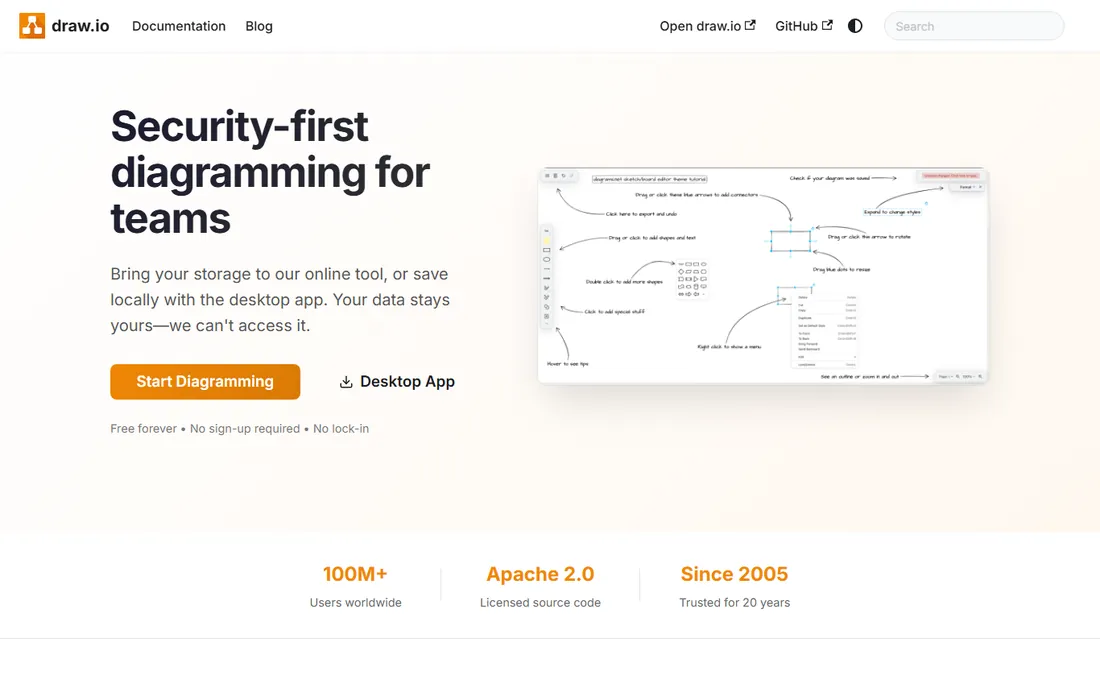
diagrams.net, still widely known by its old name draw.io, is the open-source diagramming tool that refuses to charge anyone. The web app at app.diagrams.net and the desktop builds cost nothing, require no login, and let you store diagrams on your own machine or in Google Drive, OneDrive, GitHub, or Dropbox. For security-conscious teams, the privacy story is the selling point: your diagram data never has to touch the vendor's servers.
Feature-wise it covers the essentials well: flowcharts, UML, ER diagrams, network diagrams, org charts, and floor plans, with Visio file import. What you give up is polish. The interface feels like engineering software from a decade ago, real-time co-editing is rudimentary, and you will build more from scratch than in template-rich tools. For IT teams documenting networks, startups watching every dollar, and anyone in a regulated industry, diagrams.net is often all the diagramming software they need.
What we like- Completely free with no account or paywall
- Desktop apps for Windows, macOS, and Linux
- Files stay local or in your own cloud storage
Watch out for- Interface looks dated next to modern rivals
- Real-time collaboration is basic
- Template library is thinner than paid competitors
Starting price$5 per user/month (billed annually)
Free planFree trial (30 days)
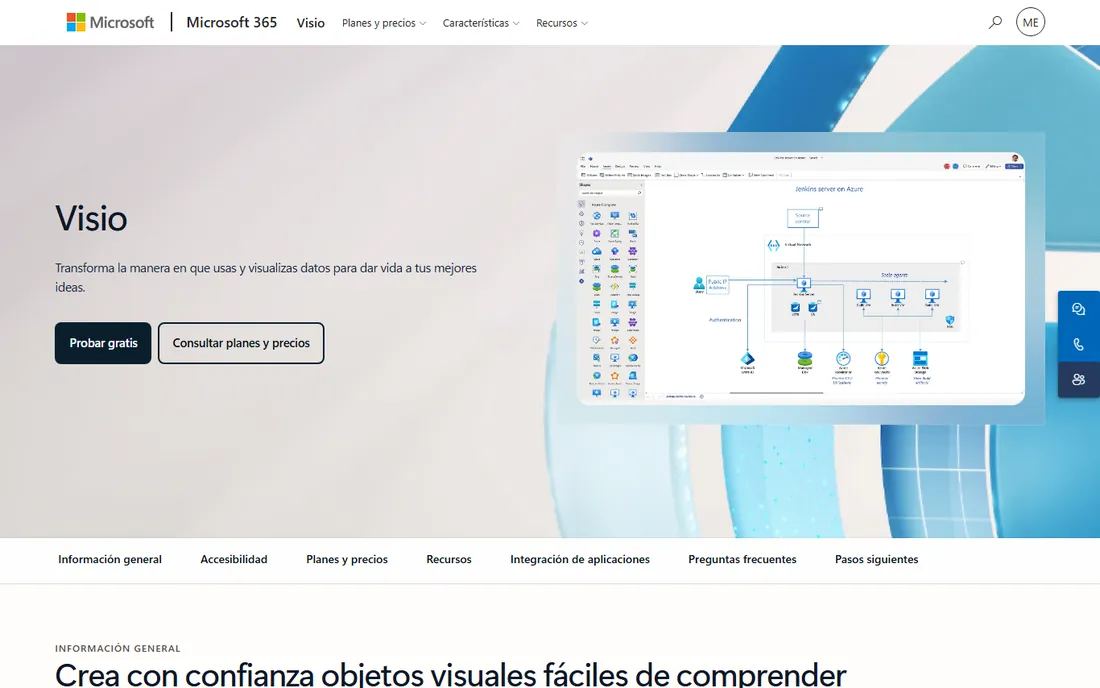
Visio has been the enterprise diagramming standard since the 1990s, and in a Microsoft shop it is still hard to beat. The lightweight Visio web app now ships with Microsoft 365 commercial subscriptions, so many of your users may already have basic diagramming without an extra license. Plan 1 at $5 per user per month adds the full web app with professional templates, while Plan 2 at $15 per user per month adds the Windows desktop application, data linking to Excel and SQL Server, and CAD import.
That tiering is the main decision. Plan 1 covers most business diagramming; Plan 2 is for specialists who need the desktop app and live data visuals. There is no free plan beyond a 30-day trial, and one-time desktop licenses (Visio Standard 2024 at $309.99) still exist for buyers who refuse subscriptions. The honest catch is the ecosystem lock-in: Visio is at its best inside Microsoft 365 and at its weakest everywhere else, and Mac users are stuck with the web app.
What we like- Deep integration with Teams, SharePoint, and Excel
- Data-linked diagrams that update from live sources on Plan 2
- Lightweight web app included in Microsoft 365 commercial plans
Watch out for- Desktop application is Windows-only
- No permanent free plan
- Plan 2 costs three times Plan 1
Starting price$8 per user/month (billed annually)
Free planFree trial
Gliffy took a different bet from every other tool here: instead of building another standalone canvas, it embedded itself inside Atlassian. If your team documents everything in Confluence, Gliffy diagrams live on the same pages as the docs, editable inline with Confluence permissions. Perforce, its parent company, has pushed it toward regulated industries with compliance certifications and a zero-egress option where diagram data never leaves your Atlassian environment.
The standalone web app at gliffy.com still exists, with a Professional plan at $8 per user per month billed annually and an Enterprise tier for SSO and centralized security. But Gliffy's pricing and roadmap clearly favor the Atlassian crowd. For Confluence-heavy teams, it is the most natural fit on this list. For everyone else, Lucidchart or Creately offer more as standalone products.
What we like- Native apps for Confluence Cloud and Data Center
- AI diagram generation from text
- SOC 2 Type II compliant with ISO 42001 certification
Watch out for- Pricing is built around Atlassian users
- The standalone web app gets less attention
- Free trial is short
Starting price$5 per user/month (billed annually)
Free planYes
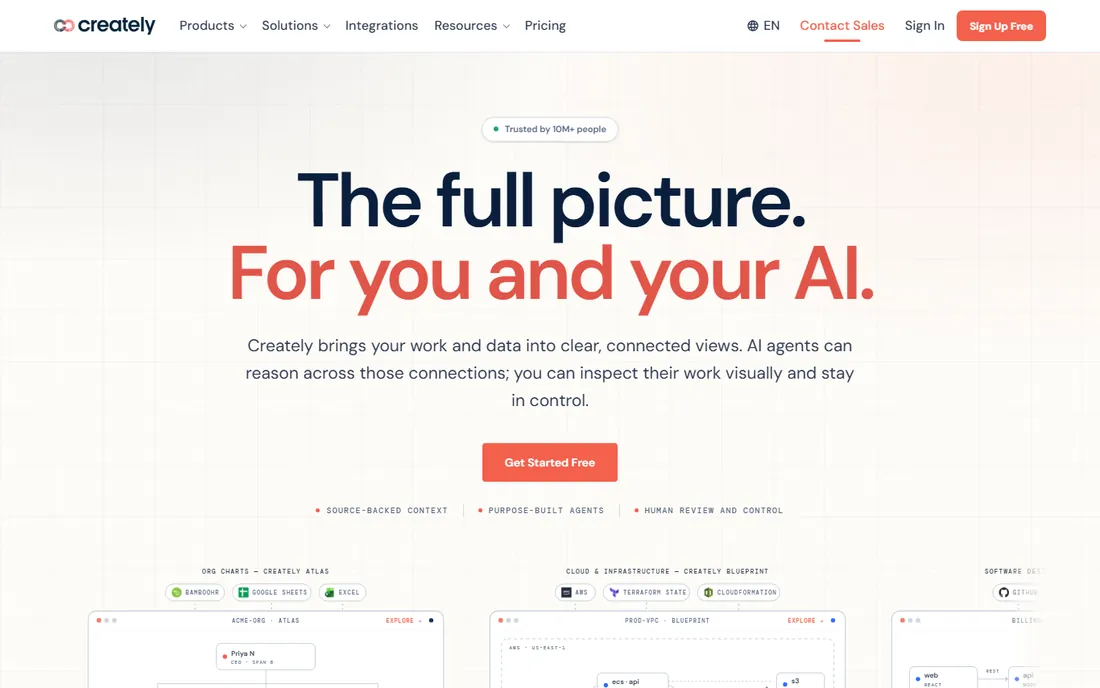
Creately positions itself as a visual workspace where diagrams are not static pictures but views of connected data. Link an org chart to your HR system or a process map to your work tracker, and the visual updates when the source changes. The newer AI features go further, letting agents answer questions across people, processes, and systems with the reasoning shown on the canvas. It is an ambitious pitch, and for operations teams it is genuinely different from drawing boxes by hand.
The free plan is generous enough to test seriously, and paid plans start at $5 per user per month billed annually, undercutting Lucidchart and Miro. Business tiers add SSO, audit logs, and regional data centers. The trade-off is maturity: the ecosystem of integrations and community templates is smaller, and the recent reorganization into products like Atlas, Process, and Blueprint takes some learning. For teams that want their diagrams to stay true to reality without manual upkeep, Creately deserves a trial.
What we like- Visuals that stay linked to live data sources
- AI agents that can reason across connected systems
- More than 10,000 templates across diagram types
Watch out for- The product lineup has been reorganized recently and can confuse
- Smaller integration ecosystem than Miro
- Advanced controls need higher tiers
Starting price$99 per year
Free planYes (limited)
EdrawMax, from Wondershare, is the value play in diagramming. Where else do you get floor plans, circuit diagrams, Gantt charts, infographics, and org charts in one $99-per-year subscription? The sheer breadth of the template and symbol library is its argument: for the price of a few months of Lucidchart, a small business gets a tool that handles nearly any visual it will ever need. Desktop apps for Windows and Mac, a web version, and mobile apps cover every platform.
The compromises are real. The free version stamps watermarks on exports and gates templates, which pushes you to pay quickly. The pricing structure, with annual subscriptions, semi-annual plans, and perpetual licenses all on offer, takes patience to decode. And reviewers consistently note that very large or complex diagrams can make the app sluggish. But for freelancers, educators, and small teams that need maximum diagram types per dollar, EdrawMax is hard to argue with.
What we like- More than 210 diagram types with 26,000 symbols and 1,500 templates
- Desktop, web, and mobile apps
- AI diagram generation included
Watch out for- Free version watermarks exports
- Pricing page mixes subscriptions and perpetual licenses confusingly
- Large diagrams can slow the app down
Starting price$9.95 per user/month (billed annually)
Free planFree trial (7 days)

SmartDraw's pitch is simple: you should not need design skills to make a professional diagram. Its automatic formatting engine arranges shapes, aligns connectors, and keeps spacing consistent as you edit, which is why it has loyal users in construction, healthcare, and government, fields where the diagrammer is rarely a designer. Floor plans, org charts, flowcharts, and project visuals all come out looking clean with minimal fiddling.
Pricing is straightforward but inflexible: Individual at $9.95 per month and Team at $8.25 per user per month with a 3-user minimum, all billed annually, plus a 7-day free trial and no free tier. A Site license option exists for larger deployments. The product shows its age in places, the interface is not as modern as its rivals, but for teams that want correct-looking diagrams fast without learning a design tool, SmartDraw still delivers.
What we like- 4,500 templates and 34,000 symbols across 70 diagram types
- Automatic formatting keeps diagrams neat with no effort
- One-click export to Word, PowerPoint, and Google Workspace
Watch out for- No permanent free plan
- Annual billing only
- The interface feels dated next to Miro and Lucidchart
Starting price$199 one-time license
Free planFree trial
ConceptDraw DIAGRAM is the holdout for buyers who are tired of subscriptions. One $199 license buys the desktop application for Windows or Mac outright, with free minor upgrades and a 21-day free trial to evaluate. It opens and saves Visio formats (VSD, VDX, VSDX), which matters for teams exchanging files with Visio users, and the ConceptDraw Solution Park adds industry-specific stencil libraries for everything from engineering schematics to floor plans.
The trade is modernity for ownership. There is no web app, real-time collaboration is minimal compared with cloud-native tools, and the interface reflects its long history. But for a small engineering firm or consultancy that wants a capable desktop diagrammer without a recurring bill, the math is attractive: ConceptDraw pays for itself against Lucidchart in about two years. It is also part of the ConceptDraw OFFICE bundle ($499) with mind mapping and project management tools for teams that want the full suite.
What we like- One-time $199 license with no subscription
- Strong Visio file import and export
- Solution add-ons with stencils for specific industries
Watch out for- Desktop-only for Windows and Mac
- Real-time collaboration is thin
- $199 per seat is steep for casual use
We compared pricing pages, feature documentation, and integration lists against what small and mid-size US companies actually need: flowcharts, org charts, network diagrams, and process maps that non-designers can create and share. We read public reviews on G2, Capterra, and TrustRadius plus community discussion on Reddit to see where each tool frustrates real users, and we checked free plans, trial terms, and seat minimums rather than headline prices. We did not claim hands-on testing; every price and plan detail here comes from vendor-published pricing and documentation current as of October 2026.
Start with the diagrams you actually make, not the ones you imagine. A marketing team mapping customer journeys needs a different tool than an IT team documenting network topology.
Match the tool to the diagram type
Technical teams need precision: Visio, Lucidchart, and ConceptDraw DIAGRAM handle UML, ERDs, and network diagrams with proper shape libraries and data linking. Workshop-heavy teams need flexibility: Miro and Creately let diagrams evolve during live collaboration. If your needs are mostly flowcharts and org charts, any tool on this list will do, so let price decide.
Check where your diagrams already live
The best diagramming software is often the one closest to your documentation. Confluence teams should trial Gliffy before anything else. Microsoft 365 shops may already have basic Visio in their commercial plans. Google Workspace teams will find Lucidchart's and SmartDraw's integrations smoother than Visio's.
Count the real cost per editor
Add up seat minimums, billing terms, and who actually needs a paid seat. Lucidchart's 3-seat minimum and SmartDraw's annual-only billing change the math for small teams. Viewers are often free, so you may need fewer paid seats than you think. And if the budget is truly zero, diagrams.net removes the question entirely.
Free diagramming tools are not all equally free. diagrams.net is free in the fullest sense: no account, no paywall, no watermark, with your files stored where you choose. The free tiers of Lucidchart, Miro, and Creately are genuinely useful for individuals but designed to convert teams, with document, board, and canvas limits that bite quickly. Then there is the middle ground: free trials (Visio, SmartDraw, Gliffy, ConceptDraw) that expire, and freemium versions with watermarks (EdrawMax) that push you to upgrade. When comparing, ask what happens to your diagrams if you stop paying. With diagrams.net and ConceptDraw, your files and your tool keep working. With subscription tools, you keep your files but lose the editor.
Frequently asked questions
What is the best free diagramming software?
diagrams.net is the strongest fully free option: no account, no paywall, and desktop apps for every major platform. Lucidchart, Miro, and Creately also offer free plans, but each limits how many documents or boards you can actively edit, so they work best for individuals rather than teams.
Is there a free alternative to Microsoft Visio?
Yes. diagrams.net opens and edits Visio file formats and costs nothing, making it the most direct free Visio alternative. Lucidchart also imports and exports Visio files on its paid plans, and many Microsoft 365 commercial plans already include a lightweight Visio web app at no extra cost.
Which diagramming tool is best for teams?
Lucidchart is the best pick for teams that need structured, versioned diagrams with admin controls. Miro is better when the team diagrams together in live workshops. If the team documents in Confluence, Gliffy keeps diagrams and docs in one place. For budget teams, Creately's $5 per user pricing undercuts both leaders.
Can I import my Visio files into another tool?
Most of these tools handle Visio files. Lucidchart, diagrams.net, SmartDraw, EdrawMax, and ConceptDraw DIAGRAM all import VSDX and related formats, and several export back to Visio as well. Complex Visio diagrams with custom stencils or data graphics may need cleanup after import, so test with your real files during the trial period.
Do I need a desktop diagramming app?
Probably not. Web-based tools like Lucidchart, Miro, and Creately now match desktop apps for most business diagramming, and they make sharing and collaboration far easier. Desktop apps still make sense for offline work, very large diagrams, or strict data policies, which is where ConceptDraw DIAGRAM and the diagrams.net desktop app fit.
How much should a small business pay for diagramming software?
Anywhere from $0 to about $10 per user per month. diagrams.net costs nothing, Creately starts at $5 per user per month, and Lucidchart and Miro sit at $8 to $10. Watch for seat minimums and annual-only billing, which can double the first invoice versus the advertised monthly rate.
Sources we checked (12)
- https://lucidchart.com/
- https://miro.com
- https://www.diagrams.net/
- https://www.microsoft.com/es-es/microsoft-365/visio/flowchart-software
- https://gliffy.com/
- https://creately.com/
- https://edrawmax.com/
- https://smartdraw.com/
- https://conceptdraw.com/
- https://support.microsoft.com/en-us/office/compare-visio-versions-and-features-c659cbc1-34c7-42d8-92e6-80c87fb572a7
- https://procurementvms.com/vendors/lucidchart-pricing-guide.html
- https://www.getpricepulse.com/companies/miro-pricing.html
Is your product missing or out of date?
We review this list regularly. Vendors can request a listing, send updated pricing or ask about featured placement.

Shihab Mia · Founder, Rankite
Shihab has spent more than a decade helping SaaS and e-commerce brands grow through search. He writes Rankite's software buying guides from pricing pages, documentation and public user reviews. More about Shihab.