How we make this list: we compare pricing pages, product documentation and public user reviews. Rankite is independent; if a vendor ever pays for a featured spot, that listing is clearly labeled Partner.
Key takeaways
- DaVinci Resolve is free and does the work of a $300 editor, which makes it the default recommendation for most people.
- Final Cut Pro ($299.99 one-time) is the best value paid editor for Mac owners who dislike subscriptions.
- Adobe Premiere Pro (subscription, price on Adobe's site) remains the industry standard for team and freelance workflows.
- Filmora, Movavi, PowerDirector and CapCut cover casual editing free or cheap, while Vegas Pro, Pinnacle Studio and Avid Media Composer serve specific pro niches.
Quick comparison
| Tool | Best for | Starting price | Free plan |
|---|
 Adobe Premiere Pro Adobe Premiere Pro | Professionals and teams working in the Adobe ecosystem | See website | Free trial |
 DaVinci Resolve DaVinci Resolve | Anyone who wants professional editing, color and audio for free | Free (Studio edition paid) | Yes |
 Final Cut Pro Final Cut Pro | Mac editors who want pro power without a subscription | $299.99 (one-time purchase) | Free trial (30 days via Apple Creator Studio) |
 Filmora Filmora | Beginners who want templates, effects and AI tools without a learning curve | See website | Yes (free edition with watermark on exports) |
 Vegas Pro Vegas Pro | Windows editors who value timeline speed and audio tools | See website | Free trial |
 PowerDirector PowerDirector | Consumer editors who want AI features and stock media included | See website | Yes (free version) |
 Pinnacle Studio Pinnacle Studio | Hobbyists who want pro-flavored editing without pro complexity | See website | Free trial |
 Movavi Video Editor Movavi Video Editor | Non-editors who need simple cuts, titles and effects | $19.95 (1-month plan) | Free trial |
 Avid Media Composer Avid Media Composer | Film and television editors working in professional pipelines | See website | Yes (free Media Composer First tier) |
 CapCut CapCut | Free quick edits for social video on desktop and mobile | See website | Yes (free version) |
Is your product missing or out of date?
We review this list regularly. Vendors can request a listing, send updated pricing or ask about featured placement.
The best desktop video editing software
Most buyers overthink this purchase. If you edit video regularly and own a decent computer, the answer is DaVinci Resolve, free, and the discussion ends. The paid tools below earn their money in specific situations: team workflows, Mac-only speed, broadcast pipelines, or simplicity for people who edit twice a year. Buy for your situation, not for the feature list.
Ten desktop editors worth your time
#1
Adobe Premiere Pro
Best for: Professionals and teams working in the Adobe ecosystem
Visit adobe.com
Starting priceSee website
Free planFree trial
Premiere Pro is the safe professional choice because everyone else uses it. Agencies, freelancers and in-house teams pass project files around, hire editors who already know it, and plug into the Adobe pipeline for graphics, audio and color. The editing itself is a mature track-based NLE with strong multicam, captioning and auto-reframe tools.
The cost is the subscription treadmill. There is no buy-it-once option, and Adobe does not show the price on the product page, so confirm the current rate. If you work alone and dislike subscriptions, DaVinci Resolve or Final Cut Pro do the same job for less. If you work with others, Premiere's ubiquity is the feature.
What we like- The industry standard for freelance and agency video work, so project files move between editors
- Deep integration with After Effects, Photoshop and Audition
- Constant updates with AI-assisted editing features
Watch out for- Subscription-only pricing with no perpetual license
- The price is not published on the product page, so check Adobe's current plans
Starting priceFree (Studio edition paid)
Free planYes
DaVinci Resolve broke the pricing logic of this entire category. The free download includes a full non-linear editor, the color page used on feature films, visual effects, motion graphics and professional audio post, with no watermark. Beginners cut YouTube videos in it; colorists finish cinema in it. The paid Studio edition adds advanced AI tools and collaboration for a one-time fee.
The price of free is hardware and learning. Resolve wants a modern GPU and plenty of RAM, and the interface assumes you will learn editing properly. Casual editors may prefer something simpler. But for anyone serious about video, starting anywhere else means paying for less.
What we like- The free version includes pro editing, Hollywood-grade color tools, Fusion effects and Fairlight audio
- No watermark and no subscription
- The paid Studio edition is a one-time purchase, not a rental
Watch out for- Demands a capable computer, especially a good GPU
- The depth can overwhelm casual editors who just trim clips
#3
Final Cut Pro
Best for: Mac editors who want pro power without a subscription
Visit apple.com
Starting price$299.99 (one-time purchase)
Free planFree trial (30 days via Apple Creator Studio)
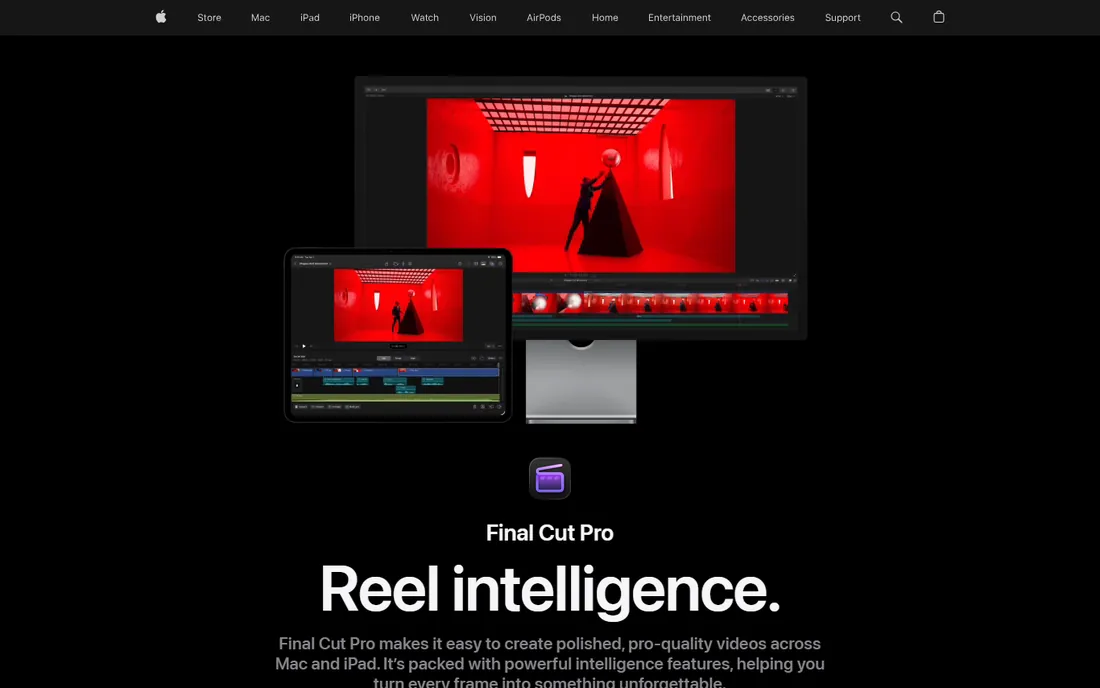
Final Cut Pro is the contrarian pro pick. While Adobe rents, Apple sells: $299.99 once, yours, with updates included. The magnetic timeline divides editors, but converts tend to cut faster, and on Apple silicon the performance per dollar embarrasses everything else. It also lives in Apple Creator Studio ($12.99 per month or $129 per year) for those who want the subscription bundle with Logic Pro and Pixelmator Pro.
The limits are ecosystem. It is Mac-only, and project files do not travel to Premiere-based teams. Solo Mac creators who edit regularly should do the math: one Final Cut purchase costs less than a year of most subscriptions. It is the best long-term value in paid editing.
What we like- A $299.99 one-time purchase with free updates, no subscription required
- The magnetic timeline makes assembly genuinely fast
- Optimized for Apple silicon, so it flies on modern Macs
Watch out for- Mac only, which ends the conversation for Windows users
- Less common in team environments than Premiere Pro
Starting priceSee website
Free planYes (free edition with watermark on exports)
Filmora is built for people who want finished-looking videos fast. Drag in clips, pick a template, let AI handle captions and cutouts, export. The effects library and one-click styles flatter beginners, and the learning curve is measured in minutes. For social content, family videos and quick marketing clips, it is genuinely pleasant.
The free edition is a trial in practice: every export carries a watermark. Paid plans come in Basic, Advanced and Perpetual flavors, but Wondershare does not show prices on the pricing page, so check the current offers. Buy it for speed and simplicity, not for professional depth.
What we like- The friendliest interface here for first-time editors
- Huge template, effect and stock library
- AI features like text-to-video and smart cutout included in plans
Watch out for- The free edition watermarks every export
- Pricing plans (Basic, Advanced, Perpetual) are not priced on the pricing page
Starting priceSee website
Free planFree trial
Vegas Pro has a loyal following for a reason: the timeline feels fast. Editors who learned on Vegas cut quickly, and the audio tools run deeper than most NLEs thanks to its Sonic Foundry roots. Under Boris FX ownership, development continues with AI-assisted features joining the classic workflow.
The practical issues are price opacity and platform. The product page offers a free trial but no prices, so expect to dig or talk to sales. And it is Windows-only in a category where the free alternative runs everywhere. For committed Windows editors who think in the Vegas way, it remains a strong, fast tool.
What we like- A fast, fluid timeline that long-time users swear by
- Strong built-in audio editing heritage
- Now under Boris FX with continued development
Watch out for- Pricing is not shown on the product page
- Windows only, with a smaller community than Premiere or Resolve
#6
PowerDirector
Best for: Consumer editors who want AI features and stock media included
Visit cyberlink.com
Starting priceSee website
Free planYes (free version)
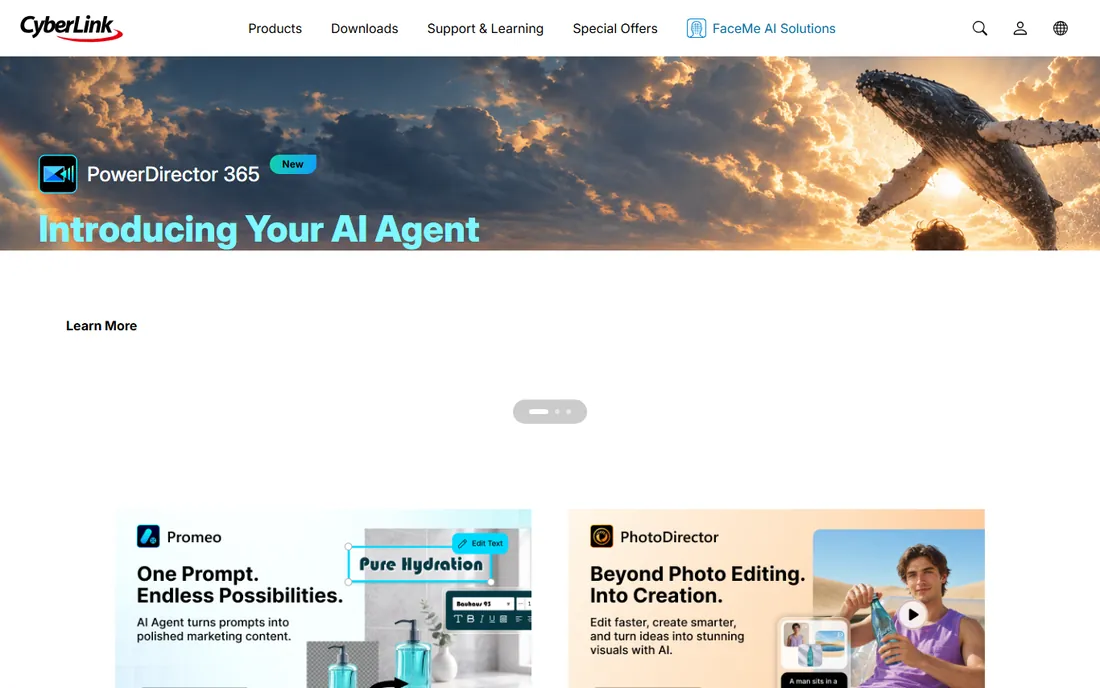
PowerDirector deserves credit for an honest free version: you can actually edit with it, not just preview. The paid tiers add AI features (background removal, object detection, speech enhancement) and millions of stock assets, which is the real subscription value. CyberLink also still sells a one-time lifetime license for buyers who refuse subscriptions.
Pricing, however, lives behind the buy buttons rather than on the product page. The tool itself sits between Filmora's simplicity and the pro editors' depth: capable for enthusiasts, thin for professionals. For family videos, YouTube channels and hobby projects, the free version plus selective upgrades is a fair deal.
What we like- A real free version, not just a trial
- The subscription adds AI tools and a large royalty-free stock library
- One-time purchase option exists alongside the 365 subscription
Watch out for- Prices are not on the product page
- The consumer focus shows in less depth for pro workflows
#7
Pinnacle Studio
Best for: Hobbyists who want pro-flavored editing without pro complexity
Visit pinnaclesys.com
Starting priceSee website
Free planFree trial
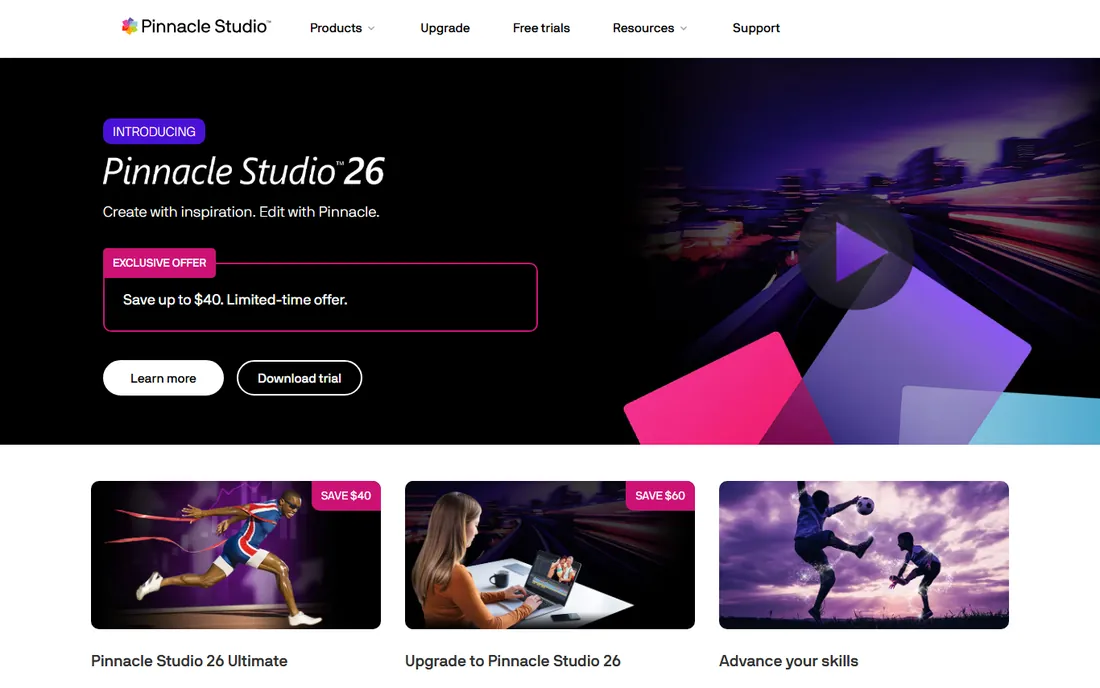
Pinnacle Studio has served hobbyist editors for decades, and the formula still works: more capability than the simple apps, less intimidation than the pro tools. The higher editions include multicam editing, motion tracking and keyframing that let enthusiasts grow without switching software. Licenses are perpetual, which its audience prefers.
The concern is momentum. Pinnacle's development pace trails Adobe, Blackmagic and Apple, and pricing is not on the product page. For a Windows hobbyist who wants to buy once and edit for years, it remains a reasonable choice, but try the free trial against DaVinci Resolve before committing.
What we like- A long-running consumer editor with multicam, motion tracking and 360 video at the top tier
- Perpetual licenses, no subscription required
- Gentle learning curve for ambitious hobbyists
Watch out for- Pricing is not published on the product page
- Development pace lags the bigger names
#8
Movavi Video Editor
Best for: Non-editors who need simple cuts, titles and effects
Visit movavi.com
Starting price$19.95 (1-month plan)
Free planFree trial
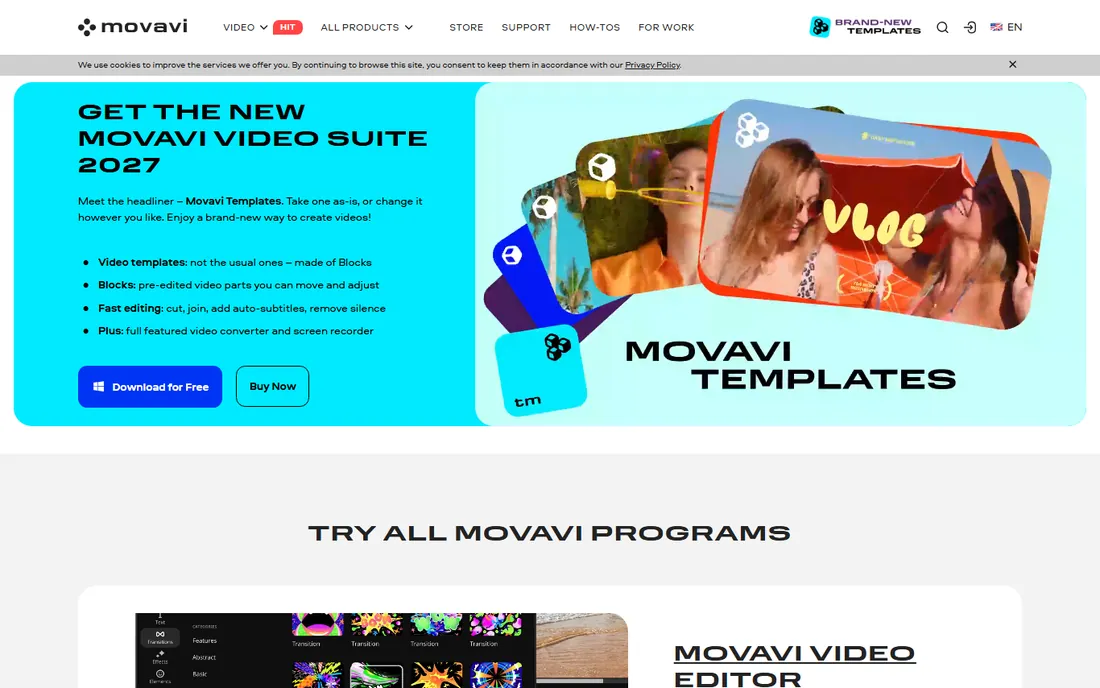
Movavi Video Editor is for people who do not think of themselves as editors. The interface is a timeline with big friendly buttons, the AI tools handle subtitles and cleanup in one click, and a finished video takes an evening, not a course. The one-month $19.95 plan suits single projects like a wedding video or a product demo.
Regular editors will outgrow it fast: no multicam, thin color tools, basic audio. And the monthly pricing punishes long-term use; buy an annual or lifetime deal when discounted, or step up to the free DaVinci Resolve. For occasional simple edits, though, it is the least painful path.
What we like- The simplest paid editor here: trim, join, add music and titles with no learning curve
- AI tools for background removal and noise cleanup
- Short monthly plan for one-off projects
Watch out for- The $19.95 entry is monthly, so a year costs more than annual competitors
- Too basic for anyone who edits regularly
#9
Avid Media Composer
Best for: Film and television editors working in professional pipelines
Visit avid.com
Starting priceSee website
Free planYes (free Media Composer First tier)
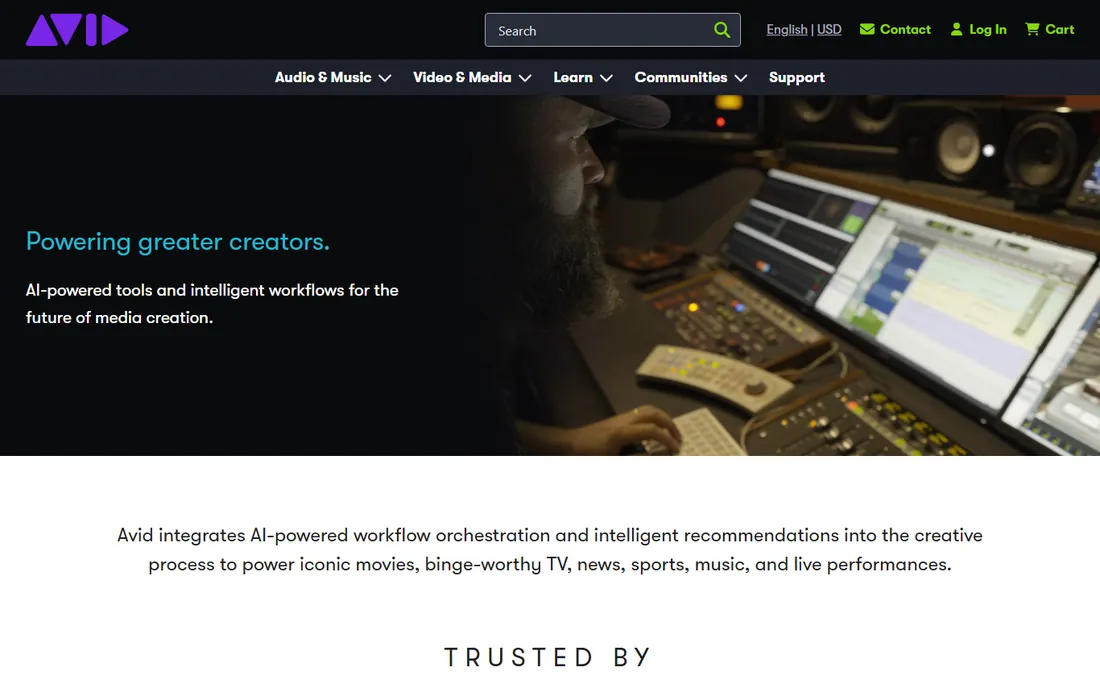
Media Composer cuts the movies and shows you watch. Its media management handles the enormous, multi-editor projects of film and broadcast, and its editing model, once learned, is precise and fast. The free Media Composer First tier is a genuine on-ramp: limited but real, and skills transfer directly to the paid versions.
Everyone else should admire it from afar. The learning curve is steep, the pricing is quote-and-plan based, and its strengths only matter at professional scale. Students aiming at film careers should learn it; YouTubers and marketers should not.
What we like- The editorial standard for film and broadcast television
- Unmatched media management for huge projects
- A free First tier lets newcomers learn the real workflow
Watch out for- Pricing is not published on the product page
- The interface and workflow assume professional training
#10
CapCut
Best for: Free quick edits for social video on desktop and mobile
Visit capcut.com
Starting priceSee website
Free planYes (free version)
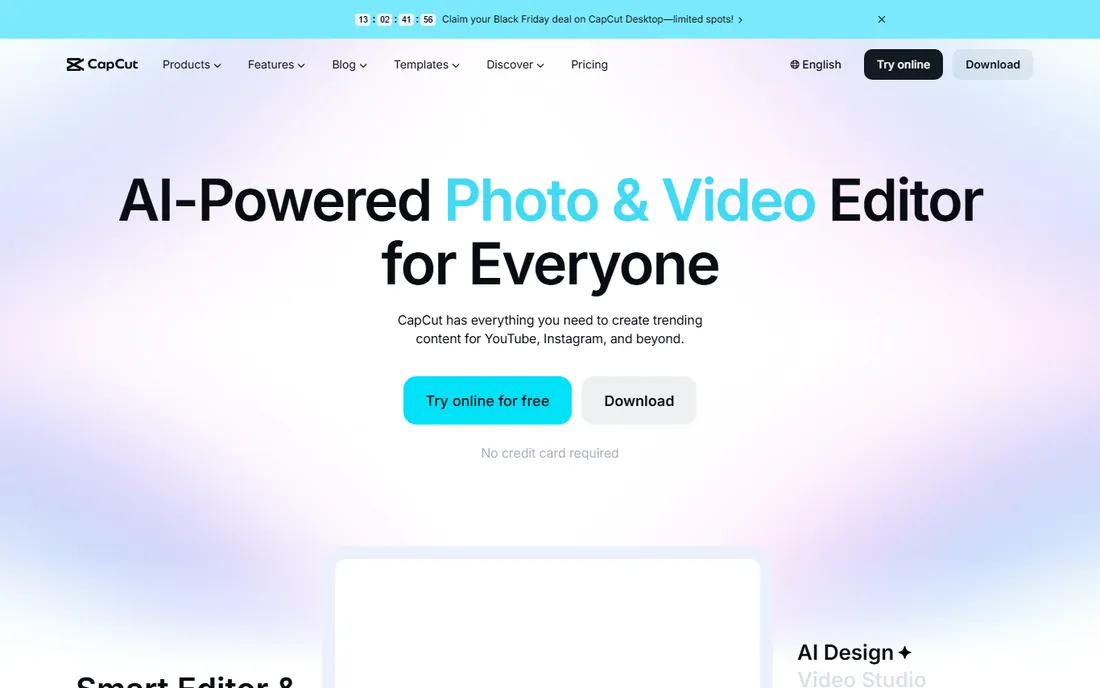
CapCut conquered social video by being free and fast. The desktop app brings the mobile editor's strengths, templates, trending effects, auto-captions, to longer-form work, and the free version covers most creators completely. For TikTok, Reels and Shorts, nothing gets you from footage to published faster.
It is not a pro NLE. Color grading, audio mixing and long-form organization are thinner than Resolve or Premiere, and the Pro upgrade pricing is murky. Use CapCut for what it is: the best free tool for quick social edits, paired with a real editor when projects get serious.
What we like- Generous free version with templates, effects, auto-captions and background removal
- Desktop and mobile apps share projects
- The fastest path from footage to posted video
Watch out for- Paid Pro pricing is not clear on the pricing page
- Professional depth and color tools lag the dedicated editors
What to check before you buy
Start with your computer, not the software. Pro editors are hungry: DaVinci Resolve wants a discrete GPU, Premiere wants RAM and fast storage, and every 4K timeline punishes old hardware. Check each vendor's system requirements against your machine before spending anything. The best editor you cannot run smoothly is the wrong editor.
Next, decide the subscription question honestly. Subscriptions (Premiere, PowerDirector 365, Creator Studio) buy constant updates; one-time purchases (Final Cut Pro $299.99, Pinnacle, SheetCam-style perpetual licenses) buy peace of mind. If you edit weekly, subscriptions often pay off in features. If you edit quarterly, buy once or go free.
Finally, try the free tier seriously before paying. DaVinci Resolve, CapCut, PowerDirector's free version and Media Composer First are real tools, not demos. A month of actual projects in a free editor teaches you what you need better than any review, and you may find you never need to pay.
How we chose
We started with the searches buyers actually run: desktop video editing software, video editor for Windows/Mac, best video editing app for PC. For each candidate we opened the vendor's homepage, read the pricing or store page, and noted what the free tier really includes. We compared editing features against public reviews on G2, Capterra and Reddit, kept tools that are actively developed and sold as desktop software, and favored distinct strengths over me-too lists. Where a price could not be verified on the vendor's own page, we wrote "See website" instead of guessing.
Free vs paid: where the line really sits
This category has the most generous free tier in software. DaVinci Resolve gives away professional editing, color and audio. CapCut gives away social editing. PowerDirector and Media Composer First give away real starter versions. A beginner or hobbyist can edit indefinitely without paying, which was unthinkable a decade ago.
Payment makes sense in four cases. First, team workflows where everyone uses Premiere Pro and project files must move. Second, Mac editors who want Final Cut Pro's speed and one-time price. Third, specific pro pipelines (Avid for broadcast, Vegas for its devotees). Fourth, simplicity: Filmora and Movavi sell time saved, not capability. Outside those cases, the free tools are not compromises; they are the state of the art with a zero on the price tag.
Frequently asked questions
What is the best free desktop video editing software?
DaVinci Resolve. It is a complete professional editor, color grader and audio post tool with no watermark and no cost. CapCut is the best free pick for quick social videos.
Is Adobe Premiere Pro worth the subscription?
For professionals working with teams or clients, yes: its ubiquity is the feature. For solo creators, DaVinci Resolve (free) or Final Cut Pro ($299.99 one-time on Mac) usually deliver more value per dollar.
What is the easiest video editing software for beginners?
Filmora or Movavi Video Editor for guided simplicity, CapCut for social video speed. All three get a beginner from footage to finished video in an evening.
Do I need a powerful computer for video editing?
For 4K work in Premiere Pro or DaVinci Resolve, yes: a modern CPU, 16GB or more of RAM and a discrete GPU make the difference between smooth and miserable. For 1080p social edits in CapCut or Filmora, a mid-range laptop is fine.
Can I switch from Premiere Pro to DaVinci Resolve?
Yes, and many editors have. Resolve imports Premiere project files, and the editing concepts transfer directly. The main adjustments are the color page workflow and Fusion effects versus After Effects.
Sources we checked (10)
- https://www.adobe.com/products/premiere.html
- https://www.blackmagicdesign.com/products/davinciresolve
- https://www.apple.com/final-cut-pro/
- https://filmora.wondershare.com/pricing.html
- https://www.vegascreativesoftware.com/us/vegas-pro/
- https://www.cyberlink.com/products/powerdirector-video-editing-software/
- https://www.pinnaclesys.com/en/products/studio/
- https://www.movavi.com/store.html
- https://www.avid.com/media-composer
- https://www.capcut.com/pricing
Is your product missing or out of date?
We review this list regularly. Vendors can request a listing, send updated pricing or ask about featured placement.

Shihab Mia · Founder, Rankite
Shihab has spent more than a decade helping SaaS and e-commerce brands grow through search. He writes Rankite's software buying guides from pricing pages, documentation and public user reviews. More about Shihab.