How we make this list: we compare pricing pages, product documentation and public user reviews. Rankite is independent; if a vendor ever pays for a featured spot, that listing is clearly labeled Partner.
Key takeaways
- DxO PureRAW is the benchmark for RAW photo denoising, with DeepPRIME models that rescue high-ISO shots other tools smear.
- Topaz Photo ($39/month) bundles denoising with sharpening and upscaling, making it the best all-in-one photo fixer.
- Video noise is a different job: Neat Video remains the specialist plugin for Premiere Pro, DaVinci Resolve and Final Cut.
- Adobe Lightroom's AI Denoise is good enough that many photographers no longer need a separate denoiser.
- ON1 Photo RAW includes its NoNoise AI engine with a one-time purchase, the only no-subscription option among the full editors here.
You shot the keynote at ISO 12,800 because the venue lighting was a rumor. Now the images look like they were taken through a screen door. This is the moment denoise software earns its keep. Modern AI denoisers do not just blur the grain away; they reconstruct detail that looks genuinely photographic, turning shots you would have deleted into keepers.
The eight tools below are the current leaders for stills and video. They are all actively maintained, all available today, and all very different in how they fit a workflow.
Quick comparison
| Tool | Best for | Starting price | Free plan |
|---|
 DxO PureRAW DxO PureRAW | best RAW photo denoising | See website | 30-day trial |
 Topaz Photo Topaz Photo | all-in-one photo enhancement | $39/month | Free trial |
 Neat Video Neat Video | video noise reduction plugin | See website | Free demo |
 ON1 Photo RAW ON1 Photo RAW | no-subscription editor with built-in denoising | See website (one-time purchase) | 30-day trial |
 Adobe Lightroom Adobe Lightroom | denoising inside the editor you already use | $11.99/month (Photography plan) | 7-day trial |
 Topaz Video Topaz Video | AI video enhancement and denoising | $59/month | Free trial |
 Luminar Neo Luminar Neo | creative editor with one-click denoising | See website | Free trial |
 Imaginomic Noiseware Imaginomic Noiseware | lightweight Photoshop plugin | See website | Free trial |
Is your product missing or out of date?
We review this list regularly. Vendors can request a listing, send updated pricing or ask about featured placement.
The best denoise software
Starting priceSee website
Free plan30-day trial
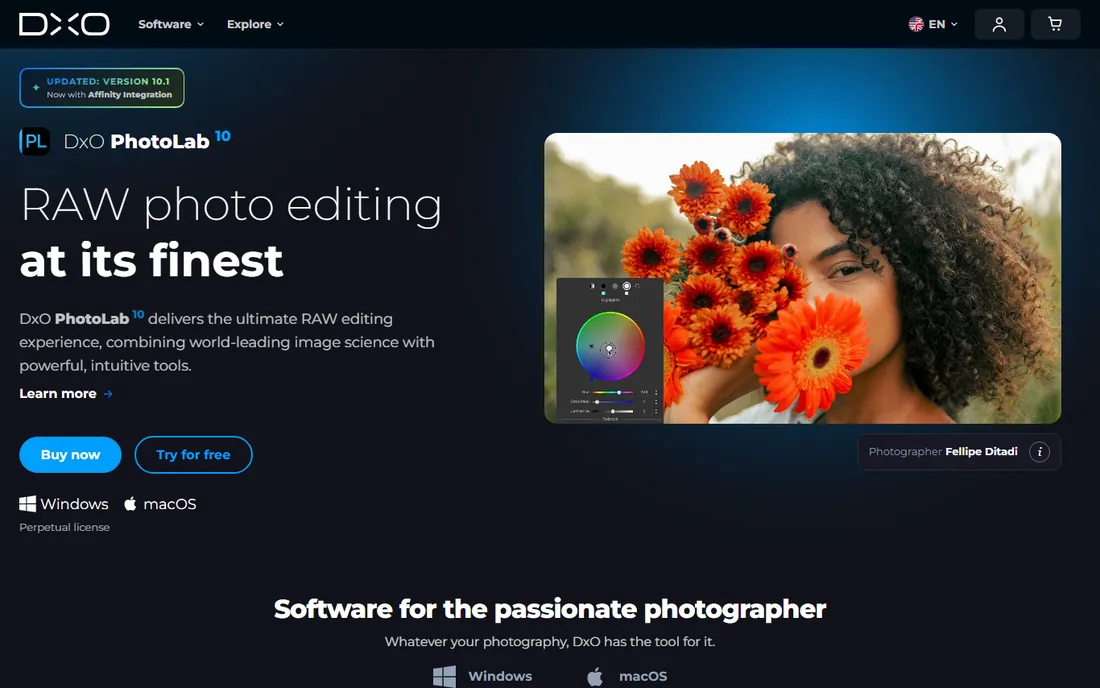
PureRAW is the tool other denoisers get measured against. Its DeepPRIME and DeepPRIME XD models work on the RAW data before demosaicing, which is why they recover detail where conventional denoisers just smooth things over. Feed it a noisy ISO 25,600 wildlife shot and the result looks like it was taken two stops cleaner, with feather detail intact rather than waxed.
The workflow is deliberately minimal: drop in RAW files, choose a processing profile, and PureRAW outputs corrected DNGs ready for Lightroom or Capture One. That simplicity is also the limitation. It does one job, and DxO charges a premium for it. If you shoot RAW in difficult light regularly, it is worth every cent. If you shoot JPEGs or stay below ISO 3200, you are paying for headroom you will never use.
What we like- DeepPRIME XD models lead independent comparisons
- Processes RAW before demosaicing
- Simple drag-and-drop workflow
Watch out for- Single-purpose tool
- Premium price for one job
- Needs a decent GPU for reasonable speed
Starting price$39/month
Free planFree trial
Topaz Photo (the current name for what was Topaz Photo AI) is the Swiss Army knife of photo repair. Denoising is one module among many: sharpening, upscaling, face recovery, lighting adjustment and dust removal all live in the same interface, with an autopilot mode that analyzes each image and applies what it thinks is needed. For event photographers processing hundreds of mixed-quality shots, that batch intelligence saves hours.
Topaz moved to subscription pricing, currently $39 a month for the Photo app, which stings compared with the old perpetual licenses. The models are also demanding: without a discrete GPU, expect slow processing. And autopilot occasionally overcooks images, so check its choices on the first few. As a single purchase that replaces three separate tools, though, the math works for working photographers.
What we like- Denoising plus sharpening, upscaling and face recovery in one app
- Strong autopilot for batch work
- Unlimited local rendering
Watch out for- Subscription pricing adds up
- Heavy GPU demands
- Results can look over-processed on autopilot
Starting priceSee website
Free planFree demo
Still images are forgiving. Video is not: temporal noise shimmers between frames, and most photo denoisers fail completely on footage. Neat Video has owned this niche for nearly two decades. It builds a noise profile from a flat area of your actual clip, then applies adaptive filtration that respects motion. The result is clean footage that still looks like video, not plastic.
It installs as a plugin for Premiere Pro, DaVinci Resolve, Final Cut Pro, After Effects and more than twenty other hosts, so it slots into existing workflows. The demo is fully functional with watermarked output, and licenses are perpetual rather than subscription. The price sits in the mid-range for a plugin. Anyone delivering client video shot above ISO 3200 should consider it mandatory.
What we like- The reference standard for video denoising
- Works inside 20+ editors
- Precise noise profiling per clip
Watch out for- Plugin only, needs a host editor
- Learning curve on profiling
- Render times on long timelines
#4
ON1 Photo RAW
Best for: no-subscription editor with built-in denoising
Visit on1.com
Starting priceSee website (one-time purchase)
Free plan30-day trial
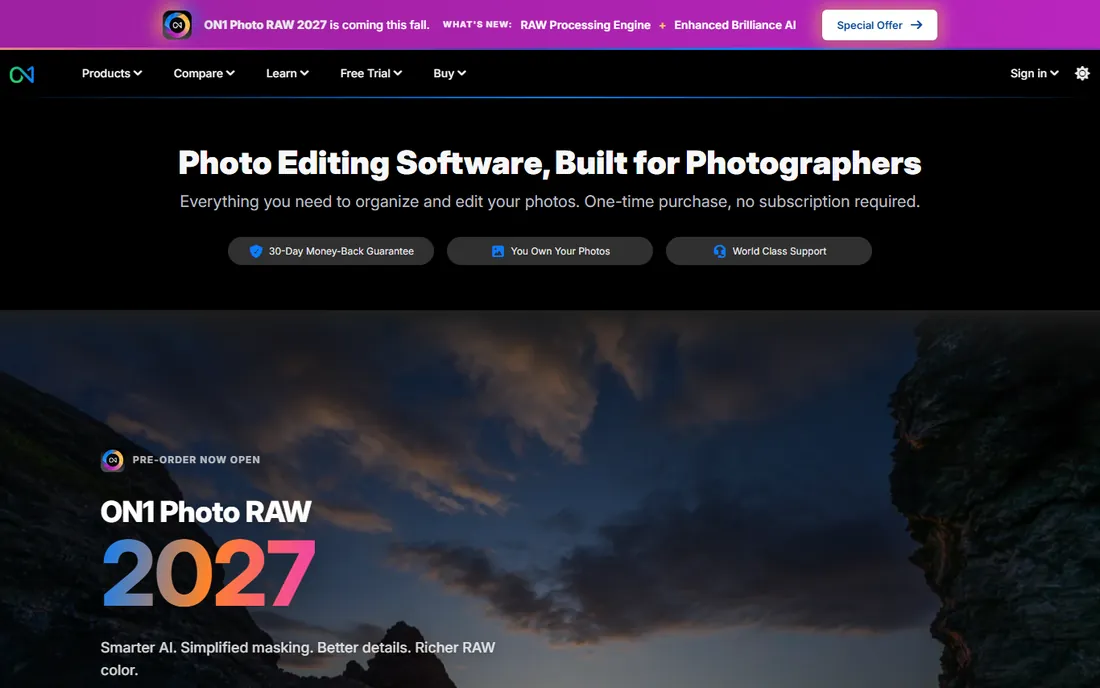
ON1 folded its standalone NoNoise AI product into Photo RAW, which turns out to be good news for buyers. You get a complete Lightroom-style editor, organizer and RAW processor with AI denoising built in, for a one-time purchase with no subscription. The 30-day trial is genuinely full-featured, and the company offers a 30-day money-back guarantee.
In pure denoising quality, ON1 trails DxO's DeepPRIME and Topaz by a visible margin on extreme high-ISO files, though it handles moderate noise competently. The value argument is about the bundle: if you want to escape Adobe's subscription and get capable denoising in the same purchase, nothing else here offers that combination. It also works as a plugin inside Lightroom and Photoshop for hybrid workflows.
What we like- NoNoise AI included at no extra cost
- One-time purchase, no subscription
- Full Lightroom alternative
Watch out for- Denoising slightly behind DxO and Topaz
- Smaller ecosystem of tutorials and presets
#5
Adobe Lightroom
Best for: denoising inside the editor you already use
Visit adobe.com
Starting price$11.99/month (Photography plan)
Free plan7-day trial
Here is the awkward truth for the dedicated denoisers: Lightroom's built-in AI Denoise is now good enough that many photographers stopped buying separate tools. It handles RAW files with impressive detail retention, applies non-destructively inside your existing catalog, and requires learning nothing new. If you already pay for the Photography plan, your denoiser is already paid for.
It is not the absolute best. On torture-test files at extreme ISOs, DxO and Topaz still pull ahead. Batch processing hundreds of images is slower than PureRAW's streamlined pipeline. But the convenience factor is enormous: no exporting, no round-tripping, no second license to manage. Before buying anything else on this list, run your worst files through Lightroom's Denoise and see if you actually need more.
What we like- AI Denoise is genuinely competitive
- Zero workflow friction
- Included with Photoshop in the Photography plan
Watch out for- Subscription only
- Slower than dedicated tools on huge batches
- Cloud storage tiers add cost
Starting price$59/month
Free planFree trial
Topaz Video AI (now sold as Topaz Video) takes the opposite approach from Neat Video: instead of a plugin that lives in your editor, it is a standalone application that enhances whole clips with AI models for denoising, upscaling, deinterlacing, stabilization and slow motion. For restoring old footage or polishing drone and phone video, the results can be dramatic.
The cost reflects the ambition: $59 a month, and you will want a powerful GPU to avoid overnight renders. A cloud-rendering option exists for machines that cannot cope, billed in credits. If your need is strictly noise reduction inside an editing timeline, Neat Video is cheaper and more precise. Choose Topaz Video when the footage needs everything, not just denoising.
What we like- Strong AI models for denoise, upscale and frame interpolation
- Standalone app, no host editor needed
- Cloud rendering option
Watch out for- Expensive subscription
- Very GPU-hungry
- Overkill if you only need basic noise reduction
#7
Luminar Neo
Best for: creative editor with one-click denoising
Visit skylum.com
Starting priceSee website
Free planFree trial
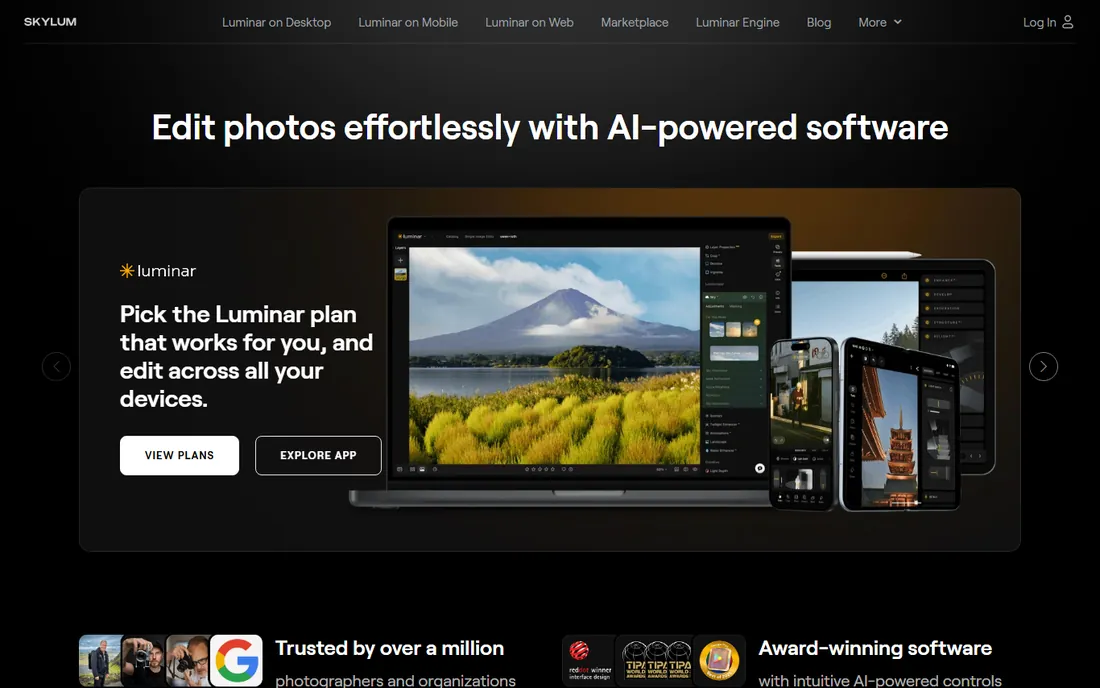
Luminar Neo (currently branded as Luminar on Skylum's site) is the enthusiast's editor: AI sky replacement, portrait tools, and creative filters, with a Noiseless AI extension handling denoising. It will not win a pixel-peeping contest against DxO, but for the photographer who wants decent noise reduction inside a fun, fast editor, it is plenty.
Skylum sells plans rather than pure subscriptions, and the interface is the friendliest here. The trade-off is depth: controls are simplified, batch workflows are limited, and professionals will miss the fine-tuning of dedicated tools. For hobbyists and content creators who denoise occasionally rather than daily, that simplicity is a feature.
What we like- Noiseless AI is fast and simple
- Creative editing tools in the same app
- Approachable for enthusiasts
Watch out for- Denoising is basic compared with specialists
- Aimed at consumers more than pros
Starting priceSee website
Free planFree trial
Noiseware is the veteran of this list: a Photoshop plugin that has been quietly cleaning up images for years. It uses adaptive noise profiling rather than deep learning, which makes it fast and undemanding. On older machines that choke on AI models, Noiseware still runs happily.
Against modern AI denoisers it shows its age. Extreme high-ISO files come out softer and less detailed than what DxO or Topaz produce. But for moderate noise, batch JPEG work, and machines without serious GPUs, it remains a practical, affordable choice. The one-time license is refreshingly simple in a category drifting toward subscriptions.
What we like- Fast and light on system resources
- Runs inside Photoshop
- Affordable one-time license
Watch out for- Older technology than AI rivals
- Less effective on extreme noise
- Small company
How we chose
We started with the denoisers that dominate current photography forums, YouTube comparisons and review sites, keeping only products that are actively maintained and purchasable in 2026. That meant treating merged products honestly: ON1's standalone NoNoise AI is now part of ON1 Photo RAW, and Topaz's photo and video apps have new names and subscription pricing, which we verified on the vendors' own sites in October 2026. Pricing was checked against vendor pages where accessible; where a vendor blocks automated access we say so instead of guessing. We did not run our own noise-reduction tests; we relied on published comparisons, vendor documentation and long-standing professional consensus about which tools lead the category.
What to look for before you buy
RAW versus JPEG matters enormously
The best denoising happens on RAW files before demosaicing, which is DxO PureRAW's entire advantage. If you shoot JPEG, you are asking software to clean noise from already-processed data, and every tool here performs worse. Before spending money, consider whether switching to RAW capture would do more for your image quality than any purchase.
Detail retention beats noise removal
Any denoiser can remove noise; the good ones keep detail. When evaluating, zoom to 100 percent on textured areas like fabric, foliage and hair. The winner is not the smoothest image but the one that looks sharp without waxiness or AI artifacts. Free trials exist for nearly every tool here: test with your own worst files, not the vendor's samples.
GPU requirements are real
AI denoisers are among the most GPU-hungry consumer software in existence. Check the system requirements before buying, especially for Topaz products and DxO's XD models. An older laptop may process one image in minutes, turning a 500-photo wedding into a multi-day job. The plugin and lightweight options (Neat Video, Noiseware) are kinder to modest hardware.
Subscription versus one-time
The category is splitting. Topaz and Adobe are subscription-only; DxO, ON1 and Imaginomic still sell perpetual licenses. If you denoise daily for client work, subscriptions are a cost of doing business. If you denoise occasionally, a one-time purchase that keeps working wins. Factor in how often you upgrade: a $39 monthly subscription passes a $129 perpetual license in under four months.
Photo versus video denoisers: different jobs
Do not buy a photo denoiser for video, or vice versa. Photo tools analyze a single frame; video tools analyze motion across frames, which is why Neat Video and Topaz Video exist as separate products. A photo denoiser applied to video frame-by-frame produces flicker and shimmer. If you shoot both stills and video, budget for one tool in each column: DxO or Topaz Photo for images, Neat Video or Topaz Video for footage. Bundles like Topaz Studio ($399 a year for everything) make sense only if you genuinely use both sides.
Frequently asked questions
What is the best denoise software for photographers?
DxO PureRAW leads for RAW photo denoising, with Topaz Photo close behind and the advantage of bundling sharpening and upscaling. If you already use Lightroom, try its built-in AI Denoise first; it may be all you need.
Can denoise software fix very noisy high-ISO photos?
Modern AI denoisers genuinely rescue shots that were unusable a few years ago, recovering detail at ISOs that used to be write-offs. There are limits: extreme noise still costs fine detail, and no software invents texture that was never captured. Shoot RAW for the best results.
Is free denoise software any good?
For basic needs, yes. Lightroom's trial, Topaz trials, and the free tools built into editors like Darktable cover casual use. The paid tools earn their price on difficult files: high ISO, small sensors, and heavy cropping are where free options fall behind.
Do I need a powerful computer for AI denoising?
For the AI tools, yes. Topaz and DxO's advanced models want a discrete GPU and plenty of RAM. Without one, processing slows dramatically. Lighter options like Noiseware and Neat Video's efficient engine run fine on modest hardware.
Should I denoise before or after other edits?
Denoise early, ideally on the RAW file before sharpening and color work. Sharpening amplifies noise, so denoising first gives every later adjustment cleaner data. Tools like PureRAW are designed as a first step before your main editor.
Why does my video look worse after denoising?
Usually over-processing. Aggressive settings remove the fine grain that makes video look natural, leaving a plastic, waxy image. Dial back the strength, denoise before color grading, and judge the result at normal viewing distance rather than pixel-peeping.
Sources we checked (9)
- https://www.dxo.com
- https://topazlabs.com/
- https://www.neatvideo.com
- https://on1.com/
- https://www.adobe.com
- https://skylum.com
- https://www.imaginomic.com
- https://www.youtube.com/watch?v=tsU9qprjQ_A
- https://www.fontmirror.com/en/best-photo-enhancer-html/
Is your product missing or out of date?
We review this list regularly. Vendors can request a listing, send updated pricing or ask about featured placement.

Shihab Mia · Founder, Rankite
Shihab has spent more than a decade helping SaaS and e-commerce brands grow through search. He writes Rankite's software buying guides from pricing pages, documentation and public user reviews. More about Shihab.