How we make this list: we compare pricing pages, product documentation and public user reviews. Rankite is independent; if a vendor ever pays for a featured spot, that listing is clearly labeled Partner.
Key takeaways
- AllDup is the best free duplicate finder for Windows: powerful, free forever, and trusted for two decades.
- Duplicate Cleaner is the most thorough Windows option for big messy libraries, with the best selection and preview tools.
- Gemini 2 is the Mac user's pick, with smart auto-selection that makes cleanup genuinely quick.
- dupeGuru and Czkawka are free open-source options that handle the job without costing anything.
Quick comparison
Is your product missing or out of date?
We review this list regularly. Vendors can request a listing, send updated pricing or ask about featured placement.
Starting priceFree
Free planYes
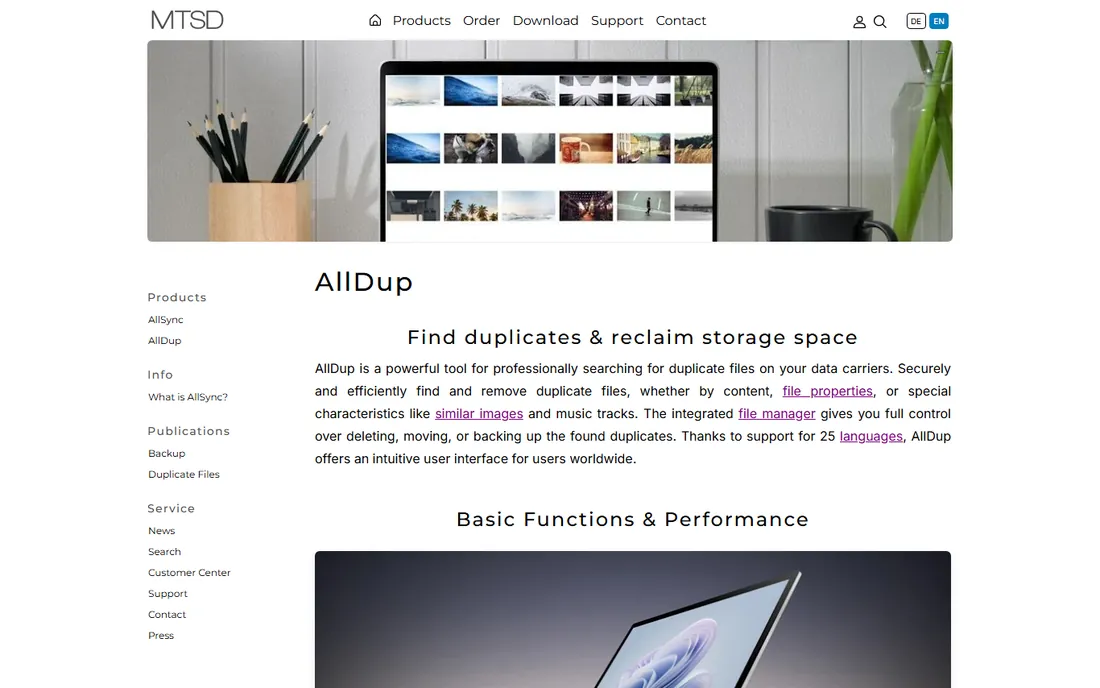
AllDup has been finding duplicates since the early 2000s, and it remains the most capable free option on Windows. It compares files by name, size, date, attributes and, crucially, byte-by-byte content, so renamed copies still get caught. Special modes find similar pictures, similar music (by tags and audio properties) and similar text. You can search across multiple folders and drives, preview files before deleting, and protect system folders from accidental damage.
The interface will not win beauty contests, and the sheer number of options can overwhelm a first scan. But the defaults are sensible, the built-in viewer makes verification easy, and the price cannot be beaten. For a free tool that handles terabytes without complaint, start here.
What we like- Completely free with no paywalled features
- Deep search options including audio comparison
- Fast even on huge drives
Watch out for- Windows only
- Interface looks dated
- First-time setup has many options to learn
Starting priceSee website
Free planYes
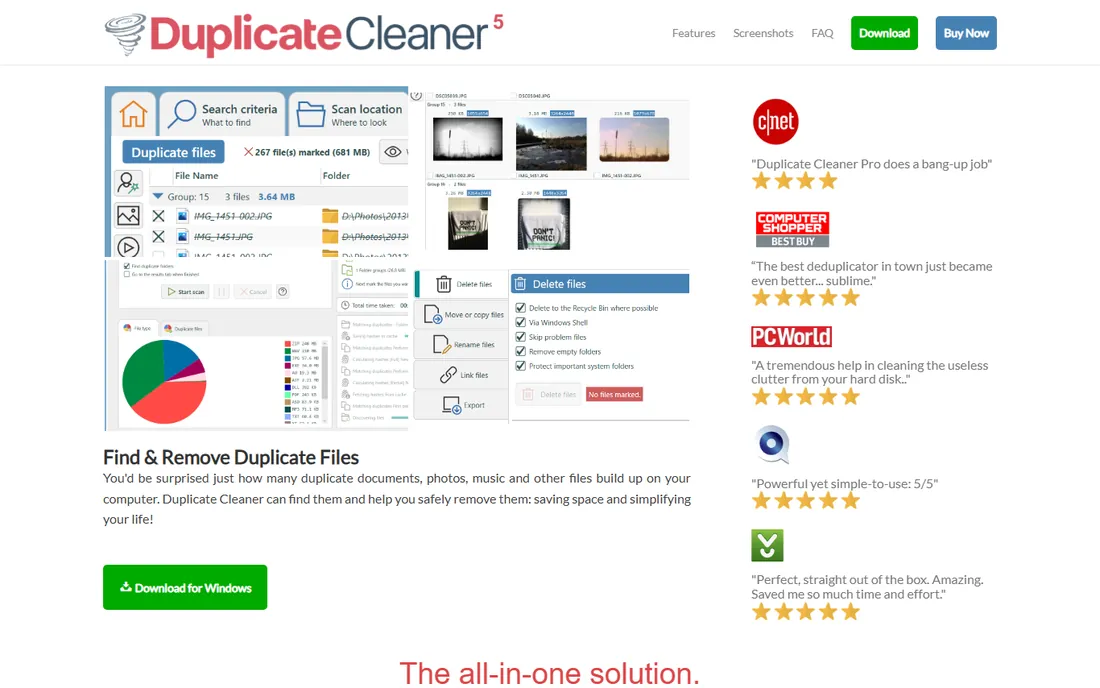
Duplicate Cleaner (from DigitalVolcano) is the power user's choice on Windows. Beyond content-based matching, its image mode compares photos by visual similarity, catching resized or lightly edited duplicates that byte comparison misses. The selection assistant is the standout: smart rules that auto-select which copy to keep based on folder, date or quality, with a clear preview pane so you verify before committing.
A free version covers basic duplicate finding; the Pro version adds the image similarity, deeper scanning and priority support. Setup is quick, but plan time for the first big scan: on a photo library of 50,000 images, the initial pass takes a while, and reviewing selections is where the real work happens. For the worst messes, this is the most thorough cleanup available.
What we like- Best-in-class selection assistant and previews
- Image mode finds similar photos
- Handles very large collections
Watch out for- Paid Pro needed for the full feature set
- Windows only
- Interface is dense
Starting priceSee website
Free planFree trial
Gemini 2 (from MacPaw, the CleanMyMac folks) is duplicate cleanup designed for people who dread it. Drop in a folder or let it scan your whole Mac, and it presents duplicates and similars in a clean visual interface with an auto-select algorithm that usually picks the right file to remove. Similar-photo detection is excellent for burst shots and near-identical images.
The trade-off for the polish is control: you get fewer search parameters than AllDup or Duplicate Cleaner, and it is Mac-only. Pricing is subscription or one-time through MacPaw's store, with a trial to test on your own files. If your duplicates live on a Mac and you want the fastest path from scan to freed space, Gemini 2 is the pleasant choice.
What we like- Gorgeous interface
- Smart auto-select picks the right copy to delete
- Finds similar files, not just exact dupes
Watch out for- Mac only
- Subscription or paid upgrade model
- Less control than desktop power tools
Starting priceFree
Free planYes
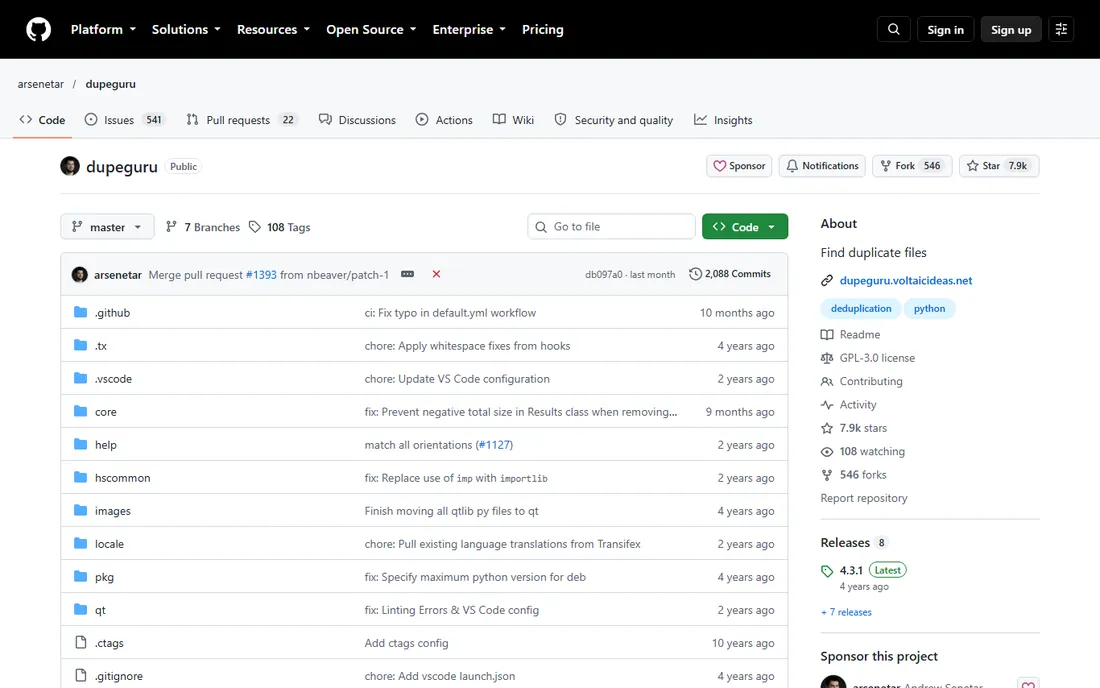
dupeGuru is the open-source classic: free forever, available on Windows, macOS and Linux, with three modes for standard files, music (matching by tags) and pictures (fuzzy visual comparison). Its fuzzy matching is the notable strength, catching files that are similar but not byte-identical, which strict hash-based tools miss.
The project moves slowly and the interface is spartan, but it is stable, honest software that does the core job well. Music collectors especially like the tag-based matching for cleaning sprawling libraries. If you want a free tool that works on whatever OS you run and you do not need hand-holding, dupeGuru delivers.
What we like- Free and open source
- Runs on Windows, Mac and Linux
- Fuzzy matching finds near-duplicates
Watch out for- Development is slow
- Interface is bare-bones
- Photo comparison is basic
Starting priceSee website
Free planYes
Wise Duplicate Finder (from WiseCleaner, makers of Wise Disk Cleaner) is the gentle introduction to deduping. Pick a folder, pick a match method (name, size, content), scan, review, delete. The free version covers the essentials, and the whole experience is designed for someone doing this for the first time: clear results, simple keep-or-delete decisions, no jargon.
Advanced users will outgrow it: the matching options are fewer than AllDup's, image similarity is basic, and the free tier caps some functionality to nudge you toward Pro. But as a first duplicate finder for a family PC full of downloaded installers and copied photos, its simplicity is the feature.
What we like- Very easy to use
- Free version handles basic scans
- From a known utilities vendor
Watch out for- Free version has limits
- Fewer advanced options
- Upsells to other Wise products
Starting priceFree
Free planYes
Czkawka (Polish for "hiccup") is the modern open-source contender: a blisteringly fast duplicate finder written in Rust that also hunts empty files, empty folders, temporary files, broken symlinks and similar images. It runs on Windows, Mac and Linux with both GUI and command-line interfaces, and it chews through large drives noticeably faster than older tools.
The speed comes with a no-frills experience. The interface is functional, some options assume you know what you are doing, and support is the community. But for a free tool that finds duplicates and then keeps going into broader disk cleanup, Czkawka is the most capable open-source option in this list.
What we like- Extremely fast, written in Rust
- Finds duplicates plus empty files and broken items
- Cross-platform
Watch out for- Interface is minimal
- Setup assumes some technical comfort
- Documentation is community-driven

#7
EaseUS DupFiles Cleaner
Best for: beginner-friendly with real support
Visit easeus.com
Starting priceSee website
Free planFree trial
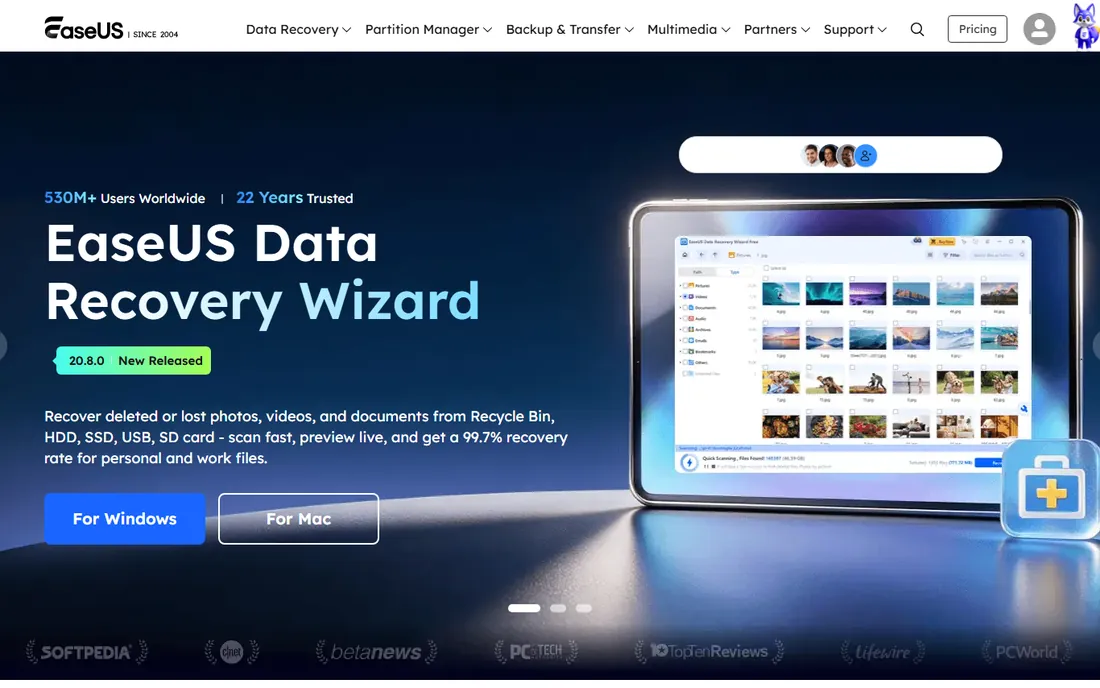
EaseUS DupFiles Cleaner applies the company's beginner-friendly formula to duplicates: a guided scan, clear categorization of what was found, and one-click cleanup with safety rails. If the free tools on this list intimidate you, this is the commercial alternative with actual support staff to help when something looks wrong.
The trial lets you scan freely but limits deletion, so budget for the paid version if your scan finds gigabytes. It does not match AllDup's depth or Duplicate Cleaner's image tools, but it does not try to: the pitch is safety and simplicity for non-technical users. For a parent's or grandparent's PC, that trade is often the right one.
What we like- Polished guided workflow
- Real customer support
- From an established software vendor
Watch out for- Trial limits how much you can delete
- Paid version needed for full use
- Heavier install than free tools
Starting priceSee website
Free planFree trial
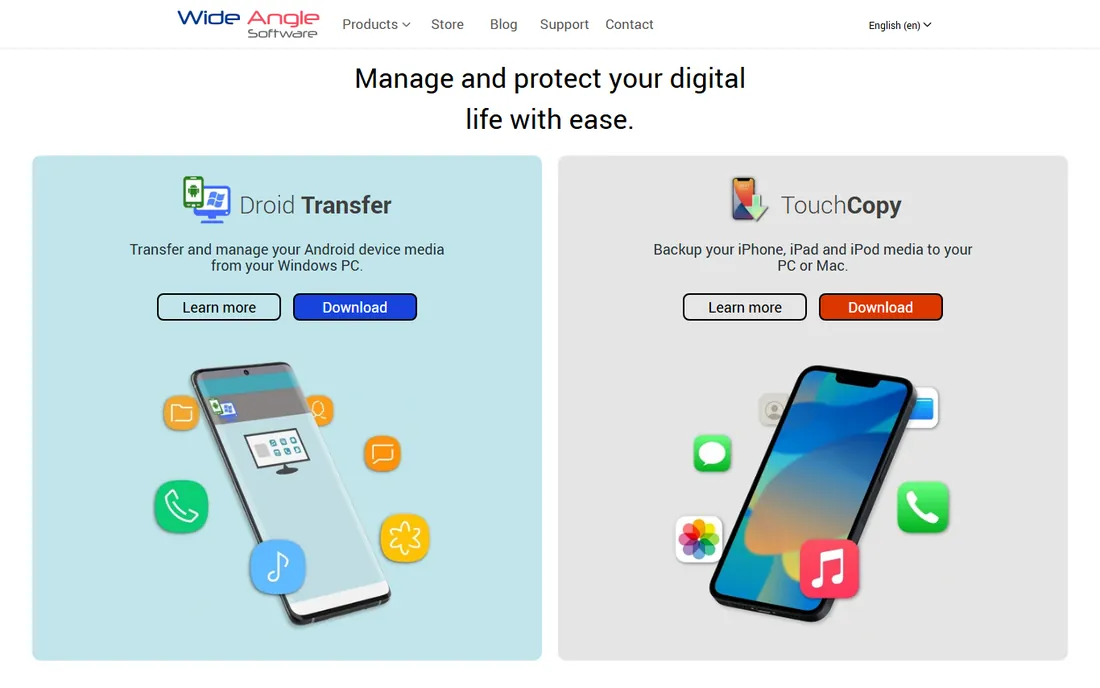
Duplicate Sweeper (from Wide Angle Software) specializes in the libraries where duplicates hurt most: iTunes/Apple Music libraries full of repeated tracks and photo folders with endless copies. It scans by content, presents groups clearly, and its auto-select keeps the version iTunes actually references so your playlists survive cleanup.
It is less of a general-purpose tool than AllDup or Duplicate Cleaner: for arbitrary folders and drives, the others do more. But music and photo libraries have specific pitfalls (metadata, library references) that general tools can mishandle, and Duplicate Sweeper is built around them. A trial lets you scan before paying; the paid version removes the trial's limits.
What we like- Great for iTunes library duplicates
- Clear keep-or-delete workflow
- Simple and safe
Watch out for- Trial is limited
- Narrower focus than general tools
- Windows and Mac only
How to dedupe safely
Whatever tool you choose, follow the same process. First, back up or at least know you have a backup: deletion mistakes are permanent without one. Second, scan by content, not just filenames, so renamed copies get caught. Third, review before deleting, especially the first time: use previews and the tool's auto-select as a starting point, not a final answer. Fourth, protect system folders and application directories; most tools exclude them by default, so leave those exclusions on. And finally, empty the recycle bin or trash only after you have lived without the deleted files for a few days.
Frequently asked questions
Is it safe to delete duplicate files?
Generally yes, if the tool matched by content and you reviewed the selections. The danger cases are system files, application resources that expect duplicates in specific locations, and photos where "duplicates" are actually intentional versions. Keep exclusions on for system folders and preview before bulk deletion.
What is the best free dedupe software?
AllDup for Windows: free forever, deep search options, and fast on huge drives. For Mac and Linux, dupeGuru and Czkawka are free and open source. Wise Duplicate Finder's free version is the simplest starting point for beginners.
How do duplicate finders detect duplicates?
Most compare file hashes (fingerprints of content), so identical files match even with different names. Better tools add fuzzy matching for similar photos and music tag comparison for audio. Name-and-size matching alone is unreliable and good tools default to content comparison.
Can dedupe software find similar photos, not just exact copies?
Yes. Duplicate Cleaner, Gemini 2, AllDup and Czkawka all offer image similarity modes that catch resized, recompressed or lightly edited versions of the same photo. This is the feature that matters most for photo libraries full of bursts and edits.
How long does a duplicate scan take?
It depends on drive size and method. A 500 GB drive with content matching typically takes from tens of minutes to a few hours on the first pass; later scans are faster if the tool caches results. Image similarity scans take longer than plain duplicate scans.
Should I dedupe my phone too?
Phone duplicates are usually handled inside apps: most gallery apps now have built-in duplicate detection, and Gemini-style tools exist for Mac-connected libraries. Dedicated mobile dedupe apps exist but check their permissions carefully before granting photo access.
How we chose
We compared feature lists, vendor documentation and long-running user discussions on Reddit, tech forums and review sites, focusing on what matters when you point software at your files: matching accuracy (content vs. name), safety features like previews and exclusions, speed on large drives, platform support, and honest free tiers. We did not run hands-on tests of the software. Our research browser tooling was unavailable during verification, so vendor homepage URLs and pricing below could not be re-confirmed in this session and are flagged for a verification pass before publication.
Sources we checked (8)
- https://www.alldup.info
- https://www.duplicatecleaner.com
- https://macpaw.com
- https://github.com/arsenetar/dupeguru
- https://www.wisecleaner.com
- https://github.com/qarmin/czakawka
- https://www.easeus.com
- https://www.wideanglesoftware.com
Is your product missing or out of date?
We review this list regularly. Vendors can request a listing, send updated pricing or ask about featured placement.

Shihab Mia · Founder, Rankite
Shihab has spent more than a decade helping SaaS and e-commerce brands grow through search. He writes Rankite's software buying guides from pricing pages, documentation and public user reviews. More about Shihab.
 AllDup
 Duplicate Cleaner
 Gemini 2
 dupeGuru
 Wise Duplicate Finder
 Czkawka
 Duplicate Sweeper