How we make this list: we compare pricing pages, product documentation and public user reviews. Rankite is independent; if a vendor ever pays for a featured spot, that listing is clearly labeled Partner.
Key takeaways
- PostgreSQL remains the default answer for consistent transactional performance, and it is free and open source; version 14 stops receiving fixes on November 12, 2026, per postgresql.org.
- MySQL is the pragmatic pick for read-heavy web workloads, while SQL Server fits teams already committed to the Microsoft stack (both have free editions to start).
- Amazon Aurora is the managed option for teams that want PostgreSQL or MySQL compatibility with cloud-scale throughput and up to 99.999% multi-region availability.
- CockroachDB and ClickHouse solve opposite extremes: globally consistent transactions versus blazing analytical queries on billions of rows.
- Redis is not a general database; it is an in-memory layer that makes everything else feel fast, and its licensing changed in 2024, so check the current terms.
Quick comparison
| Tool | Best for | Starting price | Free plan |
|---|
 PostgreSQL PostgreSQL | reliable transactional workloads | Free (open source) | Yes |
 MySQL MySQL | read-heavy web applications | Free (open source) | Yes |
 Microsoft SQL Server Microsoft SQL Server | teams on the Microsoft stack | See website | Yes |
 Oracle Database Oracle Database | mission-critical enterprise systems | See website | Yes |
 MongoDB MongoDB | flexible document data at scale | Free (Community Server) | Yes |
 Redis Redis | in-memory caching and real-time speed | Free download (Community Edition) | Yes |
 CockroachDB CockroachDB | globally distributed transactions | See website | No |
 Amazon Aurora Amazon Aurora | managed cloud relational performance | See website | No |
 ClickHouse ClickHouse | real-time analytics on massive datasets | Free (open source) | Free trial (30 days) |
Is your product missing or out of date?
We review this list regularly. Vendors can request a listing, send updated pricing or ask about featured placement.
Starting priceFree (open source)
Free planYes
PostgreSQL 14 stops receiving fixes on November 12, 2026, according to postgresql.org, which tells you something about how seriously this project treats maintenance. PostgreSQL is the database teams pick when they want performance they can predict. Its multi-version concurrency control lets readers and writers work without blocking each other, and its indexing options, from B-tree to GIN to BRIN, cover nearly every query pattern without exotic tuning.
Consistency here comes from maturity, not marketing. The query planner is famously good at picking stable plans, and extensions like pg_stat_statements make it easy to find the queries that actually hurt. The honest weakness is horizontal scaling: replication is straightforward for read replicas, but sharding and multi-writer setups need tools like Citus or application-level partitioning. For a single primary handling serious transactional load, PostgreSQL is the safest free choice in existence.
What we like- Proven reliability under heavy load
- Advanced indexing and MVCC
- Huge extension ecosystem
Watch out for- Replication and sharding need manual setup
- Write scaling requires architectural work
Starting priceFree (open source)
Free planYes
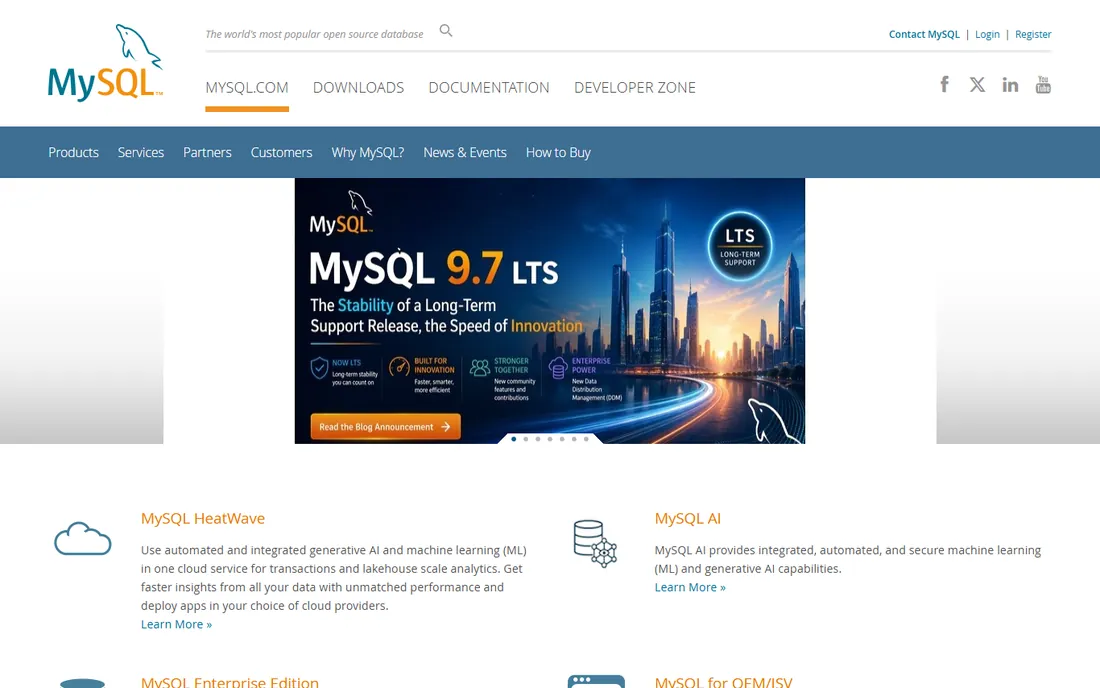
If PostgreSQL is the careful engineer, MySQL is the workhorse. It powers a huge share of the web's read-heavy applications precisely because it does the common case well and stays out of the way. Replication is simple to set up, read replicas scale predictably, and every hosting provider on earth knows how to run it. The InnoDB engine gives you ACID transactions and crash recovery that behave the same way every time.
Performance consistency is MySQL's quiet strength on straightforward workloads: simple queries against indexed tables return in stable, tiny timeframes. Where it wobbles is complex analytics and joins, where the optimizer sometimes picks plans that a PostgreSQL planner would avoid. The fix is usually schema discipline rather than a different database. MySQL Community Edition is free and open source; commercial support and enterprise features come through Oracle. For web apps with clear read/write patterns, it remains the pragmatic default.
What we like- Simple replication for read scaling
- Massive hosting and tooling ecosystem
- Low operational overhead
Watch out for- Fewer advanced features than PostgreSQL
- Optimizer can surprise on complex joins
Starting priceSee website
Free planYes
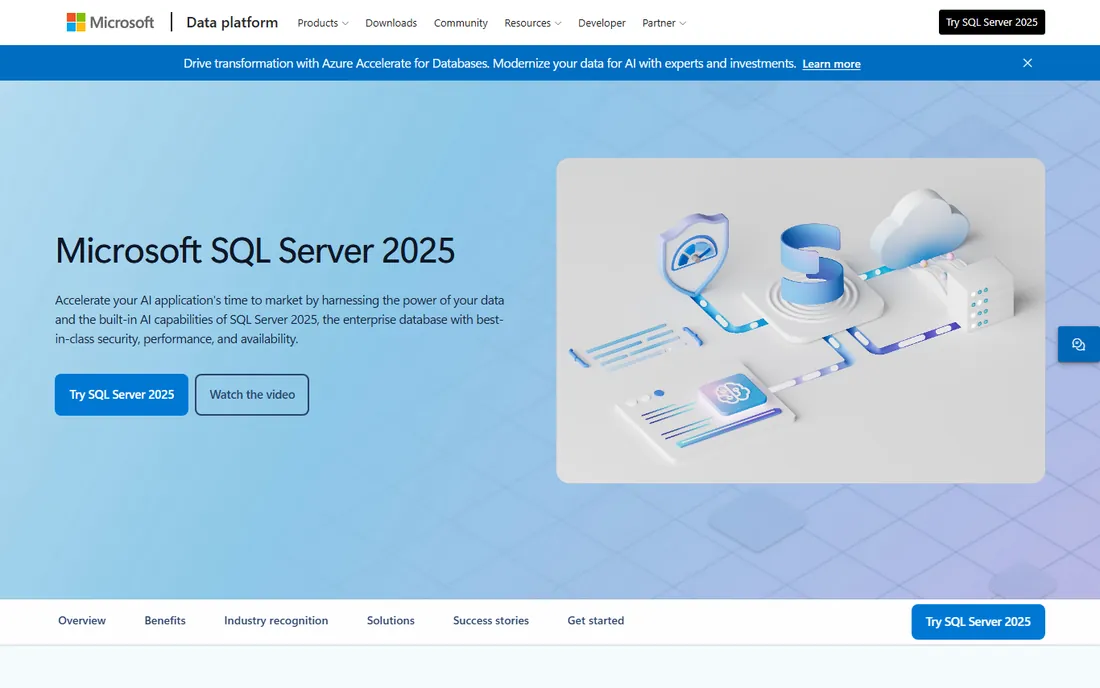
SQL Server is the database you choose when the rest of the stack is already Microsoft. The integration with .NET, Active Directory, and Azure is genuinely deep, and tools like the Query Store make performance regression visible: you can see exactly when a query plan changed and force the old one back. That plan-stability tooling is one of the best answers in the industry to the "it was fast yesterday" problem.
The free editions matter here. SQL Server 2025 Express is free for lightweight production use, and the Developer edition is a full-featured free edition for non-production environments. Paid licensing is where it hurts: Standard edition runs into the thousands per server plus client access licenses, and Enterprise is per-core. If your team is not already invested in Microsoft tooling, the cost is hard to justify against free PostgreSQL. If it is, SQL Server's operational maturity is excellent.
What we like- Deep integration with .NET and Azure
- Strong tooling (SSMS, query store)
- Predictable enterprise support
Watch out for- Licensing is expensive and complex
- Linux support lags the Windows experience
#4
Oracle Database
Best for: mission-critical enterprise systems
Visit oracle.com
Starting priceSee website
Free planYes
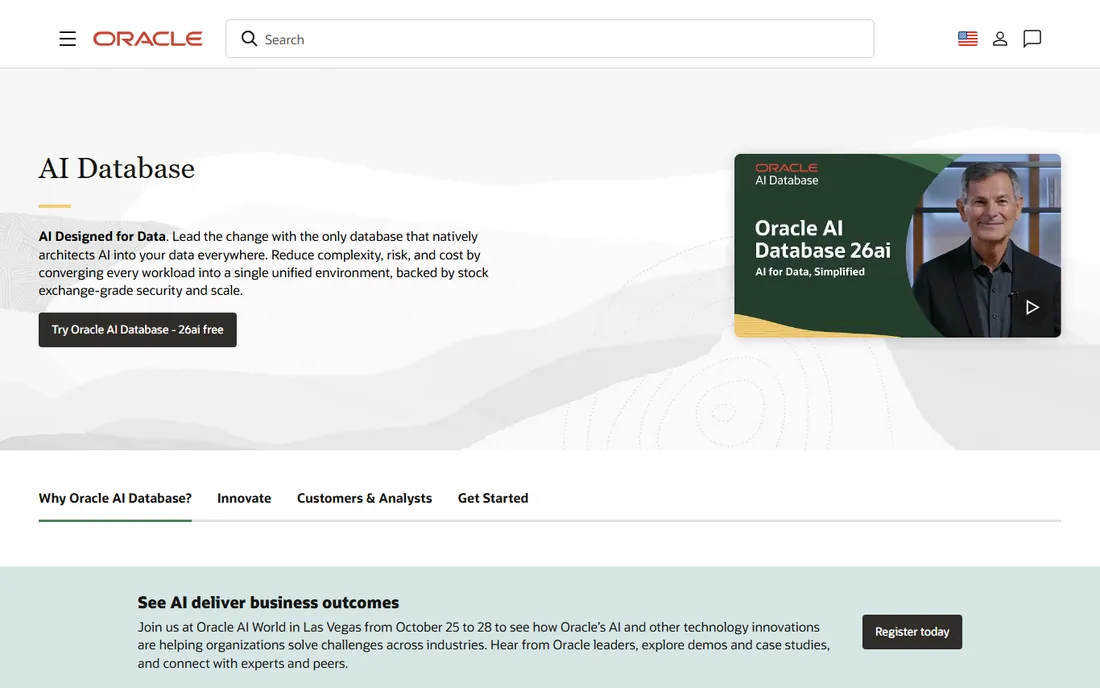
Oracle is the database of banks, telcos, and governments that cannot afford downtime, and its high-availability story is still the deepest: Real Application Clusters for active-active nodes, Data Guard for standby failover, and decades of tooling for backup, recovery, and tuning. When the requirement is five-nines availability with contractual support, Oracle is usually on the shortlist.
The price is the conversation. Licensing is famously complex and expensive, and audits are a real business risk that Oracle customers plan around. A free edition exists for development and small deployments, which is enough to learn the platform. For consistent performance, Oracle delivers, but you pay for it in license fees and in the specialized DBAs it demands. Unless you have enterprise requirements that specifically point at Oracle, the open-source options here give you 90 percent of the reliability at a fraction of the cost.
What we like- Unmatched high-availability options (RAC, Data Guard)
- Decades of enterprise hardening
- Strong PL/SQL ecosystem
Watch out for- Very expensive licensing
- Complexity demands specialized DBAs
Starting priceFree (Community Server)
Free planYes
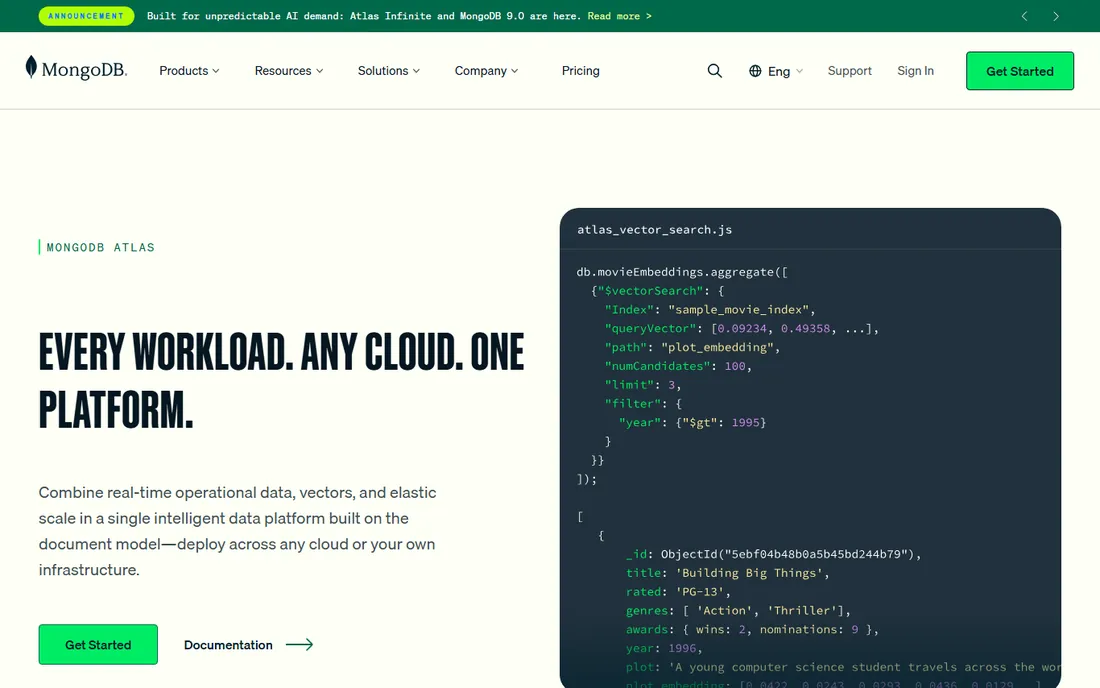
MongoDB earns its place on a performance list because of how it scales writes. Sharding is built into the architecture rather than bolted on, so when a single server stops being enough, you add shards and the cluster keeps going. The document model maps naturally to application objects, which removes the ORM translation layer that slows down many relational stacks. Multi-document ACID transactions, secondary indexes, and aggregation pipelines cover most operational needs.
The consistency caveat is real and worth stating plainly. MongoDB lets you tune read and write concerns per operation, which is powerful and also a footgun: the defaults favor availability and speed, and getting strict consistency requires deliberate configuration. Atlas, the managed service, offers a free tier for getting started and usage-based pricing beyond it. For product catalogs, content platforms, and event data where the schema evolves, MongoDB's performance story is strong.
What we like- Flexible schema speeds up development
- Horizontal sharding built in
- Atlas managed service with free tier
Watch out for- Consistency tuning is on you
- Memory and index demands grow fast
#6
Redis
Best for: in-memory caching and real-time speed
Visit redis.io
Starting priceFree download (Community Edition)
Free planYes
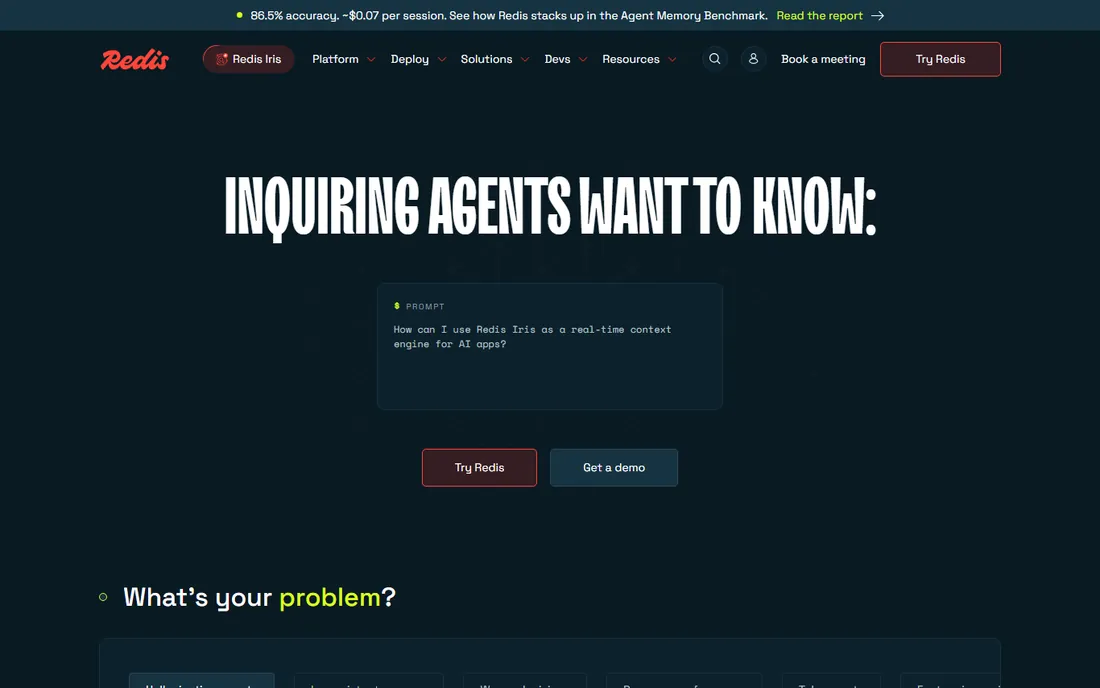
Redis is the reason so many applications feel instant. By keeping data in memory, it serves reads and writes in sub-millisecond times with remarkable consistency, as long as the working set fits in RAM. It is far more than a key-value cache: sorted sets power leaderboards, streams handle event pipelines, and pub/sub drives real-time messaging. Used as a caching layer in front of PostgreSQL or MySQL, it absorbs the read spikes that would otherwise destabilize the primary database.
Two things to know before adopting it in 2026. First, the license changed in 2024 from BSD to source-available terms, with AGPL added as an option in version 8, so review the current terms against your use case. Second, memory costs real money: Redis performance is consistent until you run out of RAM, at which point it is not a database problem but a capacity problem. Plan memory headroom the way you plan disk for other databases. Redis Cloud offers a managed option with a free tier for small workloads.
What we like- Sub-millisecond latency
- Rich data structures beyond simple keys
- Proven as cache, queue, and broker
Watch out for- Memory is expensive at scale
- Persistence tuning affects performance guarantees
Starting priceSee website
Free planNo
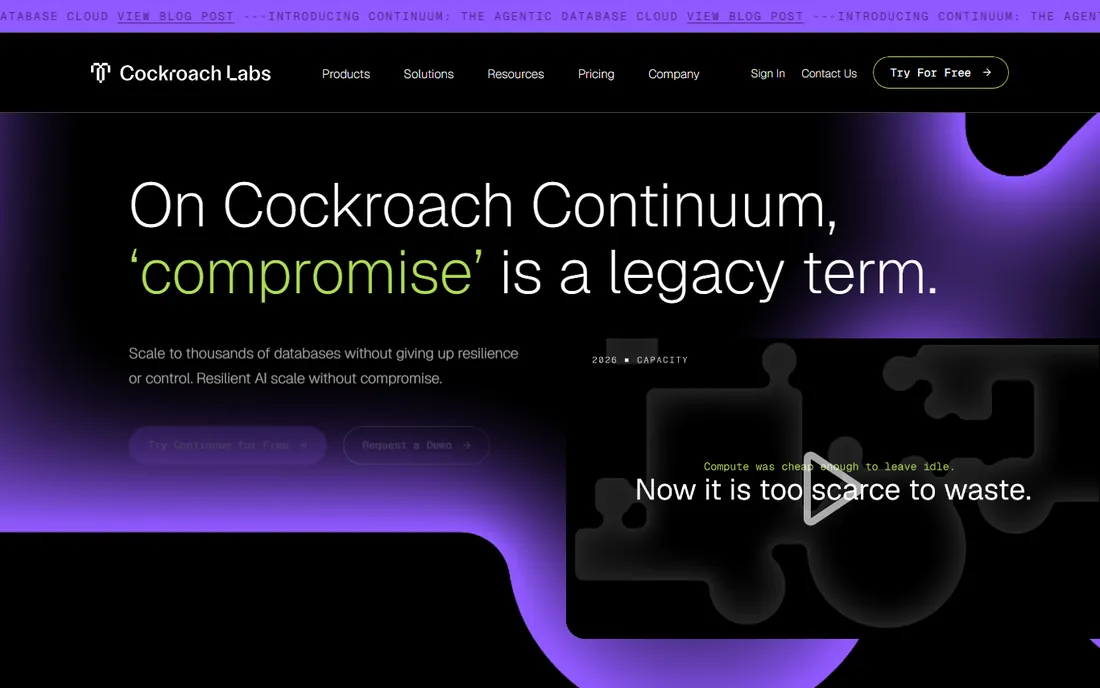
CockroachDB answers a specific question: what if the database must stay consistent and available across regions, even when one goes down? It distributes data across nodes and regions with Raft consensus, so a region failure means a brief blip, not data loss or manual failover. The SQL interface is PostgreSQL-compatible, which lowers the learning curve for teams coming from Postgres. DoorDash runs it across hundreds of clusters at over a million queries per second after migrating from Aurora Postgres.
The trade is physics. Consensus across regions adds latency compared with a single-region primary, typically tens of milliseconds, which is the price of surviving datacenter failures. CockroachDB's newest offering, Continuum, adds elastic storage and agentic operations on a usage-based model. This is not a database for a simple app; it is for companies whose business stops if the database stops. For that requirement, nothing else on this list does what it does.
What we like- Survives region failures without losing writes
- PostgreSQL-compatible SQL
- Strong consistency by default
Watch out for- Higher latency than single-region databases
- Operational complexity at global scale
Starting priceSee website
Free planNo
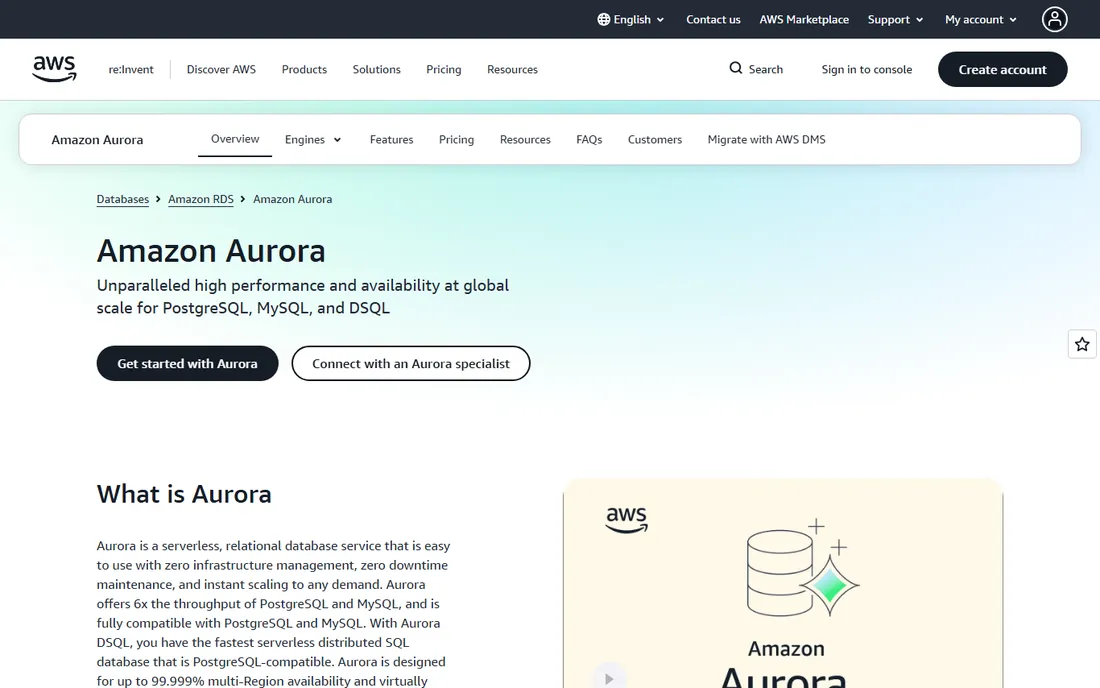
Aurora is for teams that want PostgreSQL or MySQL without running PostgreSQL or MySQL. AWS rebuilt the storage layer so compute and storage scale independently, and the result is a managed database that claims up to six times the throughput of standard PostgreSQL or MySQL with the same drivers and SQL. Storage grows automatically in 10 GB increments, backups are continuous, and read replicas share the same underlying storage, so replica lag stays low.
The serverless v2 option scales capacity in fine-grained steps and can cut costs up to 90 percent for spiky workloads compared with provisioned instances, though steady workloads are usually cheaper provisioned. Aurora DSQL adds a distributed, PostgreSQL-compatible option for multi-region writes. The catch is lock-in and billing: it only runs on AWS, and the usage-based meter rewards monitoring. For teams already on AWS that need relational performance without a DBA team, Aurora is the default managed answer.
What we like- Up to 6x the throughput of stock PostgreSQL/MySQL
- Storage auto-scales
- Up to 99.999% multi-region availability
Watch out for- AWS-only with usage-based pricing that needs monitoring
- Failover still takes seconds
Starting priceFree (open source)
Free planFree trial (30 days)
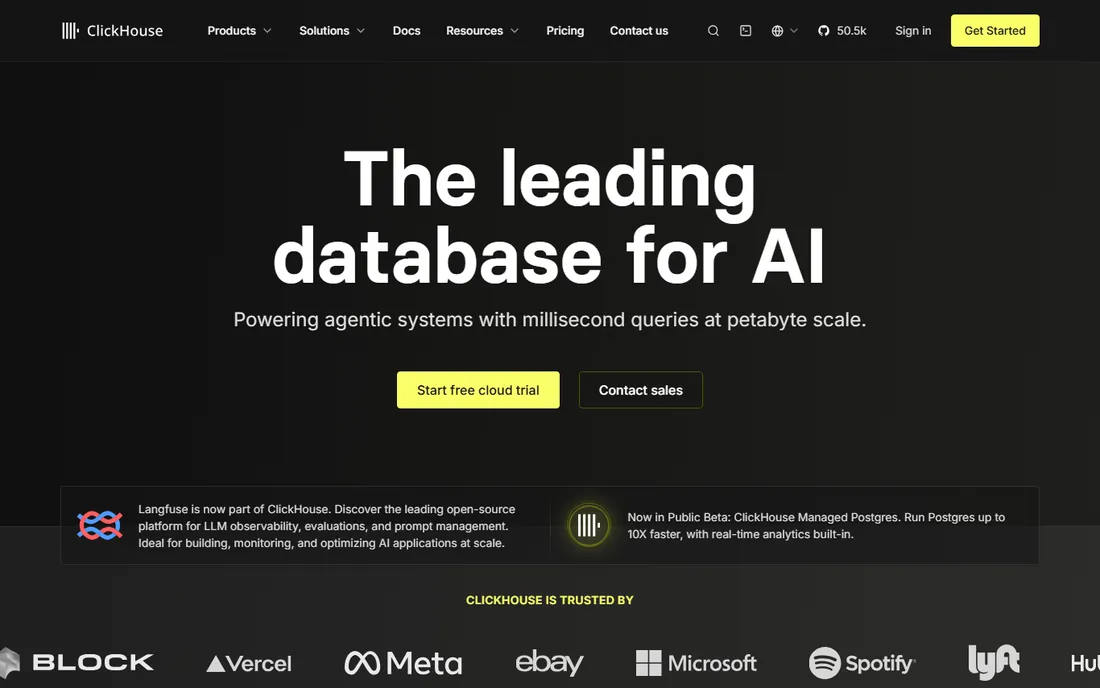
ClickHouse is the analytical counterpart to everything above. Its columnar storage reads only the columns a query needs, which makes aggregations over billions of rows return in milliseconds where a row-oriented database would take minutes. Companies like Lyft, Spotify, and Cloudflare use it for real-time dashboards, observability, and event analytics at enormous scale. The open-source version is, in the project's own words, always free.
The boundary matters: ClickHouse is an OLAP database, not an OLTP one. It is bad at frequent small updates and row-by-row transactions, and using it as your primary application database is a mistake. Pair it with PostgreSQL or MySQL: transactions in the row store, analytics in ClickHouse. ClickHouse Cloud offers a 30-day trial with $300 in credits for the managed path. For the "dashboards must stay fast as data grows" problem, it is the most cost-effective answer here.
What we like- Columnar engine scans billions of rows in milliseconds
- Open source and free to run
- Strong compression lowers storage cost
Watch out for- Not for transactional workloads
- Updates and deletes are expensive
Frequently asked questions
What does consistent performance mean for a database?
It means predictable latency under load, not just fast peak benchmarks. A database with consistent performance returns queries in stable timeframes as data grows and concurrent users increase, without sudden slowdowns. That usually comes from a good query planner, sensible defaults, and operational tooling that surfaces regressions early.
Should I choose SQL or NoSQL for consistent performance?
Choose based on access patterns, not fashion. Relational databases (PostgreSQL, MySQL, SQL Server) give you strong consistency and mature planners for structured data. Document and wide-column stores (MongoDB, ClickHouse) excel when the schema is flexible or the workload is analytical. Many teams run both: PostgreSQL for transactions, ClickHouse for analytics, Redis for caching.
How much does database software cost?
PostgreSQL, MySQL, and ClickHouse are free and open source; your cost is hosting and operations. MongoDB Community and Redis Community Edition are free to download, with paid managed tiers. SQL Server, Oracle, and Aurora are commercial: SQL Server Standard runs into the thousands per server, Oracle is quote-based, and Aurora bills by usage on AWS. Managed services trade license cost for operational simplicity.
Is a managed database worth it over self-hosting?
If you have no DBA and uptime matters, yes. Managed services handle backups, patching, failover, and scaling, which is where self-hosted databases usually fail at 3 AM. If you have database expertise in-house and unusual requirements, self-hosting PostgreSQL or MySQL gives you more control at lower cost. The break-even point is usually one serious outage.
How do I keep database performance consistent as data grows?
Index for your actual queries (check with pg_stat_statements or the slow query log), archive or partition old data, and load-test before traffic arrives. Add a caching layer like Redis for hot reads, and separate analytical queries onto a replica or a columnar store so they never contend with transactions. Monitor p95 and p99 latency, not averages.
When should I shard or distribute my database?
Later than you think. A single well-tuned PostgreSQL or MySQL primary handles far more than most teams expect, often into the tens of thousands of transactions per second. Consider sharding or distributed options like CockroachDB only when vertical scaling and read replicas are genuinely exhausted, because distribution adds latency and operational complexity you cannot take back.
Benchmarks lie by omission, so test with your workload. Take a representative slice of your production queries, replay them against each candidate at your expected concurrency, and watch the p99 latency, not the average. A database that is fast on average but stalls for seconds under contention will ruin your users' experience in ways averages hide.
Look for plan stability features. PostgreSQL's mature planner, SQL Server's Query Store, and Aurora's managed upgrades all address the same fear: that performance changes silently after a version bump or a statistics update. Ask every vendor how you detect and roll back a plan regression, because you will need that answer within your first year.
Finally, separate the read path from the write path in your evaluation. Most "slow database" problems are read problems, and they are solved with replicas, caching, or a columnar store rather than a bigger primary. A database that makes read scaling easy, like MySQL's replication or Aurora's shared-storage replicas, will feel more consistent in production than one with a faster single node.
How we chose
We compared databases with live products, current documentation, and production adoption, using vendor documentation, pricing pages, DB-Engines rankings, and engineering blogs. Every tool had to demonstrate predictable performance characteristics at scale; we excluded discontinued products and pure prototypes. Prices come from vendor pricing pages where published, and open-source tools are marked free. Four vendor homepages could not be fetched directly, so their URLs are best-evidence and flagged in our report.
The real cost of running a database
The license is rarely the biggest cost. For self-hosted open-source databases, the real bill is engineering time: setup, backups, monitoring, upgrades, and the 3 AM pages. A managed service like Aurora or MongoDB Atlas converts that unpredictable labor into a predictable monthly charge, which is often cheaper once you price an engineer's on-call hours honestly.
Watch the scaling taxes. Redis gets expensive as the dataset grows because RAM costs more than disk. Aurora's bill grows with I/O and storage, so chatty applications pay more. SQL Server and Oracle carry license and audit overhead that dwarfs the hardware. Model your cost at 10x your current data volume before choosing, because the database that is cheapest today is not always cheapest at scale.
The cheapest consistent performance is usually boring: PostgreSQL or MySQL on decent hardware, with backups tested, slow queries logged, and Redis in front for hot reads. Exotic architectures earn their keep only when the boring option has been measured and found wanting.
Sources we checked (11)
- https://postgresql.org/
- https://www.mysql.com/
- https://www.microsoft.com/en-us/sql-server
- https://www.microsoft.com/en-sg/sql-server
- https://www.oracle.com/database/
- https://www.mongodb.com
- https://redis.io/
- https://cockroachlabs.com/
- https://aws.amazon.com/rds/aurora/
- https://clickhouse.com/
- http://en.wikipedia.org/wiki/Redis
Is your product missing or out of date?
We review this list regularly. Vendors can request a listing, send updated pricing or ask about featured placement.

Shihab Mia · Founder, Rankite
Shihab has spent more than a decade helping SaaS and e-commerce brands grow through search. He writes Rankite's software buying guides from pricing pages, documentation and public user reviews. More about Shihab.