How we make this list: we compare pricing pages, product documentation and public user reviews. Rankite is independent; if a vendor ever pays for a featured spot, that listing is clearly labeled Partner.
Key takeaways
- Airtable is the default beginner database: spreadsheet ease with real database power.
- Notion databases suit people already living in Notion.
- Google Sheets is the free starting point everyone already knows.
- Baserow is the open-source Airtable alternative you can self-host.
- Knack, Caspio and Zoho Creator graduate your data into real applications.
Quick comparison
| Tool | Best for | Starting price | Free plan |
|---|
 Airtable Airtable | the beginner database standard | See website | Yes |
 Notion Notion | databases inside your notes | See website | Yes |
 Google Sheets Google Sheets | free familiar starting point | Free | Yes |
 Baserow Baserow | open-source Airtable alternative | See website | Yes |
 Knack Knack | no-code database apps | See website | Free trial |
 Caspio Caspio | low-code business applications | See website | Free trial |
 Zoho Creator Zoho Creator | apps in the Zoho ecosystem | See website | Yes |
Is your product missing or out of date?
We review this list regularly. Vendors can request a listing, send updated pricing or ask about featured placement.
The best database software for beginners
Starting priceSee website
Free planYes
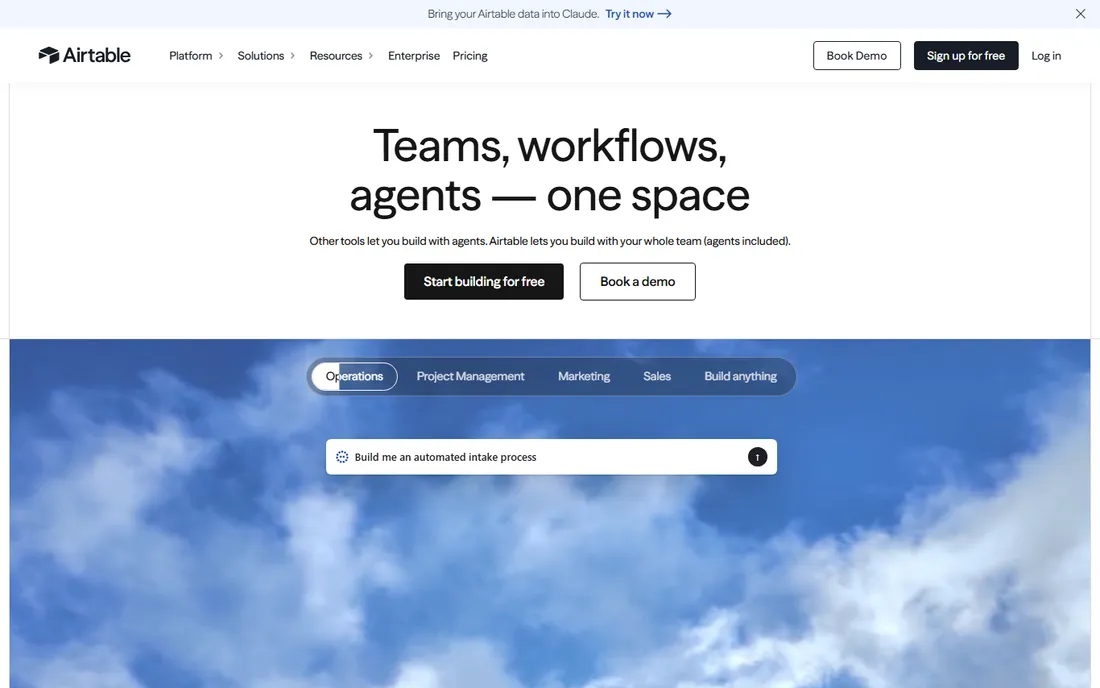
Airtable is where beginners learn databases without knowing it: data goes in like a spreadsheet, then views, linked records, automations and interfaces reveal the database underneath. The free plan covers real usage.
Growing bases hit record and automation limits that push you to paid tiers. For learning and for genuine small-database work, it is the standard recommendation.
Airtable's free tier is the natural starting point: build one real workflow, like a content calendar or CRM, and use it daily for two weeks. The upgrade triggers are records, storage and collaborators; you will know when you hit them. The key discipline is designing the base structure before the data grows messy.
Design the schema on paper before building: Airtable rewards ten minutes of planning with months of smooth use, and punishes the reverse.
What we like- Spreadsheet interface with database features
- Views, automations and interfaces
- Huge template gallery
Watch out for- Record limits on lower tiers
- Per-seat pricing adds up
Starting priceSee website
Free planYes
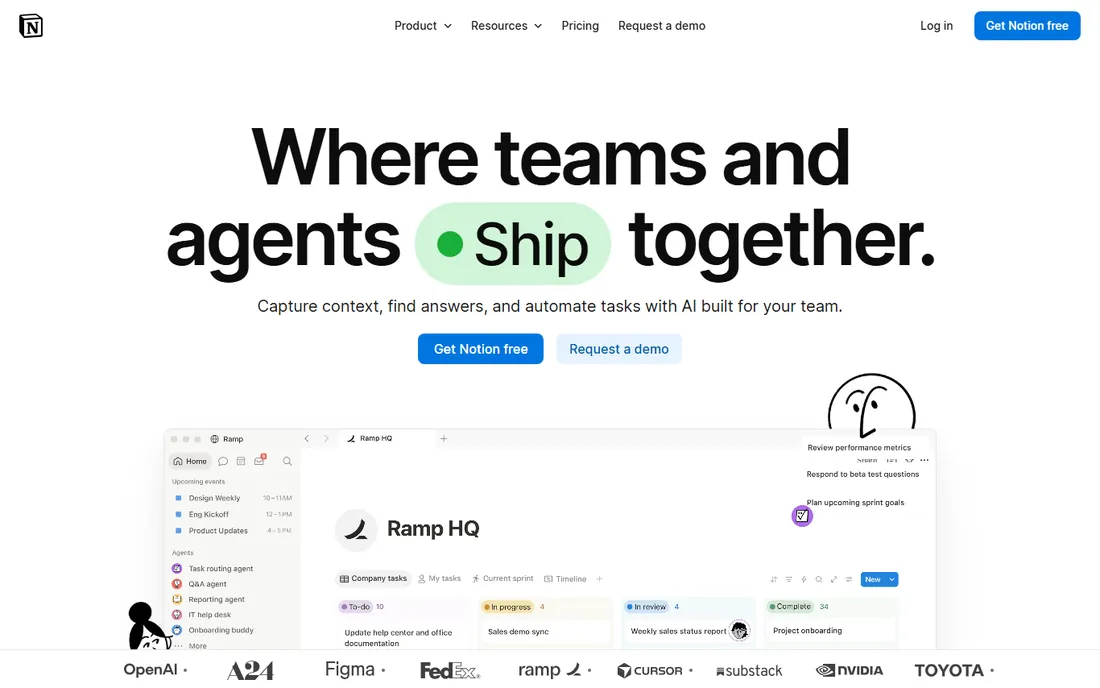
Notion databases shine for personal organization: reading lists, project trackers, content calendars, all inside the notes you already keep. Relations, rollups and views cover real relational needs at small scale.
It is not built for thousands of records or application backends. For personal and small-team organization, the integration with notes is the appeal.
Notion's database features reward a different mindset: trial them as part of your existing Notion workspace rather than as a standalone database. The value is the combination of notes and structured data in one place. Users who need strict data validation or complex relationships will eventually feel the limits.
Test the relation and rollup features with real linked data: Notion's databases shine when information connects, not when tables sit isolated.
What we like- Databases woven into docs and wikis
- Flexible views
- Free for personal use
Watch out for- Not a real database at scale
- Performance with large datasets
Starting priceFree
Free planYes
Google Sheets is the honest starting point: free, familiar, and fine until your data needs relationships, validation and scale. Most people's first "database" is a sheet, and that is okay.
When VLOOKUPs multiply and versions diverge, graduate to Airtable or Baserow. But never apologize for starting in Sheets.
Google Sheets' familiarity is its superpower for beginners: start with a real dataset and learn one new function per week. The collaboration is unmatched and the price is zero. The ceiling appears with relational data and scale; recognize when your spreadsheet has become a database in denial.
Learn one automation per month: Google Sheets' Apps Script turns a static tracker into a working system, but only if you invest the learning time.
What we like- Free and universally known
- Real-time collaboration
- Endless templates and add-ons
Watch out for- Not actually a database
- Breaks down with relational data
Starting priceSee website
Free planYes
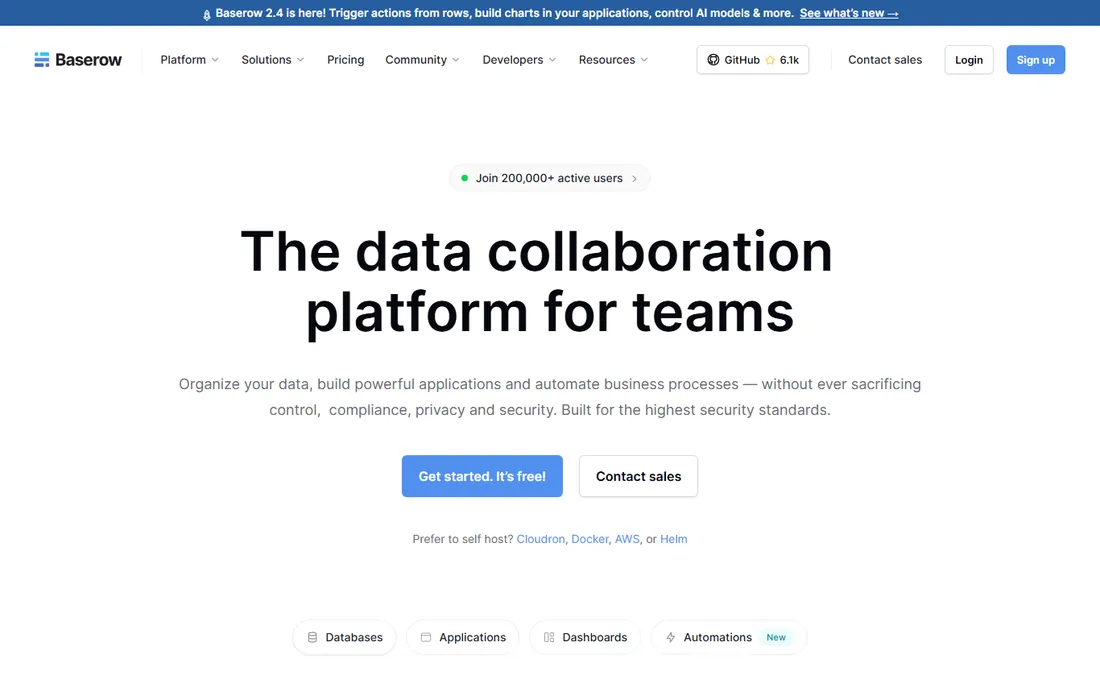
Baserow is the open-source answer to Airtable: similar grid interface, plugins, and the freedom to self-host with no per-seat fees. Privacy-conscious teams and the budget-limited get real database power.
The template and integration ecosystem is smaller. For open-source values or self-hosting requirements, it is the pick.
Baserow's open-source model suits the self-hosting curious: try the hosted version first, then evaluate self-hosting if data control matters. The Airtable-like interface lowers the learning curve considerably. Check the feature parity for the specific views and integrations you need.
Verify the self-hosting requirements honestly: Baserow's open-source freedom costs server maintenance time that hosted users never spend.
What we like- Open source and self-hostable
- Airtable-like interface
- No per-seat pricing on self-hosted
Watch out for- Smaller ecosystem
- Cloud pricing less proven
Starting priceSee website
Free planFree trial
Knack graduates your data into applications: build a customer portal, an internal tool or a directory with logins, search and workflows, all from your database. It is the step from organizing data to operating on it.
The pricing reflects the app-builder positioning. For database-backed tools without developers, Knack delivers.
Knack's no-code approach fits non-technical builders: trial it by building one complete internal tool, like a project tracker or client portal. The per-app pricing means costs scale with solutions, so plan your app portfolio before committing broadly.
Check the record limits against your growth plans: Knack's per-record pricing means today's small app can become tomorrow's significant bill.
What we like- Turns databases into real web apps
- User logins and permissions
- Good for client portals
Watch out for- Pricing per app tier
- Design flexibility has limits
Starting priceSee website
Free planFree trial
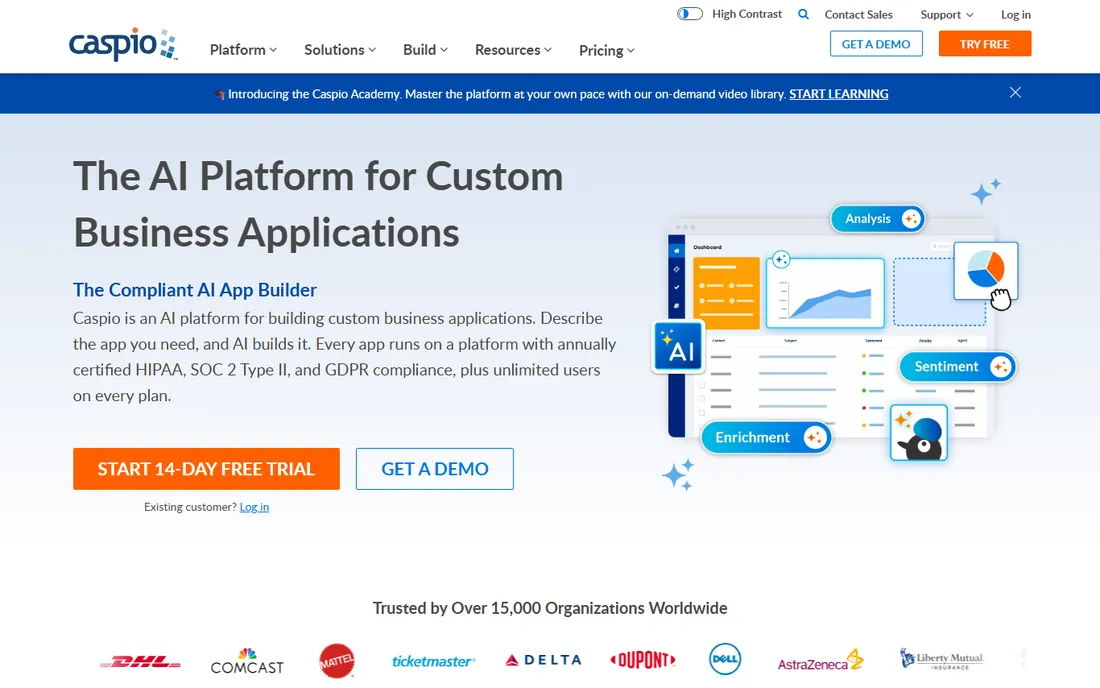
Caspio is the low-code platform for database applications: forms, reports, dashboards and workflows deployed as web apps, with the compliance posture enterprises need. It has powered business applications for years.
Beginners face more learning curve than Airtable. For business-critical database apps with compliance requirements, it is proven.
Caspio's free tier allows a genuine evaluation: build one database application with real users and see whether the low-code approach fits your team. The platform's depth suits business users who have outgrown spreadsheets but cannot hire developers.
Test the user permissions with real collaborators: Caspio's value for business apps depends on getting access control right from the start.
What we like- Powerful low-code app builder
- HIPAA and compliance options
- Proven at enterprise scale
Watch out for- Learning curve steeper than Airtable
- Pricing for serious use
Starting priceSee website
Free planYes
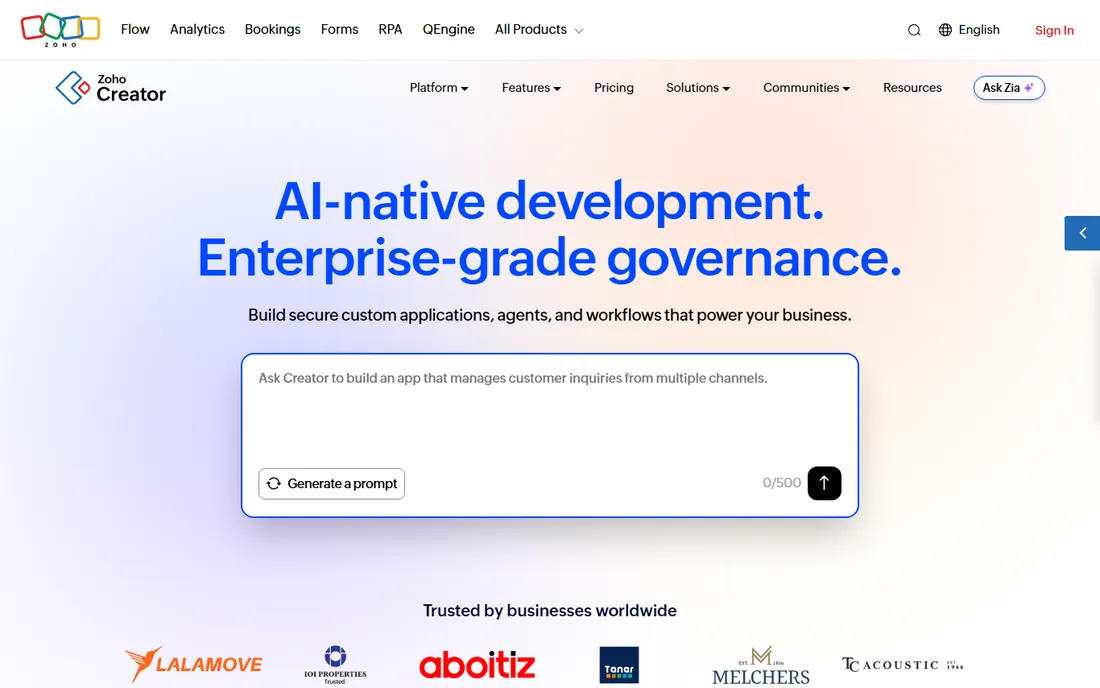
Zoho Creator builds custom apps on your data: forms, workflows and reports with the Deluge scripting language for logic, all integrated with Zoho's ecosystem. The free tier covers getting started.
Outside Zoho it makes less sense. For Zoho shops needing custom database apps, it is the natural choice.
Zoho Creator's value multiplies inside the Zoho ecosystem: if your business already runs on Zoho, the integration removes real friction. Standalone evaluators should compare it against other low-code platforms on the strength of the builder alone.
Confirm the Deluge scripting learning curve fits your team: Zoho Creator's power users eventually need the scripting layer, so assess it early.
What we like- Free tier available
- Deep Zoho integration
- Deluge scripting for logic
Watch out for- Interface less modern
- Best inside the Zoho world
When to graduate
Start in Sheets or Notion when the data is personal and simple. Move to Airtable or Baserow when you need linked records, views and automations. Graduate to Knack, Caspio or Zoho Creator when the database needs to become an application with users, logins and workflows.
The common mistake is jumping to the app builder before the data model is clear. Get the tables and relationships right in Airtable first; the app comes later.
What to check before you buy
Record and automation limits decide the real cost: check how many records, automations and seats your use needs against each tier. Test imports with your actual data during the trial.
Check the views and permissions: who sees what, and can you build the calendar, kanban or gallery views you need? Confirm export options and API access for the day you outgrow the tool. And for app builders, test the end-user experience on mobile.
One more check: verify the pricing at the scale you will reach in a year, not just today. Beginner-friendly databases often price on records, users or apps, and the bill grows with your success. Model the cost at double your current usage before committing your workflows to the platform. Also confirm the backup and export story: your data should be retrievable in standard formats at any time, because the tool you outgrow should not hold your information hostage.
Also confirm the learning resources match your skill level: video tutorials, templates and community forums determine how fast a beginner becomes productive. The best beginner tool is the one with the clearest path from first table to working application. Test that path with a real project during the trial, and time how long it takes to build something useful. If you are still stuck after a weekend, the tool is not as beginner-friendly as it claims.
How we chose
We selected beginner-friendly database tools spanning spreadsheet-like, open-source and app-builder approaches, all live products in 2026. Five vendor URLs were corroborated through sibling research files during a browser service outage; Google Sheets and Baserow use long-standing canonical domains and are flagged for re-verification. No vendor pricing pages were individually verified, so paid tools list see website.
Frequently asked questions
What is the easiest database software for beginners?
Airtable: it looks like a spreadsheet and teaches database concepts as you go. Google Sheets is the free stepping stone before it.
Is Airtable free?
Yes, Airtable offers a free tier that covers real usage for individuals and small teams. Paid plans add records, automations and features.
What is the difference between Airtable and Notion databases?
Airtable is a real database with spreadsheet ease, built for structured data at scale. Notion databases live inside your notes and suit personal organization. Use Airtable for data, Notion for notes with data.
Can I build an app from my database without coding?
Yes. Knack, Caspio and Zoho Creator turn databases into web applications with forms, logins and workflows, no code required.
What is the best open-source Airtable alternative?
Baserow: open source, self-hostable, with a similar interface. NocoDB is another open-source option worth evaluating.
When should I move from spreadsheets to a database?
When you need linked records, data validation, controlled access or scale beyond what sheets handle gracefully. The pain of VLOOKUP chains is the signal.
Still deciding? Build the same small project, like a personal CRM or inventory tracker, in your top two choices. The one that gets you to a working result faster is the right beginner tool for you.
Start with the free tier of your top choice and build one real project before spending anything. The right beginner database should have you productive within a weekend.
Pick the tool whose tutorial you actually finish; completion predicts adoption.
Sources we checked (7)
- https://www.airtable.com
- https://www.notion.so
- https://sheets.google.com
- https://baserow.io
- https://www.knack.com
- https://www.caspio.com
- https://www.zoho.com/creator/
Is your product missing or out of date?
We review this list regularly. Vendors can request a listing, send updated pricing or ask about featured placement.

Shihab Mia · Founder, Rankite
Shihab has spent more than a decade helping SaaS and e-commerce brands grow through search. He writes Rankite's software buying guides from pricing pages, documentation and public user reviews. More about Shihab.