How we make this list: we compare pricing pages, product documentation and public user reviews. Rankite is independent; if a vendor ever pays for a featured spot, that listing is clearly labeled Partner.
Key takeaways
- Tableau and Power BI remain the two default choices: Tableau for visual polish and analyst workflows, Power BI for price and the Microsoft ecosystem.
- Looker Studio is free and unbeatable for simple Google-centric reporting, but it falls short on governance and heavy data volumes.
- Domo, Looker, and Sisense are enterprise plays with quote-based pricing: expect five-figure annual commitments and real implementation work.
- Metabase and Databox cover the middle ground: Metabase is the open-source self-hosted option, and Databox connects to 100+ marketing and business sources out of the box.
Quick comparison
| Tool | Best for | Starting price | Free plan |
|---|
 Tableau Tableau | Analysts building polished visual dashboards | From $15/user/month (Viewer, billed annually) | Free trial |
 Power BI Power BI | Microsoft 365 shops on a budget | From $14/user/month (Pro, paid yearly) | Yes (free account, no sharing) |
 Looker Studio Looker Studio | Google-ecosystem teams needing free dashboards | Free | Yes |
 Domo Domo | Enterprises consolidating data in one cloud | See website (custom contract) | Free trial (30 days) |
 Looker Looker | Centralized teams with a data warehouse | See website (quote-based) | No |
 Sisense Sisense | SaaS teams embedding analytics in products | See website (quote-based) | Free trial |
 Qlik Qlik | Associative exploration of complex datasets | See website (quote-based) | Free trial |
 Metabase Metabase | Startups wanting open-source self-hosted BI | From $100/month (Starter) | Yes (open source, self-hosted) |
 Databox Databox | Agencies and marketers pulling many sources | Free; paid from $71/month (Analyst, billed annually) | Yes |
Is your product missing or out of date?
We review this list regularly. Vendors can request a listing, send updated pricing or ask about featured placement.
The best dashboard software for data analytics
Starting priceFrom $15/user/month (Viewer, billed annually)
Free planFree trial
Tableau is the tool analysts ask for by name. Its drag-and-drop visual builder, LOD calculations, and interactivity are still the benchmark the rest of the industry is measured against, and Tableau Agent now adds AI-assisted chart building and natural-language querying on top. The community is enormous, which means almost any problem has a documented solution.
The pricing is the reality check. Viewer at $15 a month per user billed annually is reasonable for executives who just read dashboards. Explorer at $42 and Creator at $75 a month per user are where analyst teams actually live, and those bills compound across a department. Tableau is worth it when dashboard quality is the product, client-facing reporting, executive presentations, data journalism. When it is internal reporting on a budget, Power BI does most of the same job for less.
What we like- Best-in-class visual design and interactivity
- Huge community and learning resources
- Tableau Agent adds AI-assisted analysis
Watch out for- Pricier than Power BI at every tier
- The full Creator tier at $75 a month adds up fast for analyst teams
Starting priceFrom $14/user/month (Pro, paid yearly)
Free planYes (free account, no sharing)
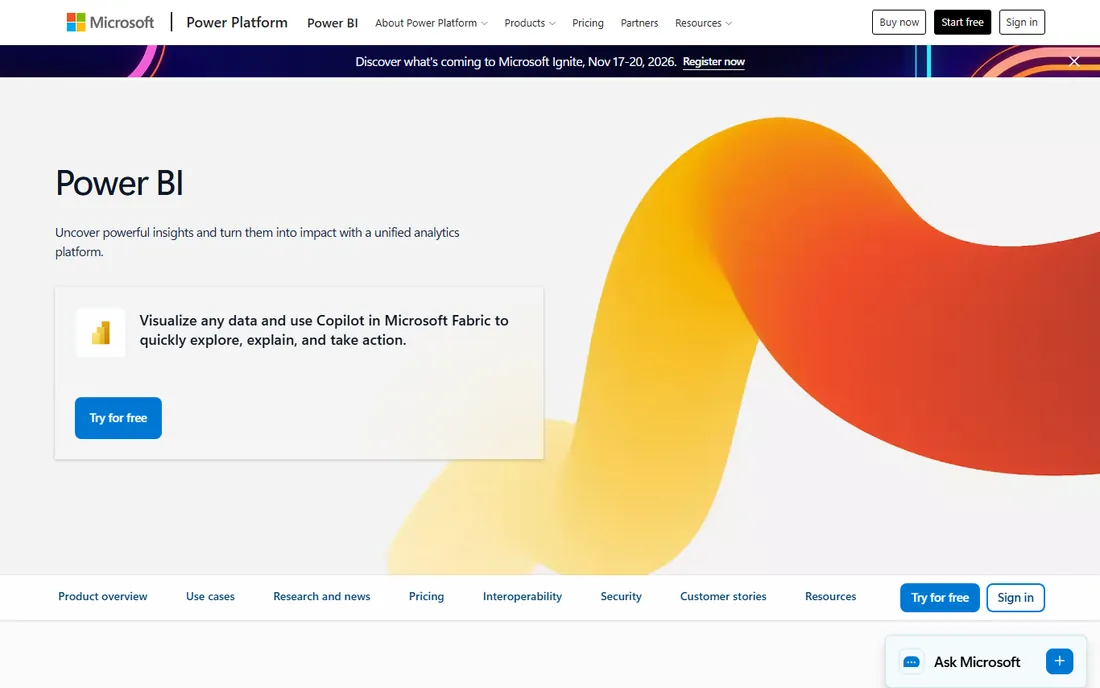
Power BI is the value argument of enterprise BI. Pro at $14 a user per month paid yearly undercuts Tableau's Creator tier by more than five times, and for teams already in the Microsoft ecosystem, the Excel, Teams, and Fabric integrations make adoption nearly frictionless. DAX, once learned, handles complex modeling that simpler tools cannot touch.
The catch is licensing for sharing. The free account is genuinely useful for building and learning, but the moment you publish or share a report, every consumer needs Pro or you need Premium capacity. Premium Per User at $24 a month fills that gap for mid-size teams without a dedicated capacity bill. If your company runs on Microsoft 365, Power BI is almost always the rational default.
What we like- Cheapest enterprise-grade BI by a wide margin
- Deep integration with Excel, Teams, and Fabric
- DAX is powerful for modeling
Watch out for- Sharing requires Pro or Premium on every seat
- The interface can feel cluttered next to Tableau
Starting priceFree
Free planYes
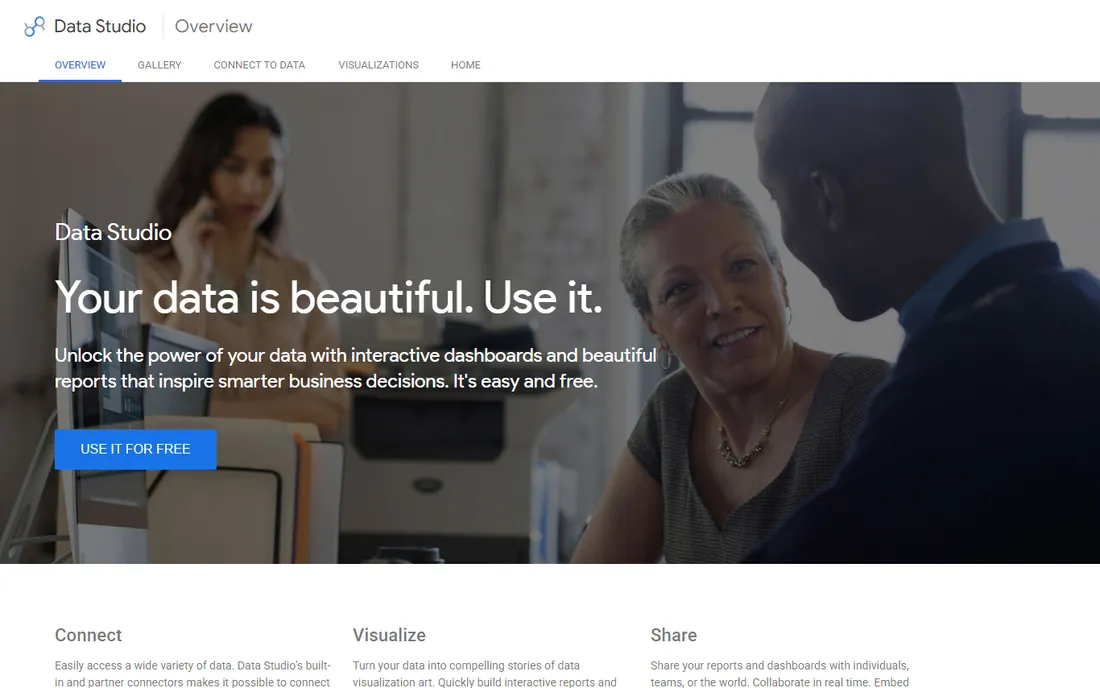
Looker Studio, formerly Data Studio, is the right answer for a specific question: we need decent dashboards and we will not pay for them. It is free, unlimited, and the native connectors for Google Analytics, Google Ads, Search Console, Sheets, and BigQuery make it the fastest path from Google data to a presentable report. Sharing works like Google Docs, which every team already understands.
The limits show up at scale. Complex joins and large datasets slow down noticeably, and there is no real governance layer: no proper row-level security, no centralized metric definitions, no audit trail. Agencies and marketing teams running client reporting on Google data rarely hit those walls. Data teams at companies with a warehouse and compliance requirements will.
What we like- Completely free with no seat limits
- Native connectors for Google Analytics, Ads, Sheets, and BigQuery
- Sharing is as easy as a Google Doc
Watch out for- Performance degrades on large datasets
- No real data governance or row-level security story
- Limited to Google's ecosystem strengths
#4
Domo
Best for: Enterprises consolidating data in one cloud
Visit domo.com
Starting priceSee website (custom contract)
Free planFree trial (30 days)
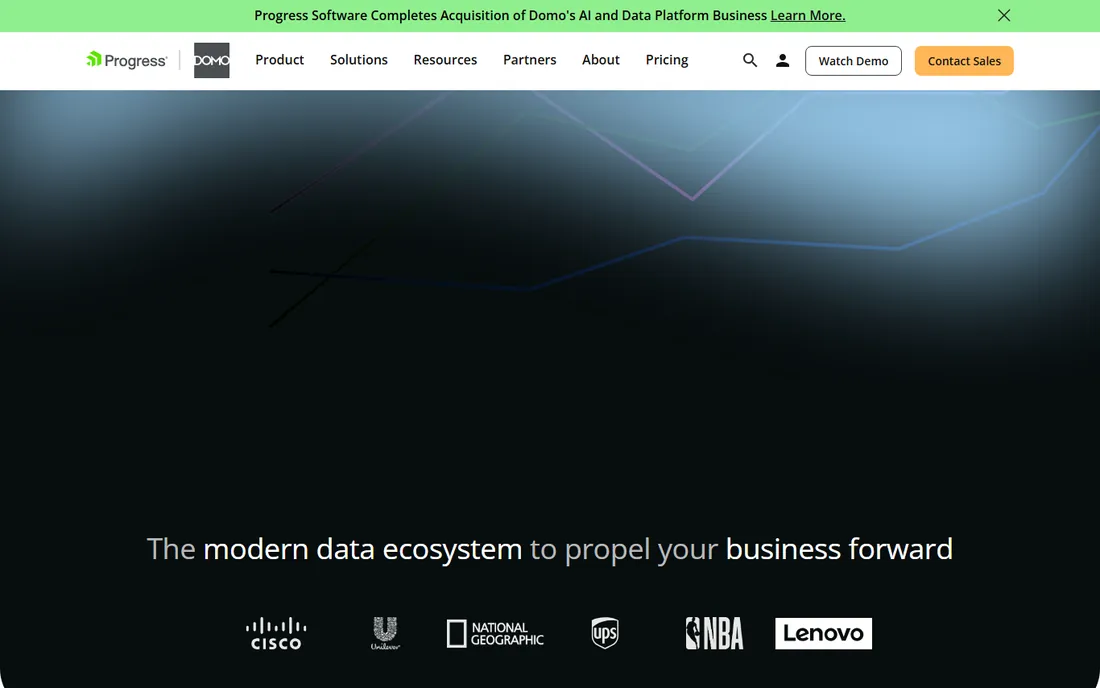
Domo is the everything-in-one-cloud option. Instead of buying an ETL tool, a warehouse, and a dashboard layer separately, Domo bundles connectors, data prep, storage, and visualization into one platform. The connector library is genuinely deep, over a thousand prebuilt connectors, and the 2026 move to consumption-based credit pricing with unlimited users simplifies the seat math that plagues Tableau and Power BI.
That simplification comes with opacity. There is no public pricing page, and third-party estimates put average deals well into six figures a year. Credit consumption is difficult to forecast before you run real workloads, so insist on a usage estimate during the trial. Domo fits enterprises that want one throat to choke for their whole data stack. For everyone else, assembling best-of-breed tools is cheaper and more flexible.
What we like- All-in-one cloud with ETL, warehouse, and dashboards
- 1,000+ connectors
- Unlimited users on consumption-based pricing
Watch out for- Custom contracts only, with no public starting price
- Credit consumption is hard to predict before you use it
Starting priceSee website (quote-based)
Free planNo
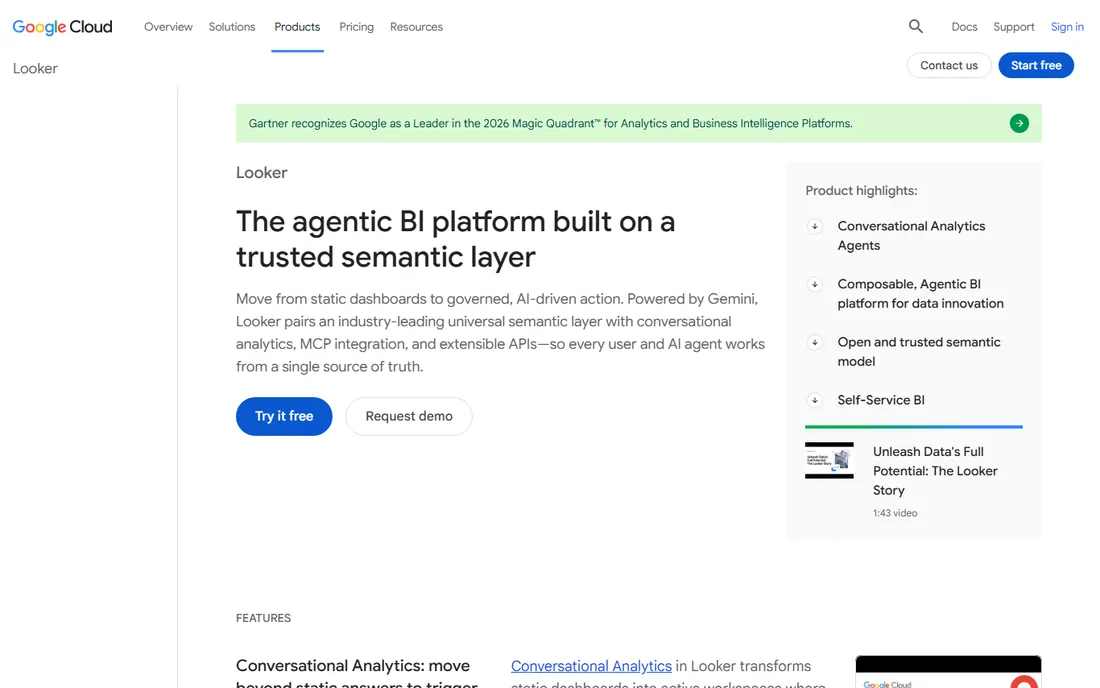
Looker, now part of Google Cloud, is the governance pick. Its core idea is LookML, a modeling layer where your data team defines every metric once, and every dashboard, explore, and embedded view inherits those definitions. That ends the classic problem of three teams reporting three different versions of revenue. It also makes Looker excellent for embedded analytics inside customer-facing products.
The cost is both money and effort. Pricing is quote-based and marketplace estimates put the platform around $66,600 a year before per-user fees, which rules out small teams. And Looker only pays off if you have a data team willing to build and maintain the LookML layer. Without that investment, it is an expensive shell. Teams with a warehouse and a modeling practice love it. Teams without one should not buy it.
What we like- LookML gives a single governed definition of every metric
- Excellent embedded analytics
- Runs directly on your warehouse data
Watch out for- Quote-based pricing with real sticker shock
- Requires a data team to model in LookML before business users get value
Starting priceSee website (quote-based)
Free planFree trial
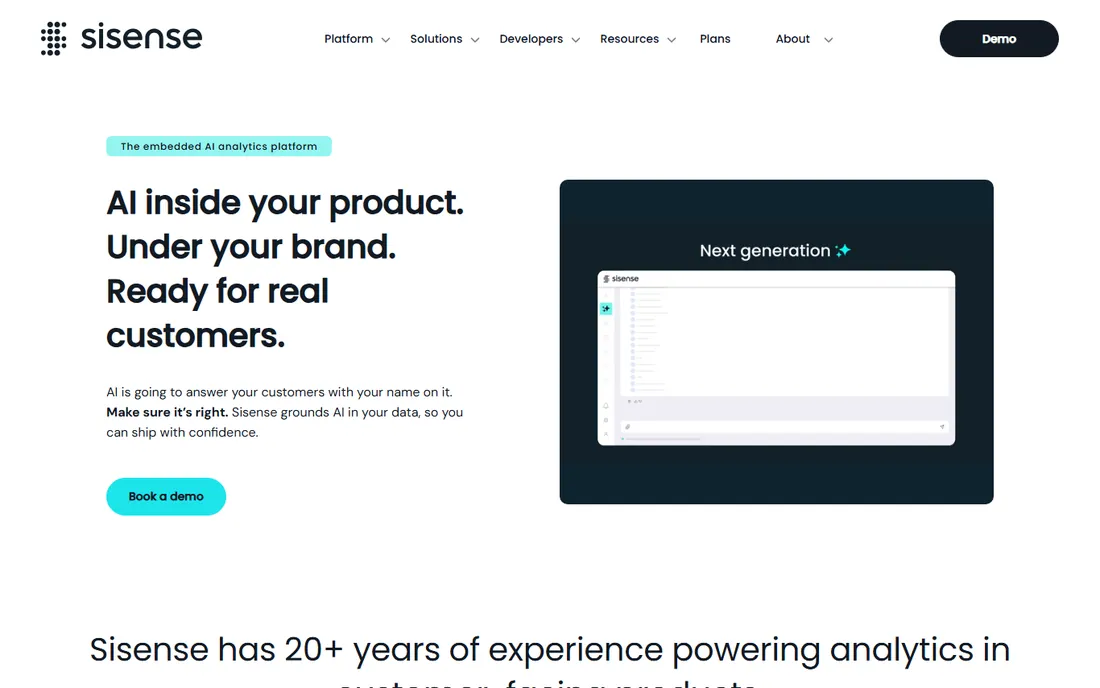
Sisense plays a different game from Tableau and Power BI: its core market is analytics embedded inside other software. If you are a SaaS company that wants customers to see dashboards inside your product, with your branding, Sisense's white-labeling and API-first design are built exactly for that. The in-chip engine pushes computation to handle complex queries without choking.
Pricing is quote-based and the sales motion is enterprise, so expect a real negotiation and implementation timeline. Third-party estimates put entry around $25,000 a year. Sisense also offers a free trial of its self-service tier, but be honest about the use case: this tool is at its best when analytics is part of your product, not when it is an internal reporting layer.
What we like- Strong embedded analytics with white-labeling
- In-chip engine handles complex queries fast
- API-first design for developers
Watch out for- No public pricing
- The sales process is built for enterprise deals
- Self-service story is thinner than the embedded one
#7
Qlik
Best for: Associative exploration of complex datasets
Visit qlik.com
Starting priceSee website (quote-based)
Free planFree trial
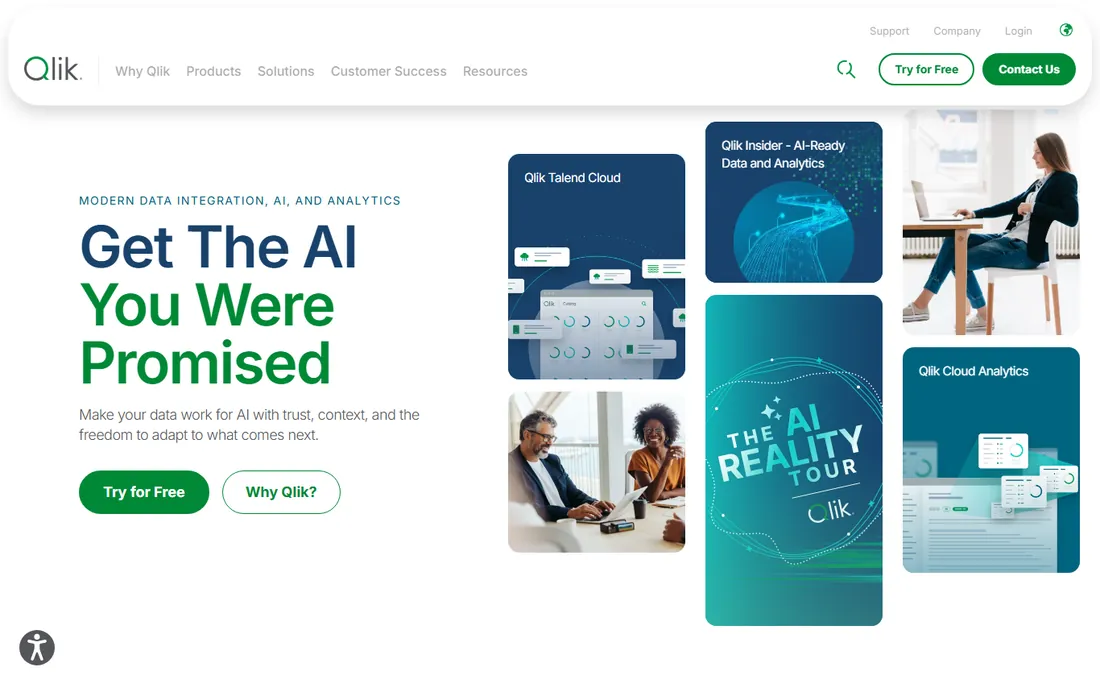
Qlik's associative engine is its defining feature. Unlike query-based tools that narrow data with each filter, Qlik shows you what is associated, what is possible, and what is excluded as you click through. For exploratory analysis of complex, messy datasets, that interaction model surfaces insights that filter-driven dashboards miss.
The platform has been around long enough to be mature: data integration, transformation, and governance are all built in, and Qlik Cloud now hosts the full stack. Pricing is quote-based with a free trial available. The learning curve is real for analysts trained on SQL and star schemas, so budget for training. Qlik suits organizations with complex data relationships and analysts who explore rather than just report.
What we like- Associative engine reveals connections other tools hide
- Strong data integration and transformation built in
- Good mobile experience
Watch out for- Quote-based pricing
- The associative model has a learning curve for users trained on SQL-style tools
Starting priceFrom $100/month (Starter)
Free planYes (open source, self-hosted)
Metabase is the friendliest BI tool ever made for non-analysts. The open-source version is free to self-host, and its question builder lets anyone with a browser ask questions of a database without writing SQL. For a startup that wants the whole company to self-serve basic questions, nothing else gets there this fast or this cheap.
The business model is honest: self-host free, or pay for Metabase Cloud starting at $100 a month for the Starter tier, with Pro at $575 a month adding SSO, sandboxes, and more. Enterprise starts around $20,000 a year. The open-source version covers a surprising amount, but performance tuning, high availability, and governance features are where the paid tiers earn their keep. For cost-conscious teams with someone who can run a server, it is the best deal in BI.
What we like- Open source core you can self-host for free
- The easiest BI tool for non-technical users to learn
- Published pricing for the paid cloud
Watch out for- Heavy usage needs paid tiers or real server resources
- Enterprise features like SSO and sandboxes sit on expensive tiers
Starting priceFree; paid from $71/month (Analyst, billed annually)
Free planYes
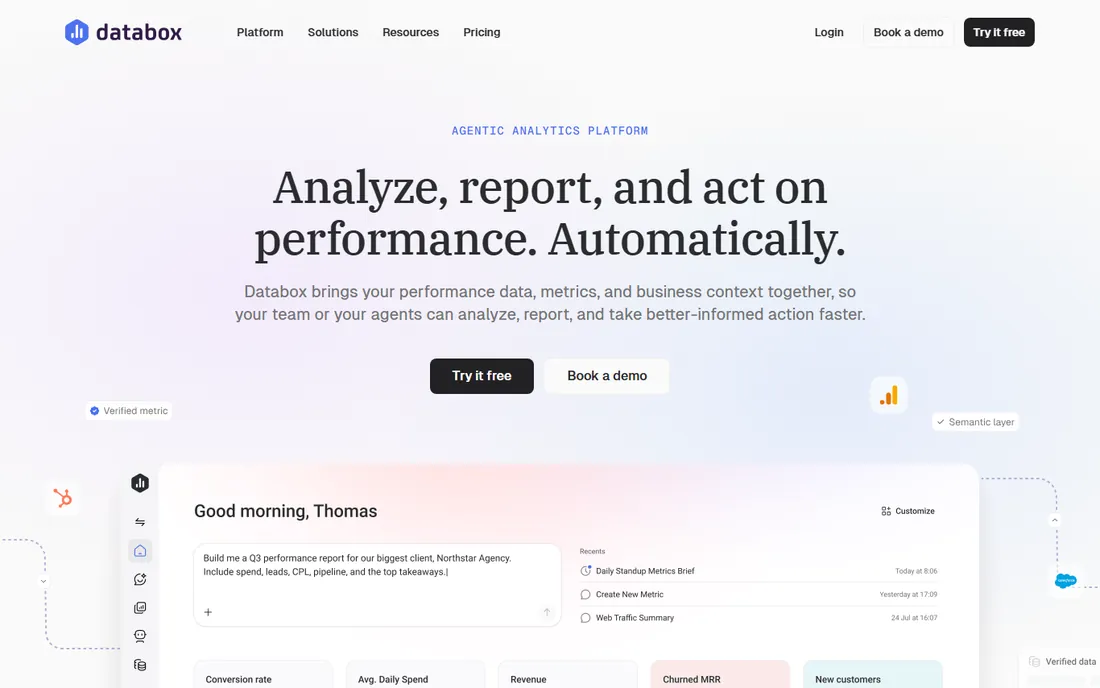
Databox is a reporting tool, not a BI platform, and it is better than the BI platforms at its actual job. With over a hundred one-click integrations, Google Analytics, HubSpot, Salesforce, Meta Ads, Stripe, and dozens more, it pulls live metrics into dashboards in minutes. The free plan covers real use, and the Analyst tier at $71 a month billed annually is priced for agencies and marketing teams rather than enterprises.
Do not buy Databox expecting Tableau. Custom SQL, complex data modeling, and warehouse-native querying are not its strengths. But for the job most buyers actually have, showing a client or a CEO what happened this month across ten tools, it is faster to set up and easier to read than anything else here. Scorecards, goal tracking, and scheduled snapshots are built for exactly that workflow.
What we like- 100+ one-click integrations with marketing and business tools
- The free plan is genuinely useful
- Scorecards and goals built for client reporting
Watch out for- Not a full BI platform: weak on custom SQL and data modeling
- Per-data-source pricing on higher tiers adds up
How we chose
We evaluated these tools against vendor documentation, published pricing, and practitioner reviews from G2, Capterra, and data engineering communities. Every product is actively sold in 2026 and supports live dashboard reporting, not just static exports. Where vendors publish pricing we used it; where they quote, we said so. No hands-on testing was involved. The list balances enterprise platforms, mid-market tools, and free options across different buyer profiles.
The real cost question: who needs a paid seat
BI pricing almost always comes down to seats, and seats are where the bill explodes. Tableau and Power BI both charge per user, with steep cliffs between viewer and creator tiers. Before you buy, sort your users into three buckets: builders who create content, explorers who filter and drill, and consumers who just read. Most teams find the consumer bucket is 70 percent of the company.
That breakdown changes the math. Domo's consumption-based model with unlimited users and Metabase's free self-hosted tier both punish you less for a large consumer base. Power BI Premium Per User at $24 a month is the middle path for Microsoft shops. And Looker Studio is free for unlimited consumers, which is why it survives in so many companies alongside a paid platform.
The second cost is implementation. Looker needs a LookML model built before it does anything. Domo and Sisense need real onboarding. Tableau and Power BI can start delivering value in a week. Multiply the platform cost by the analyst hours required, and the cheapest license is not always the cheapest project.
Mistakes teams make when buying BI
The classic mistake is buying for the analyst instead of the company. The data team demos Tableau, falls in love with the visuals, and six months later 200 consumers each need a $70-a-month Creator seat they use once a week. Define the consumer experience first, then buy the builder tier for the people who actually build.
The second mistake is ignoring the warehouse question. Looker and most modern BI tools assume your data already lives in a warehouse. If it does not, you are buying two projects: a warehouse and a dashboard. Tools like Domo and Databox that include storage and connectors can be cheaper than they look once you count the warehouse you did not have to build.
The third mistake is skipping the governance conversation. Who defines revenue? Who approves a new dashboard? Looker and Qlik have answers built in. Tableau, Power BI, and Looker Studio leave it to you, and without an owner, you get dashboard sprawl: forty versions of the same report, none of them trusted. Assign a data owner before you buy, not after.
Frequently asked questions
Which dashboard software is best for beginners?
Metabase and Looker Studio are the easiest starting points. Metabase's question builder lets non-technical users query databases without SQL, and Looker Studio is free with Google-native connectors. Both can be running in an afternoon.
Is Power BI really cheaper than Tableau?
For most teams, yes. Power BI Pro at $14 a user per month paid yearly is far below Tableau's Creator tier at $75. The gap narrows when you need Premium capacity or large viewer populations, but at the analyst level Power BI is consistently the cheaper enterprise option.
What is the difference between Looker and Looker Studio?
Despite the name, they are different products. Looker is Google's enterprise BI platform with LookML modeling and quote-based pricing. Looker Studio is the free, lightweight dashboard tool for Google data sources. Teams often use both: Looker for governed company metrics, Looker Studio for quick ad-hoc reports.
Can I use dashboard software without a data warehouse?
Yes, depending on the tool. Databox and Domo pull directly from SaaS tools with prebuilt connectors, no warehouse needed. Tableau, Power BI, and Metabase can also connect to spreadsheets and databases directly. Looker is the exception: it is designed around a warehouse and is a poor fit without one.
How many dashboard tools should a company have?
One governed platform plus one free tool is the healthy pattern. The governed platform, Tableau, Power BI, or Looker, holds the official metrics. The free tool, usually Looker Studio, absorbs the ad-hoc requests that would otherwise clog the data team. More than two usually means nobody trusts any of them.
Do these tools handle real-time data?
Most do, with caveats. Domo, Databox, and Power BI support streaming and frequent refreshes. Tableau supports live connections to databases. True sub-second real-time is a specialized use case; for operational dashboards refreshing every few minutes, all the tools here are fine.
Sources we checked (8)
- https://dashboardfox.com/blog/tableau-pricing/
- https://mammoth.io/blog/power-bi-pricing/
- https://www.luzmo.com/blog/domo-pricing
- https://www.luzmo.com/blog/sisense-pricing
- https://www.basedash.com/blog/bi-tool-pricing-plans-seat-limits-and-ai-costs-2026
- https://dev.to/beton/metabase-pricing-teardown-2026-59a7
- https://databox.com/best-client-dashboard-software
- https://work-management.org/analytics/qlik-sense-review/
Is your product missing or out of date?
We review this list regularly. Vendors can request a listing, send updated pricing or ask about featured placement.

Shihab Mia · Founder, Rankite
Shihab has spent more than a decade helping SaaS and e-commerce brands grow through search. He writes Rankite's software buying guides from pricing pages, documentation and public user reviews. More about Shihab.