How we make this list: we compare pricing pages, product documentation and public user reviews. Rankite is independent; if a vendor ever pays for a featured spot, that listing is clearly labeled Partner.
Key takeaways
- Flutter and React Native remain the two dominant choices for mobile-first cross-platform apps, with Expo now the recommended React Native starting point.
- .NET MAUI is the natural pick for C# teams, especially those migrating from the retired Xamarin.
- Ionic and Capacitor suit web developers who want to ship mobile apps with their existing skills.
- Kotlin Multiplatform is the pragmatic choice for teams that want shared logic with fully native UI.
- Qt and Tauri cover the desktop and embedded ground the mobile-first frameworks ignore.
Quick comparison
| Tool | Best for | Starting price | Free plan |
|---|
 Flutter Flutter | mobile-first apps with custom UI | Free (open source) | Yes |
 React Native React Native | native mobile apps with React skills | Free (open source) | Yes |
 Expo Expo | the fastest way to build with React Native | Free (open source) | Yes |
 .NET MAUI .NET MAUI | C# teams building for mobile and desktop | Free (open source) | Yes |
 Ionic Ionic | web developers shipping mobile apps | Free (open source) | Yes |
 Capacitor Capacitor | turning web apps into native mobile apps | Free (open source) | Yes |
 Kotlin Multiplatform Kotlin Multiplatform | shared logic with native UI | Free (open source) | Yes |
 Qt Qt | desktop, embedded and performance-critical apps | See website | See website |
 NativeScript NativeScript | truly native apps with JavaScript or TypeScript | Free (open source) | Yes |
 Tauri Tauri | lightweight desktop apps with web frontends | Free (open source) | Yes |
Is your product missing or out of date?
We review this list regularly. Vendors can request a listing, send updated pricing or ask about featured placement.
Starting priceFree (open source)
Free planYes
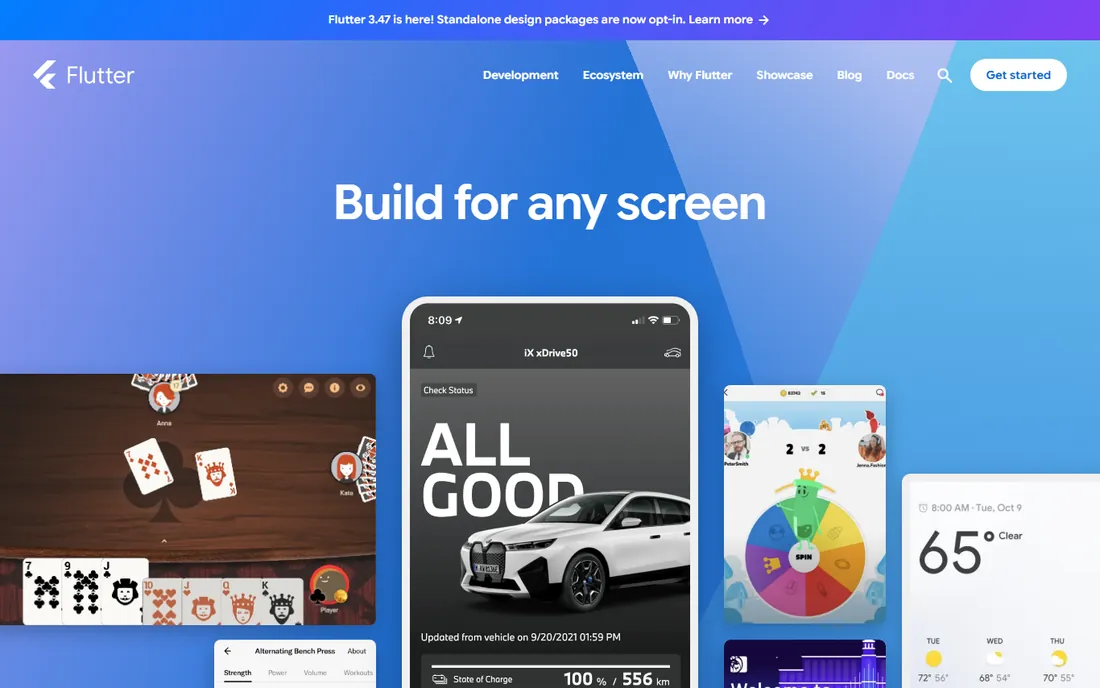
Flutter is Google's UI toolkit for building apps from one codebase, and it has the momentum. You write in Dart, get native-compiled performance, and ship to iOS, Android, web, Windows, macOS, Linux and embedded from the same project. Hot reload makes iteration fast, and the widget system gives designers pixel-level control that web-view frameworks cannot match.
The honest costs are Dart and binary size. Dart is a fine language that few developers already know, so hiring is harder than for JavaScript or C#. Flutter apps also ship their own rendering engine, which means larger downloads. If custom UI and one codebase matter most, Flutter is the strongest pick.
What we like- Single codebase for mobile, web, desktop and embedded
- Hot reload speeds up development
- Strong widget system for custom designs
Watch out for- Dart is a niche language to hire for
- App sizes are larger than native
Starting priceFree (open source)
Free planYes
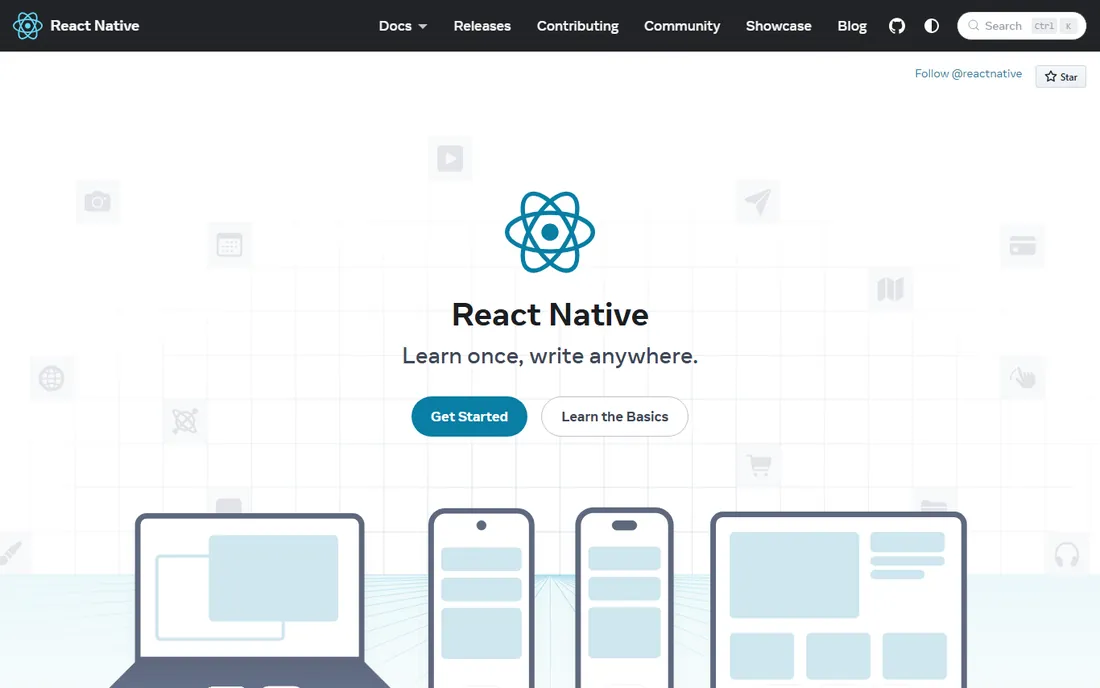
React Native lets web teams build genuinely native mobile apps. JavaScript drives real native UI components rather than a web view, so the result feels like a proper iOS or Android app. The ecosystem is enormous: navigation, state, animations and native modules for almost everything.
The framework itself is unopinionated about routing and project structure, which is why the official docs now recommend starting with Expo. Upgrades between React Native versions have historically been the biggest pain point, though the new architecture has improved things. For teams with React experience shipping consumer mobile apps, this is the default choice.
What we like- Huge JavaScript talent pool
- Renders real native components
- Massive ecosystem of libraries
Watch out for- Version upgrades can be painful
- Performance needs care for complex animations
#3
Expo
Best for: the fastest way to build with React Native
Visit expo.dev
Starting priceFree (open source)
Free planYes
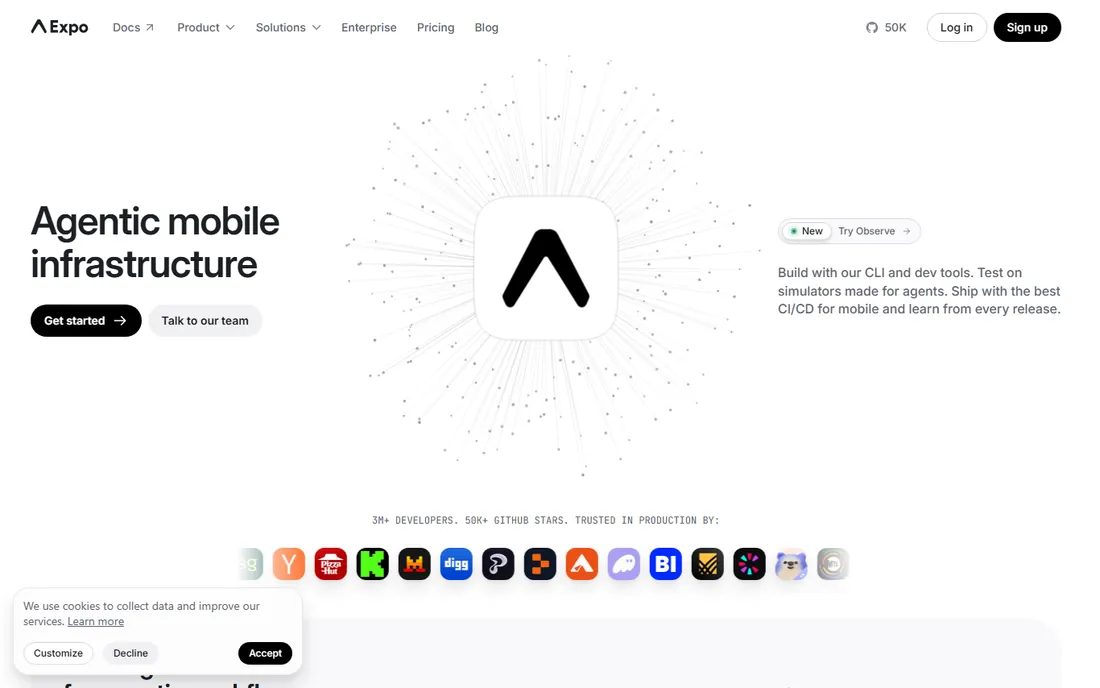
Expo is the toolchain and service layer that makes React Native practical. File-based routing, managed build service, over-the-air updates and the Expo Go app for testing on real devices remove most of the native tooling pain. The official React Native docs point new projects here first.
The framework itself is free and open source. Expo's paid services cover build infrastructure and team features for production use. The tradeoff is abstraction: apps that need deep native customization eventually eject into dev-client territory. For most teams, Expo is simply how React Native should be used.
What we like- The officially recommended React Native workflow
- Managed builds and over-the-air updates
- Expo Go for instant device testing
Watch out for- Leaving the managed workflow adds complexity
- Heavy native customization needs dev clients
Starting priceFree (open source)
Free planYes
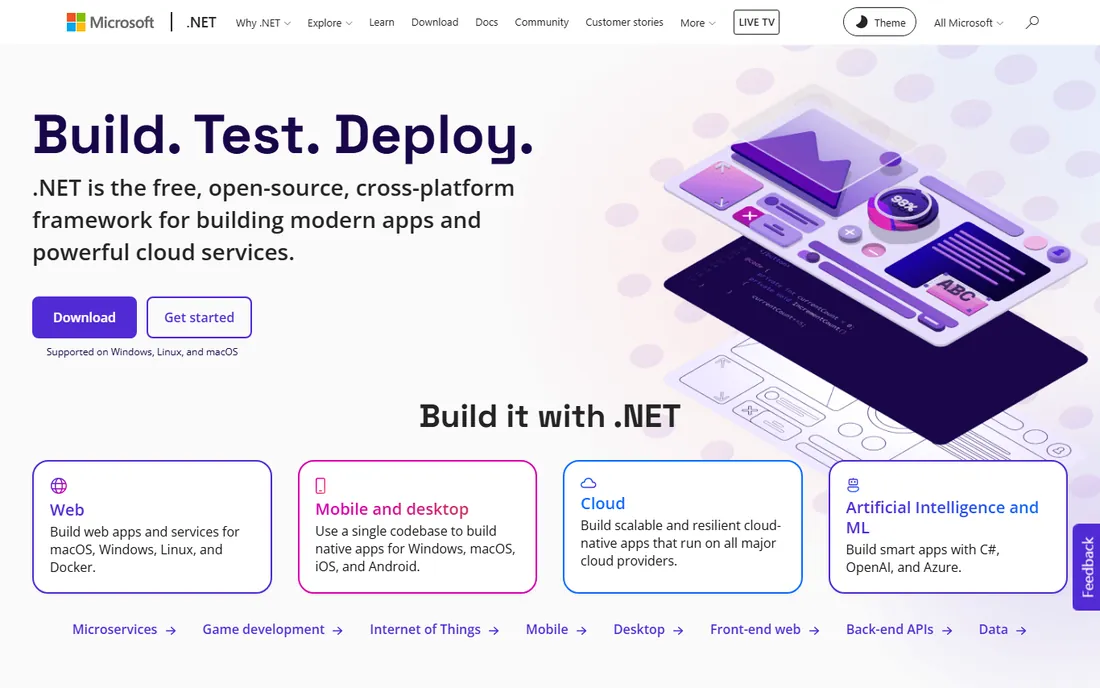
.NET MAUI is Microsoft's cross-platform framework for C# developers, the successor to Xamarin.Forms. One project targets Android, iOS, Mac Catalyst and Windows, with hot reload and the option to embed Blazor web UI inside native apps. For enterprises already on .NET, it keeps the whole stack in one language and one IDE.
Xamarin support has ended, so this is now the only path forward for that audience. The ecosystem is smaller than the JavaScript and Dart worlds, and third-party component libraries are thinner. But for C# shops, internal business apps and teams invested in Visual Studio, MAUI is the obvious and free choice.
What we like- One project for Android, iOS, macOS and Windows
- Blazor hybrid for web UI reuse
- Strong Visual Studio tooling
Watch out for- Smaller community than Flutter or React Native
- UI polish lags on some platforms
Starting priceFree (open source)
Free planYes
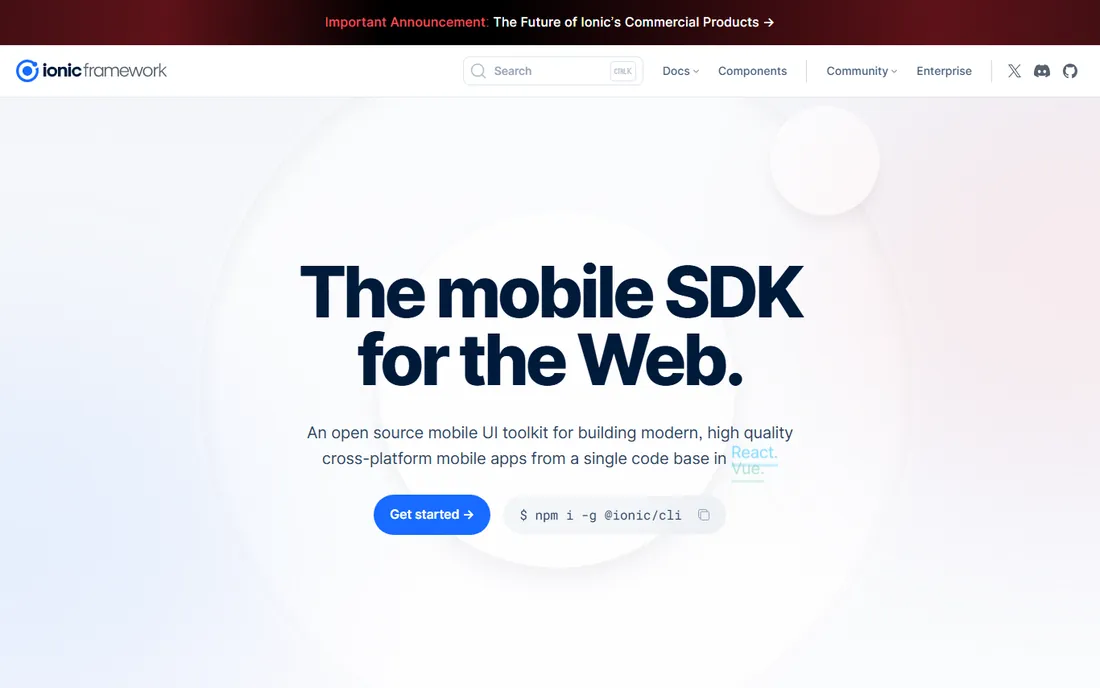
Ionic is the open source UI toolkit for web developers who need mobile apps. Build with React, Angular, Vue or no framework at all, then deploy through Capacitor to the app stores. The component library gives you mobile-styled UI fast, and the learning curve is nearly flat for anyone who knows web development.
The tradeoff is architectural: Ionic apps run in a web view, so graphics-heavy or animation-intensive apps will not match Flutter or native performance. For business apps, forms, dashboards and content apps, that rarely matters. The framework is free; Ionic's paid Appflow service handles cloud builds and live updates.
What we like- Use React, Angular or Vue with web skills
- Huge component library
- Pairs with Capacitor for native builds
Watch out for- Web-view performance ceiling for demanding apps
- Native feel needs extra effort
Starting priceFree (open source)
Free planYes
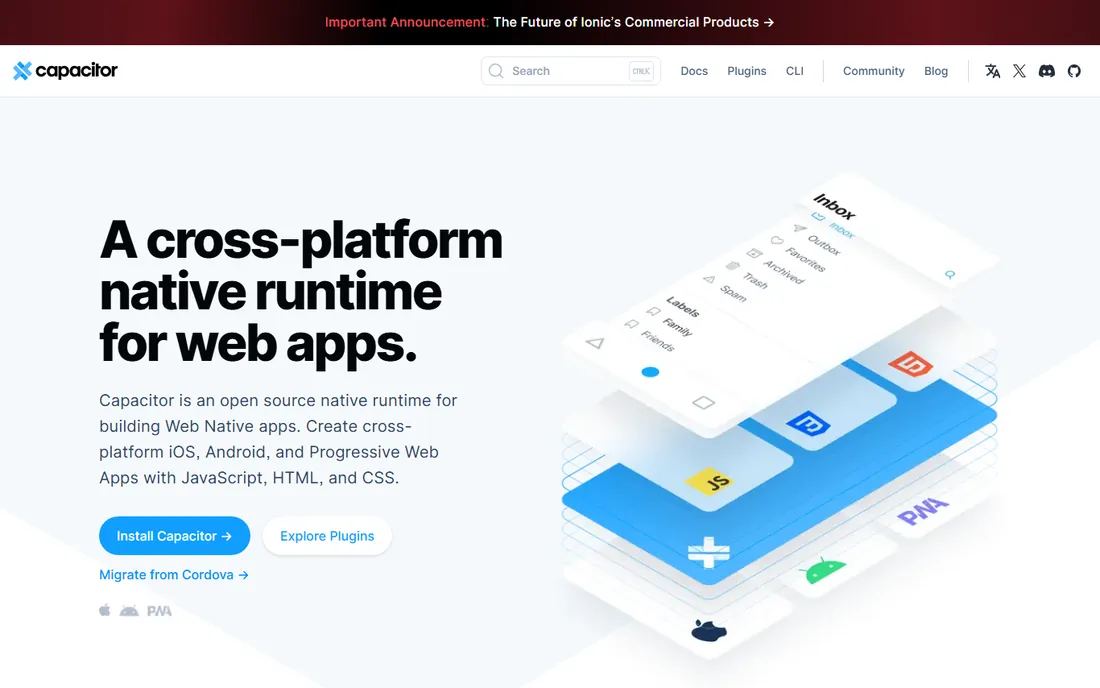
Capacitor is the native runtime that powers Ionic apps, and it works standalone too. Take any web app, add Capacitor, and you get iOS, Android and PWA targets with access to camera, geolocation, push notifications and the full native SDKs through plugins. It is the modern replacement for Cordova, with a compatibility layer for old Cordova plugins.
It is a bridge, not a UI framework: you bring your own web code. That makes it ideal for teams with an existing web app that needs a mobile presence. The runtime is free and open source. The honest limit is that you are shipping web technology, with all the performance characteristics that implies.
What we like- Drop into any existing web project
- Simple plugin API for native features
- Cordova compatibility layer
Watch out for- You still need to write the app
- Native plugin quality varies
Starting priceFree (open source)
Free planYes
Kotlin Multiplatform takes a different deal: share the logic, keep the UI native. You write networking, data and business rules once in Kotlin, then build the interface with SwiftUI on iOS and Jetpack Compose on Android. Companies like McDonald's and Forbes use it in production for exactly this pattern.
This is the right choice when native UI quality is non-negotiable but duplicating logic is wasteful. The cost is that you still write two UIs and need both platform skill sets on the team. For teams that already ship native apps and want to stop writing everything twice, KMP is the pragmatic middle ground.
What we like- Share business logic while keeping fully native UI
- Backed by JetBrains
- Growing adoption at big companies
Watch out for- UI still written per platform
- Smaller community than Flutter
#8
Qt
Best for: desktop, embedded and performance-critical apps
Visit qt.io
Starting priceSee website
Free planSee website
Qt is the veteran of this list. The C++ framework has powered desktop and embedded software for decades, from automotive dashboards to medical devices to professional desktop apps. Qt Quick and QML give you modern declarative UI, and the same codebase scales from microcontrollers to workstations.
Licensing needs attention: commercial use requires a paid license, while open source projects can use the LGPL edition. Check qt.io for current terms before committing. Qt is not the pick for a consumer mobile app in 2026, but for desktop software, industrial UIs and embedded systems, nothing else on this list competes.
What we like- Decades-proven for desktop and embedded
- C++ performance
- One framework from MCUs to desktops
Watch out for- Licensing is complex and commercial use costs
- Mobile story is weaker than desktop
Starting priceFree (open source)
Free planYes
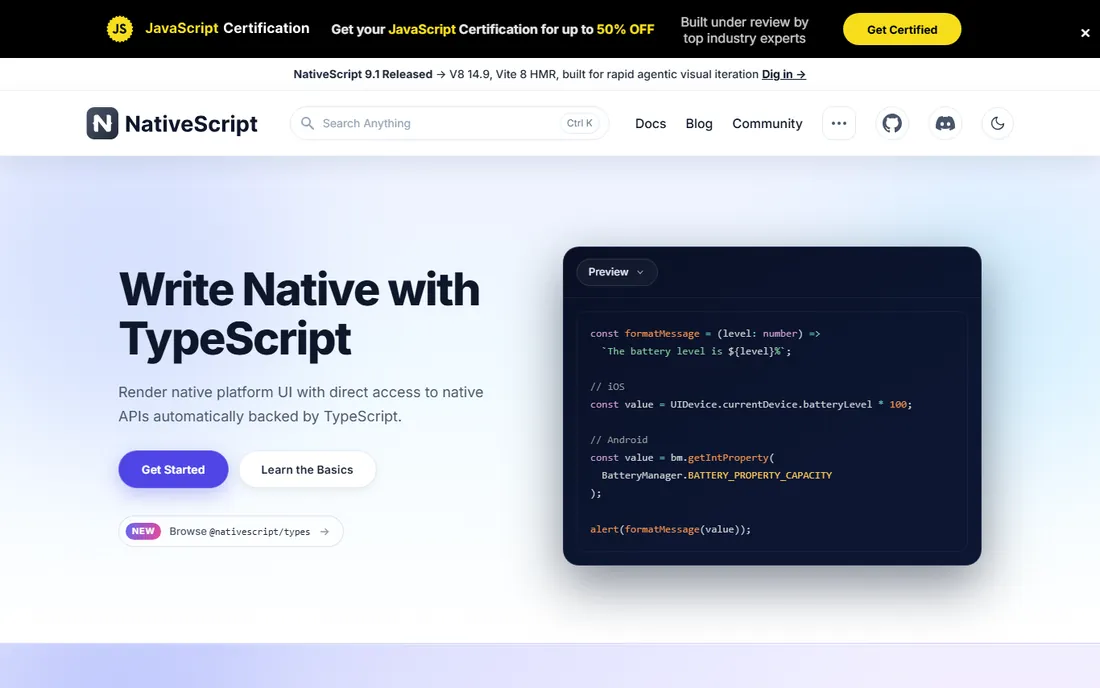
NativeScript lets JavaScript and TypeScript developers build fully native apps. Unlike web-view approaches, it maps shared components directly to native UI building blocks, and you can call iOS and Android APIs straight from your code. The result performs like a native app because it is one.
The community is smaller than React Native's, which means fewer plugins and slower answers to obscure problems. Deployment tooling has consolidated around community-driven options. For teams committed to TypeScript that want native UI without learning Dart or native languages, it remains a solid free option.
What we like- Direct access to native APIs from JavaScript
- Truly native UI, not a web view
- Free and open source
Watch out for- Smaller community and plugin ecosystem
- Corporate backing has changed over the years
#10
Tauri
Best for: lightweight desktop apps with web frontends
Visit tauri.app
Starting priceFree (open source)
Free planYes
Tauri is the answer to Electron's bloat. Build the UI with any web frontend, power it with a Rust backend, and ship desktop apps that are a fraction of Electron's size. Version 2.0 extended the story toward mobile as well. The security model, with explicit capability declarations, is thoughtfully designed.
The catch is Rust. Your frontend stays in familiar web technology, but backend logic means learning Rust or finding someone who knows it. Mobile support is still maturing compared with the desktop story. For desktop apps where download size and memory use matter, Tauri is the modern choice.
What we like- Tiny binaries compared with Electron
- Rust backend with any web frontend
- Security-focused design
Watch out for- Desktop-focused, mobile support is newer
- Rust learning curve for backend code
How we evaluated them
We selected the frameworks that working developers actually debate: the mobile leaders, the web-to-mobile bridges, the native-sharing pragmatists and the desktop specialists. For each one we opened the official site to confirm the product, its current status and licensing. That check mattered: Xamarin is retired, Cordova is discontinued, and Talend-style brand transitions happen in this space too. We weighed platform coverage, language ecosystem, performance characteristics and community health. We did not build sample apps; this is a research comparison.
Choosing a framework for your project
Start with your team's skills, because the best framework is the one your developers can ship in. React developers should shortlist React Native with Expo. Dart-curious teams or those wanting maximum UI control should look at Flutter. C# shops get .NET MAUI. Web-only teams get Ionic with Capacitor.
Then check the platform matrix. If desktop matters as much as mobile, Flutter, .NET MAUI, Qt and Tauri cover it; React Native's desktop story is thinner. If embedded or industrial hardware is involved, Qt stands alone. If the app must feel perfectly native on both mobile platforms, Kotlin Multiplatform's shared-logic approach deserves a serious look.
Finally, prototype the riskiest part first. Performance, a tricky native integration or an unusual UI pattern will reveal the framework's limits faster than any comparison article. Two weeks with a prototype beats two months of evaluation.
The tradeoffs nobody tells you about
Every cross-platform framework taxes you somewhere. Flutter taxes you in Dart hiring and app size. React Native taxes you in upgrade maintenance and bridge complexity. Web-view approaches tax you in performance ceilings you only discover late. Native-sharing approaches tax you in still needing both platform skill sets.
The second hidden cost is plugins. Your app will need push notifications, in-app purchases, biometric auth or some device feature, and the quality of the community plugin for it matters more than the framework's marketing. Check the plugin you need before you commit to the framework.
The third is longevity. Frameworks get acquired, retired and rebranded. Xamarin developers learned this the hard way. Prefer frameworks with large communities and multiple corporate backers, keep native escape hatches in your architecture, and avoid building your entire product on a single vendor's proprietary layer.
Frequently asked questions
Which is better, Flutter or React Native?
Flutter gives you more UI control and a single rendering engine; React Native gives you the JavaScript talent pool and truly native components. Flutter suits custom-designed apps, React Native suits teams with React skills. Both are free and both ship production apps at scale.
Is Xamarin still a good choice?
No. Microsoft ended Xamarin support in 2024. Existing Xamarin developers should migrate to .NET MAUI, which is its official successor and is free and open source.
What is the difference between Ionic and Capacitor?
Ionic is the UI framework for building the app interface with web technology. Capacitor is the native runtime that packages web apps for iOS and Android with access to device features. They are designed to work together but can be used separately.
Can I build desktop apps with these frameworks?
Yes. Flutter, .NET MAUI, Qt and Tauri all target desktop platforms. Tauri produces the smallest binaries. Qt is the most proven for professional desktop and embedded software.
Do I need to learn a new language?
It depends. Flutter needs Dart, .NET MAUI needs C#, Kotlin Multiplatform needs Kotlin, and Tauri's backend needs Rust. React Native, Expo, Ionic, Capacitor and NativeScript all let you work in JavaScript or TypeScript.
Are these frameworks really free?
The frameworks themselves are free and open source. Costs appear in surrounding services: Expo's build infrastructure, Ionic's Appflow, Qt's commercial license for closed-source products, and the usual app store fees.
Sources we checked (10)
- https://flutter.dev
- https://reactnative.dev
- https://expo.dev
- https://dotnet.microsoft.com
- https://ionicframework.com
- https://capacitorjs.com
- https://kotlinlang.org
- https://qt.io
- https://nativescript.org
- https://tauri.app
Is your product missing or out of date?
We review this list regularly. Vendors can request a listing, send updated pricing or ask about featured placement.

Shihab Mia · Founder, Rankite
Shihab has spent more than a decade helping SaaS and e-commerce brands grow through search. He writes Rankite's software buying guides from pricing pages, documentation and public user reviews. More about Shihab.