How we make this list: we compare pricing pages, product documentation and public user reviews. Rankite is independent; if a vendor ever pays for a featured spot, that listing is clearly labeled Partner.
Key takeaways
- Xcode and Swift are non-negotiable for native iOS work; both are free, and Xcode now bakes in AI coding agents from Anthropic, Google and OpenAI.
- Flutter and React Native (with Expo) are the two serious cross-platform paths, both free and open source, with different trade-offs on UI and ecosystem.
- TestFlight, included with the Apple Developer Program, remains the standard way to beta test, supporting up to 10,000 external testers.
- Firebase, Bitrise and RevenueCat cover the backend, CI/CD and monetization layers; all three are free to start.
- .NET MAUI is the quiet option for C# shops that want iOS from a shared codebase without leaving the Microsoft ecosystem.
Quick comparison
| Tool | Best for | Starting price | Free plan |
|---|
 Xcode Xcode | Building, testing and shipping native Apple apps | Free | Yes |
 Swift Swift | The language for native Apple platforms | Free | Yes |
 Flutter Flutter | One codebase for iOS, Android, web and desktop | Free | Yes |
 React Native React Native | Native mobile apps using React and JavaScript | Free | Yes |
 Expo Expo | Shipping React Native apps without native toolchain pain | See website | Yes |
 .NET MAUI .NET MAUI | C# teams building for iOS and Android together | Free | Yes |
 TestFlight TestFlight | Beta testing iOS apps before release | Free | Yes |
 Firebase Firebase | Backend services without managing servers | See website | See website |
 Bitrise Bitrise | CI/CD pipelines built for mobile | See website | Yes |
 RevenueCat RevenueCat | In-app subscriptions and paywalls that just work | See website | Yes |
Is your product missing or out of date?
We review this list regularly. Vendors can request a listing, send updated pricing or ask about featured placement.
The first question every new iOS developer asks is whether they really need a Mac. The answer is yes for native work: Xcode runs only on macOS, and Apple requires it for App Store submissions. Everything after that is a choice: native Swift or a cross-platform framework, and which services handle your backend, testing, builds and revenue. These ten tools cover the full stack.
Starting priceFree
Free planYes
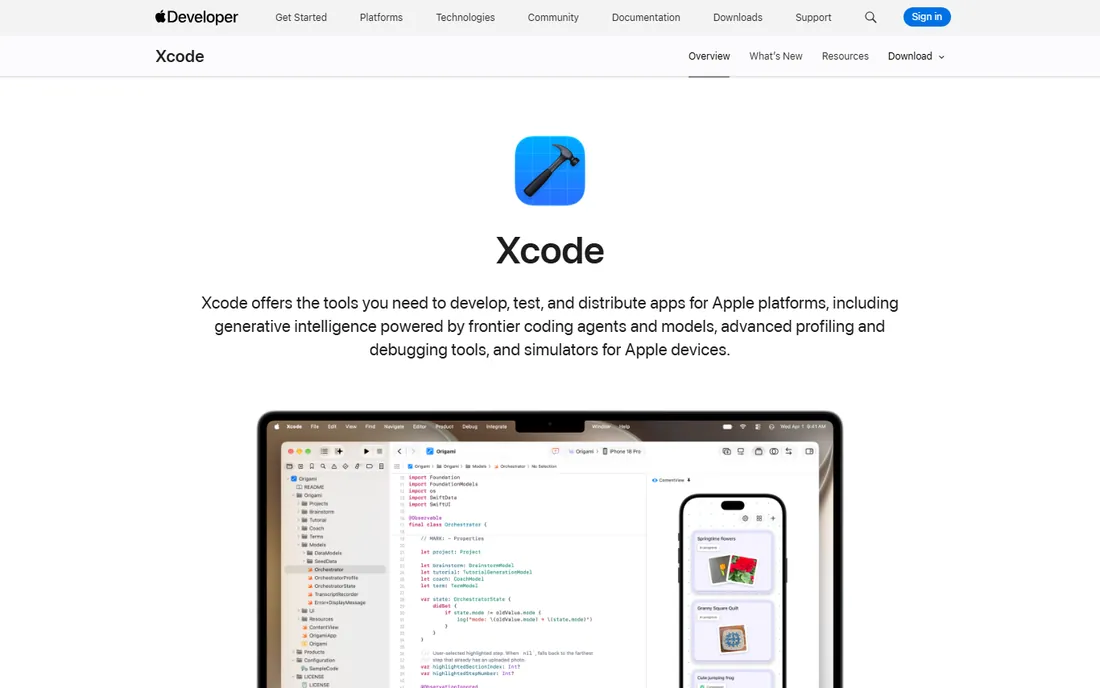
Xcode is not optional for native iOS development. It is the IDE where you write Swift and SwiftUI, run the iOS simulator, profile with Instruments, and archive builds for the App Store. Version 27 adds coding agents powered by models from Anthropic, Google and OpenAI, plus a Device Hub for testing across physical devices and simulators from one place.
The price is free, which removes every excuse except hardware: you need a Mac, and Xcode downloads are famously large. New Xcode releases sometimes ship with rough edges, so many teams wait for the first point release before upgrading mid-project. None of that changes its position; if you build native iOS apps, you live in Xcode.
What we like- The only IDE that ships to the App Store
- Simulators, Instruments and SwiftUI previews built in
- Now supports third-party AI coding agents
Watch out for- MacOS only
- Large downloads
- New versions can be buggy at launch
Starting priceFree
Free planYes
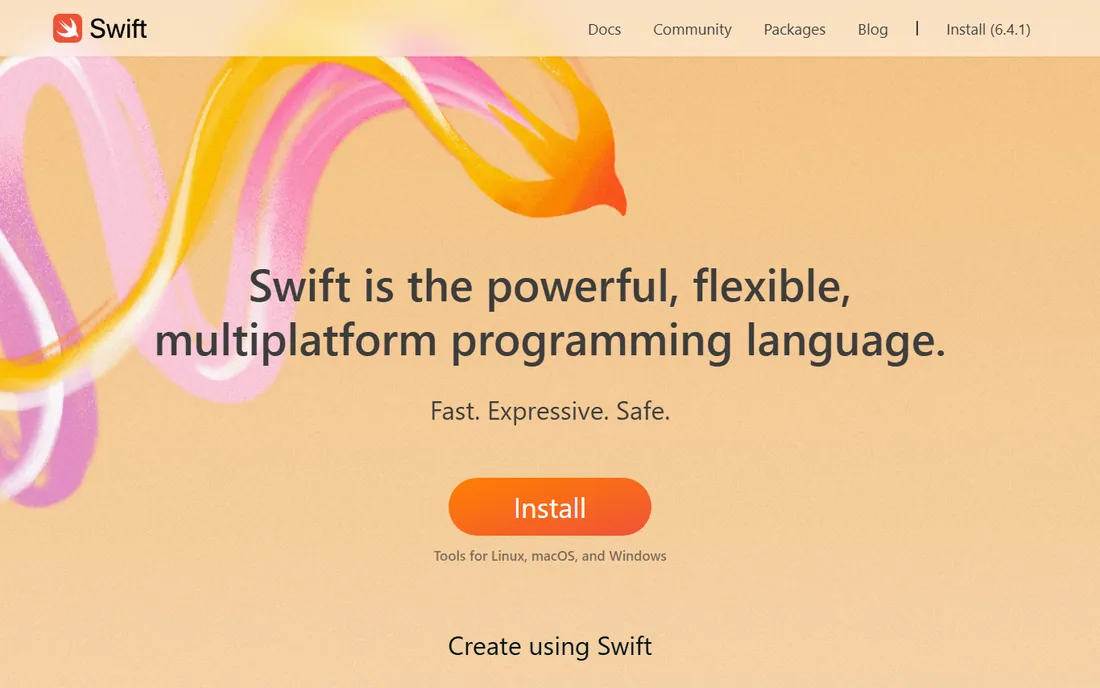
Swift is Apple's modern language for iOS, macOS, watchOS and beyond, and it shows in the design: memory safety without garbage collection pauses, expressive syntax that stays readable, and deep interop with C and C++ for legacy code. SwiftUI, Apple's declarative UI framework, is Swift-only, which makes the language the gateway to the fastest way of building native interfaces.
It is free and open source, with official toolchains for Linux, macOS and Windows, though iOS development still means macOS and Xcode in practice. The honest limitation is ecosystem gravity: outside Apple platforms, Swift is a niche choice. Inside them, it is the only serious native option.
What we like- Fast, safe and expressive
- First-class SwiftUI support
- Open source with Linux and Windows toolchains
Watch out for- Smaller hiring pool than JavaScript
- Apple-platform jobs dominate its use
Starting priceFree
Free planYes
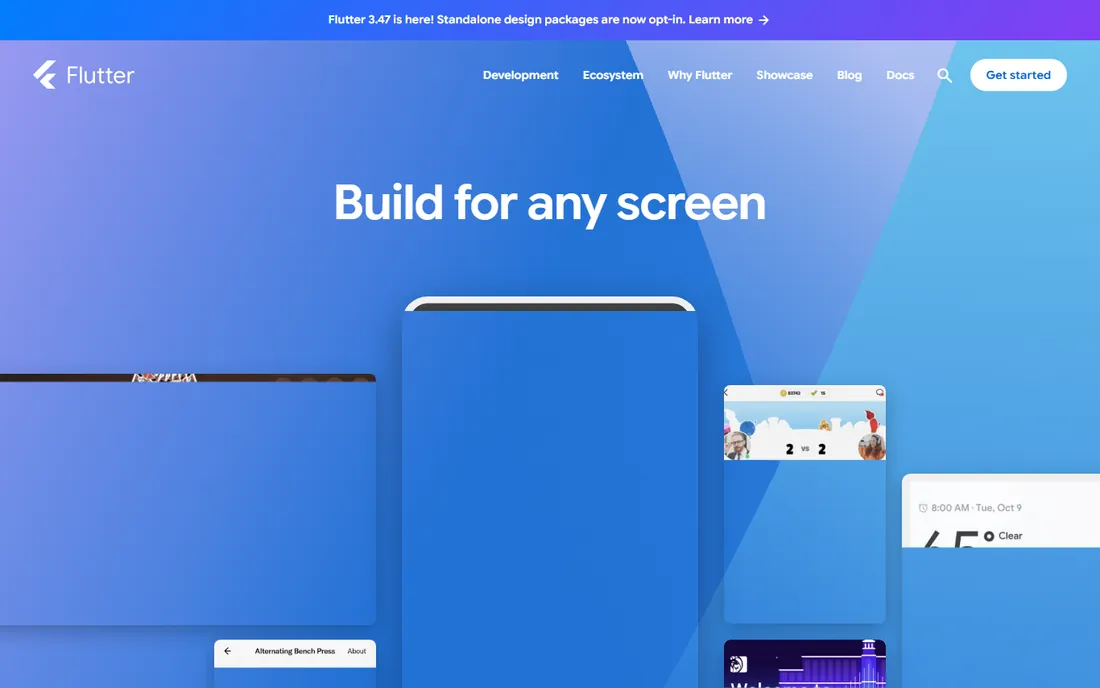
Flutter, Google's UI toolkit, compiles Dart to native ARM code and draws its own widgets, which gives apps a consistent look across iOS and Android from one codebase. Hot reload updates running apps almost instantly, and the widget catalog covers most UI needs without native code. It is free, open source and backed by Google, with a large package ecosystem.
The trade-offs are real but manageable. Flutter apps are larger than native ones because they bundle the engine, and brand-new iOS features sometimes wait for plugin support. Teams that want pixel-level control across platforms accept those costs gladly; teams that need day-one access to every Apple API usually go native.
What we like- Single Dart codebase with native performance
- Hot reload speeds iteration
- Strong widget system for custom UI
Watch out for- Apps carry the Flutter engine, increasing size
- Platform-specific features need plugins or native code
Starting priceFree
Free planYes
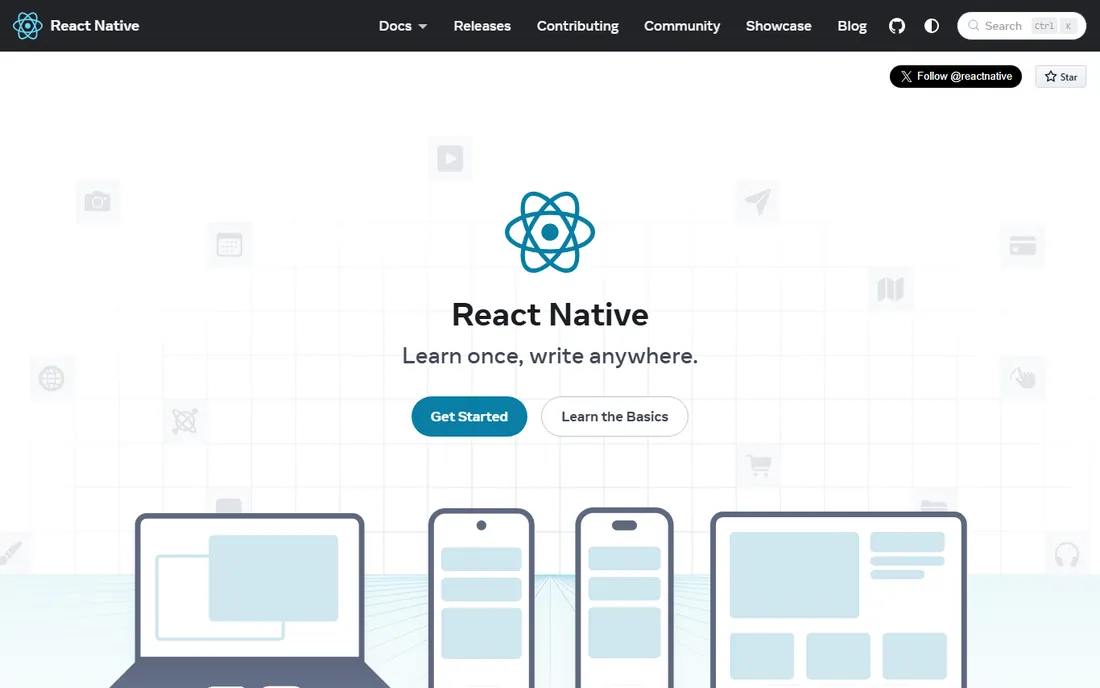
React Native renders real native components from JavaScript, so apps feel like platform apps rather than wrapped websites. For teams that already know React, the learning curve is mostly about mobile specifics: navigation, native modules and the build pipeline. It is free, open source and powers major production apps.
The framework deliberately avoids prescribing routing or native API access, which is why the official docs now recommend starting with Expo. Upgrades between React Native versions have historically been the biggest pain point, though the ecosystem has improved. If your team speaks JavaScript and your app is content or commerce shaped, this is the pragmatic cross-platform pick.
What we like- True native UI components, not a web view
- Huge JavaScript talent pool
- Meta-backed with a mature ecosystem
Watch out for- Native modules needed for advanced features
- Version upgrades can be painful
#5
Expo
Best for: Shipping React Native apps without native toolchain pain
Visit expo.dev
Starting priceSee website
Free planYes
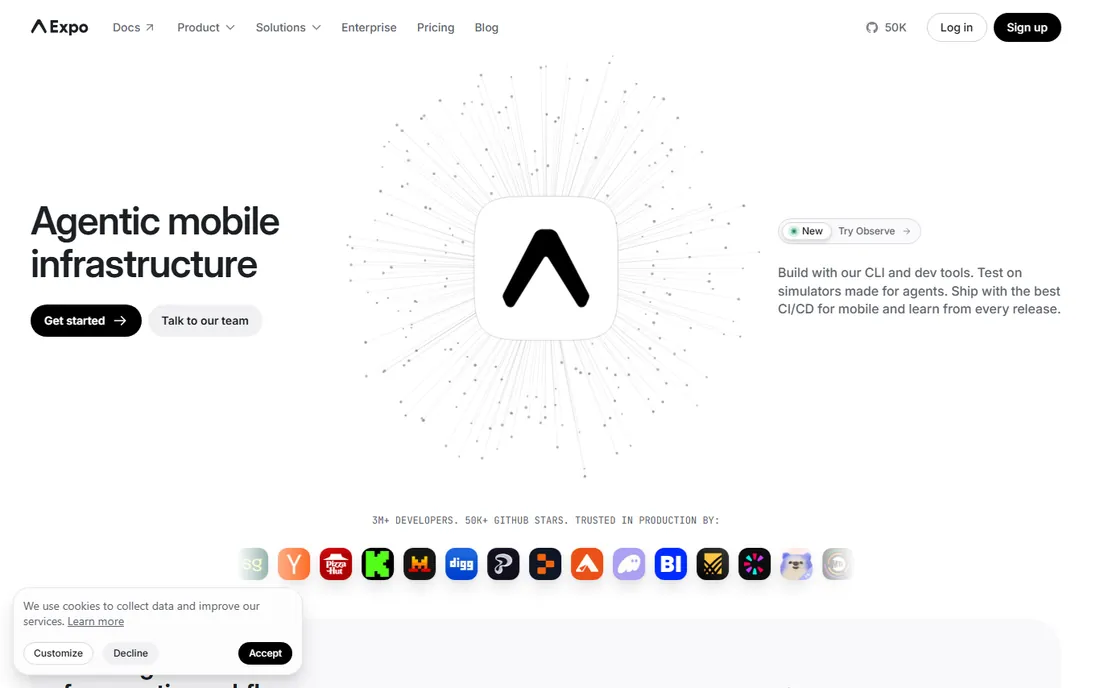
Expo is the reason React Native is approachable. Its CLI, build service (EAS) and Expo Go app remove the native configuration that stops JavaScript developers cold: no Xcode project wrestling, no certificate maze for early builds. Over-the-air updates push JavaScript changes without App Store review, and the docs claim most React Native developers now build with Expo.
The framework itself is free and open source; paid tiers cover build minutes and advanced EAS features, with pricing on the vendor site. The catch appears when you need custom native modules, which means ejecting to a bare workflow and managing native code after all. For standard apps, stay in the managed lane and enjoy the speed.
What we like- Managed builds, over-the-air updates and testing without Xcode config
- Expo Go for instant device testing
- Used by most React Native developers
Watch out for- Ejecting for custom native code adds complexity
- Advanced services are paid
Starting priceFree
Free planYes
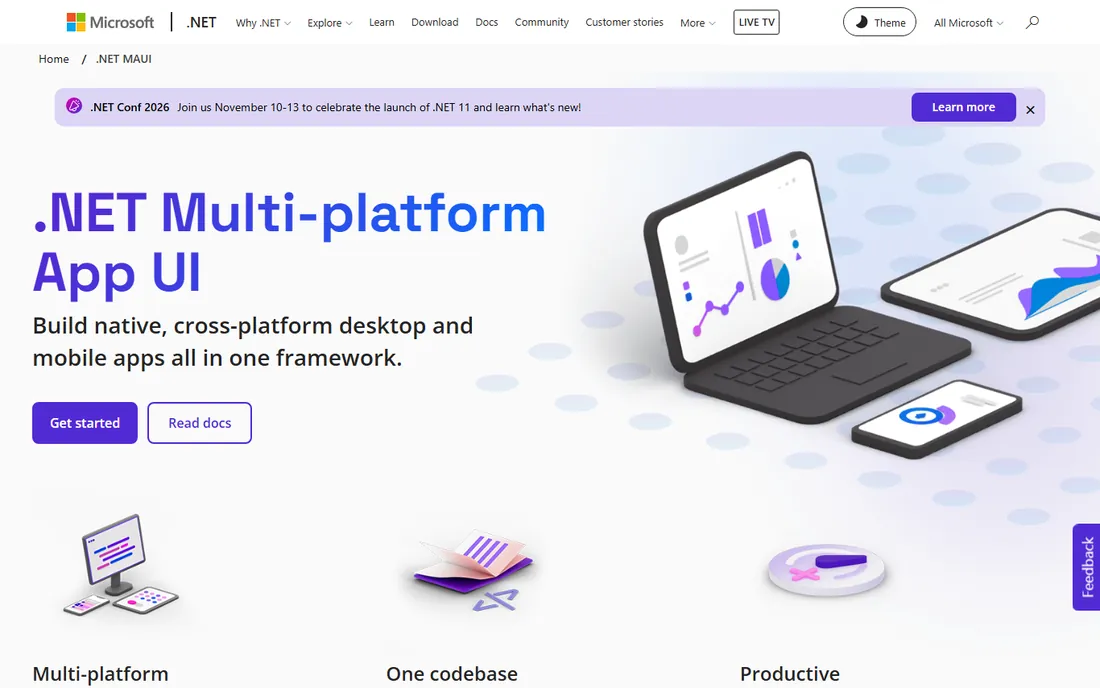
.NET MAUI lets C# developers target iOS from the same codebase as Android, macOS and Windows, with Visual Studio doing the heavy lifting. It is free, open source and backed by Microsoft, with component vendors like Syncfusion and Telerik filling the UI gaps. For enterprises standardized on .NET, it removes the need to hire a separate mobile team.
The community is smaller than the Flutter and React Native worlds, which means fewer third-party packages and tutorials. And Apple's rules still apply: building for iOS requires Xcode, which requires a Mac (or a Mac build host). If your shop already runs on C#, MAUI is the path of least resistance to iOS.
What we like- Single C# codebase for iOS, Android, macOS and Windows
- Visual Studio integration
- Free and open source
Watch out for- Smaller mobile community than Flutter or React Native
- IOS builds still need a Mac
Starting priceFree
Free planYes
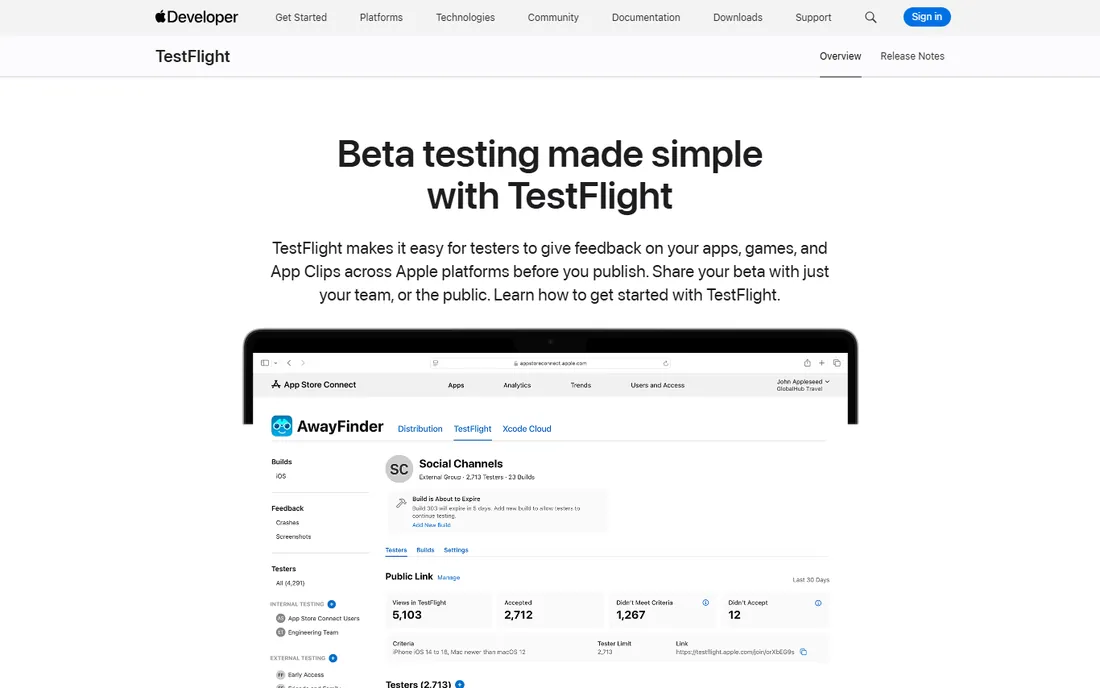
TestFlight is Apple's official beta distribution, and it shows in the polish: invite up to 100 internal testers by role or 10,000 external testers by email or public link, collect crash reports and screenshot feedback, and manage it all from App Store Connect. Testers install the TestFlight app and get builds over the air, with no UDID juggling.
It is free to use, but it sits behind the $99 per year Apple Developer Program membership, which you need for App Store distribution anyway. External testing requires a light App Review pass on your first build. For iOS beta testing there is no real alternative; third-party tools exist, but TestFlight is where your testers already are.
What we like- Up to 10,000 external testers plus 100 internal
- Public links for easy enrollment
- Crash reports and feedback built in
Watch out for- Requires the $99/year Apple Developer Program
- External builds need App Review approval
Starting priceSee website
Free planSee website
Firebase is Google's app platform: authentication, realtime database, cloud functions, push notifications, analytics, crash reporting and remote config behind one SDK that drops into iOS apps in an afternoon. For indie developers and startups, it replaces a backend team for the first year of a product's life.
The pricing mixes a free Spark tier with pay-as-you-go Blaze, detailed on the vendor site. The honest warnings: leaving Firebase later is painful because its APIs permeate your code, and usage-based bills can jump if a feature goes viral without caps set. Start on the free tier, set budget alerts on day one, and it remains the fastest backend for iOS apps.
What we like- Auth, Firestore, push notifications, analytics and crash reporting in one SDK
- Generous free tier
- Scales with Google Cloud
Watch out for- Vendor lock-in is real
- Costs can surprise at scale
- Some products less mature than specialists
Starting priceSee website
Free planYes
Generic CI tools can build iOS apps, but Bitrise is built for the job: dedicated Apple silicon builders, automatic code signing, TestFlight and App Store deployment steps, and Xcode updates on the stack within a day of Apple's release. The free tier includes managed macOS and Linux build environments, which beats self-hosting Mac minis for small teams.
Paid plans scale on build concurrency and features, with pricing on the vendor site. The limitation is scope: Bitrise is mobile-first, so teams with heavy web or backend pipelines often run it alongside something else. For iOS release automation, from pull request to TestFlight, it is the most turnkey option.
What we like- MacOS build machines with new Xcode within 24 hours
- 400+ mobile-specific build steps
- Free tier with real cloud builders
Watch out for- Mobile-only focus means web teams need another CI
- Paid tiers priced per build capacity
Starting priceSee website
Free planYes
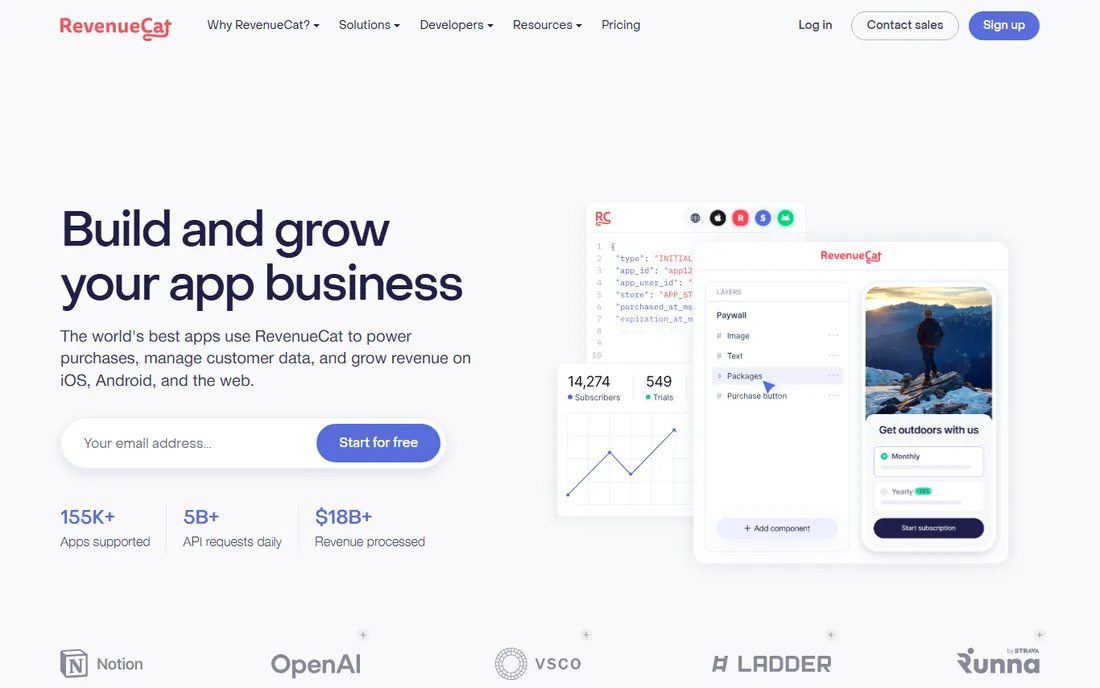
In-app purchases are where iOS apps go to die by a thousand edge cases: receipt validation, subscription status across devices, grace periods, win-backs. RevenueCat absorbs all of it, giving you a single SDK for StoreKit and Google Play with entitlements, paywall templates, experiments and analytics. It is free to get started, with pricing that scales as your revenue grows.
The trade-off is dependence: your monetization runs through a third party, and its cut grows with your success. For most apps that math still beats building and maintaining purchase infrastructure in-house. If subscriptions are your business model, integrate RevenueCat before you write a single StoreKit call yourself.
What we like- Handles StoreKit receipt validation and cross-platform entitlements
- Paywall templates and A/B testing
- Free to get started
Watch out for- Adds a dependency to your revenue path
- Pricing scales with your earnings
This is the fork every iOS project faces, so decide it deliberately. Go native (Xcode plus Swift) when the app leans on Apple-only features, needs maximum performance, or lives and dies by platform feel: cameras, AR, health data, pro media tools. You pay with a Mac-only toolchain and, usually, a second codebase for Android.
Go cross-platform (Flutter, React Native with Expo, or .NET MAUI) when the app is content, commerce, forms or social shaped, and when one team must cover both stores. You pay with abstraction: bigger binaries, occasional waits for new OS features, and native escape hatches for edge cases. Most business apps land happily here.
A practical middle path exists: prototype cross-platform, measure, and rewrite natively only if the metrics demand it. Rewrites are expensive, but so is maintaining two native codebases for an app that never needed either. Let the app's actual requirements, not framework loyalty, make the call.
How we chose
We opened each vendor homepage and recorded the final URL, from Apple's developer pages to the open-source project sites. Pricing and free-tier claims come from the vendors' own pages: Bitrise documents its free tier, RevenueCat states it is free to get started, and TestFlight's terms sit inside the Apple Developer Program. Where pricing was usage-based or behind plan pages, entries say "See website" rather than guessing. We covered the full stack (IDE, language, frameworks, testing, backend, CI/CD, monetization), mixed Apple-first and cross-platform options, and weighted maturity, documentation quality, community size and fit for distinct buyers: solo developers, startups and enterprise teams. Public reviews on G2, Capterra and Reddit informed the trade-offs; no hands-on testing is claimed.
What it actually costs to ship an iOS app in 2026
The tools are mostly free, which hides the real bill. The Apple Developer Program costs $99 per year and is mandatory for App Store distribution and TestFlight external testing. You need a Mac for Xcode; a used Mac mini is the cheapest compliant option, and cloud Mac builders (Bitrise's free tier, or paid MacStadium-style hosts) cover CI.
Beyond that, costs scale with ambition. Firebase's free tier covers most MVPs, then usage billing kicks in. RevenueCat is free to start and takes its share as revenue grows. Expo's paid tiers, Bitrise build minutes and any design or backend services add up per seat or per use. Budget $99 plus hardware as the floor, a few hundred a year in services for a serious indie app, and proper team tooling costs once you hire. The code itself, thanks to this list, costs nothing.
Frequently asked questions
Do I need a Mac for iOS app development?
For native development and App Store submission, yes. Xcode runs only on macOS, and Apple requires Xcode-built archives for the App Store. Cross-platform frameworks let you write most code on Windows or Linux, but the final iOS build still needs a Mac or a Mac-based cloud build service.
What is the best language for iOS app development?
Swift, for native iOS development. It is Apple's modern language, required for SwiftUI, and the only choice for platform-deep features. If you go cross-platform, Dart (Flutter), JavaScript (React Native) or C# (.NET MAUI) replace Swift, each with its own trade-offs.
Is Xcode really free?
Yes. Xcode is a free download from the Mac App Store. The costs around it are the Mac it runs on and the $99 per year Apple Developer Program membership required for App Store distribution and TestFlight external testing.
Flutter vs React Native: which is better for iOS?
Flutter gives you more UI control and consistent rendering from a single Dart codebase, at the cost of larger app size. React Native gives you true native components and the JavaScript talent pool, at the cost of more native bridging. Both ship excellent iOS apps; choose by team skills and UI needs.
How do I beta test an iOS app?
Use TestFlight. Upload a build to App Store Connect, invite up to 100 internal testers or 10,000 external testers via email or public link, and collect crash reports and feedback. External builds need a one-time App Review approval. It requires the $99/year Apple Developer Program.
Can I build an iOS app for free?
Yes, up to a point. Xcode, Swift, Flutter, React Native, Expo, .NET MAUI, Firebase's free tier, Bitrise's free tier and RevenueCat's free start all cost nothing. You will eventually pay $99 per year for the Apple Developer Program to distribute, plus a Mac or cloud Mac builds, and usage fees as you scale.
Sources we checked (10)
- https://developer.apple.com/xcode/
- https://swift.org
- https://flutter.dev
- https://reactnative.dev
- https://expo.dev
- https://dotnet.microsoft.com/apps/maui
- https://developer.apple.com/testflight/
- https://firebase.google.com
- https://bitrise.io
- https://revenuecat.com
Is your product missing or out of date?
We review this list regularly. Vendors can request a listing, send updated pricing or ask about featured placement.

Shihab Mia · Founder, Rankite
Shihab has spent more than a decade helping SaaS and e-commerce brands grow through search. He writes Rankite's software buying guides from pricing pages, documentation and public user reviews. More about Shihab.