How we make this list: we compare pricing pages, product documentation and public user reviews. Rankite is independent; if a vendor ever pays for a featured spot, that listing is clearly labeled Partner.
Key takeaways
- Flutter and React Native dominate cross-platform development; Flutter wins on UI consistency, React Native on JavaScript team fit.
- .NET MAUI is the natural choice for shops already invested in C# and the Microsoft stack.
- Xcode and Android Studio remain mandatory for true native iOS and Android development.
- Ionic and NativeScript suit web developers moving into mobile without learning native languages.
- Apache Cordova still maintains legacy hybrid apps, while Kotlin Multiplatform is the rising option for sharing logic between native apps.
Quick comparison
| Tool | Best for | Starting price | Free plan |
|---|
 Flutter Flutter | Cross-platform apps from one codebase | Free (open source) | Yes |
 React Native React Native | JavaScript teams going mobile | Free (open source) | Yes |
 .NET MAUI .NET MAUI | C# shops building mobile apps | Free (open source) | Yes |
 Ionic Ionic | Web developers building mobile apps | Free (open source) | Yes |
 NativeScript NativeScript | Native apps with JavaScript | Free (open source) | Yes |
 Apache Cordova Apache Cordova | Maintaining hybrid apps | Free (open source) | Yes |
 Xcode Xcode | Native iOS development | Free | Yes |
 Android Studio Android Studio | Native Android development | Free | Yes |
 Kotlin Multiplatform Kotlin Multiplatform | Sharing code between native apps | Free (open source) | Yes |
Is your product missing or out of date?
We review this list regularly. Vendors can request a listing, send updated pricing or ask about featured placement.
The best software to develop mobile apps
Starting priceFree (open source)
Free planYes
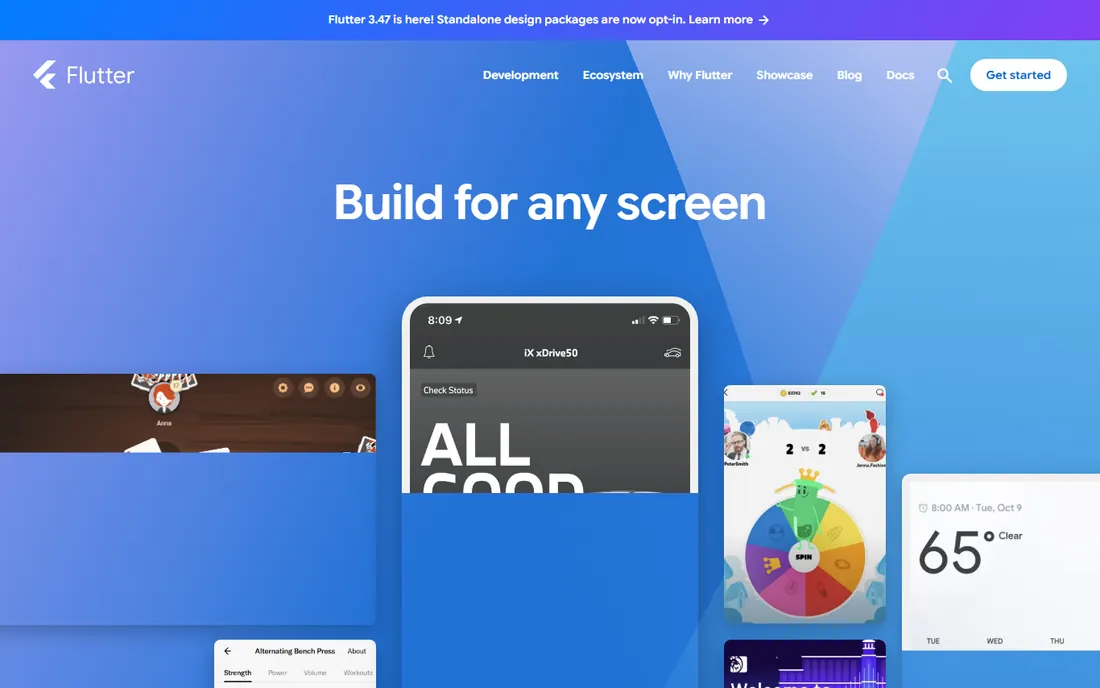
Flutter, Google's UI toolkit, lets developers write one codebase in Dart and ship to iOS, Android, web, and desktop. Its widget-based UI renders consistently everywhere, which is why apps built with Flutter look the same on every device. Hot reload keeps development fast, and the package ecosystem has matured to cover most common needs.
The trade-offs are real but manageable. Dart is not a mainstream language, so hiring is narrower than for JavaScript or Swift. Apps bundle the Flutter engine, making binaries larger than native ones. For teams that want one codebase and pixel-consistent design without compromise, Flutter is the strongest cross-platform option available.
What we like- Single codebase for iOS, Android, web, and desktop
- Excellent UI toolkit
- Backed by Google
Watch out for- Dart is a niche language
- App sizes run larger
Starting priceFree (open source)
Free planYes
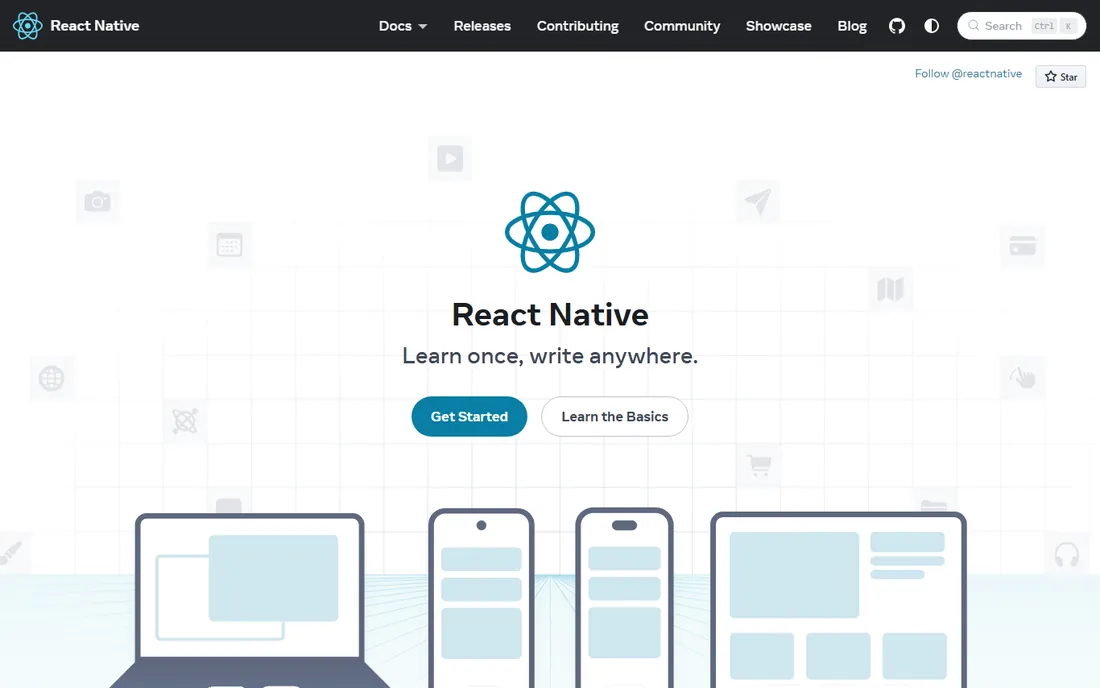
React Native, maintained by Meta, lets JavaScript developers build mobile apps with React. The pitch is staff efficiency: your web team becomes your mobile team. The ecosystem is enormous, from navigation libraries to UI kits, and the new architecture has improved performance and interoperability with native code.
It is not magic. Complex animations, heavy computation, and platform-specific features still need native modules written in Swift, Kotlin, or Objective-C. Teams should expect to touch native code eventually. But for the large share of apps that are essentially polished interfaces over APIs, React Native delivers genuine cross-platform development with the industry's biggest talent pool.
What we like- Uses JavaScript and React skills
- Huge ecosystem
- Backed by Meta
Watch out for- Native modules still needed for advanced features
- Performance tuning takes work
Starting priceFree (open source)
Free planYes
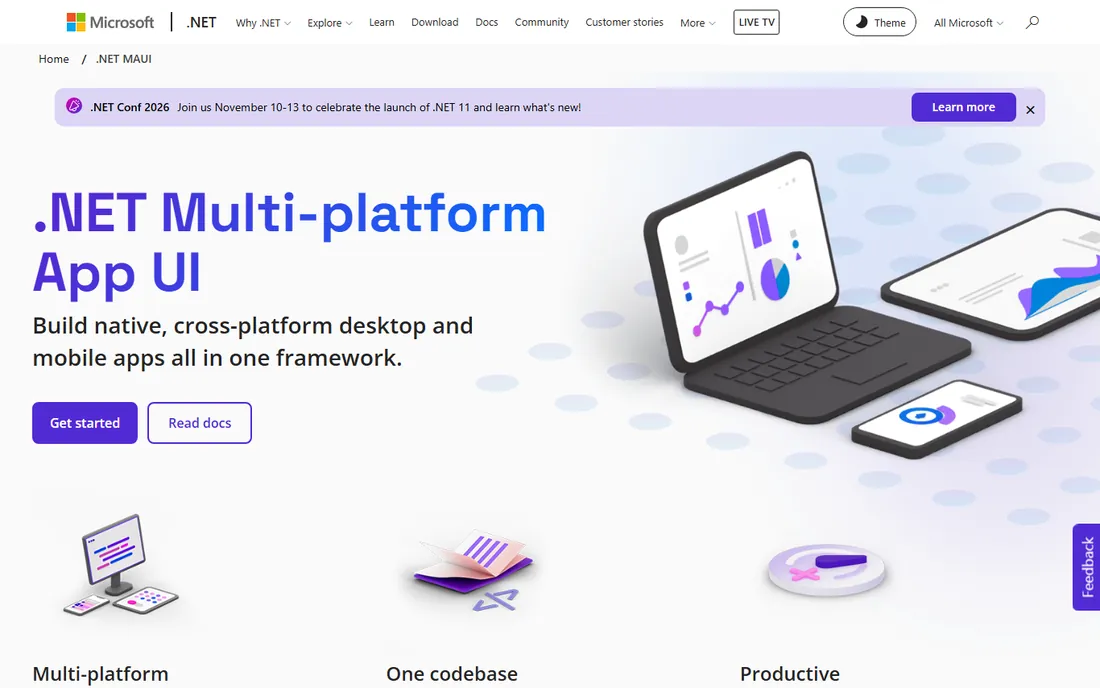
.NET MAUI (Multi-platform App UI) is Microsoft's answer to cross-platform development for the .NET world. C# developers write one codebase targeting iOS, Android, macOS, and Windows, with Visual Studio providing the full IDE experience. For enterprises standardized on Microsoft technology, it slots into existing skills, tooling, and support contracts.
The community is smaller than the Flutter and React Native ecosystems, which means fewer third-party libraries and community answers. XAML for UI takes adjustment if you come from web development. But for a .NET shop, the alternative is maintaining separate native teams, and MAUI's economics win that comparison easily.
What we like- One C# codebase for mobile and desktop
- Deep Visual Studio integration
- Enterprise-friendly
Watch out for- Smaller community than Flutter or React Native
- XAML learning curve
Starting priceFree (open source)
Free planYes
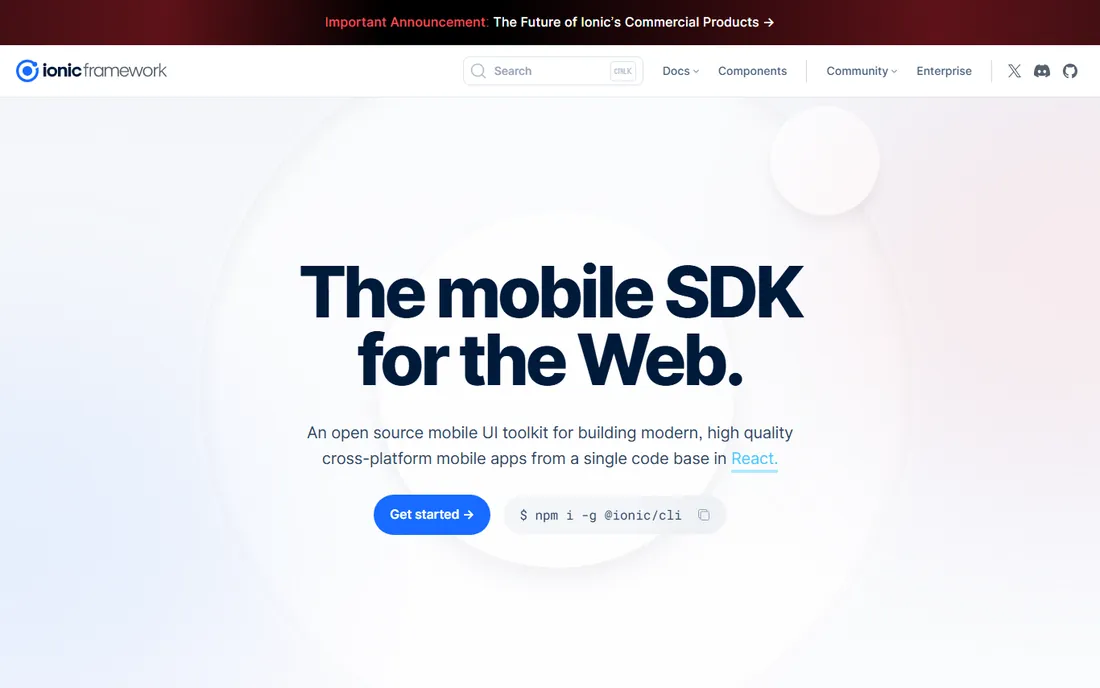
Ionic lets web developers build mobile apps with the technologies they already know: HTML, CSS, and JavaScript or TypeScript. The framework provides mobile-optimized UI components, and Capacitor bridges to native device features like camera and push notifications. For teams with strong web skills and no mobile specialists, the ramp-up is minimal.
The honest limitation is the WebView. Ionic apps run web code inside a native shell, which is fine for content and business apps but falls short for games, heavy animation, or anything needing maximum performance. Know what you are building: for enterprise and content apps, Ionic is efficient; for performance-critical apps, go native or Flutter.
What we like- Standard web tech (HTML, CSS, JS)
- Huge component library
- Capacitor for native access
Watch out for- WebView performance limits
- Not truly native feel
Starting priceFree (open source)
Free planYes
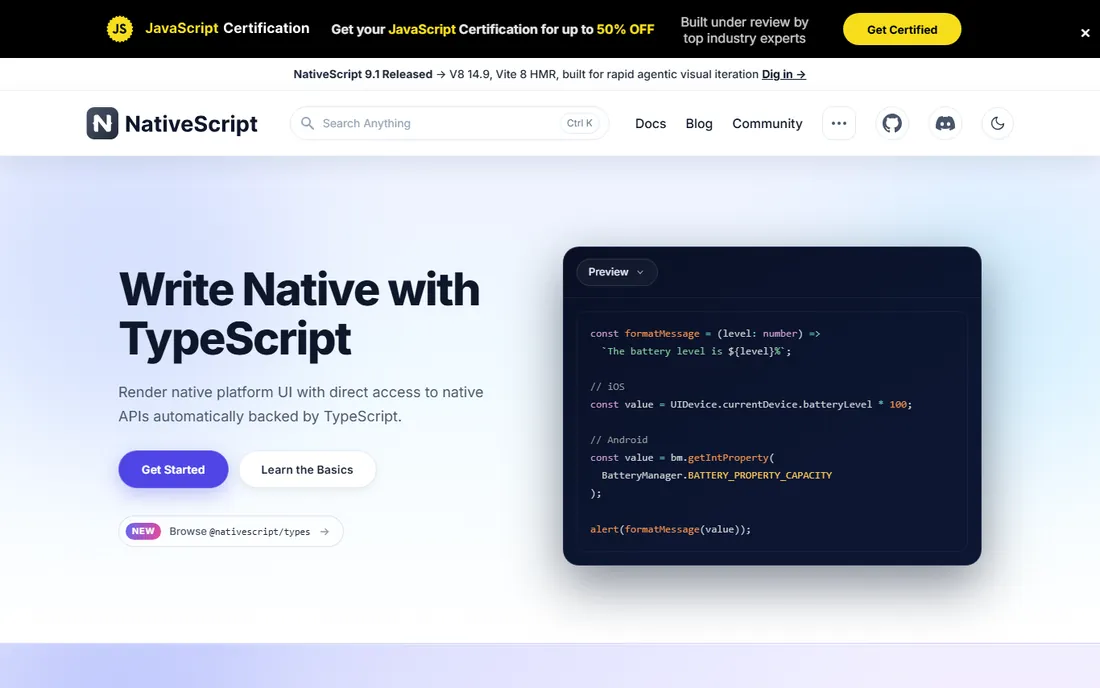
NativeScript takes a different path from Ionic: JavaScript and TypeScript code drives genuinely native UI components, not a WebView. Developers get direct access to native APIs without writing native code, and the framework supports Angular and Vue flavors alongside plain TypeScript. Performance and platform feel are closer to native than hybrid alternatives.
The ecosystem is the constraint. Fewer plugins, fewer Stack Overflow answers, and occasional documentation gaps compared with React Native. The project has continued under community and commercial stewardship, but teams should evaluate plugin availability for their specific needs before committing. For JavaScript developers who want real native UI, it remains a solid choice.
What we like- Truly native UI from JavaScript
- Direct native API access
- Angular and Vue support
Watch out for- Smaller ecosystem
- Documentation gaps
Starting priceFree (open source)
Free planYes
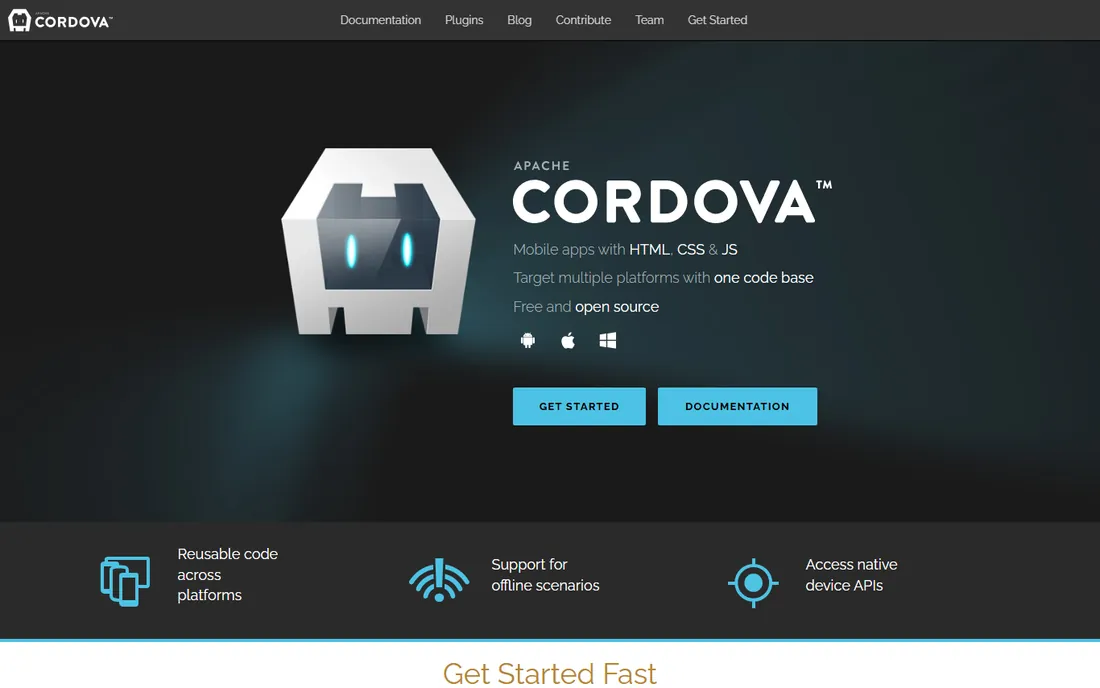
Cordova pioneered the hybrid app model: wrap HTML, CSS, and JavaScript in a native container with plugins for device features. Thousands of apps were built this way, and Cordova remains maintained by the Apache Software Foundation. For teams maintaining existing Cordova apps, it is stable and understood.
For new projects in 2026, Cordova is not the recommendation. Capacitor (from the Ionic team) modernized the same idea, and Flutter or React Native serve most use cases better. Cordova earns its place on this list because so many production apps still run on it, and those teams need to know it remains viable for maintenance, not because new apps should start here.
What we like- Mature and stable
- Huge plugin history
- Simple web-tech model
Watch out for- Aging technology
- New projects should look elsewhere
Starting priceFree
Free planYes
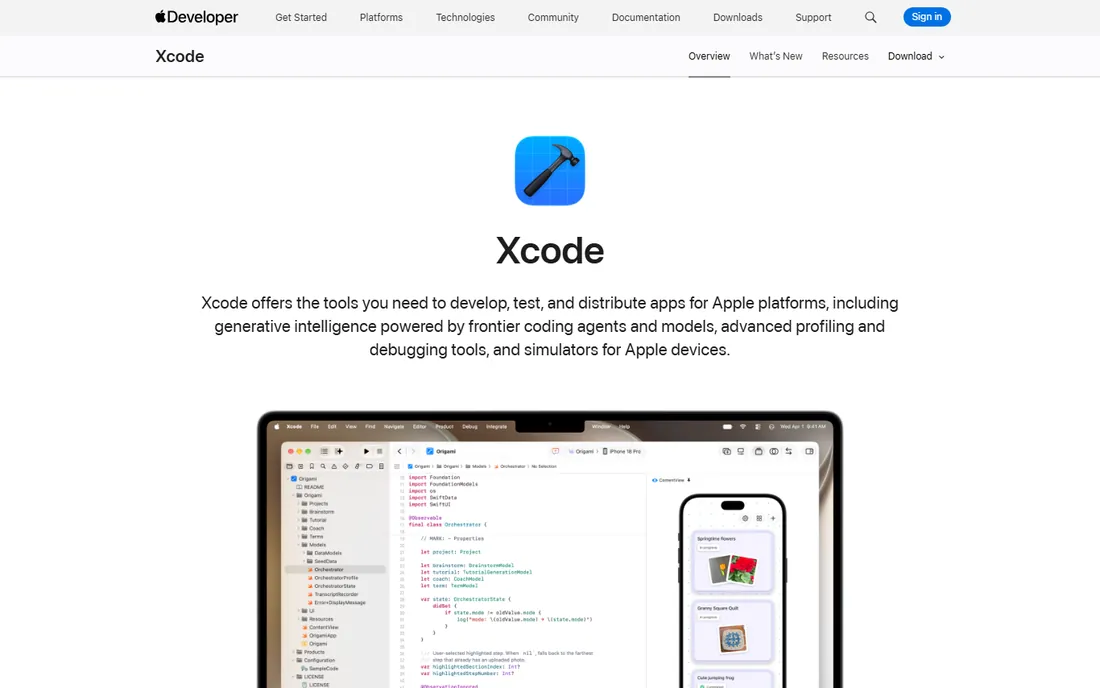
Xcode is Apple's official IDE, and it is non-negotiable for native iOS development. Swift and SwiftUI are the modern stack: expressive language, declarative UI, and day-one access to every iOS feature Apple ships. Performance is unmatched, the tooling (simulators, Instruments profiling, TestFlight) is excellent, and App Store submission flows through it.
The constraints are Apple's terms. You need a Mac to run Xcode, and it builds for Apple platforms only. Teams shipping on both iOS and Android need a second stack for Android. But when the iOS experience is the product, when performance or platform integration is critical, native development in Xcode is still the gold standard.
What we like- The only way to build true native iOS apps
- Best performance and API access
- SwiftUI
Starting priceFree
Free planYes
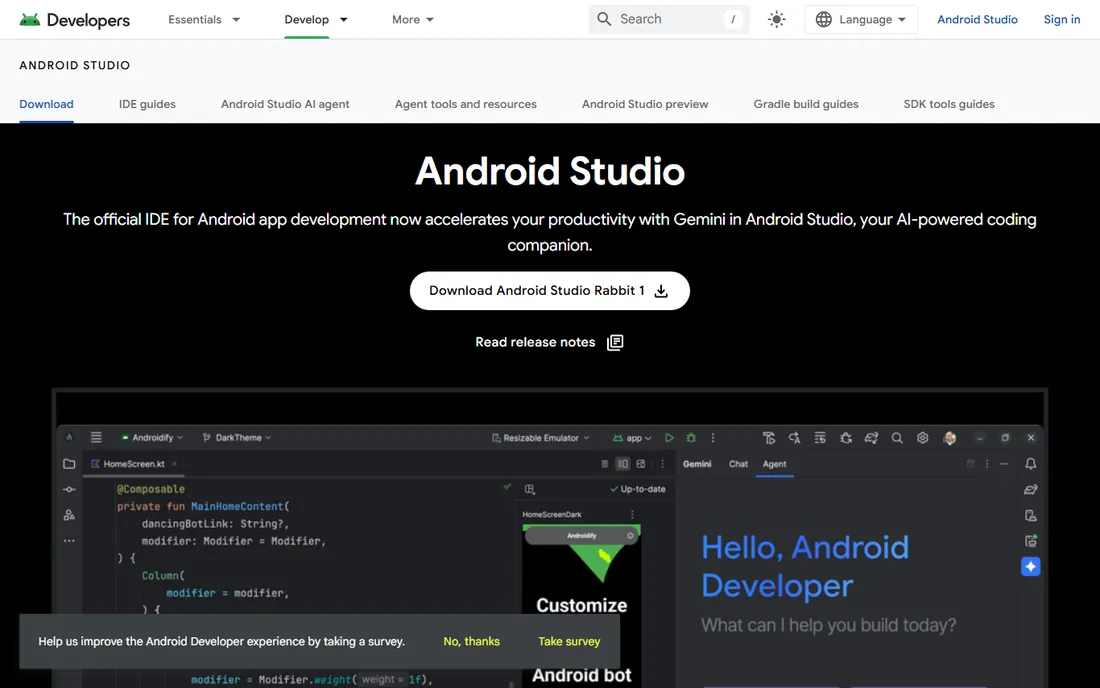
Android Studio is Google's official IDE for Android, built on IntelliJ IDEA. Kotlin is the preferred language, the emulator is excellent, and profiling tools help developers find performance problems before users do. Like Xcode, it gives day-one access to new platform features and the deepest possible integration with the OS.
It is Android-only, so cross-platform teams pair it with Xcode or use a cross-platform framework instead. The IDE itself is powerful but heavy; give developers machines with enough RAM. For native Android apps, there is no serious alternative, and there does not need to be.
What we like- Official Google IDE
- Kotlin-first
- Excellent emulator and profiling
Watch out for- Android only
- Can be resource-hungry
Starting priceFree (open source)
Free planYes
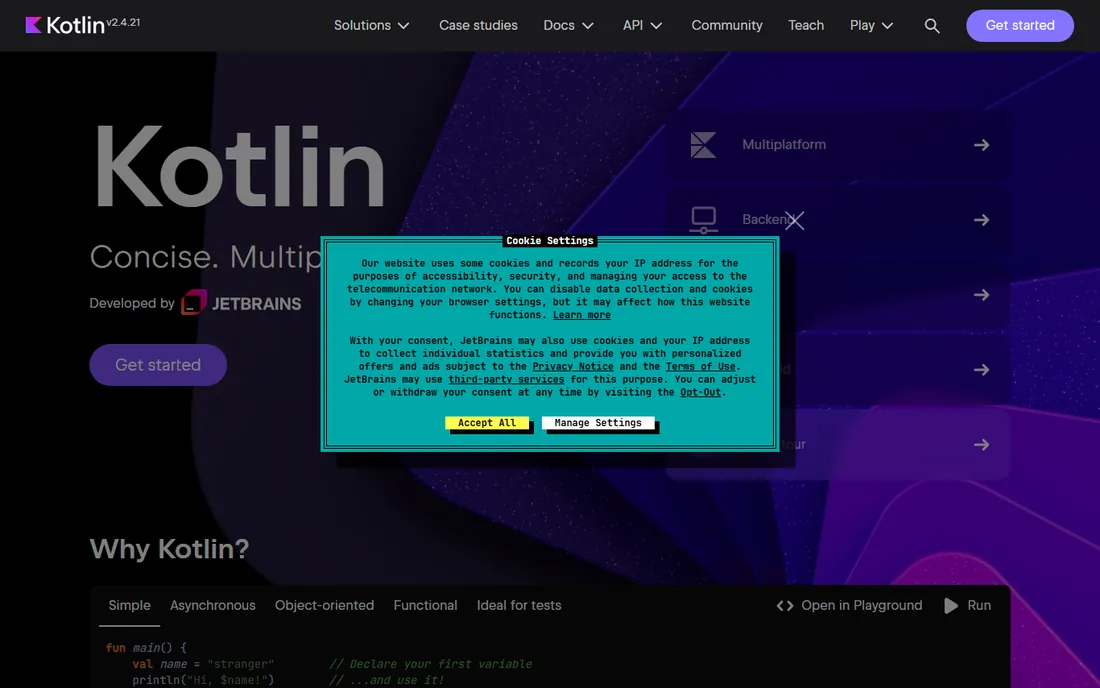
Kotlin Multiplatform (KMP) splits the difference between native and cross-platform. Teams write shared business logic, networking, and data layers once in Kotlin, then build the UI natively with SwiftUI on iOS and Compose on Android. The result is fully native apps that share the expensive, bug-prone logic underneath.
The trade-off is that you still write two UIs, so it is not the cheapest option in developer hours. The ecosystem is younger than Flutter's or React Native's, though growing fast with JetBrains behind it. For teams that refuse to compromise on native UI but hate duplicating logic, KMP is the most intellectually honest answer in mobile development.
What we like- Share business logic, keep native UI
- Kotlin is modern and safe
- JetBrains backing
Watch out for- UI still written per platform
- Younger ecosystem
The debate never ends because both sides are right about different things. Native (Xcode, Android Studio) gives maximum performance, day-one platform features, and the best possible user experience, at the cost of two codebases and two skill sets. Cross-platform (Flutter, React Native, .NET MAUI) gives one codebase and faster delivery, at the cost of occasional platform lag and abstraction leaks. The tiebreaker is usually the app itself. Content, business, and e-commerce apps thrive cross-platform. Games, AR, video editing, and anything pushing hardware limits belong native. Kotlin Multiplatform offers a middle path: shared logic, native UI. Be honest about which category your app falls into before choosing.
What each option costs your team
Every option here is free software, which makes the real cost easy to miss: people. Native development needs iOS and Android developers, two salaries minimum. Cross-platform needs one team, but plan for native expertise when platform-specific issues arise (they will). Hiring matters too: JavaScript developers are plentiful (React Native, Ionic), Dart developers less so (Flutter), Swift and Kotlin developers sit in the middle. Factor in the Apple Developer Program ($99/year) and Google Play ($25 one-time) for store distribution. The cheapest framework with developers you cannot hire is the most expensive choice.
How we chose
We selected the frameworks and IDEs that working mobile developers actually use in 2026, covering native, cross-platform, hybrid, and shared-logic approaches. We based the list on developer surveys, ecosystem health, vendor documentation, and long-term viability, and we excluded discontinued frameworks and tools with no real user base. No vendor paid for placement, and we did not build sample apps for this guide.
Frequently asked questions
Should I learn Flutter or React Native in 2026?
It depends on your background. JavaScript developers should pick React Native; the skills transfer directly and the job market is larger. Developers starting fresh often find Flutter's cohesive toolkit and documentation easier. Both are safe career bets. Avoid choosing based on hype; choose based on the teams you want to join.
Can one codebase really work for iOS and Android?
Yes, for most app categories. Flutter and React Native power thousands of production apps on both stores. The shared code typically covers 80 to 95 percent of the app, with platform-specific code for things like push notifications, in-app purchases, and OS-specific UI conventions. Performance-critical apps may still need native development.
Is native development dying?
No. The top-grossing apps, games, and platform showcases are still native, and Apple and Google keep investing in SwiftUI and Compose. Cross-platform won the middle of the market (business and content apps), while native kept the high end. Both approaches are growing; they just serve different segments.
What is the easiest way to build a mobile app without coding?
No-code platforms like Adalo, FlutterFlow, and Bubble let non-developers ship working apps. They suit MVPs and simple apps. This guide covers developer tools; if you do not code, start with a no-code builder and move to these frameworks when the app outgrows it.
How long does it take to build a mobile app?
A simple cross-platform MVP takes one developer four to eight weeks. A polished consumer app with backend, payments, and two platforms typically takes a small team three to six months. Native development for both platforms roughly doubles the UI work. These are rough ranges; scope discipline matters more than framework choice.
Sources we checked (9)
- https://flutter.dev
- https://reactnative.dev
- https://dotnet.microsoft.com/en-us/apps/maui
- https://ionicframework.com
- https://nativescript.org
- https://cordova.apache.org
- https://developer.apple.com/xcode/
- https://developer.android.com/studio
- https://kotlinlang.org
Is your product missing or out of date?
We review this list regularly. Vendors can request a listing, send updated pricing or ask about featured placement.

Shihab Mia · Founder, Rankite
Shihab has spent more than a decade helping SaaS and e-commerce brands grow through search. He writes Rankite's software buying guides from pricing pages, documentation and public user reviews. More about Shihab.