How we make this list: we compare pricing pages, product documentation and public user reviews. Rankite is independent; if a vendor ever pays for a featured spot, that listing is clearly labeled Partner.
Key takeaways
- Pick by output type first: native mobile apps (Adalo, FlutterFlow, GoodBarber), internal tools and portals (Glide, Softr, AppSheet), or full web apps with complex logic (Bubble).
- Bubble at $29/month for Starter and FlutterFlow at $30/month for Standard are the value picks for serious builds; both include free plans for learning and prototypes.
- Glide is the fastest route from a spreadsheet to a working app, but costs climb as you add users; AppSheet is the natural pick for teams already on Google Workspace at $10/user/month.
- No-code does not mean no learning curve: Bubble and FlutterFlow reward a week of tutorials, while Adalo and Glide reward a single afternoon.
- Budget beyond the subscription: publishing a native iOS app requires an Apple Developer account at $99/year on every platform here, and per-user pricing changes the math for team tools.
Quick comparison
| Tool | Best for | Starting price | Free plan |
|---|
 Adalo Adalo | non-technical founders building native mobile apps | See website | Yes |
 Glide Glide | turning a spreadsheet into an app in an afternoon | $60/month (Maker) | Yes |
 Bubble Bubble | web apps with complex workflows, no code | $29/month (Starter) | Yes |
 FlutterFlow FlutterFlow | Flutter developers who want visual speed | $30/month (Standard) | Yes |
 Appy Pie Appy Pie | small businesses needing a simple app fast | See website | See website |
 BuildFire BuildFire | businesses wanting a managed, white-glove build | See website | No |
 GoodBarber GoodBarber | content publishers and shops wanting branded apps | See website | See website |
 Thunkable Thunkable | beginners learning app logic with visual blocks | See website | Yes |
 Draftbit Draftbit | teams shipping React Native apps from visual builds | See website | See website |
 AppSheet AppSheet | Google Workspace teams automating with internal apps | $10/user/month (Core) | Yes |
 Softr Softr | client portals and directories on Airtable or Sheets | See website | Yes |
 Fliplet Fliplet | companies needing secure internal or event apps | See website | See website |
Is your product missing or out of date?
We review this list regularly. Vendors can request a listing, send updated pricing or ask about featured placement.
You have an app idea and no engineering team. Hiring developers costs five figures before the first screen ships, and learning Swift or Kotlin takes months you may not have. That gap is exactly what app making software sells: visual builders that turn screens, data and logic into real apps. The best software for mobile app development in this category is not one tool but a fit between what you want to ship and what each builder actually produces.
#1
Adalo
Best for: non-technical founders building native mobile apps
Visit adalo.com
Starting priceSee website
Free planYes
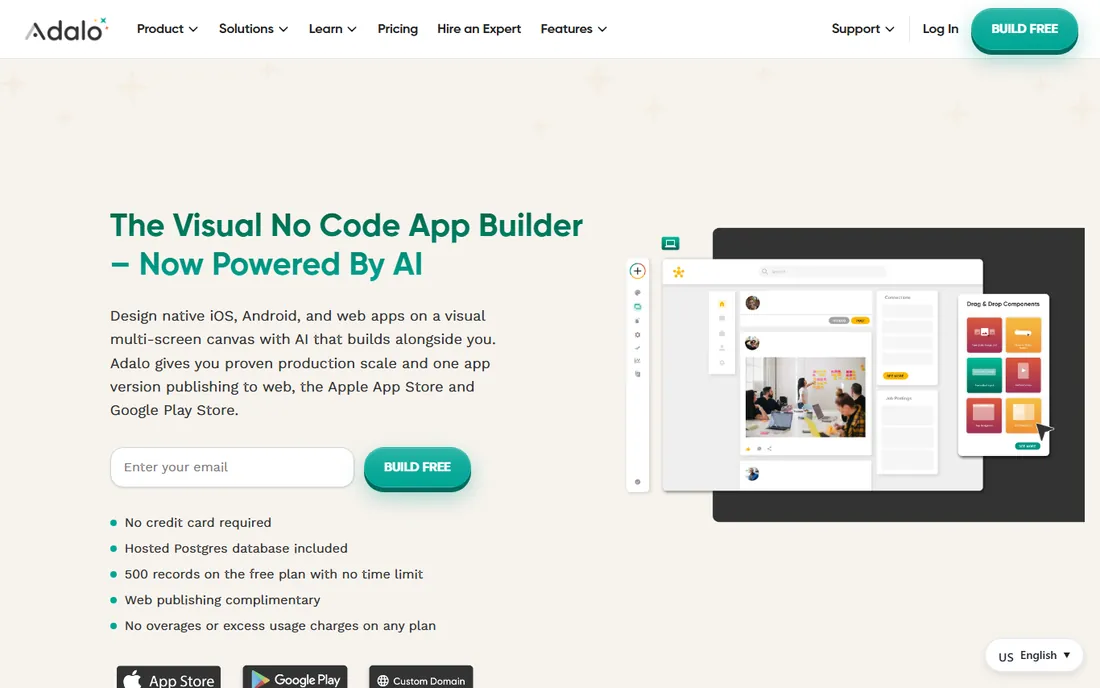
Adalo is the closest thing to "draw your app, ship your app" for native mobile. You design screens visually, connect them to a built-in database, and publish to the App Store and Google Play without touching Xcode or Android Studio. The component marketplace adds ready-made pieces like payment forms and chat layouts.
The honest catch is scale: data-heavy apps can feel sluggish and costs grow with usage. It suits MVPs, directories, booking apps and simple marketplaces; heavy custom logic hits the ceiling sooner than on Bubble or FlutterFlow.
What we like- Publishes true native iOS and Android apps
- Component marketplace speeds up builds
- Database included
Watch out for- Struggles with large datasets
- Pricing rises with usage
- Limited custom code options
Starting price$60/month (Maker)
Free planYes
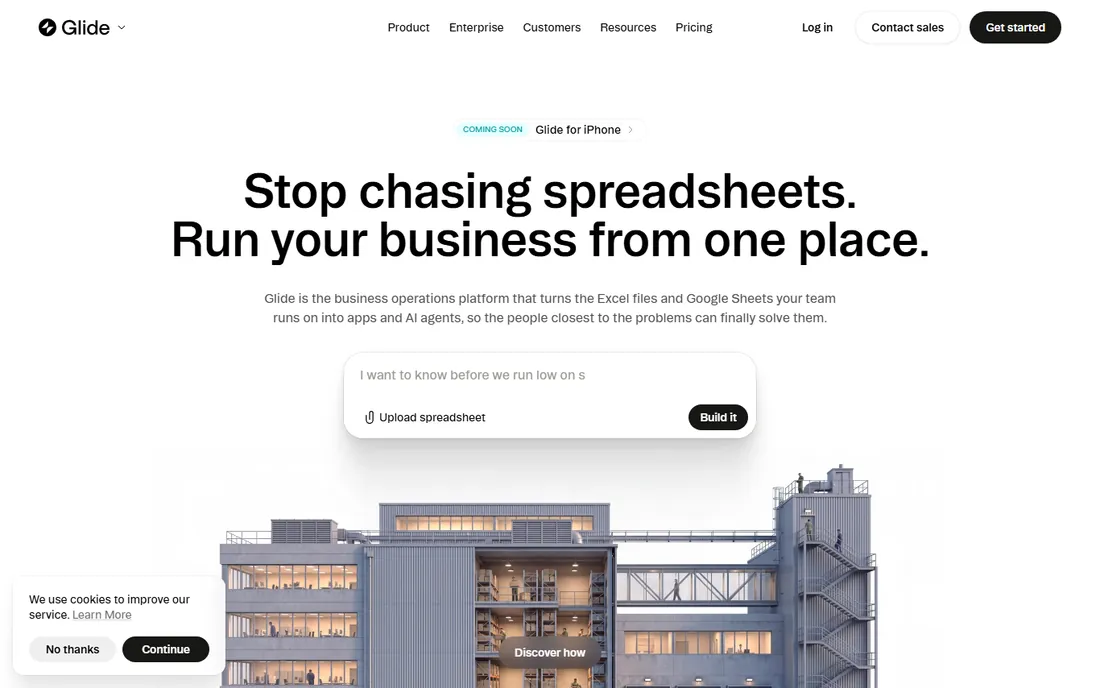
Glide's trick is simple: point it at a Google Sheet or Airtable base and get a working app the same day. For internal tools, inventory trackers, CRMs and customer portals, that speed is unmatched. The Maker plan starts at $60 a month, and the free plan is generous enough to build a real prototype.
At scale, per-user pricing makes company-wide rollouts expensive, offline support is limited, and deeply custom workflows push past what the builder handles. Glide wins when your data already lives in a spreadsheet and your users are a known group, not the public app stores.
What we like- Fastest spreadsheet-to-app path
- Polished default designs
- Strong template library
Watch out for- Pricing climbs as you add users
- Limited offline support
- Not built for complex logic
#3
Bubble
Best for: web apps with complex workflows, no code
Visit bubble.io
Starting price$29/month (Starter)
Free planYes
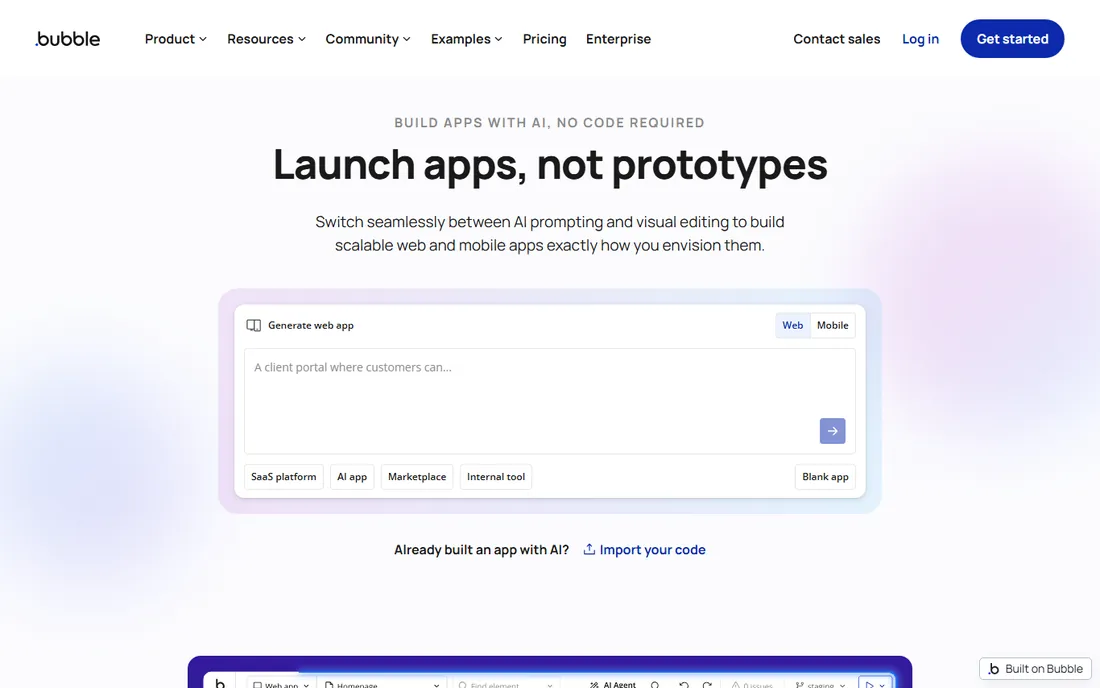
Bubble is the heavyweight of no-code web apps. Its workflow engine handles branching logic, API calls, user roles and database operations that simpler builders cannot touch, and the plugin marketplace extends it further. The Starter plan at $29 a month with a free plan for learning makes it accessible.
That power has a price: expect a week of tutorials, and database-heavy apps need deliberate performance work. Bubble apps are web-first; mobile means web views wrapped for the stores. For SaaS products and marketplaces, it remains the default recommendation.
What we like- Most capable no-code logic engine
- Huge plugin ecosystem
- Full responsive design control
Watch out for- Real learning curve
- Needs performance tuning at scale
- Mobile means wrapped web apps
Starting price$30/month (Standard)
Free planYes
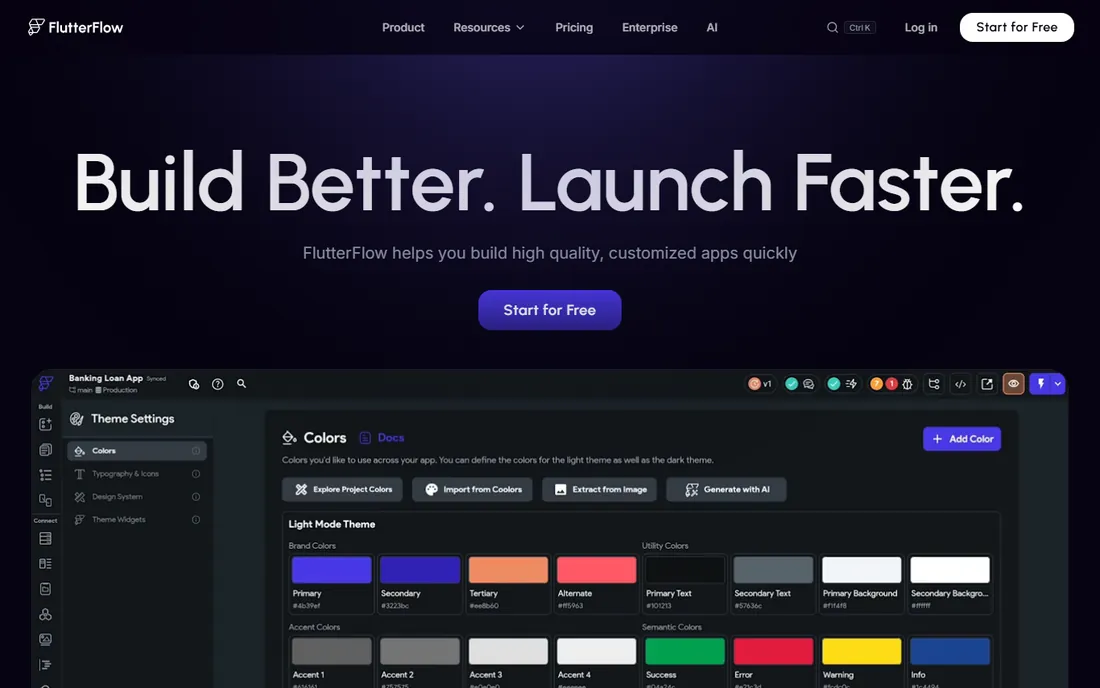
FlutterFlow is a visual builder on top of Google's Flutter framework, which gives it a rare property: you can download the actual source code it generates. That means no permanent lock-in, and developers can extend the output by hand. Firebase handles auth, database and hosting with minimal setup.
The Standard plan starts at $30 a month with a free tier for trying it out. Beginners can build real apps, but getting the most from it helps to understand Flutter concepts like state management. It is the strongest pick when you want visual speed now and code ownership later.
What we like- Exports real Flutter and Dart code
- Deep Firebase integration
- Deploys to app stores and web
Watch out for- Still rewards Flutter knowledge
- Advanced features sit on higher tiers
- Design system lock-in
Starting priceSee website
Free planSee website
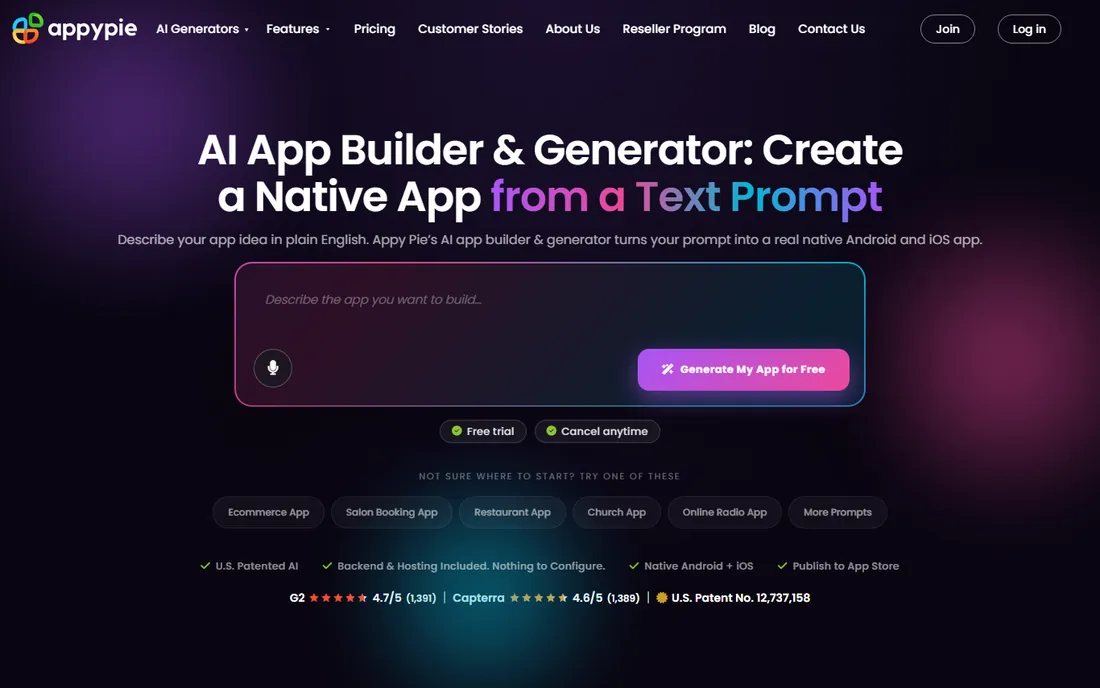
Appy Pie targets the small business owner who wants an app for their restaurant, gym or store without hiring anyone. Templates for common business types get you from signup to a submittable app quickly, with features like loyalty programs, push notifications and online ordering.
Pricing is per app, which is fine for one app and painful for a portfolio. Design flexibility is limited compared with Adalo or FlutterFlow, and anything beyond template-level logic is a struggle. It is a practical choice for a single straightforward business app, not a platform for building a product company.
What we like- Huge template catalog for common business types
- Quick setup
- Restaurant and retail features
Watch out for- Per-app pricing adds up
- Limited design flexibility
- Advanced logic is out of reach
Starting priceSee website
Free planNo
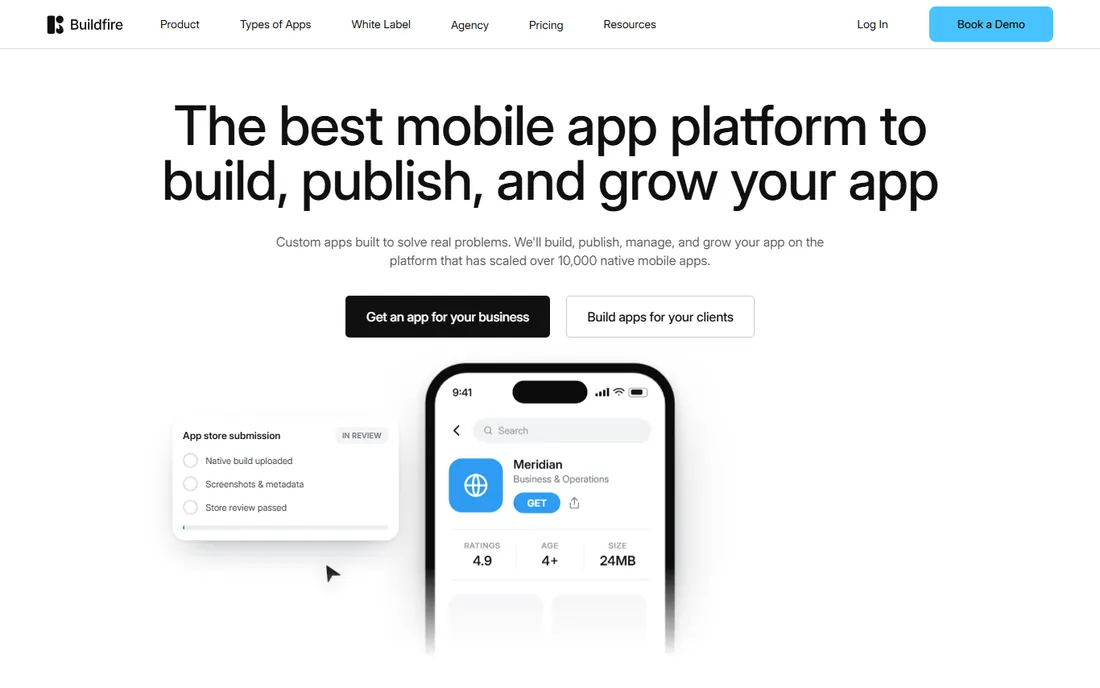
BuildFire sits between DIY builders and agencies: you get a powerful platform plus human help getting your app built and launched. Its plugin system covers common business needs, and the managed service suits companies that want an app without staffing the project internally.
There is no free plan and pricing is quote-based, which tells you who it is for: established businesses, not indie hackers. If you want to tinker yourself, Adalo or Glide give you more hands-on control for less money. If you want someone to handle it, BuildFire's model makes sense.
What we like- Managed setup and support
- Strong plugin marketplace
- Built for business workflows
Watch out for- Pricing is opaque and quote-based
- Less DIY than competitors
- Overkill for simple apps
Starting priceSee website
Free planSee website
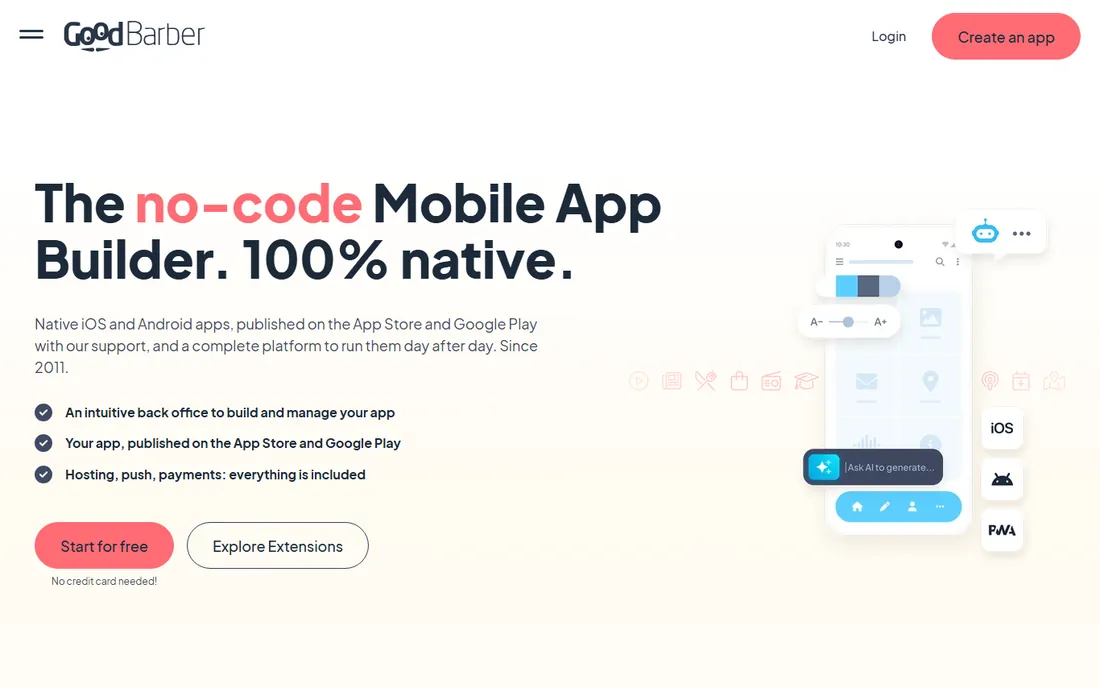
GoodBarber shines for content-driven apps: news, magazines, podcasts, churches and local shops. Its themes look genuinely good out of the box, and it publishes native apps to both stores with push notifications included. Commerce features cover the standard small-shop needs.
It is less convincing for custom functionality: if your app needs novel workflows rather than articles, products and events, you will fight the builder. Useful features sit on higher pricing tiers, so check what your plan actually includes. For publishers who want a beautiful branded app without developers, it is a strong shortlist candidate.
What we like- Polished designs for content and commerce
- Native iOS and Android publishing
- Push notifications built in
Watch out for- Less flexible for custom app logic
- Pricing tiers gate useful features
- Smaller community
Starting priceSee website
Free planYes
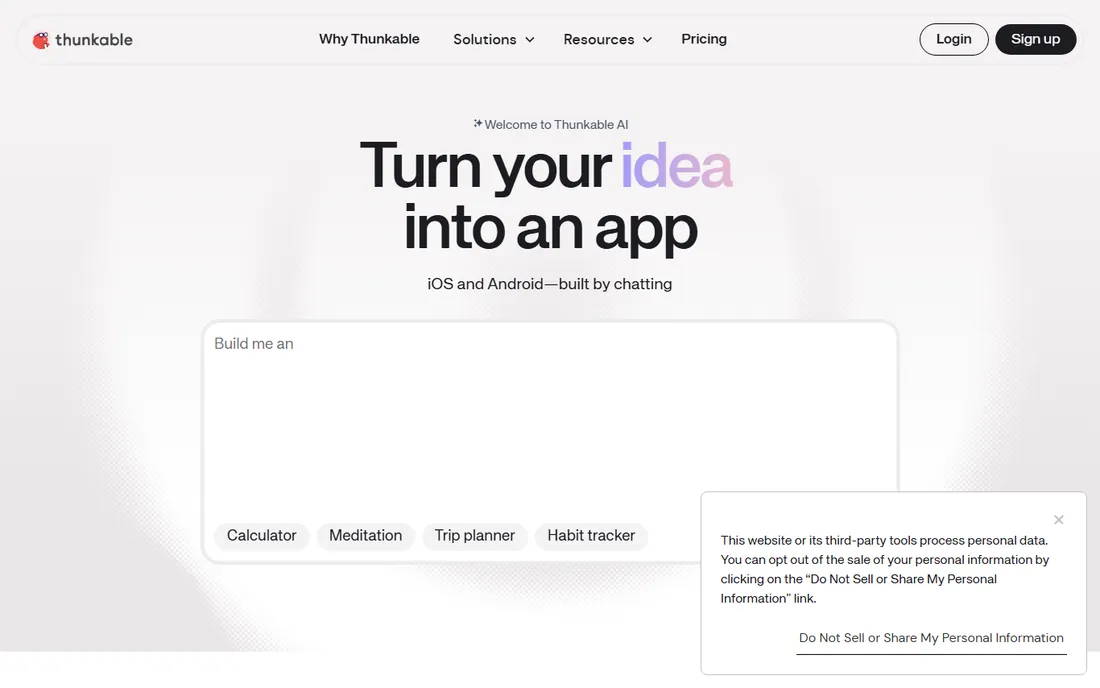
Thunkable uses drag-and-drop blocks for logic, in the tradition of MIT App Inventor, which makes it one of the gentlest introductions to how apps work. Schools and bootcamps use it widely, and the free plan is enough to build and test real apps on your phone.
For commercial products it shows its limits: complex apps get hard to manage in blocks, and performance does not match native-code builders. Think of it as a learning tool and prototyping sandbox that can also ship simple apps, not as the foundation for a funded startup.
What we like- Block-based logic is easy to learn
- Publishes to iOS and Android
- Good for education
Watch out for- Not suited to complex commercial apps
- Performance limits
- Advanced features need paid plans
#9
Draftbit
Best for: teams shipping React Native apps from visual builds
Visit draftbit.com
Starting priceSee website
Free planSee website
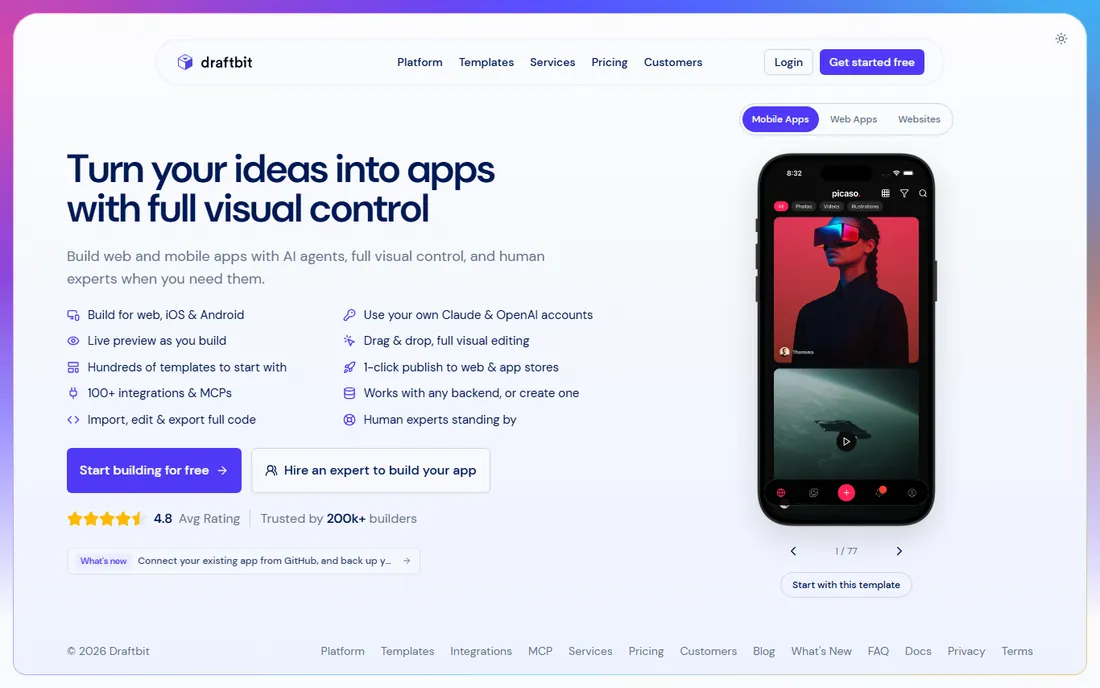
Draftbit is the React Native counterpart to FlutterFlow: a visual builder that produces real code your developers can own and extend. Design control is precise, and teams that already work in React Native can slot the output into existing workflows.
It assumes more technical comfort than Adalo or Glide; this is a tool for teams with developers, not a replacement for them. The ecosystem and template library are smaller than the bigger names here. If your stack is React Native and you want to accelerate screen building without losing code ownership, it deserves a look.
What we like- Generates real React Native code
- Fine-grained design control
- Developer-friendly output
Watch out for- Aimed at technical users
- Smaller ecosystem than FlutterFlow
- Pricing details are thin
#10
AppSheet
Best for: Google Workspace teams automating with internal apps
Visit appsheet.com
Starting price$10/user/month (Core)
Free planYes
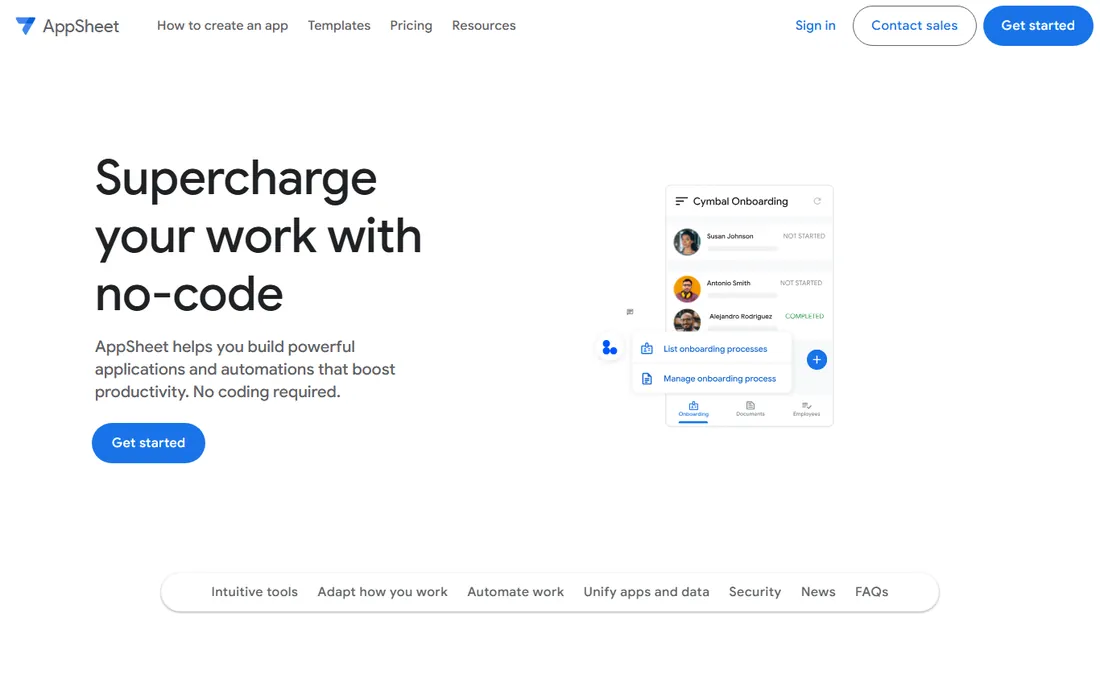
AppSheet, now part of Google Cloud, turns spreadsheets and databases into internal apps with automation: approvals, notifications, barcode scanning, offline capture. The Core plan is $10 per user per month, and the free plan covers prototyping. For a company already living in Google Workspace, the integration is the selling point: your data stays where it is.
The per-user price is the catch for large teams, and the resulting apps look functional rather than beautiful. Public-facing or app-store distribution is not its game. For internal tools, field data collection and process automation inside a Google-centric company, it is the path of least resistance.
What we like- Deep Google Sheets, Drive and Workspace integration
- Automation and approval workflows
- Google's security model
Watch out for- Per-user pricing scales fast
- UI looks utilitarian
- Not for public app stores
#11
Softr
Best for: client portals and directories on Airtable or Sheets
Visit softr.io
Starting priceSee website
Free planYes
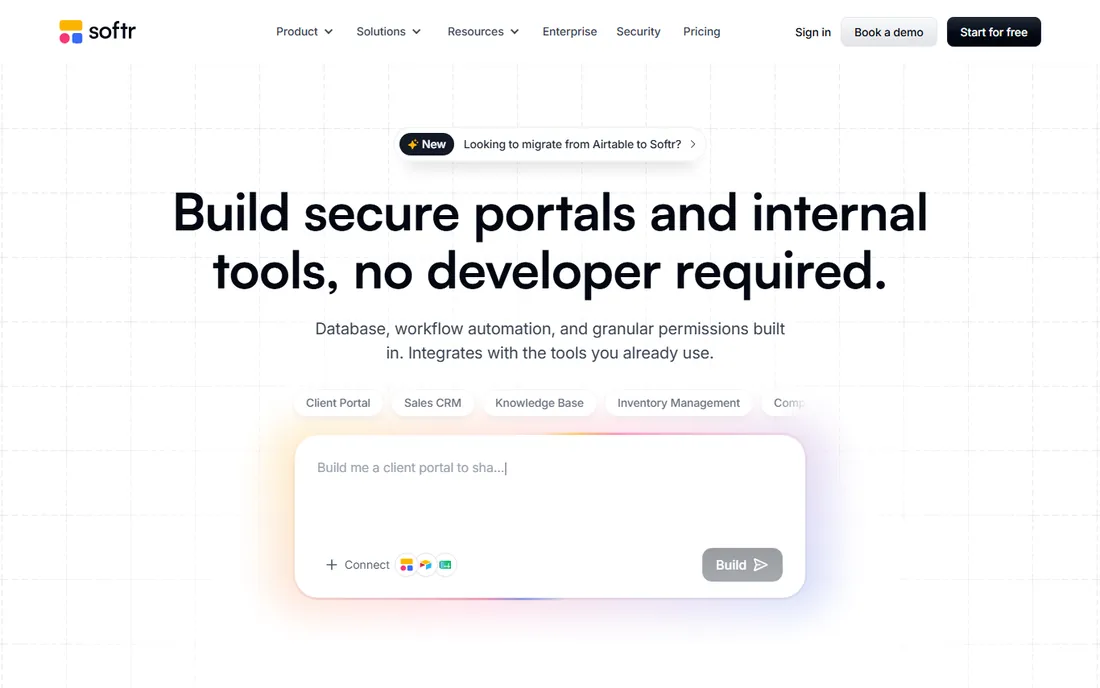
Softr turns an Airtable base or Google Sheet into a polished client portal, membership site or directory, with login, user roles and payments. The templates are genuinely attractive, and non-technical teams can launch something client-ready in a day. A free plan covers getting started.
The architecture is the limitation: your app is only as capable as the spreadsheet behind it, and heavy record counts or complex logic push you toward Bubble or custom code. Pricing scales with usage, so model your record and user counts before committing. For portals and directories, few tools get you there faster.
What we like- Beautiful portals from Airtable in hours
- User accounts and permissions built in
- Strong templates
Watch out for- Tied to Airtable or Google Sheets as the backend
- Limited custom logic
- Costs rise with records
#12
Fliplet
Best for: companies needing secure internal or event apps
Visit fliplet.com
Starting priceSee website
Free planSee website
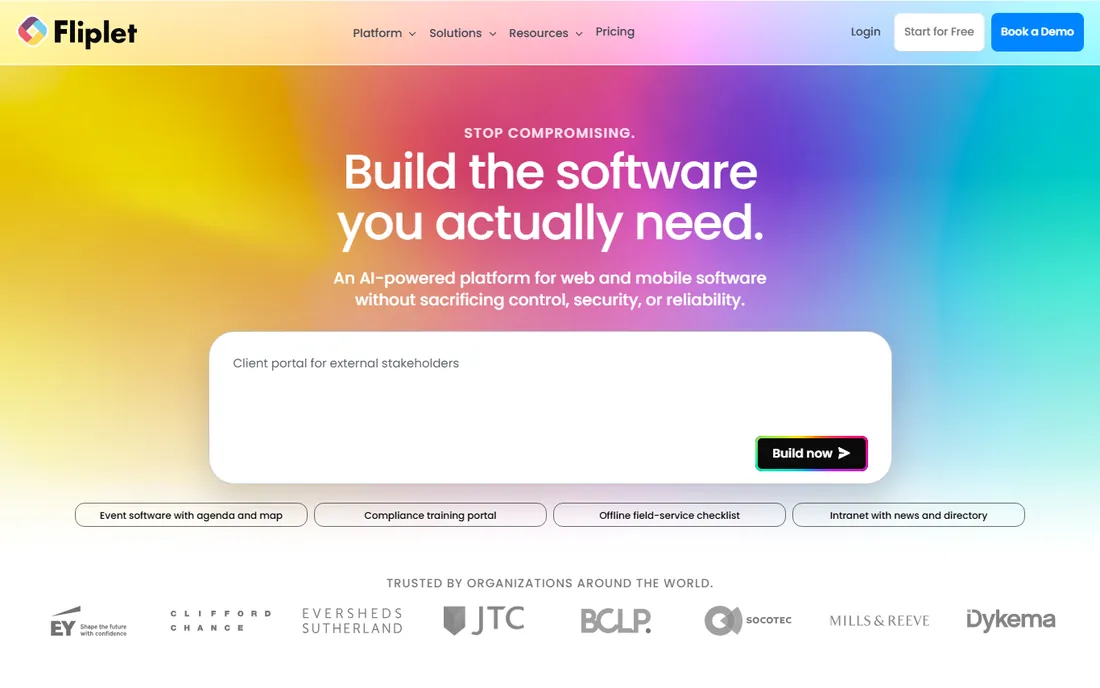
Fliplet builds apps for organizations that care about security reviews: internal communications, event apps, training and compliance-heavy workflows. Templates for conferences and corporate use cases come with the access controls and data handling that IT departments ask about.
This is not a consumer-app builder and not priced like one; expect a sales conversation rather than a self-serve signup for serious deployments. The template library is narrower than Adalo's or Glide's. If your buyer is an IT manager rather than a founder, Fliplet's positioning is the point.
What we like- Security and compliance focus
- Event and enterprise app templates
- Managed support options
Watch out for- Enterprise pricing posture
- Less suited to consumer apps
- Smaller template library
Choosing the right app builder for your project
The category splits three ways, and picking the wrong branch wastes weeks. Decide what you are shipping before comparing features.
Native mobile apps for the app stores
For App Store and Google Play distribution, shortlist Adalo, FlutterFlow, GoodBarber and Thunkable. FlutterFlow gives developers code ownership; Adalo gives non-developers the gentlest path; GoodBarber suits content and commerce. Budget the Apple Developer fee ($99/year) and Google Play's one-time $25 fee.
Internal tools and portals
If your users are employees, clients or members and the app lives in a browser, Glide, Softr and AppSheet win on speed. All three build on spreadsheets or Airtable, include logins and permissions, and skip app-store review entirely. Price them per user and per record at your real scale, because that is where the quotes diverge.
Full products with complex logic
If you are building a SaaS product, marketplace or anything with branching workflows, Bubble is the no-code default and FlutterFlow the code-exporting alternative. Budget a week to learn either properly; the builders that promise "no learning curve" are the ones that hit a ceiling fastest.
How we chose
We read each vendor's pricing page and documentation, checked public reviews on G2, Capterra and Reddit, and compared feature lists, integrations and plan limits. We weighted real output heavily: whether a builder ships native apps, web apps or wrapped web views changes what you can actually sell. We also considered fit by team type, since a solo founder and an IT department buy very differently. We did not run hands-on tests of any builder.
What no-code builders actually ship: native vs web vs wrapped
The marketing often blurs this, so here it is plainly. Native builders (Adalo, FlutterFlow, GoodBarber, Thunkable, Appy Pie) compile to real iOS and Android apps that users install from the stores, with access to push notifications, cameras and offline storage. Web-app builders (Bubble, Softr, Glide, AppSheet) produce apps that run in the browser, which is perfect for internal tools and portals but means no App Store presence.
The middle ground is the wrapped app: a web app packaged so it can be listed in the stores. It works, but it can feel less responsive and may face tougher App Store review. Ask every vendor which of the three you are getting before you build, because switching later usually means rebuilding.
Frequently asked questions
Do I need to know how to code to use app making software?
No, but the honest answer depends on the tool. Adalo, Glide, Softr and Appy Pie are genuinely usable with zero code. Bubble and FlutterFlow reward basic technical thinking: variables, conditions, data types. FlutterFlow and Draftbit go further and let developers extend the generated code by hand, which is a plus, not a requirement.
Can I publish to the Apple App Store and Google Play?
With native builders (Adalo, FlutterFlow, GoodBarber, Thunkable, Appy Pie), yes. You will still need your own developer accounts: Apple charges $99/year and Google Play charges a one-time $25 fee, and your app must pass each store's review. Web-app builders like Bubble, Softr, Glide and AppSheet are designed for browser use, not store publishing.
What does app making software really cost?
The subscription is only part of it. Add the Apple Developer fee ($99/year) for iOS, factor per-user pricing for team tools like AppSheet ($10/user/month) and Glide, and remember that usage-based tiers rise with traffic. A solo founder's MVP often runs $30 to $60 a month; a company-wide internal tool can run into the hundreds.
Is no-code better than hiring a developer?
For validating an idea, usually yes: you ship in weeks for tens of dollars a month instead of months for tens of thousands of dollars. For a differentiated product at scale, custom development still wins on performance, flexibility and long-term cost. Many successful products start no-code and rebuild later, which FlutterFlow and Draftbit make easier by exporting real code.
Can I take my app and data elsewhere if I leave?
It varies. FlutterFlow and Draftbit export real source code, so you keep the app itself. Every builder here lets you export your data, though the format and ease differ. Builders without code export mean rebuilding the app if you migrate, so treat data export as the minimum requirement and code export as a bonus.
Which is the best mobile software for a complete beginner?
Thunkable and Adalo are the gentlest starts for beginners; Glide is fastest if your idea is really a better spreadsheet. All three have free plans, so build the same small prototype in two of them over a weekend and compare.
Sources we checked (12)
- https://adalo.com/
- https://glideapps.com/
- https://bubble.io/
- https://flutterflow.io/
- https://appypie.com/
- https://buildfire.com/
- https://goodbarber.com/
- https://thunkable.com/
- https://draftbit.com/
- https://appsheet.com/
- https://softr.io/
- https://fliplet.com/
Is your product missing or out of date?
We review this list regularly. Vendors can request a listing, send updated pricing or ask about featured placement.

Shihab Mia · Founder, Rankite
Shihab has spent more than a decade helping SaaS and e-commerce brands grow through search. He writes Rankite's software buying guides from pricing pages, documentation and public user reviews. More about Shihab.