How we make this list: we compare pricing pages, product documentation and public user reviews. Rankite is independent; if a vendor ever pays for a featured spot, that listing is clearly labeled Partner.
Key takeaways
- Google Calendar and Outlook Calendar are the free defaults, and for most people one of them is already the right answer.
- Fantastical is the premium upgrade for Apple users who want natural language entry and beautiful design.
- TimeTree is the best shared calendar for families and groups, with a genuinely useful free tier.
- Proton Calendar and Zoho Calendar suit privacy-minded users and Zoho ecosystem users respectively.
- Thunderbird and Vimcal serve opposite ends: free open source desktop on one side, a speed-obsessed paid calendar on the other.
Quick comparison
| Tool | Best for | Starting price | Free plan |
|---|
 Google Calendar Google Calendar | the free default that works everywhere | Free | Yes |
 Microsoft Outlook Microsoft Outlook | calendar inside the Microsoft world | Free | Yes |
 Fantastical Fantastical | natural language scheduling on Apple devices | See website | See website |
 TimeTree TimeTree | shared calendars for families and groups | $4.49/month ($44.99/year) | Yes |
 Proton Calendar Proton Calendar | encrypted calendar for privacy | See website | Yes |
 Zoho Calendar Zoho Calendar | free calendar in the Zoho ecosystem | See website | Yes |
 Thunderbird Thunderbird | free open source desktop calendar | Free (open source) | Yes |
 Vimcal Vimcal | speed-obsessed scheduling for busy people | $35/month ($300/year) | Free trial |
Is your product missing or out of date?
We review this list regularly. Vendors can request a listing, send updated pricing or ask about featured placement.
Starting priceFree
Free planYes
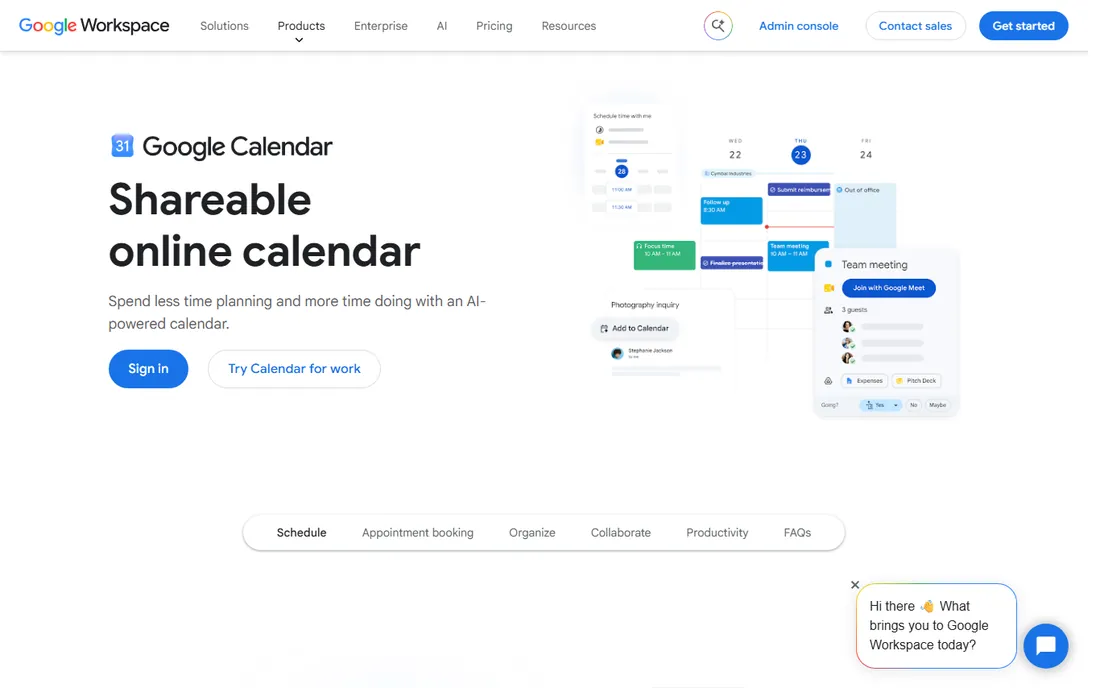
Google Calendar is the calendar most of the world already uses. It is free, it syncs across Android, iOS and the web, sharing is effortless, and meeting invites just work. If your email is Gmail, your calendar decision is effectively made: the integration with Gmail, Meet and Tasks removes all friction.
The cost is the familiar one: your schedule lives inside Google's data ecosystem. The design is clean but uninspiring next to Fantastical or Vimcal. For most people, though, the network effect wins: everyone you meet can send you a Google Calendar invite, and that compatibility is worth more than any feature.
What we like- Free with any Google account
- Excellent sharing and invites
- Integrates with Gmail, Meet and the whole Google ecosystem
Watch out for- Privacy tradeoff of the Google ecosystem
- Design is functional rather than delightful
Starting priceFree
Free planYes
Outlook's calendar is the work world's default. It is free with any Microsoft account, and inside a Microsoft 365 organization it becomes genuinely powerful: scheduling assistants, room booking, Teams meeting integration and shared calendars that the whole company actually uses. The mobile apps are solid across iOS and Android.
Outside the Microsoft world the appeal fades. The interface carries the weight of decades of enterprise features, and personal users often find Google Calendar simpler. But if your work runs on Outlook and Teams, fighting that gravity with a third-party calendar creates more friction than it removes.
What we like- Free with a Microsoft account
- Deep integration with Outlook email and Teams
- Strong for work scheduling
Watch out for- Interface can feel heavy
- Best experience needs the Microsoft ecosystem
Starting priceSee website
Free planSee website
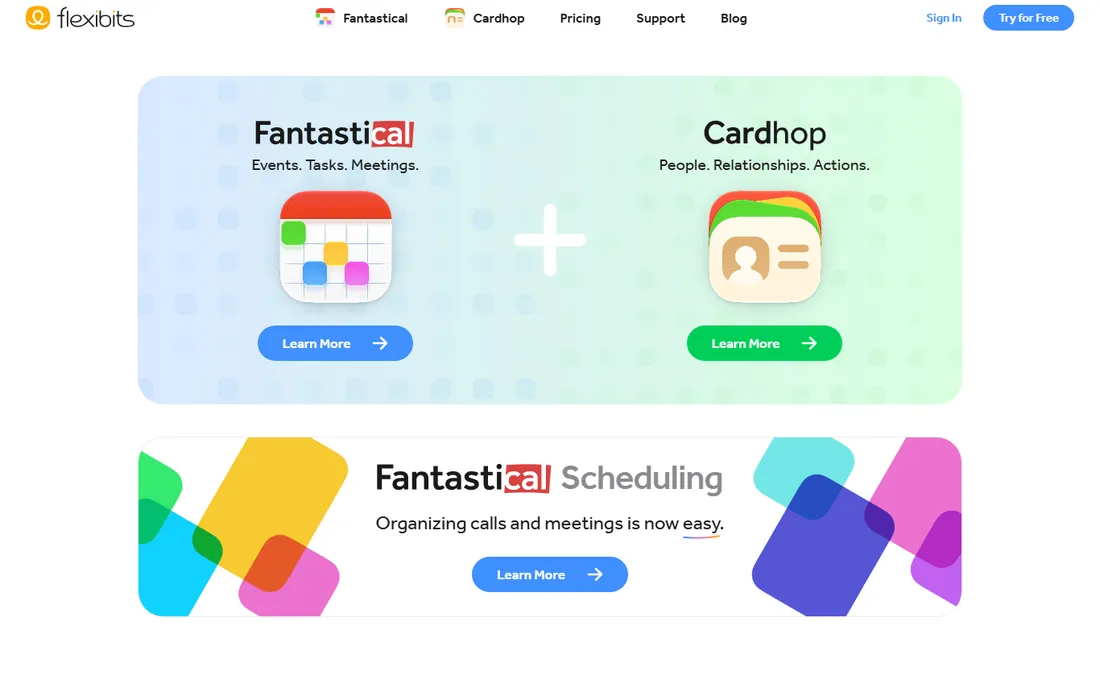
Fantastical made its name on one trick done perfectly: type "lunch with Sarah tomorrow at noon" and it creates the event. The design is the prettiest in the category, the widgets are excellent, and Flexibits has expanded to Windows, making it genuinely cross-platform for the first time.
The catch is the subscription. The free tier covers basic calendaring, but the features that make Fantastical special, like the full natural language engine, interesting calendars and advanced scheduling, sit behind the paid plan. Check flexibits.com for current pricing. For Apple users who live in their calendar, it is worth every penny.
What we like- Best-in-class natural language event entry
- Beautiful design across Apple devices
- Now on Windows too
Watch out for- Premium features need a subscription
- The free tier is limited
Starting price$4.49/month ($44.99/year)
Free planYes
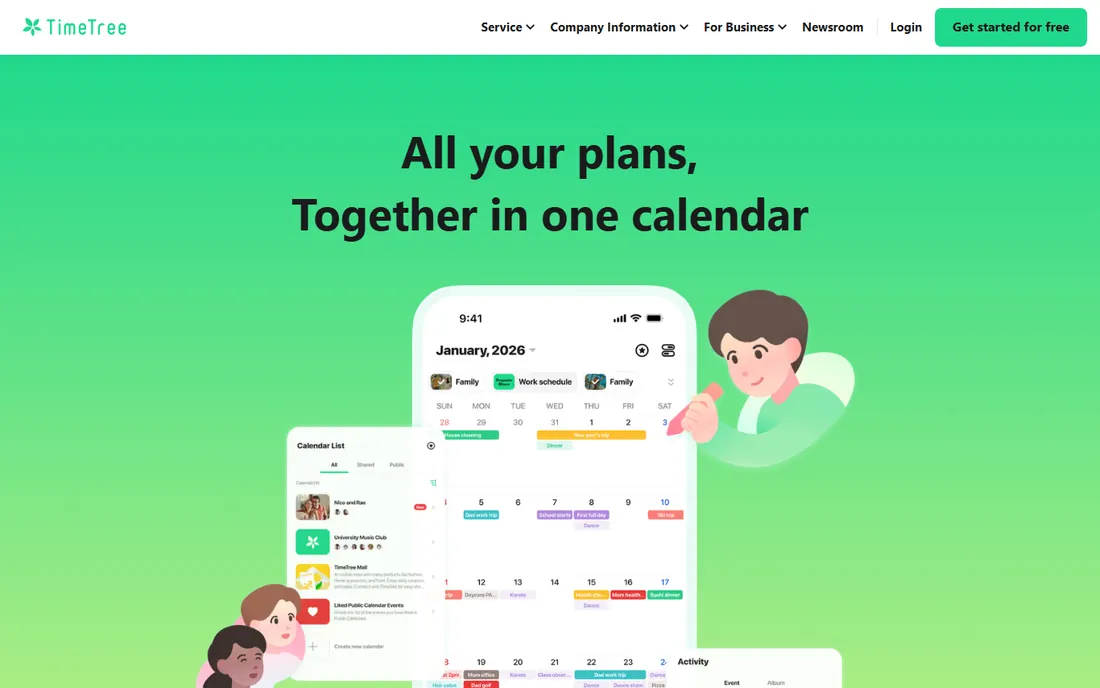
TimeTree solves the family calendar problem better than anyone. Create a shared calendar, invite the family, and everyone sees the same schedule with a built-in chat for each event. It is popular with couples, parents and hobby groups precisely because it asks nothing technical of its users.
The free tier is genuinely useful, with Premium at $4.49 a month removing ads and adding attachments, vertical view and pinned events. Solo users who want power features should look elsewhere. But if your problem is "nobody in this house knows the plan," TimeTree is the answer.
What we like- The easiest shared calendar for non-technical users
- Free tier covers families well
- Chat built into each calendar
Watch out for- Ads on the free tier
- Less suited to solo power users
Starting priceSee website
Free planYes
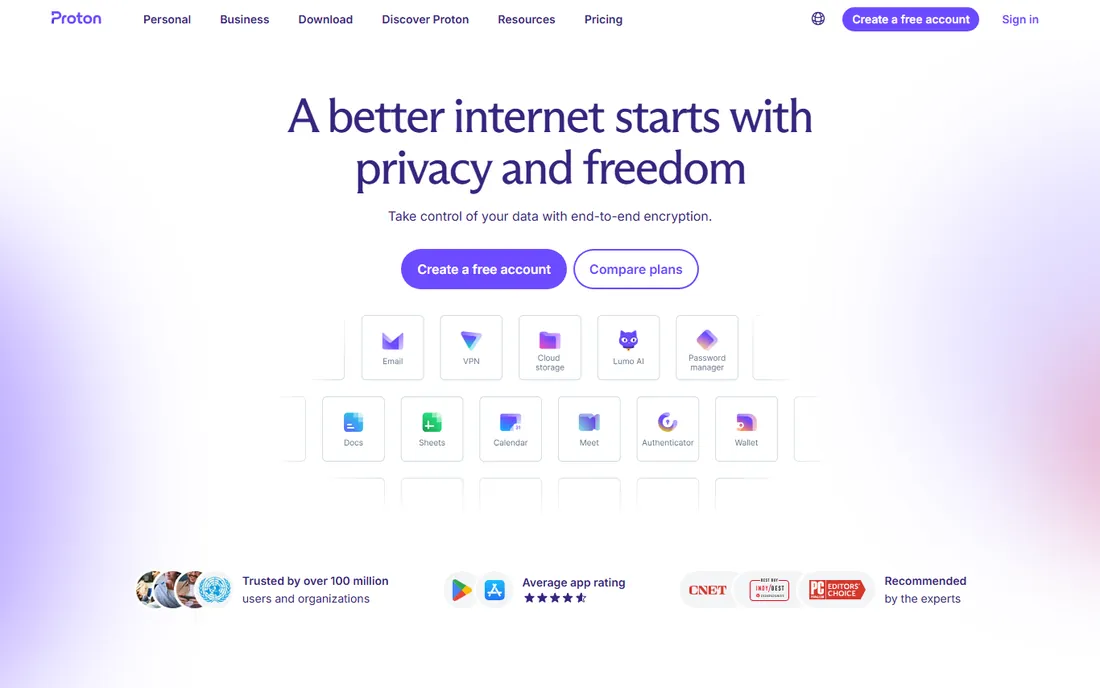
Proton Calendar is the calendar for people who read privacy policies. Events are end-to-end encrypted, which means Proton itself cannot see your schedule. It works across web, iOS and Android, and the free tier is genuinely free forever, funded by paid upgrades across the Proton suite.
Encryption has practical costs. Deep integrations with third-party services are limited because sharing data would defeat the purpose, and the feature set is simpler than Google Calendar's. If your threat model includes your calendar provider, this is the only serious option. If it does not, the convenience of the big two is hard to give up.
What we like- End-to-end encrypted so only you can read your schedule
- Free forever tier
- Part of the wider Proton privacy suite
Watch out for- Fewer integrations than Google or Outlook
- Sharing is more limited by design
#6
Zoho Calendar
Best for: free calendar in the Zoho ecosystem
Visit zoho.com
Starting priceSee website
Free planYes
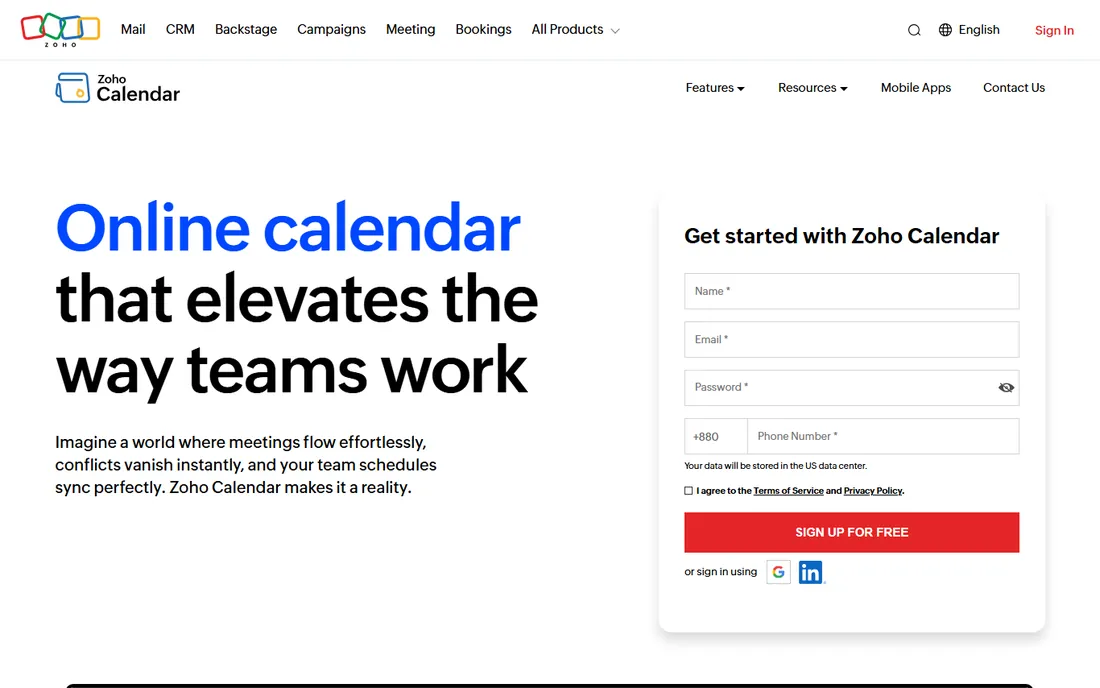
Zoho Calendar is a pleasant surprise: a full-featured calendar that is free for individuals and teams. Natural language entry, group calendars, appointment booking, resource booking and integrations with Zoom and Teams cover most needs. It syncs across web, iOS and Android, and Zoho's own FAQ describes it as a free online calendar tool.
The honest assessment is that it shines brightest inside the Zoho ecosystem, alongside Zoho Mail and Workplace. As a standalone pick over Google Calendar, the argument is thinner unless you value Zoho's privacy stance. For Zoho users, though, it is a genuinely good calendar at an unbeatable price.
What we like- Completely free
- Natural language event creation
- Good team features like resource booking
Watch out for- Little reason to use it outside Zoho
- Smaller ecosystem of integrations
Starting priceFree (open source)
Free planYes
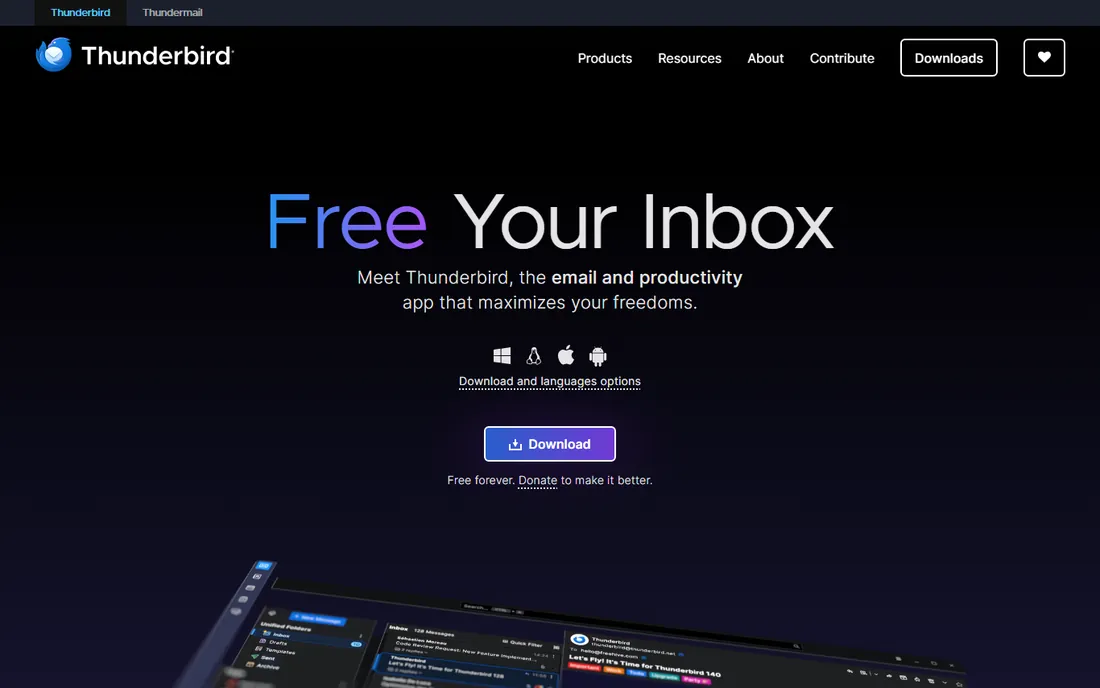
Thunderbird is the free software answer to the calendar question. The calendar integrates with email and contacts in one open source application, funded by donations rather than ads or data. It runs on Windows, Mac and Linux, with mobile apps extending the story.
It is a desktop creature at heart. The interface is functional rather than beautiful, and setup takes more effort than signing into Google. But for users who want their schedule on their own machine, under their own control, with no account required and no telemetry, Thunderbird remains unmatched.
What we like- Completely free and open source
- Calendar plus email and contacts in one app
- No ads, no tracking
Watch out for- Desktop-first, mobile apps are newer
- Design is utilitarian
Starting price$35/month ($300/year)
Free planFree trial
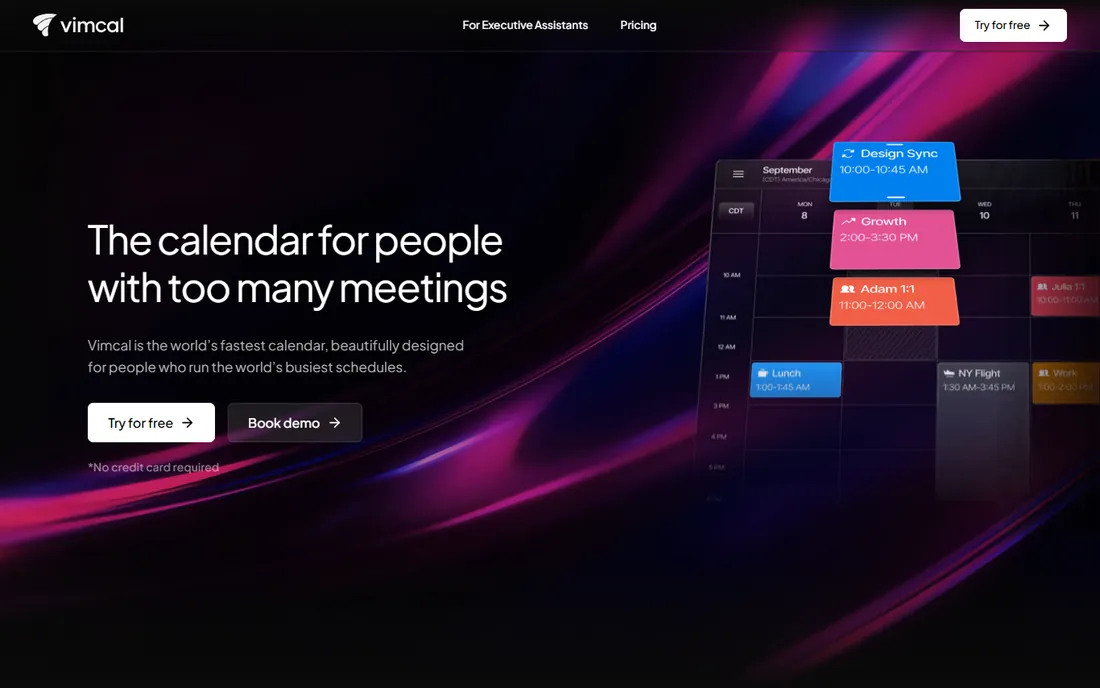
Vimcal is the Superhuman of calendars: a premium layer on top of Google Calendar and Outlook built for people drowning in meetings. Everything is optimized for speed, with keyboard shortcuts for every action, intelligent availability sharing and time zone handling that actually works. Founders and executives swear by it.
The price is the whole conversation. At $35 a month or $300 a year after the trial, it costs more than most people's entire software stack. It also does not replace your underlying calendar; it is an interface on top of Google or Outlook. If your calendar is your job, the time saved may justify it. For everyone else, it is a luxury.
What we like- Blisteringly fast with keyboard-first design
- Excellent time zone handling
- Built for executives and assistants
Watch out for- $35 a month is serious money for a calendar
- Works on top of Google and Outlook rather than replacing them
How we compared them
We picked the calendars people actually choose between: the free giants, the Apple premium pick, the family sharing specialist, the privacy option, the ecosystem plays and the two extremes of free open source and premium speed. For each one we opened the vendor site to confirm the product and what the vendor itself says about pricing, which verified TimeTree's $4.49 Premium and Vimcal's $35 pricing from their own pages. We weighed platform coverage, sharing, free tier honesty and daily usability. We did not live in each app; this is a research comparison.
Choosing for how you actually schedule
Start with your email, because calendar and email are one workflow. Gmail users should default to Google Calendar. Outlook and Microsoft 365 users should default to Outlook. Switching away from the calendar your email provider gives you creates daily friction that no feature list overcomes.
Then consider your special need. Families and groups need TimeTree. Privacy needs Proton. Apple enthusiasts who want the best interface need Fantastical. Zoho shops need Zoho Calendar. Desktop open source purists need Thunderbird. And if you spend your life in back-to-back meetings and money is no object, Vimcal is waiting.
Why your calendar still feels chaotic
The tool is rarely the problem. Calendars fail from three habits: no default view of the week, no shared source of truth with the people you schedule with, and no weekly review. A beautiful calendar you never open loses to an ugly one you check every morning.
Fix the system before switching apps. Put everything on one calendar, share it with the people who need it, and spend ten minutes on Sunday reviewing the week. Then pick the app that makes those three habits easiest. For most people that is the free calendar attached to their email, and there is no shame in that.
Frequently asked questions
What is the best free calendar app?
Google Calendar is the best free calendar for most people because of its sharing, integrations and ubiquity. Outlook Calendar is equally good inside the Microsoft world. Zoho Calendar and Proton Calendar are strong free alternatives.
Is Fantastical worth paying for?
For Apple users who schedule heavily, yes. The natural language entry and design are the best in class. Check the current subscription price on flexibits.com, since the free tier only covers the basics.
Which calendar is best for families?
TimeTree. It is designed for shared family and group calendars with built-in chat, and the free tier covers most families. Google Calendar's family sharing is the runner-up.
Is there a truly private calendar?
Proton Calendar offers end-to-end encryption, so only you can read your events. It is free forever with paid upgrades. The tradeoff is fewer third-party integrations.
Can I use Vimcal without Google or Outlook?
No. Vimcal works as a fast interface on top of Google Calendar and Outlook rather than a standalone calendar service. You need one of those accounts underneath.
Does Thunderbird work on phones?
Thunderbird has mobile apps that extend the desktop experience, though the product remains desktop-first. It is free and open source on all platforms.
Can I sync my work and personal calendars in one view?
Yes. Google Calendar, Outlook, Fantastical and Vimcal all let you overlay multiple accounts in one view. This is the single most useful calendar habit: one screen showing work and personal commitments together, so you never double-book yourself.
Sources we checked (8)
- https://calendar.google.com
- https://outlook.live.com
- https://flexibits.com
- https://timetreeapp.com
- https://proton.me
- https://www.zoho.com/calendar/
- https://thunderbird.net
- https://www.vimcal.com
Is your product missing or out of date?
We review this list regularly. Vendors can request a listing, send updated pricing or ask about featured placement.

Shihab Mia · Founder, Rankite
Shihab has spent more than a decade helping SaaS and e-commerce brands grow through search. He writes Rankite's software buying guides from pricing pages, documentation and public user reviews. More about Shihab.