How we make this list: we compare pricing pages, product documentation and public user reviews. Rankite is independent; if a vendor ever pays for a featured spot, that listing is clearly labeled Partner.
Key takeaways
- HoneyBook and Dubsado lead for good reason: they handle the full client journey from inquiry to gallery delivery, not just contact lists.
- Studio Ninja is the value pick with photography-specific workflows at a lower price than the big two.
- 17hats suits photographers who want business management beyond photography: bookkeeping, time tracking and CRM together.
- Pick by your shoot type: wedding photographers need questionnaires and timelines, while portrait studios need mini-session booking and quick turnaround.
Quick comparison
| Tool | Best for | Starting price | Free plan |
|---|
 HoneyBook HoneyBook | Professional photographers wanting the full workflow | See website | Free trial |
 Dubsado Dubsado | Photographers who want total workflow control | See website | Free trial |
 Studio Ninja Studio Ninja | Photography CRM at a fair price | See website | Free trial |
 17hats 17hats | Photographers wanting business management beyond CRM | See website | Free trial |
 Pixifi Pixifi | Studios wanting management plus marketing | See website | Free trial |
 Tave Tave | High-end studios with complex operations | See website | Free trial |
 ShootQ ShootQ | Simple straightforward photography business tools | See website | Free trial |
 Iris Works Iris Works | Portrait and boutique studios | See website | Free trial |
 Sprout Studio Sprout Studio | Modern all-in-one studio management | See website | Free trial |
Is your product missing or out of date?
We review this list regularly. Vendors can request a listing, send updated pricing or ask about featured placement.
The best CRM software for photographers
Starting priceSee website
Free planFree trial

HoneyBook is the default recommendation in photography circles for a reason. A wedding inquiry becomes a proposal, a contract, an invoice and a payment without leaving the system, and automated workflows chase the follow-ups photographers forget. The client-facing experience looks polished, which matters when clients judge you on aesthetics.
The subscription assumes a working professional's budget, and workflow customization is less deep than Dubsado's. But photographers who want the business side to run itself while they shoot will find HoneyBook the most complete package.
What we like- Inquiry to payment in one flow
- Beautiful client experience
- Automation handles follow-ups
Watch out for- Pricing targets established pros
- Customization is lighter than Dubsado
Starting priceSee website
Free planFree trial
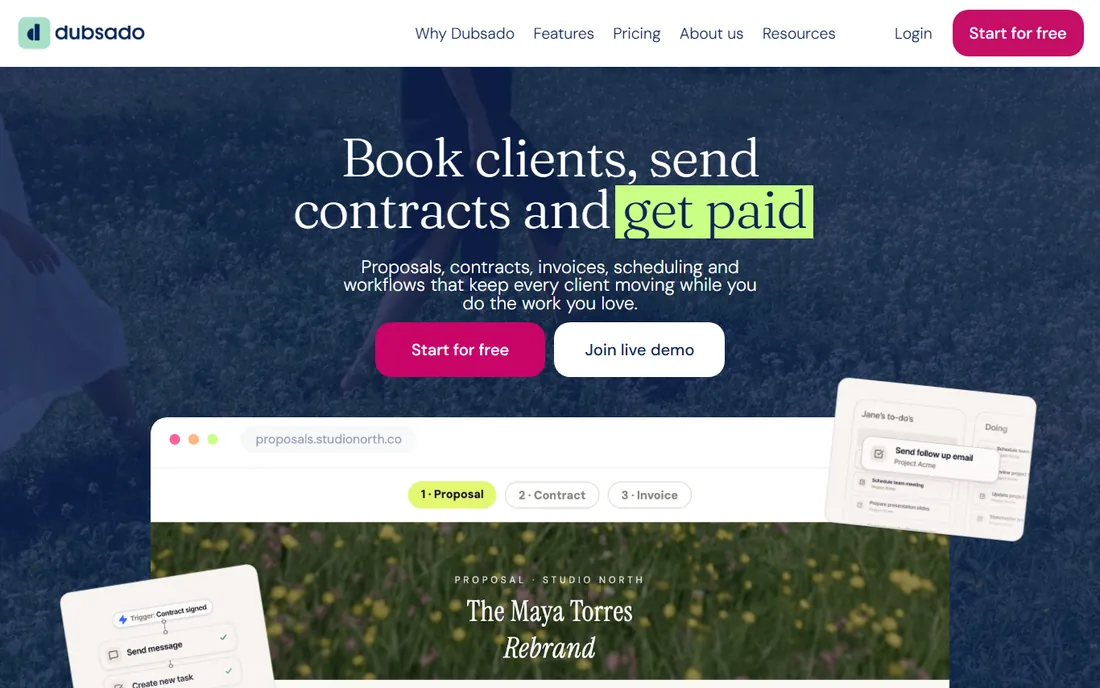
Dubsado is the tinkerer's choice. Every form, proposal, contract, questionnaire and email can be customized, and workflows automate the entire client journey with branching logic. There are no per-client or per-project fees, which heavy-volume studios appreciate.
The power comes with a setup cost: expect a weekend of building workflows before it sings. Photographers who want it working out of the box prefer HoneyBook. But for those who want their exact process automated their exact way, Dubsado has no equal.
What we like- Deeply customizable workflows and forms
- One-time-feel pricing with no per-client fees
- Powerful automation
Watch out for- Setup takes real time
- Interface is less polished than HoneyBook
Starting priceSee website
Free planFree trial

Studio Ninja does the photography CRM job, inquiries, quotes, contracts, invoices, workflows, questionnaires, at a price well below the big two. It was built for photographers rather than adapted from generic business software, so the terminology and workflows fit immediately.
The ecosystem is smaller: fewer integrations, less community content, a smaller company behind it. But photographers who want photography-specific software without the premium price will find Studio Ninja hits the essentials well.
What we like- Built specifically for photographers
- Affordable pricing
- Good workflow automation
Watch out for- Smaller company
- Fewer third-party integrations
#4
17hats
Best for: Photographers wanting business management beyond CRM
Visit 17hats.com
Starting priceSee website
Free planFree trial

17hats is business management software that includes CRM: contacts, pipelines, invoicing, contracts, bookkeeping and time tracking in one affordable package. Solo photographers who want one tool for the whole back office rather than a photography specialist will appreciate the breadth.
The photography-specific touches, shoot workflows, gallery-adjacent features, are thinner than the dedicated tools. But as an affordable all-rounder for a one-person business, 17hats covers more ground than any specialist.
What we like- CRM plus bookkeeping, time tracking and contracts
- Affordable
- Good for solo operators
Watch out for- Photography-specific workflows are thinner
- Interface is utilitarian
Starting priceSee website
Free planFree trial
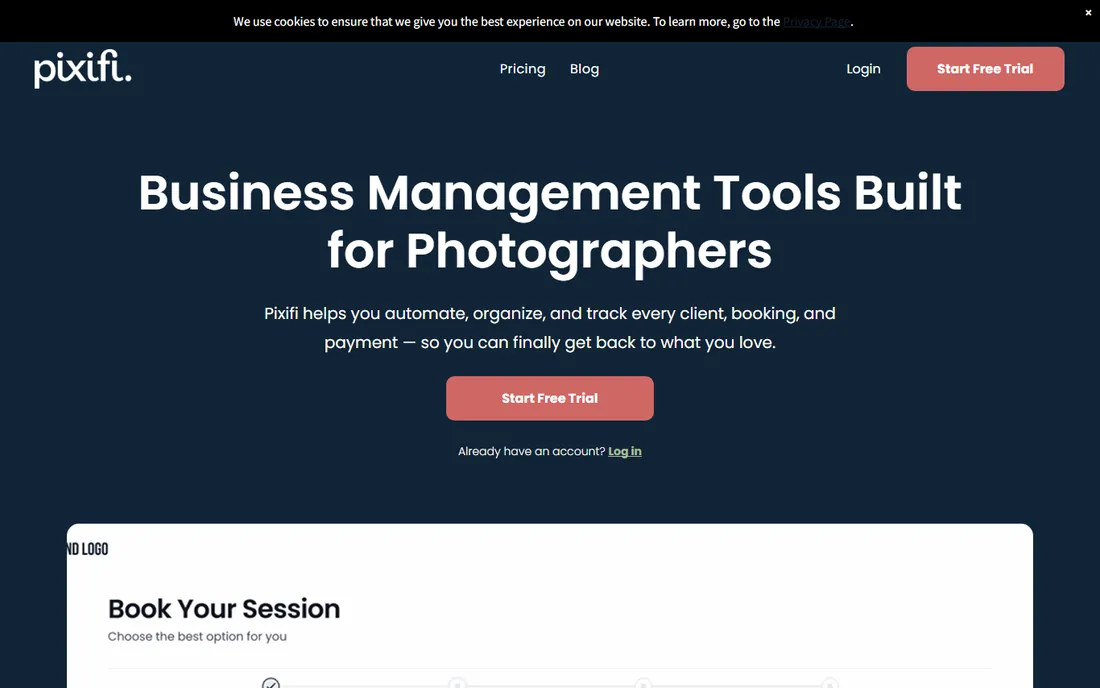
Pixifi combines studio management with marketing: CRM, booking, invoicing plus email campaigns and lead tracking. High-volume portrait and wedding studios use it to manage both operations and client acquisition in one place.
The interface is not winning design awards, and the breadth takes learning. But studios that want marketing and management unified, rather than a CRM plus Mailchimp, will find Pixifi's combination practical.
What we like- Photography business management with marketing tools
- Good for high-volume studios
- Client communication features
Watch out for- Interface feels dated
- Learning curve on the full suite
#6
Tave
Best for: High-end studios with complex operations
Visit tave.com
Starting priceSee website
Free planFree trial
Tave (stylized Táve) serves established studios with complex needs: multiple photographers, detailed reporting, custom workflows and serious business intelligence. It has been in the photography business management space for years and the depth shows.
New and solo photographers will find it oversized and overpriced. But studios running real operations, with staff, associate shooters and meaningful revenue, get the operational control they need.
What we like- Deep customization for complex studios
- Strong reporting
- Handles multi-photographer operations
Watch out for- Priced for established studios
- Setup is involved
#7
ShootQ
Best for: Simple straightforward photography business tools
Visit shootq.com
Starting priceSee website
Free planFree trial
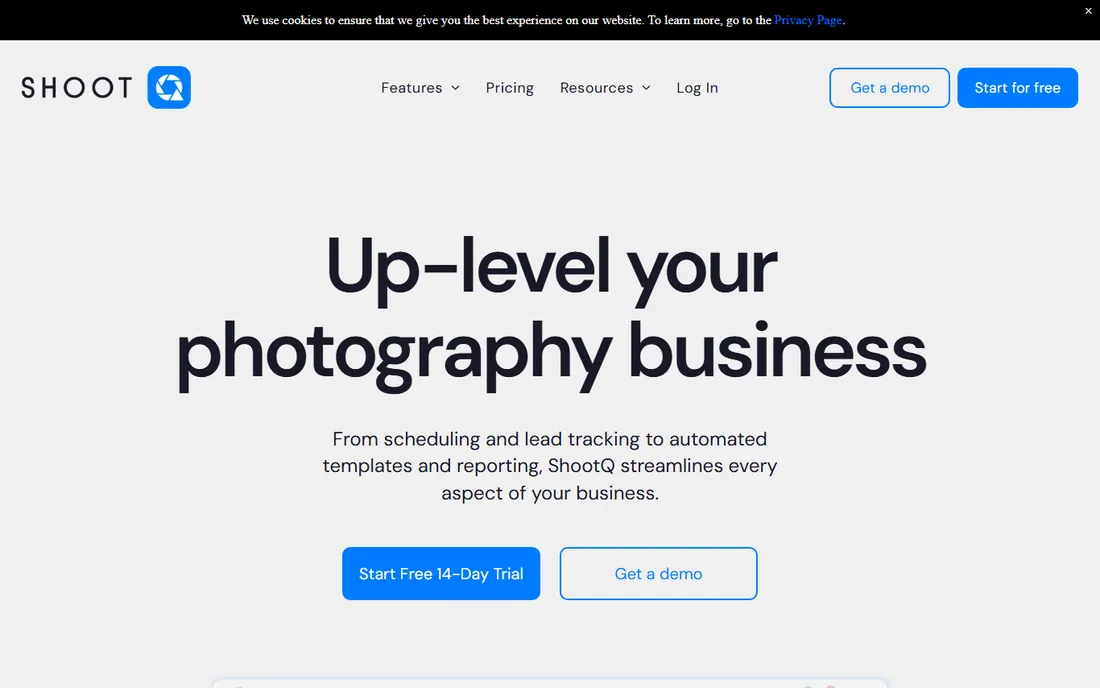
ShootQ keeps photography business management simple: track leads, send quotes and contracts, invoice clients, manage the calendar. Photographers who found the big platforms overwhelming get the essentials without the learning curve.
Power users will miss advanced automation and deep customization. But simplicity is a feature when the alternative is software you never fully set up. For straightforward portrait and event businesses, ShootQ does enough.
What we like- Simple and focused
- Easy to learn
- Covers leads through invoicing
Watch out for- Fewer advanced features
- Smaller user community
Starting priceSee website
Free planFree trial
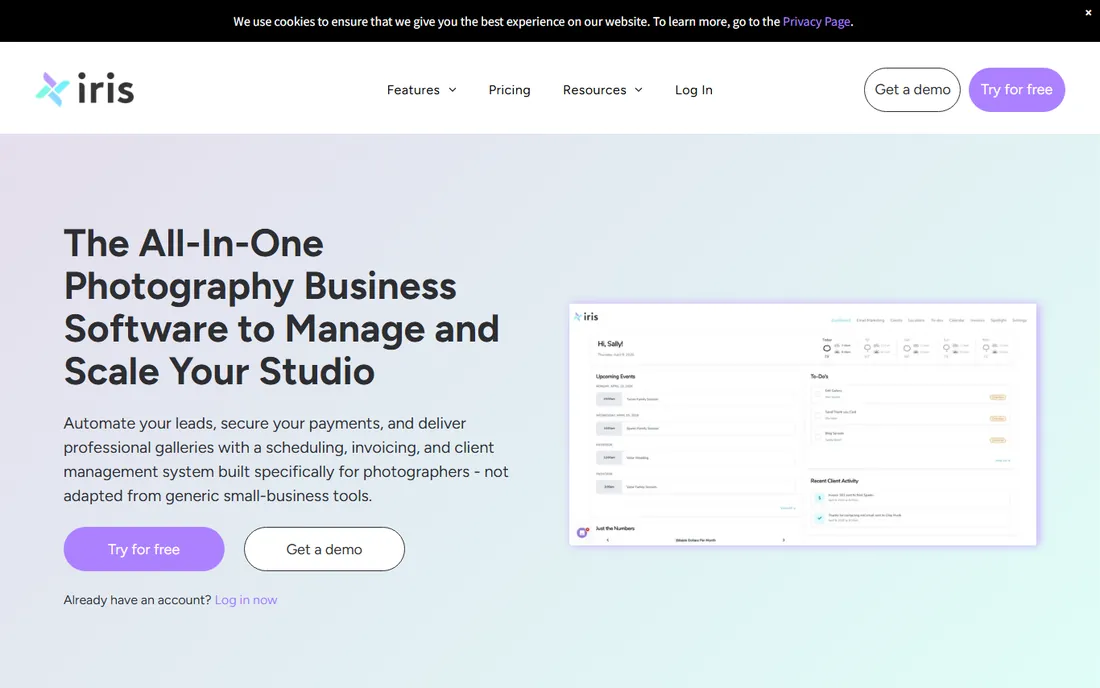
Iris Works is built for portrait and boutique studios: mini-session booking, streamlined workflows for high-volume portrait days, and a clean booking experience clients complete on their phones. The workflows reflect how portrait studios actually operate.
Wedding photographers with complex timelines and vendor coordination will find it light. But portrait specialists constantly fight software built for someone else; Iris Works is built for them.
What we like- Designed for portrait studio workflows
- Good for mini-sessions
- Clean client experience
Watch out for- Niche focus
- Less suited to wedding-heavy businesses
Starting priceSee website
Free planFree trial
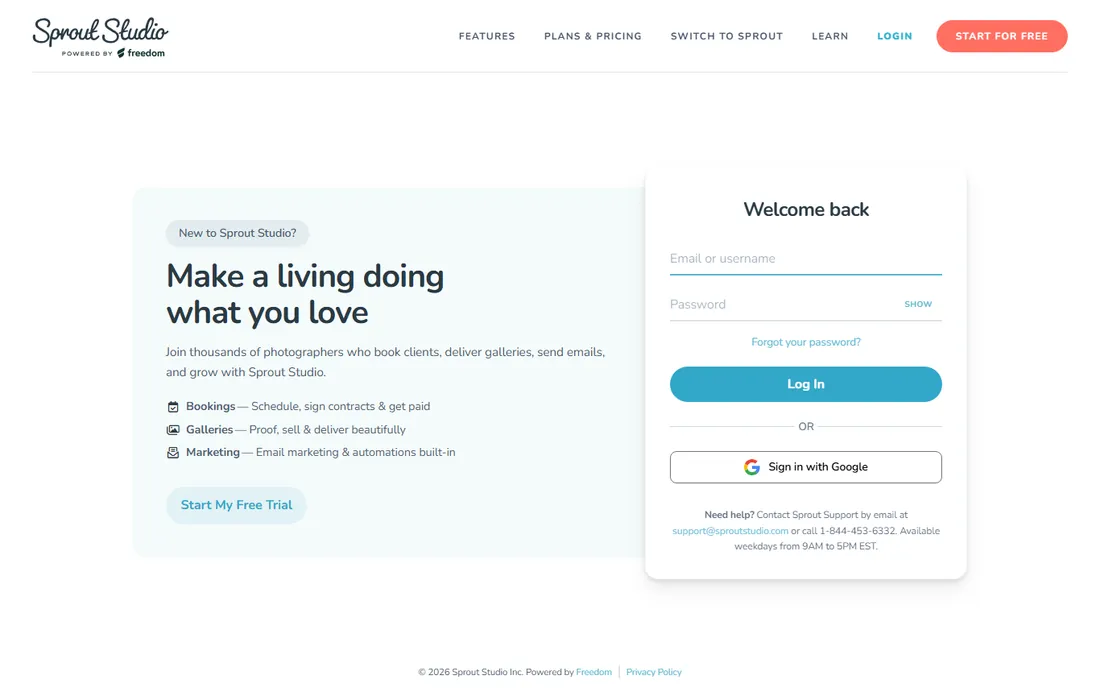
Sprout Studio combines gallery hosting with business management: deliver client galleries and run contracts, invoices and workflows in one modern system. The interface feels current, and the automation handles the routine follow-ups.
As a newer entrant, it has less track record than HoneyBook or Dubsado, and pricing sits at the premium end. But photographers who want galleries and business tools unified rather than stitched together will find the combination compelling.
What we like- Modern interface
- Galleries plus business management
- Good automation
Watch out for- Newer with a smaller track record
- Pricing is premium
Match the CRM to your photography type
Wedding photographers need questionnaires, timelines, vendor coordination and long sales cycles; HoneyBook, Dubsado and Tave handle these best. Portrait studios need fast booking, mini-session management and quick turnaround; Iris Works and Sprout Studio fit. Commercial photographers need proposals, licensing and invoicing; Dubsado's customization or 17hats' breadth works.
Then consider volume. A photographer booking 100 weddings a year needs automation depth; one booking 15 needs simplicity. The wrong-sized tool wastes money either way: paying for automation you never configure, or outgrowing a simple tool mid-season.
How we chose
We compared platforms on photography-specific workflows, client experience quality, automation depth, contract and invoice handling, pricing and ease of setup. We verified each vendor's homepage and current positioning, reviewed photographer feedback on industry forums, Facebook groups and review sites, and weighted real studio usability over generic CRM features. We did not run live studios on these platforms.
Pricing with the data your CRM collects
Your CRM knows more about your pricing than your gut does. Inquiry-to-booking conversion by package tells you which prices the market accepts. Average response time to inquiries correlates with booking rates more than most photographers expect. Seasonal booking patterns show when to raise prices and when to run promotions. The photographers who price confidently are usually the ones reading these reports.
Track your true cost per shoot. Beyond the obvious hours, include editing time, travel, gallery hosting, CRM subscription, equipment wear and the marketing cost of acquiring the client. Many photographers discover their most "popular" package is their least profitable once all costs are counted. Price the work you want more of, and let the unprofitable packages fade.
Use the CRM to test price increases safely. Raise prices for new inquiries while honoring quoted prices for existing ones, then watch conversion for a month. A small dip in conversion with higher prices usually means more revenue on fewer shoots, which is the trade every experienced photographer eventually makes.
Finally, build the follow-up that justifies premium pricing into the workflow: same-day sneak peeks, thoughtful questionnaires, timeline help, gallery delivery that feels like an event. Clients pay premium prices for premium experiences, and the CRM is what makes the experience consistent when you are busy shooting.
CRM mistakes photographers keep making
The biggest is buying the CRM and never building the workflows. A generic install with no automated follow-ups, no questionnaire sequences and no review requests is an expensive address book. Block two days after subscribing to build your actual client journey: inquiry response, consultation booking, proposal, contract, payment reminders, pre-shoot questionnaire, delivery and review request. The software only pays when the workflows run.
Second is slow inquiry response. Data consistently shows that photographers who respond within an hour book dramatically more than those who respond the next day. Set up instant auto-responses that feel personal, then follow up personally within the hour. Your CRM's speed matters more than its feature list for this one metric.
Third, neglecting past clients. Most photographers chase new inquiries while ignoring the hundreds of happy clients in their database. Annual check-ins, referral incentives and mini-session announcements to past clients book reliably and cost nothing. Segment your list and run one re-engagement campaign per quarter; it is the highest-ROI marketing most studios never do.
Fourth is inconsistent follow-up on unpaid invoices. Creative professionals hate chasing money, so invoices drift. Automated payment reminders remove the awkwardness entirely; let the software be the bad guy. Set the sequence once and never think about it again.
Finally, choosing on price instead of fit. A $20 cheaper tool that you never fully set up costs more than the premium option running your business. Pick the CRM you will actually use daily, because the unused one is always the most expensive.
Frequently asked questions
Do photographers need a CRM?
Once you handle more inquiries than you can track mentally, yes. A photography CRM manages the client journey: inquiry, consultation, booking, contract, payment, shoot, delivery and review requests. Missed follow-ups cost bookings.
HoneyBook vs Dubsado: which is better?
HoneyBook is easier to set up and looks more polished; Dubsado is more customizable and has no per-project fees. Choose HoneyBook for speed, Dubsado for control.
How much should a photography CRM cost?
Typical pricing runs $30 to $80 per month for established tools. Budget options like Studio Ninja cost less. The right question is cost per booking: a CRM that saves one lost wedding pays for years.
Can these tools handle contracts?
Yes, all of them include contract templates and e-signatures. Have a local attorney review your contract language; the software handles delivery and signing, not legal advice.
Do I still need gallery delivery software?
Several tools (Sprout Studio especially) bundle galleries, but most photographers still use dedicated gallery services for the client experience. Your CRM and gallery tool should at least not conflict.
What about mini-sessions?
Iris Works and Sprout Studio handle mini-session booking particularly well. HoneyBook and Dubsado can do it with workflow setup. Confirm the booking flow works on phones, since mini-session clients book from theirs.
Sources we checked (9)
- https://www.honeybook.com/
- https://www.dubsado.com/
- https://www.studioninja.com/
- https://www.17hats.com/
- https://www.pixifi.com/
- https://www.tave.com/
- https://www.shootq.com/
- https://www.iris-works.com/
- https://www.sproutstudio.com/
Is your product missing or out of date?
We review this list regularly. Vendors can request a listing, send updated pricing or ask about featured placement.

Shihab Mia · Founder, Rankite
Shihab has spent more than a decade helping SaaS and e-commerce brands grow through search. He writes Rankite's software buying guides from pricing pages, documentation and public user reviews. More about Shihab.