How we make this list: we compare pricing pages, product documentation and public user reviews. Rankite is independent; if a vendor ever pays for a featured spot, that listing is clearly labeled Partner.
Key takeaways
- 1Password Business ($8.99/user/month) is the adoption leader: the polish that gets non-technical employees to actually use it, with SSO and SCIM included.
- Bitwarden Teams ($4/user/month) is the value leader: open source, independently audited, with a genuinely free tier and self-hosting on Enterprise.
- Keeper ($4/user/month Business) pairs low-cost SSO and SCIM with a privileged access management upgrade path for growing security programs.
- Zoho Vault Standard ($0.90/user/month) is the cheapest credible business option, and its forever-free individual tier is unmatched.
- Passbolt Pro ($4.90/user/month, 10-user minimum) is the pick for technical teams wanting open-source, self-hosted credential management.
Quick comparison
| Tool | Best for | Starting price | Free plan |
|---|
 1Password Business 1Password Business | companies where employee adoption is the main risk | $8.99/user/month (billed annually) | No |
 Bitwarden Bitwarden | value-conscious teams that want open-source transparency | $4/user/month (Teams, billed annually) | Yes |
 Keeper Keeper | companies that want enterprise SSO/SCIM cheaply with room to grow into PAM | $4/user/month (Business, billed annually) | No |
 LastPass LastPass | mid-market teams wanting established admin controls and directory integration | $7/user/month (Business, billed annually) | Yes |
 Dashlane Dashlane | companies that want credential-risk detection alongside the vault | See website | No |
 NordPass NordPass | small teams wanting affordable, simple password management | $3.59/user/month (Business, billed annually) | No |
 RoboForm RoboForm | cost-sensitive deployments and managed service providers | See website | No |
 Passbolt Passbolt | technical teams that want open-source, self-hosted credential management | $4.90/user/month (Pro, minimum 10 users) | Yes |
 Zoho Vault Zoho Vault | Zoho shops and budget teams that need a credible business vault | $0.90/user/month (Standard, billed annually) | Yes |
 TeamPassword TeamPassword | non-technical teams replacing shared spreadsheets | From $2.41/user/month | No |
Is your product missing or out of date?
We review this list regularly. Vendors can request a listing, send updated pricing or ask about featured placement.
The best corporate password manager software
#1
1Password Business
Best for: companies where employee adoption is the main risk
Visit 1password.com
Starting price$8.99/user/month (billed annually)
Free planNo
1Password is the password manager employees complain about least, and that is a business feature. Adoption is where corporate password projects die: a technically perfect vault that nobody opens is worthless. 1Password's apps are genuinely pleasant across every platform, which is why it has become the default recommendation for companies willing to pay for polish.
The Business plan at $8.99 per user per month (raised in early 2026) includes SSO via Okta, Entra ID, Google Workspace and others, SCIM provisioning, SIEM event streaming, and the Watchtower admin dashboard. Every seat also includes a free 1Password Families account. Small teams should note the Teams Starter Pack at $24.95 a month flat for up to 10 users, but user 11 moves the whole account to per-user Business pricing, so budget for the cliff.
What we like- Best-in-class user experience
- SSO and SCIM included on Business
- Free Families plan per user
Watch out for- No free tier
- Most expensive per seat here
- Teams Starter Pack caps at 10 users before the price cliff
#2
Bitwarden
Best for: value-conscious teams that want open-source transparency
Visit bitwarden.com
Starting price$4/user/month (Teams, billed annually)
Free planYes
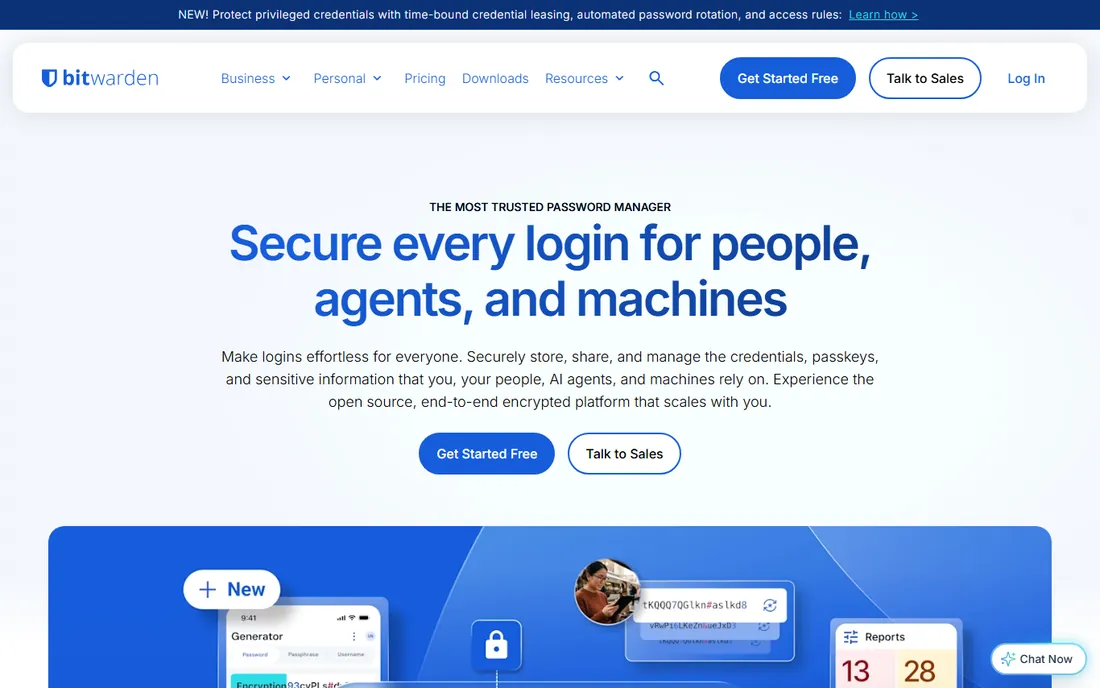
Bitwarden is the rationalist's password manager: open-source code, yearly third-party audits, and pricing that undercuts every comparable rival. The Teams plan at $4 per user per month includes shared collections, an admin console, event logs and SCIM directory sync, the cheapest SCIM in this guide. Enterprise at $6 adds SSO, custom policies, admin account recovery and the self-host option.
The trade-offs are real. SSO lives only on Enterprise, so a team that needs single sign-on pays $6, not $4. The apps are clean but utilitarian next to 1Password. For regulated industries, the open-source codebase and self-hosting option can be decisive in procurement.
What we like- Open source and independently audited
- Cheapest path to SCIM
- Self-hosting available
Watch out for- SSO requires the $6 Enterprise plan
- Interface is functional rather than delightful
- Support is leaner than 1Password
Starting price$4/user/month (Business, billed annually)
Free planNo
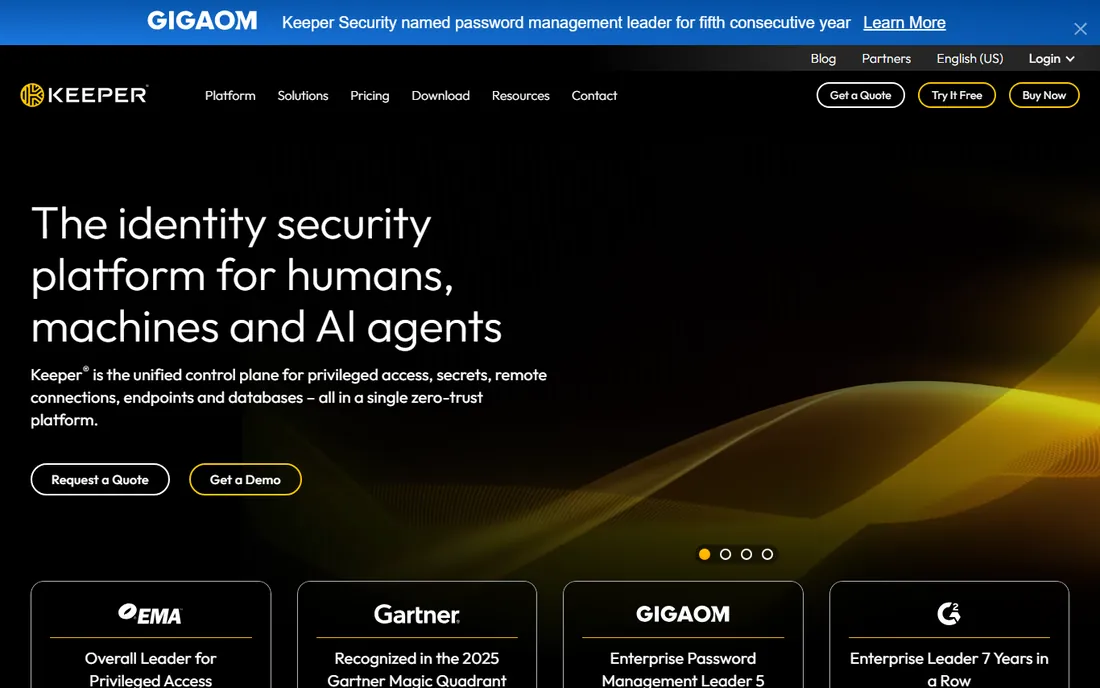
Keeper plays the long game. The password manager is the entry point to a broader privileged access management (PAM) platform, which makes it the natural pick for companies that will need secrets management for infrastructure later. Business Starter at $2 per user per month covers 5 to 10 users; Business at $4 adds shared team folders and delegated administration; Enterprise at $6 adds SSO, SCIM, AD/LDAP and developer APIs.
That $6 Enterprise tier is one of the cheapest SSO-plus-SCIM combinations from an established vendor. Keeper's zero-trust, zero-knowledge architecture is well documented, and compliance certifications are enterprise-grade. For security-maturing companies, the PAM upgrade path is a genuine differentiator.
What we like- SSO and SCIM from $6 Enterprise
- Privileged access management in the same vendor
- Zero-trust architecture
Watch out for- Three business tiers to navigate
- Business Starter caps at 10 users
- Interface skews utilitarian
#4
LastPass
Best for: mid-market teams wanting established admin controls and directory integration
Visit lastpass.com
Starting price$7/user/month (Business, billed annually)
Free planYes
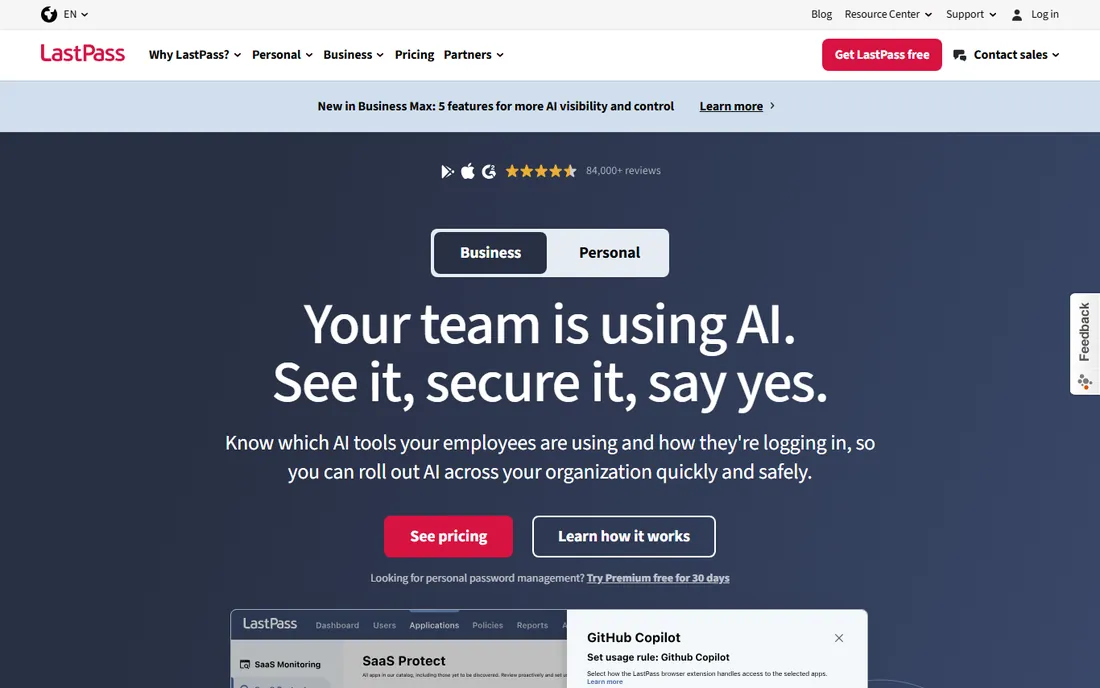
LastPass remains one of the most deployed business password managers, with admin dashboards, SSO, directory integration and policy controls aimed squarely at the mid-market. The Teams plan at $4 per user per month suits smaller groups, while Business at $7 adds the full admin console and advanced controls.
The honest conversation about LastPass is the 2022 security incident, in which encrypted vault backups were stolen. Users with strong master passwords stayed protected thanks to zero-knowledge encryption, and the company has since invested heavily in security transparency. But the breach still surfaces in procurement questionnaires, so keep it in your risk register.
What we like- Mature admin console
- Teams plan at $4 for lighter needs
- Long track record in business
Watch out for- 2022 breach still comes up in procurement
- No self-hosting
- Business needed for full admin features
#5
Dashlane
Best for: companies that want credential-risk detection alongside the vault
Visit dashlane.com
Starting priceSee website
Free planNo
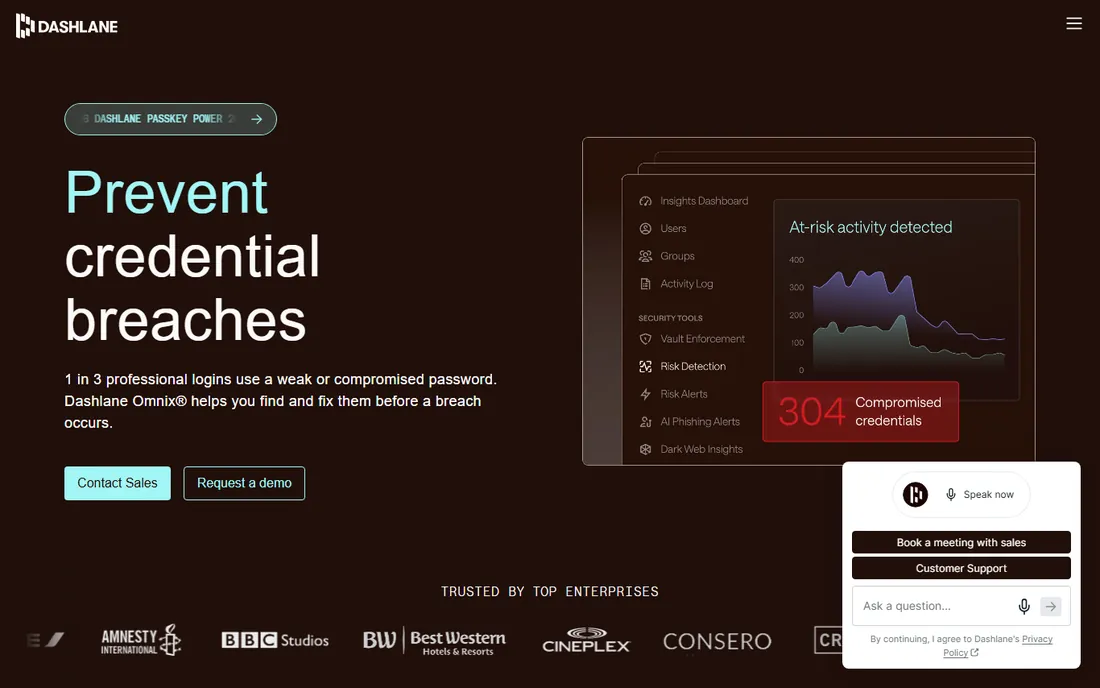
Dashlane has moved beyond password storage into proactive credential security. The Omnix platform watches for risky credentials in the browser, flags phishing sites before employees enter passwords, and nudges users toward fixes. For security teams, that shifts the product from a vault into a behavior-change tool.
Pricing needs a fresh look because Dashlane restructured its business tiers during 2026 around Password Management and Omnix plans, with third-party sources reporting different figures. Check the current pricing page before budgeting. The company offers a 14-day trial, and the admin console covers policies, groups and reporting.
What we like- Omnix credential-risk detection and phishing alerts
- Dark web monitoring
- Polished admin console
Watch out for- Pricing tiers shifted in 2026, verify current plans
- No self-hosting
- Free tier is tightly capped
#6
NordPass
Best for: small teams wanting affordable, simple password management
Visit nordpass.com
Starting price$3.59/user/month (Business, billed annually)
Free planNo
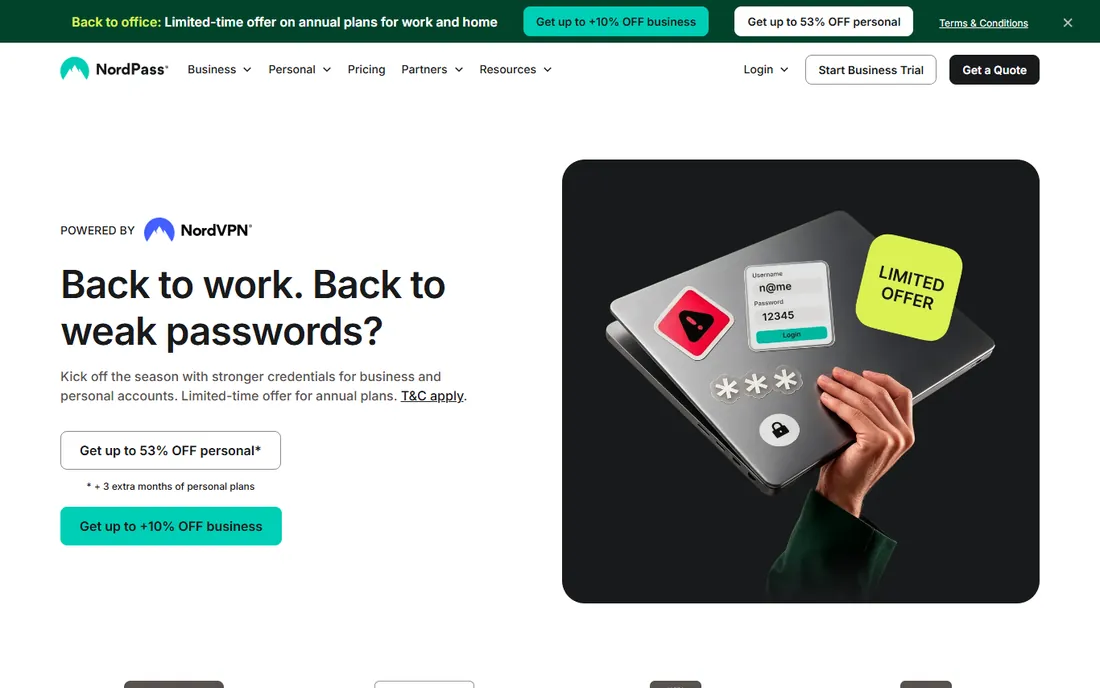
NordPass brings the Nord brand's consumer simplicity to business password management. The Business plan at $3.59 per user per month includes encrypted vaults, autofill, breach monitoring, password policies, activity logs and a sharing hub, plus extras like built-in email masking and an integrated authenticator that removes the need for a separate 2FA app.
The limitation to know is SSO depth. Teams and Business plans cover Google Workspace SSO; Okta and Entra ID require the Enterprise tier at a higher per-seat price. For Google-centric small businesses that is a non-issue. Larger or Microsoft-centric organizations should compare total cost against Bitwarden Enterprise or Keeper before committing.
What we like- Low per-seat cost
- Built-in authenticator and email masking
- Data breach scanner
Watch out for- Full SSO (Okta, Entra ID) needs the Enterprise tier
- Smaller admin feature set
- Nord ecosystem upsell pressure
#7
RoboForm
Best for: cost-sensitive deployments and managed service providers
Visit roboform.com
Starting priceSee website
Free planNo
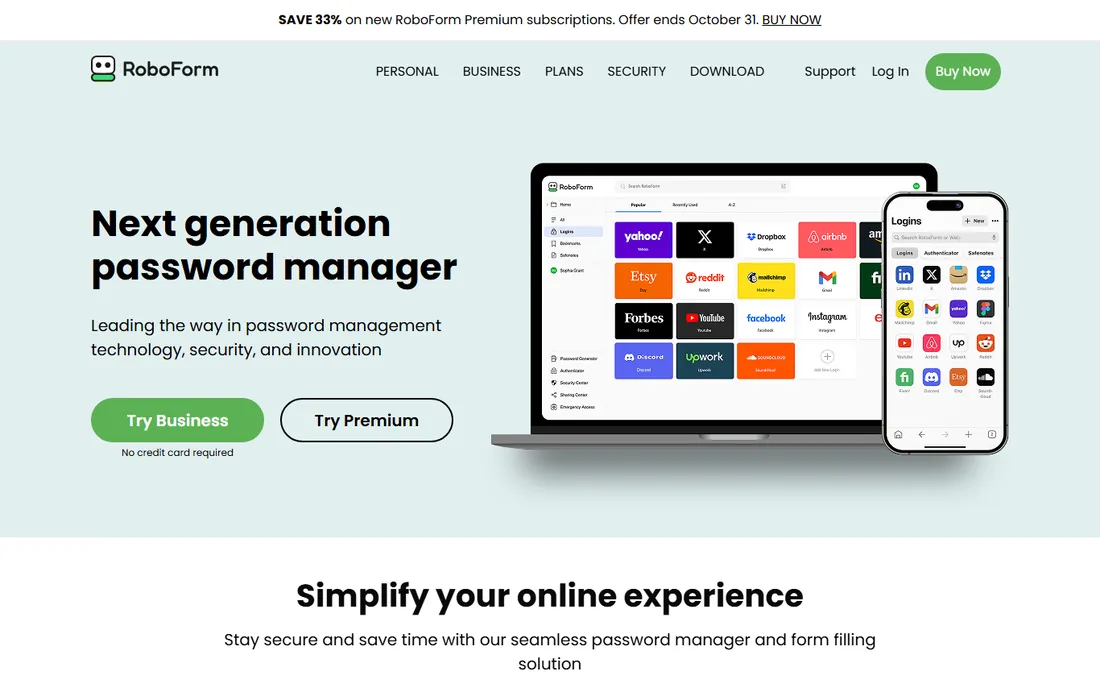
RoboForm is the quiet value pick that has been filling forms since before most competitors existed. The Business tier includes separate personal and work vaults per employee, centralized admin controls, SSO integration, SCIM provisioning, custom security policies and dark web monitoring, at a per-seat price third-party research places well below the category average.
The product shows its age in places: the brand and admin console lack the polish of 1Password or Dashlane, and business pricing is not displayed on the homepage, so check the pricing page or talk to sales. But on pure cost per managed seat, few tools touch it.
What we like- Very low per-seat cost
- SSO and SCIM on Business
- Strong form-filling heritage
Watch out for- Brand feels dated next to rivals
- Admin console less refined
- Pricing not shown on the homepage
#8
Passbolt
Best for: technical teams that want open-source, self-hosted credential management
Visit passbolt.com
Starting price$4.90/user/month (Pro, minimum 10 users)
Free planYes
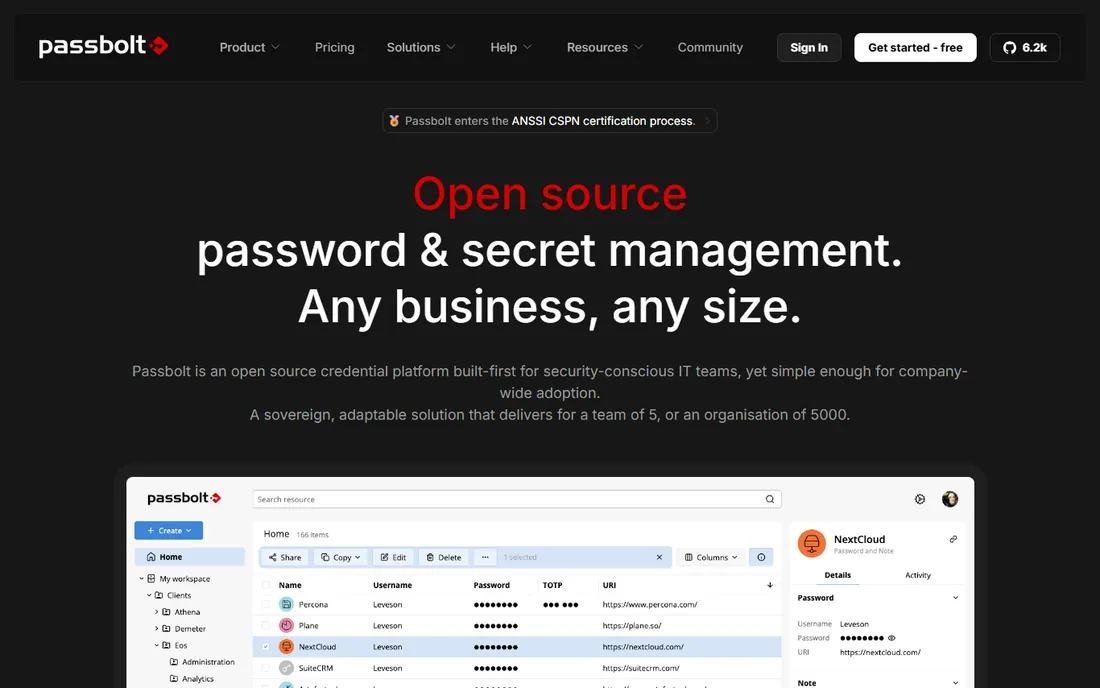
Passbolt is the only tool here built for self-hosting first. The Community Edition is free and open source under AGPL v3, deployable via Docker or packages in minutes. Pro at $4.90 per user per month (10-user minimum) adds LDAP provisioning, SSO with Microsoft, Google and OpenID, account recovery escrow, audit logs and next-business-day support. Even Pro is open source: your subscription buys updates and support, not the code.
The security model differs from the pack: OpenPGP-based encryption with per-user private keys instead of a single master password. The catch is operational: you run the server, you handle backups and uptime. Teams with DevOps capacity get a sovereign, auditable vault for less than SaaS alternatives.
What we like- Fully open source (AGPL v3), even the paid tiers
- Self-hosted by design
- Granular per-credential permissions
Watch out for- 10-user minimum on Pro
- Self-hosting means you own uptime
- Less hand-holding than SaaS rivals
#9
Zoho Vault
Best for: Zoho shops and budget teams that need a credible business vault
Visit zoho.com
Starting price$0.90/user/month (Standard, billed annually)
Free planYes
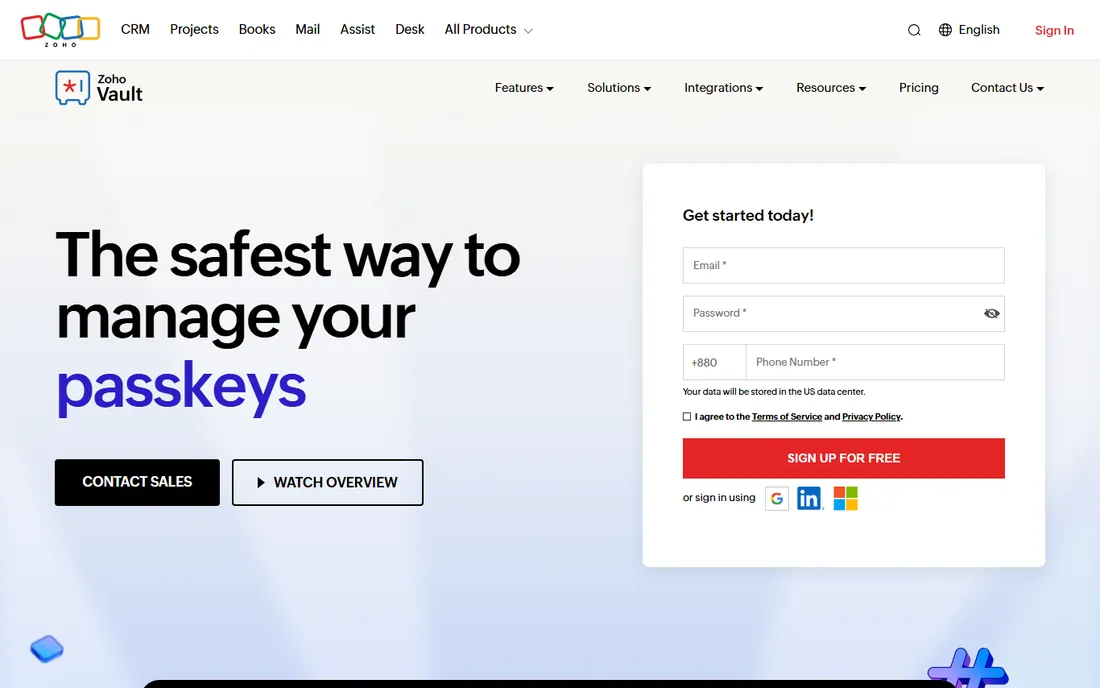
Zoho Vault's Standard plan at $0.90 per user per month is the cheapest credible business password manager available, adding team sharing, admin controls, cloud backup and priority support to the free edition's unlimited personal storage. Professional at $4.50 adds groups, shared folders and breach alerts; Enterprise at $7.20 adds SSO, Active Directory and help desk integration. A 15-day trial covers the paid plans with no card required.
The value is real but so are the caveats. SSO at the top tier means most buyers pay $7.20, not $0.90, for proper enterprise integration. The interface is functional Zoho enterprise software, not a delight. But for companies already running Zoho, or teams where budget dominates the decision, nothing else comes close on price.
What we like- Cheapest paid business plan in the guide
- Forever-free individual edition
- Deep Zoho ecosystem integration
Watch out for- SSO needs the $7.20 Enterprise tier
- Interface feels like enterprise software
- Best inside the Zoho suite
Starting priceFrom $2.41/user/month
Free planNo
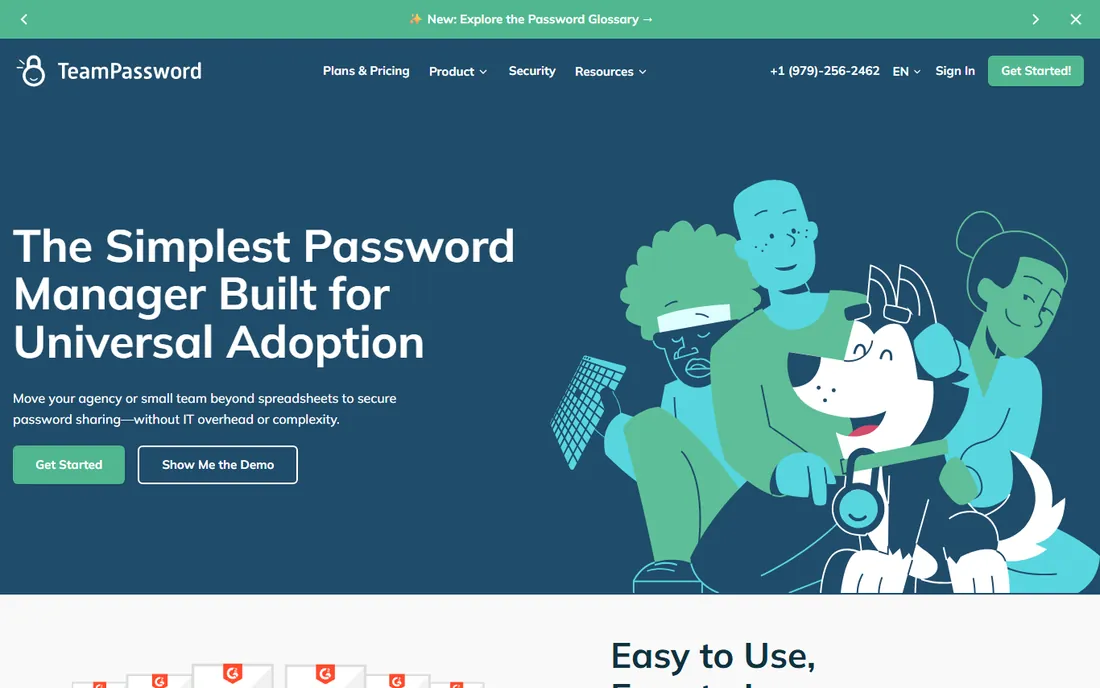
TeamPassword optimizes for one thing: getting non-technical teams off spreadsheets fast. Agencies, marketing teams and startups adopt it without IT involvement because group-based sharing maps to how they already think about access. Passwords live in one encrypted vault with permissions, audit logs and instant revocation when someone leaves. Pricing starts from $2.41 per user per month.
This is deliberately not an enterprise IAM tool. There is no SSO story to speak of, compliance features are light, and regulated industries should look at Keeper or 1Password instead. But for small teams whose current system is a shared spreadsheet, TeamPassword is the smallest step to real security, and the smallest step is the one teams actually take.
What we like- Simplest onboarding in the category
- Group-based sharing non-technical staff grasp instantly
- SOC 2 certified
Watch out for- No free plan
- Lighter admin and compliance feature set
- Not built for regulated industries
What to look for in a corporate password manager
SSO and SCIM start on different tiers everywhere
Single sign-on and automated provisioning are the two features that determine whether IT can manage the tool at scale, and vendors gate them aggressively. 1Password includes both on Business; Bitwarden and Keeper require their $6 Enterprise tiers; NordPass needs Enterprise for Okta and Entra ID; Zoho Vault needs the $7.20 Enterprise plan. Price the tier with the features you need, not the cheapest tier on the page.
Zero-knowledge is non-negotiable
Every tool here except the self-hosted Passbolt (which uses OpenPGP client-side encryption to the same effect) should offer zero-knowledge architecture: your master password never leaves the device, and the vendor cannot read your vault. Verify this in the vendor's security whitepaper, not the marketing page. It is what protected LastPass users with strong master passwords during the 2022 breach, and it is the baseline for corporate use.
Adoption beats features
The best admin console in the world is useless if employees keep passwords in a notes app. This is 1Password's real moat and TeamPassword's entire strategy: people use pleasant tools. During trials, measure activation rate (what share of invited users actually set up the vault) and daily usage after 30 days. A tool with 90 percent adoption and fewer features beats a powerful tool with 40 percent adoption every time.
Plan the offboarding flow before you buy
The corporate value of a password manager is lifecycle management: shared vaults per team, instant access revocation, and password rotation when someone leaves. Test this in the trial. Remove a test user and confirm their access disappears immediately, shared credentials they held get flagged for rotation, and the audit log records the whole sequence. If any step is manual, multiply it by your annual turnover.
Rolling out a password manager without a revolt
Start with the teams in the most pain, usually engineering, IT and finance, where shared credentials are already daily friction. Their success creates internal champions. Do not start with a company-wide mandate; mandates produce quiet non-compliance.
Import in phases. Most tools import from browsers, spreadsheets and rival managers. Run a "password amnesty" week where teams move credentials into shared vaults without judgment about the current mess. Clean up duplicates and weak passwords after everything is inside the vault, not before, or the migration stalls.
Set the policies that matter and skip the rest. Enforce a strong master password and two-factor authentication on the vault itself; these two controls do more than any other setting. Leave autofill and convenience features on. Every restriction you add is a reason for someone to work around the tool.
Finally, connect it to offboarding on day one. The HR exit checklist should include vault deprovisioning alongside email and laptop return. A password manager that is not wired into departures is just a nicer spreadsheet.
How we chose
We selected password managers with genuine business offerings: admin consoles, team sharing and business pricing. Pricing comes from vendor pricing pages where reachable (Passbolt, TeamPassword) and current 2026 third-party research cross-checked across multiple sources for the rest. Where 2026 sources conflicted on current business tiers, as with Dashlane and RoboForm, we list "See website" rather than print a disputed number.
We did not conduct hands-on security testing or audit code. Password manager security rests on architecture (zero-knowledge encryption, independent audits), and we report what vendors publish and auditors confirm rather than claiming our own verification.
Frequently asked questions
How much does a corporate password manager cost?
Business plans in this guide range from $0.90 per user per month (Zoho Vault Standard) to $8.99 (1Password Business), billed annually. Most teams land between $3.50 and $7 per user per month. SSO and SCIM usually require mid or top tiers, so budget for the tier with the features you need.
Is it safe to store company passwords in the cloud?
Yes, with a reputable zero-knowledge password manager. Your master password never leaves employee devices, and the encrypted vault is unreadable without it, even to the vendor. The 2022 LastPass breach demonstrated this: users with strong master passwords remained protected. Self-hosted options like Passbolt remove the cloud question entirely.
Do we need SSO integration with our password manager?
Teams above roughly 50 employees, or anyone using Okta, Microsoft Entra ID or Google Workspace as an identity provider, should prioritize SSO. It enables automatic provisioning and deprovisioning and lets employees access the vault with existing credentials. Smaller teams can start without SSO and add it later, but confirm which tier includes it before you buy.
What happens to shared passwords when an employee leaves?
In a proper corporate setup, the admin revokes the departing employee's vault access immediately, which cuts off all shared credentials at once. Best practice is to then rotate the most sensitive shared passwords, since the ex-employee may have memorized or copied them. Tools with SCIM provisioning automate the revocation when HR disables the identity provider account.
Can we self-host a corporate password manager?
Yes. Bitwarden (Enterprise plan) and Passbolt (Community free, Pro paid) both support self-hosting, which keeps encrypted vault data on your infrastructure. Self-hosting adds operational responsibility for uptime, backups and updates. It suits regulated industries and technical teams; most companies are better served by the vendor's cloud.
Which password manager is easiest for non-technical employees?
1Password scores highest on usability, which is why it leads enterprise adoption despite premium pricing. TeamPassword is the simplest option for small non-technical teams. Run a trial with actual non-technical staff and measure activation rates before deciding.
Sources we checked (17)
- https://1password.com
- https://bitwarden.com
- https://www.keepersecurity.com
- https://www.lastpass.com
- https://dashlane.com/
- https://nordpass.com/
- https://roboform.com/
- https://www.passbolt.com
- https://www.passbolt.com/pricing
- https://www.zoho.com/vault/
- https://teampassword.com
- https://www.spotsaas.com/blog/best-password-manager-for-business
- https://tech-insider.org/1password-vs-bitwarden-2026/
- https://tech-insider.org/1password-vs-lastpass-vs-roboform-2026/
- https://ifeeltech.com/blog/best-password-manager
- https://teampassword.com/blog/zoho-alternatives
- https://www.techradar.com/reviews/zoho-vault
Is your product missing or out of date?
We review this list regularly. Vendors can request a listing, send updated pricing or ask about featured placement.

Shihab Mia · Founder, Rankite
Shihab has spent more than a decade helping SaaS and e-commerce brands grow through search. He writes Rankite's software buying guides from pricing pages, documentation and public user reviews. More about Shihab.