How we make this list: we compare pricing pages, product documentation and public user reviews. Rankite is independent; if a vendor ever pays for a featured spot, that listing is clearly labeled Partner.
Key takeaways
- Quick Heal and K7 Computing are homegrown Indian brands with local support.
- Bitdefender and Kaspersky lead independent lab tests globally.
- Norton and McAfee offer full security suites beyond antivirus.
- eScan is another Indian option popular with businesses.
Quick comparison
| Tool | Best for | Starting price | Free plan |
|---|
 Quick Heal Quick Heal | Indian brand with local support | See website | No |
 K7 Computing K7 Computing | lightweight Indian antivirus | See website | No |
 Kaspersky Kaspersky | top lab-test protection | See website | Yes |
 Bitdefender Bitdefender | best overall protection | See website | Yes |
 Norton 360 Norton 360 | full security suite | See website | No |
 McAfee McAfee | multi-device protection | See website | No |
 Avast Avast | free antivirus | Free | Yes |
 eScan eScan | Indian business security | See website | No |
Is your product missing or out of date?
We review this list regularly. Vendors can request a listing, send updated pricing or ask about featured placement.
What antivirus software does in 2026
Modern antivirus is endpoint protection: real-time malware blocking, ransomware shields, phishing protection, firewalls and increasingly VPNs, password managers and identity monitoring. Independent labs like AV-TEST and SE Labs measure protection rates; the leaders all score near-perfectly, so the choice comes down to price, system impact, extra features and local support. In India, homegrown brands compete on price and service networks.
Starting priceSee website
Free planNo
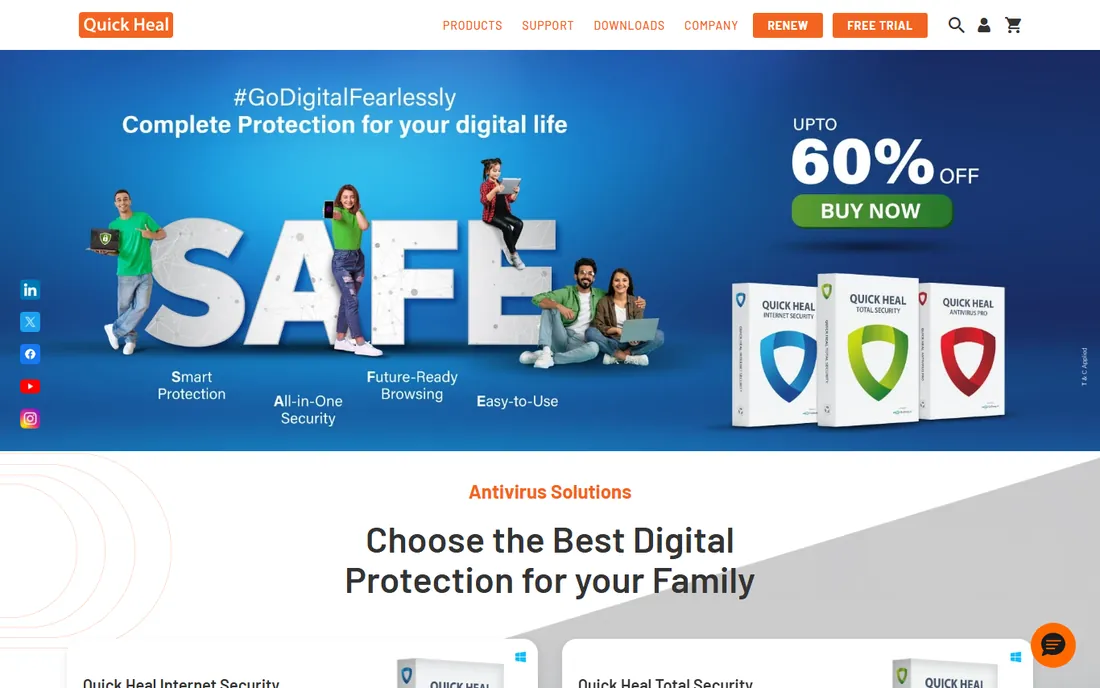
Quick Heal, from Pune-based Quick Heal Technologies, is India's best-known security brand, sold in retail stores across the country with support in Indian languages. Its antivirus covers the essentials with ransomware protection in higher tiers.
Independent lab scores are decent but trail Bitdefender and Kaspersky. Buyers choose it for local presence, easy retail purchase and pricing in rupees. For users wanting an Indian company behind their security, it is the default.
What we like- Indian company with local support
- Wide retail availability
- Affordable pricing
Watch out for- Lab scores trail global leaders
- Interface is busy
- Upsells
Starting priceSee website
Free planNo
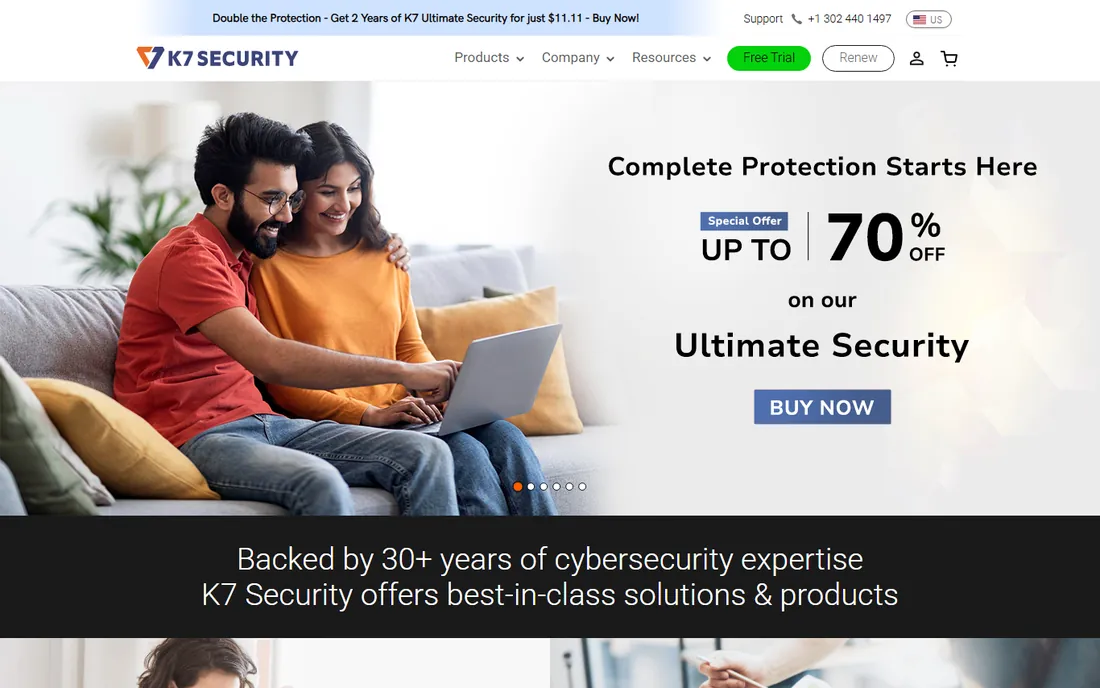
Chennai-based K7 Computing makes notably lightweight antivirus: protection with minimal slowdown, valued on older PCs common in Indian homes and small offices. Pricing is aggressive.
Feature depth and independent testing trail the global leaders. For basic protection that does not bog down modest hardware, from an Indian vendor, it is a sensible pick.
What we like- Very light on system resources
- Indian company
- Affordable
Watch out for- Smaller feature set
- Less brand visibility
- Lab testing is limited
Starting priceSee website
Free planYes
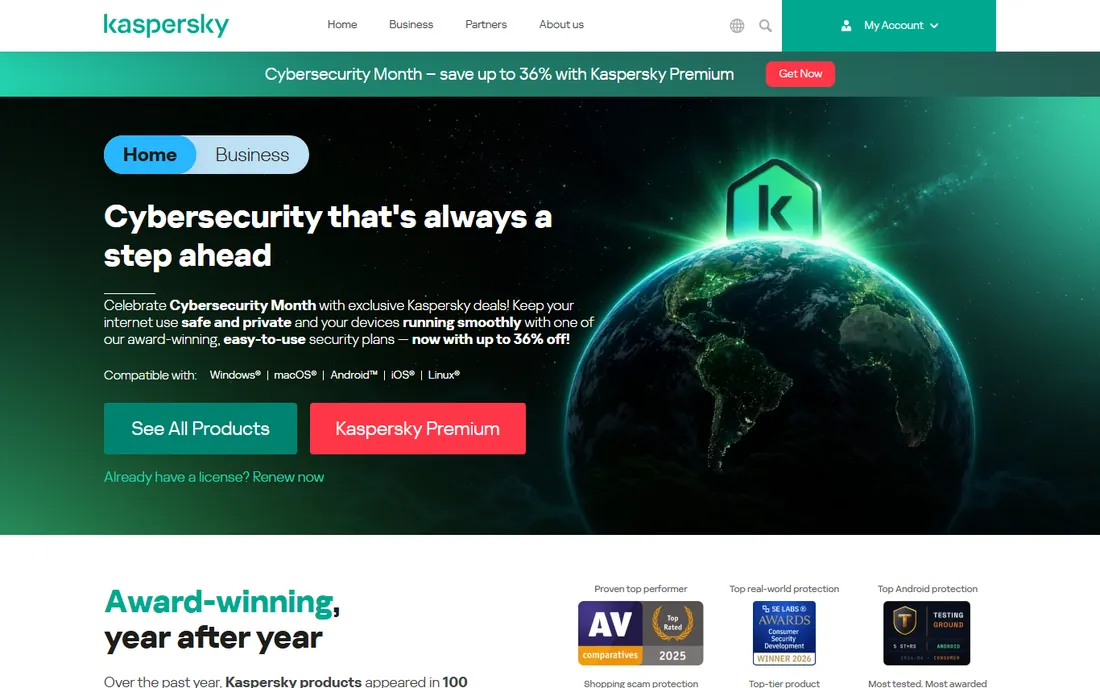
Kaspersky routinely tops independent protection tests with superb malware detection and low false positives. Its India site offers localized pricing and a capable free tier.
Some governments and enterprises avoid it over Russian-origin concerns; individual users must weigh that personally. Purely on protection quality per rupee, it remains elite.
What we like- Consistently top lab scores
- Excellent malware detection
- Free tier available
Watch out for- Geopolitical concerns for some
- Interface is dense
- Premium tiers pricey
Starting priceSee website
Free planYes
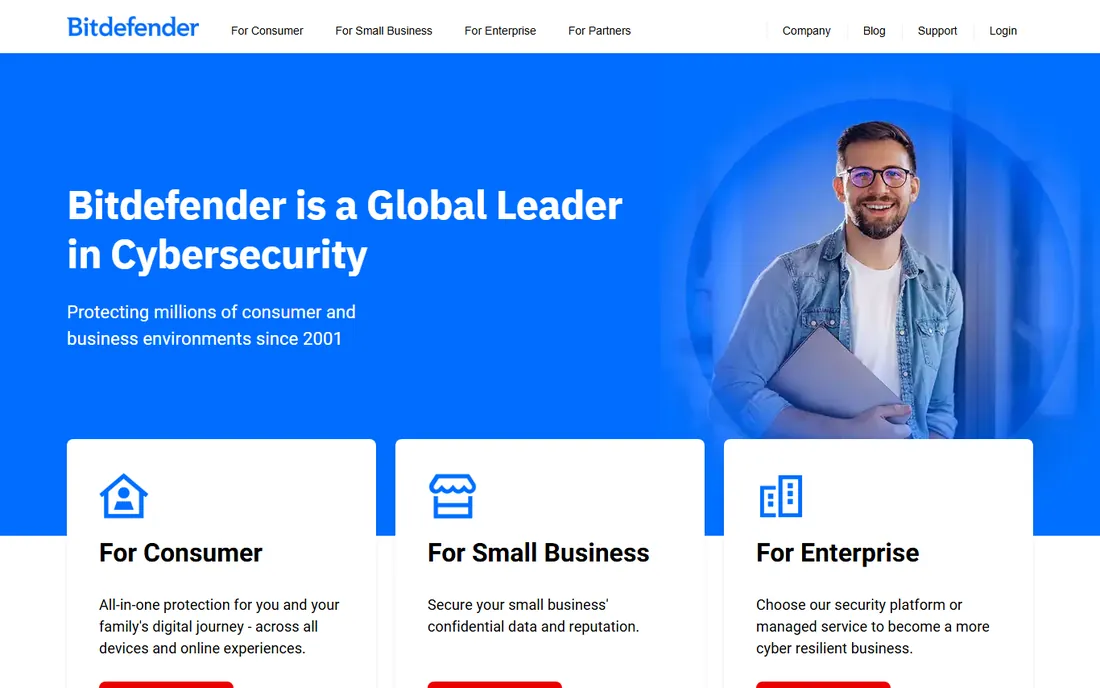
Bitdefender combines chart-topping protection with minimal performance impact and a deep feature set: ransomware remediation, VPN, password manager and parental controls in higher tiers. It is the reviewers' perennial pick.
Pricing in India is competitive though premium tiers add up. For users who want the best-tested protection regardless of brand origin, start here.
What we like- Top lab scores
- Minimal system impact
- Excellent feature set
Watch out for- Premium pricing
- Upsells in the app
- Support is ticket-based
Starting priceSee website
Free planNo
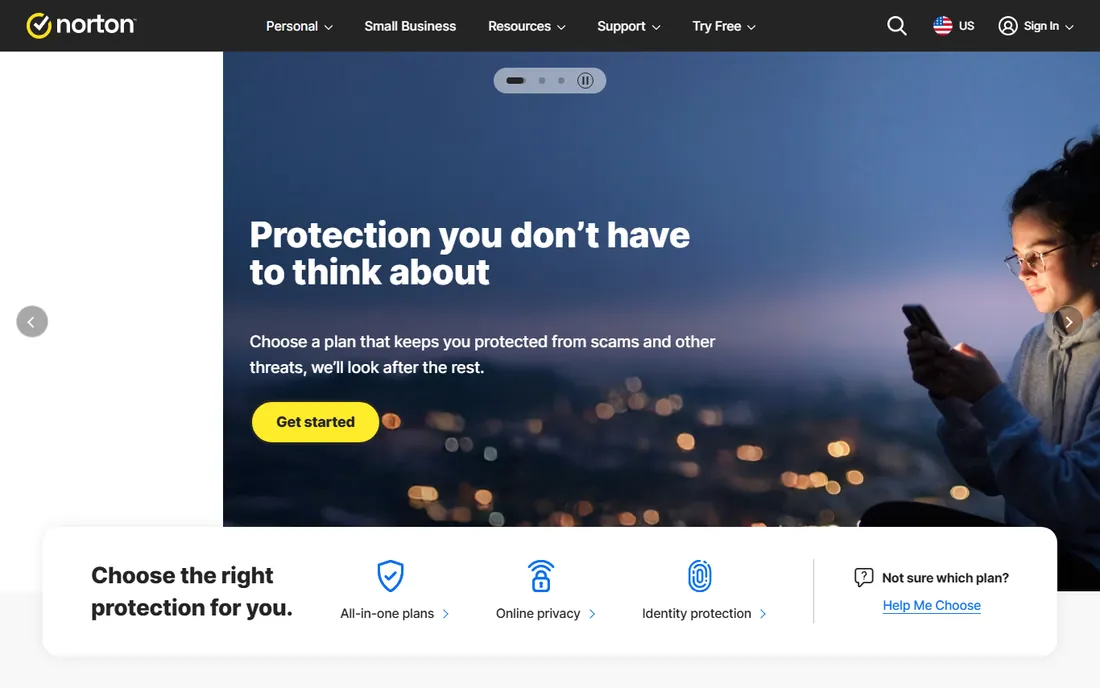
Norton 360 bundles antivirus with VPN, cloud backup, password manager and dark web monitoring in one subscription. It is the everything-included option for users wanting one vendor for all security.
Renewal pricing jumps sharply after introductory discounts, a longstanding complaint. Feature breadth is the pitch; bargain hunters should compare renewal costs carefully.
What we like- Complete suite with VPN and backup
- Identity protection
- Strong brand
Watch out for- Expensive renewals
- Can feel bloated
- Auto-renewal complaints
Starting priceSee website
Free planNo
McAfee's Total Protection covers unlimited devices on higher tiers, appealing to families with phones, tablets and PCs. Identity monitoring and VPN round out the suite.
Its reputation for system slowdown has improved but lingers. Like Norton, watch renewal pricing. For multi-device households wanting one subscription, the unlimited-device plans are convenient.
What we like- Unlimited devices on some plans
- Identity monitoring
- Familiar brand
Watch out for- System impact history
- Upsells
- Renewal pricing
Starting priceFree
Free planYes
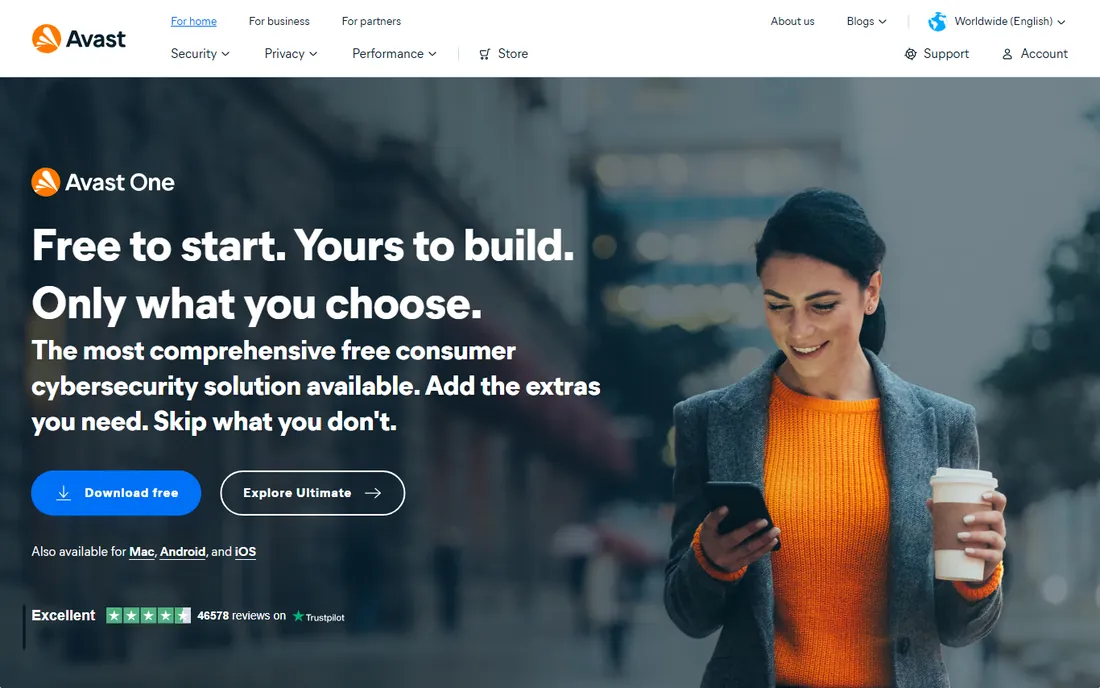
Avast's free antivirus protects millions with solid core detection at no cost, now under the Norton umbrella. Paid tiers add VPN, cleanup and premium support.
The company faced criticism over data collection practices years ago, which privacy-conscious users remember. As a free option it remains capable; paid buyers should compare with Bitdefender.
What we like- Capable free tier
- Large user base
- Decent features
Watch out for- Past privacy controversies
- Upsell pressure
- Now part of Norton
Starting priceSee website
Free planNo
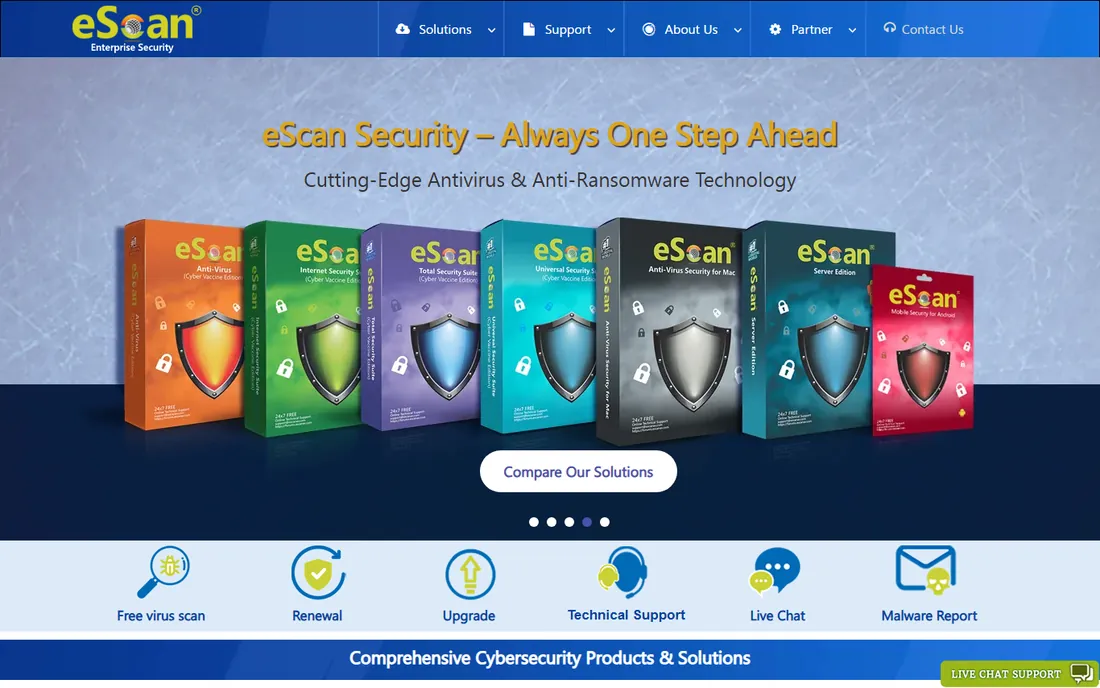
eScan, from Mumbai-based MicroWorld, focuses on business security in India with antivirus, endpoint protection and data loss prevention. Its enterprise and government presence is significant.
Consumer visibility is lower than Quick Heal's. Businesses wanting an Indian security vendor with local support find it a credible alternative to global brands.
What we like- Indian vendor
- Strong in SMB and enterprise
- Good support network
Watch out for- Consumer brand is quieter
- Interface dated
- Lab scores modest
How we chose
We reviewed vendor product pages, Indian pricing, and independent lab results from AV-TEST and SE Labs. We compared protection scores, system impact, feature sets, India-specific pricing and support, and free tier quality. We excluded Windows Defender-only setups as a baseline. We did not claim hands-on testing.
Buying guide: choosing antivirus in India
Check independent lab scores first; protection quality is measurable and the leaders are consistent. Then compare India pricing in rupees, watching renewal rates rather than first-year discounts.
Consider local support needs. Quick Heal and eScan offer Indian support networks and retail availability that global brands match only online. For less technical users, that matters.
Do not pay for what you do not need. Free tiers from Kaspersky, Bitdefender and Avast protect well; paid suites add VPNs, backup and identity tools worth buying only if you will use them.
Windows Defender: is it enough?
Microsoft Defender, built into Windows, scores well in labs and suffices for careful users who avoid risky downloads. Paid antivirus adds better phishing protection, ransomware remediation and support. Most users are fine with Defender plus good habits; high-risk users benefit from paid suites.
Avoiding fake antivirus scams in India
India sees widespread tech-support scams where callers claim your computer is infected and demand payment or remote access. No legitimate antivirus company cold-calls you. Pop-ups warning of infections are usually scams; real antivirus alerts come from the software you installed, not browser pop-ups. Buy security software only from official sites or authorized retailers; pirated antivirus often contains malware itself. If someone calls about your computer's security, hang up.
Setting up layered protection
Antivirus is one layer, not the whole wall. Keep your operating system and browsers updated automatically; most successful attacks exploit known vulnerabilities, not zero-days. Use a password manager with unique passwords everywhere and enable two-factor authentication on email, banking and important accounts. Back up important files to an external drive or cloud service so ransomware cannot hold you hostage. Be skeptical of attachments, links and QR codes from unknown senders, and verify payment requests through a separate channel. These habits, combined with any reputable antivirus from this list, protect better than the most expensive suite used carelessly.
Protecting the whole household
One person's security habits affect everyone on shared networks and devices. Set up separate user accounts for each family member so kids cannot install software system-wide. Keep a shared family password manager rather than sticky notes; it is both safer and more convenient. Teach elderly family members the specific scams targeting them: fake bank calls, KYC update frauds, and UPI scams are rampant in India. Enable transaction alerts on all bank accounts so unauthorized activity surfaces immediately. For home Wi-Fi, change the router's default admin password and keep firmware updated; an insecure router undermines every device behind it. Consider who in the family is the designated tech support person and make sure they have remote access tools ready before emergencies. Security is a household project, and the weakest link is usually a person, not software.
Frequently asked questions
What is the best antivirus in India?
Bitdefender and Kaspersky lead on protection tests; Quick Heal and K7 lead among Indian brands with local support; Norton and McAfee lead on suite breadth.
Is Quick Heal good?
Quick Heal is decent with the advantages of Indian support and retail availability. Global leaders score higher in independent labs.
Which antivirus is free in India?
Kaspersky, Bitdefender and Avast offer capable free tiers. Windows Defender is built into Windows free.
Do I need antivirus on Windows 11?
Windows Defender provides solid baseline protection. Paid antivirus adds layers like better ransomware and phishing defense; careful users may not need more.
Why is renewal pricing higher?
Vendors discount the first year heavily, then renew at full price. Check renewal rates before buying and consider switching at renewal.
Is Kaspersky safe to use?
Kaspersky's protection is excellent; some organizations avoid it over geopolitical concerns. Individual users should make their own judgment.
Which is lightest on system resources?
K7 Computing and Bitdefender are known for low impact. ESET, not listed here, is another lightweight option.
Is free antivirus enough in India?
For careful users, yes: Kaspersky Free, Bitdefender Free or Windows Defender provide solid protection. Paid suites add convenience features rather than fundamentally better detection.
Which antivirus is best for old laptops?
K7 Computing and Bitdefender are known for low system impact. Avoid bloated suites on old hardware; lightweight protection plus good habits works best.
Do I need antivirus on my phone?
Android benefits from reputable mobile security, especially outside the Play Store. iPhones need it far less due to Apple's sandboxing. Focus phone security on updates and app sources.
Should I buy antivirus online or from a retail store?
Both work if the seller is authorized. Online purchases from official sites are usually cheapest; retail boxes suit buyers who want physical media or pay cash. Avoid grey-market license keys.
Does antivirus protect against phishing?
Modern suites include web protection that blocks known phishing sites, but new phishing pages appear constantly. Your skepticism remains the best defense; verify before entering credentials.
Do I need different antivirus for office laptops?
Office laptops usually run company-managed security; do not install personal antivirus on them as conflicts can occur. Ask your IT department what is required.
How often should I run full scans?
Real-time protection handles most threats continuously. A monthly full scan catches anything dormant. More important than scan frequency is keeping definitions updated automatically.
How do I know if my antivirus is working?
Check that real-time protection is enabled and definitions are current. Run an occasional on-demand scan. The EICAR test file safely verifies detection without real malware.
Which antivirus do Indian banks recommend?
Banks generally do not endorse specific brands. Use any reputable antivirus from this list and follow your bank's own security guidance for online transactions.
How do I cancel auto-renewal?
Turn it off in your account on the vendor's website before the renewal date. Keep the confirmation email as proof.
Sources we checked (8)
- https://www.quickheal.com
- https://www.k7computing.com
- https://www.kaspersky.co.in
- https://www.bitdefender.com
- https://www.norton.com
- https://www.mcafee.com
- https://www.avast.com
- https://www.escanav.com
Is your product missing or out of date?
We review this list regularly. Vendors can request a listing, send updated pricing or ask about featured placement.

Shihab Mia · Founder, Rankite
Shihab has spent more than a decade helping SaaS and e-commerce brands grow through search. He writes Rankite's software buying guides from pricing pages, documentation and public user reviews. More about Shihab.