How we make this list: we compare pricing pages, product documentation and public user reviews. Rankite is independent; if a vendor ever pays for a featured spot, that listing is clearly labeled Partner.
Key takeaways
- Milestone XProtect is the enterprise standard for IP video management.
- Blue Iris is the enthusiast favorite for powerful local recording on a budget.
- Synology and QNAP turn a NAS into a capable NVR for homes and small business.
- Agent DVR is free and surprisingly full-featured for DIY setups.
Quick comparison
Is your product missing or out of date?
We review this list regularly. Vendors can request a listing, send updated pricing or ask about featured placement.
What NVR software does
Network Video Recorder software records, manages and plays back footage from IP cameras. Beyond recording, modern platforms add motion detection, video analytics, remote viewing, and integration with access control and alarms. The category spans free DIY tools, NAS apps for homes and small businesses, and enterprise platforms managing thousands of cameras.
Starting priceSee website
Free planNo
Milestone XProtect is the world's most deployed video management software, running everything from small shops to airports. Its open platform supports thousands of camera models, and tiers scale from XProtect Essential Plus for small sites to Corporate for massive multi-site deployments.
The ecosystem is the moat: analytics, access control and business integrations from hundreds of partners. Pricing is per camera channel plus server licenses, which adds up. For serious commercial surveillance, integrators default to Milestone for good reason.
What we like- Broadest camera support
- Scalable to thousands of cameras
- Strong partner ecosystem
Watch out for- Enterprise pricing
- Needs trained integrators
- Essentials tier is limited
Starting priceSee website
Free planNo
Blue Iris is the legendary budget NVR: a one-time purchase that turns a Windows PC into a 64-camera surveillance server with motion detection, alerts, remote viewing and deep automation. Home users and small businesses get enterprise-adjacent features for the price of lunch.
The interface is functional rather than beautiful, and tuning it well takes technical patience. But the community support is enormous, and no subscription means the total cost stays tiny. For DIYers comfortable with Windows, it is unbeatable value.
What we like- Extremely affordable
- Deep customization
- Huge enthusiast community
Watch out for- Windows only
- Interface is dated
- Setup needs technical skill
Starting priceSee website
Free planYes
Synology's Surveillance Station turns its NAS devices into NVRs, with two free camera licenses included and a polished web and mobile experience. Recording to the NAS you already own for storage is elegant and economical.
Additional camera licenses cost per channel, and heavy analytics can strain NAS processors. For homes and small businesses already on Synology, it is the obvious surveillance choice.
What we like- Runs on your NAS
- Includes free camera licenses
- Polished mobile apps
Watch out for- Per-camera licenses beyond the free ones
- NAS CPU limits analytics
- Tied to Synology hardware
Starting priceSee website
Free planYes
QNAP's QVR Pro offers more free camera channels than Synology's equivalent, making it attractive for larger home or SMB setups on QNAP hardware. It covers recording, live view, playback and basic analytics.
The experience is slightly less refined than Synology's, and you are committed to QNAP NAS hardware. For QNAP owners, the value is excellent; cross-shopping NAS brands on surveillance alone rarely decides the purchase.
What we like- Generous free channels
- Runs on QNAP NAS
- Good value
Watch out for- Tied to QNAP hardware
- Interface less polished
- Smaller community
Starting priceFree
Free planYes
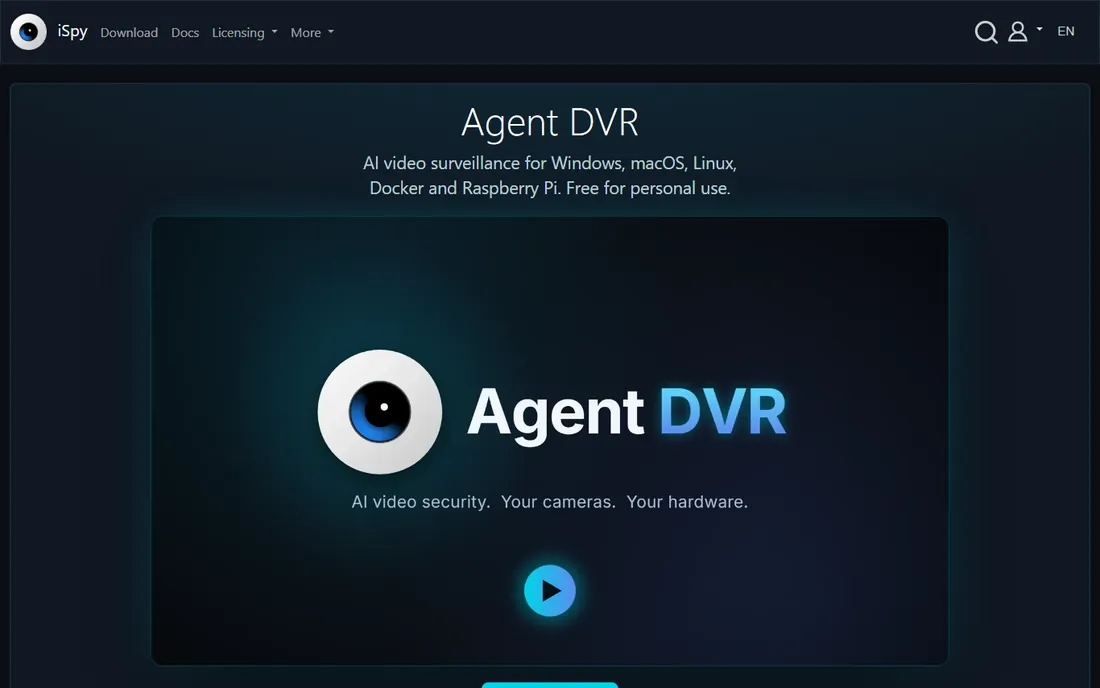
Agent DVR from iSpyConnect is free video surveillance software with features that embarrass paid products: AI object detection, alerts, remote access, and support for almost any camera. It runs on Windows, Mac, Linux and even Raspberry Pi.
The interface packs in enormous capability and can overwhelm beginners. Commercial use requires a paid license, but home use is free. For technical DIYers who want maximum capability at zero cost, it is remarkable.
What we like- Free with rich features
- AI object detection
- Runs on many platforms
Watch out for- Interface is complex
- Support is community-based
- Commercial use needs license
Starting priceSee website
Free planNo
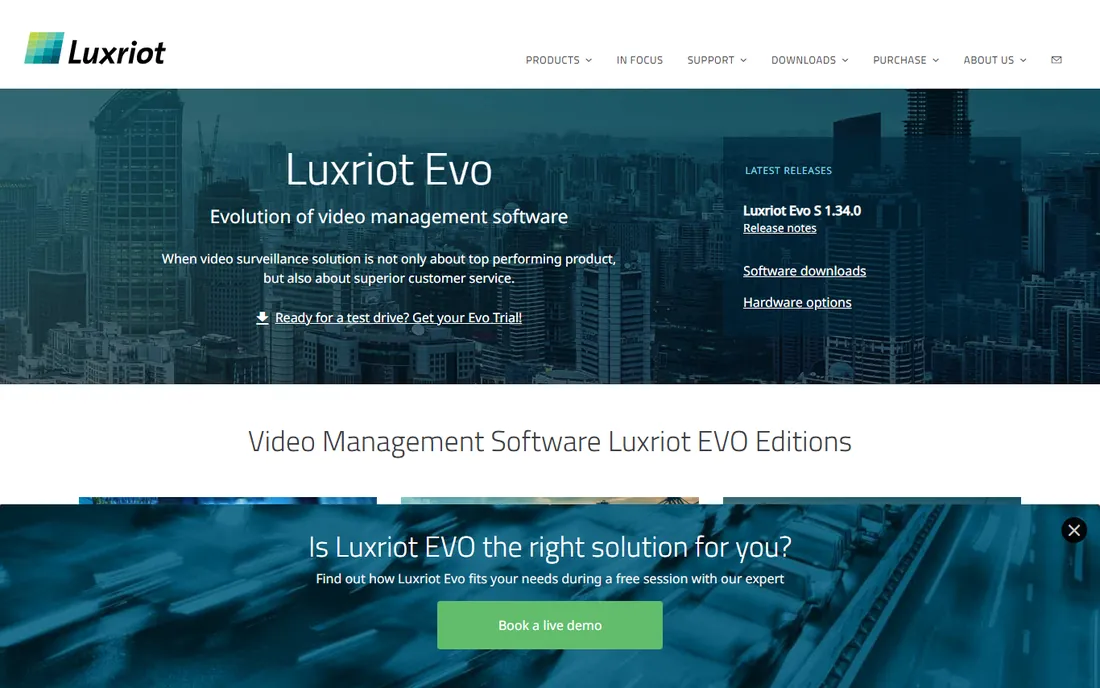
Luxriot EVO targets the mid-market with straightforward per-channel licensing and a management console that handles multiple servers gracefully. It is stable, reasonably priced and easy to deploy for tens to low hundreds of cameras.
It lacks the integration ecosystem of Milestone and the analytics depth of enterprise platforms. For regional businesses, schools and retail chains wanting dependable recording without enterprise complexity, it hits a sweet spot.
What we like- Affordable per-channel pricing
- Easy multi-server management
- Good stability
Watch out for- Smaller brand
- Fewer third-party integrations
- Limited analytics
Starting priceSee website
Free planNo
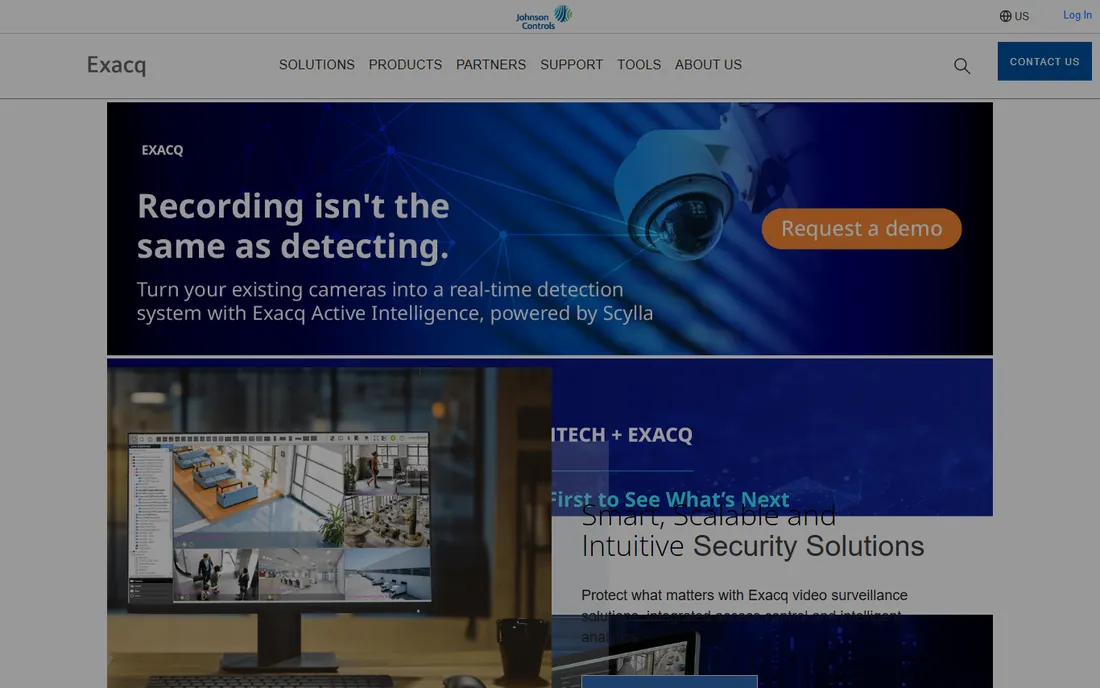
ExacqVision, part of Johnson Controls, serves enterprise and government video surveillance with reliable recording, video analytics integrations and cybersecurity features. It is a staple in education, healthcare and critical infrastructure.
Buying runs through integrators with enterprise pricing. Organizations needing certified, supported enterprise video with analytics will find it solid; smaller users should look at Blue Iris or NAS options.
What we like- Strong enterprise features
- Good analytics integrations
- Johnson Controls backing
Watch out for- Enterprise pricing
- Integrator channel
- Less DIY-friendly
Starting priceSee website
Free planNo
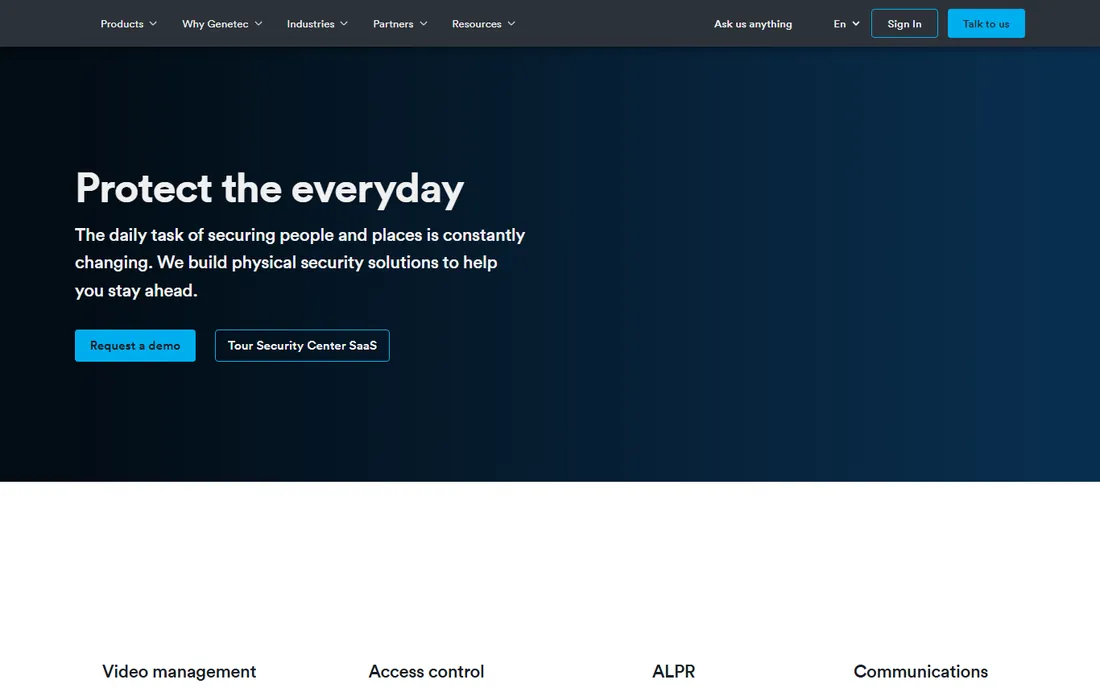
Genetec Security Center unifies video surveillance, access control and license plate recognition in one enterprise platform. Large campuses, cities and critical infrastructure standardize on it for unified security operations.
This is the top of the market in capability and price, deployed through certified partners. If your project unifies multiple security systems at scale, Genetec leads. For video-only needs, it is more than required.
What we like- Unifies video, access control and ALPR
- Top-tier enterprise platform
- Strong cybersecurity
Watch out for- Premium pricing
- Complex
- Needs certified partners
How we chose
We reviewed vendor product pages, documentation and surveillance communities. We compared camera compatibility, channel pricing, analytics, remote viewing, platform support, scalability and cybersecurity features. We excluded cloud-only cameras without NVR software. We did not claim hands-on testing.
Buying guide: choosing NVR software
Count cameras and sites first. Under eight cameras at one site, a NAS app or Blue Iris wins on cost. Dozens of cameras across sites point to Luxriot or Milestone. Thousands of cameras or unified security point to Genetec or ExacqVision.
Check camera compatibility before buying software. ONVIF support helps, but advanced features often need specific integrations. List your exact camera models and verify each against the vendor's supported list.
Plan storage honestly. Continuous recording at high resolution consumes terabytes fast; motion-based recording and sensible retention policies cut costs enormously. Size disks for your retention requirement plus headroom.
Local vs cloud video storage
Local NVRs keep footage on your hardware with no monthly fees and full control, at the cost of maintaining the system. Cloud surveillance removes hardware but adds ongoing per-camera subscriptions that exceed local costs within a year or two for larger systems. Hybrids exist. For most homes and SMBs, local recording with remote viewing access is the economical choice.
Camera selection and placement basics
Software cannot fix bad camera placement. Mount cameras high enough to avoid tampering but low enough for facial detail, typically 8 to 10 feet for identification. Cover entries, driveways and vulnerable points before worrying about total coverage. Varifocal lenses let you adjust the field of view after installation. Match camera resolution to the task: license plates and faces need higher resolution and proper lighting. Test night performance before buying in bulk; infrared range claims are often optimistic. Good placement with fewer cameras beats wall-to-wall poor angles.
Maintaining your surveillance system
Install and forget is how surveillance fails when it matters. Check camera views quarterly; landscaping grows, spiders build webs across lenses, and angles drift. Verify recording continuously with automated health alerts rather than discovering gaps after an incident. Update firmware on cameras and NVR software, since surveillance devices are common botnet targets. Test playback and export before you need evidence; fumbling with exports during a police request wastes critical time. Keep a simple diagram of camera locations and credentials in a secure place, because the person who installed it will not always be around.
Frequently asked questions
What is the best NVR software?
Milestone XProtect for enterprise, Blue Iris for budget DIY, Synology or QNAP apps for NAS owners, Agent DVR for free feature-rich surveillance.
How much does Blue Iris cost?
Blue Iris is a low one-time purchase per server with no subscription. Check blueirissoftware.com for current pricing.
Can I use my NAS as an NVR?
Yes. Synology Surveillance Station and QNAP QVR Pro turn compatible NAS devices into capable NVRs, with some free camera licenses included.
How many cameras can Blue Iris handle?
Up to 64 cameras per server, depending on resolution, frame rate and PC hardware. CPU choice matters enormously.
Is free NVR software any good?
Agent DVR is genuinely capable for home use. Free tiers of NAS apps cover a few cameras well. Enterprise features still need paid platforms.
What is the difference between DVR and NVR?
DVRs work with analog cameras over coaxial cable; NVRs work with IP cameras over networks. New installations are almost always NVR and IP.
Do I need internet for an NVR?
Local recording works without internet. Internet is needed for remote viewing, push alerts and cloud features.
How much storage do I need for an NVR?
It depends on camera count, resolution, frame rate and retention. A rough rule: one 4MP camera at 15fps with H.265 uses about 40 to 60 GB per day of continuous recording. Motion recording cuts this dramatically.
What is the difference between NVR and cloud cameras?
NVRs record locally to your hardware with no monthly fees; cloud cameras upload to vendor servers with subscriptions. NVRs suit larger systems and privacy; cloud suits simplicity.
Can I mix camera brands on one NVR?
Yes, if cameras support ONVIF and the NVR supports them. Advanced features like analytics may need same-brand pairings, so verify your specific models.
Should I record continuously or on motion?
Motion recording saves enormous storage and makes review faster. Continuous recording captures everything but costs more. Most users choose motion with pre-buffer.
What is H.265 and why does it matter?
A video codec that roughly halves storage versus H.264 at similar quality. Use H.265-capable cameras and NVRs to cut disk costs significantly.
Can I access my NVR remotely?
Yes, all major platforms offer web and mobile remote viewing. Secure it properly with strong passwords and VPN where possible.
What is PoE and why does it matter?
Power over Ethernet delivers power and data over one cable to cameras, simplifying installation enormously. Use PoE switches or injectors.
How long should I keep surveillance footage?
Thirty days suits most businesses; some regulations require longer. Balance retention needs against storage costs.
Can NVR software send phone alerts?
Yes, motion alerts with snapshots or clips via push notification are standard. Tune detection zones carefully to avoid notification fatigue from false alarms.
Sources we checked (8)
- https://www.milestonesys.com
- https://www.blueirissoftware.com
- https://www.synology.com
- https://www.qnap.com
- https://www.ispyconnect.com
- https://www.luxriot.com
- https://www.exacq.com
- https://www.genetec.com
Is your product missing or out of date?
We review this list regularly. Vendors can request a listing, send updated pricing or ask about featured placement.

Shihab Mia · Founder, Rankite
Shihab has spent more than a decade helping SaaS and e-commerce brands grow through search. He writes Rankite's software buying guides from pricing pages, documentation and public user reviews. More about Shihab.
 Milestone XProtect
 Blue Iris
 Synology Surveillance Station
 QNAP QVR Pro
 Agent DVR
 Luxriot EVO
 ExacqVision
 Genetec Security Center