How we make this list: we compare pricing pages, product documentation and public user reviews. Rankite is independent; if a vendor ever pays for a featured spot, that listing is clearly labeled Partner.
Key takeaways
- BitLocker and FileVault are free, built into Windows Pro and macOS, and enough for most users.
- VeraCrypt is the best free cross-platform option with advanced features like hidden volumes.
- Enterprises needing central management should evaluate Symantec, Sophos, Check Point or ESET.
- Jetico BestCrypt suits regulated industries with strict compliance needs.
Quick comparison
Is your product missing or out of date?
We review this list regularly. Vendors can request a listing, send updated pricing or ask about featured placement.
What drive encryption software does
Full disk encryption scrambles everything on a drive so that a lost or stolen laptop yields nothing to whoever finds it. Modern tools encrypt transparently: you enter your password or PIN at boot, and everything else works normally. The category splits between built-in OS tools that are free and good, and enterprise platforms that add central key management, compliance reporting and recovery for IT departments.
Starting priceIncluded with Windows Pro
Free planYes
BitLocker is Microsoft's full disk encryption, included with Windows Pro, Enterprise and Education. Turn it on, and the drive is encrypted with AES; without the password, PIN or recovery key, the data is unreadable. It can escrow recovery keys to Active Directory or a Microsoft account.
For most Windows users and businesses, BitLocker is the answer: free, well-integrated and supported. Windows Home users need to upgrade to Pro. Enterprises should plan key escrow before deploying, because a lost key means lost data.
What we like- Built into Windows Pro and Enterprise
- No extra cost
- Integrates with Active Directory
Watch out for- Not in Windows Home
- Key management needs planning
- TPM recommended for best security
Starting priceIncluded with macOS
Free planYes
FileVault encrypts the entire startup disk on Macs with XTS-AES-128. Enabling it is a single toggle in System Settings, and Apple silicon Macs handle it with negligible performance impact. Recovery keys can be stored with Apple or iCloud.
For individual Mac users, there is no reason not to enable it. Businesses managing Mac fleets usually pair FileVault with an MDM for key escrow and compliance reporting, since macOS alone offers limited central management.
What we like- Built into macOS
- Simple one-click enable
- Works with iCloud recovery
Watch out for- Mac only
- Recovery key management needs attention
- Little central management natively
Starting priceFree
Free planYes
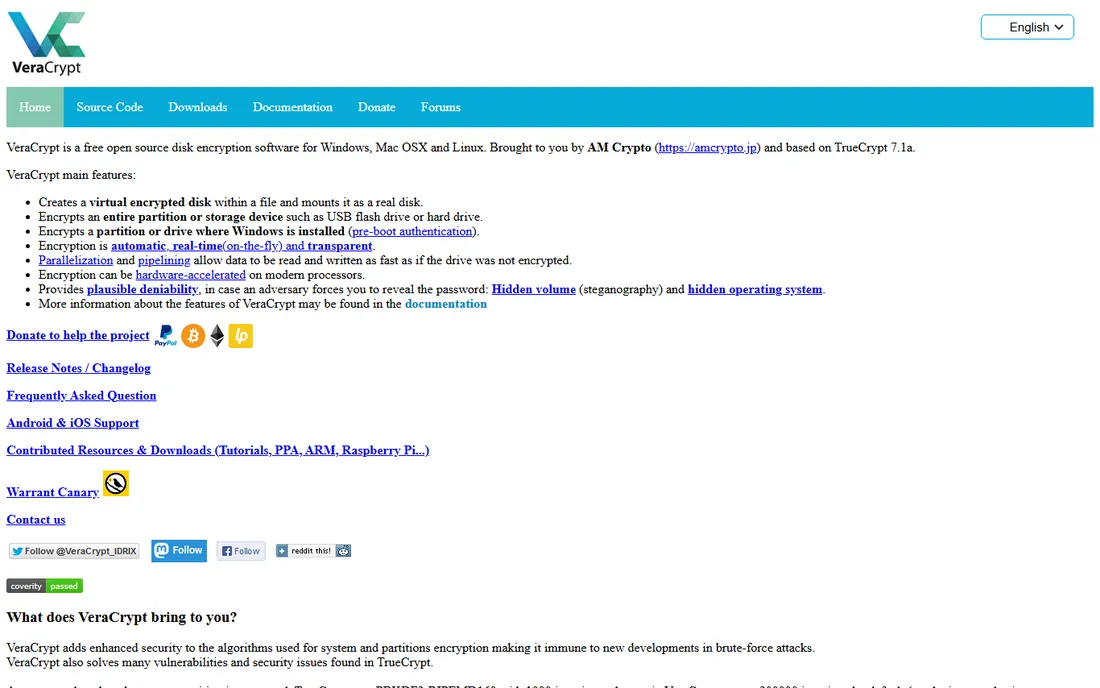
VeraCrypt, the successor to TrueCrypt, is free open-source disk encryption for Windows, Mac and Linux. Beyond full disk encryption, it offers encrypted containers and hidden volumes for plausible deniability, features no built-in tool matches.
Security-conscious individuals, journalists and researchers favor it for its transparency: the code is public and audited. There is no management console, so it suits individuals and small teams rather than enterprises. Key discipline is entirely on you.
What we like- Free and open source
- Hidden volumes and plausible deniability
- Cross-platform
Watch out for- No central management
- Interface is dated
- You own key recovery entirely
Starting priceSee website
Free planNo
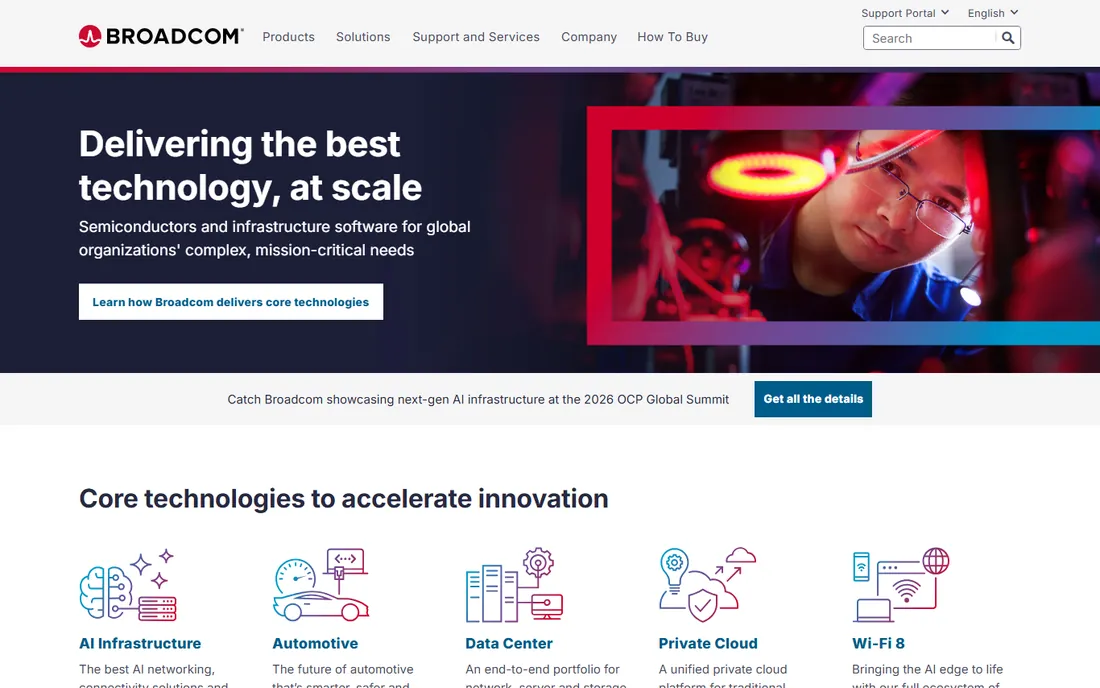
Symantec Endpoint Encryption, now part of Broadcom, provides centrally managed full disk encryption for enterprise Windows estates, with policy enforcement, key recovery and compliance reporting from a management console.
Large organizations already in the Symantec ecosystem get unified endpoint security and encryption. The Broadcom acquisition shifted licensing and support dynamics, so current customers should confirm terms. New buyers should compare against managing native BitLocker centrally, which is often cheaper.
What we like- Centralized management
- Strong compliance reporting
- Integrates with Symantec endpoint suite
Watch out for- Enterprise pricing
- Now under Broadcom
- Complex deployment

#5
Sophos Central Device Encryption
Best for: managed BitLocker and FileVault
Visit sophos.com
Starting priceSee website
Free planNo
Sophos Central Device Encryption takes a smart approach: instead of replacing BitLocker and FileVault, it manages them from the Sophos Central cloud console, adding policy, key escrow and compliance reporting across Windows and Mac fleets.
For organizations that like native encryption but need central control, this avoids third-party encryption agents entirely. It makes most sense for existing Sophos customers; others should weigh it against Microsoft Intune, which offers similar BitLocker management.
What we like- Manages native OS encryption centrally
- Single cloud console
- Good for mixed fleets
Watch out for- Relies on BitLocker and FileVault underneath
- Subscription cost
- Sophos ecosystem focus
Starting priceSee website
Free planNo
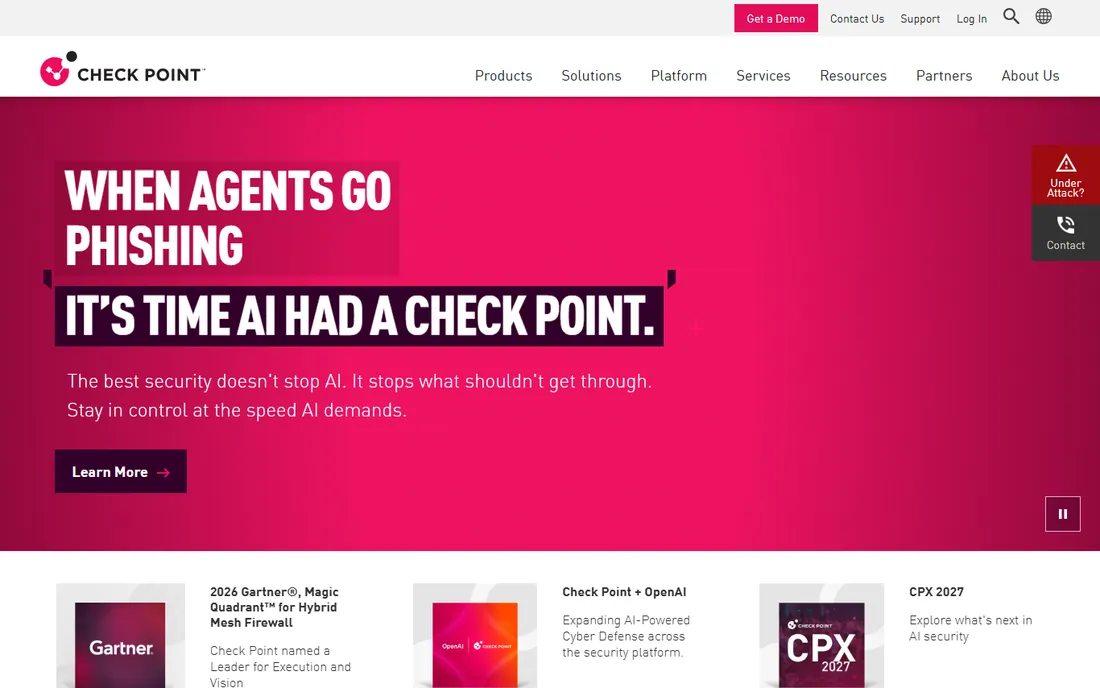
Check Point Full Disk Encryption is part of its Harmony Endpoint suite, offering centrally managed encryption with pre-boot authentication and compliance reporting for regulated industries.
It suits organizations standardizing on Check Point for endpoint security. Standalone buyers may find dedicated or native-managed options simpler. As with all enterprise suites, expect a sales-led evaluation.
What we like- Part of a strong endpoint suite
- Pre-boot authentication
- Detailed compliance reports
Watch out for- Enterprise pricing and complexity
- Agent overhead
- Sales-led process

#7
ESET Full Disk Encryption
Best for: ESET-managed encryption
Visit eset.com
Starting priceSee website
Free planNo
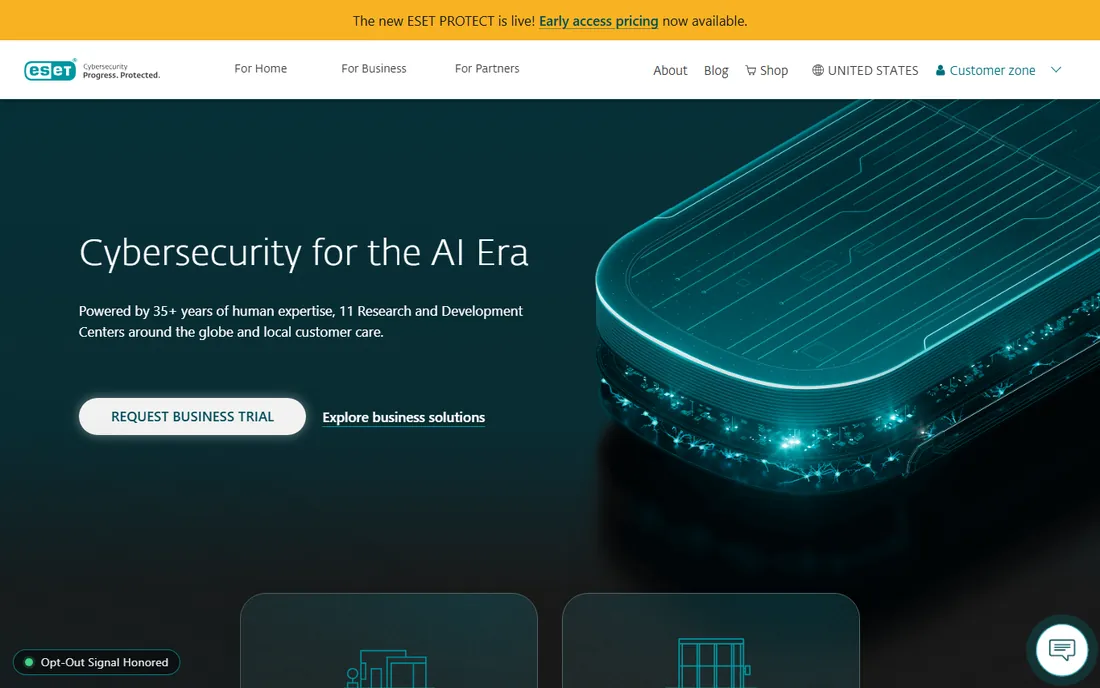
ESET Full Disk Encryption manages native encryption through the ESET PROTECT console, giving ESET customers encryption policy and key management alongside their existing endpoint protection.
It is a natural add-on for organizations already running ESET. Others have little reason to adopt ESET just for encryption management when Intune or Sophos cover the same ground.
What we like- Managed from ESET PROTECT console
- Lightweight
- Good for ESET shops
Watch out for- Windows-focused
- Less feature depth than specialists
- ESET ecosystem needed
Starting priceSee website
Free planNo
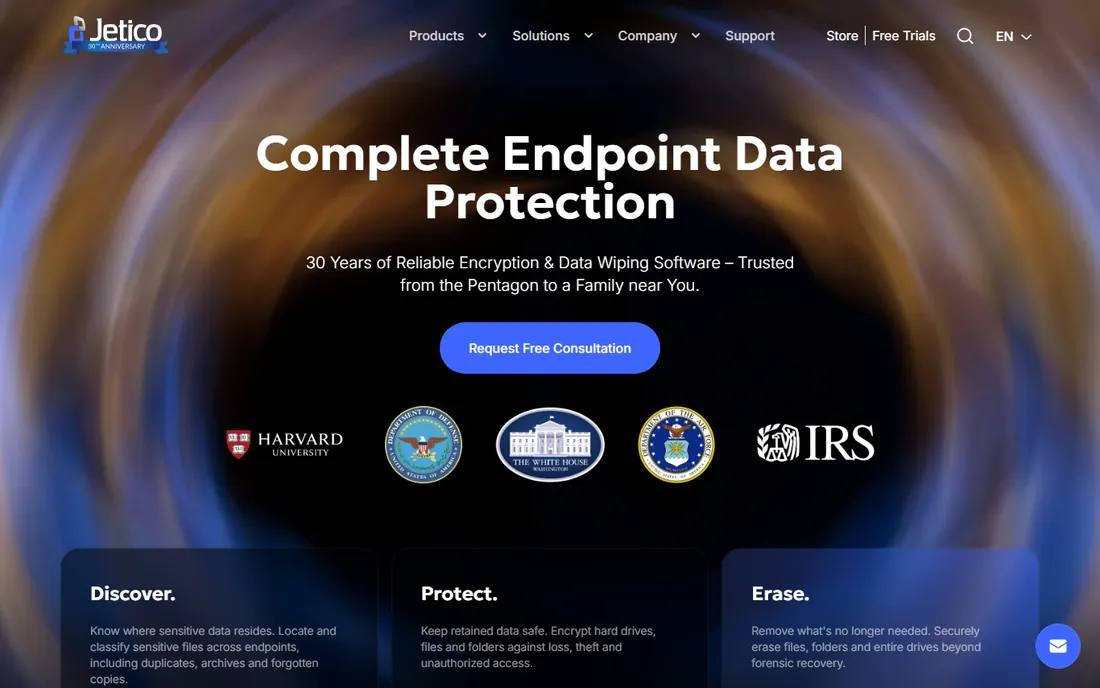
Jetico BestCrypt has served governments and regulated industries for decades, with encryption products certified to demanding standards. BestCrypt Volume Encryption covers full disks while container encryption protects selected data.
The interface reflects its heritage, and pricing is premium. For defense, government and highly regulated commercial buyers with specific certification requirements, it remains a trusted name. General businesses will find native tools sufficient.
What we like- Certified for strict compliance
- Container and full disk options
- Long track record
Watch out for- Niche vendor
- Dated interface
- Premium pricing
How we chose
We reviewed vendor product pages, documentation and security community assessments. We compared encryption standards, platform coverage, central management, key recovery, compliance certifications and pricing models. We excluded file-level-only tools without full disk capability. We did not claim hands-on testing.
Buying guide: choosing drive encryption
Individuals should start with what they have: enable BitLocker on Windows Pro or FileVault on Mac today, at no cost. Privacy-focused users who want cross-platform control and advanced features should use VeraCrypt.
Businesses need central management: key escrow, policy enforcement and compliance proof. Microsoft Intune manages BitLocker and FileVault natively and is often the cheapest path for Microsoft 365 shops. Sophos, Symantec, Check Point and ESET add value mainly for organizations already invested in those ecosystems.
Regulated industries should verify certifications against their specific requirements before choosing. Encryption algorithm claims matter less than proper deployment: key recovery processes and user training decide real-world security.
Key management is the real product
Encryption without key recovery is a data-loss plan. Whatever tool you choose, establish where recovery keys live, who can access them, and how a locked-out user gets back in. Test the recovery process before you need it. For enterprises, this process matters more than which encryption engine sits underneath.
Deploying encryption across an organization
Rolling out drive encryption company-wide needs planning beyond the software choice. Start with a pilot group to validate the process, especially recovery workflows. Communicate clearly that encryption protects the company's data and that IT can recover access; fear of lockout is the main source of resistance. Stage the rollout by department, enforce encryption through policy so new devices comply automatically, and integrate key escrow with your existing identity system. Track compliance centrally: an unencrypted laptop in a regulated industry is an audit finding waiting to happen.
Encryption plus backups: the complete strategy
Encryption protects against theft; backups protect against everything else. An encrypted drive that fails, gets ransomware-locked, or suffers user error still loses data without backups. Follow the 3-2-1 rule: three copies of important data, on two different media types, with one copy offsite. Encrypt your backups too, especially offsite and cloud copies, since they contain the same sensitive data. Test restores periodically; untested backups are wishes, not plans. For businesses, combine centrally managed encryption with automated backup policies so neither depends on user discipline. Together they cover the two fundamental risks: someone stealing your data, and you losing it yourself.
Frequently asked questions
What is the best drive encryption software?
BitLocker for Windows Pro users, FileVault for Mac users, VeraCrypt for free cross-platform use. Enterprises should manage native encryption centrally via Intune, Sophos or similar.
Is BitLocker free?
Yes, it is included with Windows Pro, Enterprise and Education at no extra cost. Windows Home does not include it.
Is VeraCrypt safe?
VeraCrypt is open source and has undergone public security audits. It is widely trusted by security professionals, though proper use still depends on strong passwords.
Do I need third-party encryption if I have BitLocker?
Most individuals and many businesses do not. Third-party tools add central management, compliance reporting and cross-platform consistency that matter at enterprise scale.
What happens if I lose my encryption key?
Without the key or recovery key, the data is unrecoverable by design. This is why key escrow to Active Directory, Intune, iCloud or a safe physical location is essential.
Does encryption slow down my computer?
On modern hardware with AES-NI instructions and especially Apple silicon, the performance impact is negligible for everyday use.
Can encrypted drives be hacked?
Strong AES encryption with a good password is not practically breakable. Real-world failures come from weak passwords, unpatched systems and social engineering, not broken encryption.
Does BitLocker work without a TPM chip?
Yes, with a policy change allowing startup keys or passwords on USB drives, though TPM-backed encryption is more secure and more convenient. Most business PCs include TPMs.
Can I encrypt external USB drives?
Yes. BitLocker To Go encrypts removable drives on Windows, VeraCrypt encrypts them cross-platform, and macOS can encrypt external drives through Disk Utility.
What is pre-boot authentication?
A password or PIN required before the operating system loads, ensuring the encryption key is not accessible to anyone without credentials. It is the strongest configuration for full disk encryption.
Can law enforcement break drive encryption?
Strong AES encryption with a good password is not practically breakable. Most access comes from compelling password disclosure legally, not breaking the encryption.
Should I encrypt backups?
Yes. Backups contain the same sensitive data as the original. Encrypt external drives and verify cloud backup encryption settings.
Does FileVault slow down Macs?
On Apple silicon Macs the impact is negligible. On older Intel Macs it is minor. There is little reason not to enable it.
What is TPM and why does BitLocker want it?
The Trusted Platform Module is a security chip storing encryption keys in hardware. It enables convenient, secure BitLocker without USB keys.
Can I encrypt only specific folders instead of the whole drive?
Yes, tools like VeraCrypt create encrypted containers for selected files. Full disk encryption protects everything including temp files and is generally the safer default.
Sources we checked (8)
- https://www.microsoft.com
- https://www.apple.com
- https://www.veracrypt.fr
- https://www.broadcom.com
- https://www.sophos.com
- https://www.checkpoint.com
- https://www.eset.com
- https://www.jetico.com
Is your product missing or out of date?
We review this list regularly. Vendors can request a listing, send updated pricing or ask about featured placement.

Shihab Mia · Founder, Rankite
Shihab has spent more than a decade helping SaaS and e-commerce brands grow through search. He writes Rankite's software buying guides from pricing pages, documentation and public user reviews. More about Shihab.
 BitLocker
 FileVault
 VeraCrypt
 Symantec Endpoint Encryption
 Check Point Full Disk Encryption
 Jetico BestCrypt