How we make this list: we compare pricing pages, product documentation and public user reviews. Rankite is independent; if a vendor ever pays for a featured spot, that listing is clearly labeled Partner.
Key takeaways
- The bid is due Friday at 2pm and the plan set is 400 pages. The takeoff tool decides whether that week is manageable or miserable.
- PlanSwift ($2,000 a year) remains the dedicated takeoff workhorse; Bluebeam Revu ($260 a user a year) is the plan-review tool that also does takeoff.
- STACK's free tier and eTakeoff's $795-a-year Advanced plan are the budget-friendly entries that still do real work.
- Desktop tools (PlanSwift, eTakeoff) are fastest on huge plan sets; cloud tools (STACK, Autodesk Takeoff) win on collaboration.
Quick comparison
| Tool | Best for | Starting price | Free plan |
|---|
 PlanSwift PlanSwift | Fastest dedicated 2D takeoff | $2,000 per year (Essential, 1 seat) | Free trial (14 days) |
 Bluebeam Revu Bluebeam Revu | Plan review plus takeoff | $260 per user/year (Basics) | Free trial (14 days) |
 STACK STACK | Cloud takeoff with collaboration | $299 per user/month (Pro) | Yes |
 On-Screen Takeoff On-Screen Takeoff | OCR-assisted takeoff and plan overlay | See website | No |
 eTakeoff eTakeoff | Budget-friendly desktop takeoff | $795 per user/year (Advanced) | No |
 Autodesk Takeoff Autodesk Takeoff | 2D/3D takeoff in Autodesk Construction Cloud | See website | Free trial |
 Square Takeoff Square Takeoff | Simple flat-rate cloud takeoff | $249 per month | Free trial |
 Methvin Methvin | Takeoff inside a full pre-construction suite | See website | No |
 Buildxact Buildxact | Takeoff for residential builders | $169 per month (Foundation, billed annually) | Yes |
Is your product missing or out of date?
We review this list regularly. Vendors can request a listing, send updated pricing or ask about featured placement.
The best construction takeoff software
Starting price$2,000 per year (Essential, 1 seat)
Free planFree trial (14 days)
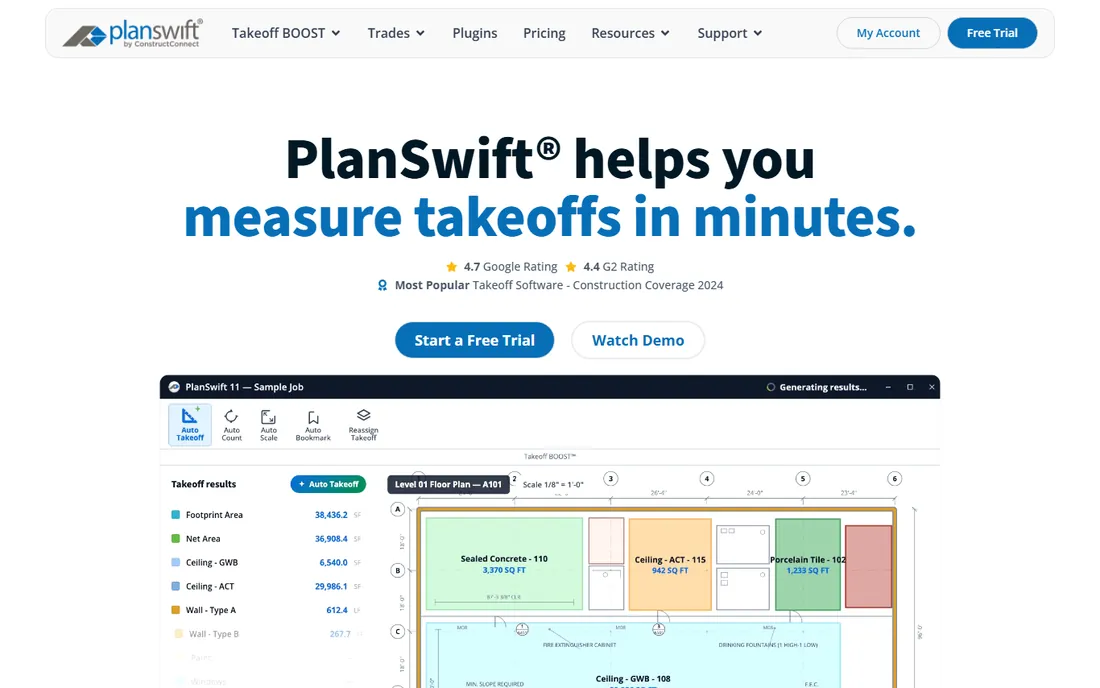
PlanSwift is the tool estimators mean when they say "takeoff software." Point, click, measure: the desktop engine chews through 400-page plan sets without lag, accumulating quantities instantly across sheets. Conditions and assemblies turn measurements into estimates automatically, and trade-specific plugins cover concrete, drywall, electrical, mechanical and more. A 14-day free trial gives full access with no credit card.
The honest costs are money and modernity. At $2,000 a year per seat, it is priced for professionals who take off daily, and the cloud collaboration features trail newer rivals. The interface is functional rather than beautiful. For the estimator whose week is measured in plan sets completed, PlanSwift's speed is still unmatched.
What we like- The fastest measurement engine for big plan sets
- Condition-based takeoff with assemblies that generate estimates
- Trade-specific plugins
Watch out for- $2,000 a year per seat is serious money
- Desktop-first with cloud features lagging
- The interface shows its age
Starting price$260 per user/year (Basics)
Free planFree trial (14 days)
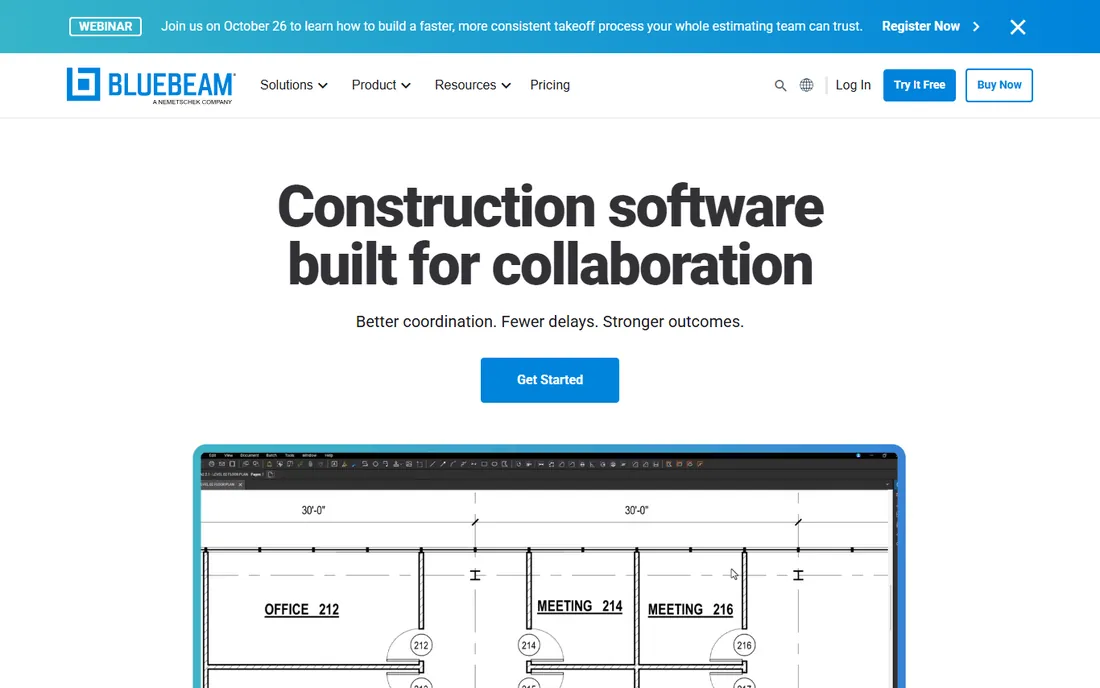
Nobody buys Bluebeam just for takeoff, and almost everybody in construction already has it. Revu is the standard for PDF plan markup, submittals and document management, with Studio sessions letting the whole team review drawings together in real time. The measurement tools, length, area, volume and counts, handle takeoff duty competently, with plans from $260 a user a year for Basics to $590 at the top.
The honest assessment is that takeoff here is a strong secondary feature. Dedicated tools measure faster and manage conditions better, and perimeter and advanced measurements require higher tiers. But if your team already lives in Bluebeam for plan review, the takeoff tools you already own may be all you need.
What we like- The industry standard for PDF plan markup
- Studio enables real-time collaboration
- Takeoff tools included from $260 a user a year
Watch out for- Takeoff is a feature, not the specialty
- Advanced measurements need higher tiers
- $590 a user a year at the top tier
Starting price$299 per user/month (Pro)
Free planYes

STACK is the cloud-native alternative to the desktop takeoff establishment. Takeoff, estimating and bid management run in the browser with real collaboration: multiple estimators on the same project, no file passing. The free-forever plan (limited projects and takeoffs) is genuinely useful for small contractors, and paid plans scale from takeoff-focused tiers to the full Pro platform at $299 per user per month.
The trade-offs are price and physics. Per-user monthly pricing exceeds the desktop tools' annual licenses for heavy users, and browser-based measurement of huge plan sets cannot match desktop speed. For the team that values collaboration, accessibility and a modern workflow over raw measurement velocity, STACK is the pick.
What we like- Free-forever plan for small needs
- Cloud collaboration the desktop tools lack
- Takeoff, estimating and proposals in one
Watch out for- $299 per user per month is premium
- Heavy plan sets can feel slower than desktop
- Less raw measurement speed than PlanSwift
Starting priceSee website
Free planNo
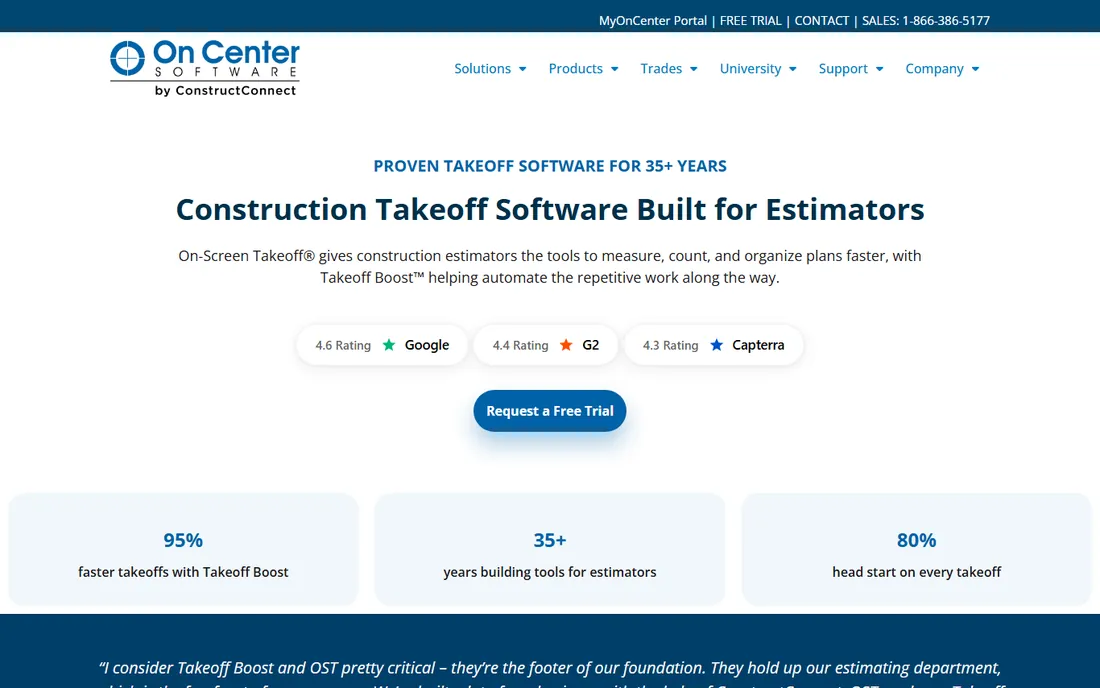
On-Screen Takeoff, part of ConstructConnect's On Center suite, wins on two distinctive features: OCR that finds and batches similar shapes across drawings, and an overlay tool that color-codes what changed between plan revisions. For estimators drowning in addenda, that revision tracking is worth real money. The bid wizard walks less experienced estimators through structured bid creation.
The limitations are collaboration and transparency. Only one user can open a project at a time, which is friction for team review, and pricing is not published. It pairs naturally with Quick Bid for estimating. For the estimator whose pain is plan revisions and shape-heavy takeoffs, the feature set is distinctive.
What we like- OCR identifies similar shapes across drawings automatically
- Overlay tool color-codes plan revisions
- Guided bid wizard for structured estimating
Watch out for- No published pricing
- Single-user project access frustrates teams
- The interface feels dated next to cloud rivals
Starting price$795 per user/year (Advanced)
Free planNo
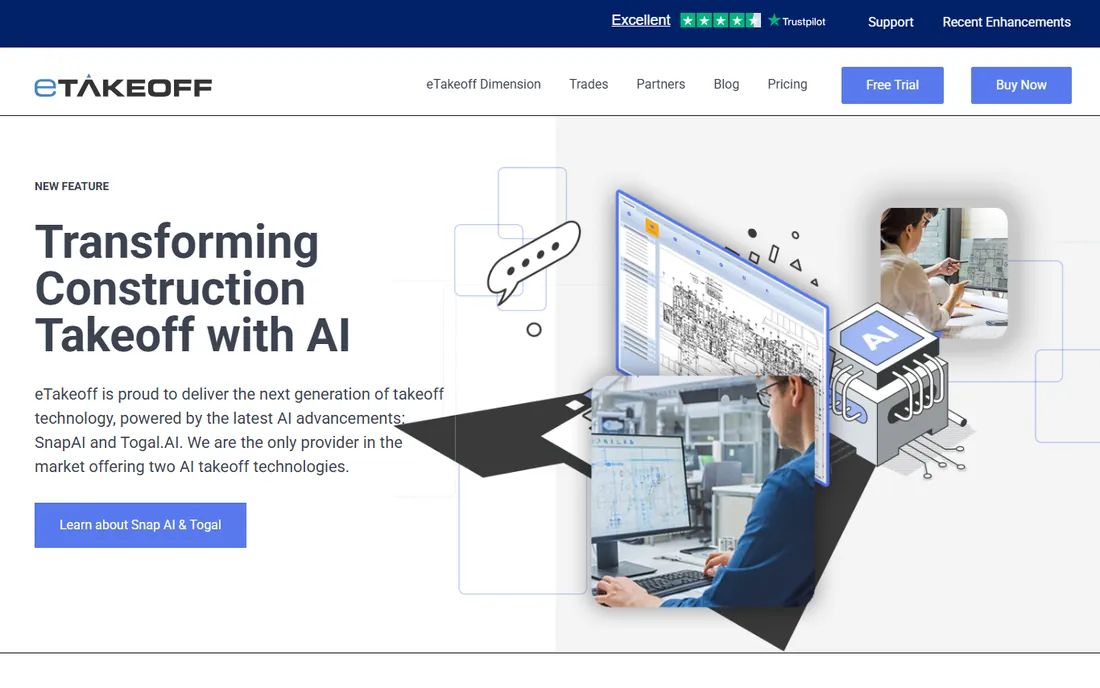
eTakeoff is the value play in desktop takeoff. The Advanced subscription at $795 per user per year covers measurement, overlays, drawing compare and Excel integration, with Premier at $1,495 adding more and an AI add-on available. For the contractor who wants desktop speed without PlanSwift's $2,000 price tag, the math is compelling.
The trade-offs are polish and presence. There is no free tier for extended evaluation, the vendor is smaller with fewer training resources, and power users may miss PlanSwift's assembly depth. But as a straightforward, affordable takeoff tool, eTakeoff delivers the core job at less than half the price.
What we like- Advanced plan at $795 a user a year undercuts the big names
- Solid measurement tools with drawing compare
- One-time-style value in a subscription world
Watch out for- No free tier
- Smaller vendor with less market presence
- The interface is utilitarian
#6
Autodesk Takeoff
Best for: 2D/3D takeoff in Autodesk Construction Cloud
Visit autodesk.com
Starting priceSee website
Free planFree trial
Autodesk Takeoff brings quantity takeoff into Autodesk Construction Cloud, handling both 2D sheets and 3D models in one environment. For teams already coordinating in ACC, takeoff quantities flow into estimating and project workflows without exports, and the 3D capability matters for model-based projects.
The fit is ecosystem-shaped. Standalone pricing is not published, and buying it outside Autodesk Construction Cloud makes little sense. If your takeoff needs are 2D PDFs only, the dedicated tools are simpler and cheaper. For the ACC-centric contractor moving toward model-based workflows, it is the natural takeoff layer.
What we like- 2D and 3D takeoff in one tool
- Native to Autodesk Construction Cloud
- Quantities connect to estimating workflows
Watch out for- No published standalone pricing
- Assumes the Autodesk ecosystem
- Overkill if you only need 2D PDF takeoff
Starting price$249 per month
Free planFree trial
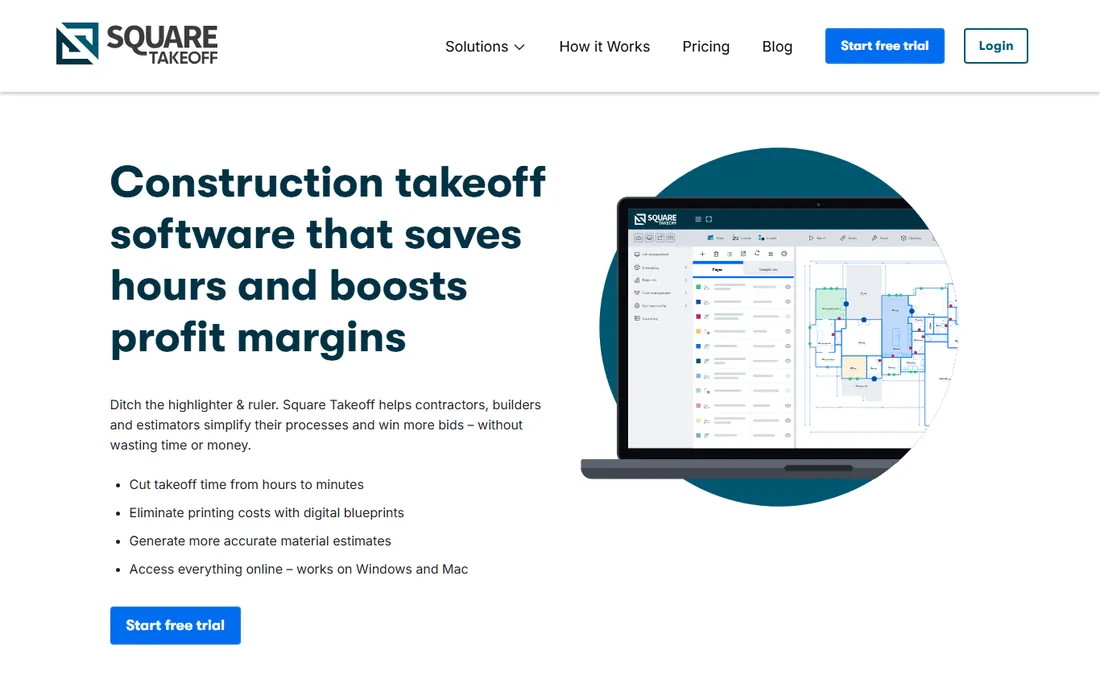
Square Takeoff keeps the proposition simple: every plan includes all features with unlimited jobs and storage, so you choose only the billing term. Month-to-month at $249, quarterly at $599, or annual at $1,699. For the contractor tired of tier matrices and feature gates, that clarity is refreshing.
The ceiling is capability. It will not match PlanSwift's measurement depth or STACK's collaboration, and the ecosystem is smaller. But for straightforward cloud takeoff at a flat, predictable price, Square Takeoff is the uncomplicated choice.
What we like- Simple pricing with all features in every plan
- Unlimited jobs and storage
- $249 monthly with quarterly and annual discounts
Watch out for- Less depth than the specialist tools
- Smaller community and fewer integrations
- The simplicity is the ceiling for complex needs
Starting priceSee website
Free planNo
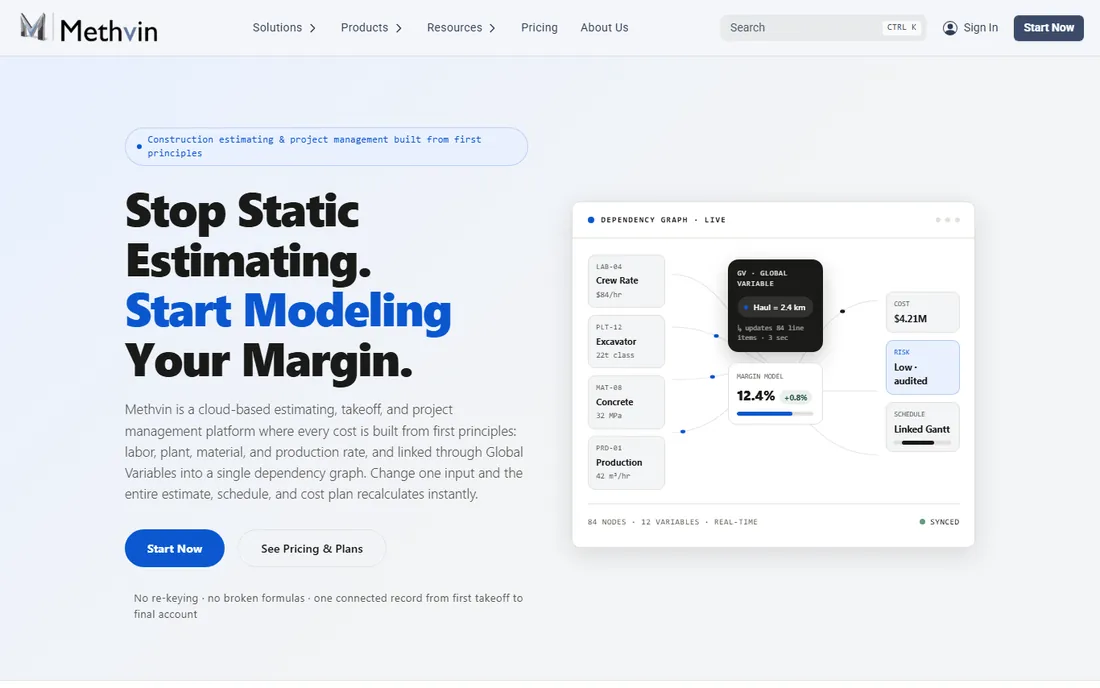
Methvin is not really a takeoff tool; it is a pre-construction suite that includes takeoff. Estimating, Gantt scheduling, Kanban collaboration and a tender portal surround the measurement tools, so quantities flow into priced bids, schedules and subcontractor coordination in one system. For the contractor who wants the whole pre-construction workflow connected, that integration is the appeal.
Evaluated purely as takeoff software, the dedicated tools measure faster and deeper, and pricing is not published. Buy Methvin for the suite: takeoff feeding directly into estimating, planning and tendering without re-entry. Buy a specialist if takeoff speed is the job.
What we like- Takeoff integrated with estimating, Gantt scheduling and bid management
- Collaborative online platform
- Tender portal for subcontractor bids
Watch out for- Pricing not published
- Takeoff is one module among many
- Less measurement depth than dedicated tools
Starting price$169 per month (Foundation, billed annually)
Free planYes
Buildxact serves the residential builder and remodeler who needs takeoff as part of a bigger job: measure, generate the estimate with AI assistance, send the quote, manage the job. Foundation starts at $169 a month billed annually with unlimited users, and a free plan with credits lets builders test the workflow. Digital takeoffs, dealer integrations and purchase orders cover the residential workflow end to end.
The trade is focus. Commercial estimators should look elsewhere; this is a residential tool. And the all-in-one scope means takeoff depth trails the specialists. For the custom home builder or remodeler who wants one system from takeoff to invoice, Buildxact fits like it was designed for them, because it was.
What we like- Built for residential builders and remodelers
- Takeoff plus quoting and job management in one
- Free plan with credits to start
Watch out for- Residential focus limits commercial fit
- $169 a month to start is more than pure takeoff tools
- The all-in-one scope means less takeoff depth
How we chose
We selected takeoff tools with real contractor adoption in 2026, verified each product exists today, and used only the vendors' own pricing pages for figures, captured in October 2026. Where vendors do not publish pricing, the listings say so rather than repeating directory estimates. We weighted measurement speed, plan-set handling and trade fit over feature counts, and we separated dedicated takeoff tools from suites where takeoff is one module.
Desktop vs cloud: the real trade-off
The category's central divide is architectural. Desktop tools (PlanSwift, eTakeoff, Bluebeam) process plan sets locally: faster on 400-page PDFs, no internet dependency, but single-user files and version headaches. Cloud tools (STACK, Autodesk Takeoff, Square Takeoff) collaborate natively: multiple estimators, anywhere access, automatic versions, but browser performance on huge sets and subscription pricing.
Choose by workflow, not fashion. One estimator doing deep takeoff on massive commercial sets should be on desktop. A distributed team sharing projects and reviewing together should be in the cloud. Many firms sensibly run both: desktop for the heavy measurement, cloud for collaboration and review. The wrong choice is the one that fights how your estimators actually work.
What to test in the trial
Every vendor offers a trial or demo; use it on your hardest project, not their sample. Load your biggest, ugliest plan set: the 400-page PDF with scanned sheets and inconsistent scales. Time a standard takeoff task and compare across tools, because speed differences are real and measurable.
Then test the revision workflow. Have the vendor demonstrate an addendum arriving mid-takeoff: how changed areas are flagged, how quantities update, what audit trail remains. Test the export to your estimating process, whether that is Excel, an estimating tool, or assemblies inside the takeoff product. And check the scale calibration on a scanned sheet, because wrong scale means wrong everything.
Frequently asked questions
How much does construction takeoff software cost?
Published pricing runs from $795 a user a year (eTakeoff Advanced) to $2,000 a year (PlanSwift), with Bluebeam Revu from $260 a user a year and STACK from $299 per user per month. Cloud tools bill monthly per user; desktop tools trend annual per seat. Several vendors do not publish pricing.
Can I do takeoff for free?
STACK's free-forever plan handles small needs, and Bluebeam and PlanSwift offer 14-day full trials. Free options limit project counts or features, so they suit occasional takeoffs rather than daily professional use. For regular bidding, budget for a paid tool.
What is the difference between takeoff and estimating software?
Takeoff measures quantities from drawings: lengths, areas, counts, volumes. Estimating prices those quantities into a bid using labor, materials and markup. Tools like PlanSwift and STACK do both; Bluebeam and eTakeoff focus on measurement; trade suites like Accubid add the pricing database.
Do I need BIM takeoff or is 2D enough?
Most contractors still bid from 2D PDFs, and 2D takeoff tools handle that well. BIM takeoff matters when projects deliver models and you want quantities from them, or for clash-heavy MEP work. Autodesk Takeoff covers both. Do not pay for BIM capability you will not use this year.
How accurate is takeoff software?
The software measures exactly what you trace; accuracy depends on the drawings and the operator. Published comparisons show the leading tools clustering within a few percent of each other on standard tasks. The bigger accuracy wins come from consistent conditions, calibrated scales and revision tracking, not from the logo.
Can takeoff software handle plan revisions?
The good ones can, and this is a key evaluation test. Look for overlay or compare tools that highlight changed areas between drawing issues, and quantity tracking that updates without redoing the whole takeoff. Ask for a live demo with your revision scenario before buying.
Sources we checked (9)
- https://www.planswift.com/pricing
- https://www.bluebeam.com/pricing
- https://www.stackct.com/pricing
- https://www.oncenter.com/
- https://etakeoff.com/pricing
- https://www.autodesk.com/products/takeoff/overview
- https://squaretakeoff.com/pricing
- https://methvin.org/pricing/
- https://www.buildxact.com/us/pricing
Is your product missing or out of date?
We review this list regularly. Vendors can request a listing, send updated pricing or ask about featured placement.

Shihab Mia · Founder, Rankite
Shihab has spent more than a decade helping SaaS and e-commerce brands grow through search. He writes Rankite's software buying guides from pricing pages, documentation and public user reviews. More about Shihab.