How we make this list: we compare pricing pages, product documentation and public user reviews. Rankite is independent; if a vendor ever pays for a featured spot, that listing is clearly labeled Partner.
Key takeaways
- Most small contractors do not need enterprise scheduling: Contractor Foreman ($49/month) and Buildxact ($199/month) cover estimating, Gantt scheduling, and job costing for residential crews at a fraction of enterprise prices.
- Procore, Autodesk Construction Cloud, Buildertrend, and Oracle Primavera P6 all sell on custom quotes, so budget a sales conversation and an annual contract before you compare them on features alone.
- The only genuine free option here is Fieldwire's Basic plan (5 users, 3 projects), which suits a single crew but caps out fast on multi-project work.
- Microsoft Project ($10/user/month) and Smartsheet ($9/member/month) remain the cheapest serious Gantt tools, but neither was built for construction and both need workarounds for field workflows.
Quick comparison
| Tool | Best for | Starting price | Free plan |
|---|
 Procore Procore | General contractors, owners, and specialty contractors on complex commercial projects | See website (custom quote, based on annual construction volume) | No (demo available) |
 Buildertrend Buildertrend | Home builders, remodelers, and specialty contractors | See website (custom quote) | No (demo available) |
 Autodesk Construction Cloud Autodesk Construction Cloud | GCs, specialty contractors, and owners already using Autodesk design software | See website (custom quote) | No (demo available) |
 Oracle Primavera P6 Oracle Primavera P6 | Schedulers and project controls teams on heavy civil, infrastructure, and energy projects | See website (custom quote) | No (demo available) |
 Microsoft Project Microsoft Project | Teams that need real CPM scheduling without enterprise software budgets | $10/user/month (Planner Plan 1, billed annually) | Free trial (30 days) |
 Smartsheet Smartsheet | Construction teams that plan in spreadsheets and want Gantt, card, and calendar views | $9/member/month (Pro, billed annually; $12 billed monthly) | Free trial (30 days, no credit card required) |
 Buildxact Buildxact | Residential builders and remodelers who estimate before they schedule | $199/month (Foundation; $169/month billed annually) | Free trial (14 days) |
 Contractor Foreman Contractor Foreman | Small contractors wanting estimating, scheduling, and job costing in one cheap suite | $49/month (Basic, billed annually) | Free trial (30 days) |
 Fieldwire Fieldwire | Field crews and foremen coordinating tasks, punch lists, and drawings | $39/user/month (Pro, billed annually; free Basic plan) | Yes (free Basic plan: 5 users, 3 projects, 100 sheets) |
Is your product missing or out of date?
We review this list regularly. Vendors can request a listing, send updated pricing or ask about featured placement.
The best construction project scheduling software
Here is the blunt version: most construction companies buy scheduling software backwards. They pick the tool with the prettiest Gantt chart, then discover it cannot handle change orders, crew assignments, or the daily logs their supers actually fill out. The best construction project scheduling software earns its keep in the field, not in the demo. These nine cover the real market, from enterprise platforms priced by construction volume to a $49-a-month suite and a genuinely free plan.
#1
Procore
Best for: General contractors, owners, and specialty contractors on complex commercial projects
Visit procore.com
Starting priceSee website (custom quote, based on annual construction volume)
Free planNo (demo available)

Procore is the platform GCs buy when a project has more stakeholders than the office has people to manage them. Scheduling lives inside a much larger system: RFIs, submittals, daily logs, punch lists, drawings, and project financials all share one record, so a delay entered by a super shows up in the schedule and the budget view at the same time. The pricing model is unusual in this market: Procore charges by your annual construction volume and gives unlimited users, which means adding the whole field crew costs nothing extra.
The catch is the entry price and the sales process. Procore publishes no prices, sells annual contracts, and expects an implementation period with its own onboarding team. A five-person residential shop will pay enterprise money for depth it will never use. If you run multi-trade commercial work with formal documentation requirements, the audit trail and the integrations with Procore's marketplace justify the cost. If you do not, one of the cheaper tools below will schedule your jobs just as well.
What we like- Unlimited users on every contract, so field crews and subs do not drive up the bill
- Deep project financials with budget, change order, and invoicing tools in one system
- 400-plus integrations including major accounting and ERP platforms
Watch out for- No published pricing and annual contracts priced by volume, which puts it out of reach for most small contractors
- Implementation takes real effort, with dedicated onboarding that smaller teams may find heavy
Starting priceSee website (custom quote)
Free planNo (demo available)
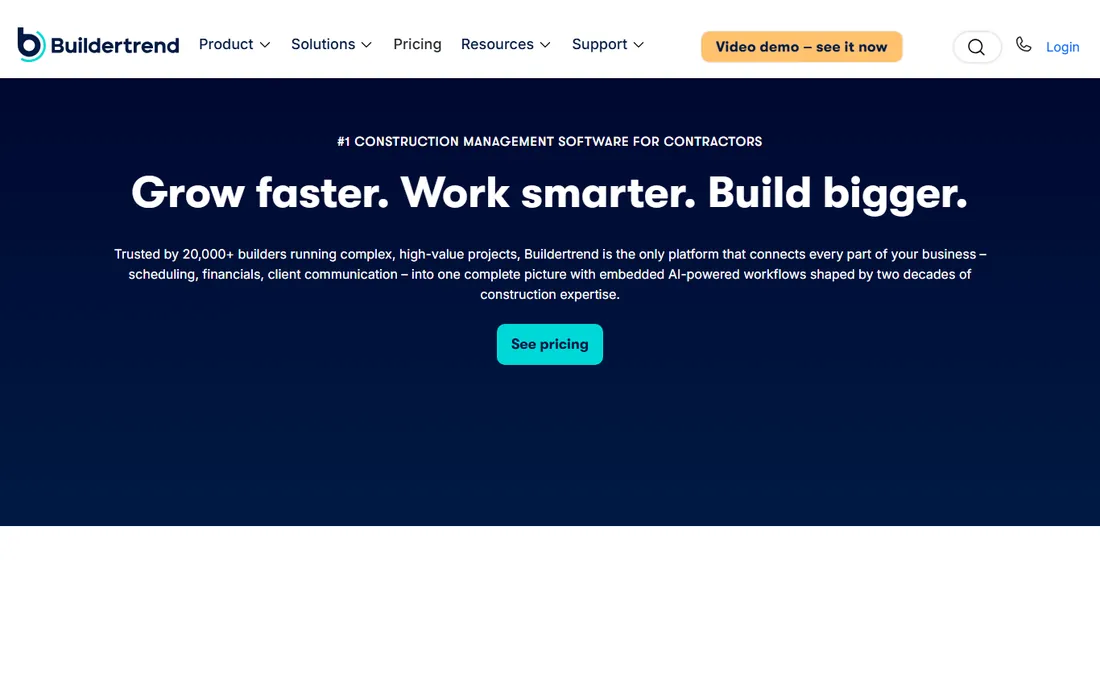
Residential builders pick Buildertrend for one reason above the others: the client portal that keeps homeowners from calling the office. Schedules, daily logs, selections, change orders, and invoices live in a shared view the homeowner can check at midnight instead of texting the PM. Behind the portal, the scheduling itself is Gantt-based with automated notifications to trades, and the financials connect estimates to job costing so margin stays visible while the job runs.
The commercial reality is the quote. Buildertrend does not publish prices; third-party research puts typical customers at $8,000 to $14,000 a year for unlimited users, priced in bands by annual construction volume. That math favors bigger crews, since a 20-person builder pays the same as a 60-person builder at the same volume. Smaller shops should get the quote in writing, including the support tiers and the payment processing fees, before comparing it against the flat-rate tools below.
What we like- Client portal that gives homeowners schedules, selections, and payment visibility without phone calls
- Flat pricing by construction volume with unlimited users, so growing the crew does not raise the bill
- Strong QuickBooks and Xero sync plus built-in payment processing
Watch out for- Custom quotes only, with reported annual costs in the high four to low five figures, which surprises smaller builders
- The estimating and takeoff depth is thinner than estimate-first tools like Buildxact
Starting priceSee website (custom quote)
Free planNo (demo available)
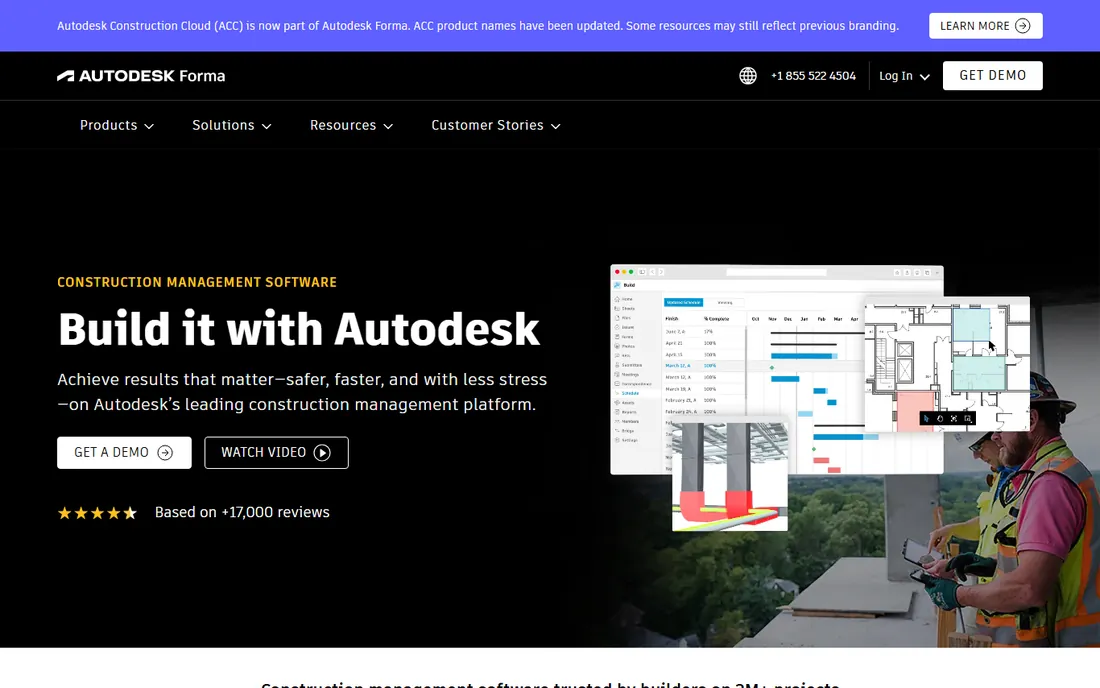
Autodesk Construction Cloud is the natural pick for firms already living inside Revit, AutoCAD, or BIM 360. The platform connects design, preconstruction, and field execution in one environment: Autodesk Build handles scheduling, daily logs, RFIs, and punch lists, while Autodesk Takeoff and BIM Collaborate feed quantities and model data into the plan. For design-build firms and GCs doing BIM-coordinated work, keeping the model and the schedule in the same system removes a whole category of version-control mistakes.
The tradeoff is complexity and opacity. Autodesk sells the platform as individual products with per-user pricing set through sales, and assembling Build, Takeoff, and Docs for a team requires a quote. Smaller contractors without BIM workflows pay for coordination power they will never touch. If your drawings already come from Autodesk tools, this is the path of least resistance. If they do not, Procore or a simpler tool gets you scheduling faster.
What we like- Tight connection between BIM models, takeoffs, and field scheduling for design-led firms
- Autodesk Build includes schedule management with Gantt views tied to project documents
- Large integration catalog across the Autodesk ecosystem
Watch out for- Pricing is quote-based and sold per product, so the full platform price is hard to pin down before a sales call
- The learning curve is real, especially for teams new to Autodesk workflows
#4
Oracle Primavera P6
Best for: Schedulers and project controls teams on heavy civil, infrastructure, and energy projects
Visit oracle.com
Starting priceSee website (custom quote)
Free planNo (demo available)
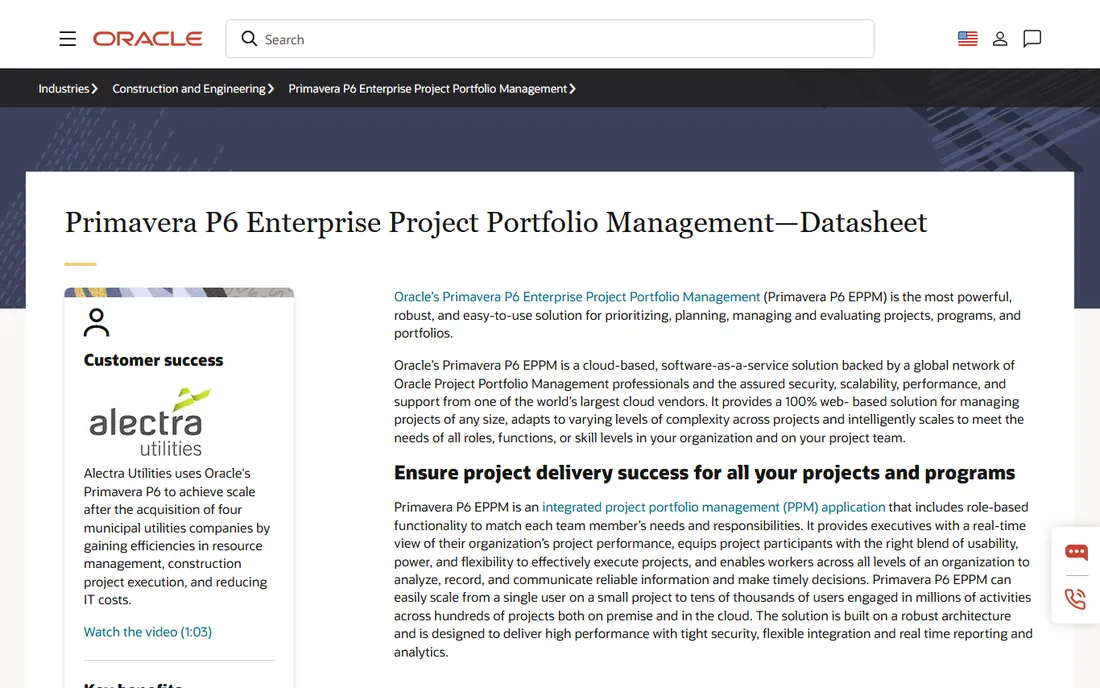
Primavera P6 is the schedule of record on infrastructure and heavy civil work, and nothing else in this list plays in that league. It handles true CPM scheduling with resource leveling, baselines, portfolio management, and the kind of multi-project analysis that owners and EPC firms require on billion-dollar programs. P6 Professional serves individual planners who need hands-on schedule control, while P6 EPPM adds the web-based portfolio layer for executives and program managers.
Everything about P6 assumes scale. Pricing is custom and historically runs into thousands of dollars per user per year, and the product expects trained schedulers, not PMs who schedule on the side. Small and mid-size contractors should not buy it; Microsoft Project or Smartsheet covers their CPM needs at a hundredth of the cost. But if your contracts require P6-native schedules, which many public and energy owners do, there is no substitute on this list.
What we like- The industry standard for critical-path scheduling on large, complex programs, with resource leveling and multi-project portfolios
- Scales to tens of thousands of users and millions of activities
- Deep integration with Oracle ERP and enterprise reporting
Watch out for- Enterprise pricing with no published numbers and a sales-led buying process
- The interface and workflow assume trained schedulers, so general contractors without a planning team will struggle
#5
Microsoft Project
Best for: Teams that need real CPM scheduling without enterprise software budgets
Visit microsoft.com
Starting price$10/user/month (Planner Plan 1, billed annually)
Free planFree trial (30 days)
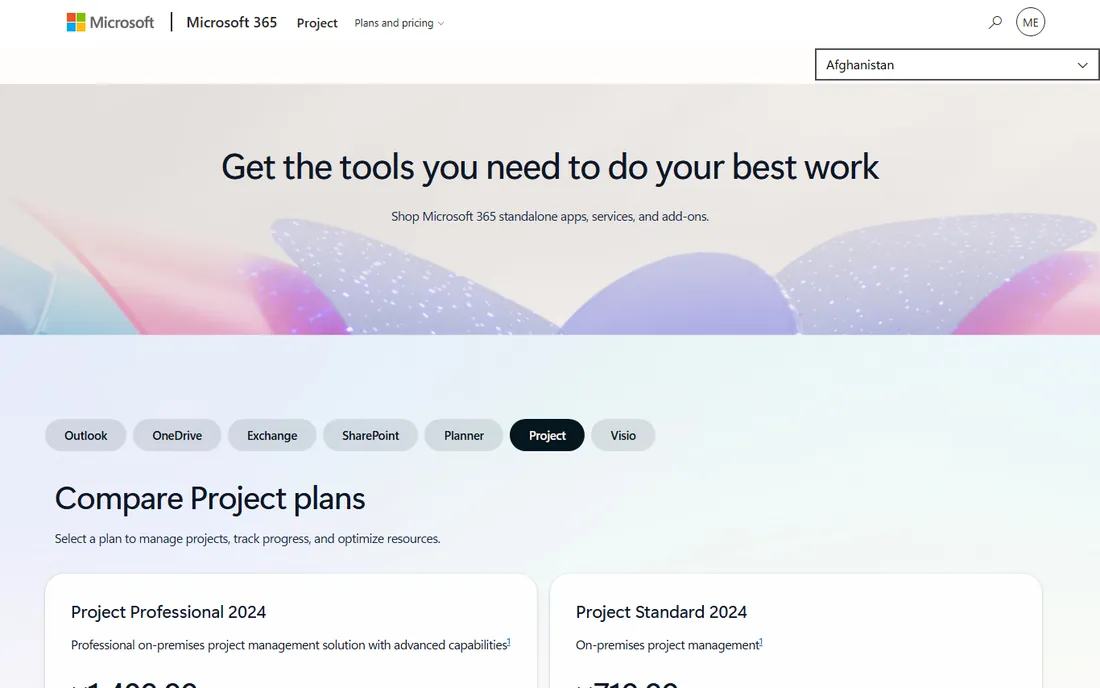
Microsoft Project is the cheapest serious Gantt tool on this list, and the one your scheduler probably already knows. Planner Plan 1 at $10 per user per month adds the timeline Gantt view, task dependencies, and sprints to the Planner experience inside Microsoft 365. Step up to Planner and Project Plan 3 at $30 and you get the classic Project desktop client, baselines, critical path, and resource management, which is still far less than any enterprise construction platform.
The honest limitation is that Project is a scheduling tool, not a construction tool. There is no native daily log, no punch list, no RFI workflow, and no field mobile app worth the name. Teams pair it with SharePoint, Excel, or a field tool like Fieldwire to cover the jobsite. If your company already pays for Microsoft 365 and your scheduling needs are planning-heavy rather than field-heavy, this is the value buy of the category.
What we like- Genuine critical-path scheduling, baselines, and resource management at the lowest entry price here
- The desktop client is the tool most schedulers already know
- Deep integration with Teams, SharePoint, and the rest of Microsoft 365
Watch out for- Construction-specific workflows like daily logs, punch lists, and change orders need workarounds or add-ons
- Collaboration is weaker than cloud-native tools, and the full desktop experience sits on the $30/month Plan 3 tier
#6
Smartsheet
Best for: Construction teams that plan in spreadsheets and want Gantt, card, and calendar views
Visit smartsheet.com
Starting price$9/member/month (Pro, billed annually; $12 billed monthly)
Free planFree trial (30 days, no credit card required)
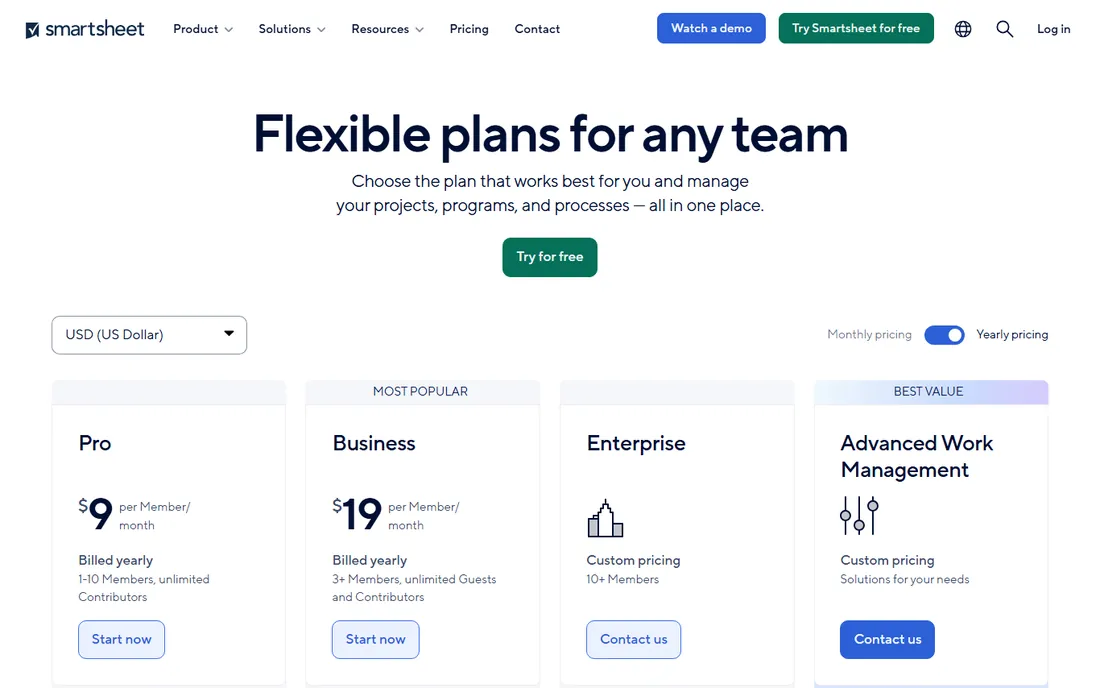
Smartsheet is a spreadsheet that grew a Gantt chart, and construction teams that live in Excel tend to adopt it fast. You build the schedule in a familiar grid, then flip it into Gantt, card, or calendar views for the crew and the client. Automations handle the nagging: overdue-task alerts, approval requests, and status reminders run without anyone remembering to send them. The Pro plan at $9 per member per month covers teams up to 10, with unlimited free viewers and contributors who do not need licenses.
Watch the tier boundaries. Resource management, workload tracking, and unlimited automations sit on the Business plan at $19 per member per month with a three-member minimum, which is where most construction teams actually land. Smartsheet also has no native construction objects, so daily logs and punch lists arrive as templates or third-party add-ons. It is the best general-purpose scheduler here, but it is still general-purpose.
What we like- Spreadsheet-style interface that construction teams adopt with almost no training
- Gantt, card, calendar, and grid views of the same data
- No-code automations for reminders, approvals, and status updates
Watch out for- Pro is capped at 10 members and lacks resource management, which pushes growing teams to the $19 Business tier
- Construction depth (daily logs, punch lists, takeoffs) needs templates or integrations rather than coming built in
#7
Buildxact
Best for: Residential builders and remodelers who estimate before they schedule
Visit buildxact.com
Starting price$199/month (Foundation; $169/month billed annually)
Free planFree trial (14 days)
Buildxact starts where most scheduling tools stop: the estimate. Digital takeoffs feed quantities into the estimate, live supplier pricing keeps material costs current, and the approved estimate converts into purchase orders and a Gantt schedule without re-entry. For residential builders who bid constantly, that estimate-to-schedule chain removes the spreadsheet handoff where most scheduling errors begin. Pricing is flat per company with unlimited users, and annual billing cuts each tier by about 15 percent.
The scheduling itself is honest but not deep. You get Gantt charts, task dependencies, and job tracking, but not the RFI, submittal, and multi-trade coordination workflows that commercial GCs need. Note the tier split: Foundation at $199 per month covers estimating and quoting, while scheduling arrives on Pro at $399 per month. If your bottleneck is bidding speed and estimate accuracy, Buildxact is the strongest fit on this list. If your bottleneck is field coordination, look at Fieldwire instead.
What we like- Estimating, takeoffs, and scheduling share one dataset, so the schedule builds straight from the approved estimate
- Live dealer and supplier pricing feeds into bids
- Flat pricing with unlimited users, so the whole crew can be in the system
Watch out for- Scheduling and field coordination are lighter than Procore or Fieldwire, with no deep RFI or submittal workflows
- The entry tier is estimating-only, so scheduling requires the $399/month Pro plan
#8
Contractor Foreman
Best for: Small contractors wanting estimating, scheduling, and job costing in one cheap suite
Visit contractorforeman.com
Starting price$49/month (Basic, billed annually)
Free planFree trial (30 days)
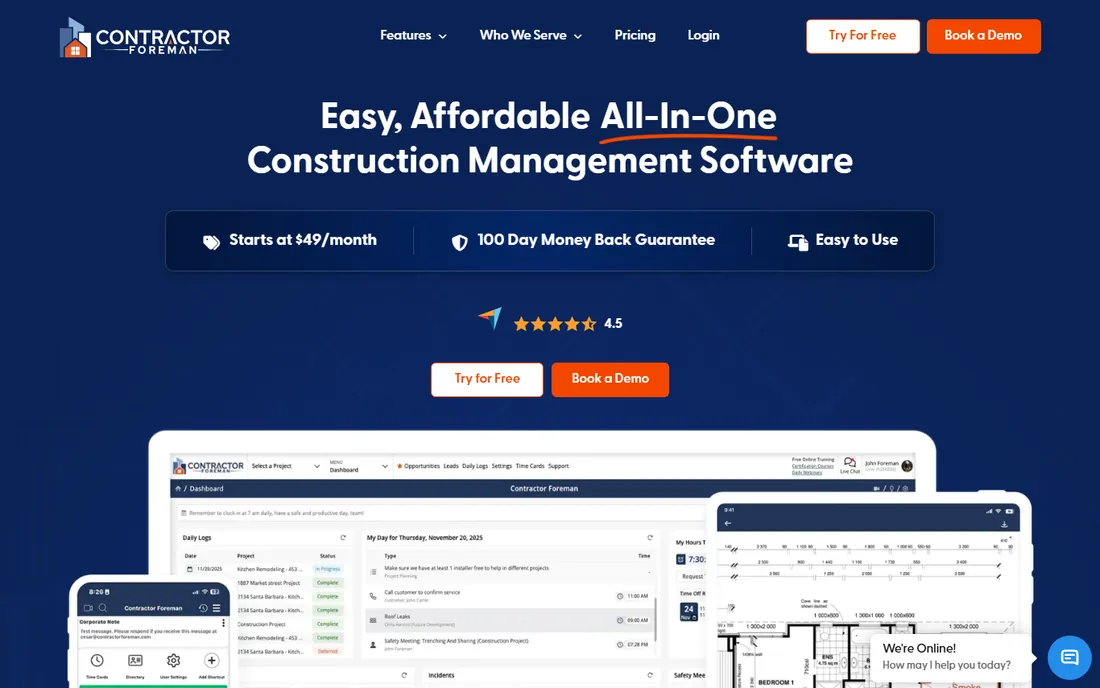
Contractor Foreman is the value play: a broad construction management suite for the price of one project-management seat elsewhere. The $49 Basic plan includes scheduling, estimates, daily logs, time cards, invoices, and document management, which is more coverage than tools costing five times as much. Higher tiers add crew scheduling, the client portal, AIA-style invoicing, and QuickBooks Online and Desktop integrations, topping out at $148 per month for unlimited users on annual billing.
The tradeoffs are the ones you would expect at this price. The interface is functional rather than refined, the mobile app trails the desktop experience, and reporting customization is limited. User caps per tier mean a growing crew moves up the pricing ladder, though the top rung is still cheap. For small contractors who need one system for the office and the field without an enterprise contract, this is the most software per dollar on the list.
What we like- More than 35 modules, including scheduling, estimates, daily logs, time cards, and invoicing, at the lowest entry price here
- Flat-rate tiers with a price-lock guarantee and a 100-day money-back promise
- QuickBooks integration on higher tiers
Watch out for- The Basic tier covers one user, so teams step up to $87 to $148 per month quickly
- Polish and mobile depth lag the premium tools, and heavy users report slowdowns on large datasets
#9
Fieldwire
Best for: Field crews and foremen coordinating tasks, punch lists, and drawings
Visit fieldwire.com
Starting price$39/user/month (Pro, billed annually; free Basic plan)
Free planYes (free Basic plan: 5 users, 3 projects, 100 sheets)

Fieldwire is the only tool here that started on the jobsite and worked its way back to the office. The free Basic plan covers 5 users, 3 projects, and 100 sheets with plan viewing, task management, and checklists, which is enough for a small crew to run real work without paying anything. Paid tiers add sheet compare, custom forms, a BIM viewer, and, on Business Plus, RFIs, submittals, change orders, and budgets. Everything is per user per month with no contracts, and the account owner can adjust the plan at any time.
Be clear about what it is not. Fieldwire schedules tasks and look-aheads well, but it is not a CPM scheduling engine and it will not replace P6 or Project for complex programs. Estimating and job costing are thin until the top tier. Its strength is execution: drawings, punch lists, inspections, and tasks that the field team actually opens every day. Pair it with a planning tool if your schedules need critical-path math.
What we like- The only genuine free plan in this roundup, usable for a small crew's real work
- Plan viewing with markups, versioning, and offline access built for the jobsite
- Per-user pricing with no long-term contracts, adjustable at any time
Watch out for- Scheduling depth is lighter than CPM tools, focused on tasks and short look-aheads rather than full program schedules
- Estimating, budgeting, and accounting live on the top tier or need other tools
How we chose
We started with the search terms buyers actually use: construction project scheduling software, construction scheduling app, and Gantt software for contractors. For each candidate we opened the vendor's own site, checked published pricing on official pricing pages, and read feature documentation plus public reviews on G2, Capterra, and contractor forums. We favored tools with real construction scheduling depth over generic project managers, and mixed enterprise platforms with affordable options so the list fits both GCs and small crews. Where a vendor publishes no price, we wrote "See website" instead of repeating third-party estimates.
What the pricing model tells you before you sign
Construction software pricing falls into three models, and the model matters more than the monthly number. Volume-based pricing (Procore, Buildertrend) charges by your annual construction revenue with unlimited users, which favors big crews and punishes small ones. Per-user pricing (Microsoft Project, Smartsheet, Fieldwire) scales with headcount, so a 20-person team pays very differently from a 5-person team. Flat company pricing (Buildxact, Contractor Foreman) charges one rate no matter how many people log in, which is the friendliest model for growing field teams.
Then read the tier boundaries. Buildxact's scheduling lives on the $399 Pro tier, not the $199 entry plan. Smartsheet's resource management needs the $19 Business tier, not the $9 Pro plan. Fieldwire's budgets and RFIs need Business Plus. Always map the features you actually need against the tier that includes them, then price that tier, not the headline number. And ask about contract length: the custom-quote vendors sell annual terms, while the published-price tools are mostly month-to-month or annual by choice.
The scheduling features worth paying for
A Gantt chart alone does not make scheduling software. The features that separate useful tools from pretty ones are dependencies with lead and lag, baselines you can compare against actual progress, and resource views that show who is overbooked before the week starts. Critical-path calculation matters as soon as a project has more than a few dozen tasks; without it, you cannot see which delay actually threatens the completion date.
For construction specifically, look for schedule views the field will open: short look-ahead schedules, crew assignments, and daily logs tied to the plan. Offline mobile access matters because jobsites lose signal. Change-order handling matters because the schedule that cannot absorb a change order is fiction by week three. When you demo, bring a real project with real tasks and ask the vendor to build the look-ahead, assign the crew, and show you the critical path. The tools that do it in minutes are the ones your team will actually use.
Frequently asked questions
What is the best construction scheduling software for a small contractor?
Contractor Foreman at $49 per month gives a small shop scheduling, estimating, daily logs, and invoicing in one suite. Buildxact at $199 per month is the stronger pick if estimating and takeoffs are the bottleneck, since the schedule builds from the estimate. Fieldwire's free Basic plan covers a single crew's task and drawing coordination at no cost.
How much does construction scheduling software cost?
It ranges from free (Fieldwire Basic) to custom enterprise contracts. Published prices run $9 to $49 per user per month for the affordable tools, $199 to $399 per month flat for Buildxact, and custom quotes for Procore, Buildertrend, Autodesk Construction Cloud, and Primavera P6. Always price the tier that includes the features you need, not the entry tier.
Is Microsoft Project good for construction scheduling?
For planning, yes: it handles Gantt charts, dependencies, baselines, and resource management well at $10 to $30 per user per month. For field execution, no: it has no native daily logs, punch lists, or RFI workflows. Construction teams usually pair it with a field tool or SharePoint rather than running the whole job in it.
What is the difference between Procore and Buildertrend?
Both are all-in-one construction platforms on custom quotes, but they aim at different builders. Procore targets commercial GCs with deep project financials, RFIs, submittals, and enterprise integrations. Buildertrend targets residential builders and remodelers with a strong client portal, selections management, and homeowner communication. Neither publishes prices.
Do I need Primavera P6 or is a simpler tool enough?
P6 is required when contracts or owners demand it, which happens on infrastructure, energy, and large public projects. For commercial and residential work, Microsoft Project, Smartsheet, or a construction suite like Buildertrend or Buildxact handles scheduling fine. Do not buy P6 unless someone on the project requires P6-native schedules.
Sources we checked (13)
- https://www.procore.com/
- https://buildertrend.com/
- https://construction.autodesk.com
- https://www.oracle.com/construction-engineering/primavera-p6/datasheet/
- https://www.microsoft.com/en/microsoft-365/project/microsoft-project-enterprise-plans-and-pricing
- https://www.smartsheet.com/pricing
- https://buildxact.com/
- https://www.buildxact.com/us/blog/fieldwire-alternatives/
- https://contractorforeman.com/
- https://contractorforeman.com/press-releases/
- https://www.fieldwire.com/
- https://help.fieldwire.com/hc/en-us/articles/202634054-Fieldwire-Pricing-and-Overages
- https://www.g2.com/categories/construction-management
Is your product missing or out of date?
We review this list regularly. Vendors can request a listing, send updated pricing or ask about featured placement.

Shihab Mia · Founder, Rankite
Shihab has spent more than a decade helping SaaS and e-commerce brands grow through search. He writes Rankite's software buying guides from pricing pages, documentation and public user reviews. More about Shihab.