How we make this list: we compare pricing pages, product documentation and public user reviews. Rankite is independent; if a vendor ever pays for a featured spot, that listing is clearly labeled Partner.
Key takeaways
- Enterprise-grade options like ProEst, Sage Estimating and Trimble WinEst keep pricing behind a sales call, while STACK is the only tool here with a free tier and unlimited viewer seats.
- Clear Estimates targets residential remodelers with more than 12,000 cost line items and over 500 project templates, and Estimator360 pairs cloud estimating with a light built-in CRM.
- Houzz Pro and Buildxact bundle estimating with scheduling, lead management and client messaging, so the bid tool doubles as the job management system.
- Bolster (formerly CostCertified) turns static quotes into interactive, shoppable proposal pages, while Sage Estimating and WinEst stay desktop-first with deep cost databases.
Quick comparison
| Tool | Best for | Starting price | Free plan |
|---|
 ProEst ProEst | Mid-size and large general contractors | See website | No |
 STACK STACK | Subcontractors and GCs who live in takeoffs | See website | Yes |
 Clear Estimates Clear Estimates | Residential remodelers and home improvement contractors | See website | See website |
 Houzz Pro Houzz Pro | Design-build firms and remodelers who want an all-in-one | See website | No |
 Buildxact Buildxact | Small residential builders and custom home builders | See website | See website |
 Sage Estimating Sage Estimating | Contractors standardized on Sage accounting | See website | No |
 Trimble WinEst Trimble WinEst | Estimators who prefer a database-driven desktop workflow | See website | No |
 Bolster (formerly CostCertified) Bolster (formerly CostCertified) | Contractors who want proposals that sell | See website | No |
 Estimator360 Estimator360 | Small contractors who want estimating plus CRM | See website | See website |
Is your product missing or out of date?
We review this list regularly. Vendors can request a listing, send updated pricing or ask about featured placement.
The best construction estimate software
The bid that wins the job can still lose you money. Most estimating blowups I have seen were not math errors. They were version errors: the wrong takeoff, the old price list, the allowance nobody updated. Software does not fix bad habits, but the right tool makes the right habits cheap. Below are nine tools that working estimators actually use, from free takeoff apps to the database-driven systems big GCs standardize on.
Starting priceSee website
Free planNo
ProEst is built for companies where estimating is a department, not a side task. The takeoff tools handle plans digitally, and the reporting side lets managers compare estimated versus actual costs across jobs without exporting to a spreadsheet first. Because plans are sold with unlimited users, a growing firm does not get punished for adding estimators, project managers and owners into the same system.
The honest catch is the buying process. There is no public pricing and no self-serve signup; expect a demo, a scoping call and a quote. That is normal for enterprise construction software, but it rules out anyone who wants to try something this afternoon. Setup also takes longer than a lightweight app, since the value comes from configured cost databases and templates, not from a blank canvas.
What we like- Cloud-based estimating with digital takeoffs and deep reporting
- Unlimited-user plans on paid tiers, rare in this category
- Integrates with Sage Intacct and other accounting systems
Watch out for- Pricing is quote-only and implementation is sales-led
- Smaller shops may find the feature set heavier than they need
Starting priceSee website
Free planYes
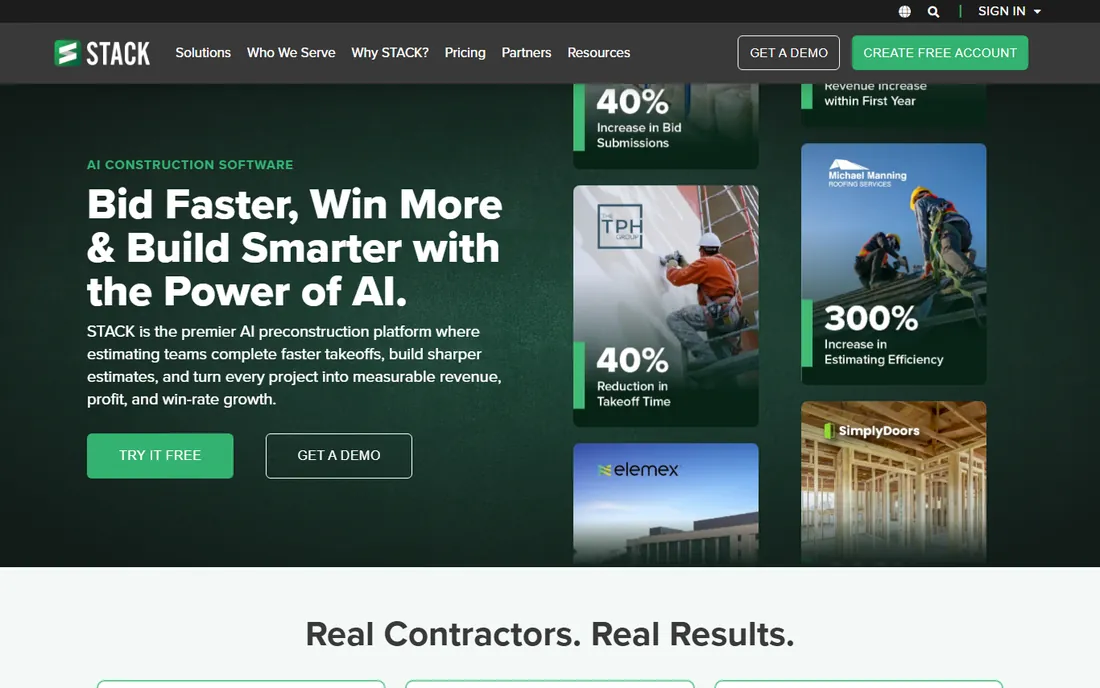
STACK earns its spot because it lowers the barrier to digital takeoffs. The free tier lets a small sub stop printing plans and start measuring on screen without a budget conversation first. Viewer seats are unlimited, which matters on jobs where the foreman, the PM and the owner all need to look at the same takeoff without each needing a license.
Where it gives ground is depth. Full estimating, advanced reporting and integrations sit on paid plans, and a large GC with complex cost-code structures will eventually want something like ProEst or Sage. But for the enormous middle of the market, trades and small GCs who need fast, accurate takeoffs tied to a clean estimate, STACK is the easiest yes on this list.
What we like- Free tier available for getting started with takeoffs
- Unlimited viewer seats so the whole team can see plans
- Pre-built material, labor and equipment libraries speed up estimates
Watch out for- Paid plans are required for full estimating features
- Advanced reporting is thinner than enterprise platforms
Starting priceSee website
Free planSee website
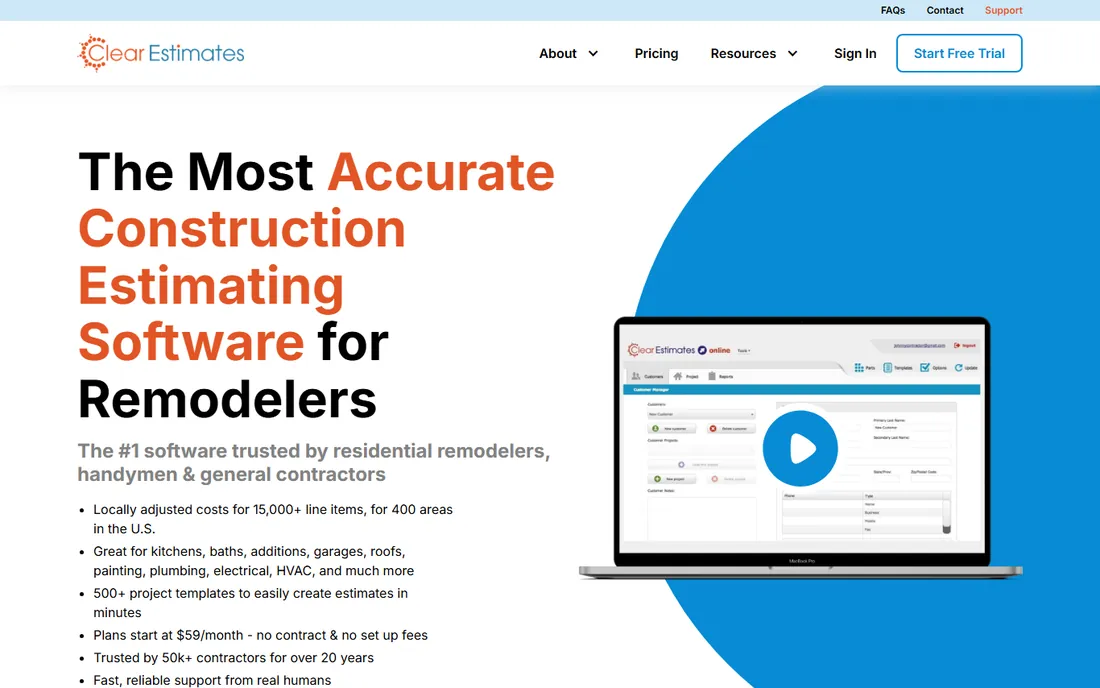
Clear Estimates knows exactly who it serves: the remodeling contractor who needs a credible bid by tomorrow. Instead of building every estimate from scratch, you start from templates for kitchens, baths, basements and additions, then adjust line items against a cost database that reflects local labor and material rates. The result is a professional proposal in a fraction of the time a blank spreadsheet takes.
The trade-off is specialization. This is not the tool for a commercial GC bidding tilt-wall warehouses; the database and templates assume residential work. Pricing also requires talking to the company rather than reading a pricing page, which is annoying for a product aimed at small businesses. If you remodel homes for a living, though, the fit is hard to beat.
What we like- More than 12,000 cost line items with localized pricing
- Over 500 project templates for common residential jobs
- Proposal builder turns estimates into client-ready documents
Watch out for- Residential-only focus limits commercial use
- Pricing is not published on the vendor site
#4
Houzz Pro
Best for: Design-build firms and remodelers who want an all-in-one
Visit houzz.com
Starting priceSee website
Free planNo
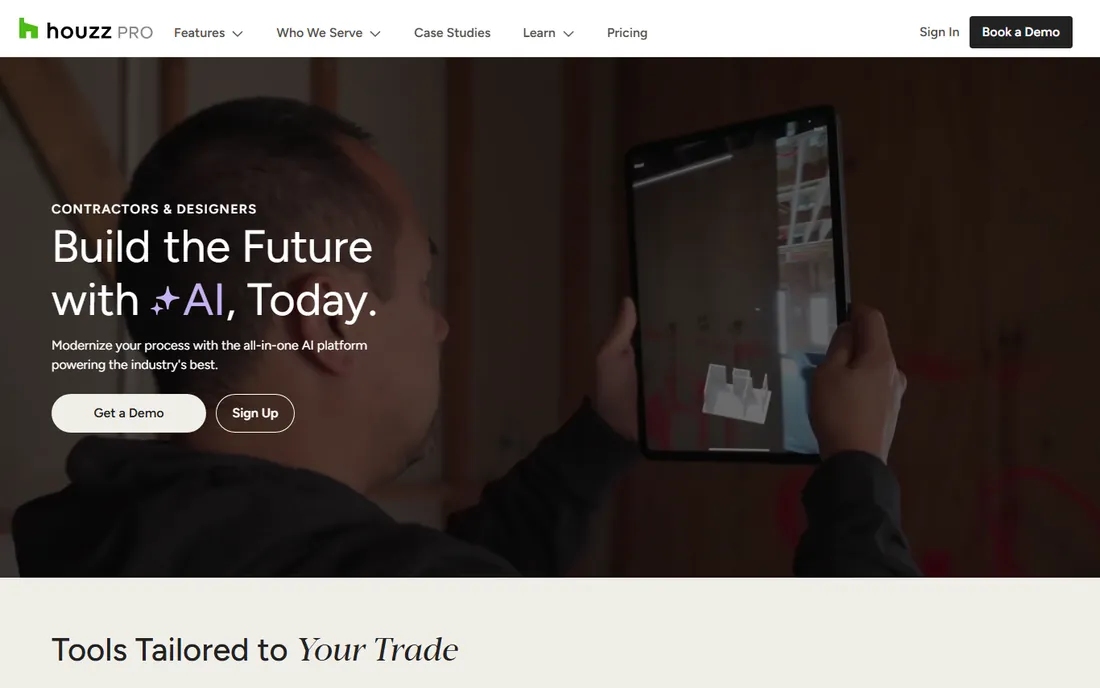
Houzz Pro is the everything app for residential remodelers. Estimates and takeoffs live next to lead tracking, proposals, change orders, invoicing and client messaging, so a small firm can run the business side from one login. The connection to the Houzz marketplace is the real differentiator: your profile, reviews and project photos sit where homeowners are already shopping for contractors.
That breadth is also the catch. If you only want estimating, you are subsidizing a CRM, a website builder and lead tools you may not use. Third-party listings put the entry plan around $149 per month billed monthly, which stings for a solo remodeler. Firms that use the whole suite, especially the lead flow, tend to love it; firms that do not should buy a cheaper pure estimating tool.
What we like- Combines estimating with CRM, invoicing and project management
- Large homeowner audience on the Houzz marketplace feeds leads
- Takeoff and estimating tools built for remodel workflows
Watch out for- Monthly cost is high for a one-person shop
- You pay for marketing and CRM features even if you only want estimating
Starting priceSee website
Free planSee website
Buildxact is designed for the builder who estimates on Monday and runs the job site on Tuesday. Takeoffs feed directly into estimates, estimates feed into the schedule and purchase orders, and the client portal shows homeowners progress without a phone call. For a custom home builder juggling five jobs, that continuity is worth more than any single feature.
The pricing structure needs attention. Features are gated across tiers, so the plan that fits your takeoff needs may not include the scheduling or takeoff depth you assumed. Third-party sources list entry pricing around $199 USD per month, which positions it above simple takeoff apps. It is a strong pick for residential builders who will use the whole workflow, and a poor fit for commercial estimators.
What we like- Takeoff, estimating, scheduling and job costing in one flow
- Simple enough for builders without a dedicated estimator
- Client portal keeps homeowners updated without extra calls
Watch out for- Plans are tiered (Foundation, Pro, Master) with features gated by tier
- Less suited to large commercial projects
#6
Sage Estimating
Best for: Contractors standardized on Sage accounting
Visit sage.com
Starting priceSee website
Free planNo
Sage Estimating is the incumbent. Decades of use by large contractors mean deep cost databases, audit-friendly workflows and tight ties into Sage accounting, so estimated costs flow into job costing without re-entry. Firms that bid public work or run multi-division operations often choose it precisely because it is boring in the best sense: proven, supported and familiar to senior estimators.
Boring has a cost. The interface shows its age, the buying process is quote-only, and younger estimators raised on modern web apps sometimes chafe at the workflow. Sage has been moving the portfolio toward the cloud, but Estimating remains a desktop-anchored product at heart. If your accounting is Sage and your estimators are experienced, it is the safe choice; if you want modern UX and self-serve signup, look elsewhere.
What we like- Deep integration with Sage 300 Construction and Real Estate
- RSMeans cost databases available for reliable unit pricing
- Long track record with large contractors and government work
Watch out for- Quote-only pricing with a traditional sales process
- Interface and workflow feel dated next to cloud-native tools
#7
Trimble WinEst
Best for: Estimators who prefer a database-driven desktop workflow
Visit winest.com
Starting priceSee website
Free planNo
WinEst appeals to estimators who think in databases, not documents. Costs live in structured libraries, so every estimator in the company prices the same assembly the same way, and historical costs feed future bids. For firms where estimate consistency across a team matters more than cloud convenience, that discipline is the whole point.
The catch is the deployment model. WinEst grew up on-premise, and while it fits firms with established IT and estimating departments, distributed teams used to browser-based tools will feel the friction. Like others in the enterprise tier, pricing is quote-only. It is a strong fit for mid-size and large contractors with a formal estimating process, and overkill for a five-person shop.
What we like- Database-driven estimating keeps costs consistent across estimators
- Strong assembly and cost-item libraries for detailed bids
- Backed by Trimble's construction technology ecosystem
Watch out for- On-premise roots make it less flexible for remote teams
- Pricing requires contacting sales
Starting priceSee website
Free planNo
Bolster (formerly CostCertified) attacks a different problem: most estimates lose jobs because the proposal is a confusing PDF. Its interactive quotes let homeowners toggle options, see prices update and sign on the spot, which shortens the gap between bid and signed contract. For remodelers and specialty contractors where the close matters as much as the math, that presentation layer is genuinely valuable.
The company is younger and smaller than the names above it, so expect a thinner cost database and fewer third-party integrations. You bring more of your own pricing knowledge. Pricing is quote-based rather than published. If your bottleneck is winning bids rather than computing them, Bolster deserves a demo; if you need deep historical cost data, pair it with something else or pick a legacy tool.
What we like- Interactive, shoppable proposal pages let clients pick options and upgrades
- Clean modern interface that is easy to learn
- Built-in payments and e-signatures shorten the sales cycle
Watch out for- Newer and smaller than established competitors
- Depth of cost databases is thinner than legacy tools
Starting priceSee website
Free planSee website
Estimator360 bundles two jobs into one subscription: estimating and basic customer management. Leads come in, estimates go out, proposals get signed, and the pipeline view shows what is pending. For a small contractor without a separate CRM, that consolidation saves both money and the hassle of stitching tools together.
The pricing model deserves a look. Third-party listings put it around $269 per estimator per month, which is fine for one or two users but scales linearly as the team grows, unlike ProEst's unlimited-user approach. The community and template library are also smaller than category leaders. It fits owner-operated firms that want one login for sales and estimating; larger teams should compare per-seat math carefully.
What we like- Cloud estimating with a built-in CRM for leads and follow-ups
- Proposal generation with e-signatures included
- Lower learning curve than enterprise platforms
Watch out for- Pricing is per estimator and adds up with team growth
- Smaller user community means fewer tutorials and templates
How to choose construction estimating software without overpaying
Start with your trade and your team size, because those two facts eliminate most options. A residential remodeler choosing between Clear Estimates, Buildxact and Houzz Pro is solving a different problem than a commercial GC comparing ProEst, Sage and WinEst. Write down who creates estimates, who approves them and where the numbers go next (accounting, project management, client proposals). If the numbers die in a PDF, you need proposal and CRM strength; if they feed job costing, you need accounting integration and cost-code discipline.
Then price the second year, not the first. Per-estimator pricing like Estimator360's looks affordable for two users and painful for ten; unlimited-user plans like ProEst's flip that math. Check what happens to your data if you cancel, whether takeoff libraries and templates export cleanly, and whether onboarding is included or billed. A tool that costs $200 a month but needs a $3,000 setup and a week of training is not cheaper than the $400-a-month tool your estimators already know.
Takeoff accuracy matters more than the logo on the bid
Every vendor promises accuracy, but accuracy comes from your cost data, not their software. The best implementation pattern I have seen: pick the tool whose takeoff workflow your estimators will actually use daily, then invest the saved time in maintaining your cost database. A current material price list and honest labor productivity rates beat a fancier algorithm every time. Ask vendors how price updates work, whether you can import your own historical costs, and how assemblies handle regional labor differences.
Also plan for the handoff. An estimate that cannot flow into scheduling, purchasing and job costing creates re-entry work where errors breed. Tools like Buildxact and Houzz Pro keep that flow inside one system; enterprise tools do it through accounting integrations; lightweight takeoff apps often leave it to you. Map the handoff before you buy, not after.
How we chose
We started from the category as buyers see it: cloud takeoff apps, residential estimating suites, all-in-one remodeler platforms and enterprise database-driven systems. We checked each vendor's own site for current plans, pricing pages, free tiers and stated integrations, and marked pricing "See website" wherever the vendor keeps it behind a sales conversation. We cross-checked feature claims against public reviews on G2 and Capterra and community discussion on Reddit, and favored tools with a clear, current product and a defined audience over generic feature lists. No vendor paid for placement, and we did not claim hands-on testing we did not perform.
Frequently asked questions
What is the best construction estimating software for small contractors?
For most small contractors, STACK or Buildxact hit the sweet spot. STACK's free tier covers takeoffs with unlimited viewer seats, while Buildxact adds estimating, scheduling and job costing in one residential-focused workflow. Solo remodelers should also look at Clear Estimates for template-driven bids.
How much does construction estimating software cost?
It ranges from free (STACK's free tier) to several hundred dollars per month per user. Residential tools from third-party listings run roughly $59 to $199 per month, while enterprise tools like ProEst, Sage Estimating and WinEst are quote-only and typically cost more. Always confirm current pricing with the vendor.
Is there really free construction estimating software?
Yes, with limits. STACK offers a free tier aimed at takeoffs, which is genuinely useful for subcontractors. Most full estimating suites offer free trials rather than free plans. Free tiers usually cap projects, users or features, so check the limits before committing your workflow to one.
Do I need takeoff software and estimating software, or one tool?
Many contractors start with takeoff-only tools and outgrow them. If your estimates feed schedules, purchase orders or job costing, a combined tool (Buildxact, Houzz Pro) or an estimating suite with integrations (ProEst, Sage) saves re-entry. If you only need measurements from plans, a takeoff app is enough.
What is the difference between ProEst and Sage Estimating?
Both serve mid-size and larger contractors, but ProEst is cloud-native with unlimited-user plans and modern reporting, while Sage Estimating is a long-standing desktop-anchored product with deep Sage accounting integration and RSMeans cost data. Firms standardized on Sage accounting usually pick Sage; firms wanting cloud collaboration usually pick ProEst.
Sources we checked (0)
Is your product missing or out of date?
We review this list regularly. Vendors can request a listing, send updated pricing or ask about featured placement.

Shihab Mia · Founder, Rankite
Shihab has spent more than a decade helping SaaS and e-commerce brands grow through search. He writes Rankite's software buying guides from pricing pages, documentation and public user reviews. More about Shihab.