How we make this list: we compare pricing pages, product documentation and public user reviews. Rankite is independent; if a vendor ever pays for a featured spot, that listing is clearly labeled Partner.
Key takeaways
- BleachBit and Microsoft PC Manager are the only tools here that are completely free with no upsell, and they cover the basics well.
- CCleaner remains the best-known option, but stick to the free version and decline the bundled extras during install.
- Paid suites like AVG TuneUp, Avast Cleanup, and System Mechanic add driver updates and deeper automation, which matters most on older machines.
- If your PC is slow, check startup programs and disk space first; software cannot fix a full drive or a dying hard disk.
Quick comparison
Is your product missing or out of date?
We review this list regularly. Vendors can request a listing, send updated pricing or ask about featured placement.
Computer tune-up software worth installing in 2026
Starting priceSee website
Free planYes
CCleaner is the name everyone knows, and the core cleaner still does its job: sweeping temp files, browser caches, and leftover installer junk, plus a startup manager and uninstaller that beat the Windows defaults. The free version covers everything most people need, and the portable build runs without installation, which is handy for fixing someone else's PC.
The catch is the business model. The free version pushes the paid upgrade hard, and the installer has historically bundled extra offers you must decline. Download it only from the official site, uncheck everything extra, and say no to the upsells. Used that way, it remains a solid tool.
What we like- Effective junk file and registry cleaning
- Large user base means problems surface fast
- Portable version available
Watch out for- Aggressive upsell prompts in the free version
- Installer has bundled extra offers to decline

#2
AVG TuneUp
Best for: automatic maintenance on autopilot
Visit avg.com
Starting priceSee website
Free planFree trial
AVG TuneUp is built for people who want to set maintenance once and forget it. Automatic cleaning runs on a schedule, the sleep-mode feature pauses background programs that drain resources, and the disk cleaner handles the usual junk. If you maintain a parent's or grandparent's PC remotely, the autopilot aspect has real value.
You pay for that convenience with a subscription, and the free trial is short. Much of what it does can be replicated with free tools and ten minutes of setup. Buy it for the automation and the simpler interface, not for cleaning power you cannot get elsewhere.
What we like- Automatic maintenance scheduling
- Sleep mode for background programs
- Disk and browser cleaners included
Watch out for- Subscription only, no useful free tier
- Benefits overlap heavily with free tools

#3
IObit Advanced SystemCare
Best for: one-click optimization for beginners
Visit iobit.com
Starting priceSee website
Free planYes

Advanced SystemCare is the easiest tool on this list for a nervous beginner. One big button scans for junk, privacy traces, and common issues, then fixes them. The free version is genuinely functional rather than a hollow demo, which is why it has survived so long in a crowded category.
IObit's monetization is aggressive: expect upgrade prompts and bundled offers for the company's other products during install and after scans. Decline the extras and it is a capable free cleaner. Accept everything and you have installed the bloat you were trying to remove.
What we like- Simple one-click scan and fix
- Generous free version
- Includes driver-relevant helpers
Watch out for- Frequent upgrade prompts
- Installer bundles extra IObit software
Starting priceSee website
Free planYes
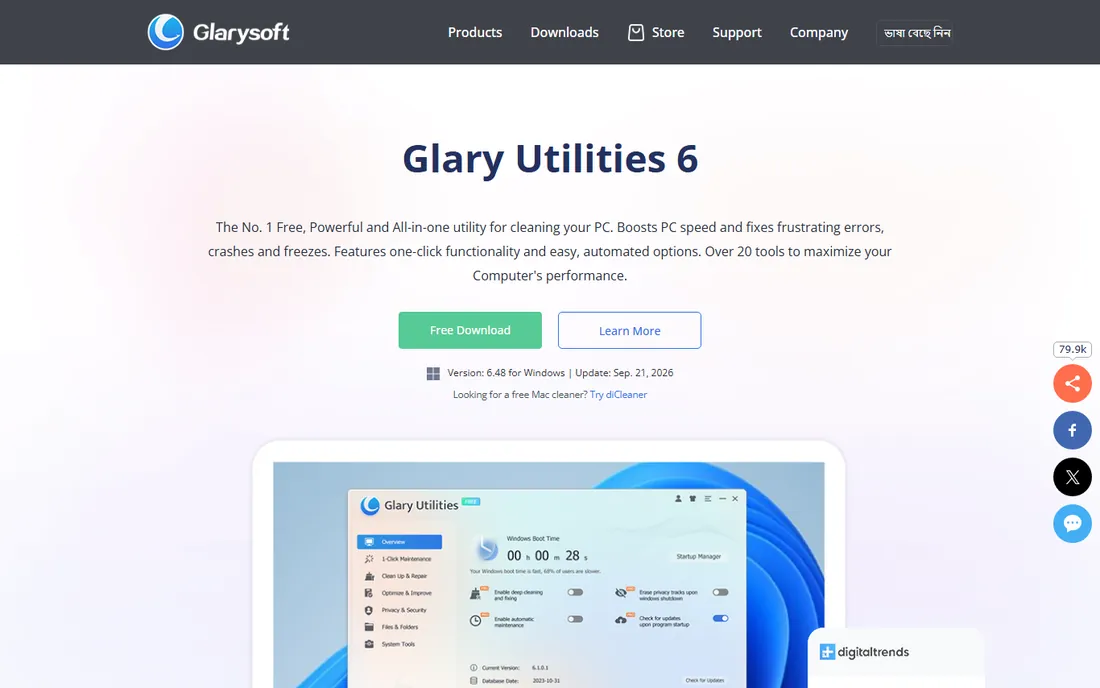
Glary Utilities is less a single cleaner and more a Swiss army knife: disk cleaner, registry repair, startup manager, file shredder, duplicate finder, and dozens more small utilities in one download. The free version includes nearly all of it, making it one of the best value propositions here.
The interface looks like it time-traveled from 2010, and a handful of the tools duplicate things Windows now does natively. But if you like having one toolbox for every small PC chore, Glary's breadth is unmatched at the price of zero.
What we like- Dozens of small tools in one package
- Strong free version
- One-click maintenance option
Watch out for- Interface feels dated
- Some tools duplicate Windows features

#5
Ashampoo WinOptimizer
Best for: detailed system tweaking and benchmarks
Visit ashampoo.com
Starting priceSee website
Free planFree trial
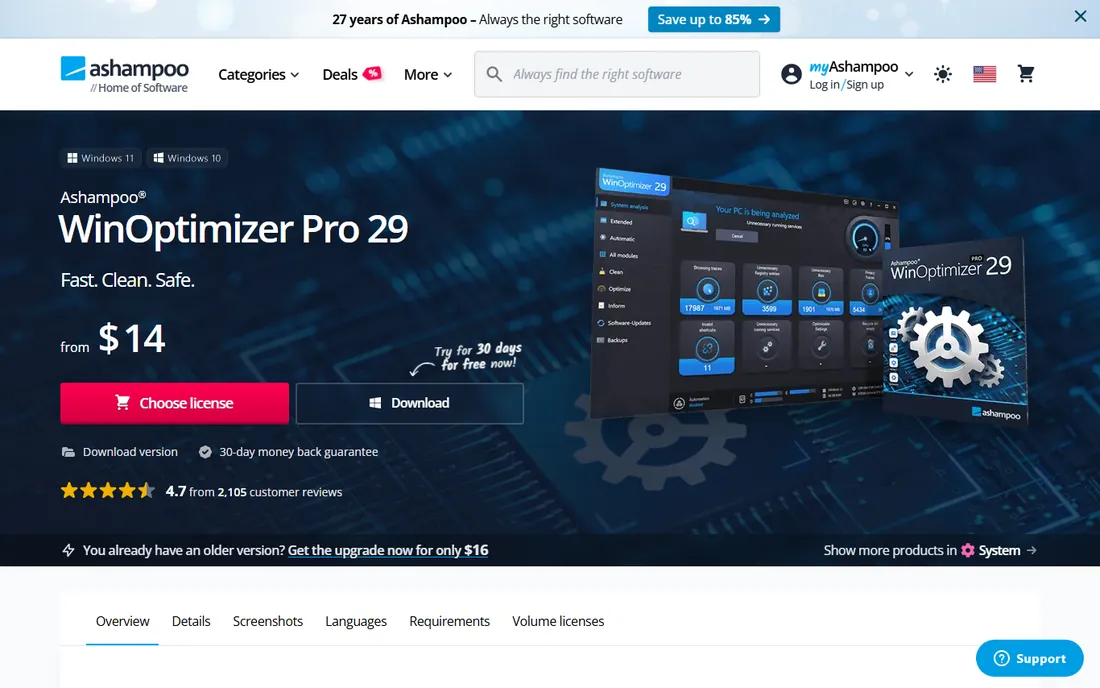
Ashampoo WinOptimizer targets the enthusiast who actually enjoys system maintenance. Beyond standard cleaning, it offers detailed benchmarks, privacy controls, and tweaking modules that expose Windows settings most tools leave buried. The interface is cleaner than most competitors, and the analysis reports are genuinely informative.
It is a paid product, so the audience is people who maintain PCs as a hobby or a job. Beginners should be careful with the tweaking modules: changing settings you do not understand is how tune-up tools cause problems. Used knowledgeably, it is one of the most thorough optimizers available.
What we like- Detailed system analysis and benchmarks
- Privacy and tweaking modules
- Clean modern interface
Watch out for- Paid product with limited free use
- Tweaking modules can confuse beginners
Starting priceSee website
Free planYes
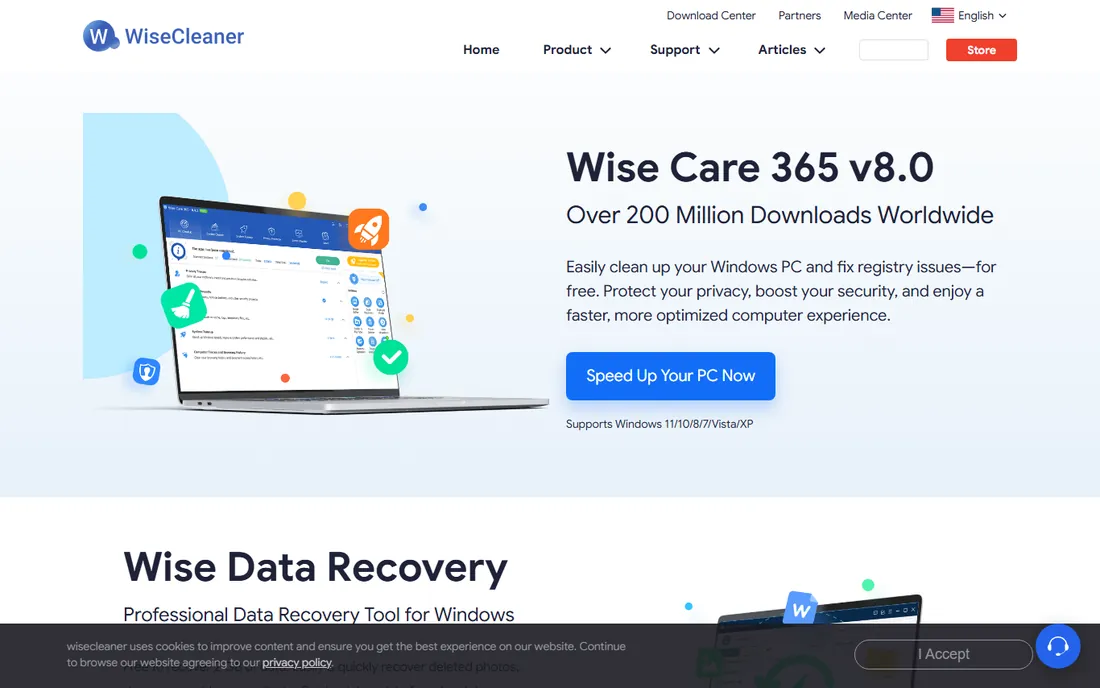
Wise Care 365 is the lightweight contender. It installs fast, runs fast, and stays out of the way, which is exactly what you want from maintenance software. The free version handles junk cleaning, privacy traces, and basic optimization, and the hardware monitoring is a nice bonus for keeping an eye on temperatures.
The Pro upsell prompts appear regularly, though they are easy to dismiss. The community is smaller than CCleaner's, so obscure issues get less crowd-sourced troubleshooting. For an older machine where every megabyte of RAM matters, the lightness alone makes it worth a look.
What we like- Fast and light on resources
- Solid free version
- Hardware monitoring included
Watch out for- Upsell prompts for the Pro version
- Smaller community than bigger rivals
Starting priceFree
Free planYes
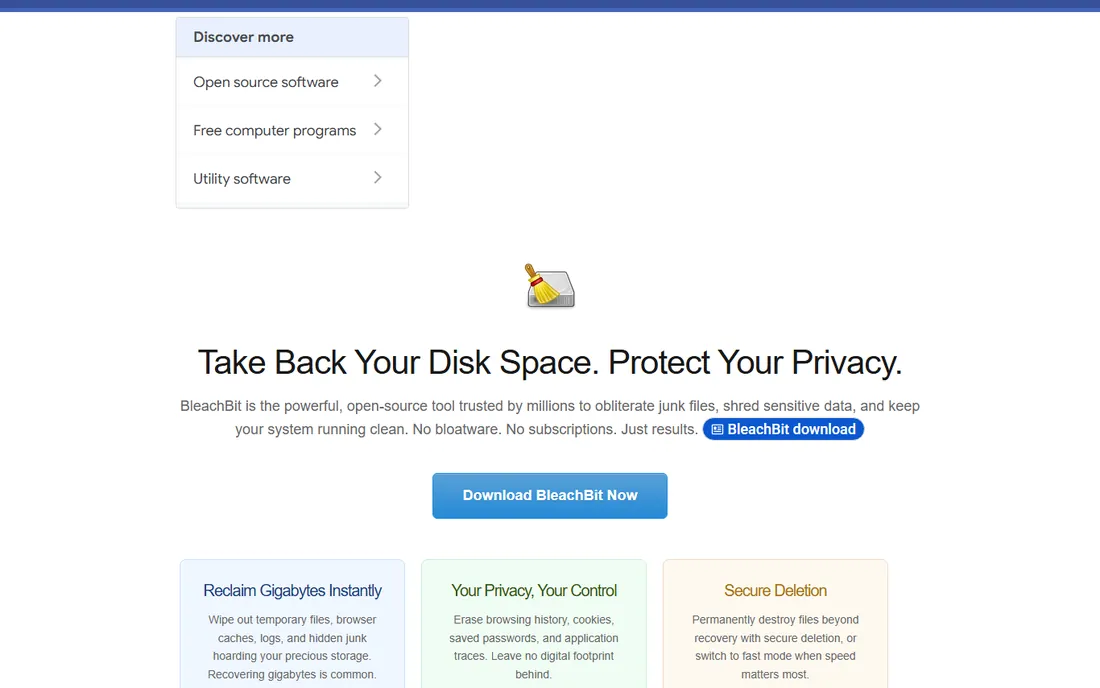
BleachBit is the tool for people who distrust the entire tune-up industry, and it earns that trust by being open source and completely free. No upsells, no bundled offers, no scare-tactic scan results. It cleans junk files, wipes free space, and shreds files securely, and anyone can inspect the code to confirm it does nothing else.
The interface is spartan and assumes you know what you are doing, and there is no autopilot scheduling to rival the paid suites. But for straightforward cleaning without any commercial baggage, nothing else on this list is this honest.
What we like- Completely free with no ads or upsells
- Open source and auditable
- Secure file shredding
Watch out for- Plain interface with no hand-holding
- Fewer automation features than paid suites

#8
Avast Cleanup
Best for: bloatware removal and disk cleanup
Visit avast.com
Starting priceSee website
Free planFree trial
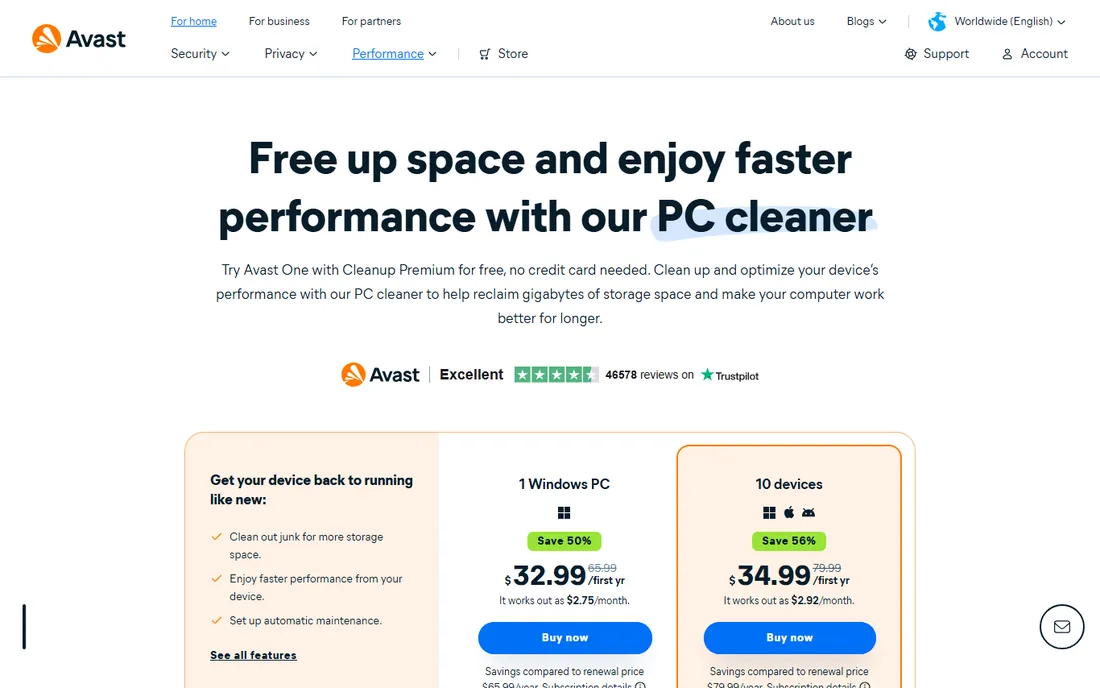
Avast Cleanup's standout skill is bloatware removal. New laptops arrive stuffed with manufacturer utilities and trial software, and Avast is unusually good at identifying and clearing them safely. The disk cleaner and sleep-mode features round out a competent package, and it pairs naturally if you already run Avast antivirus.
It is subscription software with a trial that nudges toward paid fast. If bloatware is your main complaint, the free alternatives can mostly match it with more effort. Buy Avast Cleanup when you want the bloatware expertise without the manual work.
What we like- Good at removing manufacturer bloatware
- Sleep mode for resource hogs
- Integrates with Avast antivirus
Watch out for- Subscription pricing
- Trial limitations push toward paid quickly
Starting priceFree
Free planYes
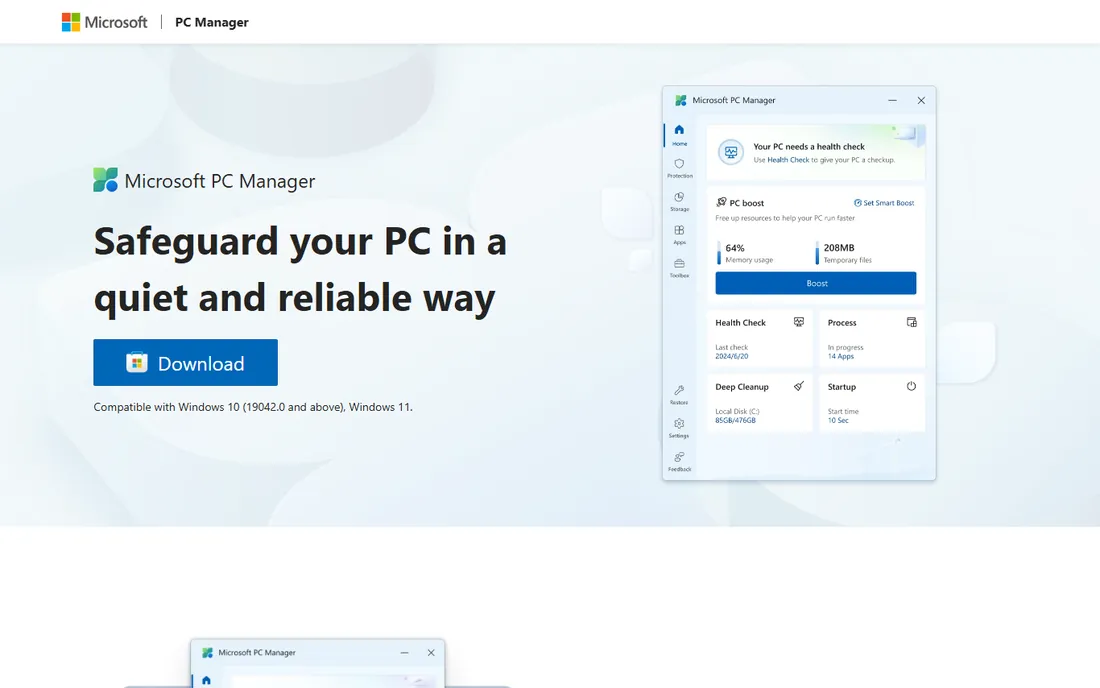
PC Manager is Microsoft's own answer to the tune-up category, and its existence is telling. It offers one-click cleanup, startup management, and a health check, all free and all guaranteed safe since they come from the OS vendor. For users nervous about third-party cleaners, that pedigree matters.
It is deliberately basic. There are no driver updaters, no deep registry tools, and no automation beyond the essentials. Think of it as Windows' built-in maintenance with a friendlier face. Combined with Storage Sense and Task Manager, it covers the fundamentals for free.
What we like- Made by Microsoft, so it is safe by definition
- Completely free
- One-click health check and cleanup
Watch out for- Basic feature set
- No advanced tools like driver updates

#10
System Mechanic
Best for: deep repair tools for neglected PCs
Visit iolo.com
Starting priceSee website
Free planFree trial
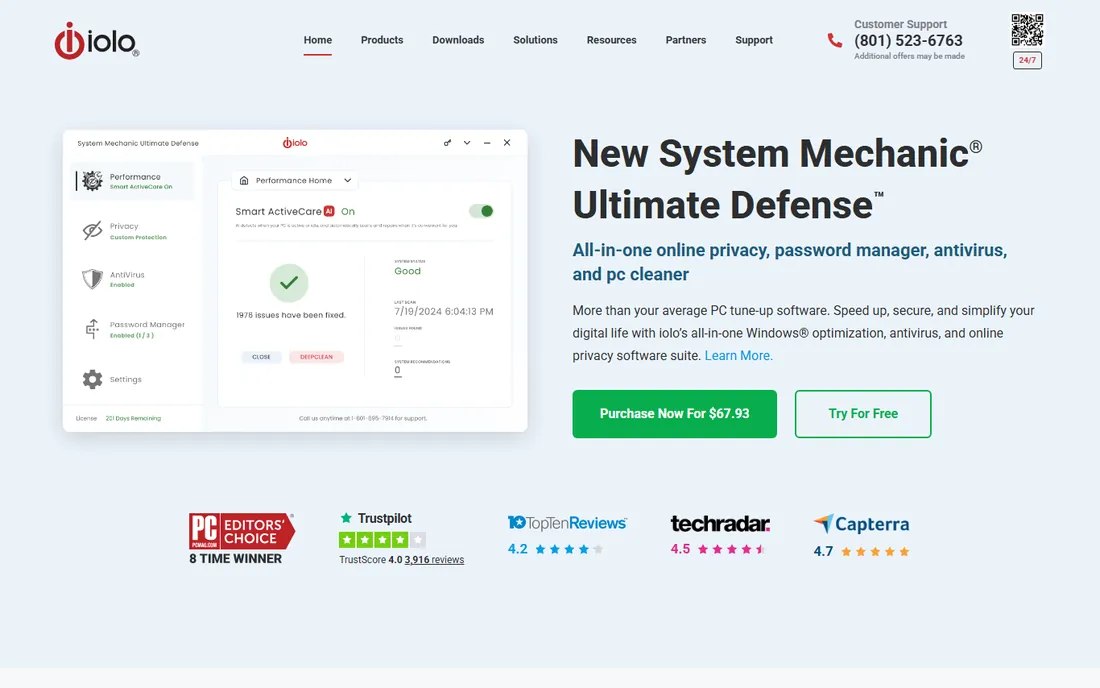
System Mechanic has been around since the days when PCs genuinely needed this kind of help, and its toolkit reflects that heritage: deep cleaning, repair tools, and optimization routines aimed at machines that have been neglected for years. For a PC clogged with a decade of cruft, its thoroughness can make a visible difference.
The subscription model and the dated, salesy presentation put some buyers off, and modern Windows needs less of this than it used to. But as a heavy-duty option for the worst-case machine in the family, it remains a legitimate choice.
What we like- Deep repair and optimization toolkit
- Good for heavily neglected machines
- Long track record
Watch out for- Subscription model
- Interface and marketing feel dated
What to do before you install any cleaner
Every reputable tune-up guide starts here, so this one will too. Create a system restore point before running any cleaner for the first time, and back up anything irreplaceable. No cleaner is perfect, and the ten minutes a backup takes is cheap insurance.
Then do the free things first. Open Task Manager, look at the Startup tab, and disable everything you do not recognize as essential; this alone fixes most "slow boot" complaints. Run Windows Storage Sense to clear temp files automatically. Uninstall programs you have not opened in a year through Settings. Check how full your drive is, because a drive over 90 percent full will feel slow no matter what software you run. Only after these steps does a tune-up tool earn its place, handling the leftovers and the automation.
This category has more traps than most, so shop carefully.
What these tools actually do
Strip away the marketing and every tool here does some mix of five things: deleting temporary and junk files, managing startup programs, uninstalling software completely, updating drivers, and changing system settings. None of them can add RAM, repair a failing drive, or rewrite Windows to be faster. Judge each tool on how well it does those five things, not on its promises.
The upsell trap
Free tune-up tools make money by converting you to paid, which means scare-tactic scan results ("1,247 issues found") and bundled offers. A high issue count is normal and mostly harmless; it is not an emergency. BleachBit and Microsoft PC Manager are the exceptions with no upsell at all.
Free versus paid
The free tier of CCleaner, Glary Utilities, Wise Care 365, or IObit covers cleaning for most people. Paid versions buy you automation, driver updates, and scheduled maintenance. Pay when you value the autopilot, especially for PCs you maintain for others, not for cleaning power.
The built-in Windows tools
Storage Sense, Task Manager's startup tab, Disk Cleanup, and the Settings uninstaller cover the fundamentals for free. A tune-up tool should add convenience or depth on top of these, not replace your judgment about what runs on your PC.
How we chose
We reviewed vendor pricing pages and documentation, then validated real-world behavior against public reviews on G2 and Capterra and against technician discussions on Reddit. We weighted actual cleaning effectiveness, the honesty of free tiers, the aggressiveness of upsells, safety record, and fit for different users, from nervous beginners to family IT support. We excluded tools with bundled malware histories or fake system-warning advertising. We did not claim hands-on testing of any product.
Frequently asked questions
Will tune-up software actually speed up my PC?
Sometimes, modestly. If slowness comes from junk files, too many startup programs, or a nearly full drive, a cleaner helps. If it comes from old hardware, too little RAM, or a failing drive, no software will fix it. Manage expectations: ten to twenty percent snappier is realistic, not a new computer.
Is CCleaner safe to use?
The cleaner itself is safe when downloaded from the official site, and the registry cleaner is best left alone or used cautiously. The risks come from bundled offers in the installer and aggressive upsells, not from the cleaning engine. Decline extras during install and avoid the scare-tactic upgrade prompts.
Do I need the paid version of these tools?
Most people do not. Free versions handle cleaning well. Paid versions add scheduled automation, driver updates, and premium support. The strongest case for paying is maintaining someone else's PC, where autopilot maintenance saves you repeat visits.
Can tune-up software damage Windows?
It can if misused, particularly registry cleaners run aggressively and tweaking tools used without understanding. Stick to junk-file cleaning and startup management, create a restore point first, and avoid any tool that promises dramatic speed gains. Microsoft PC Manager and BleachBit are the lowest-risk options here.
What about Mac tune-up software?
Macs need this category less, since macOS manages temp files and startup items more aggressively on its own. Most Mac slowness comes from a full drive or an old battery. The tools on this list are Windows-focused; Mac users are better served by built-in storage management and uninstalling unused apps.
Sources we checked (10)
- https://ccleaner.com
- https://www.avg.com/en-us/avg-pctuneup
- https://iobit.com
- https://www.glarysoft.com
- https://www.ashampoo.com/en-us/winoptimizer
- https://wisecleaner.com
- https://bleachbit.org
- https://www.avast.com/cleanup
- https://pcmanager.microsoft.com
- https://www.iolo.com
Is your product missing or out of date?
We review this list regularly. Vendors can request a listing, send updated pricing or ask about featured placement.

Shihab Mia · Founder, Rankite
Shihab has spent more than a decade helping SaaS and e-commerce brands grow through search. He writes Rankite's software buying guides from pricing pages, documentation and public user reviews. More about Shihab.
 CCleaner
 Glary Utilities
 Wise Care 365
 BleachBit
 Microsoft PC Manager